 Free toolAI embroidery prompt generatorWrite ChatGPT, Gemini or Midjourney prompts that give flat, embroidery-ready artwork.Open the tool
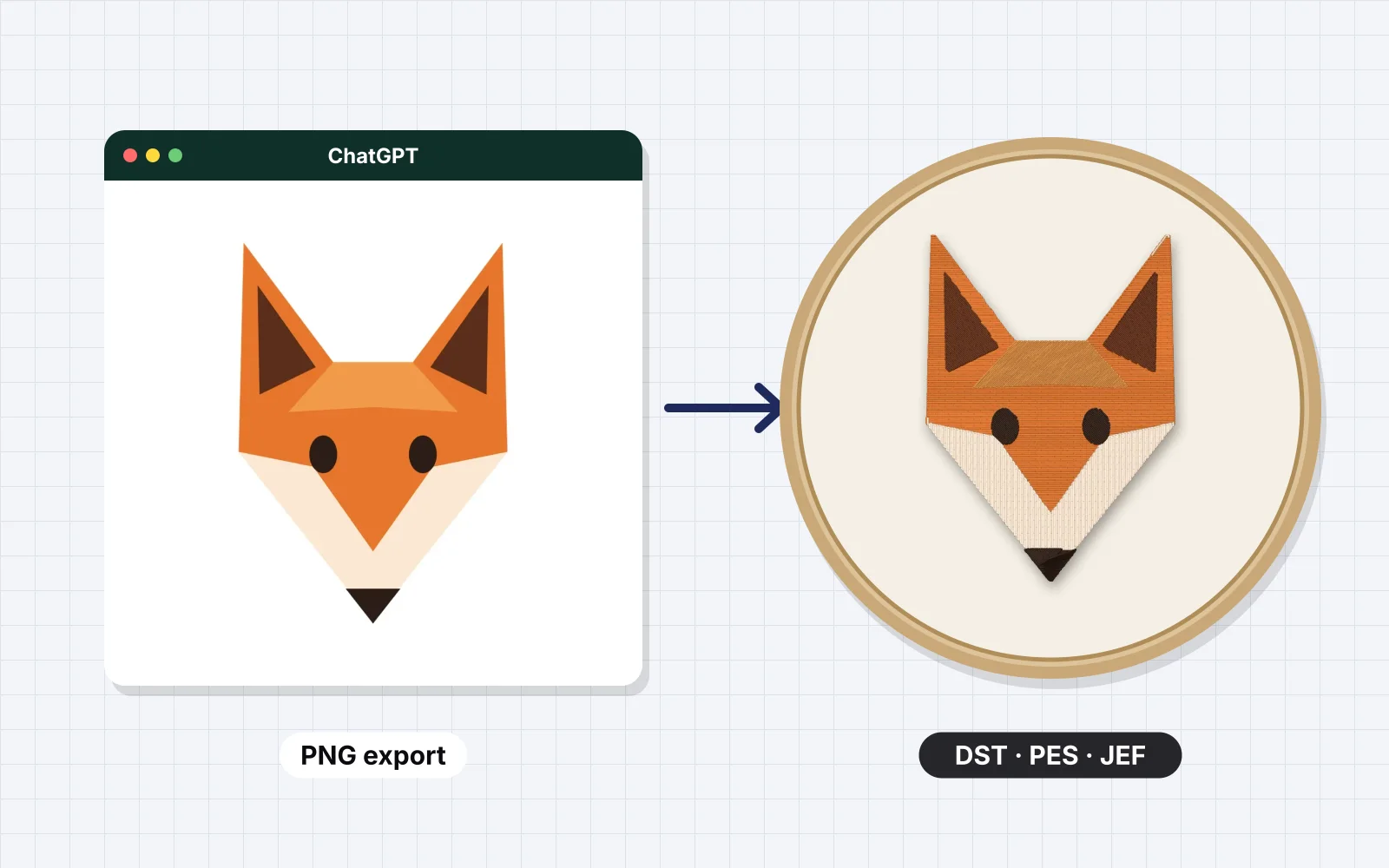
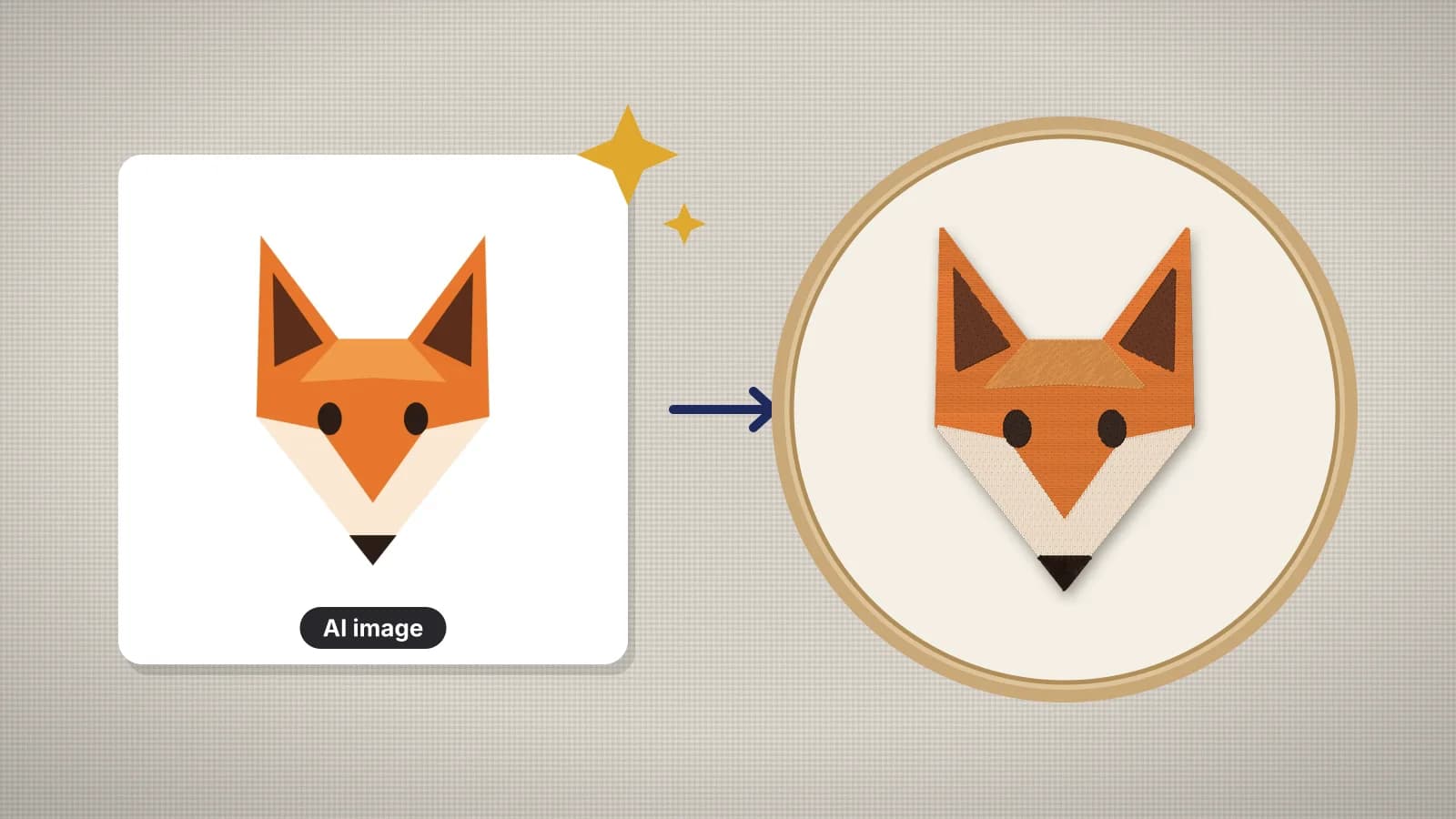
ChatGPT, Midjourney and Gemini can draw a fox, a badge or a monogram in seconds, but left to themselves they paint: soft gradients, fur texture, lighting and hundreds of colors. Thread can't blend like paint. Each color is a separate thread, every shape has to be at least about 1 mm wide to hold stitches, and fine texture turns into a mess of tiny stitches.
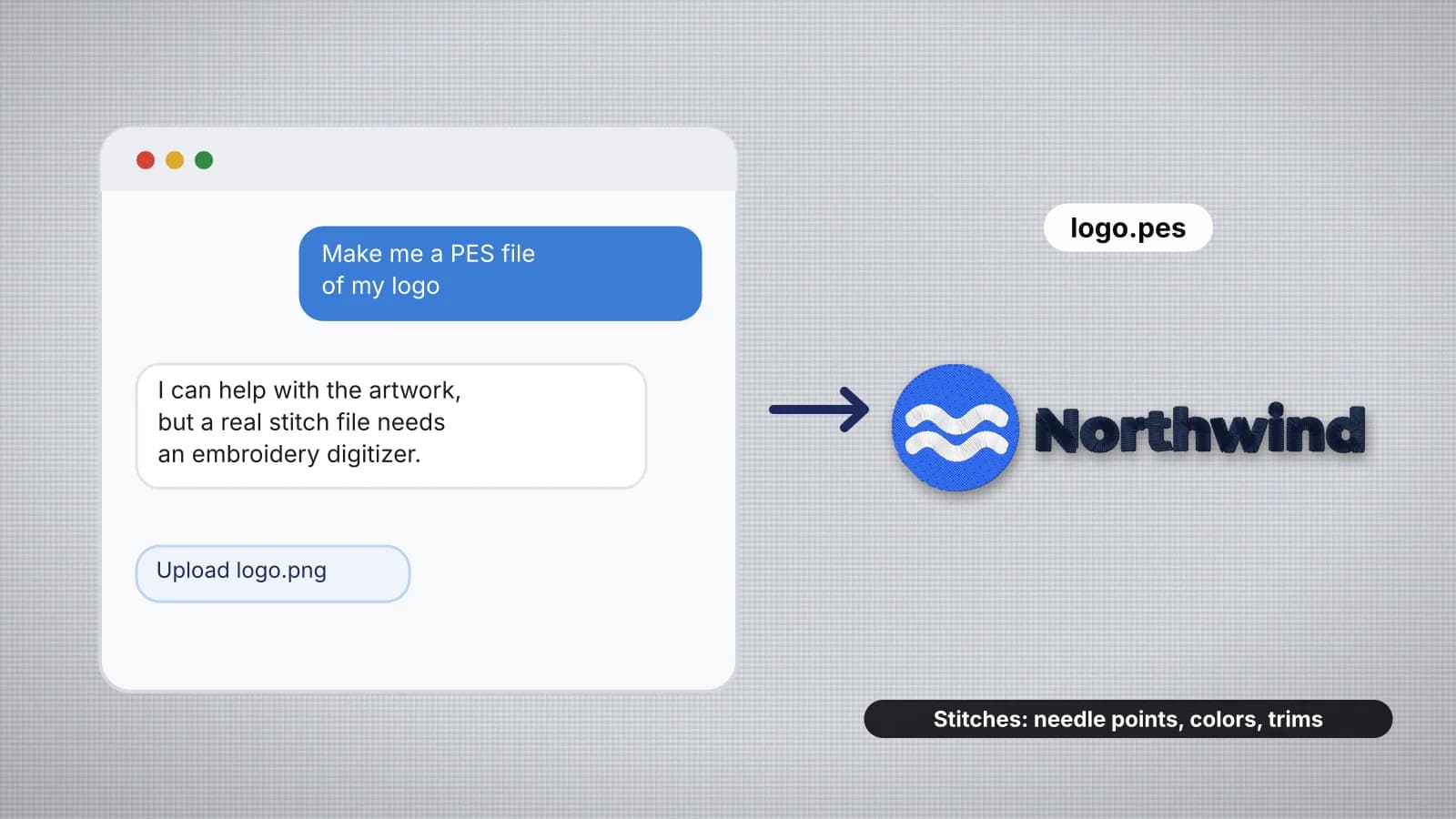
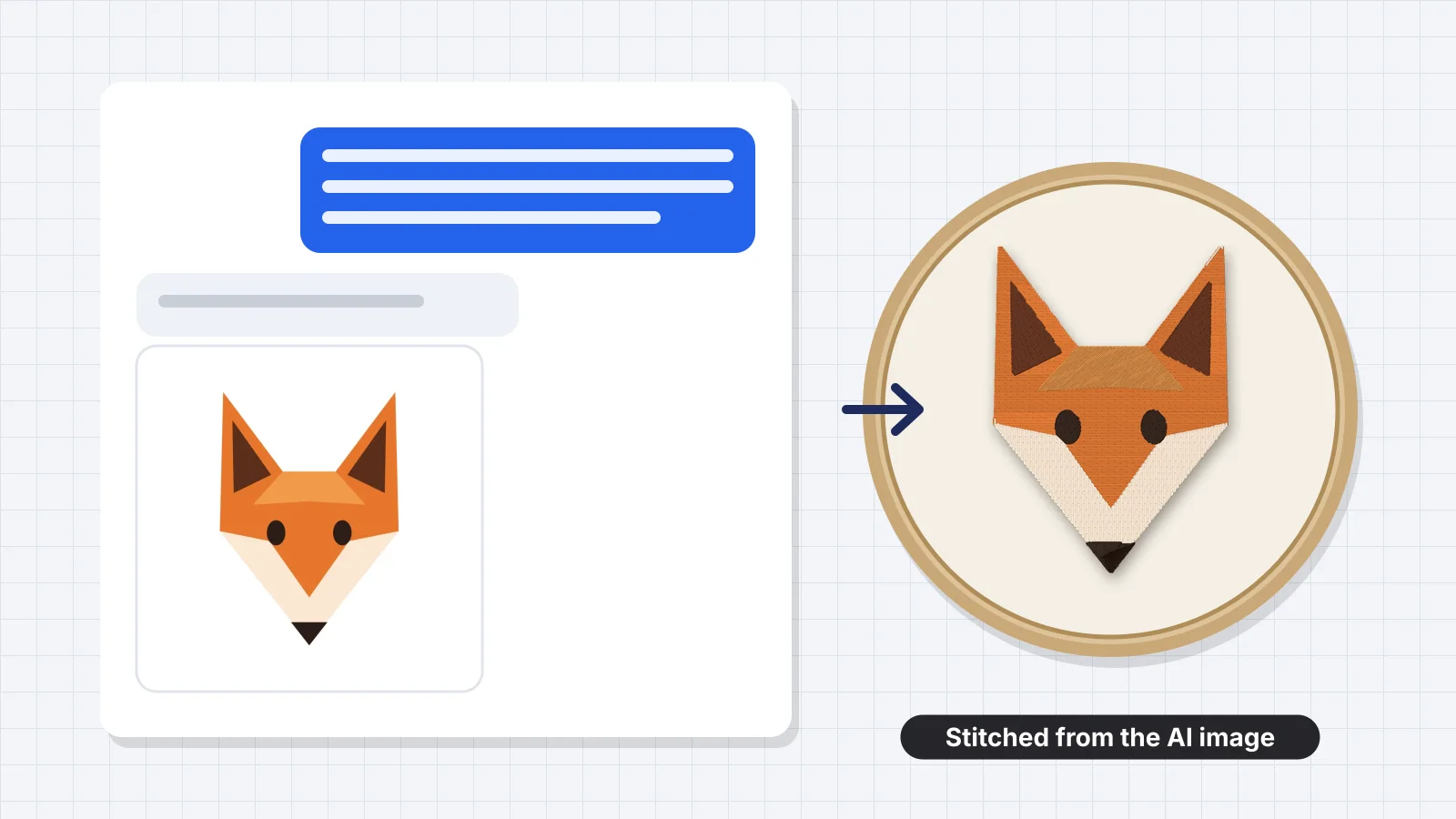
So the prompt decides whether the picture digitizes cleanly. A chatbot can't write the stitch file itself, as can ChatGPT make embroidery files explains, but it can make artwork that turns into a good one. This guide gives the prompt structure, 16 ready prompts by project, how to fix the result and how to turn it into a machine file.
Why most AI images digitize badly
An image generator's default style is made for screens. These are the habits that cause trouble in thread, and the words that prevent them:
| In the image | What happens in stitches | Put in the prompt |
|---|---|---|
| Gradients and soft shading | Bands of similar colors, each a thread change | flat colors, no gradients, no shading |
| Fur, wood grain, paper or fabric texture | Thousands of tiny stitches and speckles | no texture, smooth solid fills |
| Fine detail and thin lines | Lines under 1 mm can't hold satin; under 0.5 mm they vanish | bold simple shapes, thick lines |
| 20 or more colors | 20 thread changes, most of them for specks | 3–6 solid colors only, named |
| Glows, drop shadows and lighting | Blurry halos stitched as extra rings | no shadows, no glow, no lighting effects |
| A full scene or background | A dense block of stitches behind the subject | plain white background, isolated subject |
| Text | Misspelled or warped letters, stitched exactly as drawn | no text (add lettering later) |
| Subject cut off at the edge | Missing parts and no room to place it | centered, with space on all sides |
The prompt structure that works
A reliable embroidery prompt has seven parts. Write them in this order, in plain sentences:
- Subject: what it is and its pose, such as a sitting fox, front view.
- Use: an embroidered patch, a left chest logo or a cap logo. Naming the use nudges the generator toward simple, bold shapes.
- Style: flat vector illustration, simple shapes, clean edges, sticker or patch style.
- Colors: 3–6 solid colors, named, such as navy, gold, cream and rust orange.
- Outlines: thick dark outlines of even width, or no outlines for a modern look.
- Exclusions: no gradients, no shadows, no texture, no shading, no fine details, no text.
- Framing: centered on a plain white background, square, with space around the design.
Put together, it reads like this template. Replace the parts in brackets:
A flat vector illustration of [subject and pose], for an embroidered [patch / left chest logo / cap logo]. Simple bold shapes with clean edges, [4] solid colors only: [color], [color], [color] and [color]. Thick dark outlines of even width. No gradients, no shadows, no texture, no shading, no fine details, no text. Centered on a plain white background, square format, with space around the design.
Embrizo's AI embroidery prompt generator builds prompts like this for your subject and project, ready to paste into ChatGPT, Midjourney or Gemini.
Try it with your own design
Sign up free, upload an image and get a stitch preview in under a minute.
Drop your image here
PNG, JPG, SVG, PDF or AI · stays on your device
Not sure what to expect? See real examples or how it works.
16 ready prompts by project
Each prompt below follows the structure above. Paste it as it is, or swap the subject and colors. Sizes are typical finished sizes for each use.
| Project | Prompt | Typical size |
|---|---|---|
| Outdoor patch | A round embroidered patch design of a mountain range under a crescent moon, flat vector illustration, 4 solid colors only: navy, forest green, cream and gold. Thick even outlines and a solid border ring. No gradients, no texture, no text. Centered on a plain white background, square. | 3 in (75 mm) round |
| Woodland fox | A sitting fox with its tail curled around its feet, side view, flat vector illustration, 3 solid colors: rust orange, cream and dark brown. Simple bold shapes, thick dark outlines, no fur texture, no shading, no gradients, no text, plain white background, centered, square. | 3–4 in (75–100 mm) |
| Monogram | A single decorative capital letter M inside a simple laurel wreath, flat vector, 2 solid colors: navy and gold. Bold strokes with no hairline details, no shading, no gradients, centered on a plain white background, square. | 3–4 in (75–100 mm) |
| Floral initial | A bold capital letter A with three simple flowers and leaves around it, flat vector illustration, 4 solid colors: dusty pink, sage green, gold and dark gray. Thick shapes, no thin vines, no texture, no gradients, plain white background, centered, square. | 3–4 in (75–100 mm) |
| Cap logo | A simple wide logo mark of a coffee cup with three wavy steam lines, flat vector, 2 solid colors: black and orange. Bold geometric shapes, thick lines, no gradients, no shadows, no text, centered on a plain white background, wide horizontal layout. | 4.25 × 2 in (108 × 51 mm) |
| Small business icon | A minimal logo icon for a bakery: a rolling pin crossed with a wheat stalk inside a circle, flat vector, 2 solid colors: brown and cream. Bold strokes of even width, no fine lines, no shading, no text, plain white background, centered, square. | 3–3.5 in (75–90 mm) |
| Pet portrait | A cute cartoon portrait of a golden retriever's head, front view, flat vector illustration, 5 solid colors: golden yellow, light tan, dark brown, black and pink. Simple shapes for the fur, no fur texture, thick dark outlines, no shading, no gradients, no text, plain white background, centered, square. | 3.5–4 in (90–100 mm) |
| Pet line art | A minimal line drawing of a sitting cat, one bold black line of even thickness, no fills, no shading, no tiny details, plain white background, centered, square. | 3–5 in (75–125 mm) |
| Christmas | A simple gingerbread man with a red bow tie and three buttons, flat vector, 4 solid colors: brown, white, red and green. Thick icing lines, bold shapes, no texture, no shadows, no gradients, no text, plain light gray background, centered, square. | 3–4 in (75–100 mm) |
| Halloween | A smiling jack-o'-lantern with triangle eyes and a short green stem, flat vector, 3 solid colors: orange, black and green. Bold simple shapes, thick black outlines, no texture, no glow, no gradients, no text, plain white background, centered, square. | 3–4 in (75–100 mm) |
| Thanksgiving | A cartoon turkey seen from the front with a fan of five tail feathers, flat vector, 5 solid colors: brown, orange, red, gold and tan. Thick outlines, no feather texture, no shading, no text, plain white background, centered, square. | 4–5 in (100–125 mm) |
| Easter | A bunny head with tall ears holding a pastel egg, flat vector, 4 solid colors: light gray, pink, mint green and dark gray. Simple shapes, thick outlines, no fur texture, no gradients, no text, plain white background, centered, square. | 3–4 in (75–100 mm) |
| Valentine's Day | Two overlapping hearts with a small arrow through them, flat vector, 3 solid colors: red, pink and dark red. Bold shapes, thick even outlines, no shine, no gradients, no text, plain white background, centered, square. | 2.5–3.5 in (64–90 mm) |
| Sports mascot | A bold mascot head of a roaring bear, front view, flat vector sports logo style, 4 solid colors: navy, gold, white and black. Thick black outlines, simple shapes for the fur, no texture, no gradients, no text, plain light gray background, centered, square. | 4 in (100 mm) chest; 10 in (254 mm) back |
| Kids' design | A friendly cartoon dinosaur standing on its back legs, flat vector, 4 solid colors: lime green, dark green, yellow and black. Big simple shapes, thick outlines, no scales texture, no shading, no text, plain white background, centered, square. | 3–5 in (75–125 mm) |
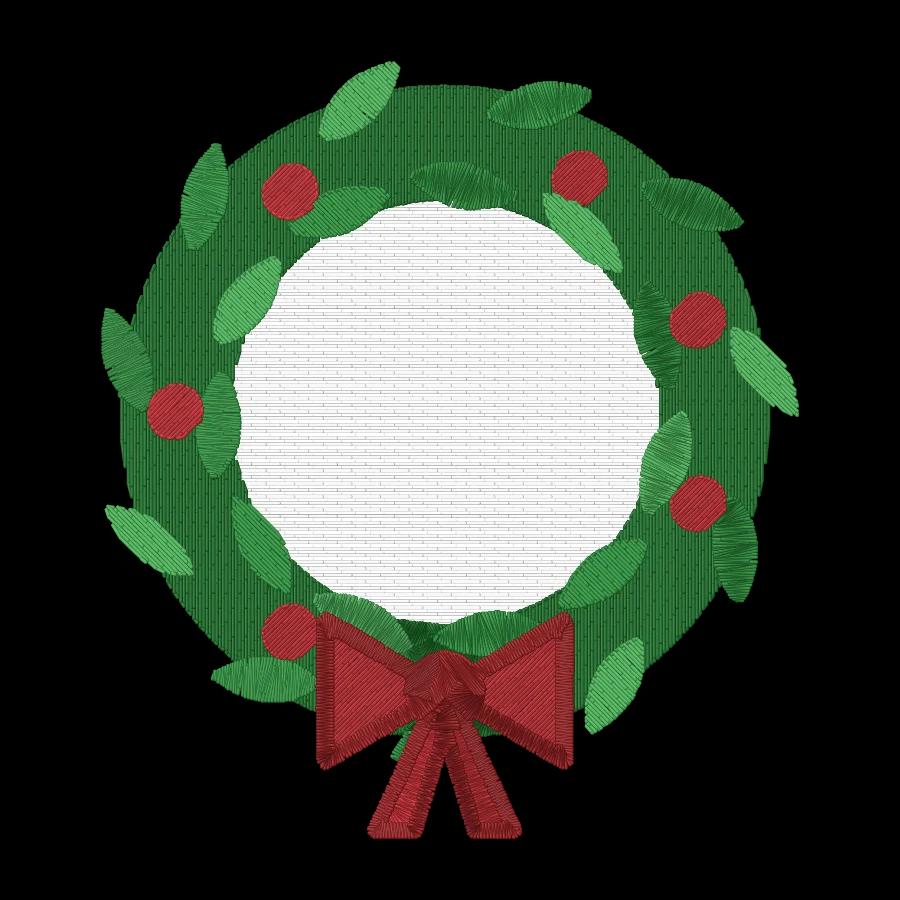
| Wedding | A simple botanical wreath of eucalyptus leaves with an empty center, flat vector, 3 solid colors: sage green, dusty pink and gold. Thick leaves with no veins, no texture, no gradients, no text, plain white background, centered, square. | 4–5 in (100–125 mm) |
Add names, dates and slogans afterwards with real lettering instead of asking the generator for them. Embrizo's text to embroidery tool sets letters in fonts made for stitching, and the wedding wreath's empty center is there for exactly that.
ChatGPT, Midjourney and Gemini: what changes
The same structure works in all three. What differs is how you ask and how you correct the result:
| Tool | How to ask | Watch for |
|---|---|---|
| ChatGPT | Full sentences, as in the template. Then ask for changes in the same chat: same image, fewer colors, remove all shading, thicker outlines. | A slight grain or warm tint over the whole image; ask for pure flat colors on pure white |
| Midjourney | A shorter prompt plus parameters: --ar 1:1 for a square and --no gradient, shadow, texture, text. Adding --style raw makes it follow the prompt more literally. | Extra decorative detail and painterly lighting, even in a vector style; pick the flattest of the four results |
| Gemini | Full sentences, like ChatGPT, with follow-up edits in the same conversation. | Shading or a 3D look creeping back in; repeat flat vector, no shading when you ask for edits |
Each tool has its own page on getting the image out and into a stitch file: ChatGPT image to embroidery file, Midjourney to embroidery file and Gemini image to embroidery file.
Fixing the image before you digitize
Even a good prompt sometimes comes back with a shadow or 15 colors. Check the image at full size before you digitize it:
- Look for gradients and texture. Zoom in on large areas. If you see shading or grain, ask for a revision: make it completely flat, remove all shading and texture, keep only 4 colors.
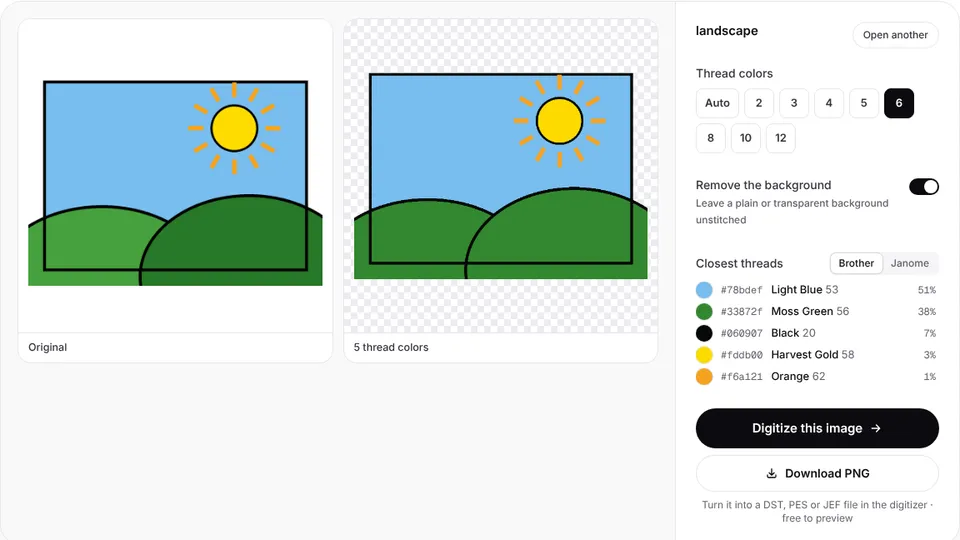
- Count the colors. If there are more than you asked for, reduce them with the reduce image colors tool, which also shows the closest Brother and Janome threads.
- Check thin parts. Whiskers, stems and outlines should be at least 1 mm wide at the stitched size. A 1,024 px image stitched 4 in (100 mm) wide has about 10 px per millimeter, so a line under 10 px wide is under 1 mm.
- Crop and center. Trim empty space and anything cut off at the edges.
- Remove the background if it isn't plain, or let the digitizer do it if it is.
- Run the [image checker](/tools/embroidery-image-checker) to flag fine detail, too many colors and low resolution before you digitize.
Most generators return images around 1,000–1,500 px across, which is enough for designs up to about 5 in (125 mm). For a jacket back, ask for the largest size the tool offers.
White parts of a design, such as a snowman, a white dog or icing, vanish when a white background is removed. For those, ask for a plain light gray background instead, or for a dark outline around every white area, as in the Christmas and mascot prompts above.
Turning the AI image into a machine file
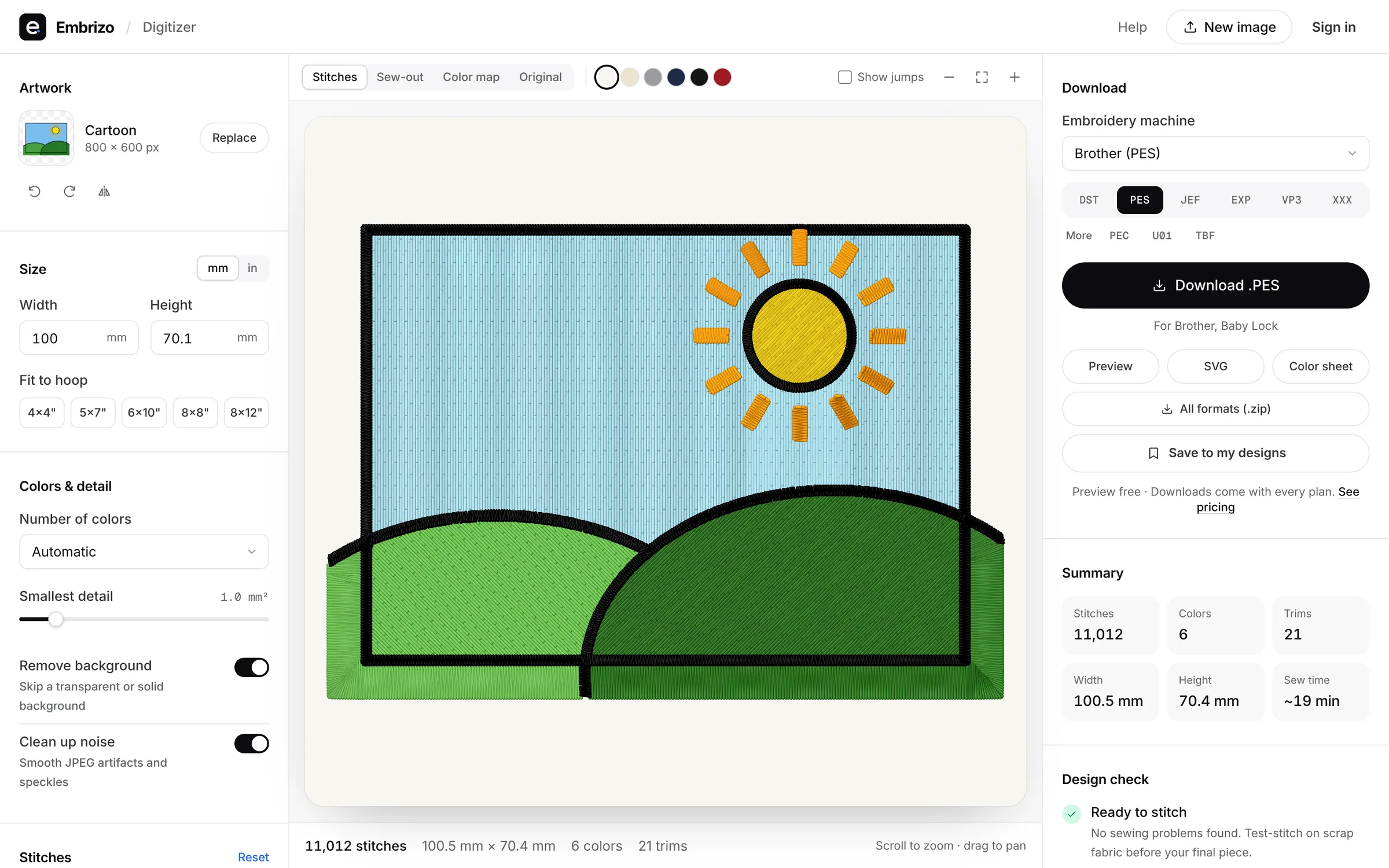
Once the image is flat and clean, Embrizo's digitizer turns it into a stitch file in about a minute, in the browser. It's the most direct route from an AI image to a file your machine reads:
- Upload the PNG, JPG or WebP from ChatGPT, Midjourney or Gemini.
- Set the size, or fit it to your hoop: 4 × 4, 5 × 7, 6 × 10, 8 × 8 or 8 × 12 in.
- Pick the fabric preset, such as knit, fleece or woven.
- Set the number of colors to the number in your prompt, and raise the smallest-detail setting if specks appear.
- Check each color's stitch type: satin for outlines and narrow parts, fill for large areas, outline for fine lines. Merge colors that are almost the same.
- Watch the sew-out simulation, check the stitch count and thread list, then save PES, DST, JEF, EXP, VP3, XXX or another format.
Embrizo plans the underlay, pull compensation and tie-offs for you. A free account digitizes and previews as many images as you like; saving the machine file needs a plan. The AI art to embroidery file guide covers sizing, cleanup and test stitching in more depth.
Practice on a free design
167 ready-to-sew designs in every machine format, free with an account.
Who owns AI-generated art
The rules on AI images are still settling and differ by country. A few points apply almost everywhere:
- Read each tool's terms. ChatGPT, Midjourney and Gemini each set out who may use the images and for what, and the terms can depend on your plan.
- Copyright protection may be thin. In the US, the Copyright Office's position is that material generated entirely by AI isn't protected without enough human authorship, so others may be able to copy a purely AI-made design.
- Don't prompt for someone else's brand. Sports team logos, cartoon characters and brand mascots stay protected even when an AI draws them.
- Don't copy a living artist's work. Prompts that name an artist to imitate a specific piece invite disputes.
This isn't legal advice. Embroidery design copyright covers selling designs in more detail.