Embroidery order form maker
A printable order form for custom embroidery: your shop name and contact, the items you sell, lettering samples in real embroidery fonts, numbered thread colors, a placement diagram, an order table with deposit and balance, and a proof sign-off line.
Print a stack for craft fairs and walk-in orders, or choose Save as PDF in the print dialog to email it or fill it in on a tablet.
Turn the order into a stitch file
Type the name in the text tool, or upload the customer's logo and get DST, PES or JEF with a stitch preview.
- What it does
- Printable order forms for custom embroidery: name, item, size, font, thread colors, placement, price and deposit, with your shop name.
- Price
- Free
- Works on
- Any browser: Windows, Mac, Chromebook, iPad and phones
- Privacy
- Runs in your browser; your images and files aren't uploaded
An order form in four steps
- 1
Add your shop
Your shop name, lettering, color and a contact line for the top of the form.
- 2
Choose what you offer
The items you take orders for and up to six lettering styles, shown with a sample name.
- 3
Pick the sections
Thread colors, the placement diagram and the terms printed at the bottom.
- 4
Print or save as PDF
Print a stack for craft fairs, or save a PDF to email or fill in on a tablet.
Free account · No credit card needed
Fewer mistakes, faster orders
Exact text
The customer writes the text exactly as it should read, so spelling mistakes are theirs to catch, not yours to restitch.
Fonts by sample
Customers choose lettering from their own name in each style instead of guessing from font names.
Colors by number
Numbered thread swatches turn 'the dark blue one' into a color you can thread.
Placement on a diagram
A numbered tee, back and cap show exactly where the design goes.
Deposit and balance
Price, deposit and balance on paper mean no surprises at pickup.
Proof sign-off
A signed proof line protects you when a customer changes their mind.
Taking a custom order
- Read the text back to the customer letter by letter, especially names with unusual spellings.
- Show the lettering and colors on a stitched sample if you have one.
- Measure or confirm the placement, and note the garment size and color.
- Take the deposit and write the date needed and your ready-by date.
- Send a proof mockup and get it approved before you stitch.
Free account
Start digitizing in under a minute
Create a free account to digitize any image, try every setting and watch it sew. Choose a plan only when you want to download files.
- Digitize and preview any image
- Realistic stitch preview and sew-out
- Download free ready-made designs
- No credit card needed



Questions
The quickest way to see what it does with your artwork is to try it. With a free account, digitizing and previewing cost nothing and take about a minute.
What should an embroidery order form include?
The customer's name and contact, the exact text to stitch, the item, size and color, the lettering style, thread colors, where the design goes, quantity and price, the deposit and balance, the date needed, and a line where the customer approves the proof and the spelling.
Why show lettering samples on the order form?
Customers pick a font far more easily from a sample of their own name than from a font name. This form prints each lettering style you offer with a sample name, in the same styles the text tools on this site stitch.
How do I print the order form?
Press Print or save as PDF. Choose your printer to print a stack for craft fairs and walk-in orders, or Save as PDF to email it or fill it in on a tablet. Set the scale to 100% (actual size).
Should I take a deposit on custom embroidery orders?
Yes, for custom work. Many shops take a deposit when the order is placed, often half on larger orders, and the rest before pickup or shipping, because a personalized item can't be resold if the customer backs out.
Is the order form maker free?
Yes. Making, printing and saving the form as a PDF is free, with no watermark.
More tools
Keep going
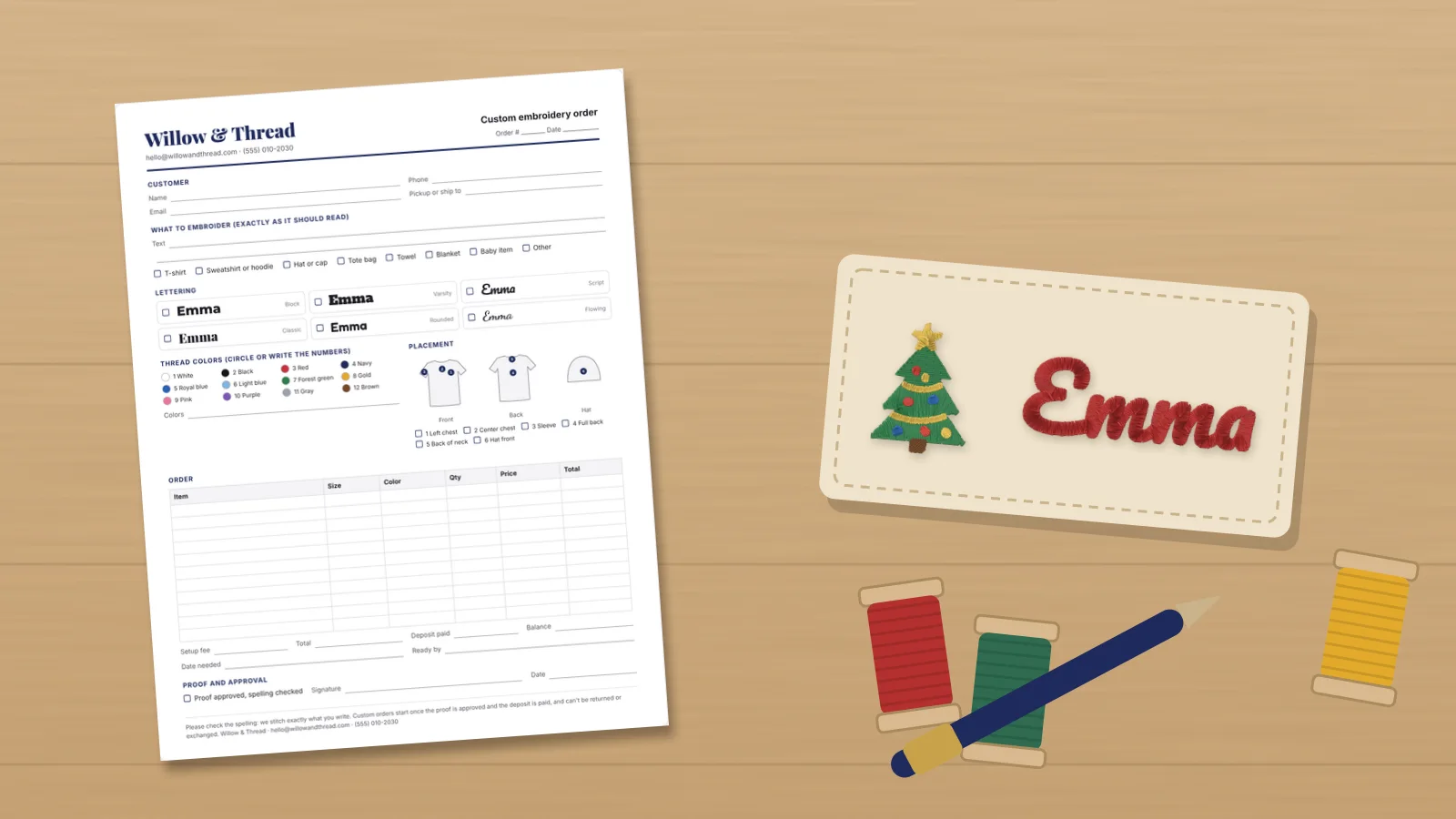 GuideHow to take custom embroidery ordersHow to take custom embroidery orders from first message to pickup: the details to collect, a printable order form, sending a proof and getting the spelling approved, quotes, deposits and balances, turnaround times and holiday cut-offs, and handling changes, mistakes and refunds.Read the guide
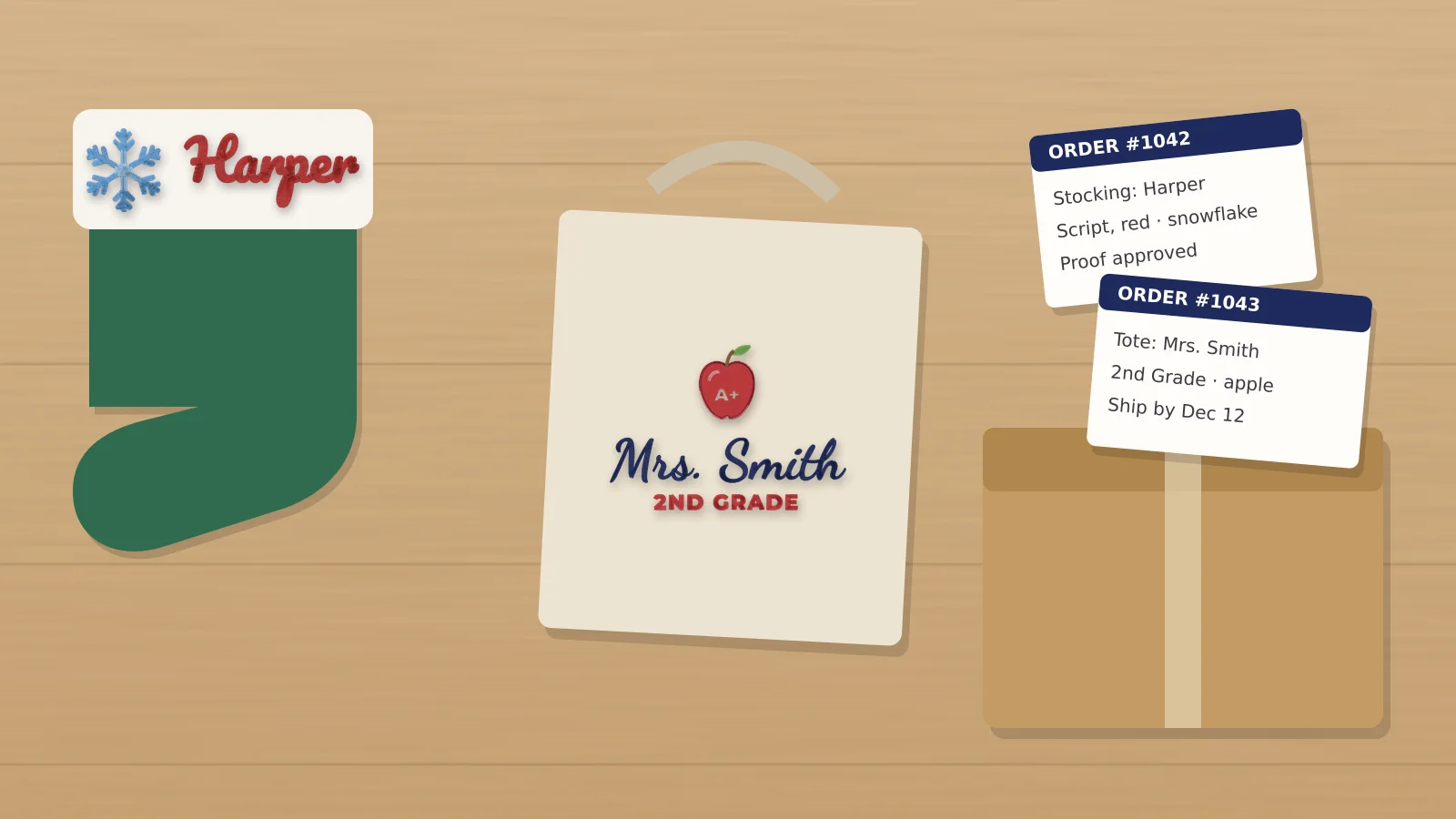 GuideHow to sell personalized embroidery: proofs and pricingFor home and small-shop embroiderers selling name items: products, listings with a personalization field and character limits, spelling checks, proofs, batching by hoop and thread, pricing per item and per extra line, the Christmas rush, returns and photos.Read the guide
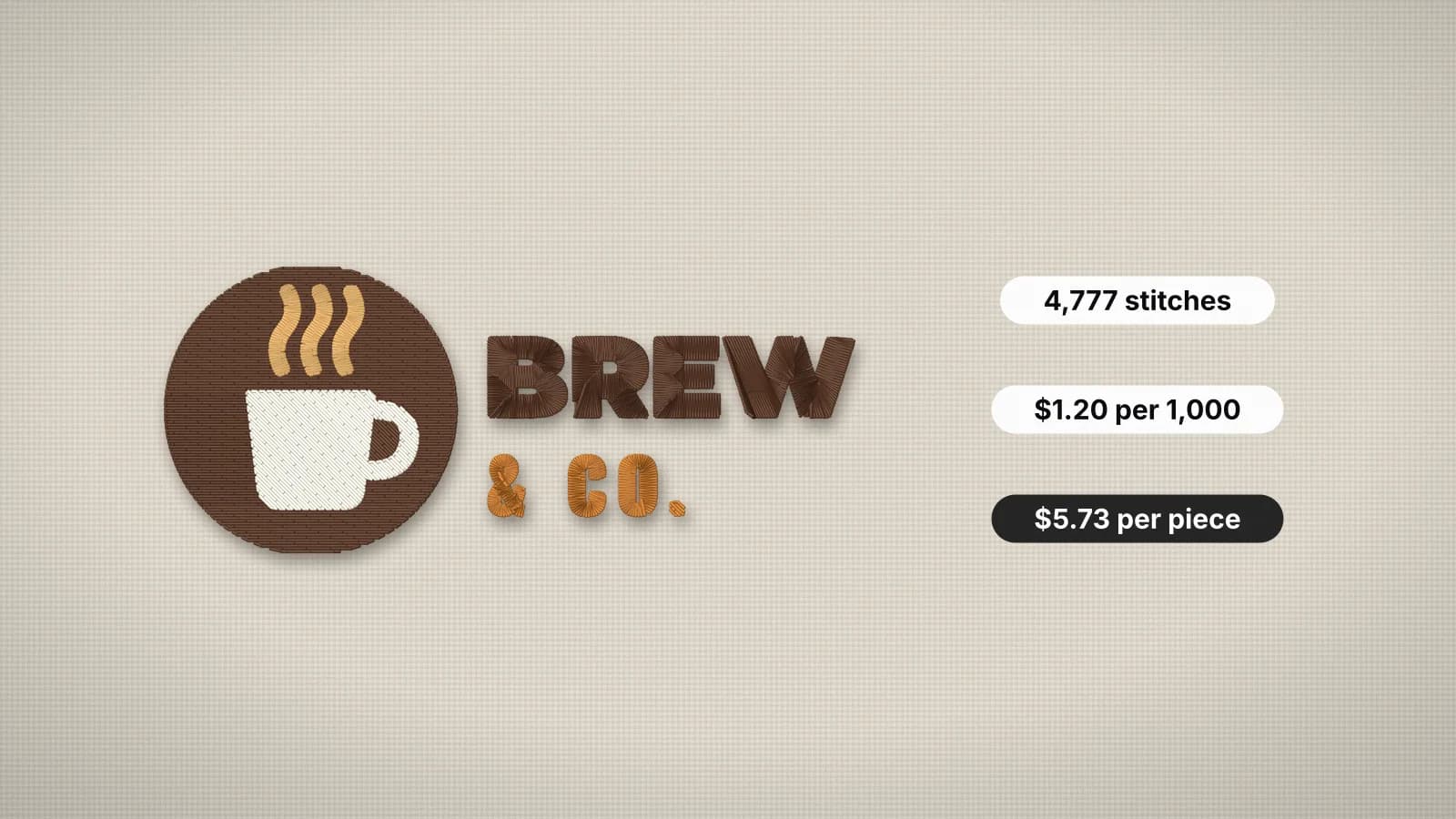 GuideHow to price embroidery workA practical method for quoting embroidery: stitch rates, minimums, quantity breaks, setup fees, blanks and the machine time behind them.Read the guide
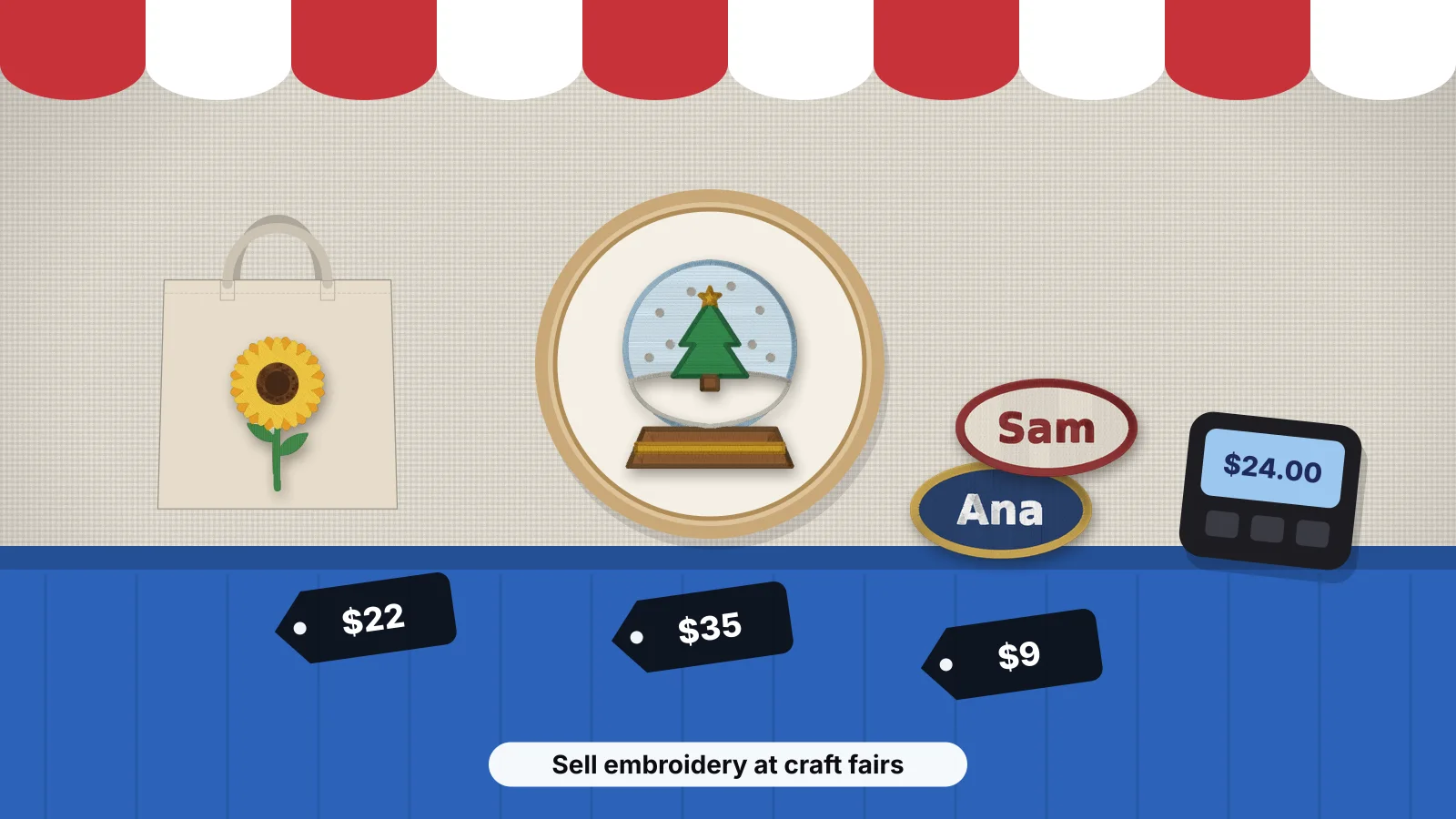 GuideHow to sell embroidery at craft fairsWhat sells at fairs and markets with a product mix and typical 2026 prices, booth setup and sample boards, stitching names while customers wait, pricing and bundles, how much stock to bring, card payments and sales tax, taking orders for later, collecting emails and the Embrizo route.Read the guide
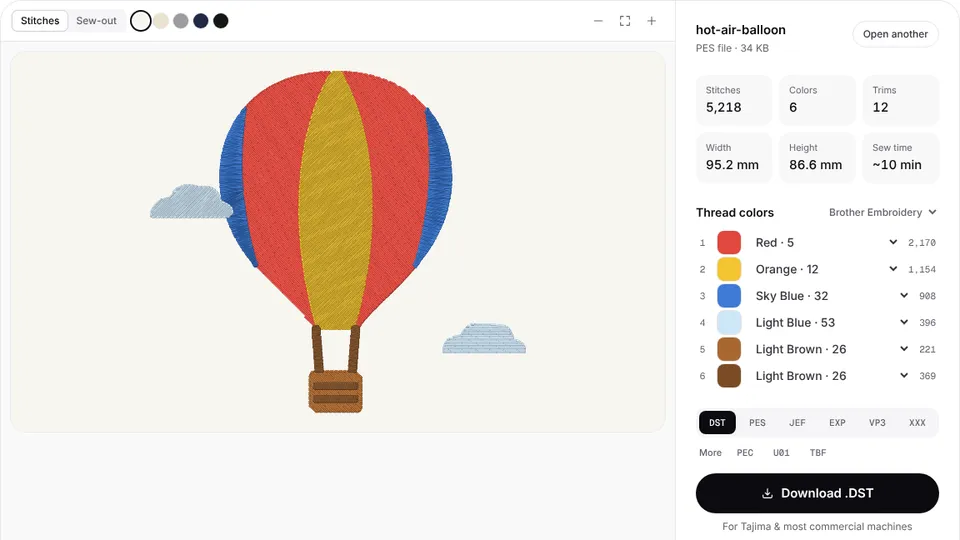 Free previewEmbroidery file converterConvert PES, DST, JEF, EXP, VP3 and XXX files to any other machine format.Open
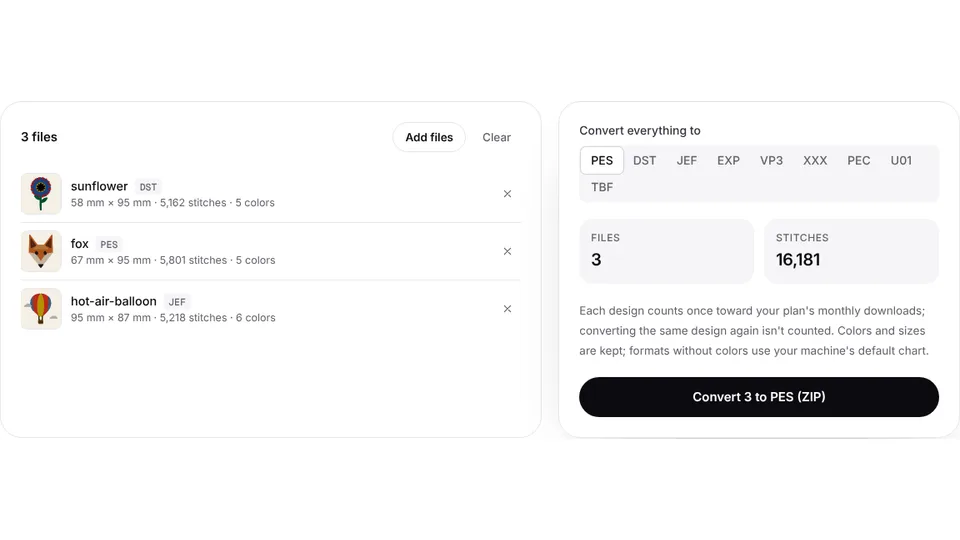 Free toolBatch embroidery file converterConvert up to 50 embroidery files to PES, DST, JEF or any format at once, as one ZIP.Open
From the order form to a stitch file
Type the customer's name in the text tool, or upload their logo, and get DST, PES or JEF with a preview of every stitch.