Logo upscaler
Make a small, blurry, pixelated or JPEG-damaged logo sharp again. It's redrawn in its real flat colors with smooth edges, as a PNG up to 4000 px or an SVG, right in your browser.
Drop a blurry or pixelated logo
Processed in your browser; your image isn't uploaded.
Best for logos, icons, badges and lettering with flat colors. Photos become a poster-like image with a few flat colors.
Output size (long side)
Colors
Edges
Free account to download · Embroider it opens the sharp logo in the digitizer
- What it does
- Make a blurry, pixelated or JPEG logo sharp: redrawn in clean flat colors as a PNG up to 4000 px or an SVG.
- Price
- Free
- Works on
- Any browser: Windows, Mac, Chromebook, iPad and phones
- Privacy
- Runs in your browser; your images and files aren't uploaded
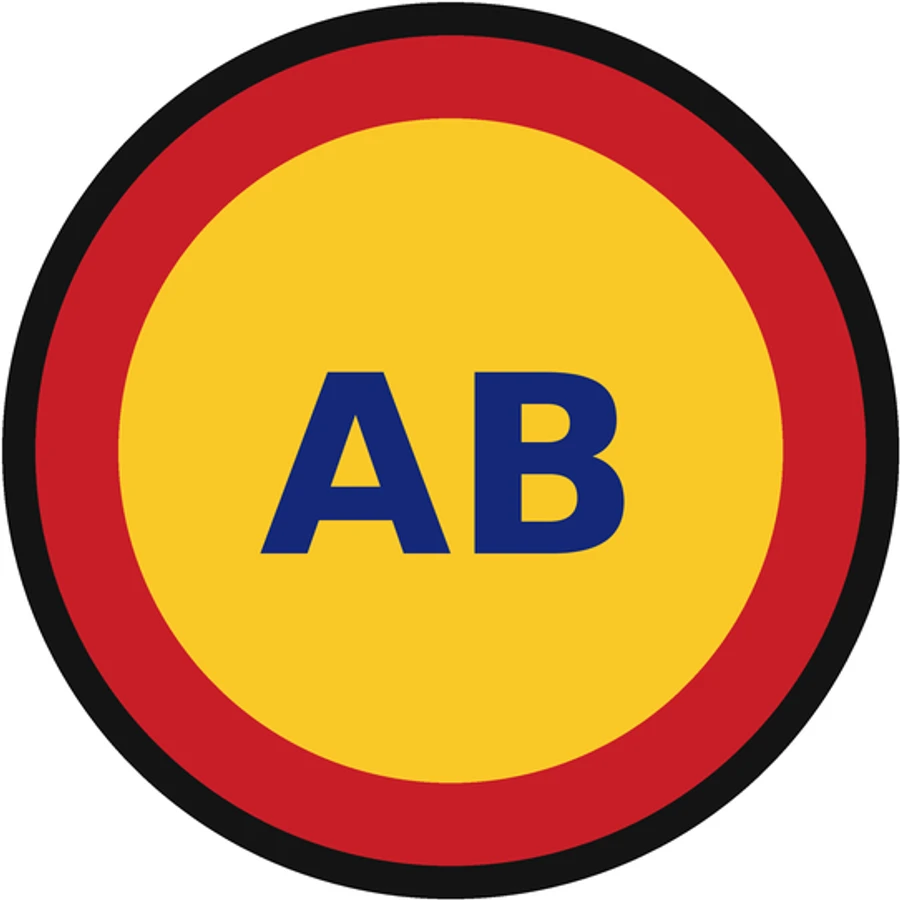
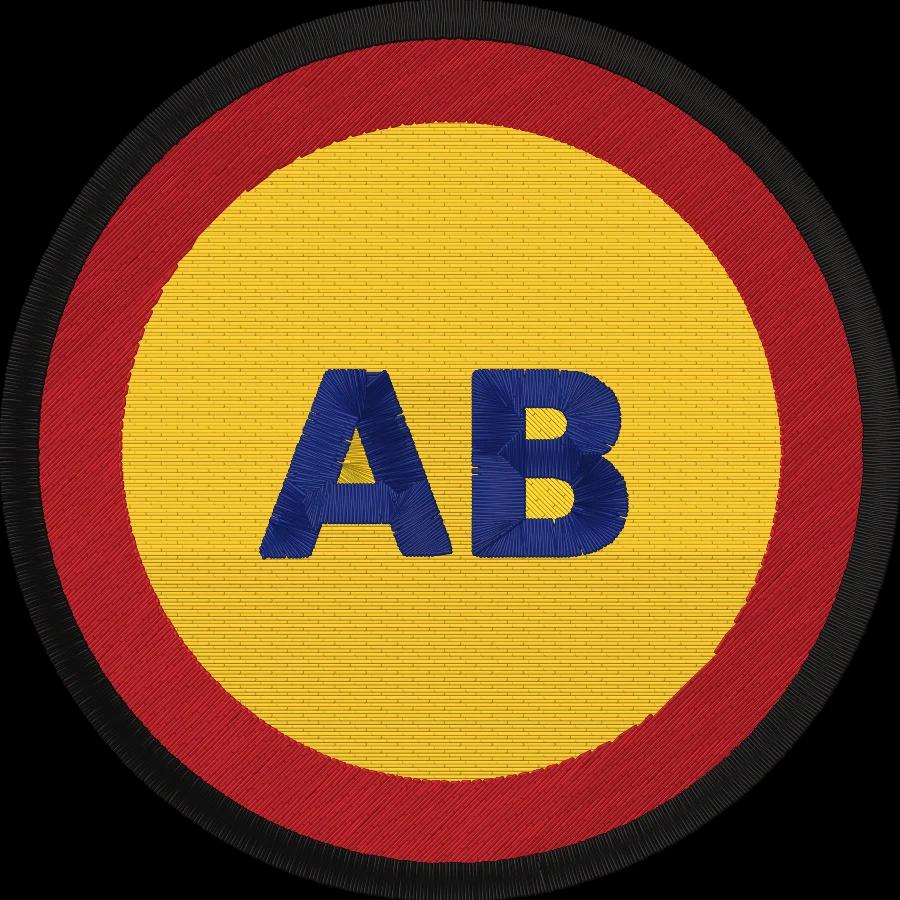
Redrawn, not stretched
Real colors
The logo's colors come from its flat areas, so soft edges and blur don't add extra shades.
Clean edges
Each soft edge is cut down its middle, so shapes keep their true size with crisp boundaries.
Pixel steps smoothed
Logos enlarged with hard pixel steps are detected and redrawn as smooth curves.
JPEG noise removed
Compression specks and halos around edges are folded back into the colors around them.
Any size
PNG at 1000, 2000 or 4000 px, or an SVG that scales without limit.
Private
Everything runs in your browser; the image is never uploaded.
Getting the sharpest result
- Start from the largest copy of the logo you can find: a website header, a PDF or an email signature.
- Set the exact number of colors if Auto merges two shades that should stay apart.
- Use Detailed for small lettering and Smooth for very pixelated logos.
- Turn off Transparent background to keep a background color in the PNG.
Free account
Start digitizing in under a minute
Create a free account to digitize any image, try every setting and watch it sew. Choose a plan only when you want to download files.
- Digitize and preview any image
- Realistic stitch preview and sew-out
- Download free ready-made designs
- No credit card needed



Questions
The quickest way to see what it does with your artwork is to try it. With a free account, digitizing and previewing cost nothing and take about a minute.
How do I fix a blurry logo?
Drop the logo here. Its real colors are found from the flat areas, the soft edges and compression noise are cut back to clean boundaries, and the logo is redrawn as smooth vector shapes. Download it as a sharp PNG at 1000, 2000 or 4000 px, or as an SVG.
Is this an AI upscaler?
It's built for logos rather than photos. Instead of guessing new pixels, it redraws the logo in its flat colors with smooth curves, so edges stay crisp at any size and the colors stay exactly the same across the logo.
Can it fix a pixelated logo?
Yes. A logo enlarged with hard pixel steps is detected and smoothed back into curves, and small logos taken from a website or a screenshot come out clean at print size.
What doesn't it work for?
Photos, gradients and soft shadows. They become a poster-like image with a few flat colors. For those, start from a better original or simplify the artwork first.
Will an upscaled logo embroider better?
Much better. Blurry edges and JPEG noise turn into extra thread colors and ragged satin edges. A clean, flat-color logo digitizes into tidy fills and satins. Choose Embroider it to open the sharp version straight in the digitizer.
Is the logo upscaler free?
Upscaling and the before-and-after preview are free, and the PNG and SVG downloads come with a free account. Your image is processed in your browser and isn't uploaded.
More tools
Keep going
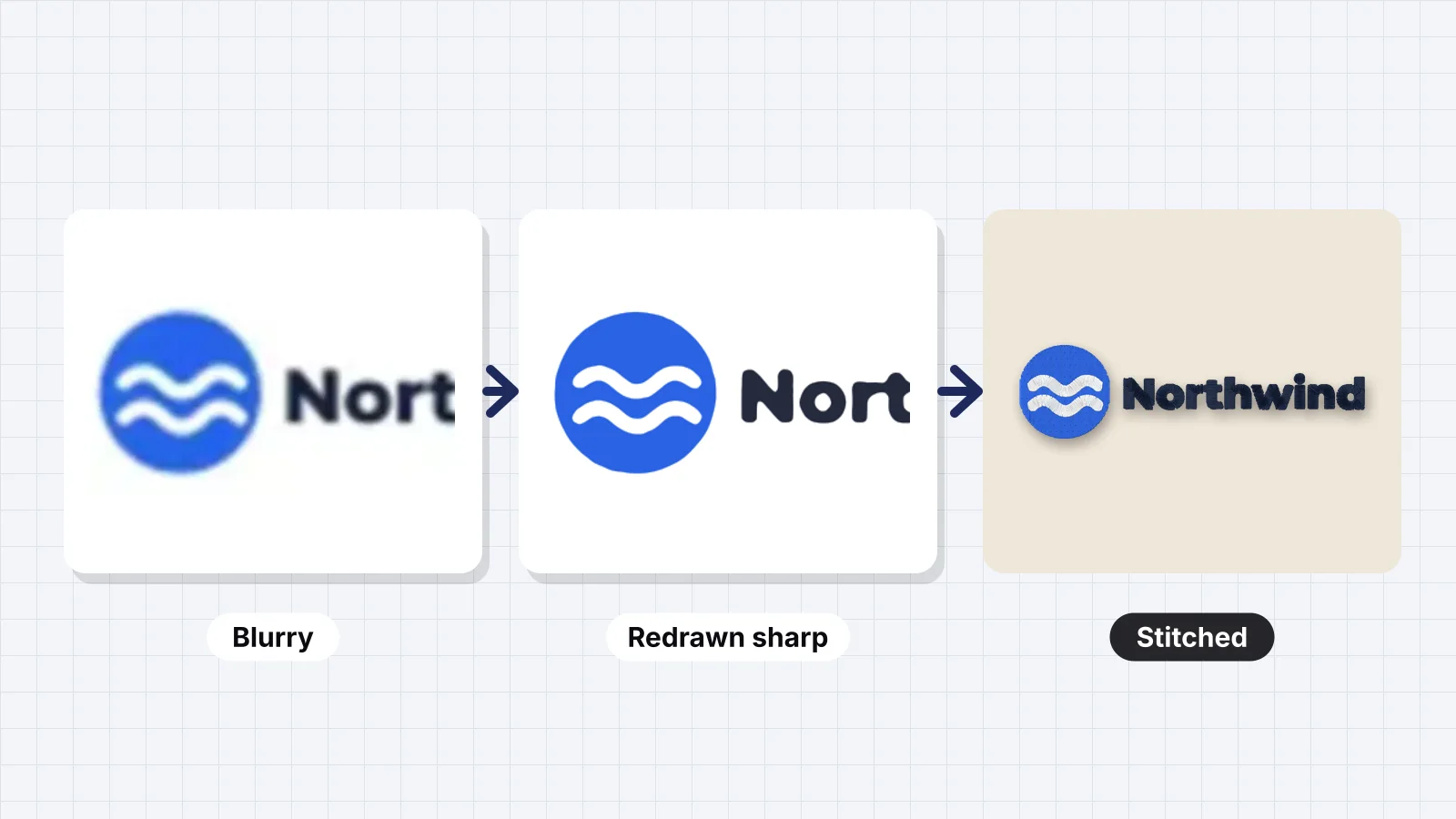 GuideHow to fix a blurry logo for embroideryWhy blur and pixels hurt stitches, how many pixels a logo needs, where to find a better original, upscaling versus redrawing, Embrizo's logo upscaler, cleaning JPEG artifacts, and when to redraw a logo by hand.Read the guide
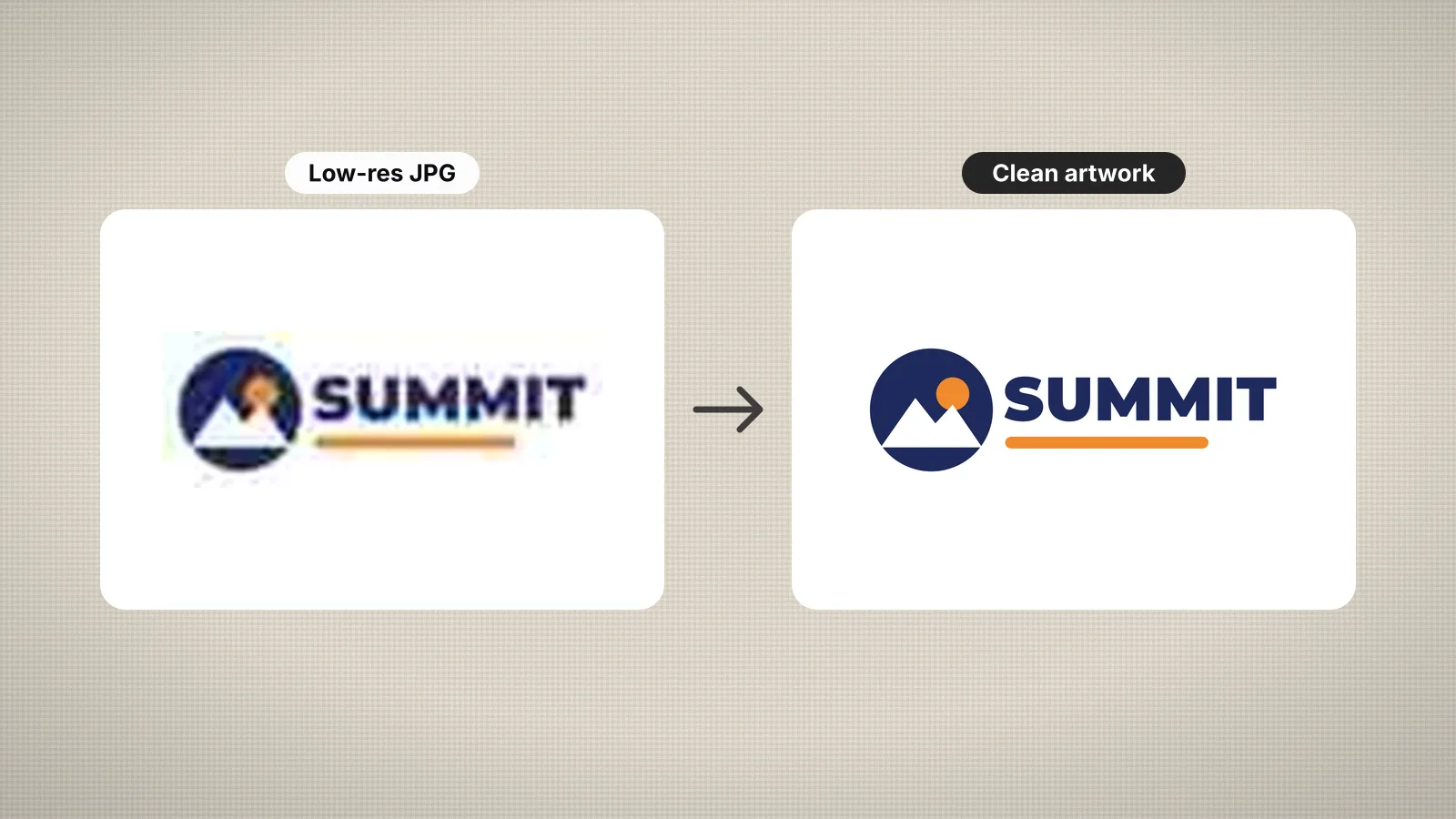 GuideHow to prepare an image for embroidery digitizingA checklist for turning a logo or picture into artwork that digitizes cleanly.Read the guide
 GuideHow to digitize a logo for embroideryA practical walk-through from logo file to tested embroidery file, and when a professional digitizer is worth it.Read the guide
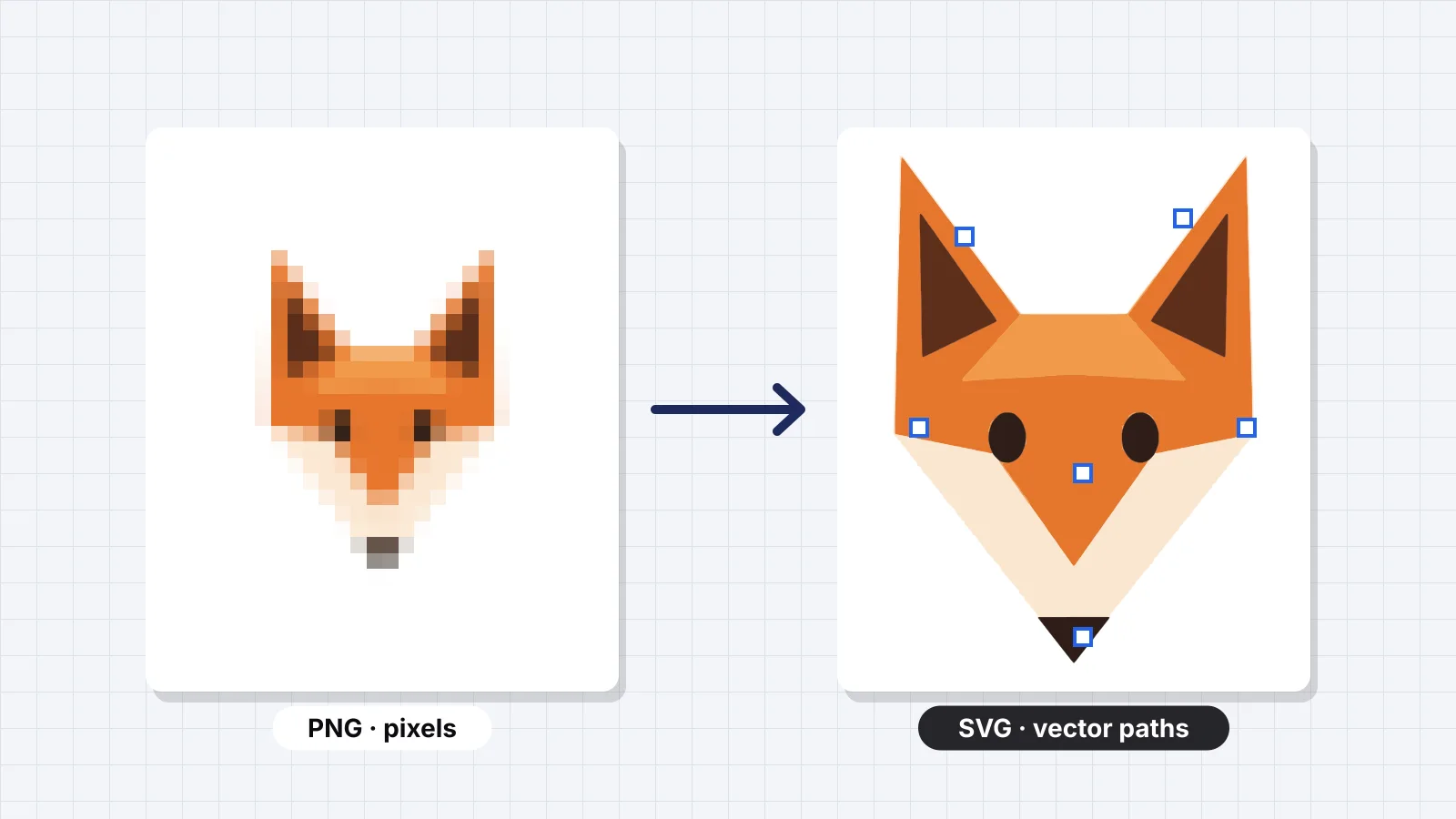 GuideHow to convert PNG to SVGRaster vs vector, when you need an SVG, how auto-tracing works, the ways to convert, preparing a PNG for a clean trace, checking the SVG, why tracing doesn't change who owns the art, and why embroidery doesn't need an SVG first.Read the guide
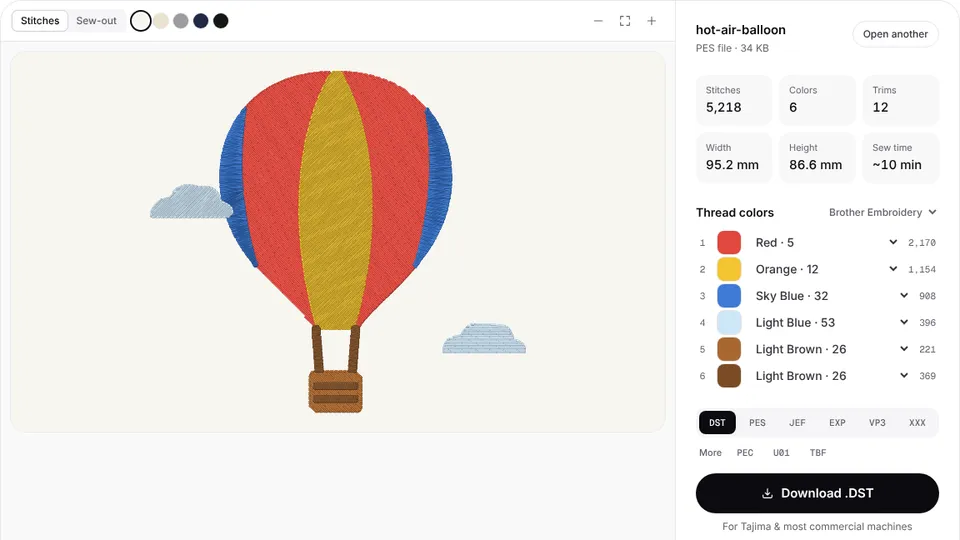 Free previewEmbroidery file converterConvert PES, DST, JEF, EXP, VP3 and XXX files to any other machine format.Open
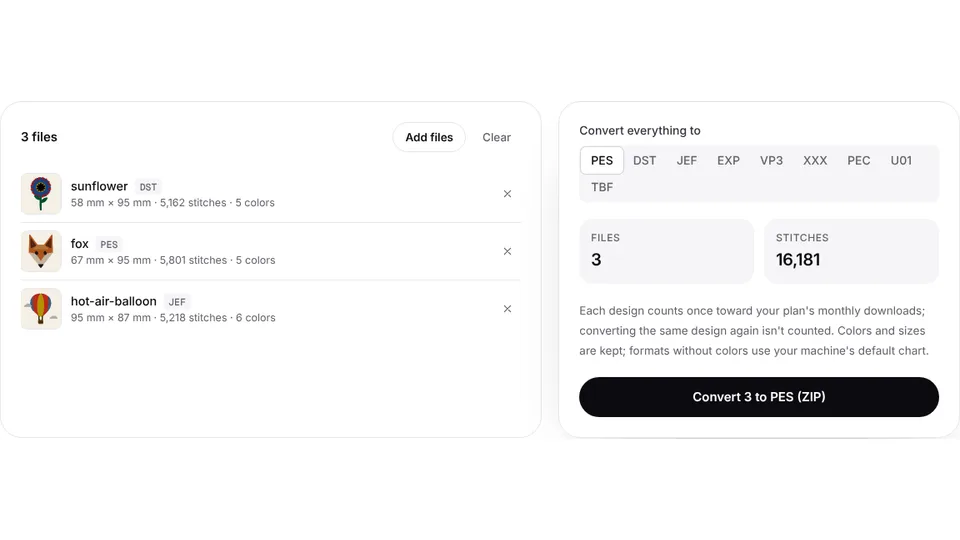 Free toolBatch embroidery file converterConvert up to 50 embroidery files to PES, DST, JEF or any format at once, as one ZIP.Open
Ready to stitch it?
Turn the sharp logo into a DST, PES or JEF embroidery file in seconds.