Embroidery machine compatibility checker
Will this design sew on your machine? Pick your model, drop the file and see whether the machine reads the format, whether the design fits its largest hoop and what to do if it doesn't.
Field 130 × 180 mm · reads PES, PHC, DST
Drop an embroidery file
Read in your browser, never uploaded
Will it sew on the Brother PE800?
Pick your machine and drop a file. You'll see whether the machine reads the format, whether the design fits its largest hoop, and how to fix it if not.
Three things that stop a design sewing
Format
Whether your model reads the file type, from the maker's specs.
Size
Whether it fits the largest field, turned if needed, with a safety margin.
Colors
How many thread changes or needles the design needs.
Fixes
One click to convert, resize or digitize at the right size.
43 machines
Brother, Baby Lock, Janome, Singer, Bernina, Husqvarna Viking, Pfaff and commercial models.
Private
Files are read in your browser.
Before you copy a file to the machine
- Keep file names short and simple; some machines cut off long names.
- Unzip downloads first: machines can't open .zip files.
- Use a USB stick your machine supports, usually formatted FAT32.
- Use the smallest hoop that fits the design.
Free account
Start digitizing in under a minute
Create a free account to digitize any image, try every setting and watch it sew. Choose a plan only when you want to download files.
- Digitize and preview any image
- Realistic stitch preview and sew-out
- Download free ready-made designs
- No credit card needed


Questions
The quickest way to see what it does with your artwork is to try it. With a free account, digitizing and previewing cost nothing and take about a minute.
Why won't my machine open an embroidery file?
The most common reasons are a format the machine doesn't read (for example JEF on a Brother) and a design bigger than the machine's largest hoop. This checker tests both for your model and shows the fix.
How do I convert a design for my machine?
Use the file converter to rewrite it in your machine's format, such as PES for Brother and Baby Lock or JEF for Janome. The stitches stay the same.
What if the design is too big?
Within about 20% too big, the design resizer can scale it safely. For bigger changes, digitize the original artwork again at the size your hoop allows.
Where does the machine data come from?
From each maker's published specifications for 43 models, the same data as the machine pages. Your manual has the final word on formats and hoops.
Is my file uploaded?
No. It's read in your browser and never leaves your device.
More tools
Keep going
 GuideHow to open PES, DST and JEF embroidery filesWhat machine embroidery files are, how to view them on any computer, and how to get them into your machine's format and onto the machine.Read the guide
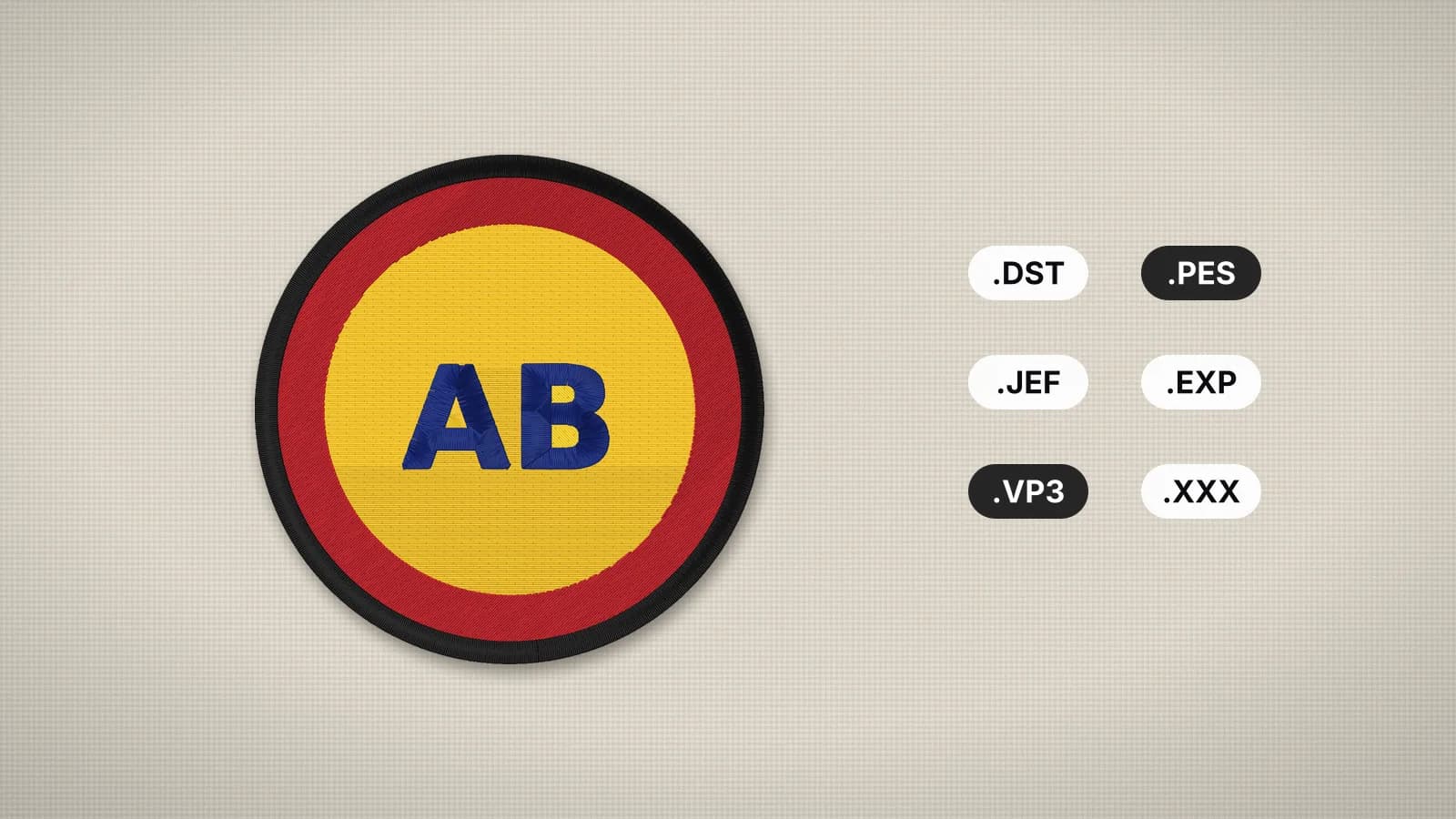 GuideEmbroidery file formats explainedWhat each machine embroidery format is, which machines read it, and how to pick and convert the right one.Read the guide
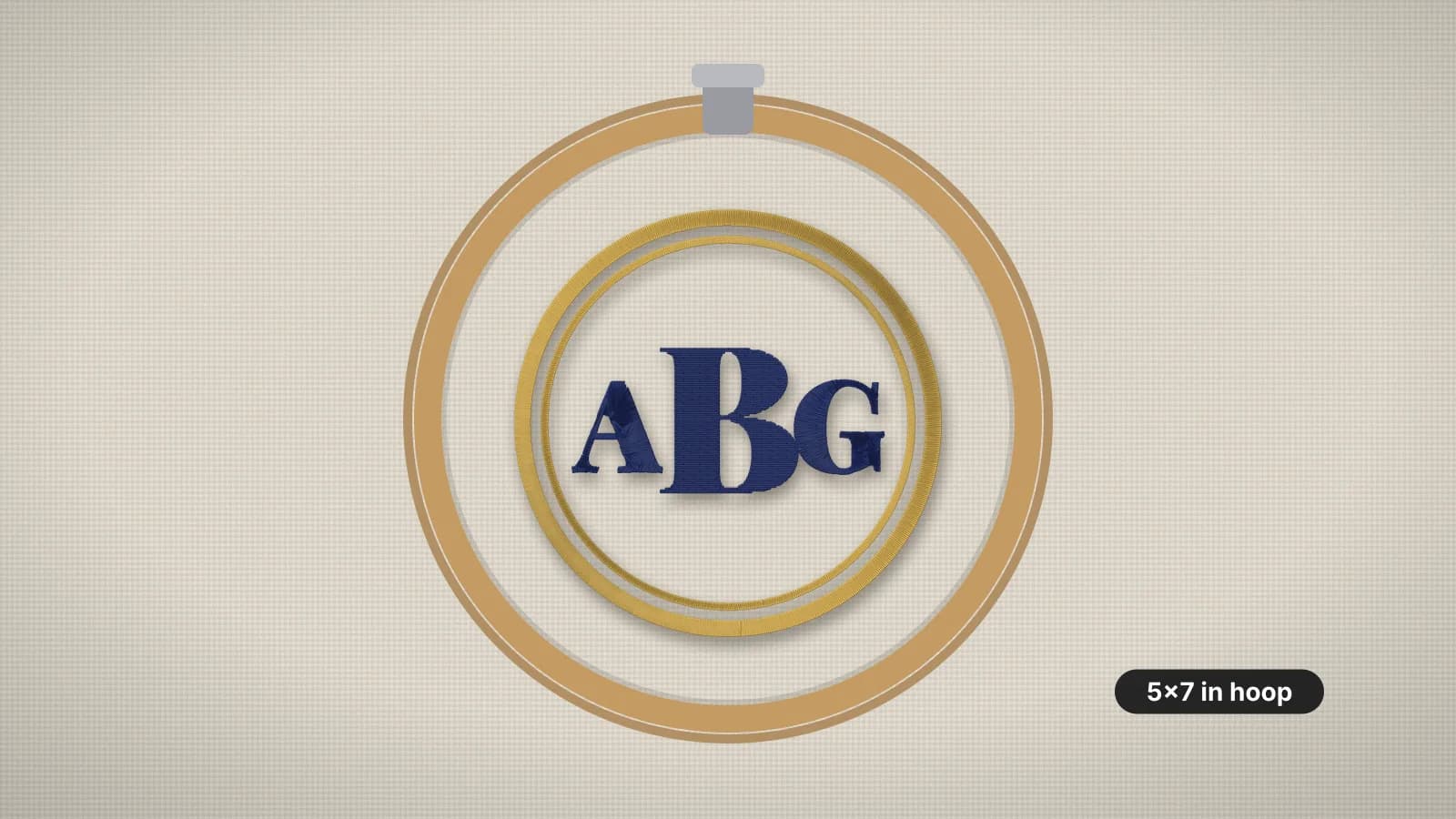 GuideEmbroidery hoop sizes: a practical guideStandard hoop sizes with their real sewing fields, how to choose one and what to do when a design is too big.Read the guide
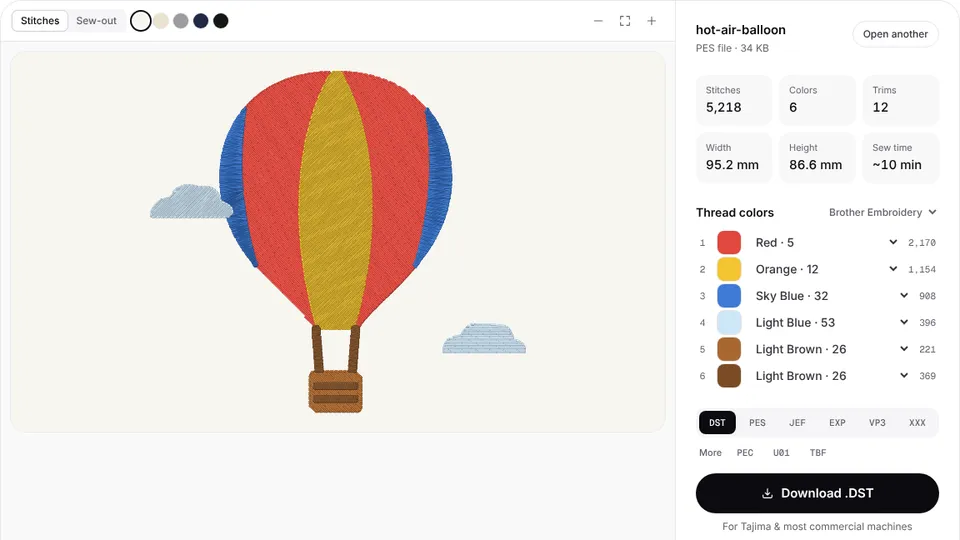 Free previewEmbroidery file converterConvert PES, DST, JEF, EXP, VP3 and XXX files to any other machine format.Open
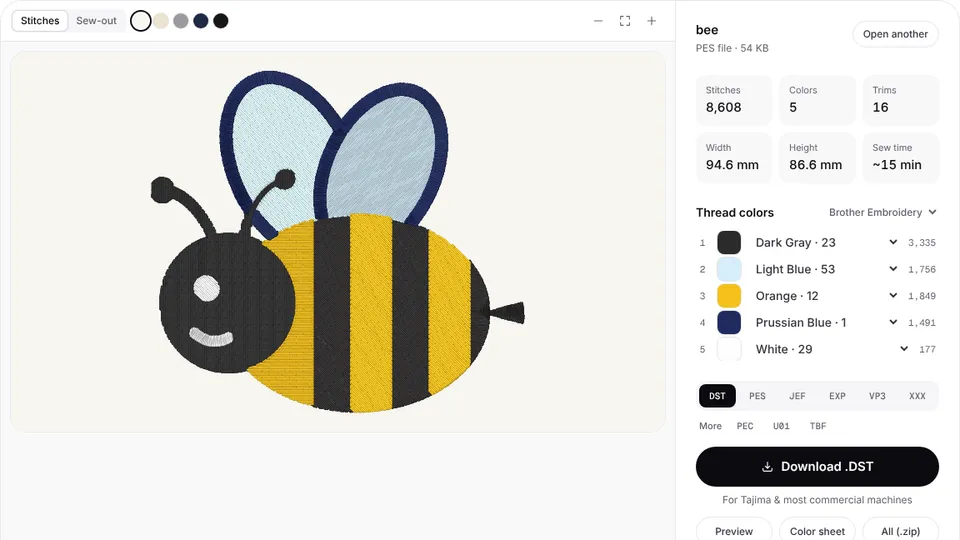 Free toolEmbroidery file viewerOpen DST, PES, JEF and more in your browser: stitch preview, colors, size and stitch count.Open
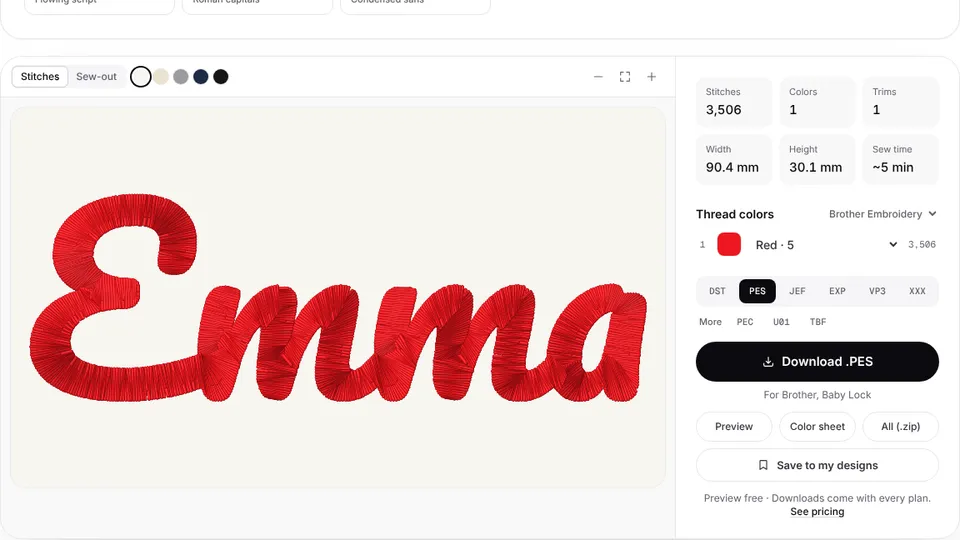 Free previewText to embroidery fileType a name or monogram, pick a font and download a ready-to-sew lettering file.Open
Designs made for your machine
Digitize any image straight into your machine's format, at a size that fits its hoop.