Photo to line art embroidery
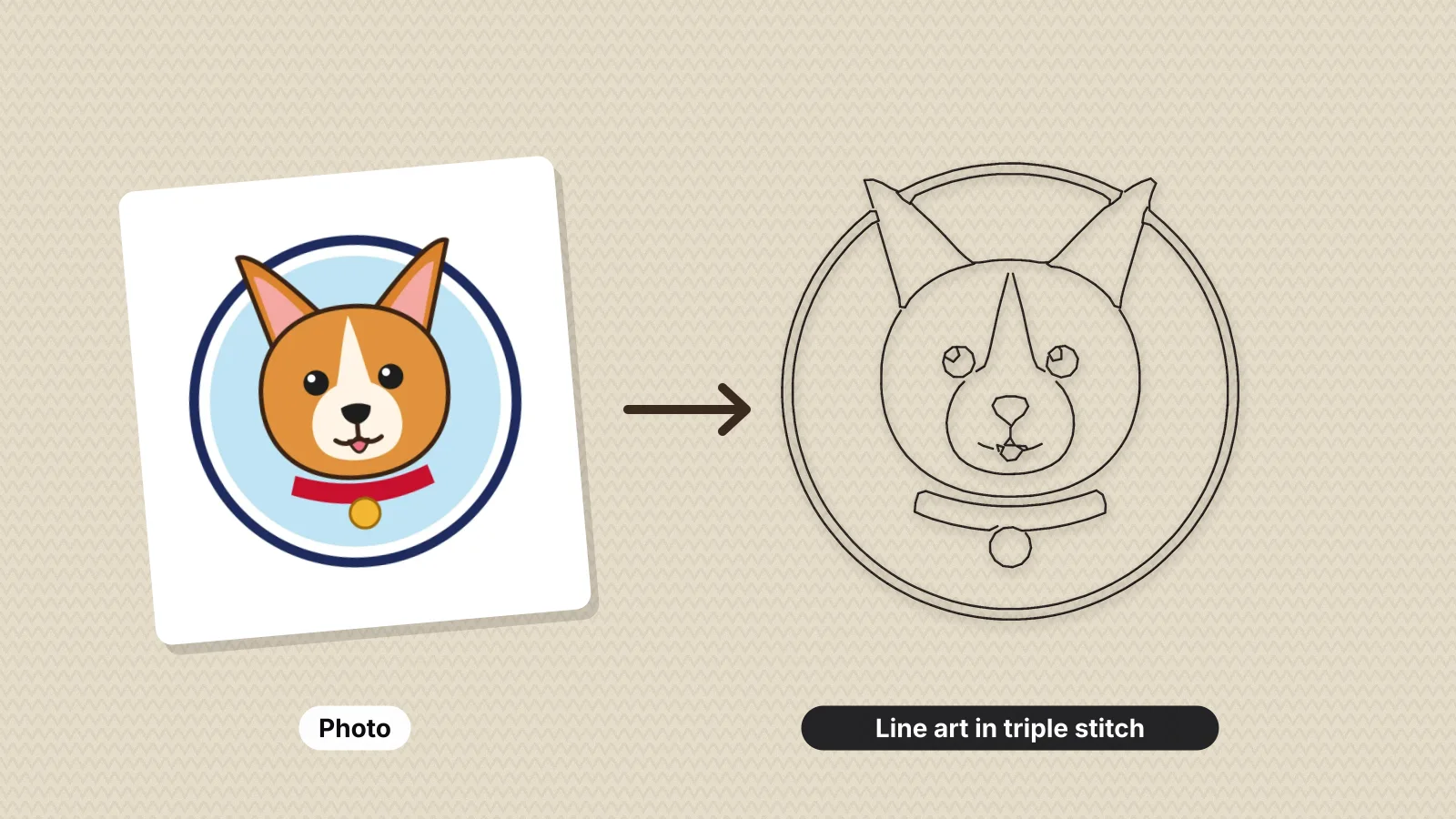
Turn any photo into a one-color outline embroidery file: the lines are found, thinned to clean centerlines and sewn as bold triple-run or fine running stitches.
Detail
Clean-up
Stitch
- What it does
- Turn a pet, house or portrait photo into a one-color outline embroidery file in triple-run or running stitch.
- Price
- Free preview; saving machine files needs a plan
- Works on
- Any browser: Windows, Mac, Chromebook, iPad and phones
- Privacy
- Runs in your browser; your images and files aren't uploaded
Outlines that sew like a pen drawing
Centerline stitching
Each line is sewn once along its center, not traced around its edges.
Bold or fine
Triple run for a bold hand-drawn line, running stitch for fine detail.
Fewer trims
Lines that touch are joined so the machine trims less.
Any size
From 40 to 250 mm wide, with the height kept in proportion.
Pets, homes and portraits
Popular for gift sweatshirts, totes, baby blankets and memorial pieces.
Any machine
Save as PES, DST, JEF, EXP, VP3, XXX and more.
Clean line art from a photo
- Crop to the subject and remove a busy background first.
- Start with Medium detail, then try Bold if there are too many small lines.
- Use a tear-away stabilizer on woven fabric and a cut-away on sweatshirts.
- A water-soluble topping keeps thin lines from sinking into fleece and terry.
Free account
Start digitizing in under a minute
Create a free account to digitize any image, try every setting and watch it sew. Choose a plan only when you want to download files.
- Digitize and preview any image
- Realistic stitch preview and sew-out
- Download free ready-made designs
- No credit card needed



Questions
The quickest way to see what it does with your artwork is to try it. With a free account, digitizing and previewing cost nothing and take about a minute.
How do I turn a photo into line art embroidery?
Upload the photo, pick the detail and clean-up, and the tool finds the main lines, thins them to single centerlines and sews them as one-color running or triple-run stitches. Set the width in millimeters and preview the stitches before you save.
Which photos work best?
A clear subject on a plain background with good contrast: a pet's face, a house, a couple's silhouette, a flower. Crop close to the subject first. Busy backgrounds turn into extra lines.
Triple run or running stitch?
Triple run, also called bean stitch, sews each stitch three times for a bold line that reads like a pen drawing, and suits sweatshirts and totes. A single running stitch is lighter and finer, for small designs and redwork on cotton.
How big should line art embroidery be?
Around 75–100 mm (3–4 in) for a left chest or pocket and 200–250 mm (8–10 in) for a sweatshirt front. Larger sizes keep more detail.
Is this different from a pet portrait?
Yes. This makes an outline drawing in one thread color, quick to sew and light on the fabric. For a filled, full-color portrait, use the digitizer instead.
Is the photo to line art tool free?
Making and previewing line art is free. Saving the embroidery file needs a paid plan, from $8 a month billed annually.
More tools
Keep going
 GuideHow to turn a photo into line art embroideryWhat line art embroidery is, how a photo becomes running or triple stitch lines, choosing a photo, sizes by item, stitch settings and thread, fabrics and stabilizer, making the file with Embrizo, and how line art compares with a filled pet portrait.Read the guide
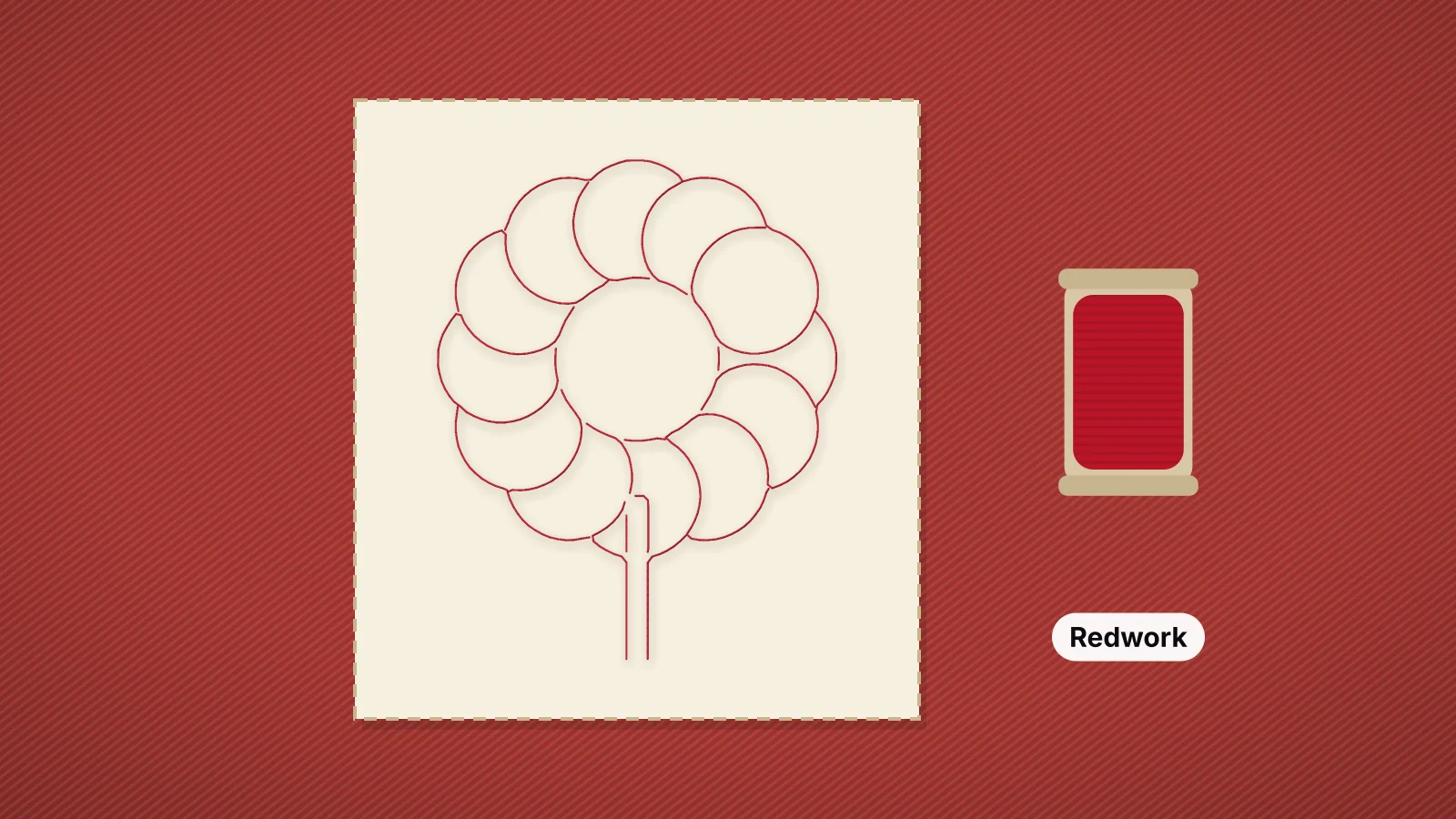 GuideRedwork embroidery: a guide to machine redworkWhat redwork is and where it comes from, machine redwork with running and bean stitch, designs that suit it, thread, fabric and stabilizer, sizing, making redwork files from a photo or drawing, quilt block tips and fixes for common problems.Read the guide
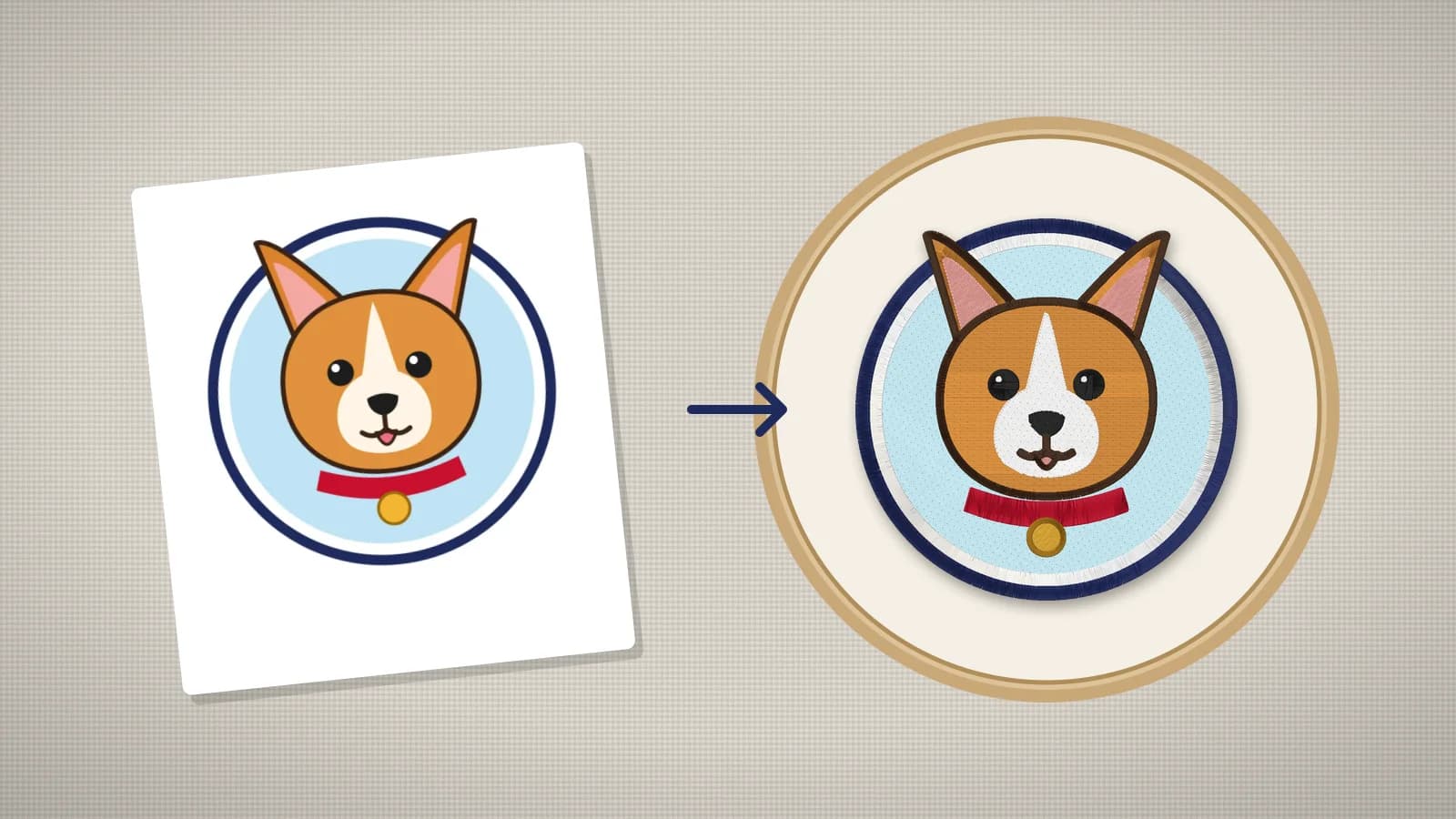 GuideHow to embroider a pet portraitChoosing a photo that stitches well, simplifying it to flat colors, sizes by item, fabric and stabilizer, digitizing the portrait with Embrizo, test stitching and adjusting, and gift ideas.Read the guide
 GuideHow to turn a photo into embroideryWhich photos stitch well, how to simplify one to flat colors, how big to stitch it, pet portraits, and what an automatic digitizer will and won't do.Read the guide
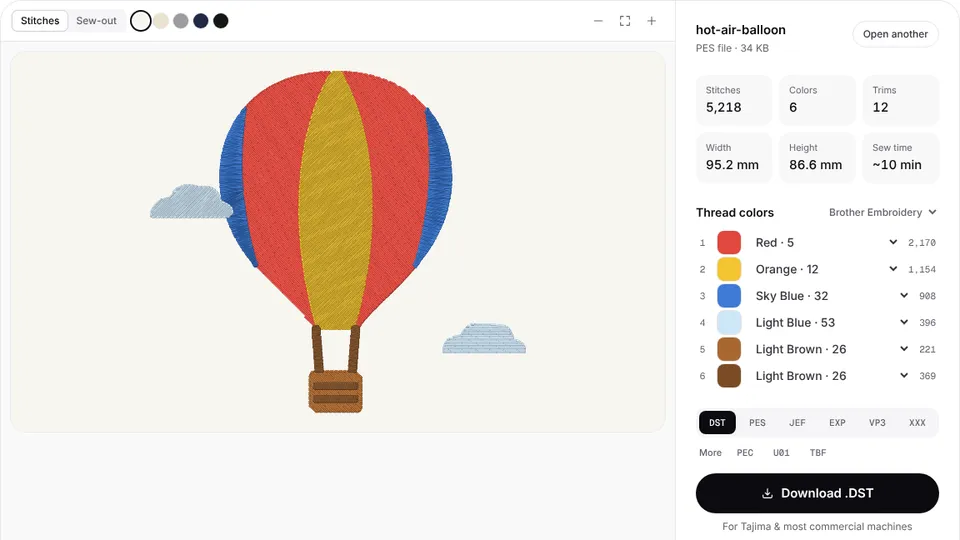 Free previewEmbroidery file converterConvert PES, DST, JEF, EXP, VP3 and XXX files to any other machine format.Open
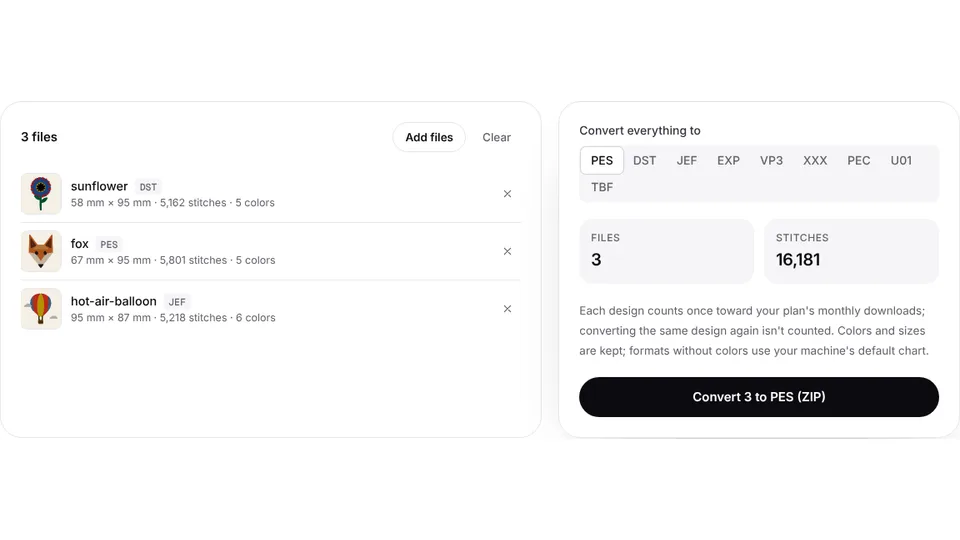 Free toolBatch embroidery file converterConvert up to 50 embroidery files to PES, DST, JEF or any format at once, as one ZIP.Open
Want the photo in full color?
Digitize it into filled thread colors in seconds.