How Embrizo turns an image into an embroidery file
A real run of the digitizer, step by step, from the artwork you upload to the file your machine reads. Every picture on this page comes from the same design.
- About a minute per design
- 9 machine formats
- Runs in your browser
Step 1
It reads your artwork
Upload a PNG, JPG, WebP, SVG, PDF or Illustrator file. The digitizer finds the background, whether it's transparent or a solid color, crops to the design and scales it to the size you choose, in millimeters or inches.
- Background found and removed
- Sized to your hoop or a width you type
- Processed on your device, never uploaded

Step 2
It separates the thread colors
Similar shades are grouped the way the eye sees them, so the soft edges of a PNG and the noise in a JPG don't turn into extra threads. Each group becomes one thread color, matched to Brother or Janome thread numbers if you like.
- Thread count chosen automatically, or capped by you
- Edge pixels and JPEG noise ignored
- Any color can be swapped or merged into another
- #316b50
- #1e4736
- #794b25
- #ecede5
- #f4b13f

Step 3
It picks a stitch type for every shape
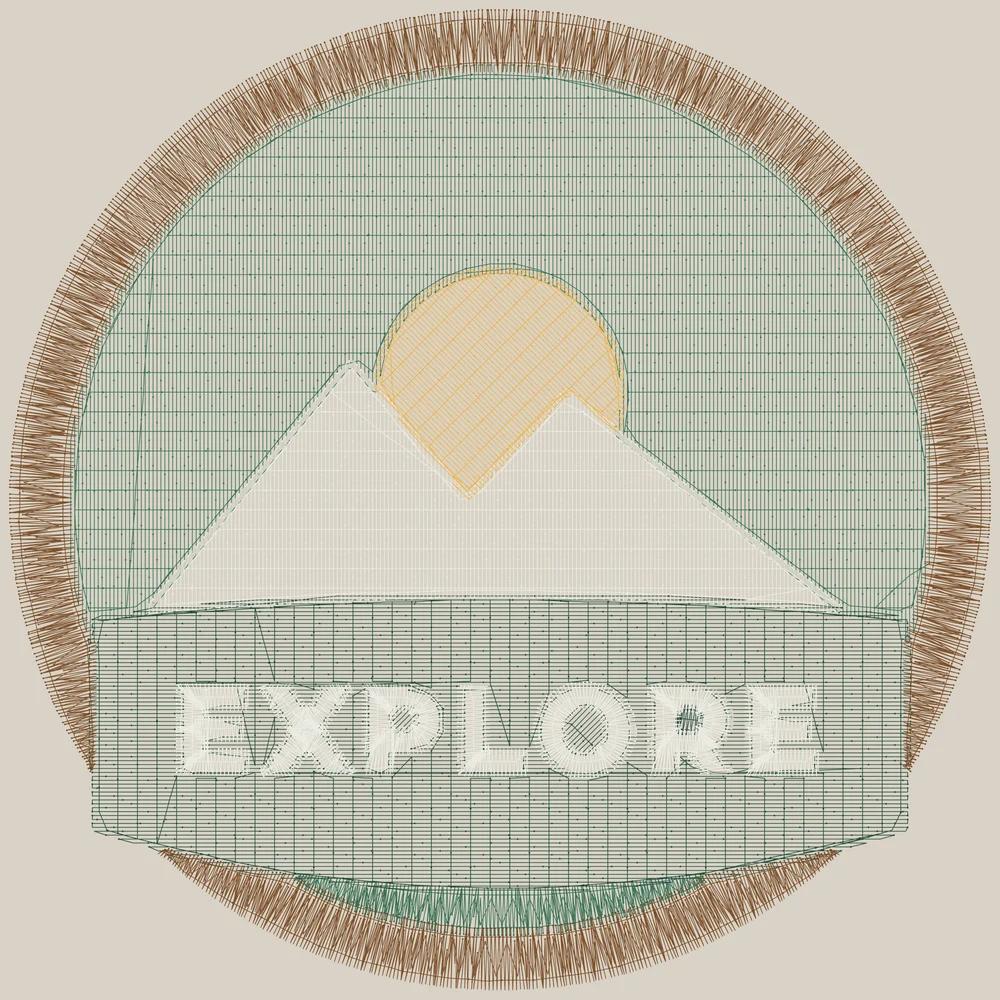
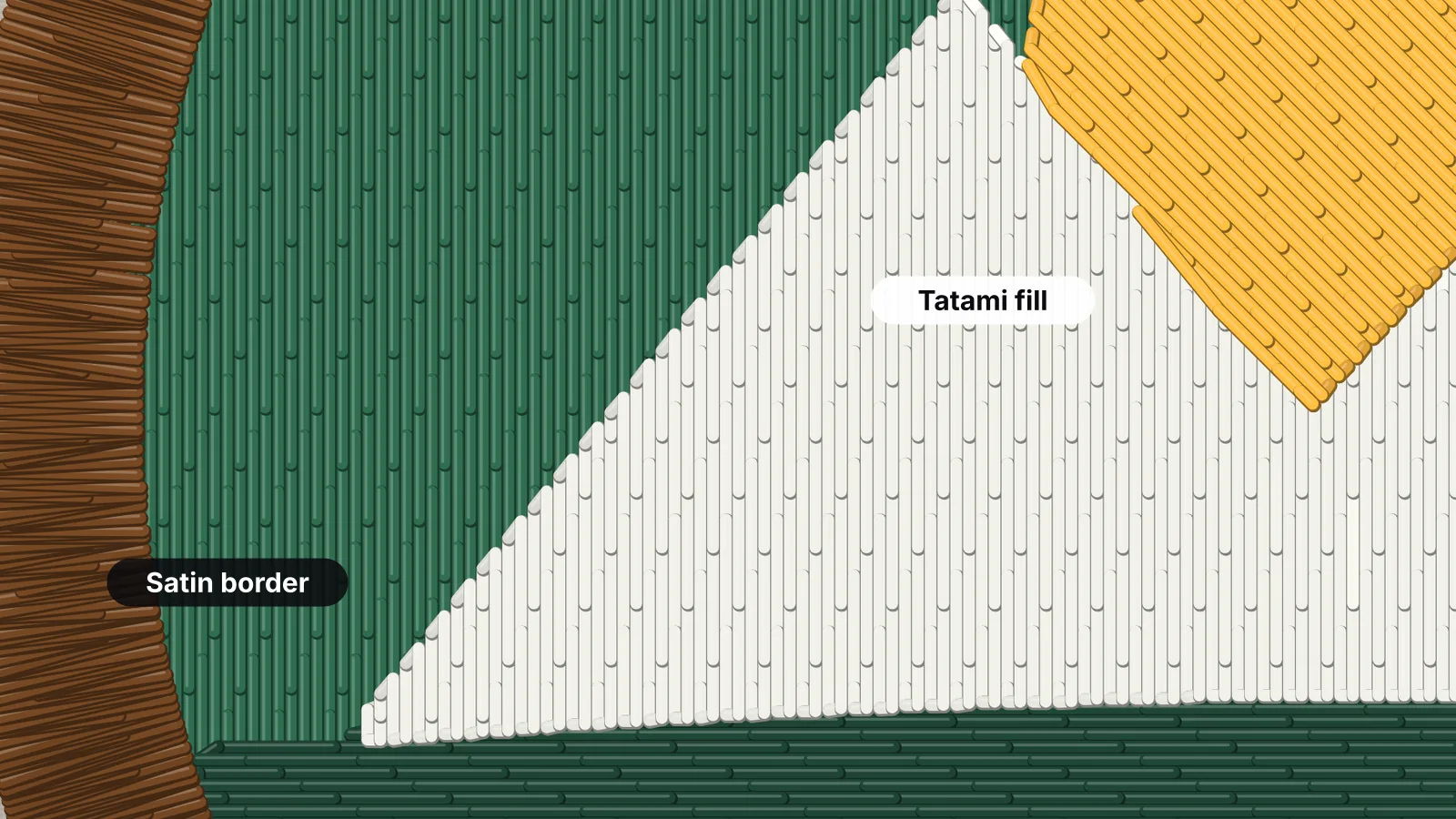
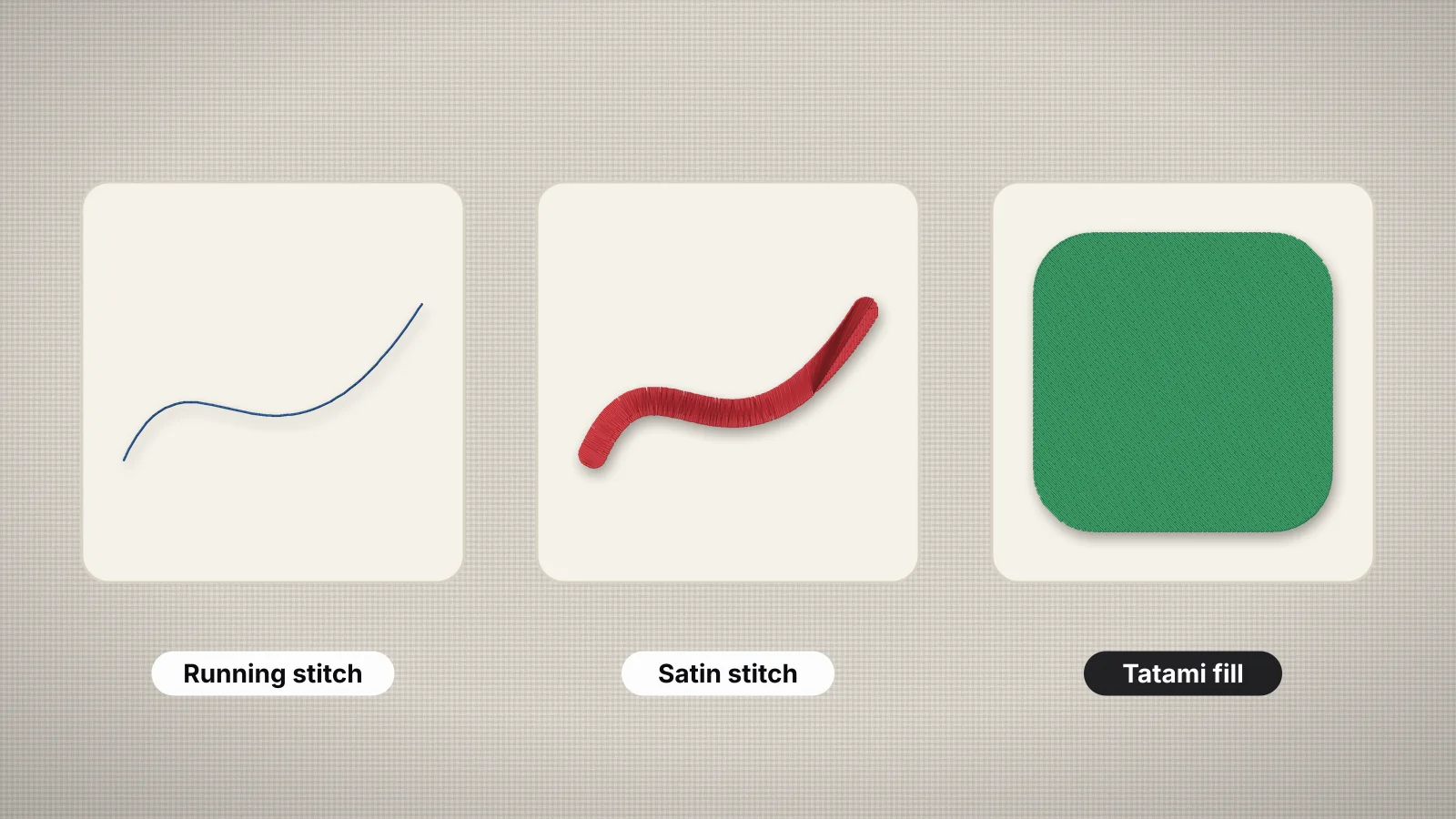
Every shape is measured at its final size. Lines thinner than about 0.75 mm become running or bean stitch, shapes up to about 6.5 mm wide become smooth satin columns, and anything wider gets a tatami fill with its own stitch angle.
- Satin for lettering, borders and outlines
- Tatami fill for large areas, with staggered needle points
- You can switch any color to fill, satin or outline
Free account · No credit card needed
Step 4
It adds underlay and pull compensation
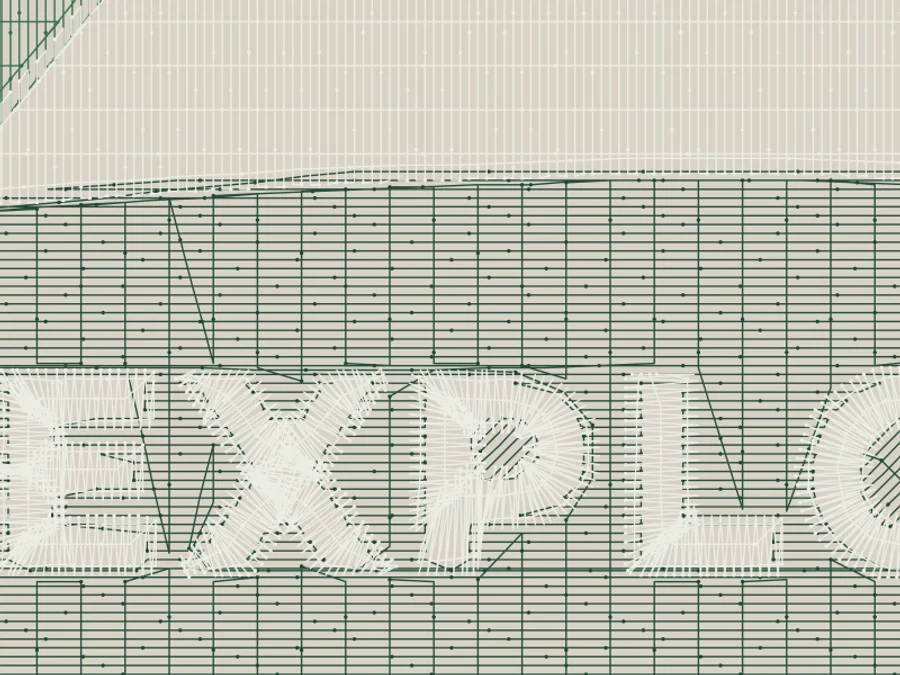
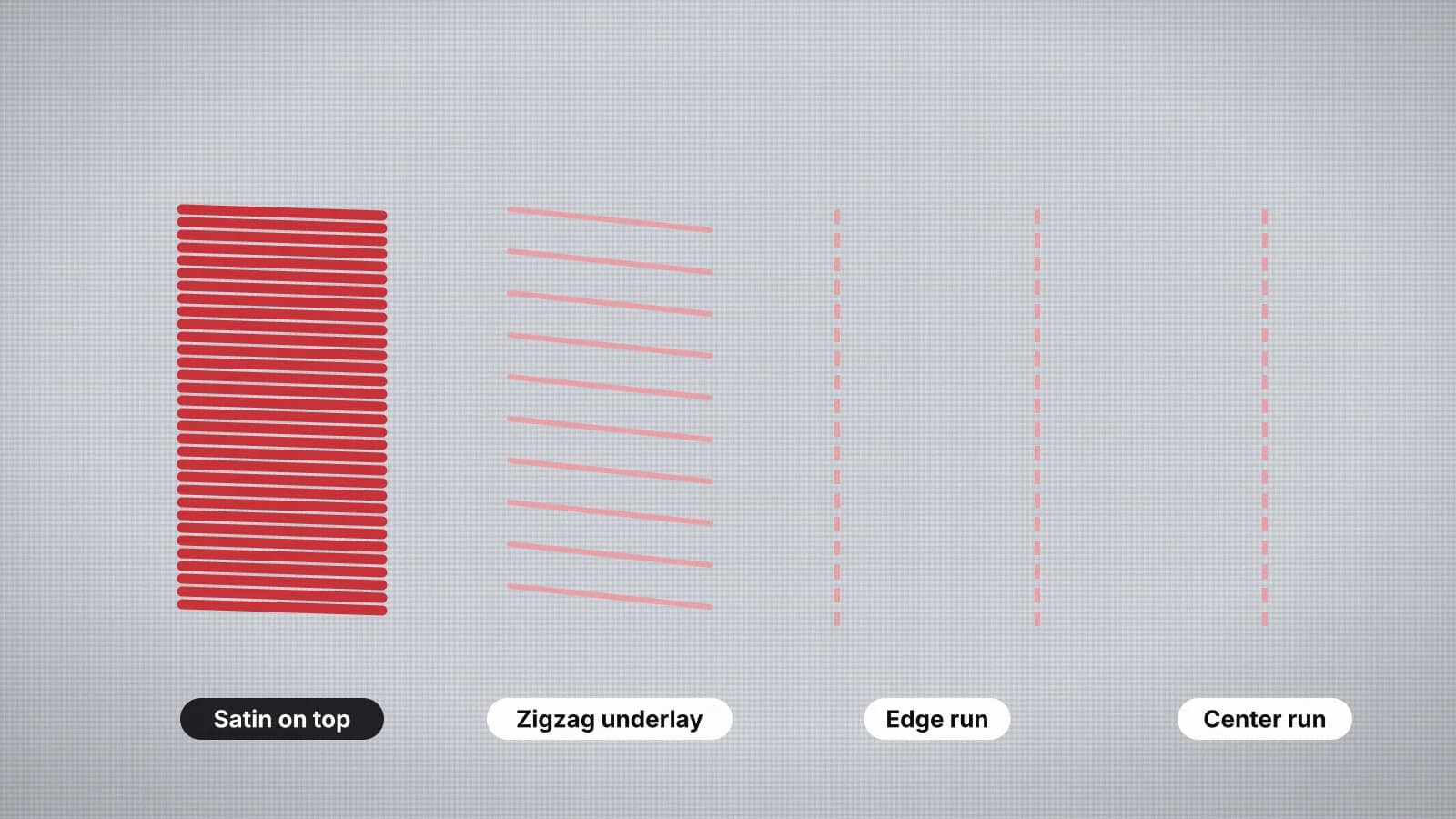
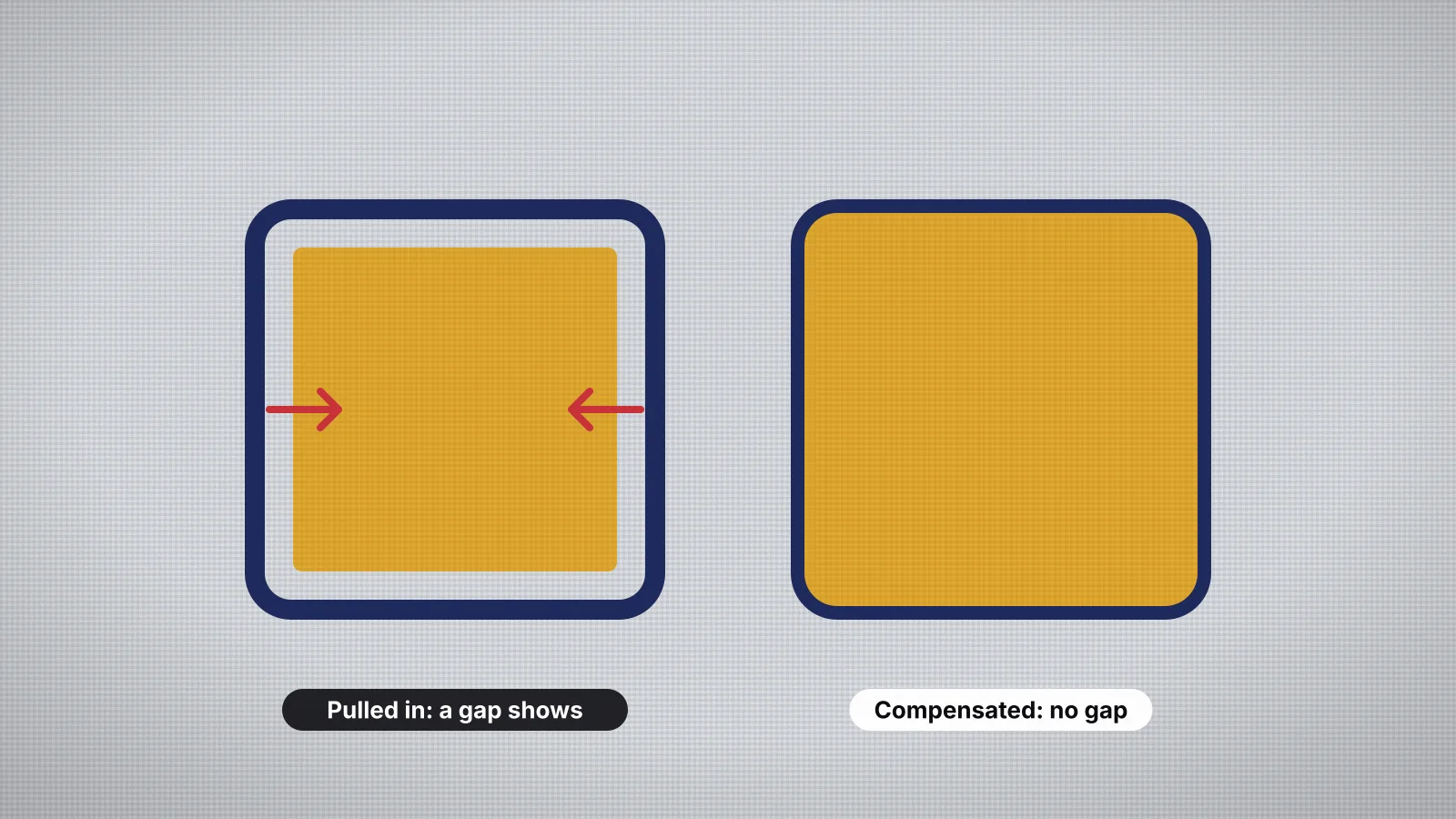
Underlay stitches go down first to hold the fabric flat and give the top stitches something to sit on. Pull compensation widens shapes slightly, because thread pulls fabric inward as it sews. The fabric you pick sets both, along with the stitch density.
- Presets for woven, knit, stretch, fleece and leather
- Four underlay levels, from none to heavy
- Lock stitches at every start and end
Step 5
It plans the sewing order
Colors sew from back to front, and lower areas run slightly under their neighbors so no gaps show. Travel stitches are hidden under later stitching where possible, and trims are added only where they're needed.
- Back to front, no gaps between colors
- Fewer jumps and trims
- Small details sewn on top of fills, not cut out of them

Step 6
You check it, then download your machine's file
A realistic preview shows every stitch on the fabric color you choose, and the sew-out simulation plays it stitch by stitch. A design check flags details too fine to sew and sizes that won't fit. Then download DST, PES, JEF, EXP, VP3, XXX, PEC, U01 or TBF.
- Preview, sew-out and design check
- Nine machine formats, or all of them in one ZIP
- Saved to My designs automatically

Try it on your own design
Drop a logo, drawing or lettering here. You'll see the same steps on your artwork, with a stitch preview in about a minute.
Drop your image here
PNG, JPG, SVG, PDF or AI · stays on your device
Works best on
- Logos and badges with a few flat colors
- Lettering, names and monograms
- Clip art, icons and simple drawings
- Vector files: SVG, PDF and Illustrator
Needs a little help
- Photos: they're simplified into a few thread colors
- Tiny text and hairlines: stitch them bigger or simplify them
- Gradients and shadows: flatten them first
Free account
See your own design stitched
Create a free account to digitize any image, try every setting and watch it sew. Choose a plan only when you want to download files.
- Digitize and preview any image
- Realistic stitch preview and sew-out
- Download free ready-made designs
- No credit card needed


Questions about how it works
The quickest way to see what it does with your artwork is to try it. With a free account, digitizing and previewing cost nothing and take about a minute.
Is Embrizo really AI?
It's AI in the sense of automated computer vision: it does the job a digitizer does by hand, reading shapes, colors and widths and applying embroidery rules to them. It isn't generative AI. It doesn't invent or redraw your design, and it doesn't learn from your images.
How long does it take?
About a minute for a typical logo, most of it spent choosing the size and checking the preview. The digitizing itself takes seconds on a laptop, a Chromebook or an iPad.
Is my image uploaded?
No. The digitizing runs in your browser, so your artwork stays on your device. Your account saves the design's name, preview and settings so you can reopen it.
Can I change what it chooses?
Yes. You can set the size and fabric, cap the number of colors, merge one color into another, switch any color to fill, satin or outline, change the underlay, and rotate or mirror the design. The preview updates as you go.
What kind of images work best?
Logos, lettering, monograms, clip art and drawings with clear shapes and a few flat colors. Photos work too, but they're simplified into a handful of thread colors, so a clean, high-contrast photo gives the best result.
Is it free?
Creating an account, digitizing and previewing are free. Downloading embroidery files needs a plan, and every plan includes all nine formats.
The embroidery behind each step
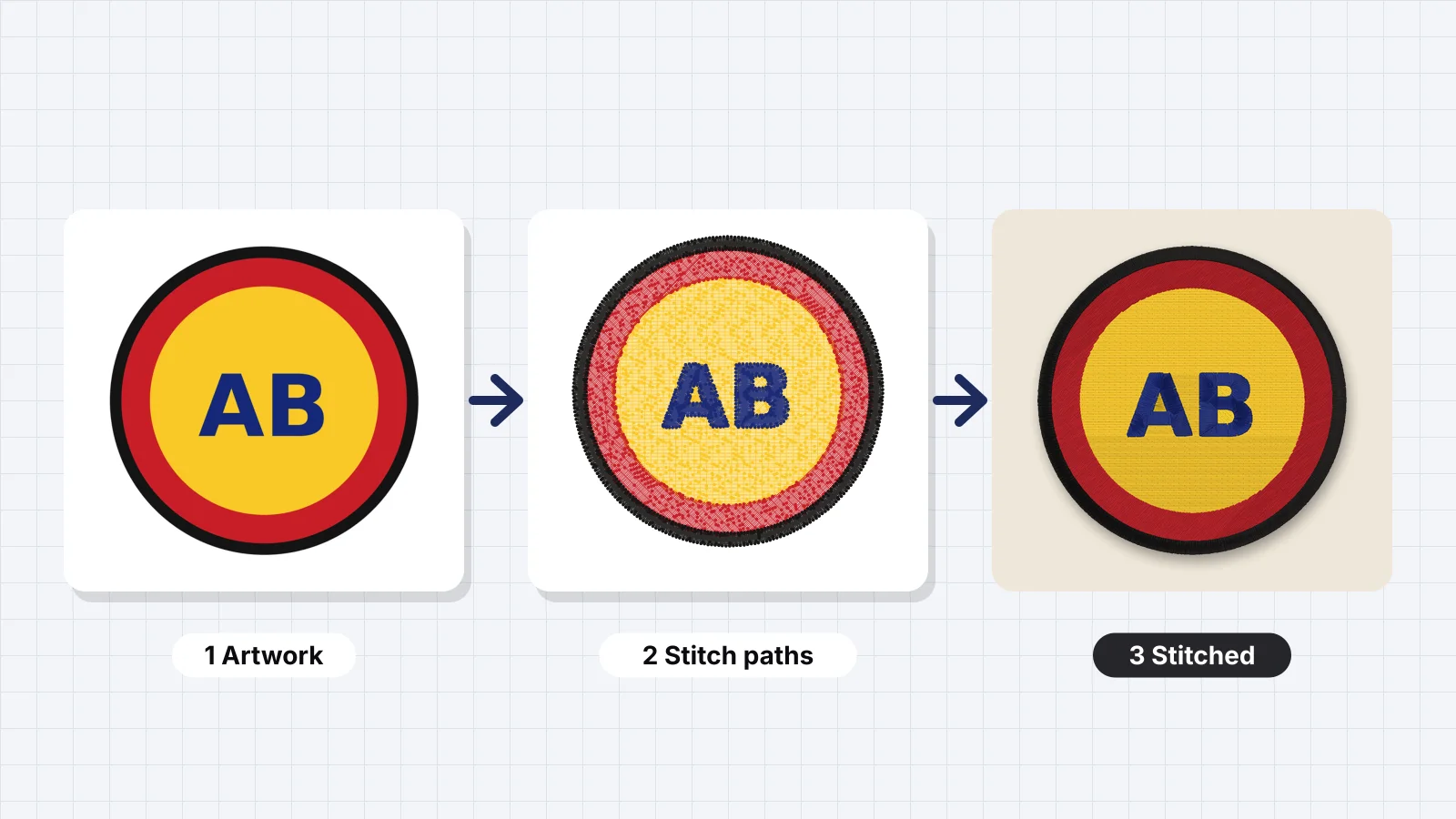 7 min readWhat is embroidery digitizing?A definition, the decisions digitizing makes, why an image can't be sewn directly, manual digitizing, auto-digitizing and services compared, what a digitized file contains, who needs digitizing and how to get started.Read the guide
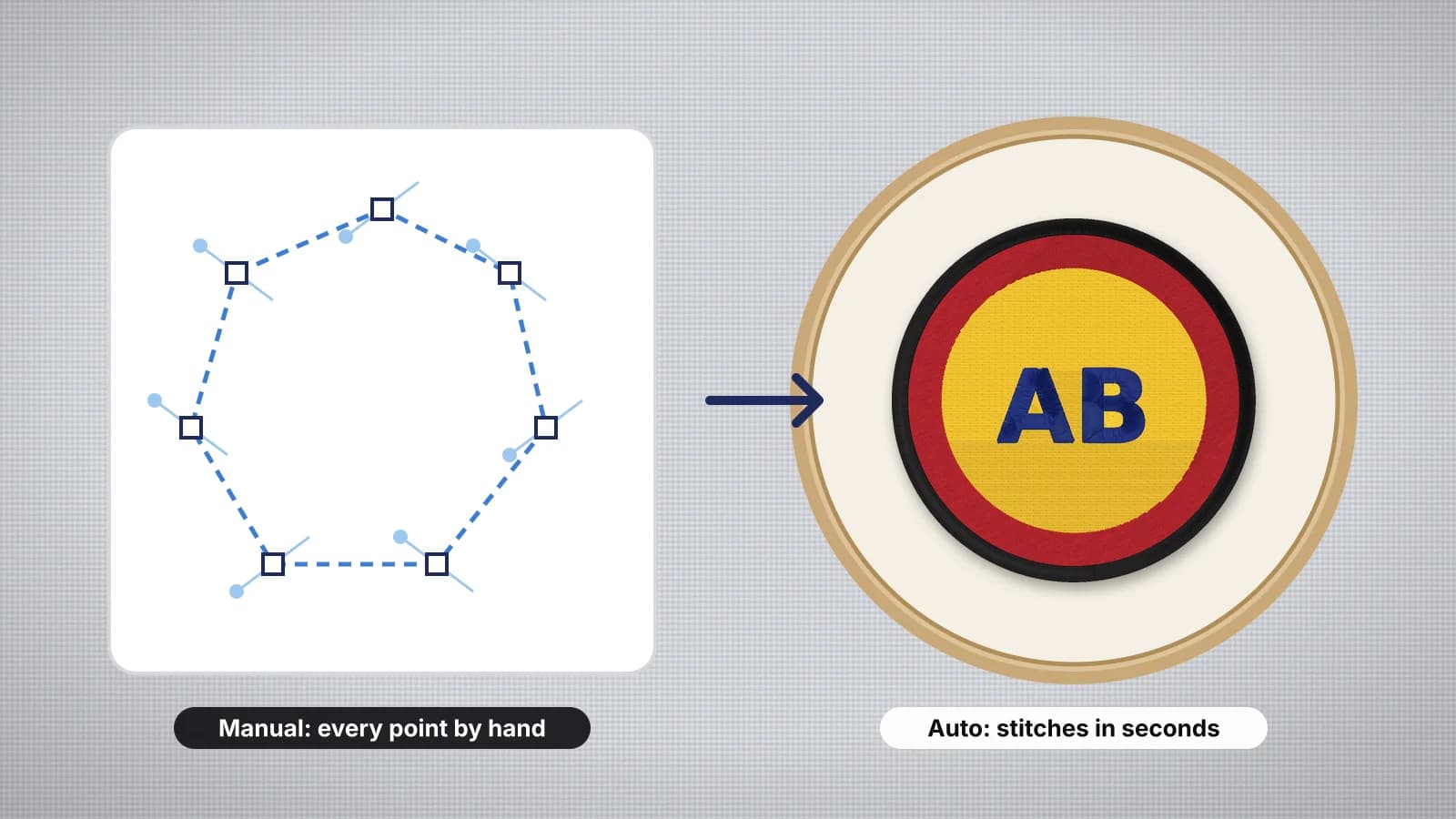 7 min readAuto-digitizing vs manual digitizingWhat auto and manual digitizing are, how they compare on quality, speed and cost, what a good auto-digitizer plans for you, the designs that still need hand digitizing, and how to choose for each job.Read the guide
 6 min readSatin stitch vs fill stitch: when to use eachHow satin, tatami fill and running stitches differ, the widths each one suits, and how to choose.Read the guide
 6 min readWhat is underlay in embroidery?What underlay does, the main types, underlay under satin and under fill, how much each fabric needs, Embrizo's four underlay levels, and the signs of too much or too little.Read the guide
 6 min readWhat is pull compensation in embroidery?Why stitches pull the fabric, what pull does to a design, how pull compensation works, typical amounts by fabric, how Embrizo applies it, and how to fix pull problems in the file and the hoop.Read the guide
 9 min readMachine embroidery stitch types and when to use eachA table of every stitch type with its use, width and density, then running and bean stitch, satin columns, tatami and its patterns, motif, E-stitch and appliqué stitches, underlay, lock stitches, jumps and trims, and which stitch Embrizo picks for each shape.Read the guide
Your design, ready to stitch
Sign up free, upload an image and see it stitched in under a minute. Your image stays on your device.