Embroidery design combiner
Put two embroidery designs in one file: a motif with a name, a logo with a slogan, or two designs side by side, lined up and checked against your hoop.
Sews first
Drop a stitch file
DST, PES, JEF, EXP, VP3, XXX and more
Sews second
Drop a stitch file
DST, PES, JEF, EXP, VP3, XXX and more
Add two designs, or . Need a name to add? Make the lettering first.
Popular combinations
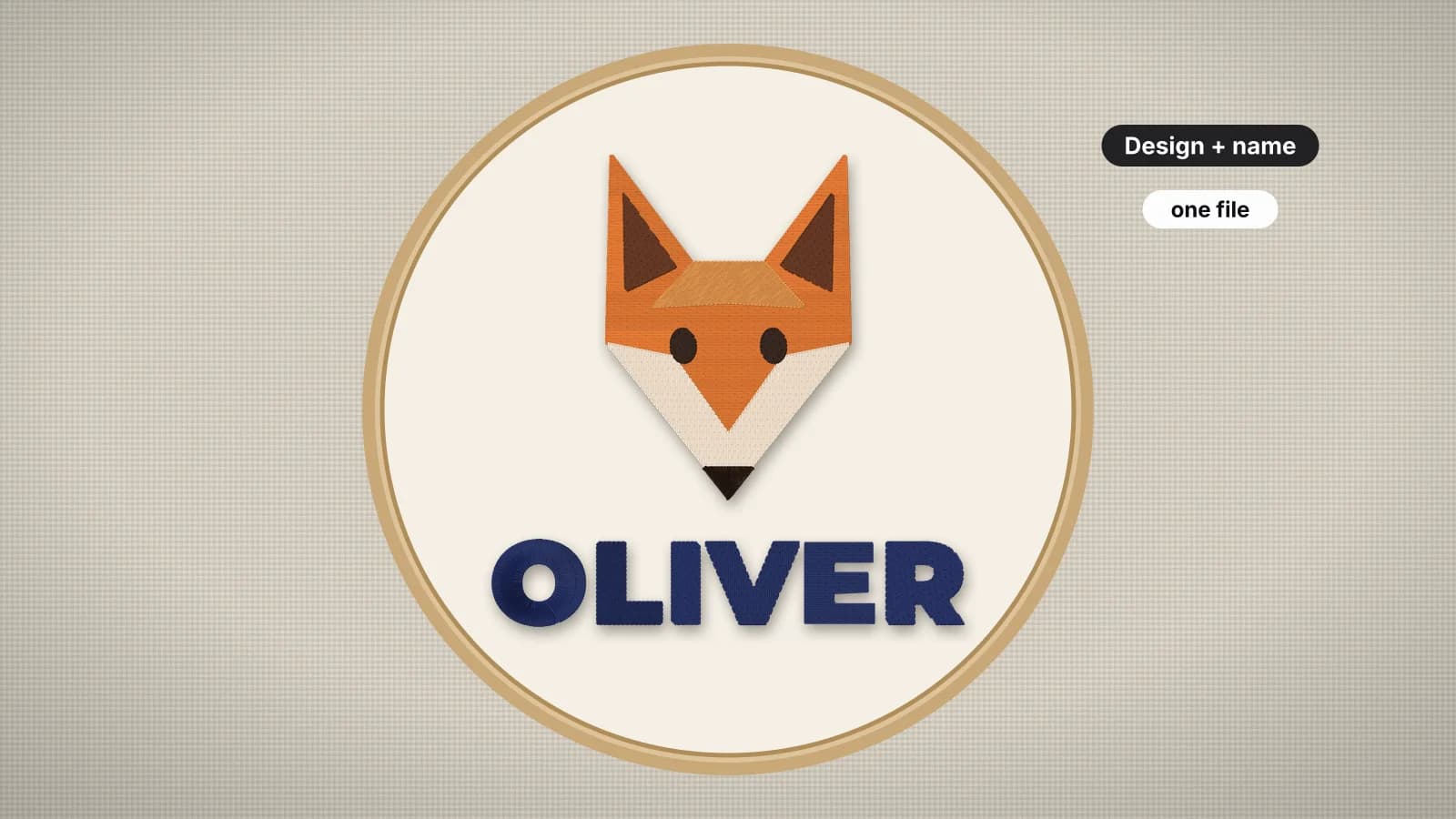
Design + name
A motif with a name underneath, centered, for gifts and kids' items.
Logo + slogan
A business logo stacked over a tagline or website.
Two side by side
A pair of motifs, such as a border or matching set.
Monogram + motif
An initial beside a flower, star or heart.
Fewer stops
Matching threads where the designs meet are merged.
Hoop check
The combined size and the smallest hoop it fits.
Lay it out well
- Leave 5–10 mm between a motif and lettering so both read clearly.
- Center names under a design; align left only for corporate layouts.
- Keep the lettering at least 5 mm tall in capitals.
- Watch the sew-out to check the order before you save.
Free account
Start digitizing in under a minute
Create a free account to digitize any image, try every setting and watch it sew. Choose a plan only when you want to download files.
- Digitize and preview any image
- Realistic stitch preview and sew-out
- Download free ready-made designs
- No credit card needed
Questions
The quickest way to see what it does with your artwork is to try it. With a free account, digitizing and previewing cost nothing and take about a minute.
How do I combine two embroidery designs into one?
Open both stitch files here, choose stacked or side by side, set the gap and alignment, and the combiner joins them into one design that sews the first, then the second. Check the size against your hoop, then save it in your machine's format.
How do I add a name to an embroidery design?
Make the name with the text to embroidery tool and save it, then combine it with the design here, usually stacked with the name underneath and centered.
Does combining add color changes?
Only where the threads differ. If the last color of the first design is the same thread as the first color of the second, the two are merged so the machine doesn't stop.
Can I combine different file formats?
Yes. Open any mix of DST, PES, JEF, EXP, VP3, XXX and more, and save the result in the format you need.
Is the combiner free?
Combining and previewing are free. Saving the combined embroidery file needs a paid plan, from $8 a month billed annually.
More tools
Keep going
 GuideHow to combine embroidery designsPutting two designs, or a design and a name, into one file: layouts, gaps, stitch order, color stops, checking the combined size against the hoop and test-sewing.Read the guide
 GuideHow to embroider namesFonts and minimum letter heights for the 12 lettering styles, name sizes by placement, long names and centering, stabilizer by fabric, making the file and test-sewing.Read the guide
 GuideEmbroidery placement guide: sizes and positionsStandard embroidery placements with sizes in inches and mm, where to measure from and how to hoop each one.Read the guide
 Free previewEmbroidery file converterConvert PES, DST, JEF, EXP, VP3 and XXX files to any other machine format.Open
 Free toolEmbroidery file viewerOpen DST, PES, JEF and more in your browser: stitch preview, colors, size and stitch count.Open
 Free previewText to embroidery fileType a name or monogram, pick a font and download a ready-to-sew lettering file.Open
Want it as one design from the start?
Upload the full artwork with the lettering in place and digitize it in one go.