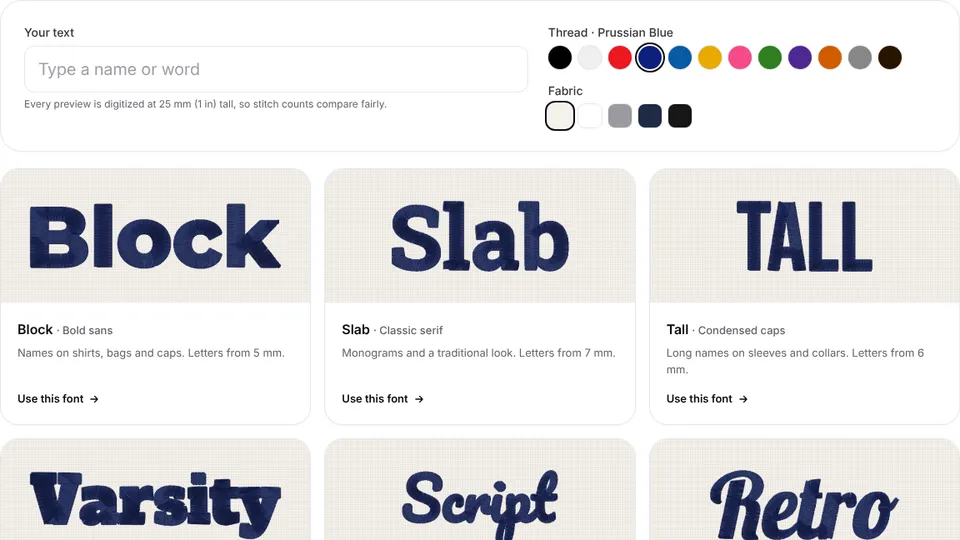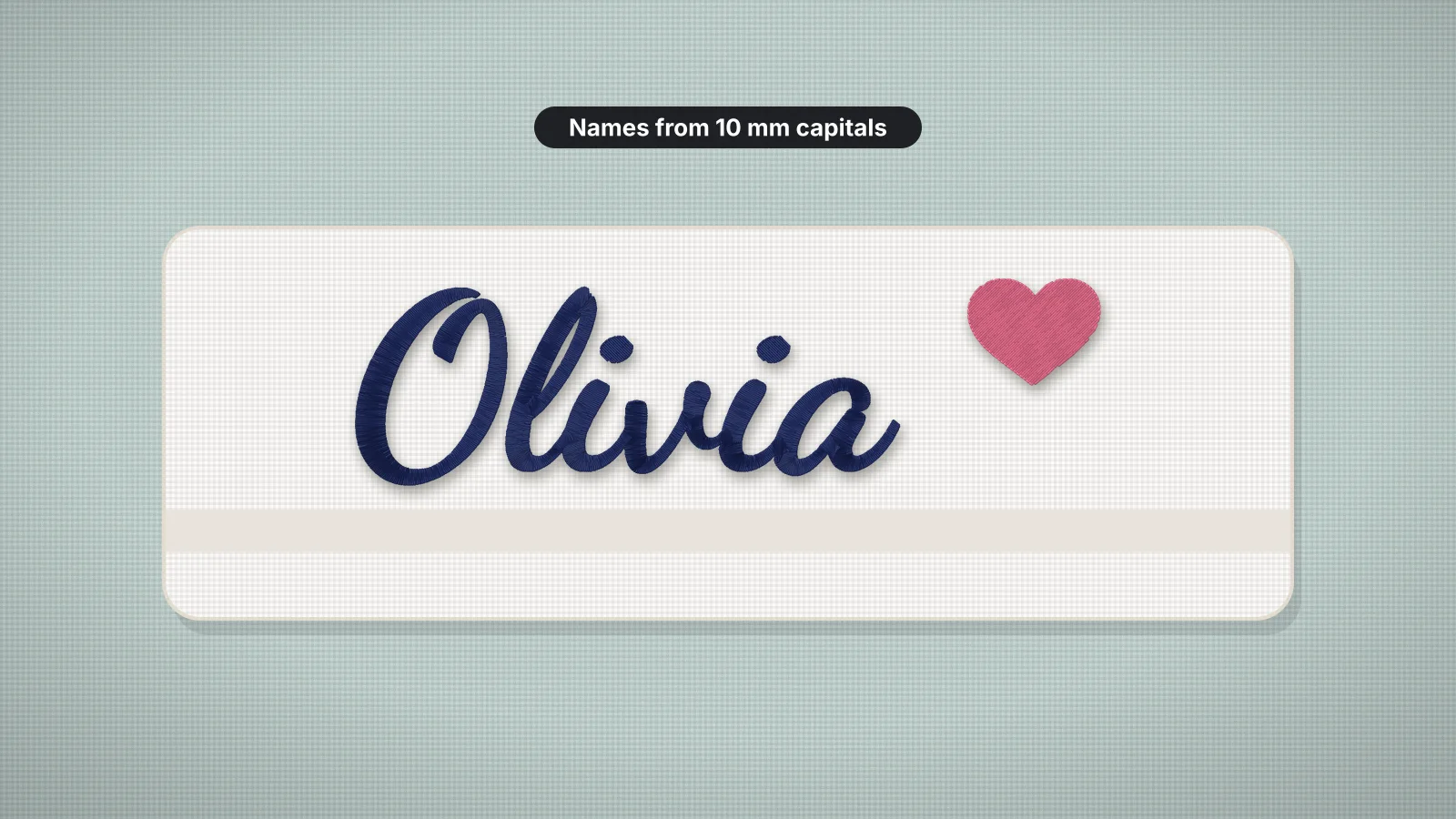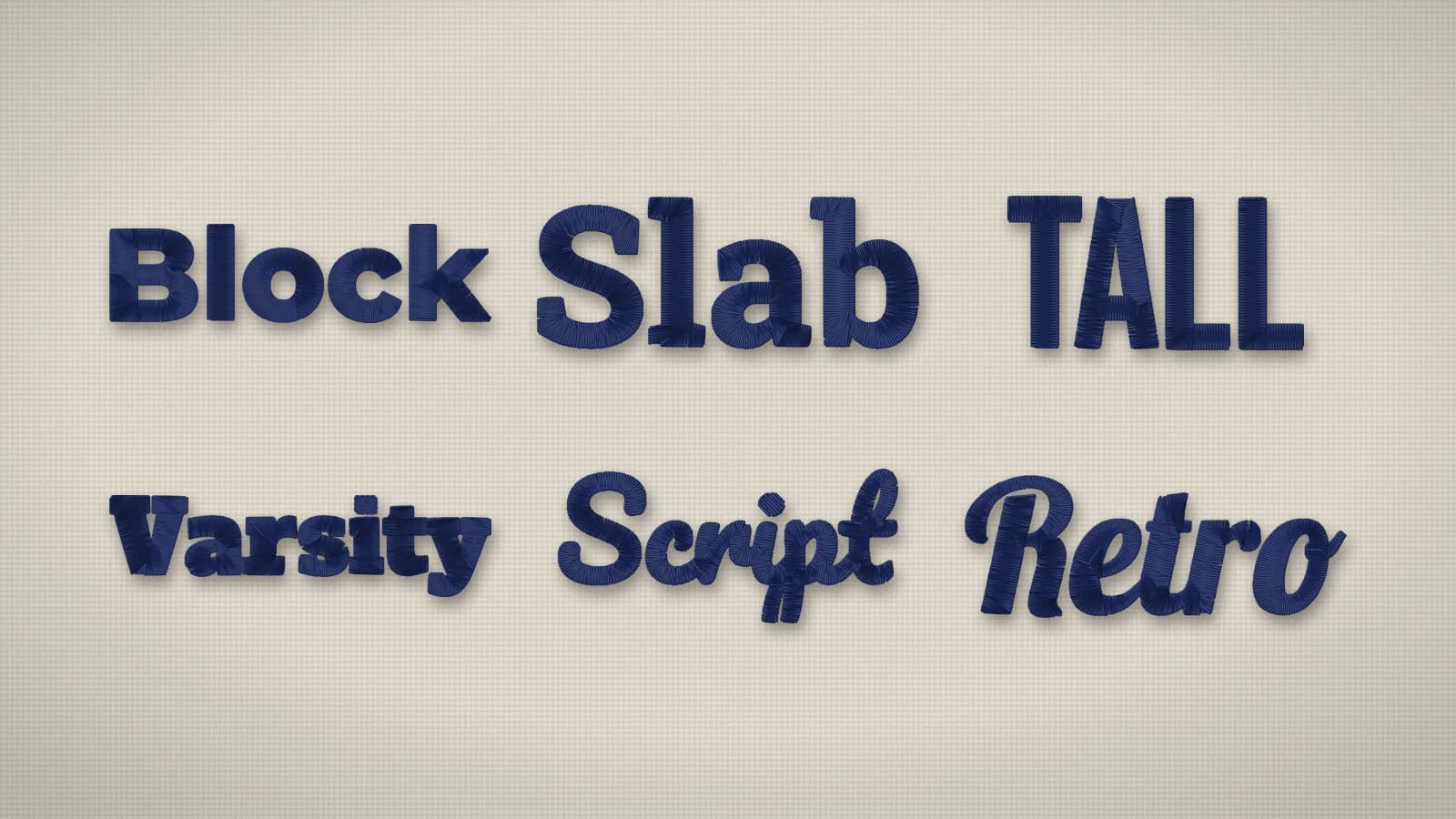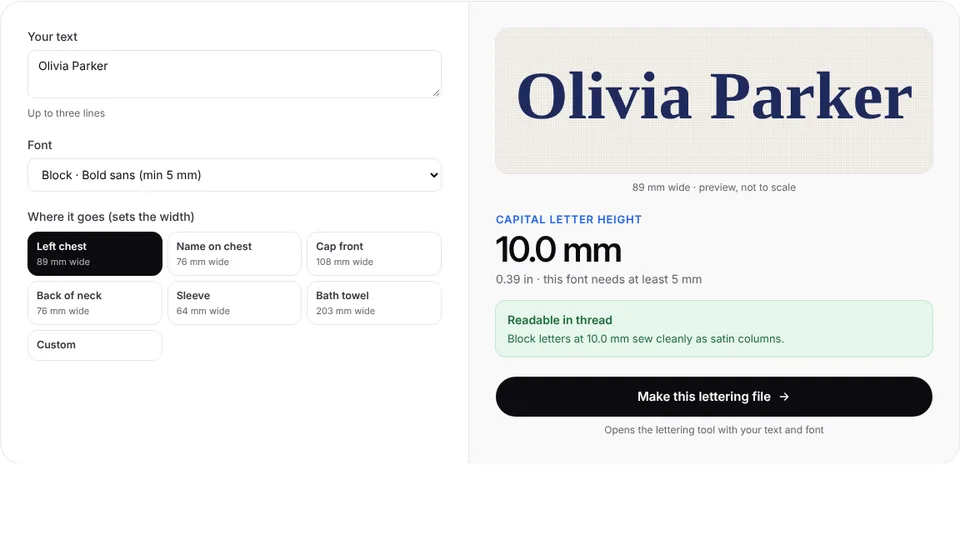
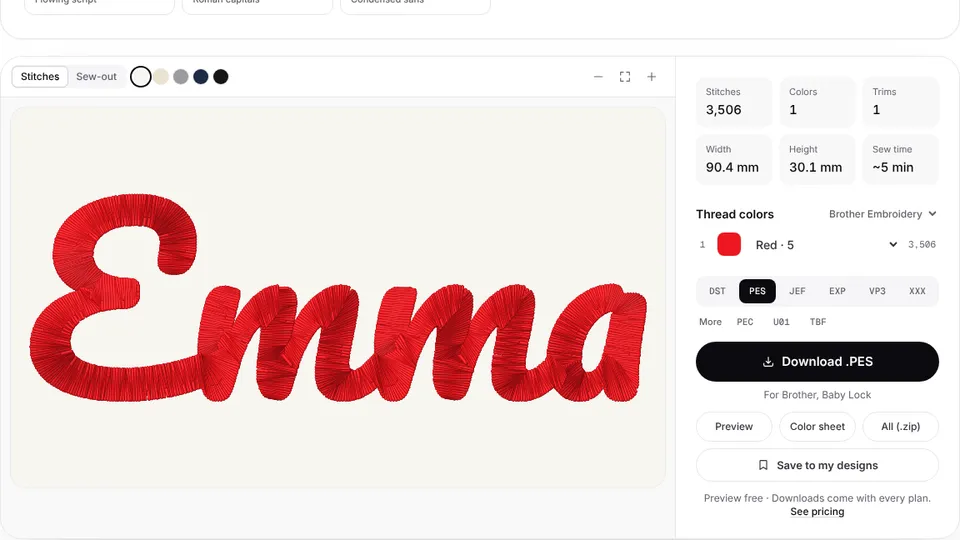
 Free previewText to embroidery fileType a name or monogram, pick a font and download a ready-to-sew lettering file.Open the tool
An embroidery alphabet is a set of stitch files, one per letter, in a single lettering style: A.pes, B.pes and so on. Line the letters up on your machine and you can spell any name, initials or a short word without lettering software. It's how many embroiderers did names before keyboard fonts, and it still works on every machine that can put two designs on the screen.
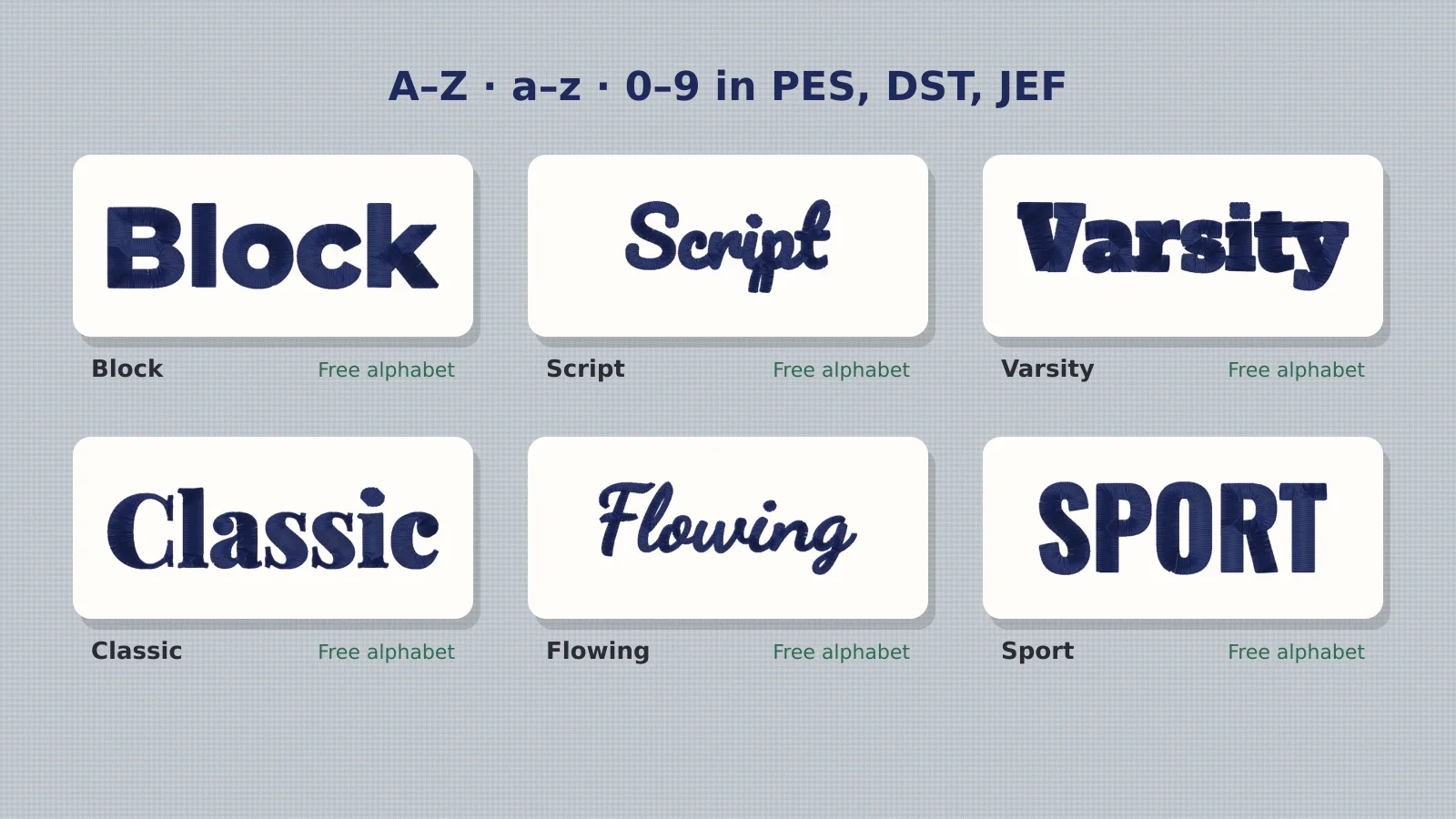
This guide covers spacing, lining up and stitching. If you don't have an alphabet yet, every style on the embroidery fonts page downloads free as letter files (A–Z, a–z, 0–9 and &) at 1 and 2 inch capital height, in PES, DST, JEF and six more formats.
What is an embroidery alphabet?
It's a folder of designs, one character each, digitized at the same capital height so they match when combined. Good sets include capitals, lowercase, numbers and an ampersand, and come in a couple of sizes, because lettering resized by more than about 20% loses its stitch quality. Each letter is a normal design file: your machine doesn't need a font installed to sew it.
| Kind | What you get | Best for |
|---|---|---|
| Alphabet letter files | One design per letter (PES, DST, JEF…) | Names and initials on any machine, no software |
| Built-in machine fonts | Lettering you type on the machine's screen | Quick names, but few styles and sizes |
| Keyboard fonts (BX) | Fonts for Embrilliance software | Typing names on a computer, if you own the software |
| A text to embroidery tool | The whole name as one file, spaced for you | Long names, curved text, many names |
How far apart should embroidered letters be?
Measure the gap between the inked edges of neighboring letters, not between their centers. A gap of about a fifth of the capital height reads well for most styles: 4–5 mm between 1 inch (25 mm) capitals and 9–10 mm between 2 inch (50 mm) capitals. Script letters that join are the exception: overlap them so the connecting strokes meet, by about 1 mm.
| Capital height | Gap between letters | Space between words |
|---|---|---|
| 15 mm (0.6 in) | 3 mm | 8–10 mm |
| 25 mm (1 in) | 4–5 mm | 12–15 mm |
| 38 mm (1.5 in) | 7 mm | 18–22 mm |
| 50 mm (2 in) | 9–10 mm | 25–30 mm |
- Round letters (O, C, G, S) look farther apart than straight ones; nudge them 1 mm closer.
- Pairs with diagonals (AV, VA, To, Wa) need tucking in so the gap looks even, not measures even.
- Narrow letters (I, l, i, 1) need a full gap on both sides or they look lost.
Try it with your own design
Sign up free, upload an image and get a stitch preview in under a minute.
Drop your image here
PNG, JPG, SVG, PDF or AI · stays on your device
Not sure what to expect? See real examples or how it works.
How to line up capitals and lowercase
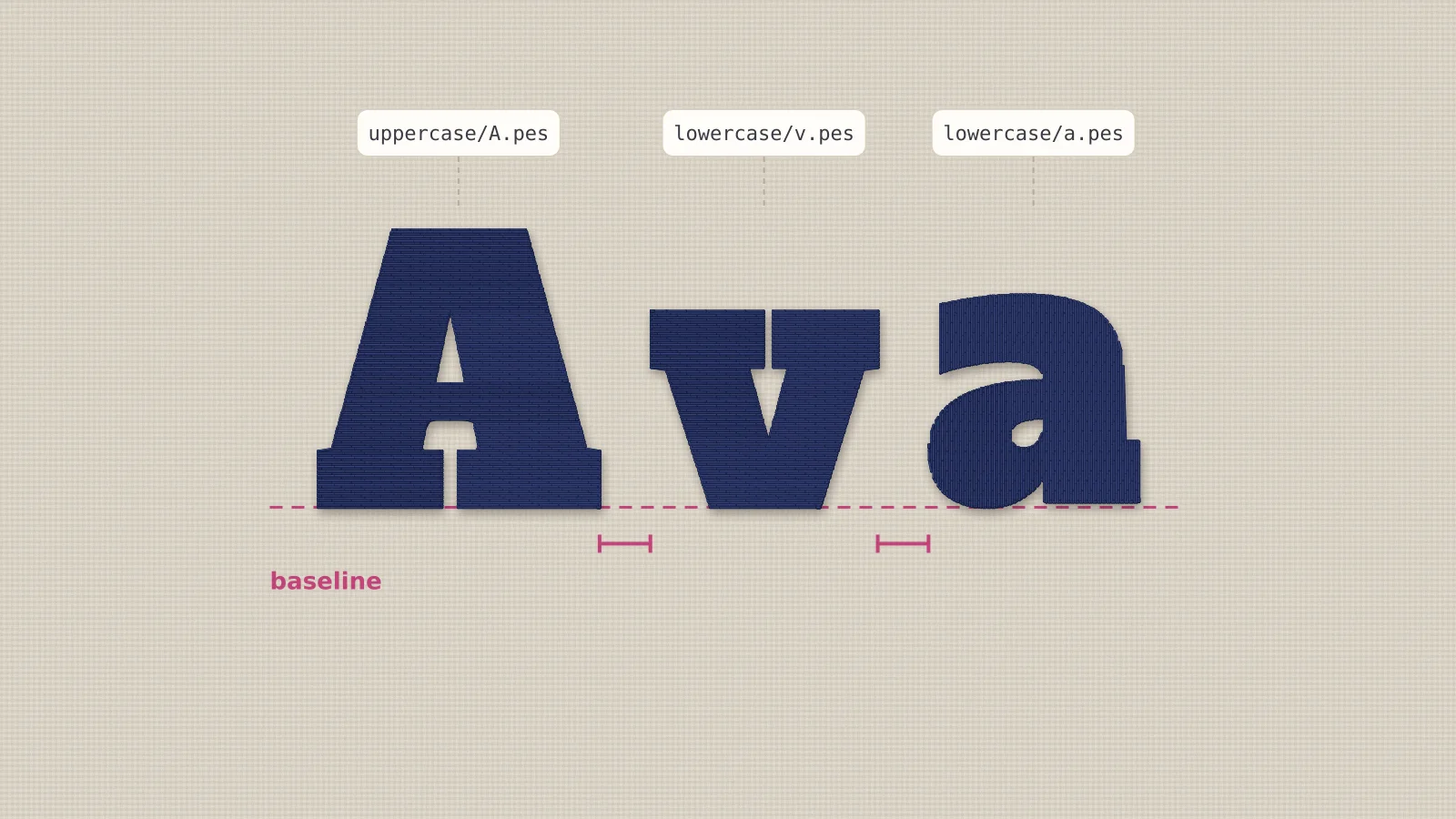
Line up the bottoms of the letters, not their centers. Each letter file is centered on its own box, so a lowercase a sits lower than a capital A if you only center them; move each letter down until its bottom matches the capital's. Letters that hang below the line (g, j, p, q, y) are lined up by the bottom of their bowl, so their tails drop below.
Most machines show a grid on the edit screen. Turn it on, line the first letter's bottom up with a grid line, and match every other letter to the same line. Many also show each design's size and position in millimeters, which makes the spacing exact.
How to combine letters on your machine
- Copy the letters you need to a USB stick (for Ava: A.pes and lowercase v.pes and a.pes).
- On the machine, open the first letter, then use Add (Brother and Baby Lock) or the combine or edit mode (Janome, Bernina, Husqvarna Viking and Pfaff) to bring in the next one.
- Move each letter with the arrow keys to its spot: same baseline, even gaps.
- Center the whole name in the hoop. Some machines group the designs so they move together.
- Stitch the letters in one hooping, left to right, so the fabric pulls the same way for each.
If your machine can only show one design at a time, combine the letters in software instead, or skip combining entirely: the text to embroidery tool types the whole name in the same lettering styles and makes it one file, spaced and centered, which the machine opens like any other design.
Which alphabet size should you use?
| Item | Capital height | Alphabet size |
|---|---|---|
| Left chest name, sleeve | 10–15 mm | 1 in, reduced 40–60% (better: the text tool at that size) |
| Tote bag, towel, backpack | 20–30 mm | 1 in |
| Christmas stocking cuff | 25–35 mm | 1 in |
| Pillow, blanket, sweatshirt | 40–60 mm | 2 in |
| Jacket back, banner | 60–100 mm | 2 in, enlarged up to 20% |
Resize letters on the machine by up to about 20% either way; beyond that, the satin columns get too thin or too long and loose. For a size between the two sets, the lettering size calculator shows how big a name comes out, and the text tool makes it at exactly that size.
Practice on a free design
167 ready-to-sew designs in every machine format, free with an account.
Stitching tips for letter-by-letter names
- Use one hooping for the whole name. Re-hooping between letters almost always shows.
- Trim jump threads between letters as you go, or let the machine trim if it does.
- Back it properly: tear-away for wovens, cut-away for knits and sweatshirts, plus a water-soluble topping on towels.
- Test once on scrap fabric to check the spacing reads well from a step away.
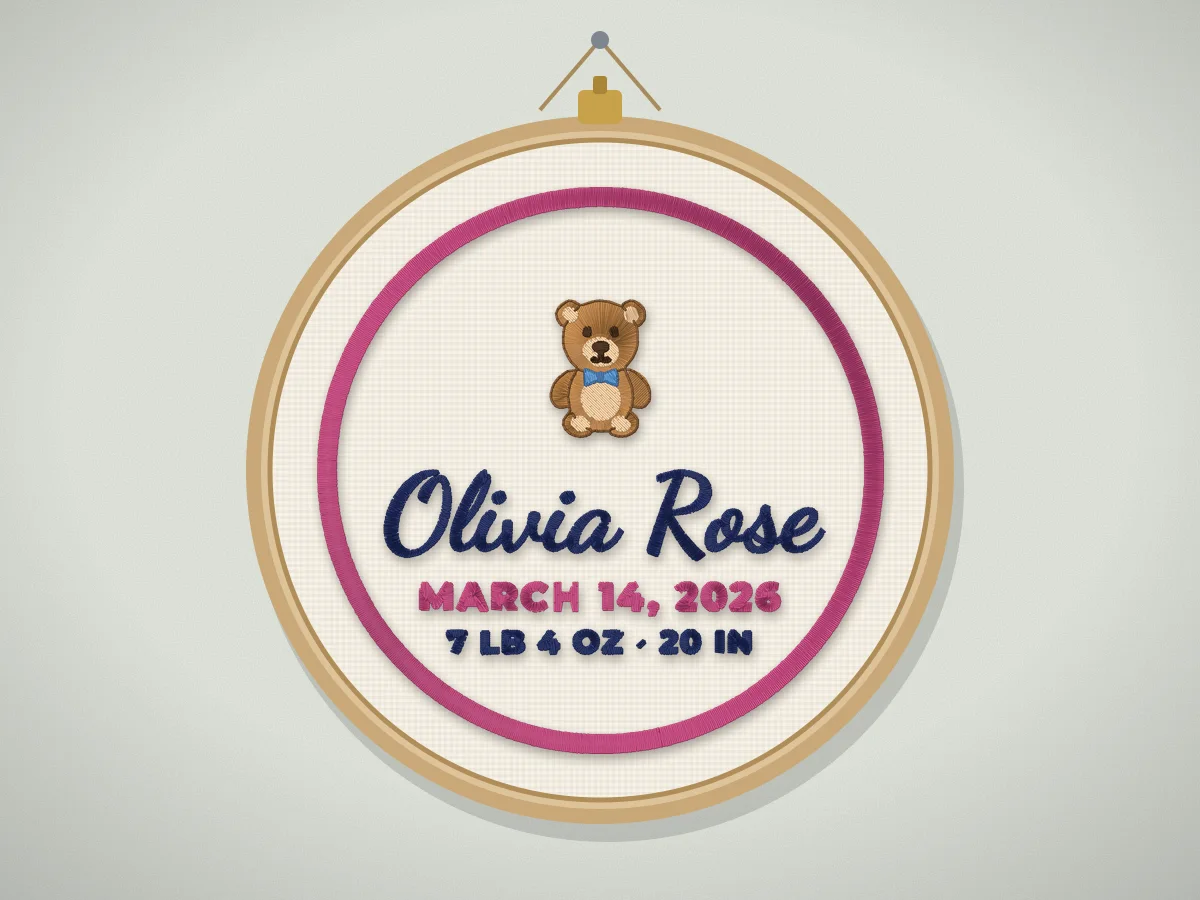
Ready to stitch? Download a free alphabet, or make the whole name as one file in the text tool. For names with icons, dates or monograms, the personalized design maker lays it all out for you.