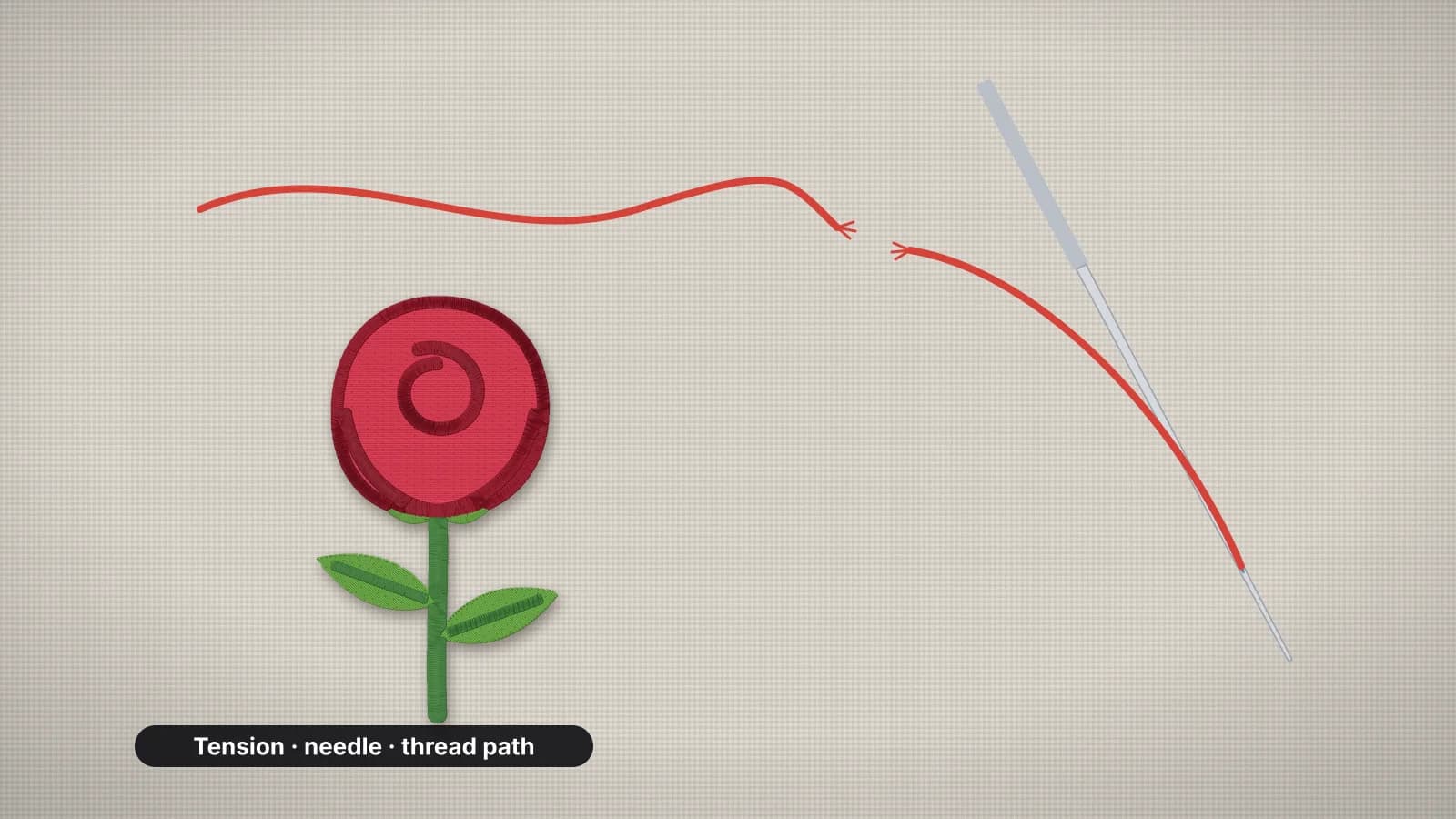
An occasional thread break is part of machine embroidery, especially with metallic thread or on a long run. Thread that breaks every few hundred stitches isn't. It wastes time, leaves untidy restarts in the design and usually points to something that will cause other problems too.
The causes are well known, and most take a minute to rule out. This guide lists them in a table, then works through them in the order that usually finds the culprit fastest: the needle, threading and the spool, the thread itself, tension and burrs, speed and finally the design. For puckering, gaps and other faults, see embroidery problems and fixes.
Causes and fixes at a glance
| Cause | Signs | Fix |
|---|---|---|
| Worn, dull or burred needle | Breaks after many hours of stitching, frayed ends, a louder thud as it goes in | Fit a new needle, then replace it every 8–10 hours of stitching |
| Needle too small for the thread | Shredding at the eye | 75/11 for 40-weight; 80/12 or 90/14 for 30-weight and metallic |
| Needle not fully seated | Breaks and skipped stitches right after a needle change | Refit it, pushed all the way up, flat side to the back on home machines |
| A missed guide or take-up lever | Breaks within a few stitches of starting | Rethread the whole path with the presser foot up |
| Spool catching | Breaks at regular intervals, thread caught on the notch or wrapped round the pin | A cap that fits, the notch out of the way, a thread net or a stand |
| Top tension too tight | Bobbin thread pulled up to the front, and thread snapping under strain | Rethread, then loosen the top tension a little and test |
| Old or poor-quality thread | Snaps easily when you pull a length between your hands | Replace it, and keep that spool for practice |
| A burr in the thread path | Shredding at the same point in the machine, whatever the needle | Have the nicked needle plate, hook or guide repaired |
| Speed too high for the thread | Metallic and specialty threads break on fast runs | Slow the machine down |
| Design too dense | Breaks at the same spot in the design every time | Lighten the density, or digitize again at the right size |
Change one thing at a time and test after each, so you know which fix worked. The glossary entry on thread tension explains how to read the back of the stitches.
Start with the needle
The needle is the cheapest part of the machine and the most common culprit, so it's the first thing to change. A needle wears as it stitches, and a dull point or a tiny burr from hitting a hoop, a pin or a clip frays thread at every stitch. Many embroiderers fit a new needle every 8–10 hours of stitching, and straight away after it hits something.
| Thread | Needle |
|---|---|
| 60-weight, for small lettering | 65/9 or 70/10 |
| 40-weight, the standard | 75/11; 80/12 on heavier fabrics |
| 30-weight | Often 90/14 |
| Metallic | A metallic or large-eye needle, often 80/12 or 90/14 |
- Use embroidery needles. Their larger eye and shape protect embroidery thread at speed; a universal needle usually means more breaks.
- Try titanium needles with sticky stabilizer or spray adhesive. Adhesive can gum up the needle, and a titanium coating resists the buildup.
- Seat it fully. A needle that isn't pushed all the way up causes breaks and skipped stitches straight after a change.
The needle guide covers sizes and points, and the needle entry sums them up.
Try it with your own design
Sign up free, upload an image and get a stitch preview in under a minute.
Drop your image here
PNG, JPG, WebP or SVG · stays on your device
Rethread and check the spool
If a new needle doesn't fix it, take the thread out completely and rethread from the spool, with the presser foot up so the thread seats in the tension discs. A thread that has jumped out of one guide or missed the take-up lever breaks quickly, and rethreading only the needle won't find it.
- Watch the spool. Thread that catches on the spool's notch, or on a cap that's too small, jerks tight and snaps, often at regular intervals. Use a cap that fits the spool's end and turn the notch away from the thread's path.
- Use a thread net on slippery and metallic spools, so the thread can't slide down and wrap around the pin.
- Put cones on a stand. A large cone on a small spool pin drags.
- Check the thread hasn't wrapped around the spool pin or a guide during the last break.
The threading guide walks through the whole path, top thread and bobbin.
Old or low-quality thread
Thread ages. Sunlight, heat and dry air make it brittle, and old rayon and cotton weaken the most. Test a doubtful spool by pulling a length between your hands: if it snaps easily, keep it for practice pieces.
- Use embroidery thread. Regular sewing thread is usually duller and breaks more at embroidery speeds. Polyester embroidery thread is the strong, practical default.
- Watch for uneven thread. Thin spots, slubs and a lot of lint are signs of a low-quality spool that will break and fill the tension discs with fluff.
- Store it well. A closed box or drawer, out of sunlight and away from heat, keeps thread usable for longer. The thread guide has more on fibers, weights and storage.
- Treat metallic thread gently. It breaks and frays more easily than other threads, so keep it to outlines and small areas, with a metallic needle and a slower speed.
Tension, burrs and lint
- Check the tension last, not first. Rethread before you turn any dials, since a misthreaded machine looks like a tension fault. With balanced tension, the back of a satin column shows bobbin thread down roughly its middle third; bobbin thread on the front usually means the top tension is too tight.
- Adjust in small steps, test after each change, and note where you started so you can go back.
- Look for burrs. A needle strike can nick the needle plate, the hook or a thread guide. If thread shreds at the same point in the machine whatever needle and thread you use, have the machine checked and the part repaired or replaced.
- Clean out the lint. Lint in the tension discs and the bobbin area drags on the thread. The maintenance guide shows how to clean both safely.
- Check the bobbin. An unevenly wound bobbin, the wrong bobbin type or one inserted the wrong way upsets the tension on both threads.
Speed and specialty thread
Running faster means more friction and heat on the thread at the needle. Standard 40-weight polyester usually copes with a machine's full speed, but metallic, fine and specialty threads often don't. Many machines let you lower the maximum speed, so try a slower setting first when a specialty thread keeps breaking.
- Metallic thread: slow down, use a metallic or large-eye needle, put the spool in a thread net or on a stand, and keep metallics to outlines and small fills.
- Fine 60-weight thread: use a 65/9 or 70/10 needle and keep dense fills to a minimum.
- Caps: makers often give a lower top speed for cap frames than for flat hoops, so follow the speed in your manual.
When the design is the problem
If thread breaks at the same spot in the design every time, while the rest sews cleanly, the file is the likely cause. Too many stitches packed into a small area, layers of fill and satin piled on top of each other, or lots of very short stitches can shred thread no matter what you change on the machine.
- A design shrunk too far. Scaling a stitch file down by more than about 10–20% packs the same stitches into less space. Digitize the artwork again at the new size; the resizing guide explains why.
- Fill too dense for the fabric or thread. Fill spacing around 0.4 mm is a common starting point for 40-weight thread. The stitch density calculator converts spacing to lines per inch and stitches per square inch, and the density guide covers the trade-offs.
- Find the spot. Open the file in the embroidery file viewer, or the sew-out simulator, and play it stitch by stitch to see what sews where the thread breaks.
Starting from artwork avoids most of these. In the digitizer, set the final size before you download, pick the fabric preset and lighten the fill density a step if the stitch count looks high for the size; the design check flags very high stitch counts. Digitizing and previewing are free with your account; downloads need a plan.