Machine embroidery looks complicated from the outside, but the machine does the stitching. Your job is everything around it: choosing a design that suits the fabric, getting it into the right file format, hooping the fabric with the right backing, and threading the machine. Get those right and the first sew-out is usually a pleasant surprise.
This guide walks through what to buy, a good first project, file formats, hooping, stabilizer, thread and needles, then the first sew-out itself and the mistakes most beginners make. Each section links to a deeper guide for when you're ready for more.
What you need to get started
The machine is the big purchase. Everything else is inexpensive, but it all matters: most first-project problems come from the wrong backing or needle, not from the machine.
| Item | What to get | Why it matters |
|---|---|---|
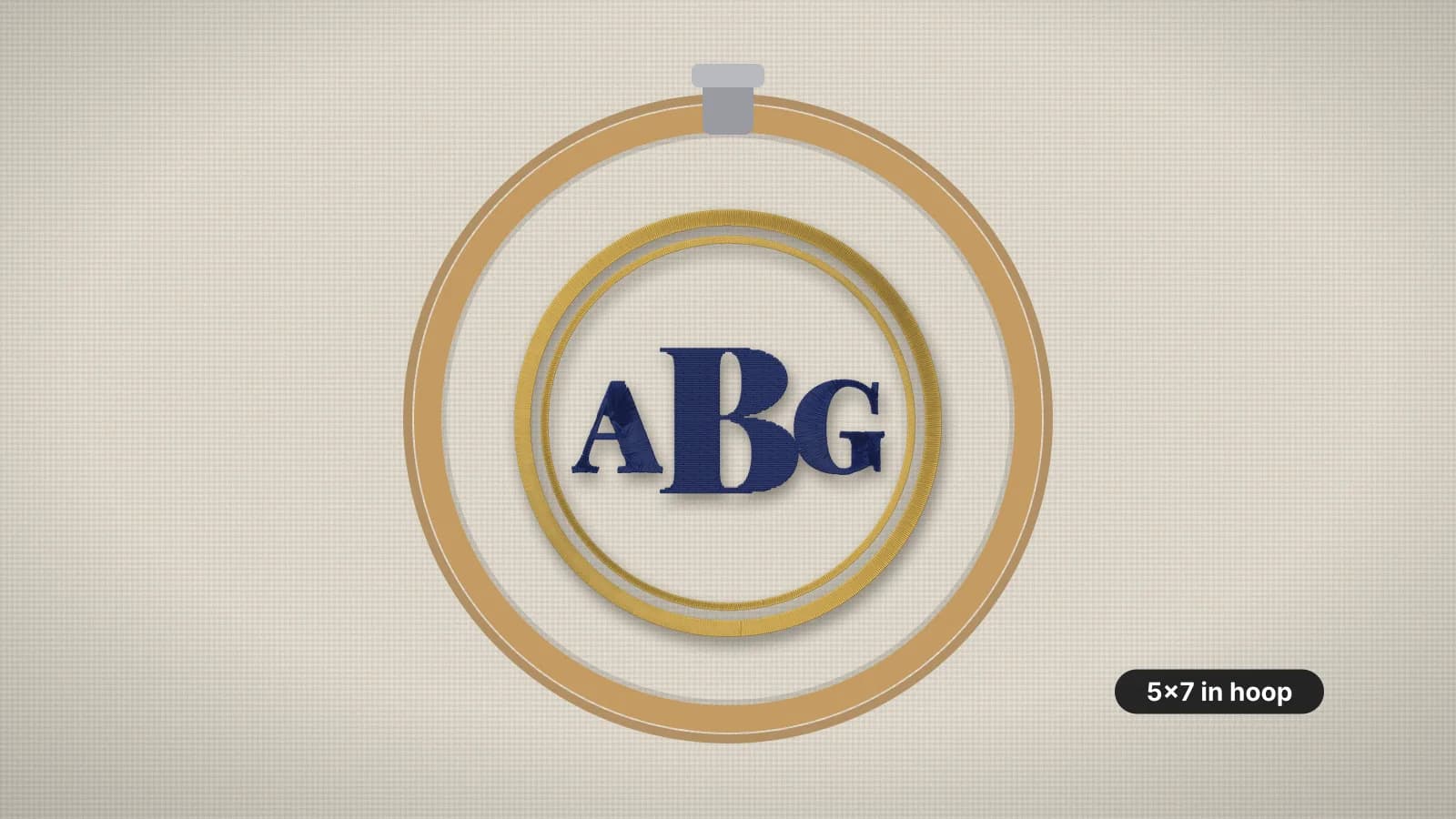
| Embroidery machine | An embroidery-only machine or a sewing and embroidery combo with at least a 4×4 in field; 5×7 in gives more room | The sewing field sets the largest design you can stitch in one hooping |
| Hoops | The hoop that came with the machine, plus the next size up if you can | The smallest hoop that fits holds the fabric tightest |
| Stabilizer | Medium tear-away for wovens, medium cut-away for knits, water-soluble topping for towels | It holds the fabric still while thousands of stitches pull on it |
| Top thread | 40-weight polyester embroidery thread in a few basic colors | Strong and colorfast; most designs are digitized for 40-weight |
| Bobbin thread | Prewound bobbins or bobbin thread, in white and black | Finer than top thread, and it stays on the back |
| Needles | 75/11 embroidery needles: sharp for wovens, ballpoint for knits | A worn or wrong needle causes breaks, skipped stitches and holes |
| Small tools | Curved snips, a ruler, a water-soluble marking pen and, optionally, temporary spray adhesive | For trimming threads, marking placement and floating awkward items |
When you choose a machine, check three things: the largest sewing field, the file formats it reads (listed in the USB or embroidery data section of the manual), and how designs get onto it, usually a USB stick. The machine pages list the native format and hoop sizes for each major brand, for example Brother and Janome.
A single-needle home machine stops at every color change so you can rethread. That's normal, and a good reason to start with designs of two to five colors.
Choose a good first project
The best first project is flat, stable and forgiving: a small design on a cotton tea towel, a canvas tote or a square of linen or quilting cotton you can frame afterwards. Woven fabric doesn't stretch, takes tear-away backing and shows clearly whether the stitches came out right.
- Size: about 3–4 in (75–100 mm), which fits a 4×4 in hoop with a margin.
- Colors: two to five, so you practice thread changes without spending the afternoon rethreading.
- Shapes: bold fills and outlines, and no lettering under about 5 mm tall.
- Fabric: medium-weight woven cotton, linen or canvas. Leave T-shirts, towels, caps and stretchy fabric until you've done a few.
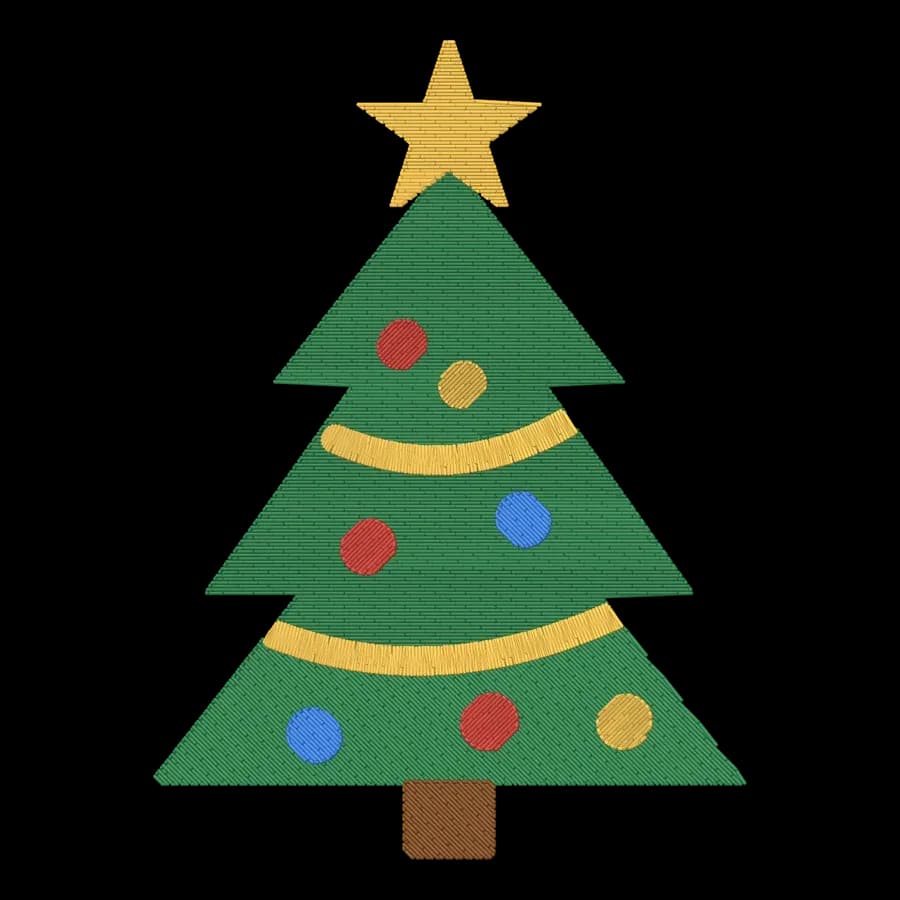
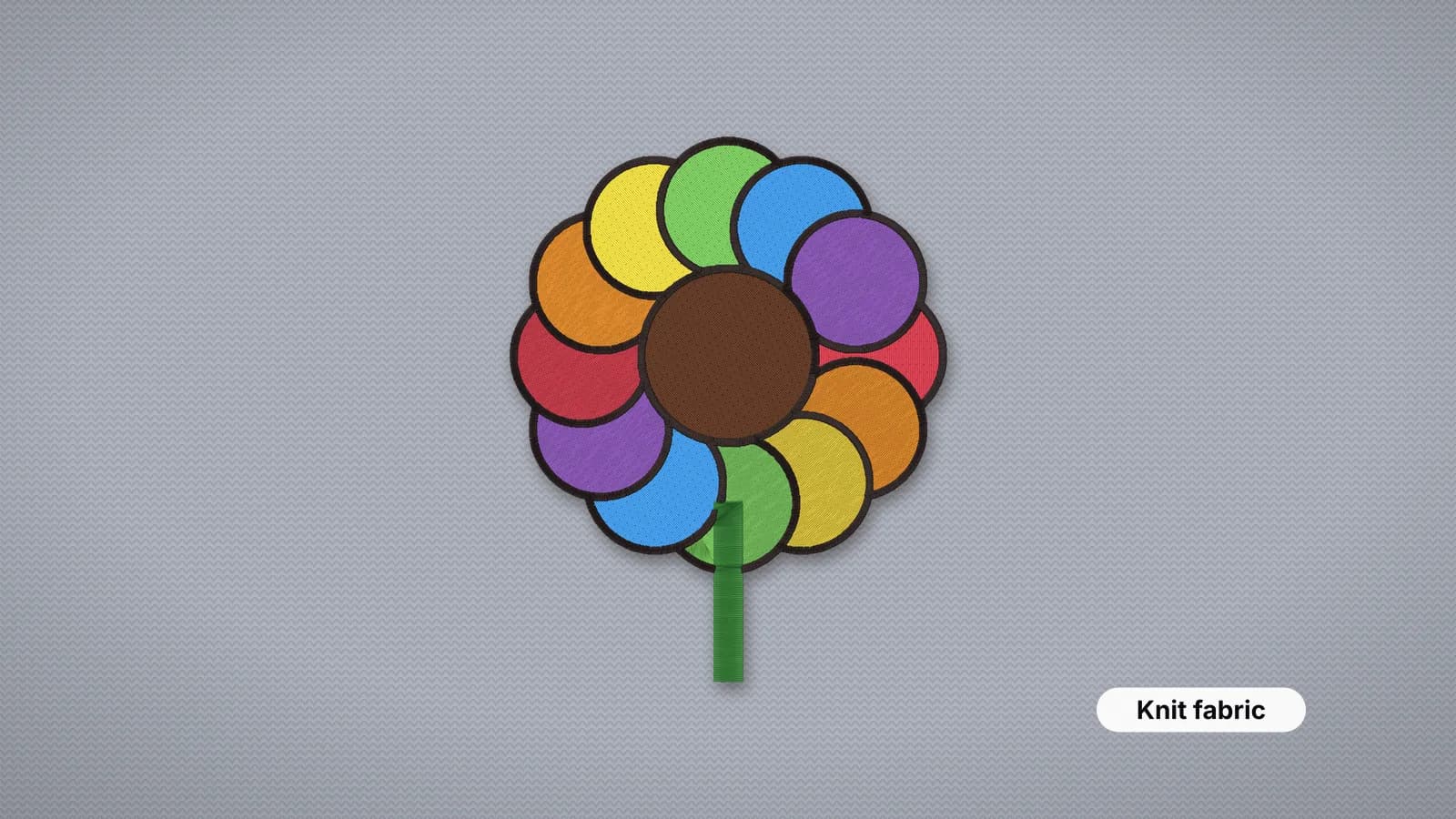
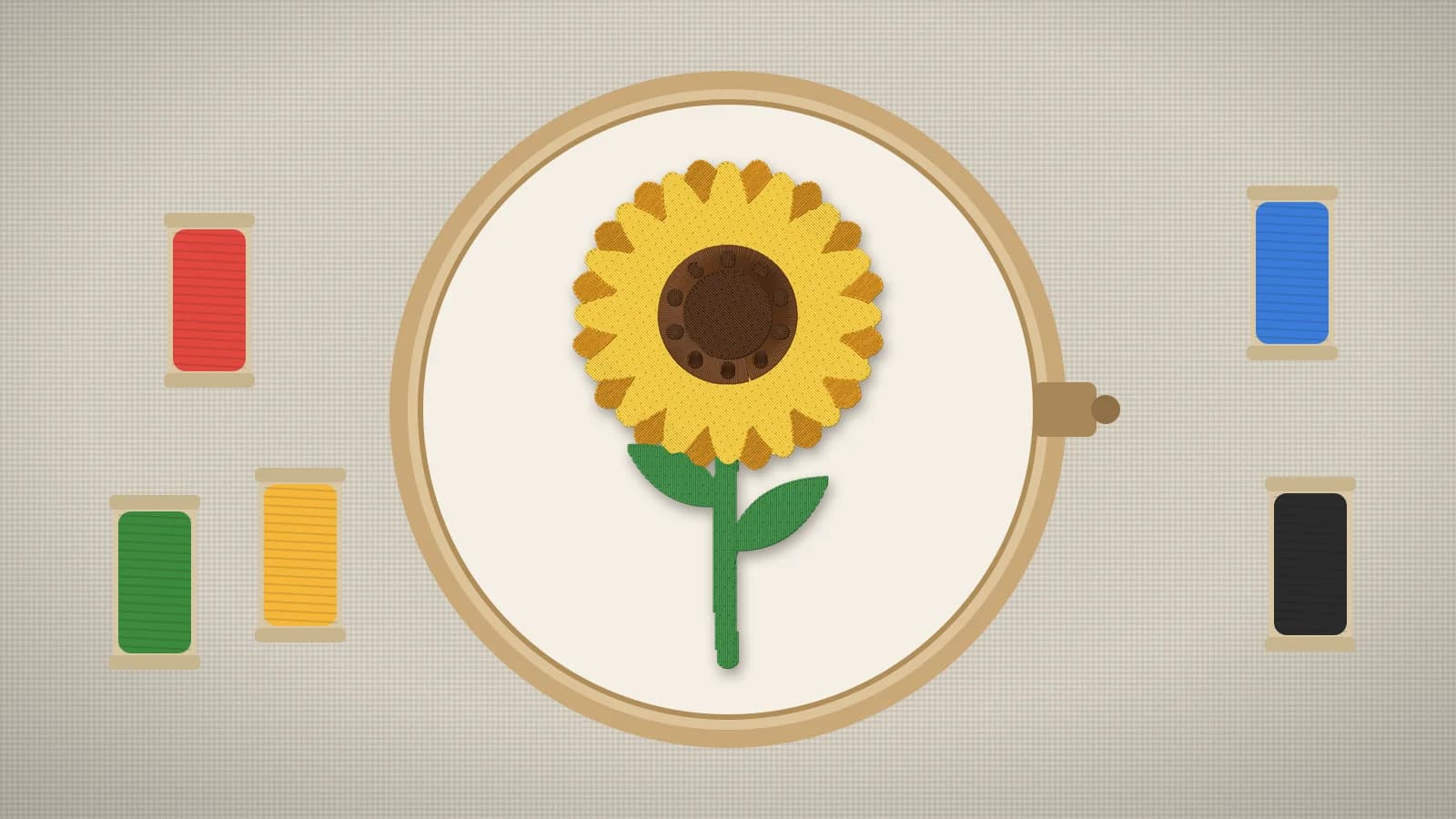
A ready-made design is the easiest start, because it's already sized and tested. The free embroidery designs are original designs for a 4×4 hoop in every main format. The tulip bouquet, at about 3,400 stitches, and the sunflower, at about 5,200 stitches in five colors, are both good first stitch-outs on cotton or canvas. Downloading them needs a free account.
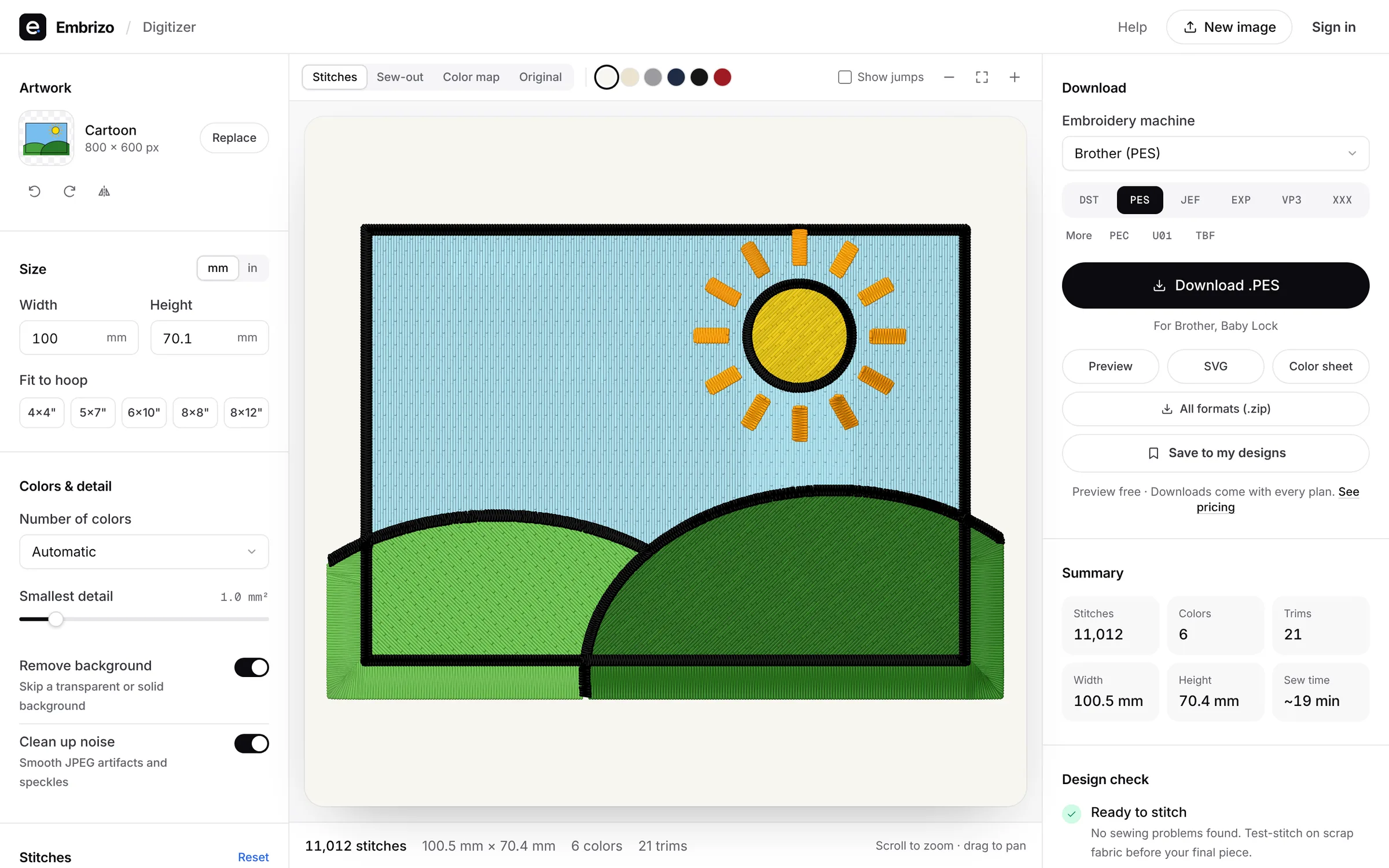
To stitch your own artwork instead, such as a simple logo, a child's drawing or a name, the Embrizo digitizer turns an image into a stitch file and shows a stitch preview first. Digitizing and previewing are free with an account; downloading the file needs a plan.
Try it with your own design
Sign up free, upload an image and get a stitch preview in under a minute.
Drop your image here
PNG, JPG, WebP or SVG · stays on your device
Embroidery file formats in one minute
An embroidery design isn't a picture. It's a stitch file: a list of needle moves, jumps, trims and color changes that your machine follows. Each brand reads its own format, so the file has to match the machine, not the design.
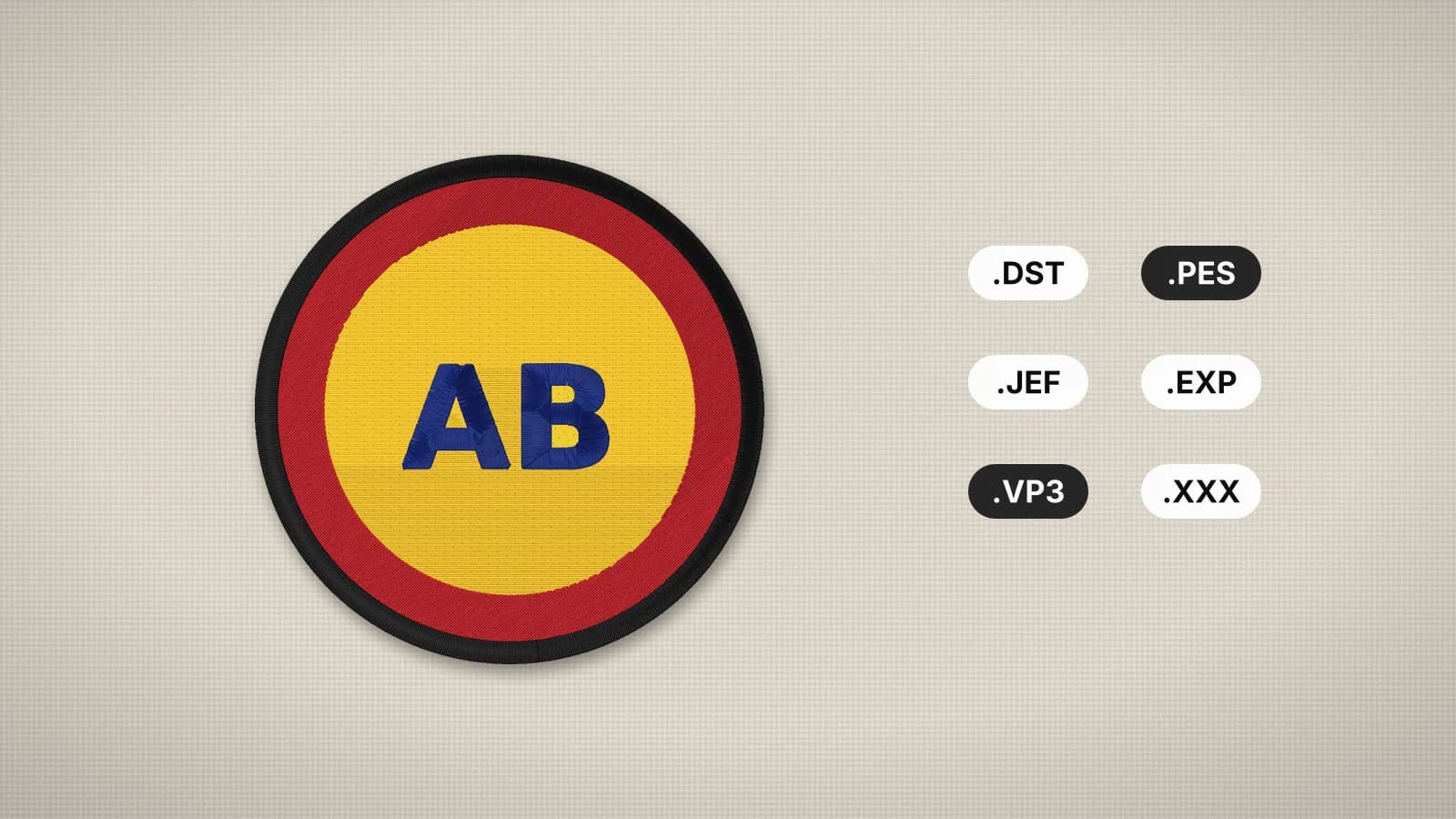
| Machine brand | Format to use | Stores thread colors |
|---|---|---|
| Brother, Baby Lock | PES | Yes |
| Janome, Elna | JEF | Yes (Janome palette) |
| Husqvarna Viking, Pfaff | VP3 | Yes |
| Bernina (most current models) | EXP | No |
| Singer Futura | XXX | Yes |
| Commercial multi-needle machines (Tajima and others) | DST | No |
You can't turn a JPG into a PES by renaming it: the picture has to be digitized into stitches first. If a design arrives in the wrong format, the embroidery file converter changes it without touching the stitches, and the embroidery file viewer shows a file's size, colors and stitch count before you sew. The file formats guide explains each format in detail.
Most machines load designs from a USB stick. Use a small stick formatted as FAT32, copy the file to the top level rather than into a folder, and keep the file name short. The guide to opening embroidery files covers the rest.
Hooping and stabilizer
Hooping clamps the fabric and stabilizer together so they can't move while the machine stitches. It's the step beginners rush most, and the one that decides whether the design comes out flat.
- Mark the center of the design on the fabric with a cross, using a water-soluble pen or chalk.
- Cut the stabilizer at least an inch (25 mm) larger than the hoop on every side.
- Loosen the hoop screw. Lay the outer ring flat, then the stabilizer, then the fabric, right side up.
- Press the inner ring in, lining up its center marks with the cross on the fabric.
- Tighten the screw. Woven fabric should be taut like a drum, but not stretched out of shape.
- Don't pull on the fabric once the hoop is closed. Tugging stretches it, and it relaxes into puckers later.
| Fabric | Backing | Topping |
|---|---|---|
| Woven cotton, linen, canvas, denim | Tear-away | Not needed |
| T-shirts, polos, sweatshirts | Cut-away or no-show mesh | Only on textured knits such as piqué or fleece |
| Towels and fleece | Tear-away or cut-away | Water-soluble, always |
| Sheer fabrics | Wash-away | Optional |
The rule of thumb: if the fabric stretches, use cut-away. The stabilizer guide has the full chart, the stabilizer finder suggests a backing, topping and needle for a fabric, and the hoop sizes guide explains sewing fields and margins.
Thread, bobbins and needles
Use 40-weight embroidery thread on top. Polyester is the practical default because it's strong and stands up to washing; rayon has a softer sheen for items washed gently. Regular sewing thread works in a pinch, but it's usually duller and breaks more at embroidery speeds.
- Bobbin: use bobbin thread, which is finer than top thread, in white under light fabric and black under dark. Prewound bobbins save time.
- Needle: a 75/11 embroidery needle suits 40-weight thread on most fabrics. Use a sharp point on wovens and a ballpoint on knits, and go up to 80/12 or 90/14 on denim and canvas.
- Change the needle often. Many embroiderers fit a new one every 8–10 hours of stitching, and straight away after it hits a hoop or a pin.
The needle guide covers sizes and points, and the thread guide compares fibers and weights and shows how much thread a design uses.
Your first sew-out, step by step
- Load the design and check it on the machine screen: size, orientation and number of colors.
- Attach the hoop and make sure the design fits inside it. Many machines can trace the outline of the design, which shows that the needle will clear the frame.
- Thread the first color with the presser foot up, so the thread seats in the tension discs.
- Start the machine and stay close for the first few hundred stitches. Clip the thread tail once the first stitches have locked it.
- At each color stop, rethread with the next color in the list. If the file is a DST, follow the color sheet, since DST stores no colors.
- When it finishes, take off the hoop, unhoop the fabric and remove the stabilizer: support the stitches with your thumb as you tear tear-away, and trim cut-away with a small margin.
- Clip any jump threads on the front close to the fabric.
Sew your first design on a scrap of the same fabric with the same backing before you stitch anything that matters. It takes a few minutes and shows every problem while it's still cheap.
At 700 stitches a minute, a 6,000-stitch design takes about 9 minutes of sewing, plus a minute or so for each thread change on a single-needle machine. The stitch count calculator estimates the stitches and sew time from a design's size.
Common beginner mistakes
| Mistake | What happens | What to do instead |
|---|---|---|
| Stretching the fabric in the hoop | Puckers appear once the fabric is unhooped | Hoop flat and firm, and don't tug after closing the hoop |
| Tear-away on a T-shirt | The design distorts and puckers, especially after washing | Cut-away or no-show mesh on anything that stretches |
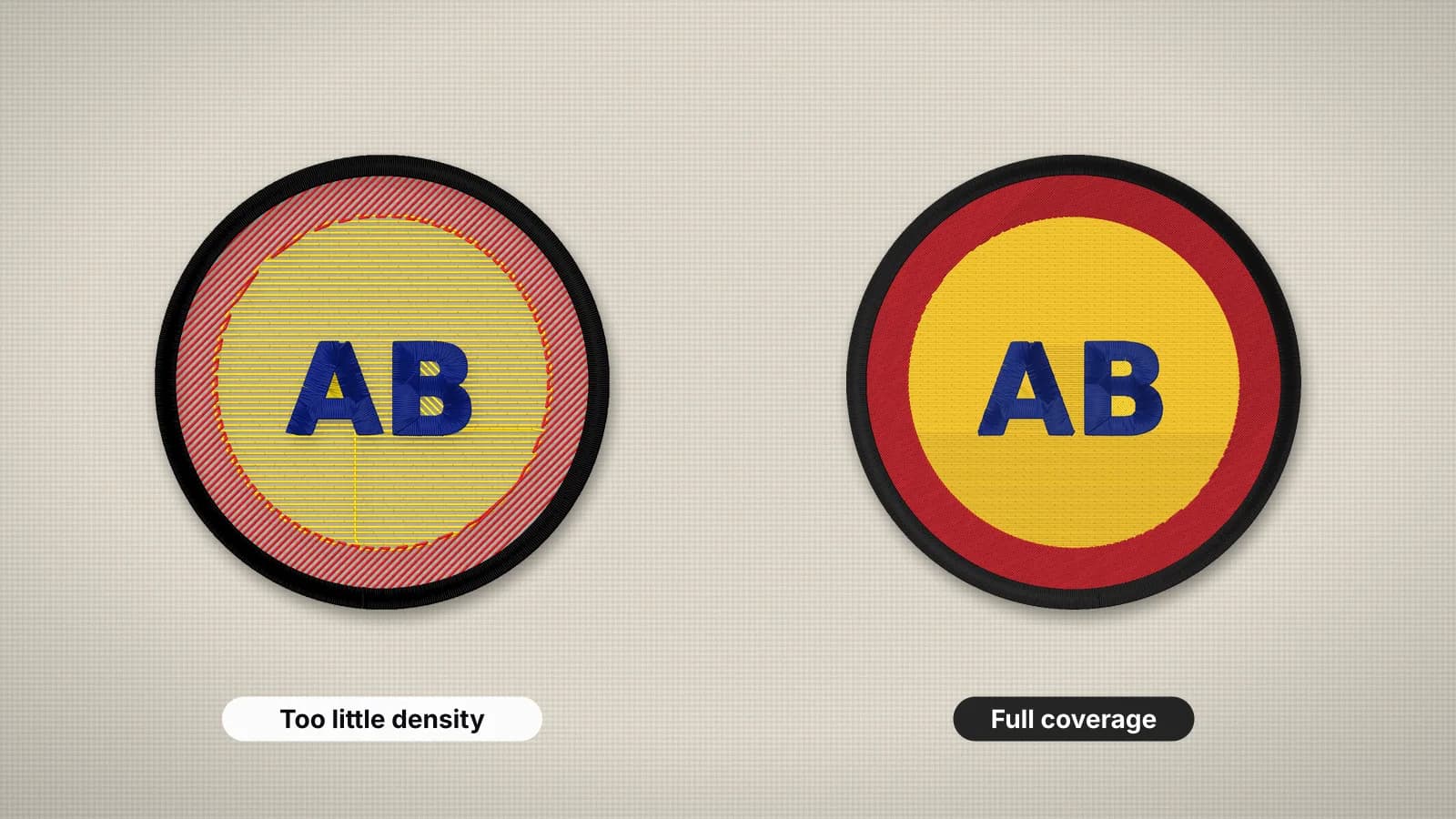
| Resizing a design a lot | Too dense and stiff when shrunk, gaps when enlarged | Keep size changes within about 10%; digitize again for bigger changes |
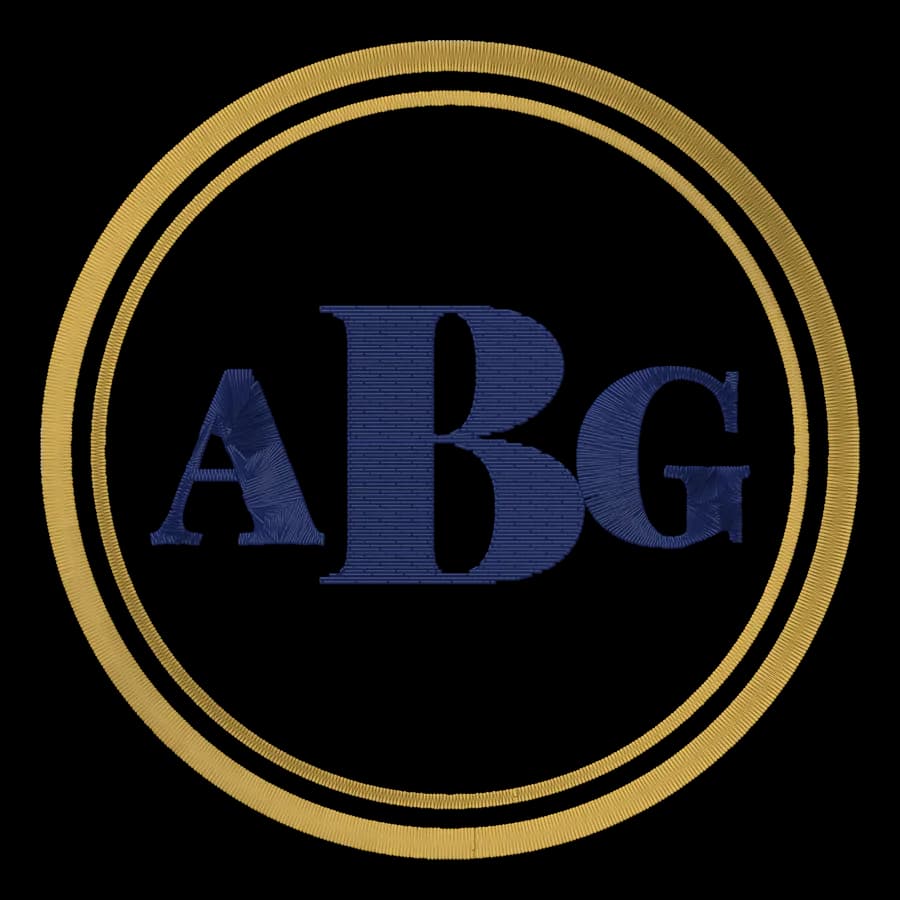
| Tiny lettering | Letters fill in or disappear | Keep capitals at least 5 mm tall in a bold font |
| Threading with the presser foot down | Birdnests of thread under the fabric | Rethread with the presser foot up |
| Using an old needle | Thread breaks, shredding and skipped stitches | Fit a new needle for every big project |
| Skipping the test | Mistakes land on the real item | Test on scrap with the same backing |
When something does go wrong, the embroidery problems and fixes guide has a table of causes and fixes. Most problems start in the hooping, the file or the machine, and knowing which one saves a lot of unpicking.
What to try next
- Names and monograms: type a name into the text to embroidery tool and check its size against the best fonts guide.
- Polos and T-shirts: move on to knits with cut-away backing and a ballpoint needle. The polo shirt guide covers left chest logos.
- Towels: add a water-soluble topping; see how to embroider towels.
- Your own artwork: clean it up with the artwork preparation guide, then digitize it.
- Appliqué: large shapes in fabric instead of stitches; see the appliqué guide.
The embroidery glossary explains terms such as underlay, pull compensation and density as you meet them.