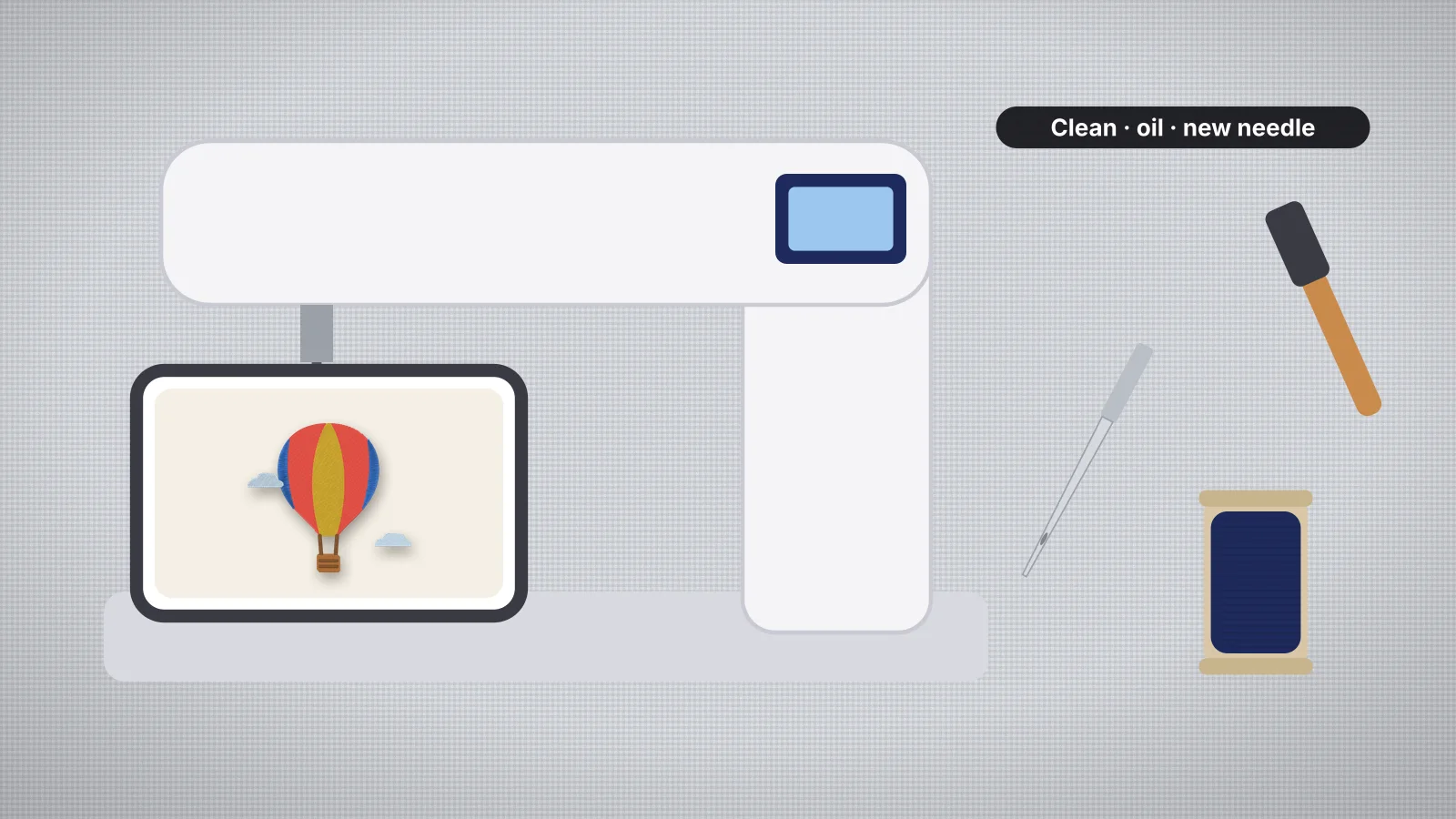
Embroidery is hard work for a machine. One design can run to tens of thousands of stitches at hundreds a minute, and every stitch sheds a little lint from the thread, the fabric and the stabilizer. Most of it collects around the bobbin, under the needle plate and in the tension discs, which is where skipped stitches, thread breaks and birdnests often begin.
A few minutes of care keeps that in check. This guide covers the routine many embroiderers follow, with a schedule at the end: cleaning, needles, oiling, the thread path, storage and servicing. Machines differ a lot, so your manual comes first. Where this guide and your manual disagree, follow the manual, and leave anything it reserves for a technician to a technician.
Signs your machine needs attention
| What you notice | Often caused by | What to do |
|---|---|---|
| Thread breaks or shreds | A worn needle, lint in the tension or a burr in the thread path | Fit a new needle, rethread and clean the thread path |
| Birdnests under the plate | Top thread out of the tension discs, or lint and thread ends in the bobbin area | Rethread with the presser foot up and clean the bobbin area |
| Skipped stitches | A dull or bent needle, or one not pushed fully up | Fit a new needle and seat it properly |
| Bobbin thread showing on top | Lint under the bobbin case's tension spring, or top tension too tight | Clean the bobbin case, rethread, then check the tension |
| Louder or rougher running than usual | Lint buildup, or a part that needs oil on machines that take it | Clean it, oil only if the manual says, and book a service if it carries on |
Problems that start in the file or the hooping can look similar, so the problems and fixes guide helps tell them apart, and why thread keeps breaking works through breaks in order.
Cleaning lint from the bobbin area
- Turn the machine off and unplug it.
- Remove the needle and presser foot if your manual says to, then take off the needle plate. Many machines come with a screwdriver or a release for it.
- Take out the bobbin and, where your machine has one, the bobbin case, noting how it sits.
- Brush the lint out of the feed area, the bobbin case and around the hook with the small brush that came with the machine, or a similar soft brush.
- Wipe away dust with a dry, lint-free cloth, and check the bobbin case for nicks or rough spots, which snag thread.
- Put the bobbin case back exactly as it came out, then the needle plate, the needle and the foot.
Many manuals advise against canned air, which can blow lint deeper into the machine; a brush or a small vacuum attachment lifts it out instead. Lint also collects under the bobbin case's tension spring, so brush it gently there, but don't turn the bobbin tension screw unless your manual explains how. The bobbin entry covers the main bobbin types.
Dense designs, fuzzy thread and some stabilizers make far more lint than others. Many embroiderers brush out the bobbin area every few bobbins or after each large design, which heads off a lot of birdnests and breaks.
Try it with your own design
Sign up free, upload an image and get a stitch preview in under a minute.
Drop your image here
PNG, JPG, WebP or SVG · stays on your device
Changing the needle
Needles wear faster in embroidery than in sewing. Many embroiderers fit a new one every 8–10 hours of stitching, and straight away after it hits a hoop, a pin or a clip. Change it sooner if thread starts shredding, stitches skip, or you hear a louder thud as it goes in.
- Buy the system your manual lists. Most home embroidery machines take flat-shank needles in the 130/705 H system, with embroidery versions often marked H-E. Most commercial multi-needle machines take round-shank DBxK5 needles.
- Turn the machine off before changing a needle.
- Seat it fully. A flat-shank needle goes in with the flat side to the back, pushed all the way up before you tighten the clamp. A needle that isn't fully seated causes skipped stitches and broken needles straight after a change.
- On a multi-needle machine, check every needle in use, not just the one that broke thread. Round-shank needles have no flat side, so line up the eye and groove exactly as the manual shows.
The needle guide covers sizes and points: 75/11 for most work with 40-weight thread, a ballpoint for knits and a sharp for wovens. The stabilizer finder also suggests a needle for each fabric.
Oiling: only where your manual says
Oiling is where machines differ most. Many home embroidery machines need little or no oiling from the owner, and some manuals say not to oil them at all. Others, including many commercial multi-needle machines, need oil at set points on a regular schedule, often at the hook. Only your manual can tell you which kind you have.
- Oil only the points the manual shows, as often as it says, and nowhere else.
- Use the oil the maker recommends, usually a clear sewing machine oil. Household and general-purpose oils can gum up a machine.
- A drop is plenty. Too much oil spreads to the thread and the fabric.
- Stitch on scrap afterwards to pick up any excess before you sew a real piece.
- Not sure? Don't oil it. Ask your dealer, or have the machine serviced.
Clean before you oil. Oil on a lint-filled hook turns the lint into sludge.
The thread path and tension discs
The top thread passes through guides, tension discs and the take-up lever on its way to the needle, and anything that catches it there causes breaks or uneven tension.
- Rethread with the presser foot up. Raising the foot opens the tension discs, so the thread can seat between them. Rethreading also clears a thread that has jumped out of a guide.
- Clear lint from the discs by raising the presser foot and drawing a length of clean thread through them. Don't poke tools into the tension assembly; if something is stuck deep inside, take it to a technician.
- Check for burrs. A needle strike can nick the needle plate, the hook or a guide, and a rough spot shreds thread in the same place every time. Have it repaired or the part replaced.
- Keep the thread clean. Dust on a spool ends up in the tension discs, so cover cones on a thread stand and keep spools in a closed box, out of sunlight. The thread guide has storage tips.
- Use the right spool cap or a thread stand, so the spool can't wobble or catch.
The threading guide walks through the whole path, top thread and bobbin.
Storage, moving and servicing
- Cover it. A dust cover keeps lint and dust out between projects.
- Mind the room. Keep the machine and thread away from direct sunlight, heat and damp.
- Store the embroidery unit as the manual says. Many machines have a storage position for the embroidery arm, and many manuals warn against pushing the arm by hand. Park or remove the unit before you move the machine.
- Look after the hoops. Check them for cracks, warped frames and worn inner rings, and store them flat. The embroidery hoops pages list the standard sizes.
- Keep the software current. Some models get software updates from the maker's support site that add features or fix problems, so check for yours.
- Book a service. Many dealers suggest a professional service about once a year, sooner for a busy machine or one that still runs rough after cleaning. A technician cleans and adjusts the parts you shouldn't open, such as the timing.
A maintenance schedule
A starting point for a home machine in regular use. Your manual's schedule takes priority, and a busy production machine needs more.
| When | What to do |
|---|---|
| Every project | Check the needle, brush lint from the bobbin and bobbin case, and rethread if the thread was disturbed |
| Every 8–10 hours of stitching | Fit a new needle, sooner if it hits something or thread starts to shred |
| Every few bobbins, or after large, dense designs | Take off the needle plate and brush out the feed area and the hook |
| As your manual says | Oil the points it shows, if any |
| Monthly | Wipe the thread guides and the outside, check the hoops and spool pins, and look for software updates |
| About once a year | A professional service, or sooner if the machine runs rough |
After any cleaning or service, sew a small test design before a real piece. One of the free embroidery designs, which all fit a 4×4 in hoop and download free with an account, makes a quick check. When the machine is running well, the digitizer turns your own artwork into a file for it: digitizing and previewing are free with your account, and downloads need a plan.