Embroidery care card maker
Printable care cards for the embroidered things you sell: your shop name and a thank-you on the front, care steps and laundry symbols for shirts, towels, hats, blankets, baby clothes or bags on the back. Print 10 to a sheet or save PNGs for a print shop.
Front
Back
Symbols on the back: machine wash cold, do not bleach, tumble dry low, iron on low, on the reverse, do not dry clean.
Prints fronts on page 1 and backs on page 2: print page 1, put the sheet back in the tray and print page 2 on the other side. PNGs are 300 dpi for a print shop.
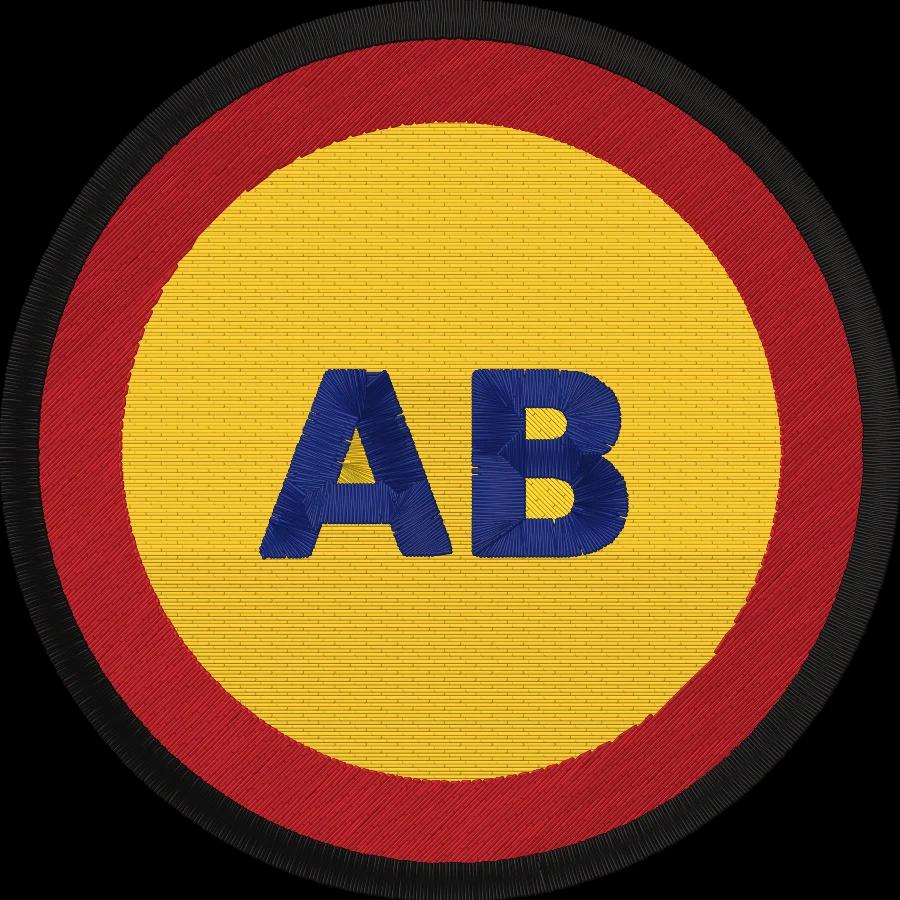
Got a shop logo? Stitch it on what you sell.
Upload it and get a DST, PES or JEF file with a preview of every stitch.
- What it does
- Printable thank-you and care cards for embroidered items: your shop name, care steps and laundry symbols, 10 per sheet.
- Price
- Free
- Works on
- Any browser: Windows, Mac, Chromebook, iPad and phones
- Privacy
- Runs in your browser; your images and files aren't uploaded
Care cards in four steps
- 1
Add your shop
Type your shop name, a thank-you line and your website or handle.
- 2
Pick what you sell
Shirts, towels, hats, blankets, baby clothes or bags: the care steps and symbols fill in.
- 3
Style it
A stitched border, bold color or minimal card, in lettering that matches your brand.
- 4
Print or download
Ten cards to a sheet, fronts then backs, or 300 dpi PNGs for a print shop.
Free account · No credit card needed
What a good care card covers
Washing
Inside out, cold, gentle cycle and a mild detergent keep thread colors bright and stitches flat.
Drying
Tumble dry low or hang to dry. High heat shrinks the fabric around the stitches and causes puckers.
Ironing
On the reverse side, with a towel under the design, never directly on the embroidery.
No bleach
Chlorine bleach fades many embroidery threads and weakens the fabric under them.
Thank you
A personal line makes the parcel feel handmade, and buyers mention it in reviews.
How to reorder
Your website, shop or handle on every card brings repeat orders and referrals.
Printing tips
- Print one test sheet on plain paper and hold it up to a window to check fronts and backs line up.
- Use matte card stock; glossy stock smudges in home inkjet printers.
- Set the printer to actual size (100%), not fit to page, so the cards come out at 3.5 × 2 in.
- Cut with a paper trimmer along the cut lines, or turn them off for perforated card sheets.
- Tuck the card in with the item, or punch a hole and tie it on as a hang tag.
Free account
Start digitizing in under a minute
Create a free account to digitize any image, try every setting and watch it sew. Choose a plan only when you want to download files.
- Digitize and preview any image
- Realistic stitch preview and sew-out
- Download free ready-made designs
- No credit card needed



Questions
The quickest way to see what it does with your artwork is to try it. With a free account, digitizing and previewing cost nothing and take about a minute.
What should an embroidery care card say?
Your shop name and a short thank-you on the front; on the back, how to wash the item (inside out, cold, gentle cycle), how to dry it (low heat or hang), not to bleach, and to iron on the reverse, never on the design. Add your website or handle so customers can order again.
How do you wash embroidered clothes?
Turn them inside out, machine wash cold on a gentle cycle with a mild detergent, skip the bleach, and tumble dry low or hang to dry. Iron on the reverse side with a towel under the embroidery, never directly on the stitches.
How do I print the care cards?
Press Print 10 cards. Page 1 has ten fronts and page 2 ten backs: print page 1 on card stock or a 10-up business card sheet, put the sheet back in the tray and print page 2 on the other side. Since every card is the same, the backs line up either way.
What paper should I use for care cards?
Matte card stock around 80–110 lb cover (216–300 gsm), or perforated 10-up business card sheets such as Avery 8371 or 5371 on US Letter. Turn off cut lines when you use perforated sheets.
Can I get the cards printed by a print shop?
Yes. Download the front and back as 300 dpi PNGs and upload them to any business card printer. US cards are 3.5 × 2 in and EU cards 85 × 55 mm; ask the shop whether they need bleed and keep text away from the edges.
Is the care card maker free?
Yes. Making, printing and downloading the cards is free, with no watermark.
More tools
Keep going
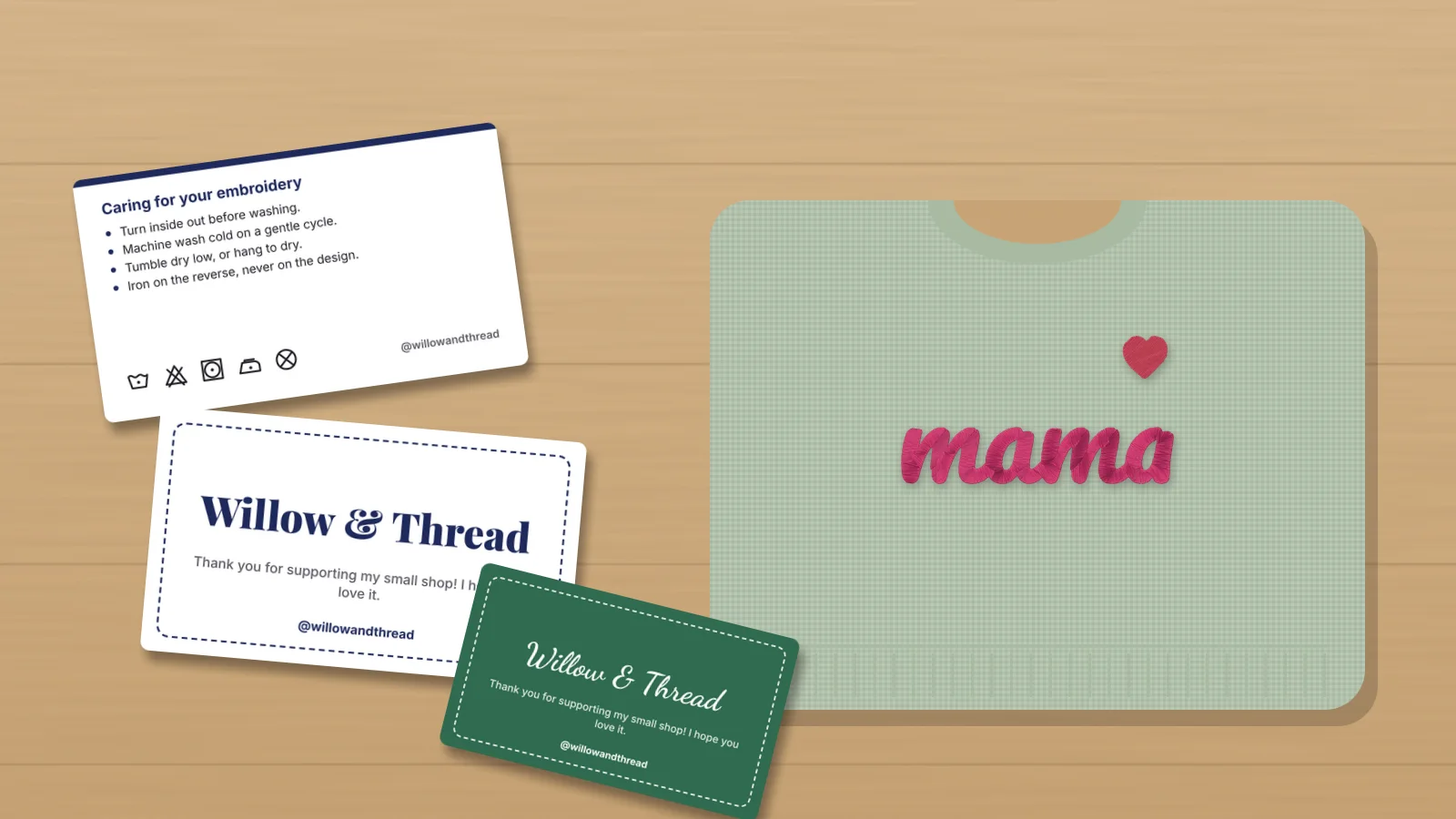 GuideEmbroidery care instructions for your customersThe care instructions to give buyers of embroidered items: washing, drying, ironing and stain removal, the right care for shirts, towels, hats, blankets and baby clothes, what each laundry symbol means, text you can copy into listings, and how to include a printed care card in every order.Read the guide
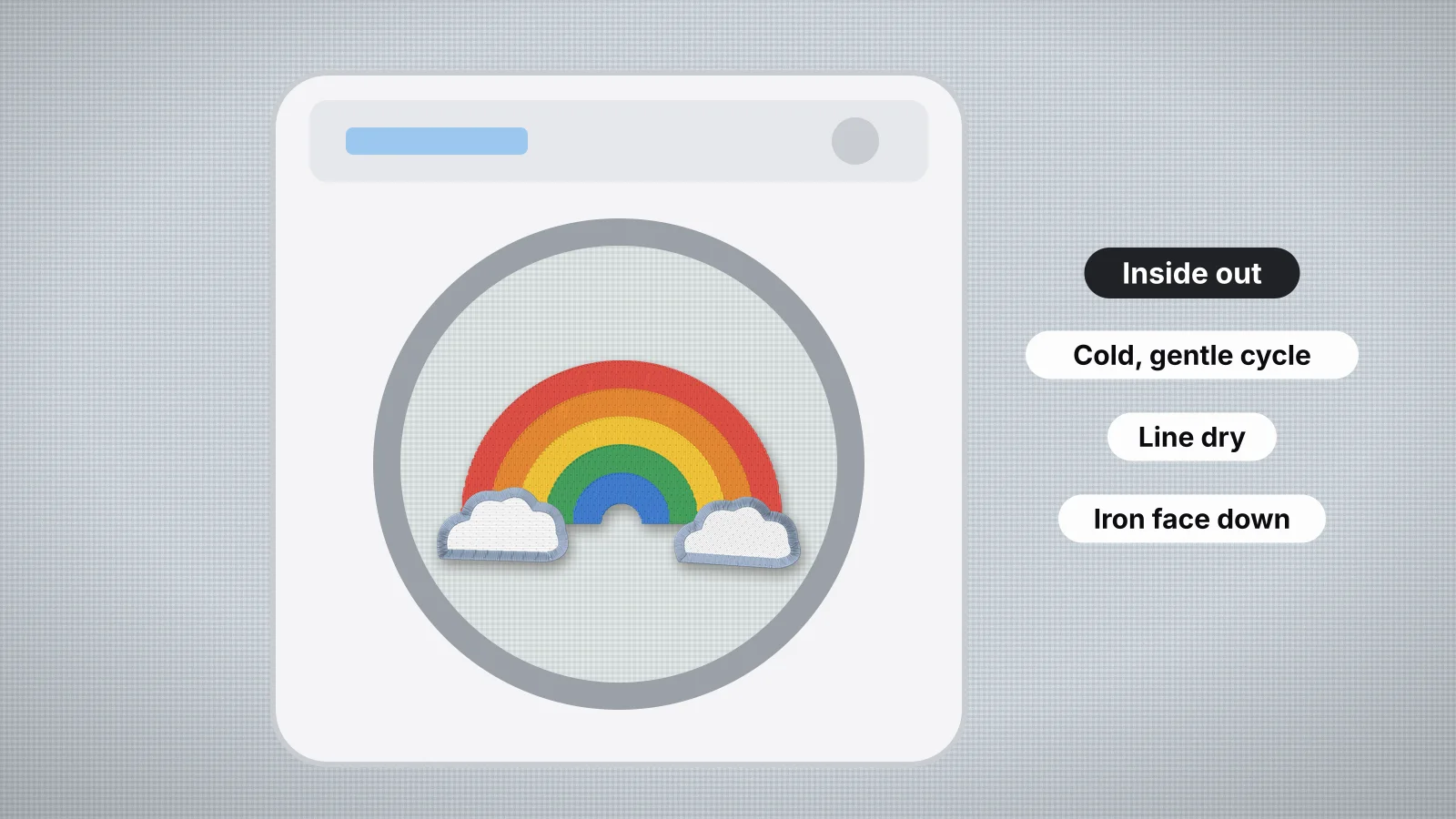 GuideHow to wash embroidered clothesWashing, drying and ironing embroidered clothes, leftover wash-away and other stabilizers, threads that fade, bleed or fuzz, caring for caps, and care notes to give customers.Read the guide
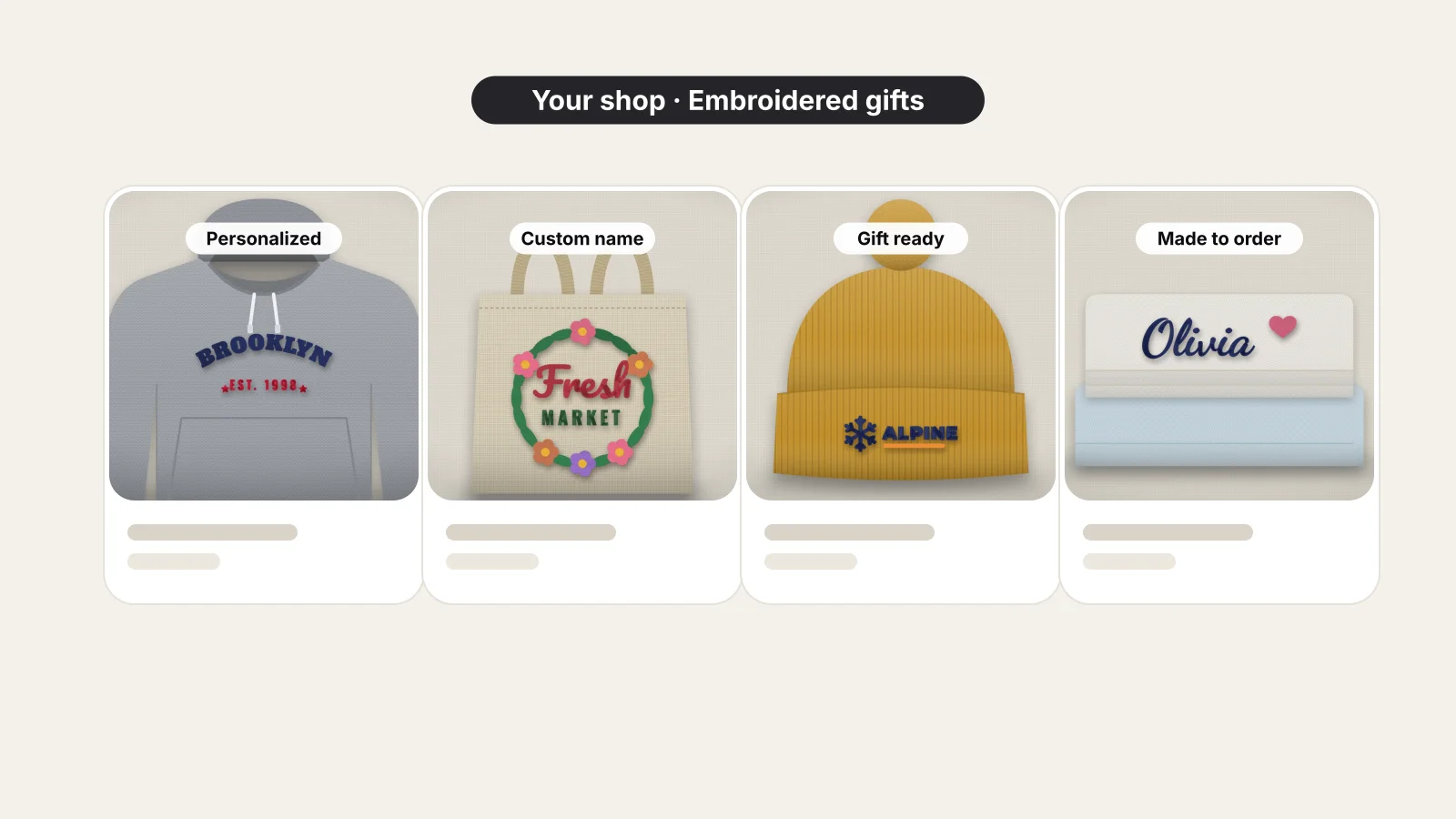 GuideHow to sell embroidery on EtsyChoosing products, offering personalization, pricing after fees, photographing your work, running custom orders and staying on the right side of licensing.Read the guide
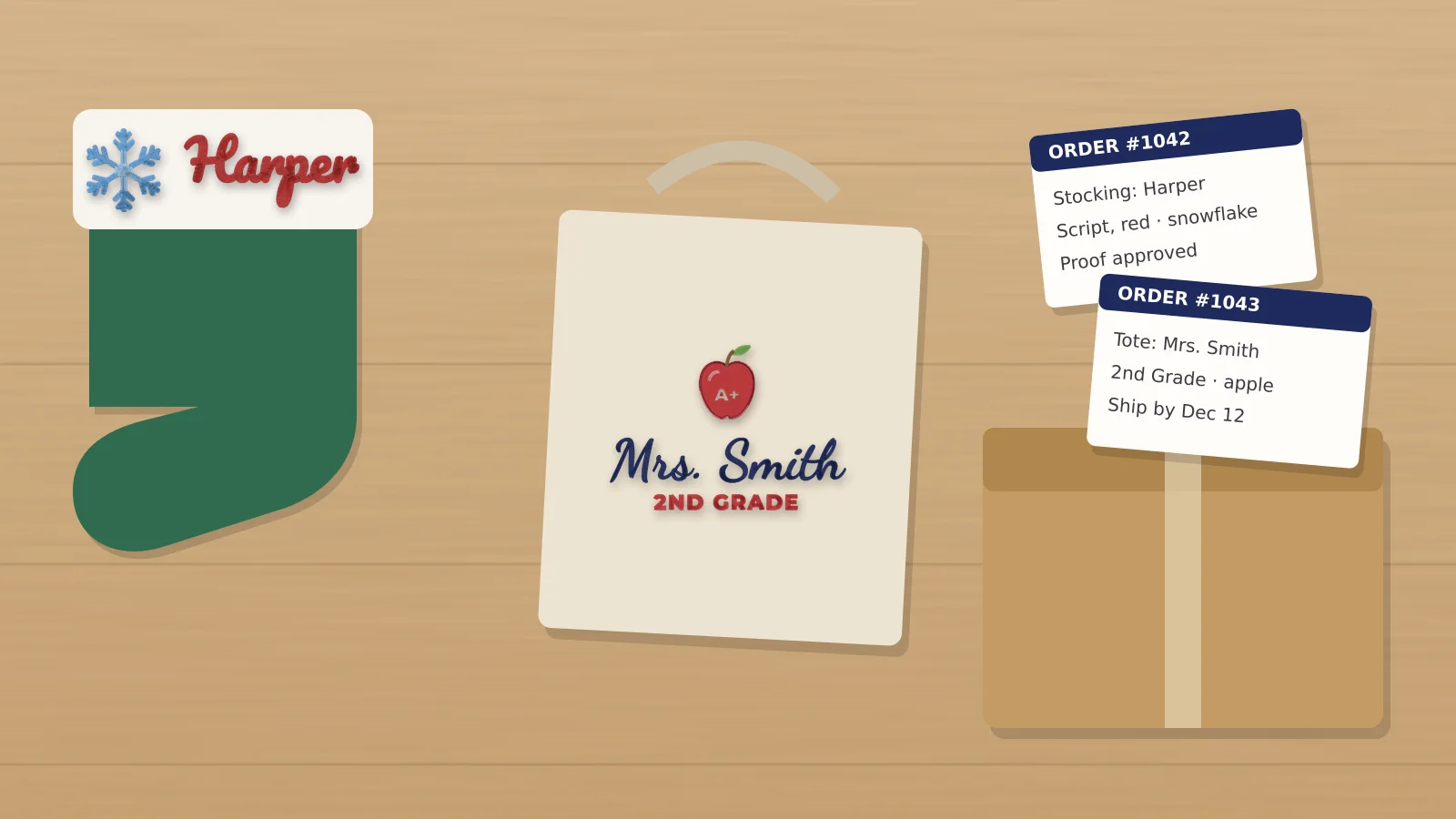 GuideHow to sell personalized embroidery: proofs and pricingFor home and small-shop embroiderers selling name items: products, listings with a personalization field and character limits, spelling checks, proofs, batching by hoop and thread, pricing per item and per extra line, the Christmas rush, returns and photos.Read the guide
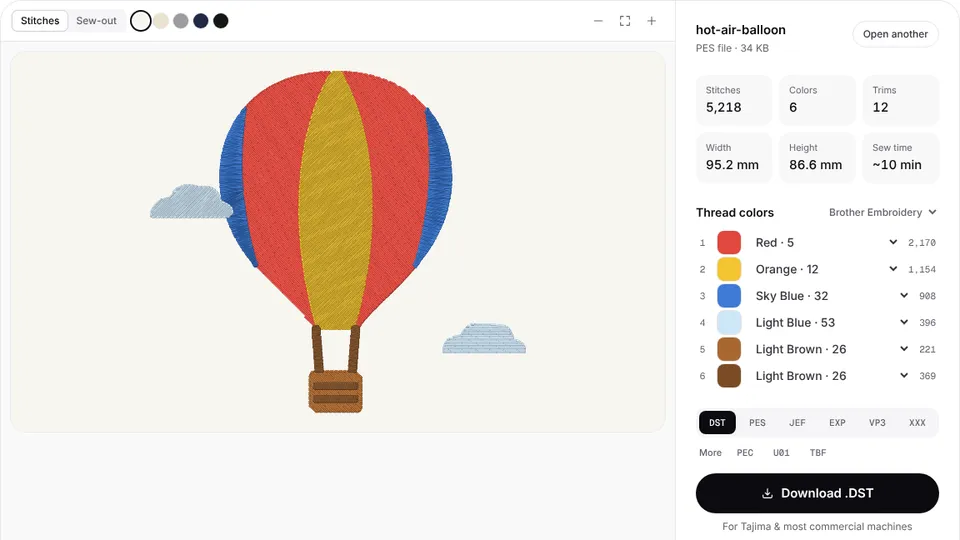 Free previewEmbroidery file converterConvert PES, DST, JEF, EXP, VP3 and XXX files to any other machine format.Open
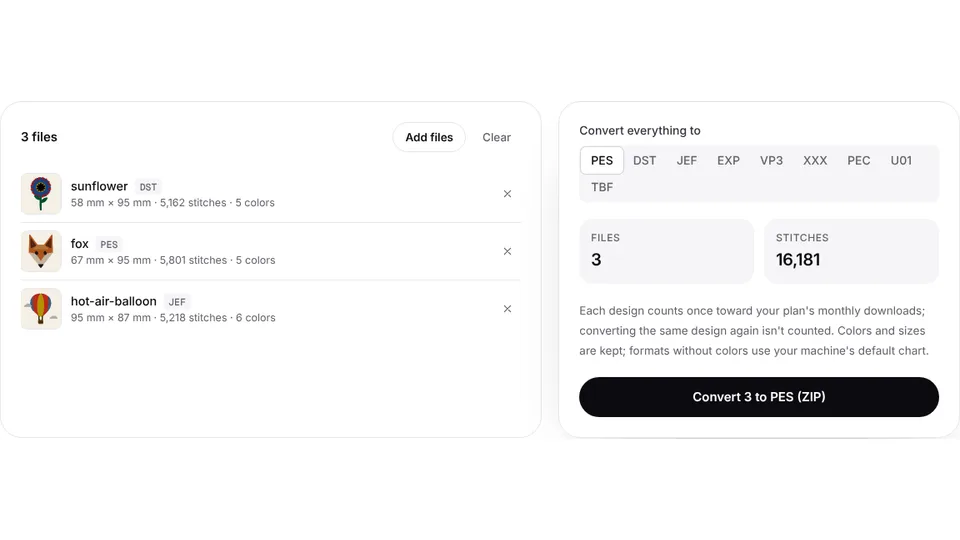 Free toolBatch embroidery file converterConvert up to 50 embroidery files to PES, DST, JEF or any format at once, as one ZIP.Open
Put your logo on what you sell
Upload your shop logo and get a DST, PES or JEF file with a preview of every stitch, sized for a left chest, a cap or a tag.