Embroidery price list maker
A printable price list for your embroidery business or craft fair table: your shop name, items and prices, add-ons like names and logo setup, payment methods and a QR code that takes customers to your shop. Three styles, any of the lettering faces, US Letter or A4.
Print it for your craft fair table or shop counter, or save it as a PDF to share. Put it in a sign holder or frame so it stands up.
Not sure what to charge?
Work out each price from the blank, the stitch count and your time, then digitize customers’ logos the same day.
- What it does
- A printable price list or craft fair sign: your items and prices, add-ons and a QR code to your shop.
- Price
- Free
- Works on
- Any browser: Windows, Mac, Chromebook, iPad and phones
- Privacy
- Runs in your browser; your images and files aren't uploaded
A price list in four steps
- 1
Add your shop
Your shop name, a tagline, a style, lettering and color.
- 2
List your prices
Up to 12 items and 5 add-ons, replacing the sample prices with yours.
- 3
Add the QR code
Type your shop link and the sheet gets a QR code customers can scan.
- 4
Print or save as PDF
Card stock in a sign holder for fairs, or a PDF to send.
Free account · No credit card needed
Prices that sell and pay
Price from your costs
Blank, thread and stabilizer, machine time and your hourly rate, then a margin.
Round numbers
$24 and $40 read faster than $23.75 at a busy table.
Names as an add-on
A visible +$5 for a name nudges buyers to personalize.
Bestsellers first
Put the items people buy most at the top of the list.
Show the minimum
A setup fee or minimum for logos keeps small jobs worth doing.
Same price online
Keep fair prices in line with your shop so customers don't wait to buy online.
Before a craft fair
- Scan the QR code with your own phone after printing.
- Bring stitched samples of every item on the list, in your best colors.
- Print a few blank order forms for custom orders taken at the table.
- Have a card reader charged, plus change for cash.
- Bring care cards to tuck into every bag.
Free account
Start digitizing in under a minute
Create a free account to digitize any image, try every setting and watch it sew. Choose a plan only when you want to download files.
- Digitize and preview any image
- Realistic stitch preview and sew-out
- Download free ready-made designs
- No credit card needed



Questions
The quickest way to see what it does with your artwork is to try it. With a free account, digitizing and previewing cost nothing and take about a minute.
What should an embroidery price list include?
Your most-ordered items with a price each, add-ons such as adding a name, extra colors, logo setup and rush orders, how to order (a link or QR code to your shop), the payment methods you take and how long custom orders take.
How much should I charge for embroidery?
Work each price out from the blank, the stitch count and your time rather than copying someone else's list. Many shops charge around $0.75–$1.50 per 1,000 stitches with a minimum per piece and mark blanks up about 30–50%; the pricing calculator does the math.
Does the QR code work after printing?
Yes. The QR code is made from the link you type and printed with the sheet, so phones can scan it at your table. Test it with your phone before printing a stack.
How do I display a price list at a craft fair?
Print it on card stock and put it in an acrylic sign holder or a frame at eye level, next to your samples. A second copy at the front of the table helps when it's busy.
Is the price list maker free?
Yes. Making, printing and saving your price list as a PDF is free, with no watermark.
More tools
Keep going
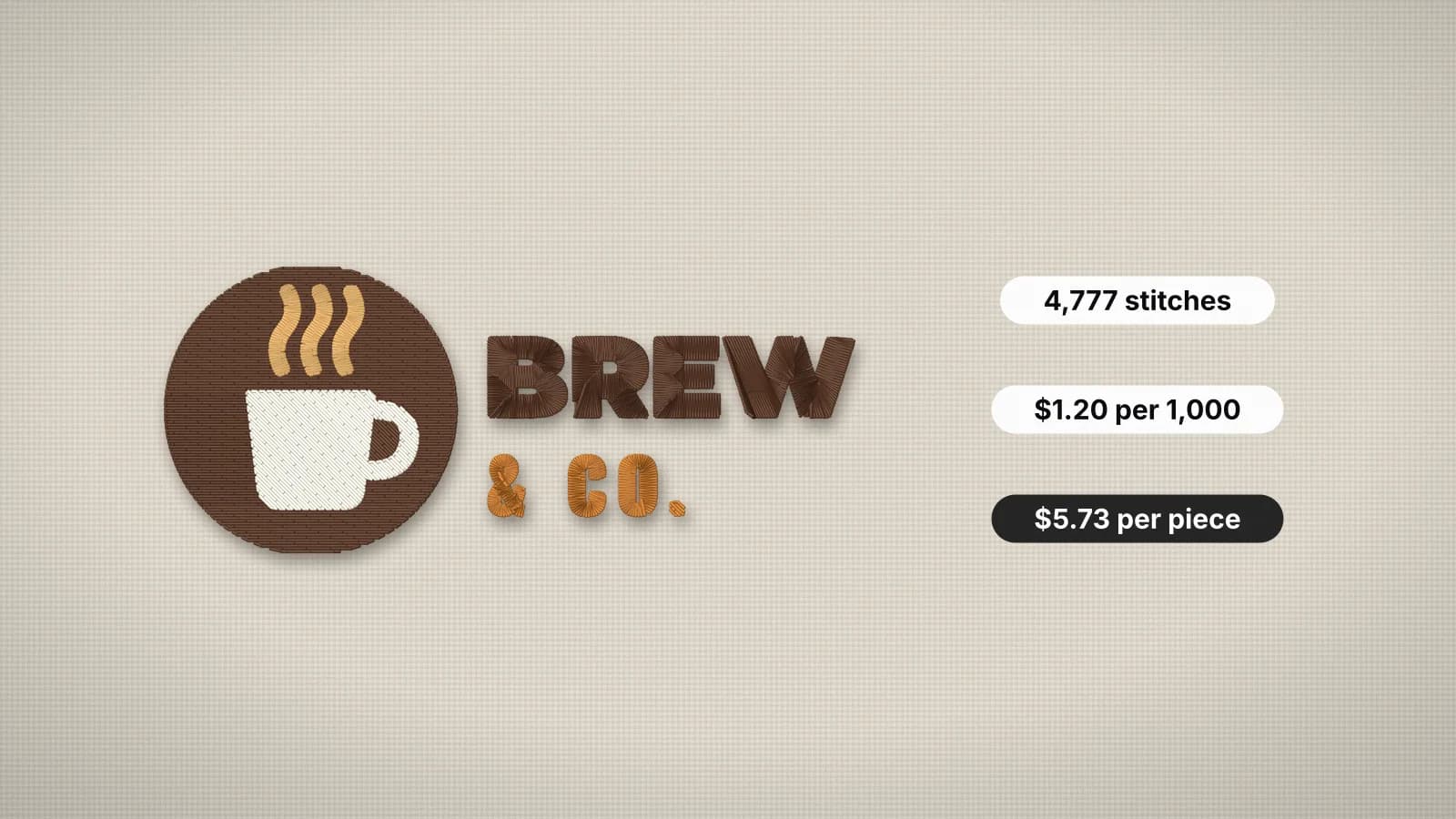 GuideHow to price embroidery workA practical method for quoting embroidery: stitch rates, minimums, quantity breaks, setup fees, blanks and the machine time behind them.Read the guide
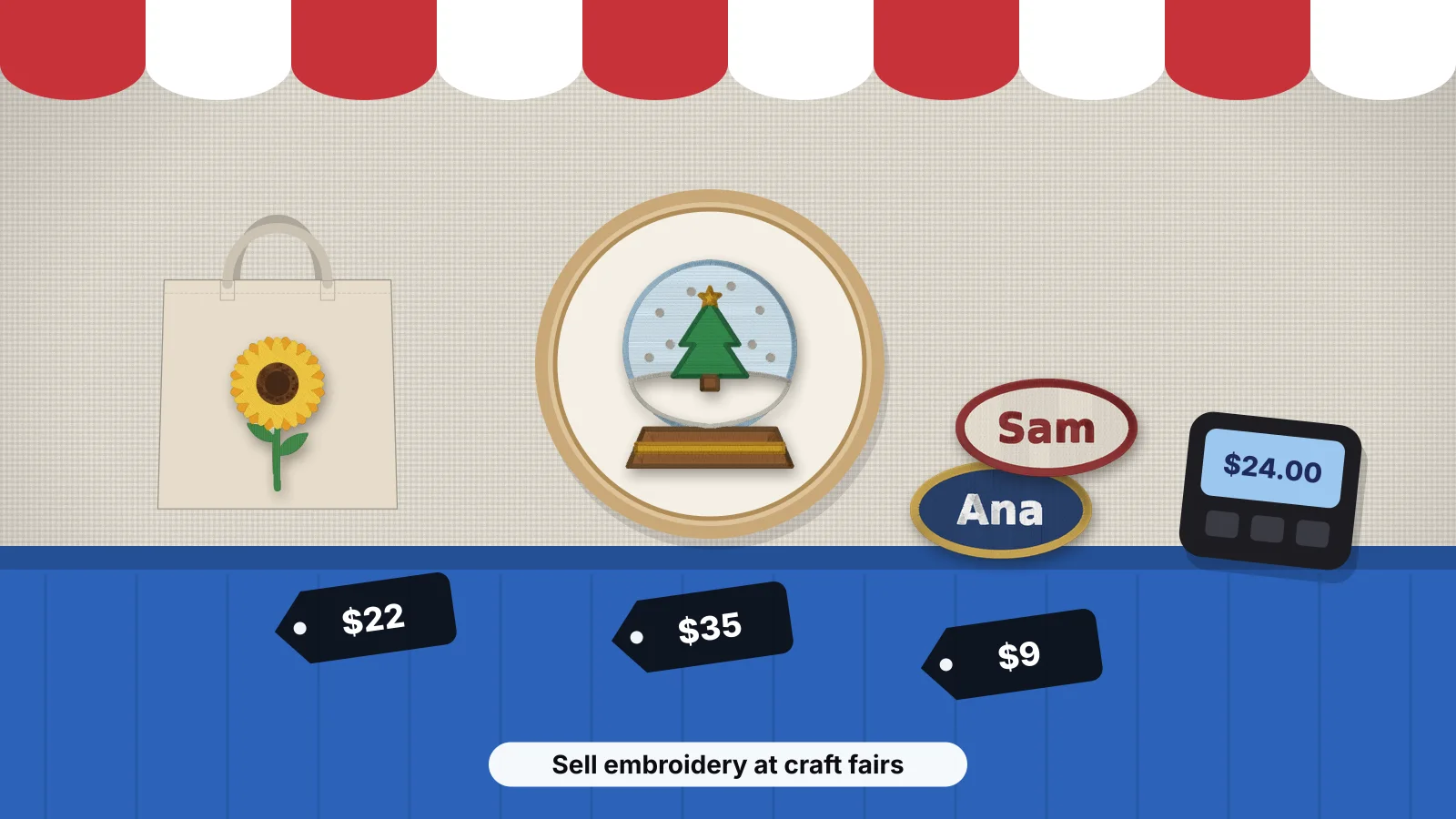 GuideHow to sell embroidery at craft fairsWhat sells at fairs and markets with a product mix and typical 2026 prices, booth setup and sample boards, stitching names while customers wait, pricing and bundles, how much stock to bring, card payments and sales tax, taking orders for later, collecting emails and the Embrizo route.Read the guide
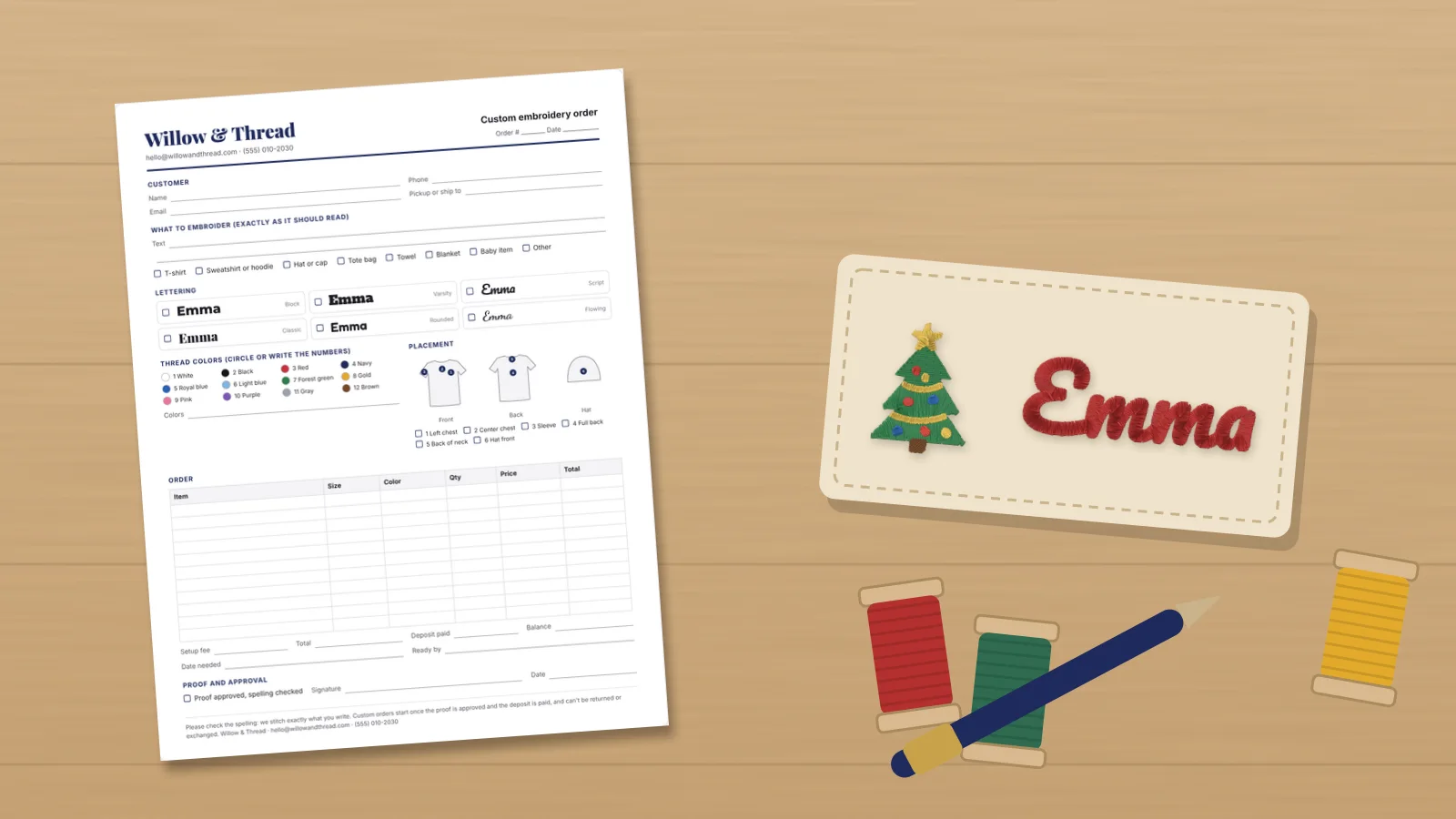 GuideHow to take custom embroidery ordersHow to take custom embroidery orders from first message to pickup: the details to collect, a printable order form, sending a proof and getting the spelling approved, quotes, deposits and balances, turnaround times and holiday cut-offs, and handling changes, mistakes and refunds.Read the guide
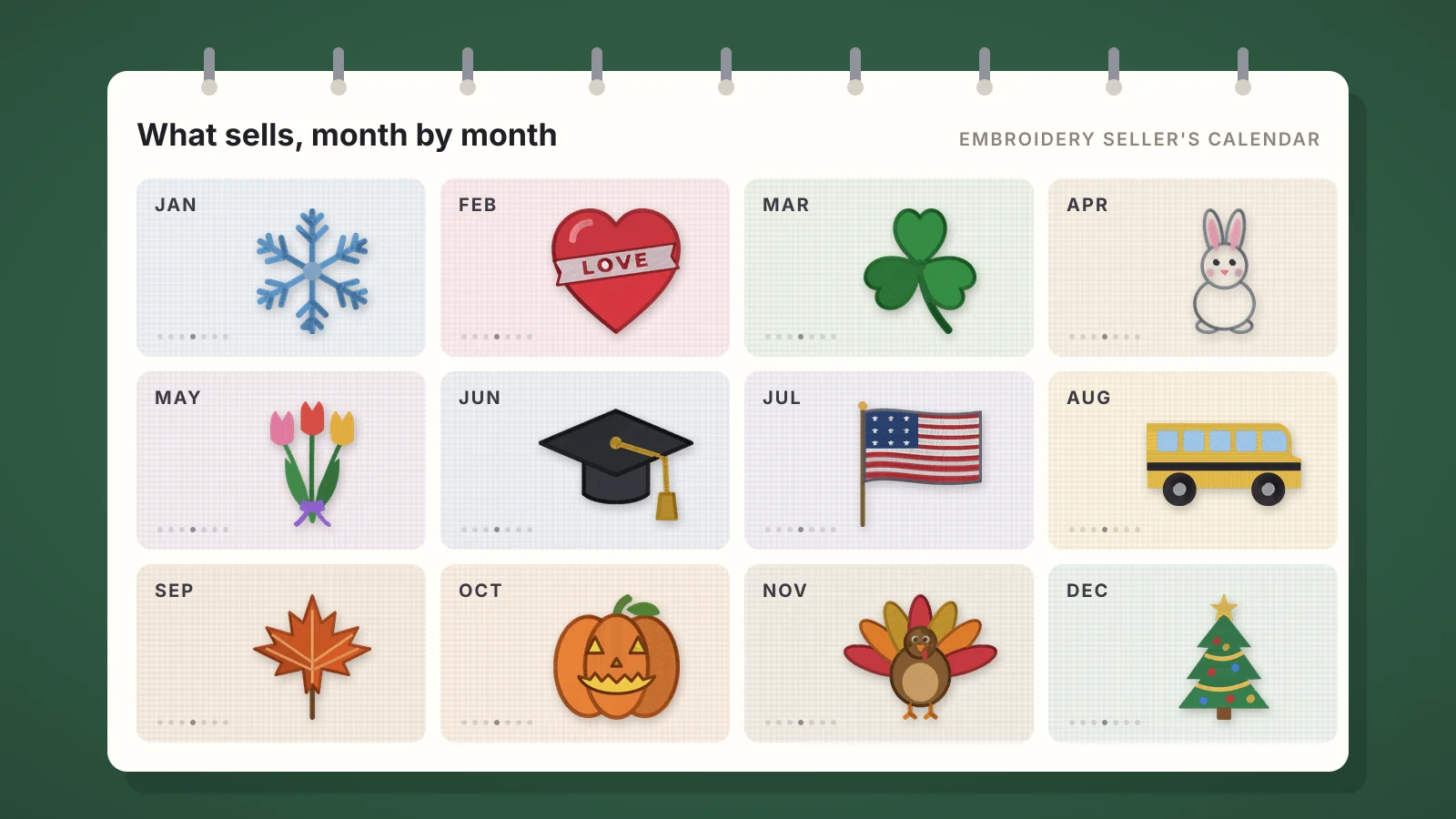 GuideWhat embroidery sells each monthA twelve-month calendar for embroidery sellers: the holidays and seasons that drive orders, what sells for each, when to start making and listing it, and links to free designs, idea pages and name makers for every season, plus how to plan stock and cut-off dates.Read the guide
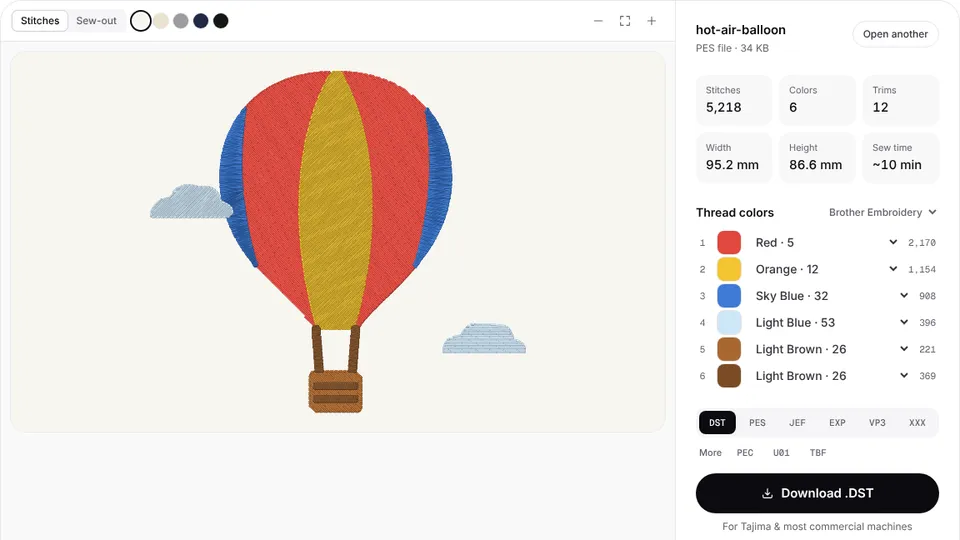 Free previewEmbroidery file converterConvert PES, DST, JEF, EXP, VP3 and XXX files to any other machine format.Open
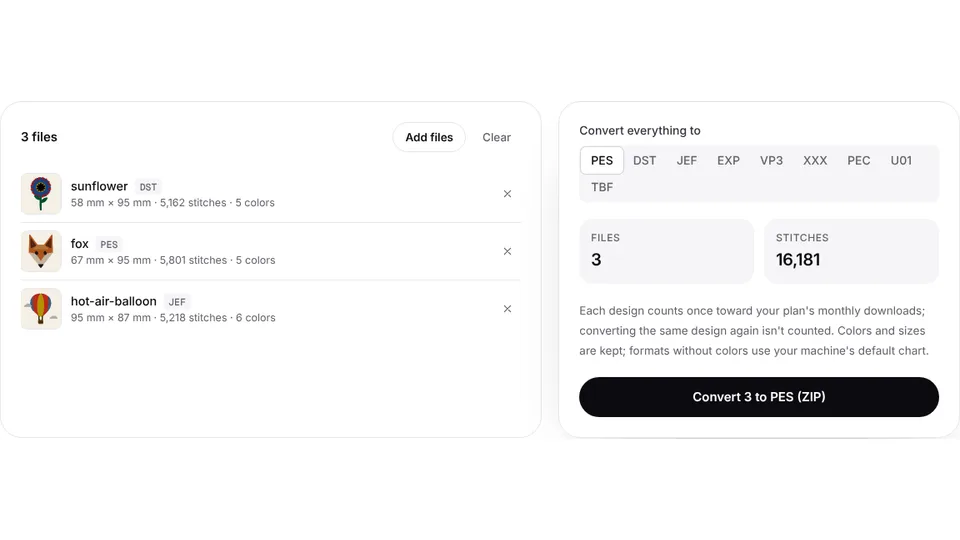 Free toolBatch embroidery file converterConvert up to 50 embroidery files to PES, DST, JEF or any format at once, as one ZIP.Open
Price it, then make it
Work out each price with the pricing calculator, then digitize customers' logos and names into DST, PES or JEF.