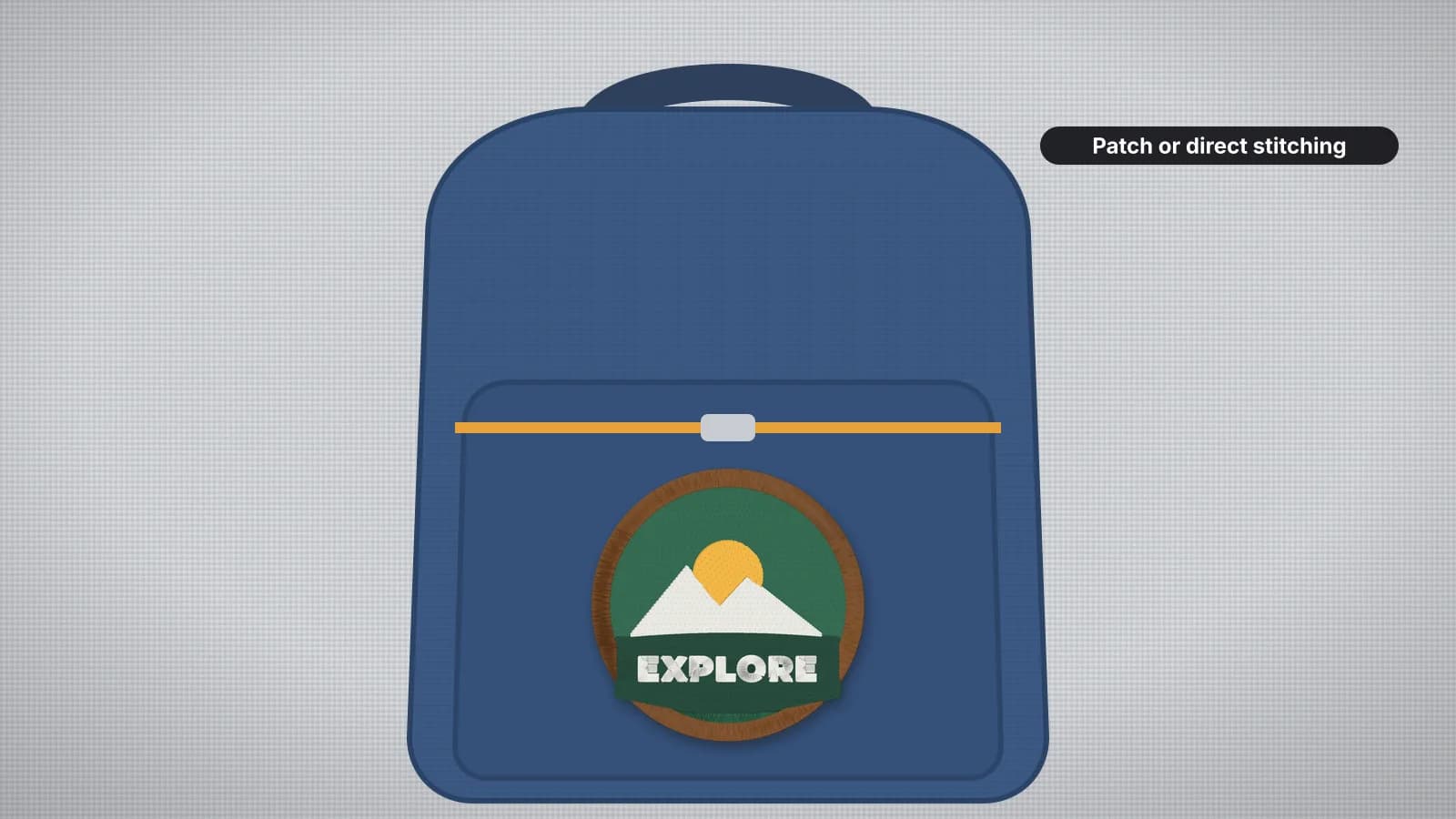
A name on a school backpack or a logo on a team bag is a popular request, and a tricky one. A backpack is a three-dimensional object: padded panels, zips, foam back panels, straps and seams in every direction, with only a few areas of flat, single-layer fabric that a hoop can reach.
This guide covers which areas can be embroidered, how to get a hoop onto them, sizes for names and logos, the backing and needle for bag fabrics, and the option that often works best of all: an embroidered patch, stitched flat and attached afterwards.
Which parts of a backpack can be embroidered
| Area | Can it be hooped? | Notes |
|---|---|---|
| Front zip pocket | Usually, through the zip opening | The most common spot; empty it and open the zip fully |
| Main front panel | Sometimes, through the main zip | Easier on simple, unpadded bags without a front pocket in the way |
| Top flap or lid | Often, if it opens or has a zip | A good place for a short name |
| Side pockets | Rarely | Usually too small, curved or elasticated |
| Padded back panel and straps | No | Foam and thick layers; put a patch there instead |
Look inside before you decide. A spot that looks flat from the outside can have a lining, a sewn-in organizer or foam behind it. The needle should go through only the outer fabric and the backing, so anything else has to be moved out of the way, or that spot is off-limits.
Getting a hoop onto the bag
- Through a zip. Empty the pocket, open the zip all the way and slide the hoop's outer ring inside with the backing on it. Smooth the front fabric over it and press in the inner ring. Keep the zip teeth and pull clear of the hoop and the needle.
- Float it. If the hoop won't fit inside or the fabric is too thick to clamp, hoop sticky backing on its own and press the panel onto it, with the rest of the bag folded away. Use a basting box if your machine has one.
- Unpick a seam. Opening part of a pocket's side or bottom seam lets the panel lie flat in the hoop. Note how it was sewn, and close it afterwards, which on a heavy bag may need a heavy-duty sewing machine or hand stitching.
- Open the lining. On some bags the lining can be unpicked along one seam to reach the outer fabric alone, then closed again.
- Use a tubular arm. Multi-needle machines with a tubular arm and small hoops can reach pockets that won't sit flat on a home machine's bed.
Then manage the bulk. A backpack is heavy and stiff, and it can hit the machine's arm or drag on the hoop as it moves. Support it on the table, clip straps out of the way and run the machine's trace, if it has one, to check that the hoop moves through the whole design without the bag catching.
Rehearse the hooping before you stitch anything: hoop the bag, run the trace and unhoop. If it's a struggle with no stitches involved, a patch will be easier.
Try it with your own design
Sign up free, upload an image and get a stitch preview in under a minute.
Drop your image here
PNG, JPG, WebP or SVG · stays on your device
Design sizes for backpacks
| Placement | Design size | Good to know |
|---|---|---|
| Front pocket, adult backpack | About 3–5 in (75–125 mm) wide | Measure the flat area inside the zip and seams; leave about 1/2 in (12 mm) clear |
| Front pocket, kids' backpack | About 2.5–4 in (65–100 mm) wide | A name or a small motif |
| Name on a pocket or flap | Letters about 0.75–1.5 in (20–40 mm) tall | Bold block or rounded fonts read from a distance |
| Patch | Usually 2–4 in (50–100 mm) | Sewn onto areas that can't be hooped |
Pockets curve once the bag is packed, so a design that fills the pocket edge to edge bends around the curve. Keep it a little smaller than the flat area. The hoop size calculator checks which hoop fits, and the text to embroidery tool sets a name in a bold font.
Backing and needles for bag fabrics
| Bag fabric and design | Backing | Needle |
|---|---|---|
| Polyester or nylon, light or medium design | Medium tear-away, or sticky tear-away when floated | 75/11 or 80/12 sharp |
| Polyester or nylon, dense design | Medium cut-away | 75/11 or 80/12 sharp |
| Canvas | Medium tear-away; cut-away for dense designs | 80/12 or 90/14 sharp |
| Coated or water-resistant fabric | Medium tear-away, floated | 75/11 sharp |
Bag fabrics are usually stable wovens, so tear-away is often enough; step up to cut-away for dense designs, since a bag gets stuffed, pulled and dragged. On coated and water-resistant fabrics, every needle hole is permanent and goes through the coating, so keep the design light, float rather than hoop to avoid marks, and expect the stitched area to be less water-resistant than before. For faux leather panels, see the leather guide. Use the woven preset in the digitizer, and the stabilizer finder for each fabric and density.
Patches: the easy alternative
When a bag has nowhere that hoops cleanly, or you're doing a whole team's worth, stitch a patch instead. You embroider it flat on firm fabric, where everything is easy, and attach it afterwards wherever it fits, including padded panels and curved pockets.
- Make the patch on twill or felt, with a full-coverage design and a satin border about 3–4 mm wide. The patch guide covers materials, cutting and sealing the edge.
- Sew it on. Backpacks get stuffed, dragged and washed, and stitching around the edge holds better than adhesive alone. A heavy needle or hand stitching gets through bag fabric.
- Be careful with iron-on. Heat can melt or mark nylon and coated fabrics, and the adhesive may not bond to them. If you use an iron-on backing, test it on a hidden spot and sew around the edge as well.
- Hook-and-loop lets a patch be swapped, which suits team, club and scout bags.
The patch embroidery file page turns artwork into a patch design with full-coverage fills and a clean satin border. For a direct stitch-out, the free fox design is bold enough for a backpack pocket.
Step-by-step: embroidering a backpack pocket
- Empty the bag, open the pocket and measure the flat area you can hoop, clear of zips and seams.
- Open the digitizer, sign in with your free account and add the design or name. Choose the woven preset and set the width to fit the area with a margin.
- Read the design check and the stitch count, and keep the design light on coated fabrics.
- Download your machine's format. Digitizing and previewing are free with your account; downloads need a plan.
- Hoop or float the pocket front with the backing, clip the straps and the rest of the bag clear, and run the trace.
- Check underneath by hand that only the pocket front and the backing are under the needle, then sew, watching the bag as the hoop moves.
- Tear or trim the backing, close any seam you opened and trim thread tails.