Batch embroidery file converter
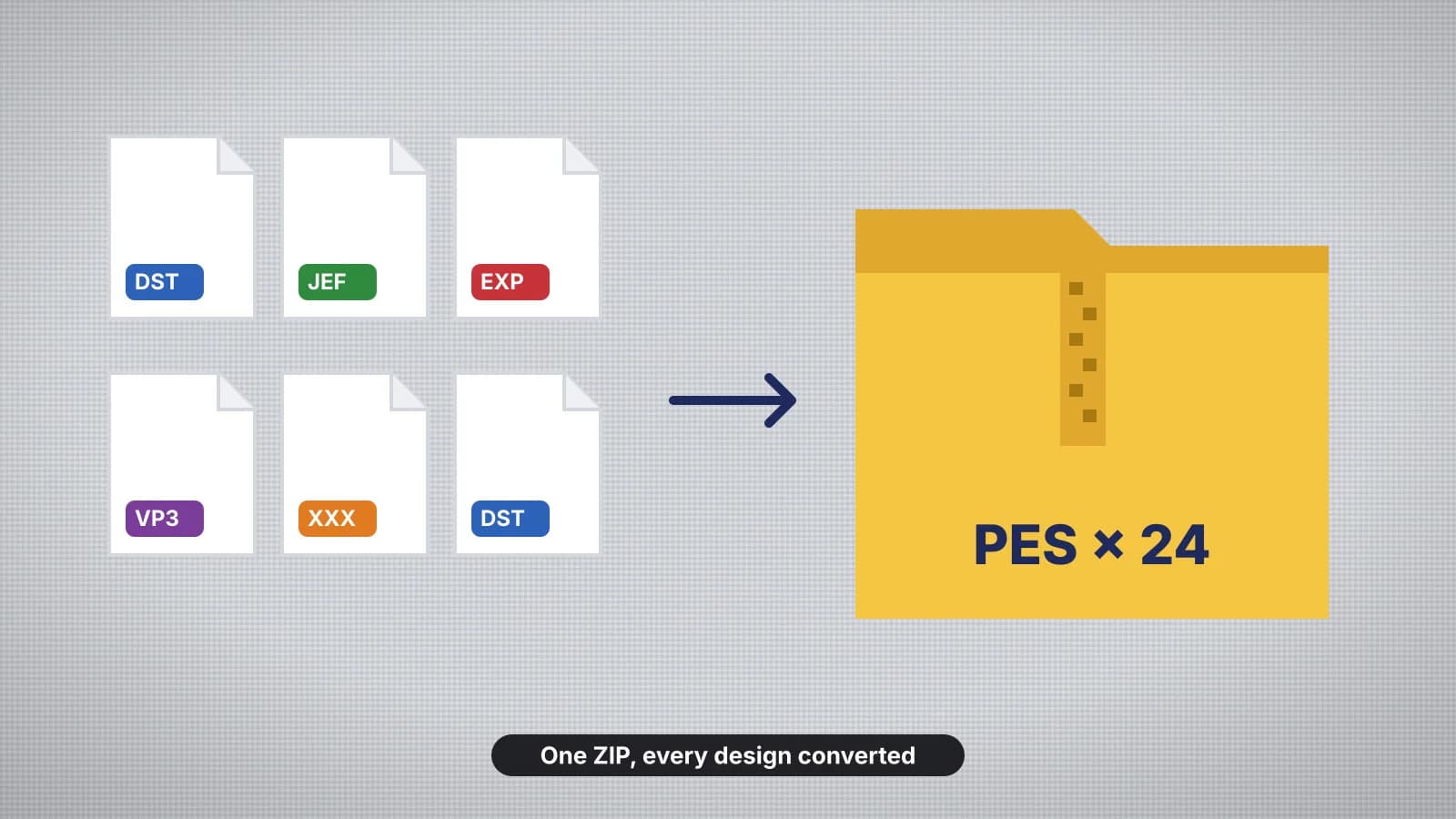
Convert a whole folder of embroidery designs to the format your machine reads in one go: drop the files, check the previews, pick PES, DST, JEF or another format and get them all in one ZIP.
Drop your embroidery files here
Up to 50 files: DST, PES, JEF, EXP, VP3, XXX, PEC, U01, TBF, HUS, SHV, SEW, JPX, PCS
Convert everything to
- Files
- 0
- Stitches
- 0
Each design counts once toward your plan's monthly downloads; converting the same design again isn't counted. Colors and sizes are kept; formats without colors use your machine's default chart.
- What it does
- Convert up to 50 embroidery files to PES, DST, JEF or any format at once, as one ZIP.
- Price
- Free
- Works on
- Any browser: Windows, Mac, Chromebook, iPad and phones
- Privacy
- Runs in your browser; your images and files aren't uploaded
Convert dozens of designs in one step
Up to 50 files
DST, PES, JEF, EXP, VP3, XXX, PEC, U01 and TBF, mixed together.
Previews first
See every design, its size, stitches and colors before converting.
One ZIP
Everything in one download, named like the originals.
Stitches untouched
Only the format changes: stitches, colors and size are kept.
Every machine
Brother, Janome, BERNINA, Husqvarna Viking, Tajima and more.
Private
Files are read in your browser; only the conversion runs on the server.
Before you convert a pack
- Check the designs fit your largest hoop: the previews show each size.
- Keep the color charts or PDFs that came with the pack.
- Copy the files to a USB stick in the folder your machine expects.
- Stitch one design as a test before the whole pack.
Free account
Start digitizing in under a minute
Create a free account to digitize any image, try every setting and watch it sew. Choose a plan only when you want to download files.
- Digitize and preview any image
- Realistic stitch preview and sew-out
- Download free ready-made designs
- No credit card needed



Questions
The quickest way to see what it does with your artwork is to try it. With a free account, digitizing and previewing cost nothing and take about a minute.
How do I convert many embroidery files at once?
Drop up to 50 files (DST, PES, JEF, EXP, VP3, XXX, PEC, U01 or TBF), check the previews, pick the format your machine reads and convert. You get one ZIP with every design, named like the originals.
Does converting change the designs?
No. The stitches, colors and size stay the same; only the file format changes. Formats that don't store thread colors, like DST, use your machine's default color chart.
Does batch converting use my downloads?
Each design counts once toward your plan's monthly downloads, like any download. Converting the same design again, in any format, isn't counted twice.
Can I convert a design pack I bought?
Yes, if its license lets you use the designs on your machine: converting them to your machine's format is the usual reason to batch convert.
Is viewing the files free?
Yes. Opening, previewing and checking files is free. Converting and saving them needs a plan.
More tools
Keep going
 GuideHow to convert embroidery files in bulkWhen bulk conversion makes sense, checking a design pack's license and contents, checking sizes against your hoop, batch converting step by step, keeping the colors right, naming and organizing files, and loading them onto your machine.Read the guide
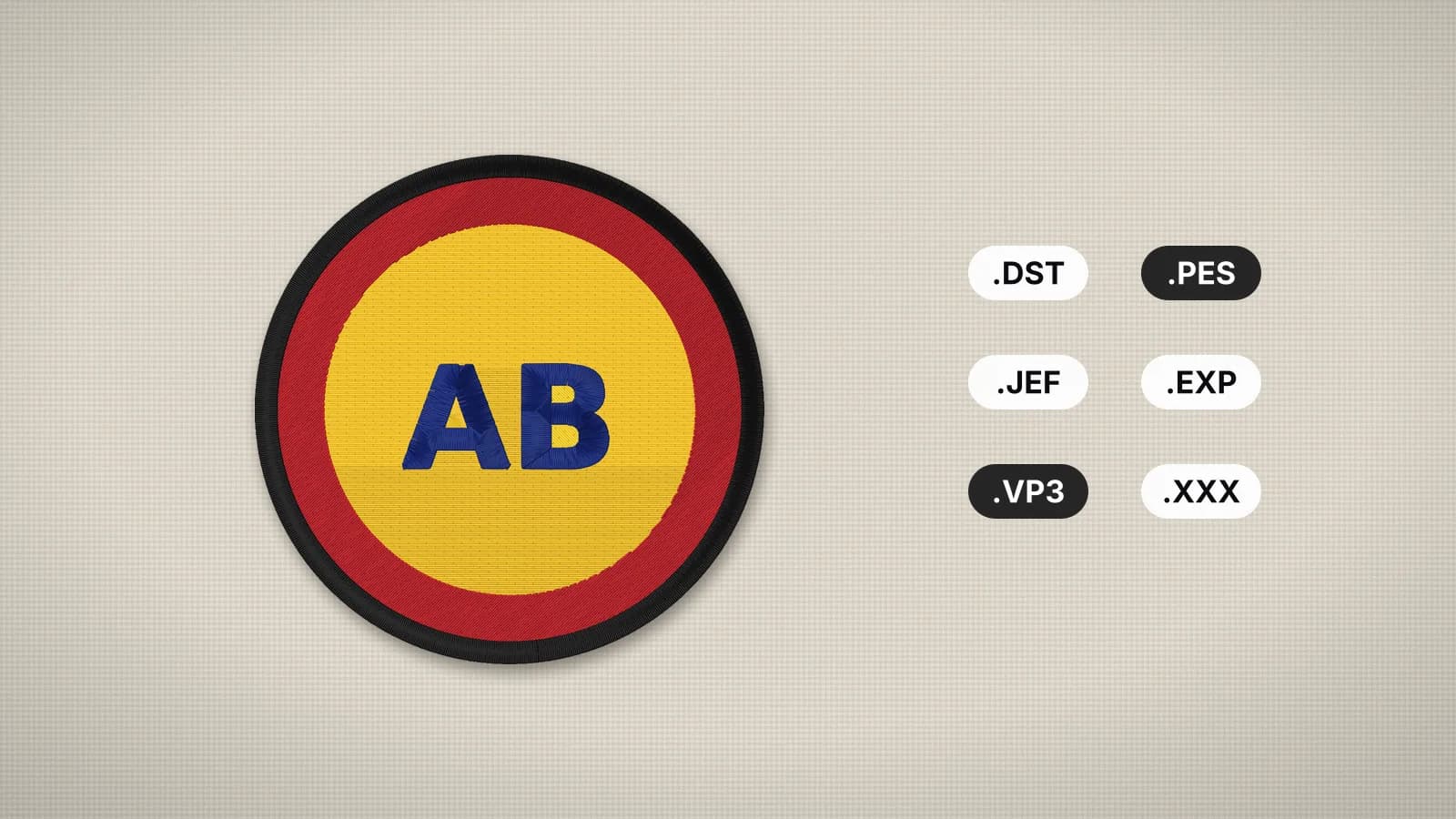 GuideEmbroidery file formats explainedWhat each machine embroidery format is, which machines read it, and how to pick and convert the right one.Read the guide
 GuideHow to transfer designs to your machineThe USB stick basics that work on every machine, then the Wi-Fi, app and cable options for Brother, Baby Lock, Janome, Husqvarna Viking, Pfaff, Singer, Bernina and commercial machines.Read the guide
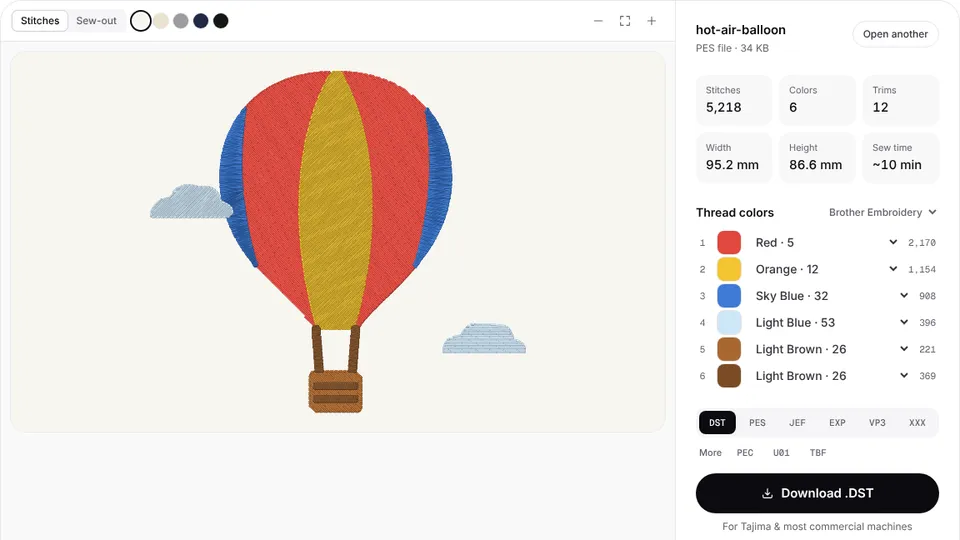 Free previewEmbroidery file converterConvert PES, DST, JEF, EXP, VP3 and XXX files to any other machine format.Open
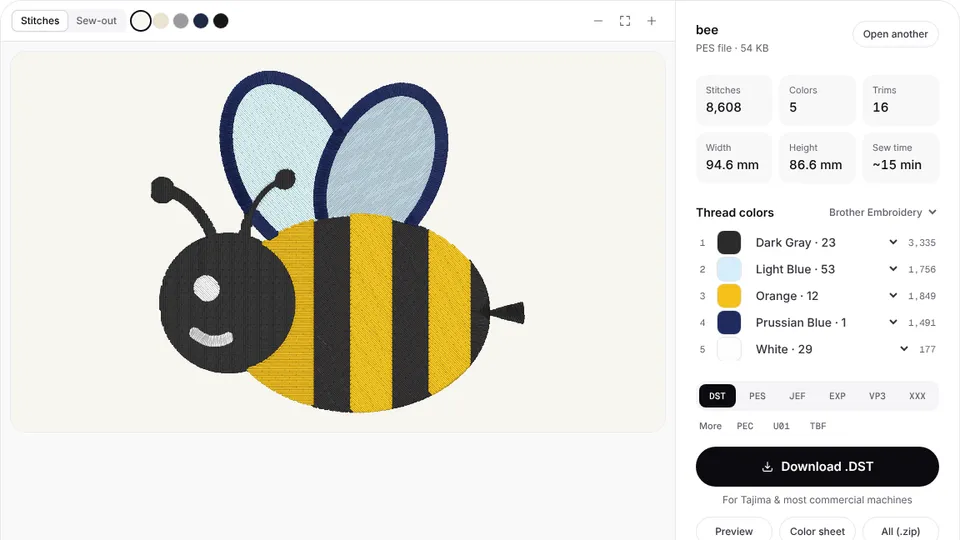 Free toolEmbroidery file viewerOpen DST, PES, JEF and more in your browser: stitch preview, colors, size and stitch count.Open
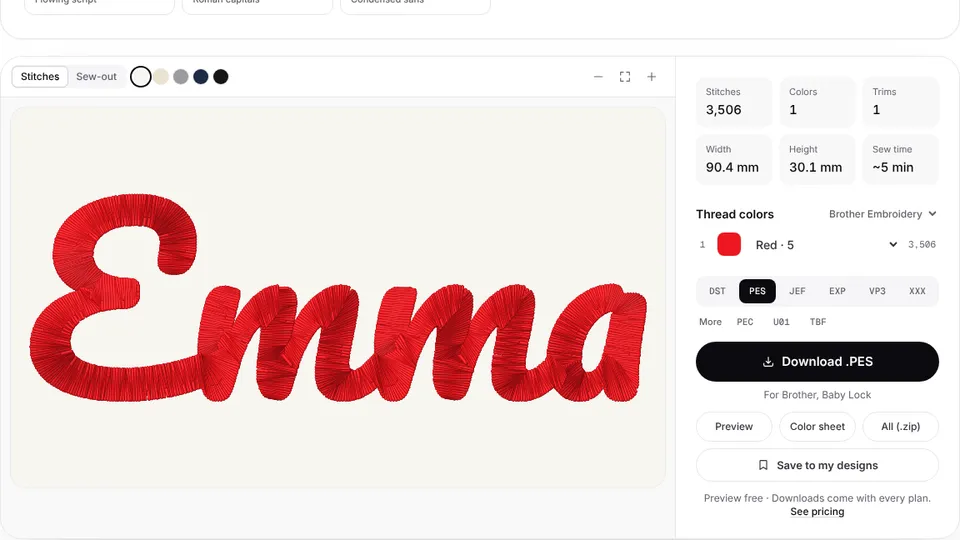 Free previewText to embroidery fileType a name or monogram, pick a font and download a ready-to-sew lettering file.Open
Have artwork instead of stitch files?
Turn logos and images into ready-to-sew files for any machine.