Embroidery mockup generator
See your logo stitched on a t-shirt, polo, hoodie, cap or tote before anything is sewn. The design is digitized at the size you pick and placed at its real scale, so the mockup shows what the embroidery will actually look like.
Your logo
Garment
Color
Placement
The logo is digitized at this size, so the stitches are what you'd sew.
Approve the design before you stitch
Real stitches, real size
The logo is digitized at the width you choose, so you see which details survive at left-chest size.
Five garments
T-shirt front and back, polo, hoodie, structured cap and tote bag, in eight colors.
Standard placements
Left chest, center chest, full back, upper back, cap front and tote front, each with a typical size.
Send it to customers
Download a 1600 px PNG mockup for quotes, approvals and shop listings.
Size check
The exact width, height and stitch count are shown under the mockup.
Straight to a file
One click opens the logo in the digitizer to make the DST, PES or JEF.
Getting a mockup customers say yes to
- Use the cleanest version of the logo: a PNG with a transparent or plain background works best.
- Show the real size. A left chest logo is about 3.5 in wide; a customer who expects it bigger should see that now, not on the finished shirt.
- Try the garment color first: thread colors that vanish on navy or black are easy to spot here.
- If small text disappears in the mockup, it won't sew either. Enlarge it or drop it for the embroidered version.
Free account
Start digitizing in under a minute
Create a free account to digitize any image, try every setting and watch it sew. Choose a plan only when you want to download files.
- Digitize and preview any image
- Realistic stitch preview and sew-out
- Download free ready-made designs
- No credit card needed


Questions
The quickest way to see what it does with your artwork is to try it. With a free account, digitizing and previewing cost nothing and take about a minute.
How do I make an embroidery mockup?
Upload your logo, pick the garment, color and placement, and set the width. The generator digitizes the logo at that size, renders the stitches and places them on the garment at true scale. Download the mockup as a PNG to send to a customer or use in a listing.
Is the mockup the real stitch result?
Yes. The logo goes through the same digitizer as a real file, at the size you choose, so details that are too small to stitch disappear just as they would on fabric. Thread sheen and fabric texture are simulated.
What size should a left chest logo be?
Usually 3 to 4 inches wide and no more than about 3.5 inches tall. Caps are usually 4 to 4.5 inches wide and up to about 2.25 inches tall. Full backs run 10 to 12 inches wide.
Can I get the embroidery file too?
Yes. Press Get the embroidery file and the logo opens in the digitizer, where you can fine-tune it and download DST, PES, JEF and more with a plan.
Is my logo uploaded?
No. It's digitized and rendered in your browser.
More tools
Keep going
 GuideEmbroidery placement guide: sizes and positionsStandard embroidery placements with sizes in inches and mm, where to measure from and how to hoop each one.Read the guide
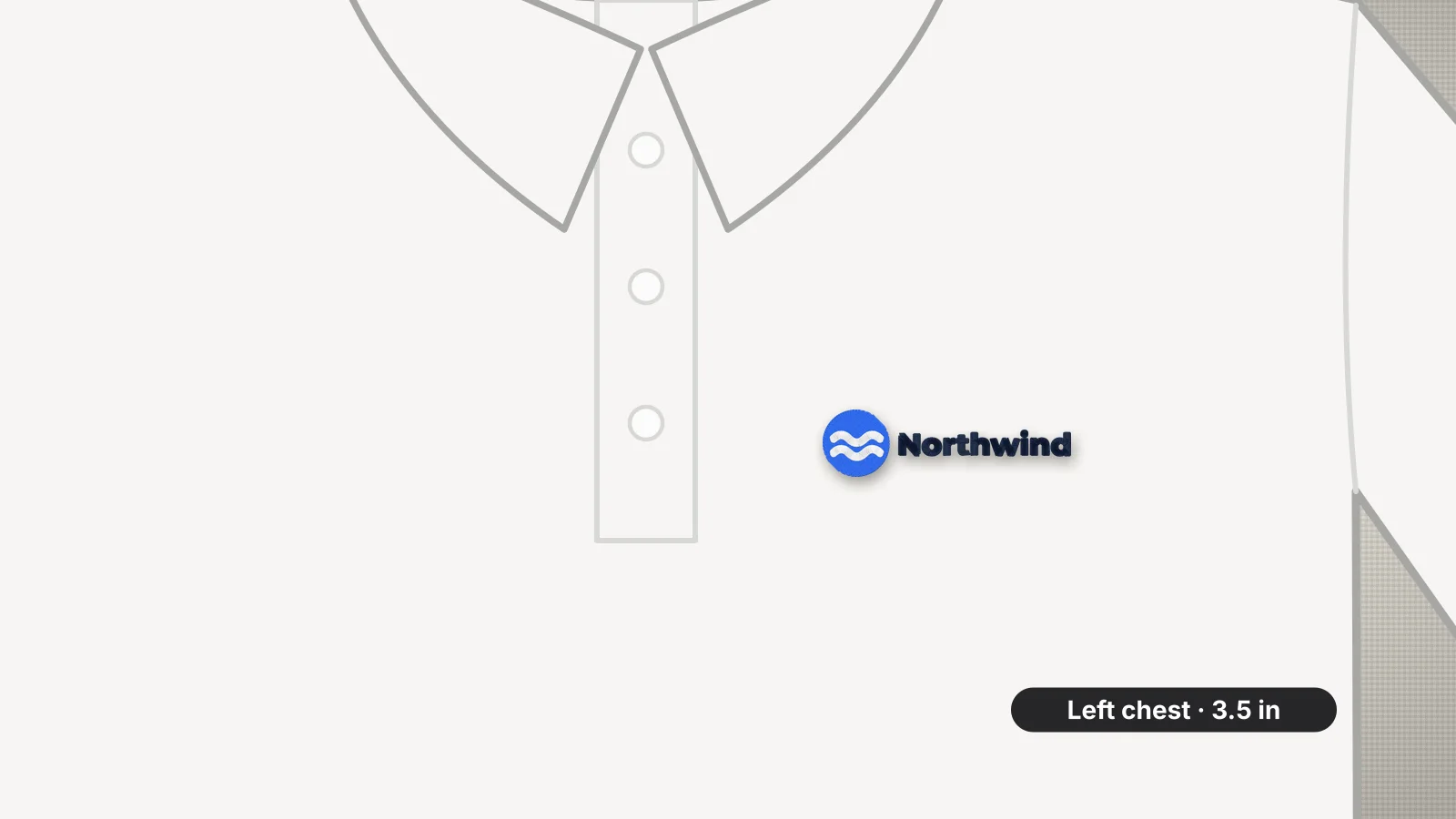 GuideHow to embroider a polo shirtLeft chest logo sizes and placement on a polo, the backing and topping piqué needs, how to hoop around the placket and how small the text can go.Read the guide
 GuideHow to embroider a logo on a hatCap types, how big a hat logo can be, how to hold the cap, and how to design and sew a logo that stays crisp.Read the guide
 Free previewEmbroidery file converterConvert PES, DST, JEF, EXP, VP3 and XXX files to any other machine format.Open
 Free toolEmbroidery file viewerOpen DST, PES, JEF and more in your browser: stitch preview, colors, size and stitch count.Open
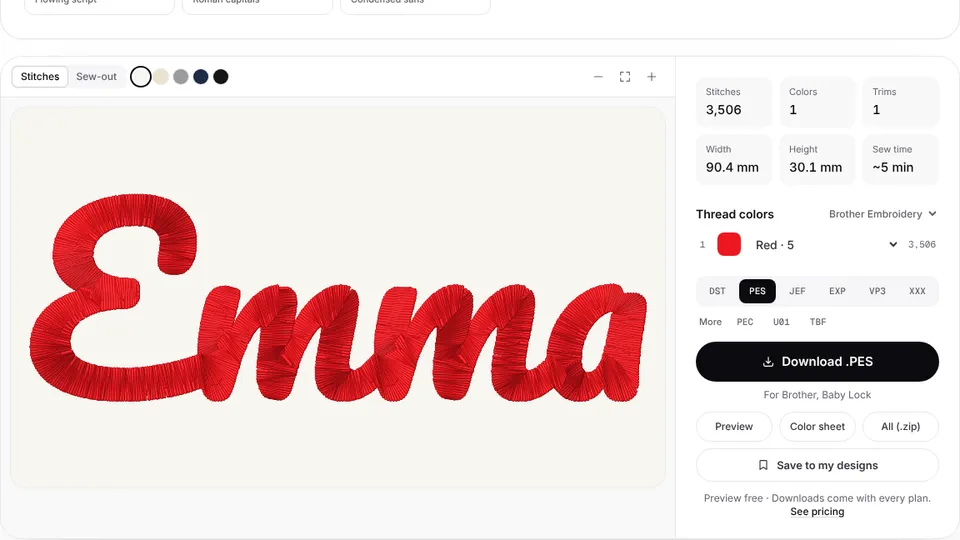 Free previewText to embroidery fileType a name or monogram, pick a font and download a ready-to-sew lettering file.Open
Ready to sew it?
Open the same logo in the digitizer, fine-tune colors and stitch types, and download a file for your machine.