Resizing a picture is easy: drag a corner and the software redraws it. Embroidery designs don't work that way. A stitch file is a list of needle positions, so making it bigger or smaller moves the same stitches further apart or closer together, and the density, satin widths and small text all change with it.
Small changes are fine, and they're a quick way to fit a design to a hoop or a placement. Big changes are where designs turn stiff, gappy or unreadable. This guide explains the 10–20% rule, what happens to density and stitch count, how to resize safely with the embroidery design resizer, and when to digitize the artwork again instead.
Why stitch files don't scale like images
An image editor or a vector program stores shapes, so it can redraw them at any size. A machine file such as a PES, DST or JEF stores only the result: every needle position, usually in steps of 0.1 mm, plus trims and color changes. When you scale it, every stitch moves, but none are added or removed.
| Part of the design | Shrink it | Enlarge it |
|---|---|---|
| Stitch count | Stays the same | Stays the same |
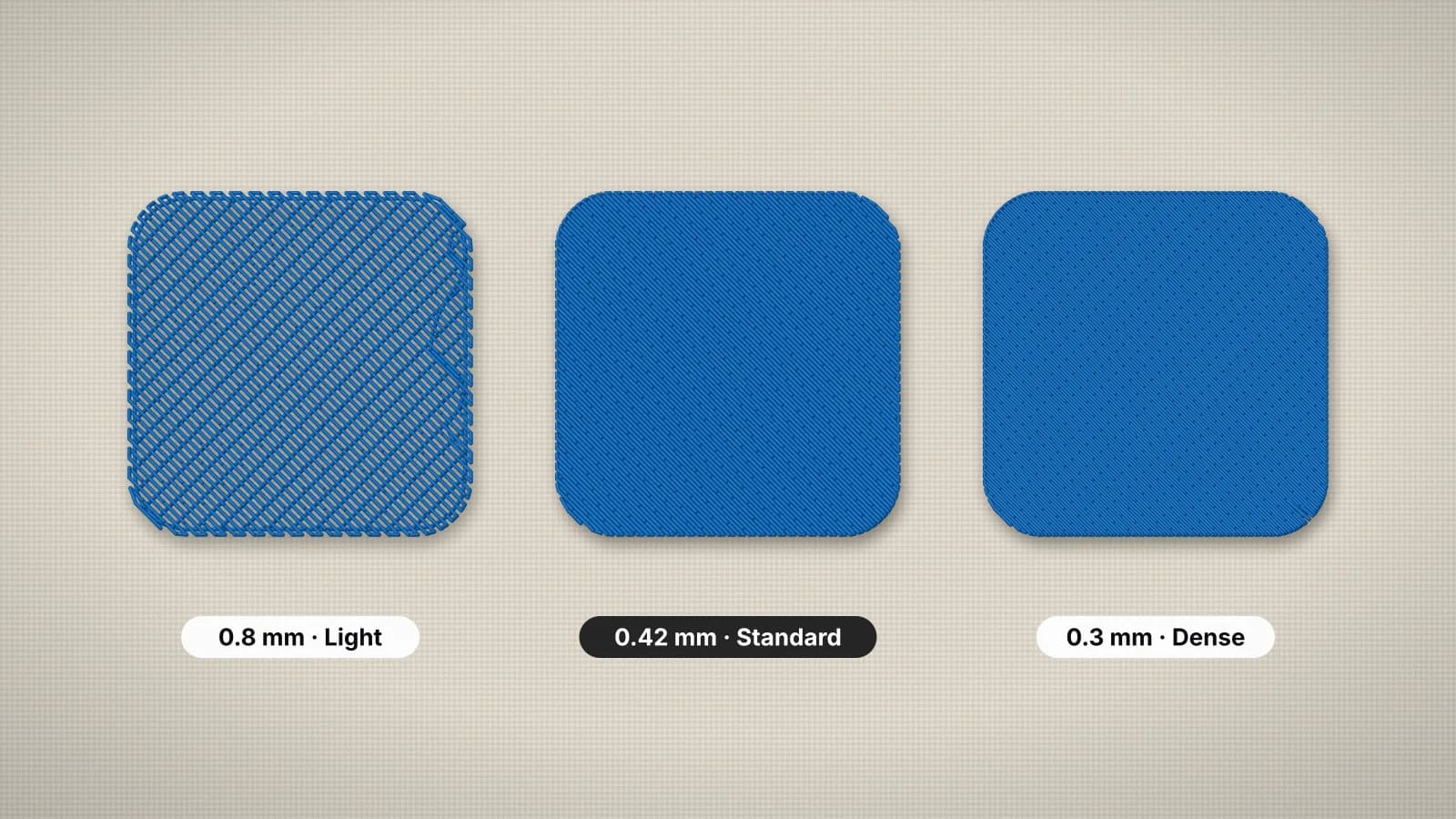
| Fill density | Rows move closer together; stiffer and heavier | Rows spread apart; fabric shows through |
| Satin columns | Narrower and packed tighter | Wider, with longer, looser stitches |
| Underlay and pull compensation | Scaled along with everything else, no longer sized for the fabric | Scaled along with everything else, no longer sized for the fabric |
| Small lettering | Can drop below about 5 mm and fill in | Usually fine |
Digitizing works the other way round: it starts from the shapes and plans fill spacing, satin widths, underlay and pull compensation for one finished size. That's why a design digitized at its final size sews better than a scaled one, and why the placement guide suggests settling the size before you digitize.
The 10–20% rule
| Size change | What to expect | What to do |
|---|---|---|
| Up to about 10% either way | Sews like the original | Resize and sew |
| About 10–20% | Usually works, but the density changes enough to notice | Resize, then test-sew on the same fabric and backing |
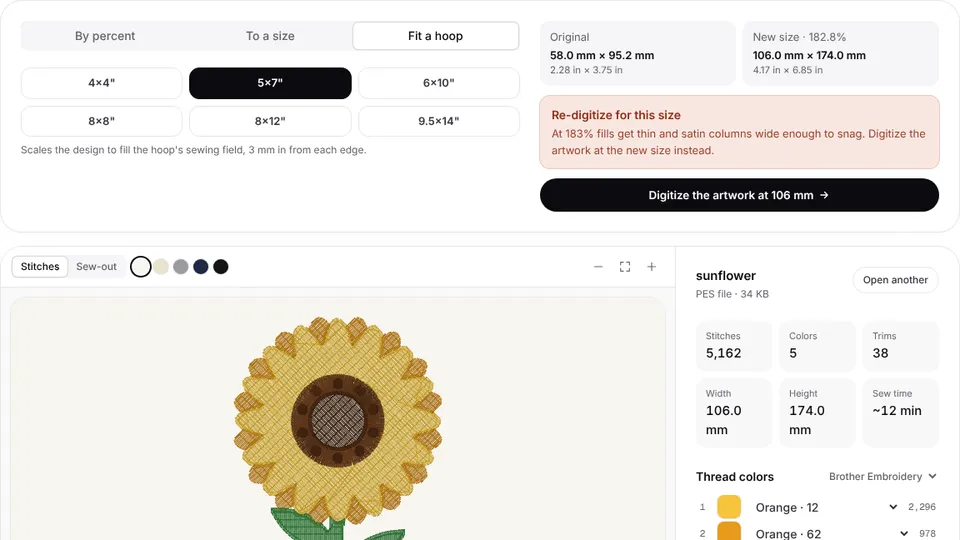
| More than about 20% | Shrunk designs get stiff and break thread; enlarged ones show fabric through the fills | Digitize the artwork again at the new size |
Those limits are for typical designs. Small lettering is the exception: if a design has letters near 5 mm tall, stay within about 10%, since letters below that stop sewing cleanly. Open designs made mostly of running stitch and outlines usually tolerate a bit more change than dense fills and wide satin borders.
A design a few millimeters too big for your hoop is the classic good resize. Scaling a 105 mm design down to 95 mm is a reduction of about 10%, well within the safe range.
Try it with your own design
Sign up free, upload an image and get a stitch preview in under a minute.
Drop your image here
PNG, JPG, WebP or SVG · stays on your device
What resizing does to density and stitch count
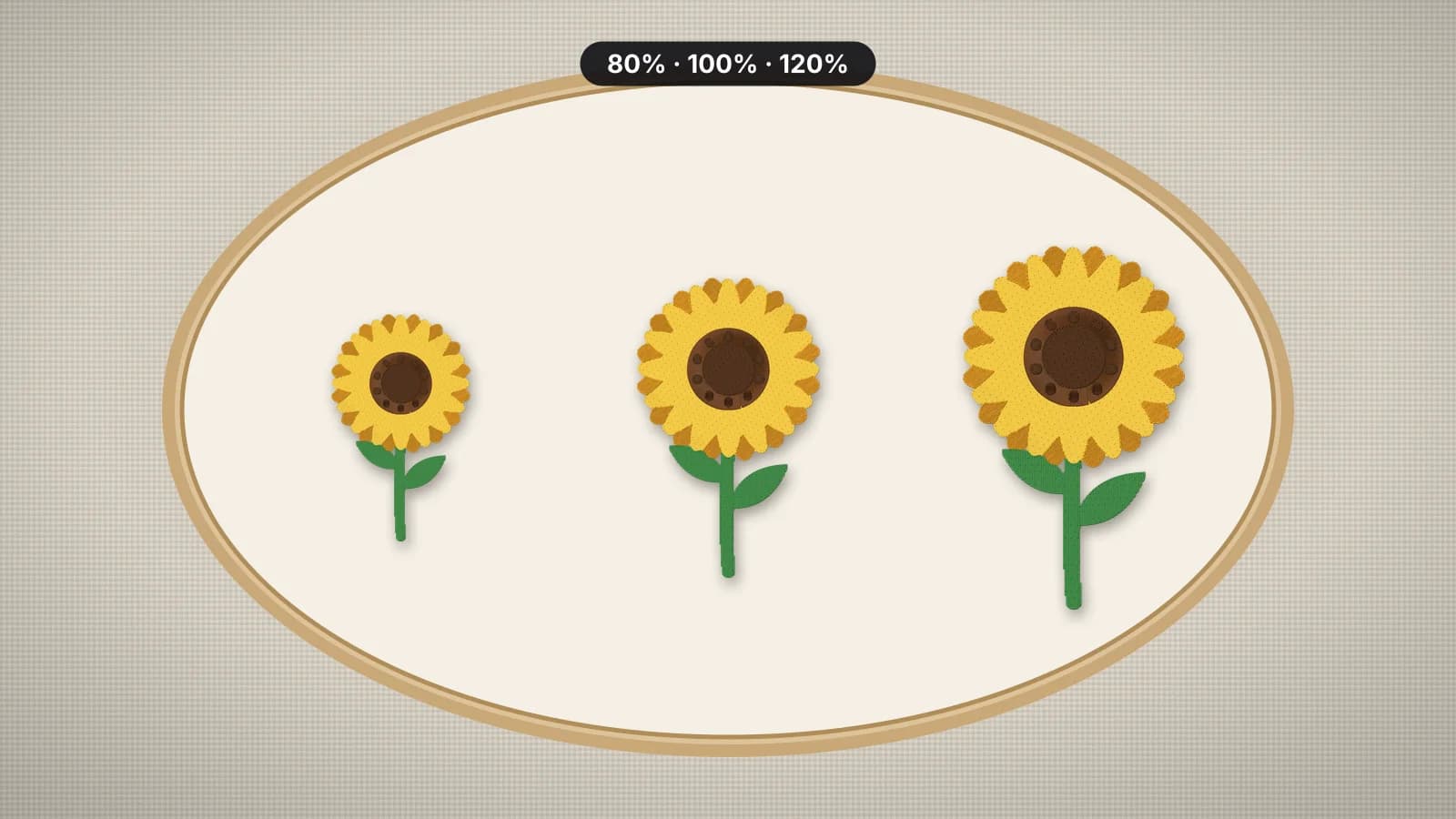
Because the stitches stay the same while the area changes, the number of stitches per square millimeter changes with the square of the scale. A small change in width makes a bigger change in density:
| Scale | Fill row spacing (from 0.4 mm) | Stitches per area | Stitch count |
|---|---|---|---|
| 80% | About 0.32 mm | About 56% more | Unchanged |
| 90% | About 0.36 mm | About 23% more | Unchanged |
| 110% | About 0.44 mm | About 17% fewer | Unchanged |
| 120% | About 0.48 mm | About 31% fewer | Unchanged |
Digitizing again behaves differently: a new design at twice the width and height has roughly four times the area and about four times the stitches, with the spacing kept right for the fabric. The density guide explains spacing in detail, and the stitch count calculator estimates a design at any size.
How to resize a stitch file
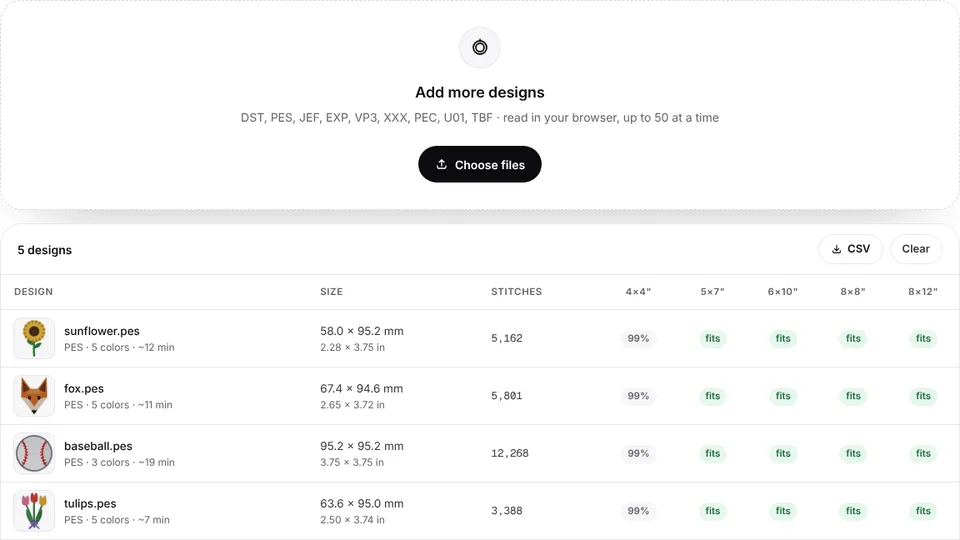
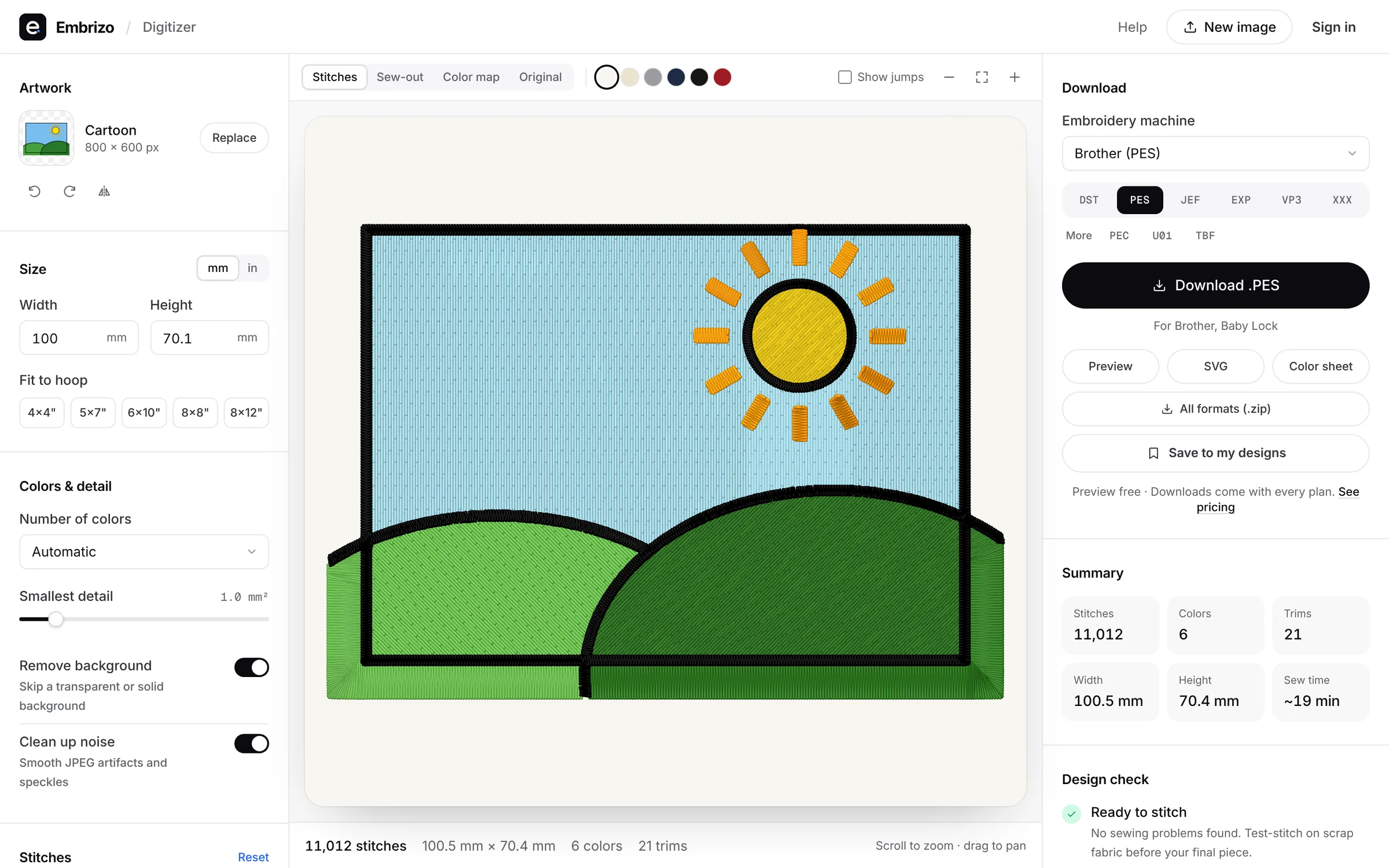
- Open the design in the embroidery design resizer. It reads DST, PES, JEF, EXP, VP3, XXX, PEC, U01 and TBF files in your browser.
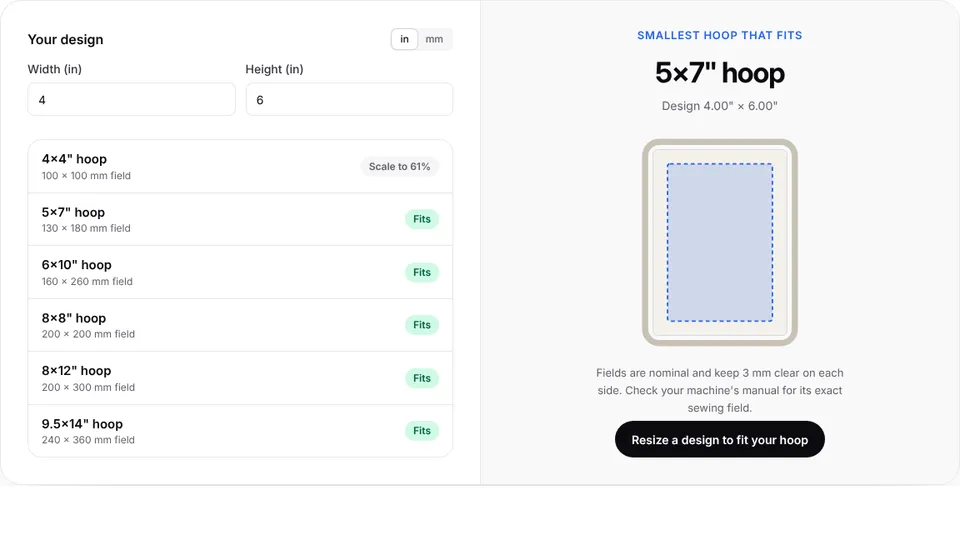
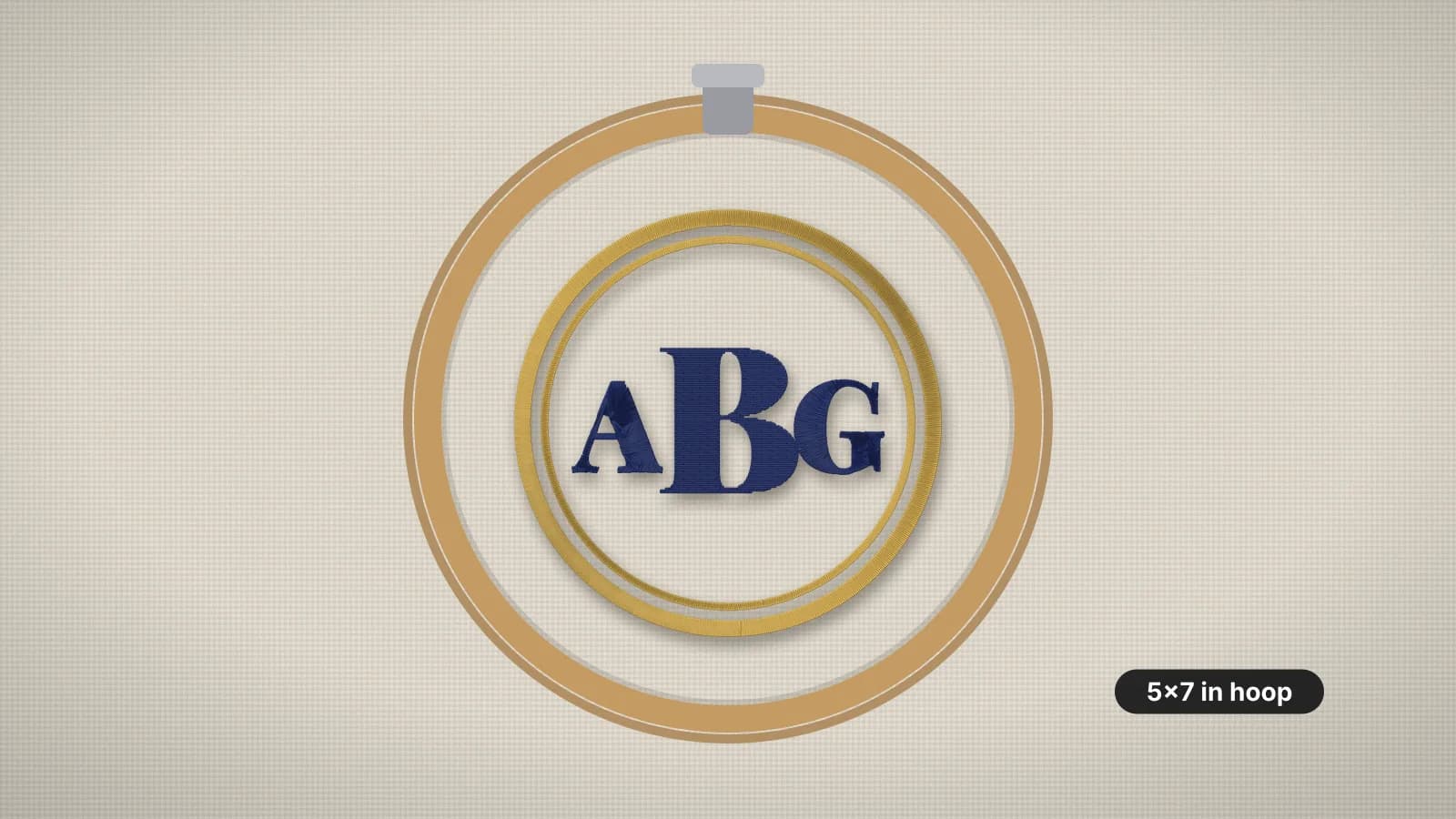
- Scale it by percent, type an exact width or height, or click a hoop to fit it to a 4×4, 5×7, 6×10, 8×8, 8×12 or 9.5×14 field.
- Watch the density check: green for safe, amber for test first, red when the stitches need recalculating.
- Check the stitch preview at the new size, especially small text and satin borders.
- Download the resized design in your machine's format with a plan, then test-sew it before the real piece.
Many machines can also resize a design on screen. Some adjust the stitches as they resize and others simply scale them, so check your manual and keep to the same limits unless it says otherwise. Some built-in designs can't be resized at all: Brother says the Disney/Pixar designs on the Stellaire XJ1 are among them. To check whether a design fits your hoops before and after, use the hoop checker.
When to digitize the artwork again
- The change is more than about 20%, such as turning a 3.5 in left chest logo into an 11 in jacket back.
- The design has small text that would drop below about 5 mm, or fine details that would close up.
- The fabric changes, such as a file made for a woven shirt going onto a fleece hoodie. Density, underlay and pull compensation should follow the fabric, not just the size.
- The layout needs to change, such as dropping a tagline at a small size or adding a line of text.
With the artwork, this takes seconds: upload it to the digitizer, set the width for the placement and choose the fabric preset, and the stitches are planned for that size. Create a free account to digitize and preview; downloading the file needs a plan. For Embrizo's free designs, press Customize on a design to open its artwork in the digitizer and recalculate the stitches at a new size.
If all you have is the stitch file, the embroidery file to image tool saves a picture of the design that can be a starting point for simple, bold designs. Check the design's license first if you didn't make it; the copyright guide explains why.
Tips for a clean resize
- When shrinking, use a heavier backing, since denser stitches pull the fabric more, and check that the smallest text stays at least about 5 mm tall.
- When enlarging, watch long satin columns. Stitches over about 7 mm can snag and loosen, which is why borders and lettering look loose on an enlarged design.
- Resize once. Scale from the original file, not from a copy you've already resized, so the changes don't add up.
- Keep the proportions unless you mean to change them. Stretching one direction distorts letters and circles.
- Test-sew every resized design on the same fabric and backing before the real piece.
Need one logo for a cap, a left chest and a jacket back? Digitize a file for each size and keep them together, rather than stretching one file to fit all three. The embroidery size chart lists the usual size for each placement.