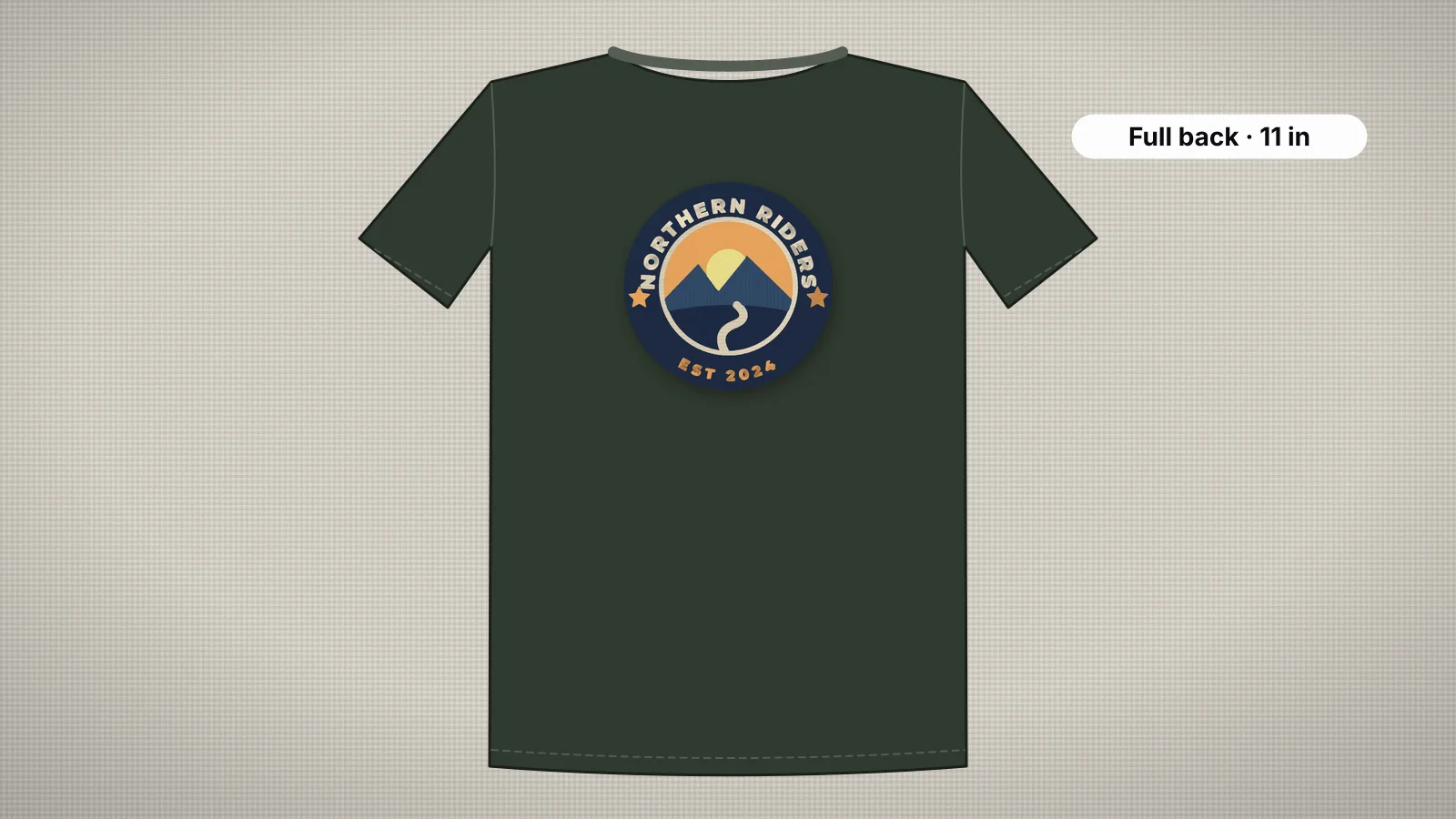
A jacket back is the biggest canvas in everyday embroidery: club emblems, shop logos, arched lettering and landscapes, 10 inches wide or more. Everything that's easy on a left chest logo gets harder at that size. The design has to fit the machine's field, big fills add tens of thousands of stitches, and the jacket's weight pulls on the hoop.
This guide covers the standard sizes and where to measure, which hoops fit, when to split a design, how to keep density in check, and how to back and hoop the jacket. For a file sized for a back, start with the jacket back embroidery file page.
Jacket back sizes and placement
| Garment | Typical design width | Where it sits |
|---|---|---|
| Adult jacket | 10–12 in (250–300 mm) | Centered, top about 3–5 in below the collar |
| Hoodie back | 8–10 in (200–250 mm) | Centered, top about 3–5 in below the hood seam |
| Vest back | 9–11 in (230–280 mm) | Centered between the armholes |
| Name or club name across the upper back | Often fits a 6×10 in hoop | Across the shoulders, below the collar or yoke |
These are adult sizes; smaller garments take smaller designs. Measure the garment flat between the side seams and leave a few inches of margin on each side. Check the height too: a tall design can run into the waistband or the bottom of the back, especially on cropped jackets. The embroidery placement guide covers every standard position.
Measuring and marking the back
- Zip or button the jacket and lay it face down, flat and smooth.
- Find the center back by folding it in half lengthwise, or by following the center back seam, and mark it.
- Measure down from the collar seam to where the top of the design should be, usually 3–5 in, and mark it.
- Mark the center of the design with a cross on the center line.
- Check the area for yoke seams, panel seams, pockets and vents, and adjust the size so the design stays on flat fabric.
- Hold a full-size printout against the back, and look at it on a person if you can.
Print the design at 100% scale on several sheets taped together. It's the fastest way to see whether 11 in is too big for a small jacket, before you've digitized or hooped anything.
Try it with your own design
Sign up free, upload an image and get a stitch preview in under a minute.
Drop your image here
PNG, JPG, WebP or SVG · stays on your device
Hoop sizes for large designs
The hoop has to fit the design with a margin, and the machine's maximum field sets the limit, not the hoop. Many home machines stop at 8×12 in (200 × 300 mm). With a 5 mm margin on each side:
| Hoop | Sewing field | Largest design, about | Good for |
|---|---|---|---|
| 6×10 in | 160 × 260 mm | 150 × 250 mm (5.9 × 9.8 in) | Names across the shoulders, smaller backs |
| 8×8 in | 200 × 200 mm | 190 × 190 mm (7.5 × 7.5 in) | Round emblems and kids' backs |
| 8×12 in | 200 × 300 mm | 190 × 290 mm (7.5 × 11.4 in) | Most jacket backs, turned sideways |
| 9.5×14 in | 240 × 360 mm | 230 × 350 mm (9.1 × 13.8 in) | Large-field home machines; taller back designs |
| Commercial jacket-back frames | Larger again | Depends on the machine | Full backs on multi-needle machines |
Most back designs are wider than they are tall, so they sew with the hoop turned sideways: rotate the design 90° on the machine or in the digitizer before you download. The hoop size calculator checks a design size against each hoop, both ways round, and the hoop sizes guide lists the maximum fields of popular machines.
Splitting a design vs a larger hoop
When a design is bigger than your largest hoop, you have four options:
| Option | How it works | Trade-offs |
|---|---|---|
| Scale the design down | Digitize it at the largest size your hoop fits | Simplest; check that text stays readable and details survive |
| Split it (multi-hooping) | Divide the design into sections with alignment marks and re-hoop between them | Works on any machine, but every re-hoop is a chance to misalign |
| A larger field | A large-field home machine or a multi-needle machine with a jacket-back frame | The cleanest result; an expensive purchase for occasional backs |
| Send it to a shop | An embroidery shop sews it on a commercial machine | No equipment needed; you pay per piece and wait |
If you split, choose a split line that runs between shapes rather than through a fill, leave a little overlap at the join, mark alignment points, and use a firm cut-away so the fabric doesn't shift between hoopings. Some machines and editing programs split designs for you. Embrizo doesn't split designs for multi-hooping; its design check warns when a design is larger than an 8×12 in field, so you know before you download.
Density and stitch count on large designs
Stitch count grows with area, so big designs add up fast. Estimated for a 250 × 180 mm (about 10 × 7 in) design with the stitch count calculator's typical fill figures:
| How much is stitched | Fill spacing | Stitches, roughly | Sew time at 700 a minute |
|---|---|---|---|
| About 40%: outlines, lettering, open shapes | 0.4 mm | About 20,000 | About 30 minutes |
| About 70%: a typical emblem | 0.4 mm | About 35,000 | About 50 minutes |
| Fully filled | 0.4 mm | About 50,000 | About 70 minutes |
| Fully filled, lighter | 0.45 mm | About 44,000 | About 63 minutes |
Thread changes come on top of that on a single-needle machine. Beyond time, density decides how the back feels: a solid 50,000-stitch plate on a soft jacket is heavy and stiff, and more likely to pucker. Ways to keep it in check:
- Let the fabric show. Leave a sky or background as jacket fabric, and outline it instead of filling it.
- Go a step lighter on big fills, such as 0.45 mm instead of 0.4 mm. The digitizer's Fill density setting runs from 0.3 to 0.7 mm.
- Fill large letters. Strokes wider than about 6.5 mm are sewn as fill, often with a satin border, because wide satin gets loose.
- Digitize at the final size. Scaling a stitch file by more than about 10% throws off its density.
The density guide explains spacing, coverage and stiffness in detail.
Backing and topping for big designs
| Jacket fabric | Backing | Topping |
|---|---|---|
| Denim, canvas, twill | Two layers of medium tear-away, or a cut-away for dense designs | Not needed |
| Hoodies and sweatshirt fleece | Medium to heavy cut-away, or two layers | Water-soluble, always |
| Nylon and satin jackets | Cut-away, fused or bonded with spray adhesive so the slippery shell can't slide | Not usually |
| Leather and vinyl | Floated on adhesive backing; keep the design light | Not needed |
A large design needs more support than a small one on the same fabric. Lined jackets add a choice: stitching through the lining hides the back of the design but can pucker the lining, so many embroiderers open the lining at the hem, stitch only the outer shell and close it again afterwards. The stabilizer finder suggests a backing for each fabric and density.
Hooping a jacket back
- Unzip or unbutton the jacket. Slide the outer ring inside from the bottom hem so only the back panel goes in the hoop.
- Lay the backing on the ring, smooth the back over it and press in the inner ring, lining up the cross with the hoop's center marks and keeping the center line square.
- Keep the fabric firm and flat, not stretched, especially on fleece.
- Roll the fronts and sleeves toward the center of the jacket and clip them so they can't fall under the needle.
- Support the jacket's weight on the table beside the machine, so it doesn't drag on the hoop as the arm moves.
- Check underneath by hand: only the back panel and the backing should be under the needle.
A large magnetic hoop clamps thick jackets quickly and leaves fewer hoop marks. For leather or a jacket that won't hoop, float it on adhesive backing and let the machine sew a basting box first, if it can.
Setting up the file
- Start from clean artwork at a good resolution, ideally an SVG or a PNG at least 2,000 px across for a design this size.
- Open the digitizer, sign in with your free account and add the artwork.
- Set the width to fit your hoop, such as up to 290 mm on an 8×12 in hoop turned sideways, and rotate 90° if needed.
- Choose the fabric preset: woven for denim, canvas and twill, fleece for hoodies, leather for leather and vinyl.
- Check the stitch count and sew time, and lighten the fill density a step for very large solid areas.
- Read the design check, then download your machine's format, or DST for a multi-needle machine. Digitizing and previewing are free with your account; downloads need a plan.
- Test the densest part of the design on a scrap of the same fabric with the same backing before you sew the jacket.