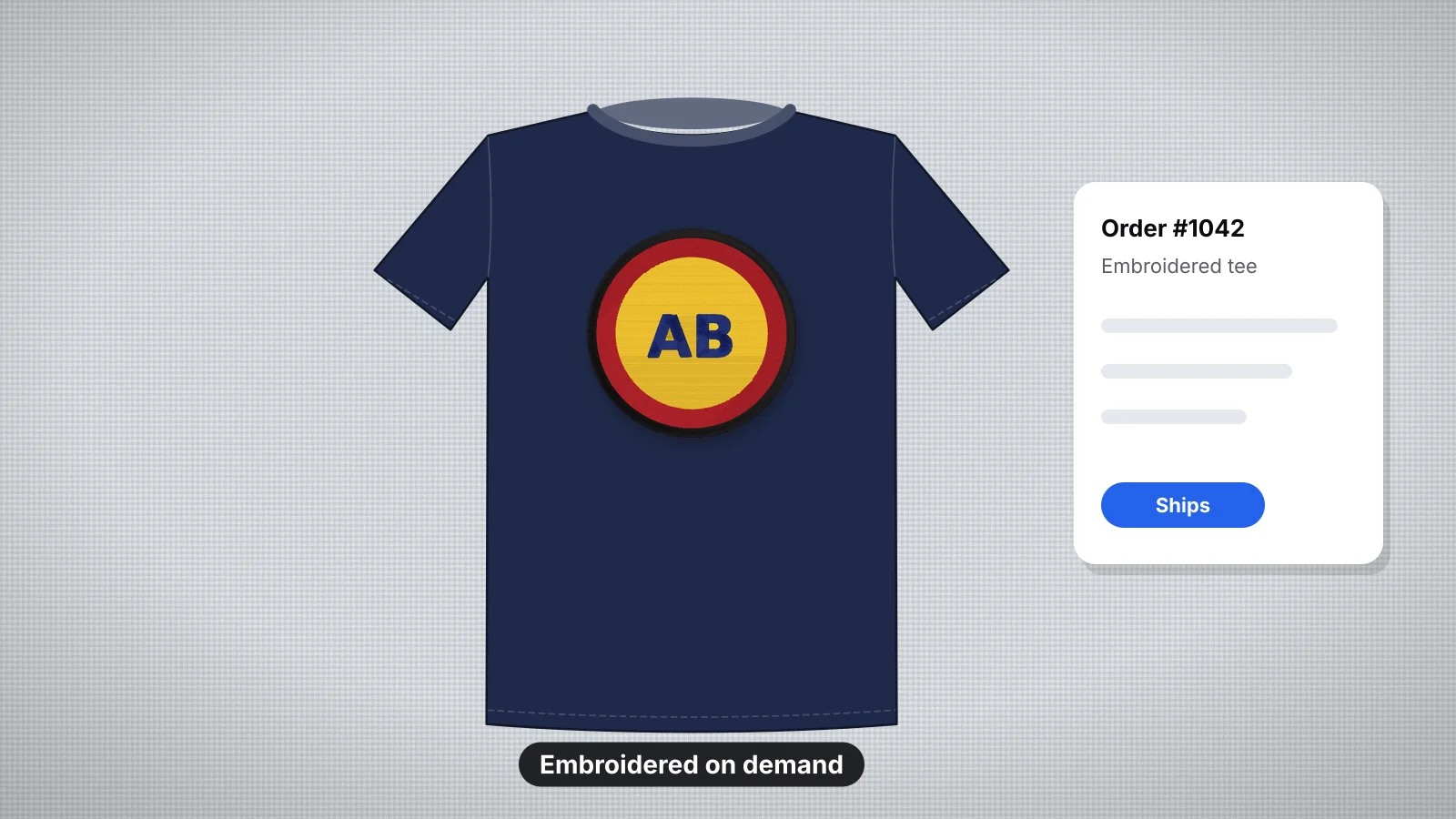
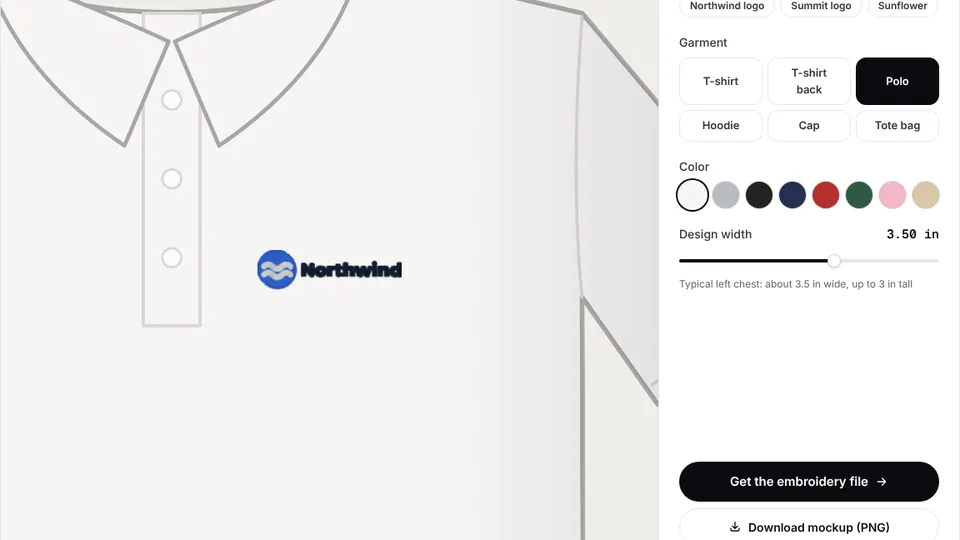
 Free toolEmbroidery mockup generatorPut your logo on a t-shirt, polo, hoodie, cap or tote, digitized and stitched at its real size.Open the tool
Print on demand (POD) embroidery lets you sell embroidered hats, shirts and hoodies without a machine or stock. You upload a design, the provider digitizes and stitches each order, ships it to your customer and charges you a base price. Your profit is what's left of your retail price.
The catch is control: the provider decides how your artwork is digitized, from a fixed set of thread colors. This guide covers how it works, what Printful and Printify require, checked against their help centers in November 2026, how to design artwork that embroiders well, how to check it with a stitch preview before you order samples, and when you'd send your own DST file instead.
How does print on demand embroidery work?
You upload a design, and the provider digitizes, stitches and ships each item only when a customer buys it.
- Connect a store, such as Etsy, Shopify or your own site, to the provider.
- Upload artwork for each product and placement, such as a left chest logo or a cap front.
- The provider digitizes it into its own stitch file and matches your colors to its thread palette.
- Make the listing with the provider's mockups or, better, photos of a sample you ordered.
- A customer orders, the provider stitches and ships the item, and you're charged the base price plus shipping.
- You keep the difference between your retail price and those costs, less your store's fees.
There's no machine, no inventory and no minimum order, which makes it a low-risk way to test designs. In exchange, you pay more per item than stitching it yourself, choose from fewer thread colors and can't edit the stitch file.
What do Printful and Printify require?
Both providers digitize the artwork themselves, and neither accepts your own stitch file for standard orders. Their help centers listed these requirements in November 2026:
| Printful | Printify | |
|---|---|---|
| What you upload | A PNG with a transparent background, ideally 300 DPI | A PNG with a transparent background or a JPEG, at least 1,200 × 1,200 px for most apparel placements and 1,200 × 720 px for hats; SVG for vector art |
| Your own DST, PES or EXP file | Not accepted; Printful digitizes every design | Not accepted; designs are digitized through Printify |
| Digitization fee | About $6.50 per new design, one time; $3.95 for text made in its design maker; $2.95 for hat back or side designs. Free on orders of 25 or more embroidery items in one order | Free, which its help center says applies for now. Digitizing can take up to 36 hours |
| Reusing a design | Free on the same product type; a small adjustment fee to move it to another type | Digitized again for each new combination of design, product type and size |
| Thread colors | Up to 6 per design from a 15-color palette; unlimited-color embroidery on select products, with no metallic or neon | Up to 6 per design from a 15-color palette; uploaded colors are matched to the nearest thread |
| Chest and front placements | Left and center chest up to 4 × 4 in; large front up to about 10 × 6 in where a product offers it | 4 × 4 in for chest, front and back placements on most apparel |
| Hats and beanies | Structured cap fronts about 4–5 in wide and up to about 2.25 in tall; check each hat | Beanie fronts 5 × 1.75 in; check each hat |
| Smallest text | 0.25 in (about 6.4 mm) tall | 0.25 in (6.4 mm) for lowercase, 0.3 in (7.6 mm) for capitals |
| Thinnest line | 0.05 in (about 1.3 mm) | 0.05 in (1.27 mm) |
Exact embroidery areas differ by product, so check the file guidelines on each product page before you design. Fees and rules change, so check the provider's help center before you price a launch. Printful's digitized files can only be used for Printful orders; they can't be downloaded.
Try it with your own design
Sign up free, upload an image and get a stitch preview in under a minute.
Drop your image here
PNG, JPG, SVG, PDF or AI · stays on your device
Not sure what to expect? See real examples or how it works.
Which products work best for embroidery on demand?
Embroidery suits sturdy items and small, bold designs. Catalogs typically include hats and beanies, T-shirts, polos, hoodies, sweatshirts and jackets, varying by provider and print partner.
| Product | What works | Watch out for |
|---|---|---|
| Dad caps and structured caps | Short text, initials and simple logos on the front | Height is limited to about 2 in, so small text needs a bold font |
| Beanies | A small logo or word on the cuff | The knit stretches; keep it simple |
| Hoodies and sweatshirts | Chest logos and text; thick fabric holds stitches well | Big filled designs get heavy |
| Polos and twill shirts | Classic left chest logos | Fine detail at 3–4 in wide |
| T-shirts | Light, small chest designs | Thin knit puckers under dense fills; keep designs open |
Printful also offers 3D puff embroidery on hats, which needs bold shapes: its guidelines ask for puff lines between 0.2 and 0.5 in thick. The embroidery size chart shows standard placement sizes for each garment.
How do you design artwork that embroiders well?
Design for the provider's limits, at the real size. A 4 in wide chest logo is small, and many details you see on screen at full size won't survive.
- Six colors or fewer, chosen from the provider's thread palette. Merge similar shades yourself rather than leaving it to automatic matching.
- Flat colors only. No gradients, shadows, glows or photo detail on standard embroidery.
- Bold text, at least 0.25 in (6.4 mm) tall, in a simple sans-serif or a bold script. Thin serifs and tiny taglines disappear.
- Lines at least 0.05 in (about 1.3 mm) wide, and gaps at least as wide.
- A transparent background, so the background isn't stitched or mistaken for a color.
- Open designs on T-shirts. Large solid fills on thin knits pucker and feel stiff; outlines, lettering and smaller filled shapes sew better.
- No tiny details. Printful warns that small elements may be enlarged, turned into running stitch or removed when it digitizes.
The reduce image colors tool cuts a design down to a set number of flat colors, remove logo background makes the transparent PNG, and the artwork preparation guide and small text guide cover the details.
Check the design with a stitch preview before you order samples
Before you pay for samples, see how your artwork stitches at its real size. Embrizo's digitizer turns the same PNG into stitches in seconds and shows a realistic stitch preview, so you can spot what won't survive before the provider digitizes it.
- Upload the PNG and set the width to the placement size, such as 100 mm (about 4 in) for a chest logo, or about 100–115 mm (4–4.5 in) for a cap front.
- Pick the fabric preset: knit for T-shirts and polos, fleece for hoodies and sweatshirts, woven for caps.
- Read the design check. It flags details too fine to sew, very small designs and many colors, the same things that get changed when a POD provider digitizes.
- Count the colors. If the color list shows more than six, merge colors in the digitizer or simplify the artwork.
- See it on the product. The embroidery mockup generator shows the logo digitized and stitched at its real size on a T-shirt, polo, hoodie, cap or tote.
- Then order one sample from the provider, and photograph it for your listing.
Be clear about what this is: a check, not the file the provider will use, because Printful and Printify digitize the artwork their own way. The preview and design check are free with an account, and you only need a plan to download machine files, which you'd do when you stitch the design yourself or send a file to a shop.
When would you send your own DST file?
When someone stitches from your file instead of digitizing it themselves. DST is the standard format for commercial embroidery machines, so it's what local shops and contract embroiderers ask for.
- A local or contract embroiderer stitching a bulk order, who'll usually charge a digitizing fee unless you supply a file that sews well on their machines.
- Your own machine, once you stitch orders in-house. Use your machine's format, such as PES for Brother or JEF for Janome.
- Exact control, when a provider's digitizing changed your design more than you'd like and you want the stitches planned your way.
- Wholesale and event orders that cost less to run as one batch than one by one through POD.
To make one, the logo to embroidery file page turns a logo into a DST, PES or other format. A DST file stores no thread colors, so send a color sheet with it; Embrizo's all-formats ZIP includes a TXT color sheet. The DST format page explains what the file holds.
Practice on a free design
167 ready-to-sew designs in every machine format, free with an account.
Print on demand vs stitching it yourself
Print on demand costs nothing upfront but gives you less margin and control; your own machine costs more to start and pays back in margin and flexibility.
| Print on demand | Your own machine | |
|---|---|---|
| Upfront cost | Samples only | A machine from about $400 for 4 × 4 in to $5,500 or more for a multi-needle, plus supplies |
| Cost per item | The provider's base price plus shipping | The blank, thread and backing, plus your time |
| Design control | The provider digitizes, with up to 6 colors from its palette | Any stitch type, size and thread you choose |
| Personalization | Limited to the provider's tools | Any name, size or placement, piece by piece |
| Your time | Listings and customer service | Stitching, packing and shipping too |
| Best for | Testing designs and selling without stock | Personalized gifts, local orders and better margins |
Many sellers do both: POD for standard designs and their own machine for personalized orders. If you sell on Etsy, list the provider as a production partner where Etsy asks for it, and see how to sell embroidery on Etsy and the Etsy sellers page. How much an embroidery machine costs covers the machine side.


