Embroidery digitizing software, right in your browser
Turn logos and artwork into machine-ready embroidery files in seconds. Auto-digitizing with satin, fill and underlay, full control of every setting, a realistic sew-out and every machine format, from $8 a month.
- Nothing to install
- No credit card needed
- 9 machine formats
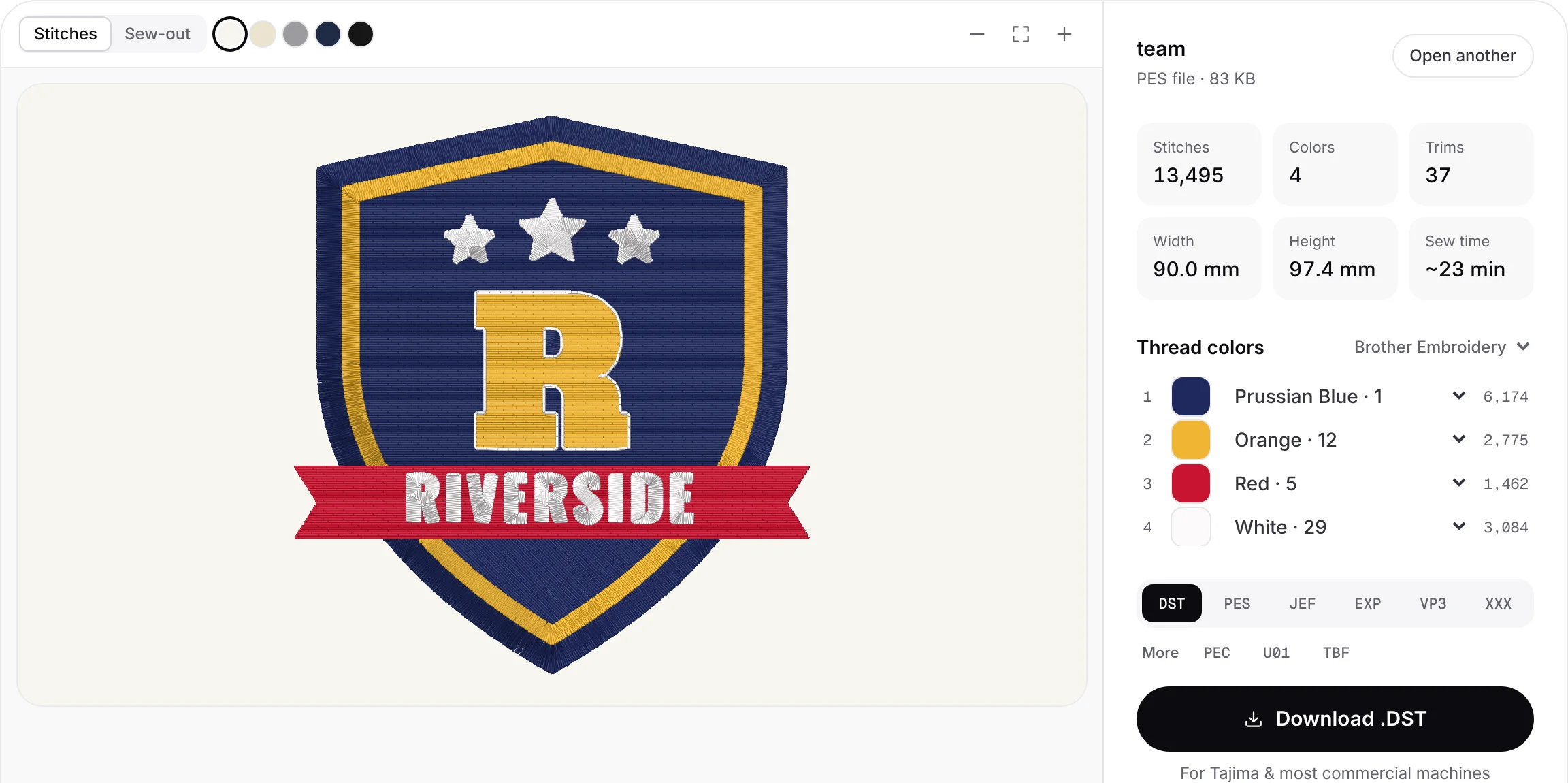
Digitizing decisions, made for every shape
Upload a PNG, JPG, WebP or SVG. Colors are separated into threads, narrow shapes and lettering become satin, large areas get tatami fill, and fine lines become running or bean stitch. Underlay, pull compensation and the sewing order are planned for you.
- Satin, tatami fill and running stitch per shape
- Edge-run and zigzag underlay
- Pull compensation and tie-offs
- Sewing order that cuts down trims


Every setting still in your hands
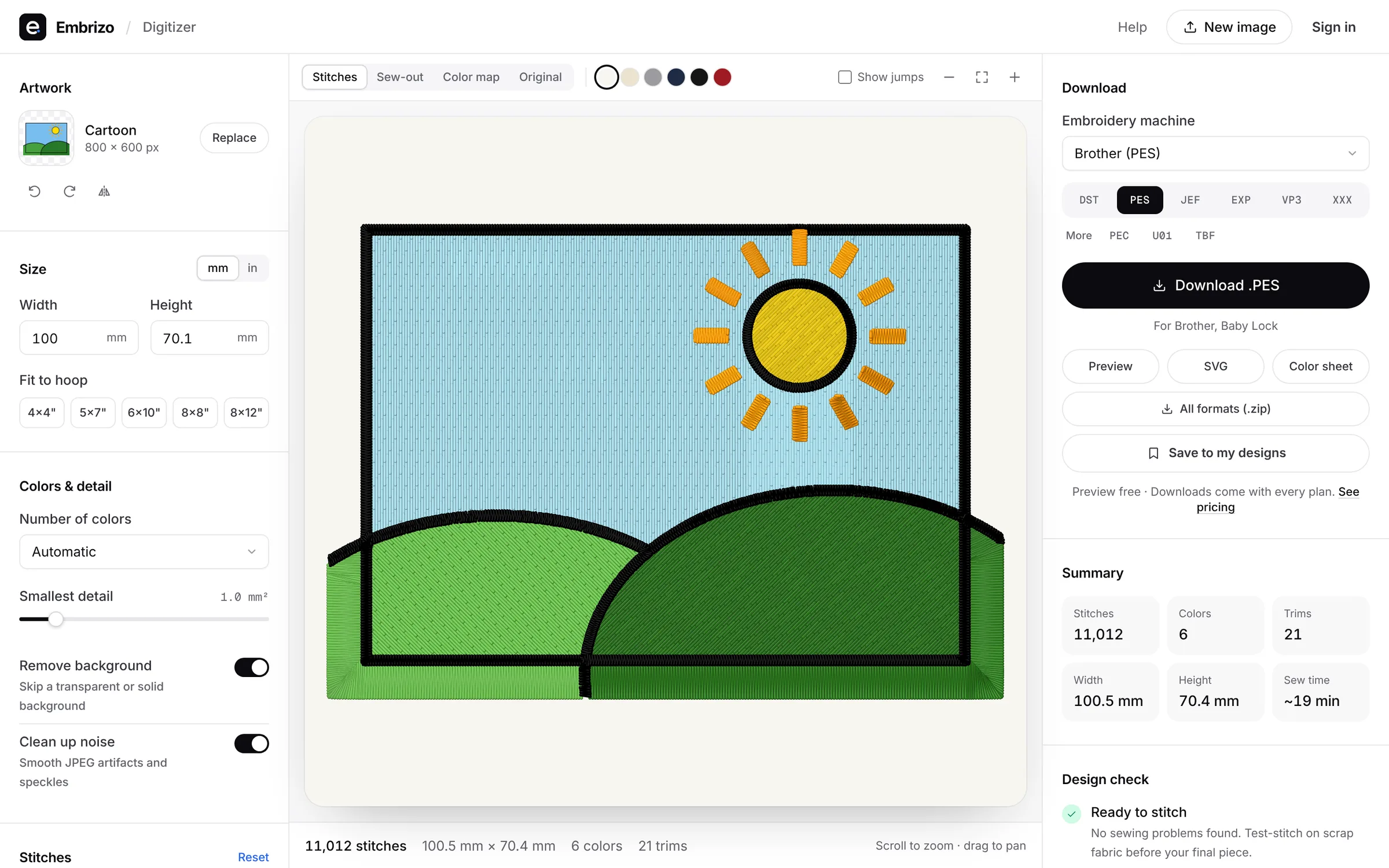
Change the size, fabric, number of colors and density. Switch colors off, merge similar shades, pick a different stitch type for any color, rotate or mirror, and match threads to the Brother or Janome chart. The preview updates as you go.
- Fabric presets for woven, knit, fleece and leather
- Per-color stitch types and color merging
- Brother and Janome thread matching
- Rotate, mirror and resize to any hoop
Watch it sew before it touches fabric
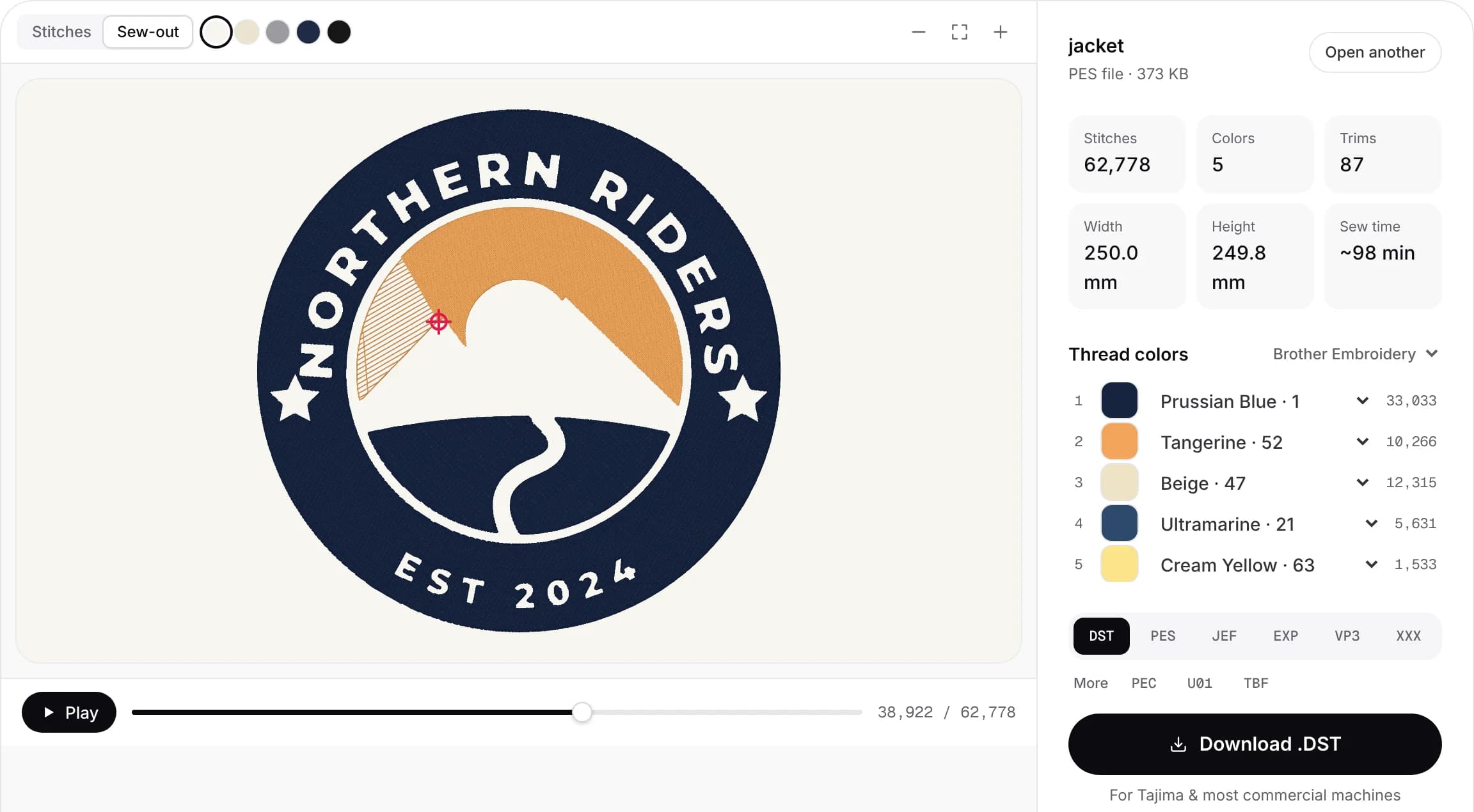
The preview is drawn from the real stitch file, thread by thread, on your fabric color. Play the sew-out to check the order colors and sections are sewn in, and zoom down to single stitches.
- Realistic thread rendering on five fabric colors
- Stitch-by-stitch sew-out simulation
- Exact size, stitch count, trims and sew time
- Design check for fine details and hoop size
Files for every machine
Download your machine's native format, or all of them in one ZIP with a color sheet. Each format is written to its specification and checked against independent readers.
- DST, PES, JEF, EXP, VP3 and XXX
- PEC, U01 and TBF
- PNG preview and color sheet
- Saved designs library to re-download later
- .DST
- .PES
- .JEF
- .EXP
- .VP3
- .XXX
- .PEC
- .U01
- .TBF
Brother, Baby Lock, Janome, Elna, Bernina, Husqvarna Viking, Pfaff, Singer, Tajima, Melco, Barudan, Ricoma, SWF and more.
One tool, every step
Every plan includes every feature. Plans differ only in how many designs you download a month.
- Auto-digitize PNG, JPG, WebP and SVG
- Automatic background removal
- Satin, tatami fill and running stitches
- Underlay and pull compensation
- Fabric presets
- Per-color stitch types
- Color merging and thread charts
- Rotate, mirror and resize
- Realistic stitch preview
- Sew-out simulation
- Design check
- 9 machine formats and a ZIP of all
- Saved designs library
- File viewer and converter
- Lettering and monogram tools
- Works on Windows, Mac and Chromebook
Free account · No credit card needed
Online, desktop or a digitizing service?
How instant online digitizing compares with desktop software you learn yourself and paying a digitizer per design.
Embrizo
Instant online digitizing
- Price
- From $8 a month
- Per design
- About $0.40 on Hobby
- Turnaround
- Seconds
- Changes
- Unlimited, instant edits
- Stitch preview
- Live, as you edit
- Learning curve
- None: upload and adjust
- File formats
- All 9 machine formats
Digitizing service
A person digitizes each order
- Price
- Typically $10–$50+ per design
- Per design
- Priced by size and stitch count
- Turnaround
- Usually 1–3 business days
- Changes
- Revisions on request, sometimes extra
- Stitch preview
- A proof after you order
- Learning curve
- None
- File formats
- Usually the one you order
Desktop software
You digitize by hand
- Price
- Often hundreds of dollars upfront
- Per design
- Free once you own it
- Turnaround
- As fast as you can work
- Changes
- Unlimited
- Stitch preview
- Yes
- Learning curve
- Steep; weeks to learn
- File formats
- Depends on the package
| Compare | EmbrizoInstant online digitizing | Digitizing serviceA person digitizes each order | Desktop softwareYou digitize by hand |
|---|---|---|---|
| Price | From $8 a month | Typically $10–$50+ per design | Often hundreds of dollars upfront |
| Per design | About $0.40 on Hobby | Priced by size and stitch count | Free once you own it |
| Turnaround | Seconds | Usually 1–3 business days | As fast as you can work |
| Changes | Unlimited, instant edits | Revisions on request, sometimes extra | Unlimited |
| Stitch preview | Live, as you edit | A proof after you order | Yes |
| Learning curve | None: upload and adjust | None | Steep; weeks to learn |
| File formats | All 9 machine formats | Usually the one you order | Depends on the package |
Made with Embrizo
Every example was auto-digitized from the artwork in the corner. Open one for sizes, tips and a before-and-after slider.

 StitchedTeam logo embroidery fileCrests, mascots and club badges for jerseys and bags.Make yours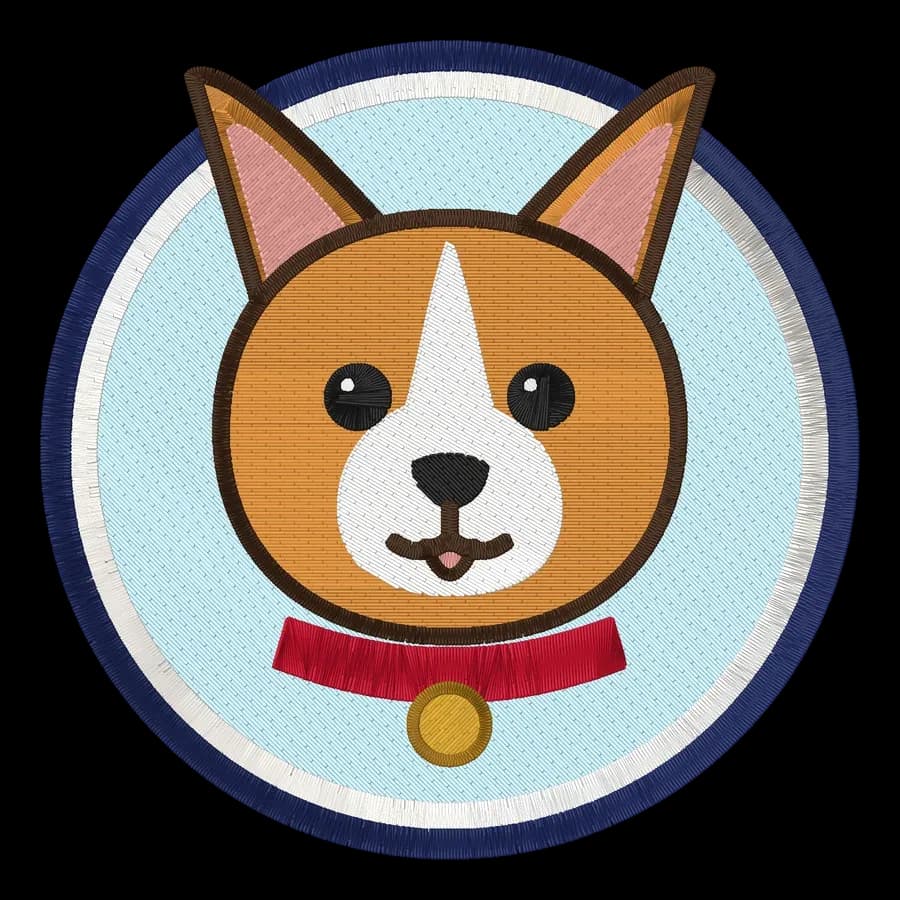
 StitchedPet portrait embroidery fileDogs, cats and other pets as cartoon-style portraits.Make yours
 StitchedJacket back embroidery fileLarge back designs for jackets, hoodies and vests.Make yours
- StitchedPatch embroidery fileIron-on and sew-on patches with a satin border.Make yours
 StitchedMonogram embroidery fileTowels, linens, robes and wedding gifts.Make yours
 StitchedLeft chest logo embroidery filePolos, scrubs, aprons and workwear.Make yours
From one gift to a whole shop
Every plan has every feature and format. Pick the one that fits how many designs you make.
- Hobby plan
Hobbyists
Gifts, kids' clothes, towels and home decor. Hobby covers 20 designs a month.
From $8 a month billed yearly
- Shop plan
Etsy and small shops
Custom names, pet portraits and logos on demand. Shop covers 100 designs a month.
From $20 a month billed yearly
- Pro plan
Embroidery businesses
Digitize customer logos in-house and quote the same day. Pro is unlimited.
From $40 a month billed yearly
Simple pricing, every feature
Digitizing and previews are included with your free account. Choose a plan when you're ready to download.
Hobby
For personal projects and gifts
$8/month
$96 billed yearly
- 20 design downloads a month
- All 9 machine formats, plus SVG
- Unlimited digitizing and previews
- Saved designs library
- Email support
Shop
For Etsy shops and small businesses
$20/month
$240 billed yearly
- 100 design downloads a month
- Everything in Hobby
- Priority email support
Pro
For production and high volume
$40/month
$480 billed yearly
- Unlimited design downloads
- Everything in Shop
- Fastest support response
Free account
See your design stitched in seconds
Create a free account to digitize any image, try every setting and watch it sew. Choose a plan only when you want to download files.
- Digitize and preview any image
- Realistic stitch preview and sew-out
- Save designs to your library
- No credit card needed

Digitizing software questions
The quickest way to see what it does with your artwork is to try it. With a free account, digitizing and previewing cost nothing and take about a minute.
Is this real embroidery digitizing software?
Yes. It produces the same kind of stitch file desktop digitizing programs do: satin, tatami fill and running stitches with underlay, pull compensation, trims and color stops, written in your machine's format. The difference is that it runs in your browser and makes the digitizing decisions automatically, while you keep control of the settings.
Do I need to install anything?
No. It runs in any modern browser on Windows, Mac, Linux or a Chromebook. Your image is processed on your device and isn't uploaded.
How is it different from desktop digitizing software?
Desktop programs give you manual control of every stitch, but they often cost hundreds of dollars and take weeks to learn. Here, a design is ready in seconds and you adjust it with plain settings. For specialty work like 3D puff, sequins or photo-realistic thread painting, a desktop program or a professional digitizer is still the better tool.
What does it cost?
Creating an account, digitizing and previewing are free. Downloading embroidery files needs a plan, from $8 a month billed yearly for 20 designs a month. Every plan includes all formats.
Which machines does it work with?
Any machine that reads DST, PES, JEF, EXP, VP3, XXX, PEC, U01 or TBF, which covers Brother, Baby Lock, Janome, Elna, Bernina, Husqvarna Viking, Pfaff, Singer, Tajima, Melco, Barudan, Ricoma, SWF and most others.
Can I edit an existing embroidery file?
You can open DST, PES, JEF, EXP, VP3, XXX, PEC, U01 and TBF files in the file viewer, check them, change thread colors and save them in another format. To change the shapes, digitize the original artwork again.
Your digitizing software is one click away
Sign up free, upload a logo and get a ready-to-sew file for your machine in seconds.