PNG to SVG converter
Trace a PNG, JPG or WebP into a clean, scalable SVG: flat colors, smooth curves and sharp corners, with the background left out. Made in your browser.
Drop a PNG or JPG to turn it into an SVG
Processed in your browser; your image isn't uploaded.
Colors
Curves
Free account to download the SVG · DST, PES and JEF from the digitizer
- What it does
- Trace a PNG or JPG logo into a clean color SVG with smooth curves and a transparent background.
- Price
- Free
- Works on
- Any browser: Windows, Mac, Chromebook, iPad and phones
- Privacy
- Runs in your browser; your images and files aren't uploaded
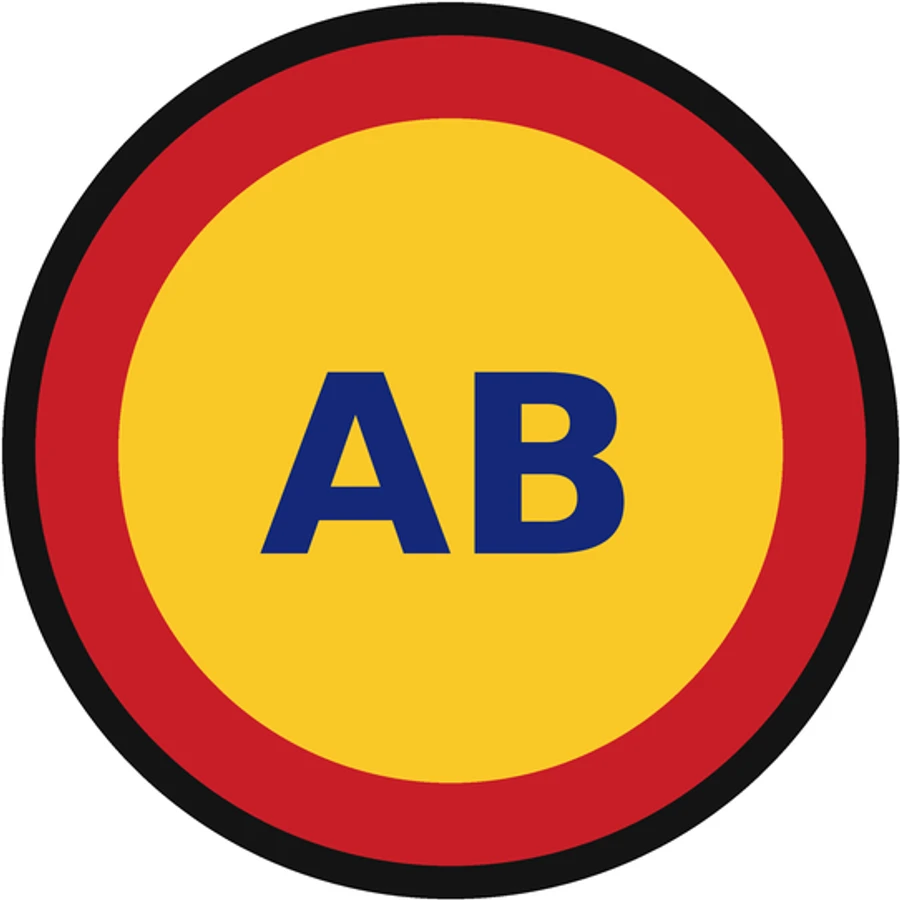
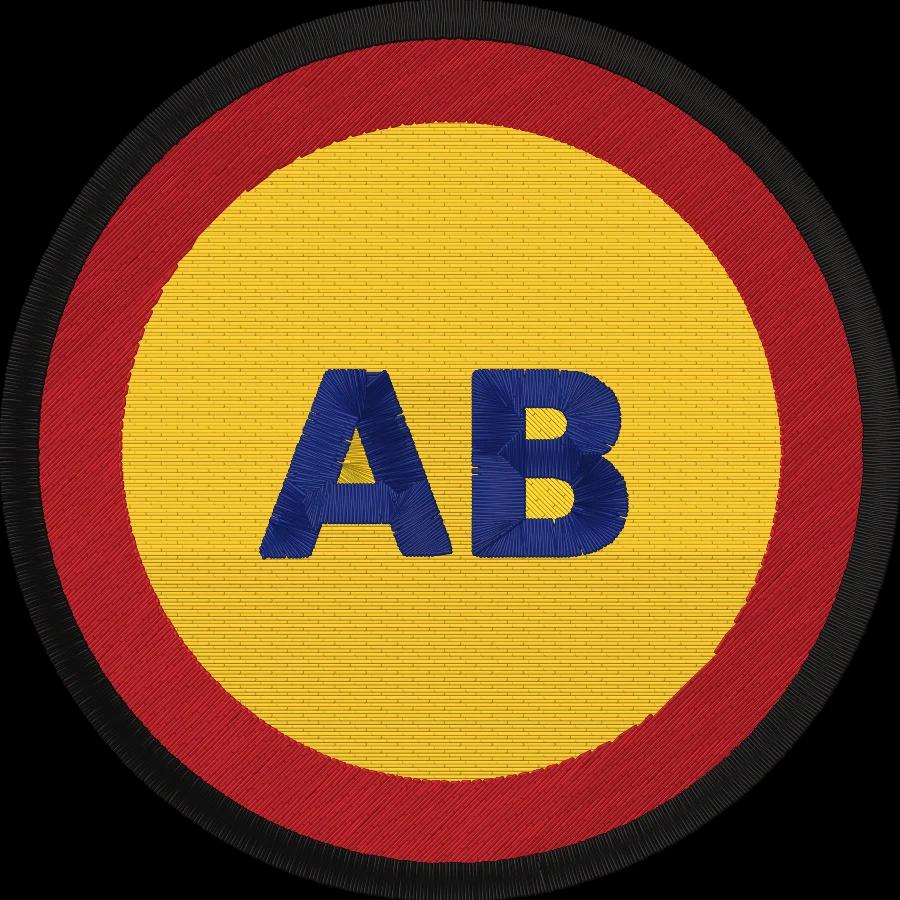
A clean SVG from any logo
Color tracing
2 to 16 colors, or Auto, each traced into its own filled paths.
Curves and corners
Smooth curves where edges bend, crisp corners where they turn.
Transparent background
A plain or transparent background is left out of the SVG.
Small files
Simplified outlines keep the SVG light and easy to edit.
Private
Your image is traced in your browser and never uploaded.
Ready for embroidery
Send the image straight to the digitizer for a machine file.
Getting a clean trace
- Start from the largest, sharpest version of the logo you have.
- Pick the number of colors the logo really has; Auto may merge similar shades.
- Use Detailed for small lettering and Smooth for blurry or low-resolution images.
- Remove gradients and shadows first: they become bands of flat color.
Free account
Start digitizing in under a minute
Create a free account to digitize any image, try every setting and watch it sew. Choose a plan only when you want to download files.
- Digitize and preview any image
- Realistic stitch preview and sew-out
- Download free ready-made designs
- No credit card needed



Questions
The quickest way to see what it does with your artwork is to try it. With a free account, digitizing and previewing cost nothing and take about a minute.
How do I convert a PNG to an SVG?
Drop the PNG or JPG here. Its colors are reduced to flat shades, each color is traced into smooth vector outlines, and the result is shown as an SVG you can download. Choose fewer colors for a simpler file, and turn on Transparent background to leave a plain background out.
Is the SVG a real vector file?
Yes. Every color becomes filled vector paths with curves and sharp corners, so it scales to any size without pixels. It opens in Illustrator, Inkscape, Figma, Canva, Cricut Design Space and Silhouette Studio.
What images convert best?
Logos, icons, clip art, cartoons and lettering with flat colors and clear edges. Photos convert too, but become a poster-like image with flat color areas.
Can I use the SVG with a Cricut?
Yes. Each color is its own layer of paths, so Cricut Design Space can cut each color from its own material. Choose 2–4 colors for a design that's quick to weed.
Do I need an SVG to make an embroidery file?
No. Embrizo's digitizer reads PNG, JPG, WebP, SVG, PDF and AI files directly and turns them into DST, PES, JEF and other machine files, so you can skip the SVG step entirely.
Is the PNG to SVG converter free?
Converting and previewing is free, and the SVG download comes with a free account. Your image is processed in your browser and isn't uploaded.
More tools
Keep going
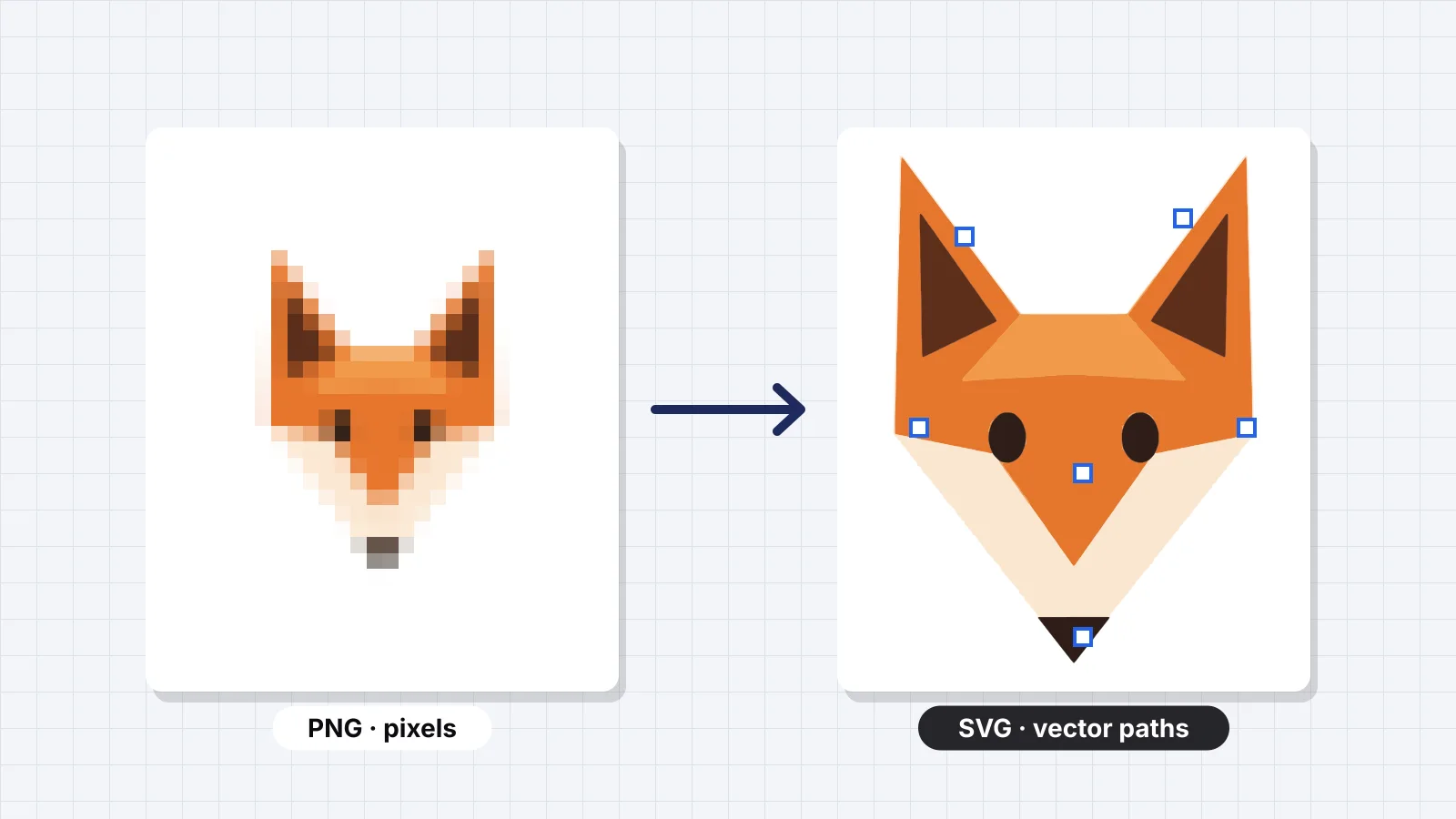 GuideHow to convert PNG to SVGRaster vs vector, when you need an SVG, how auto-tracing works, the ways to convert, preparing a PNG for a clean trace, checking the SVG, why tracing doesn't change who owns the art, and why embroidery doesn't need an SVG first.Read the guide
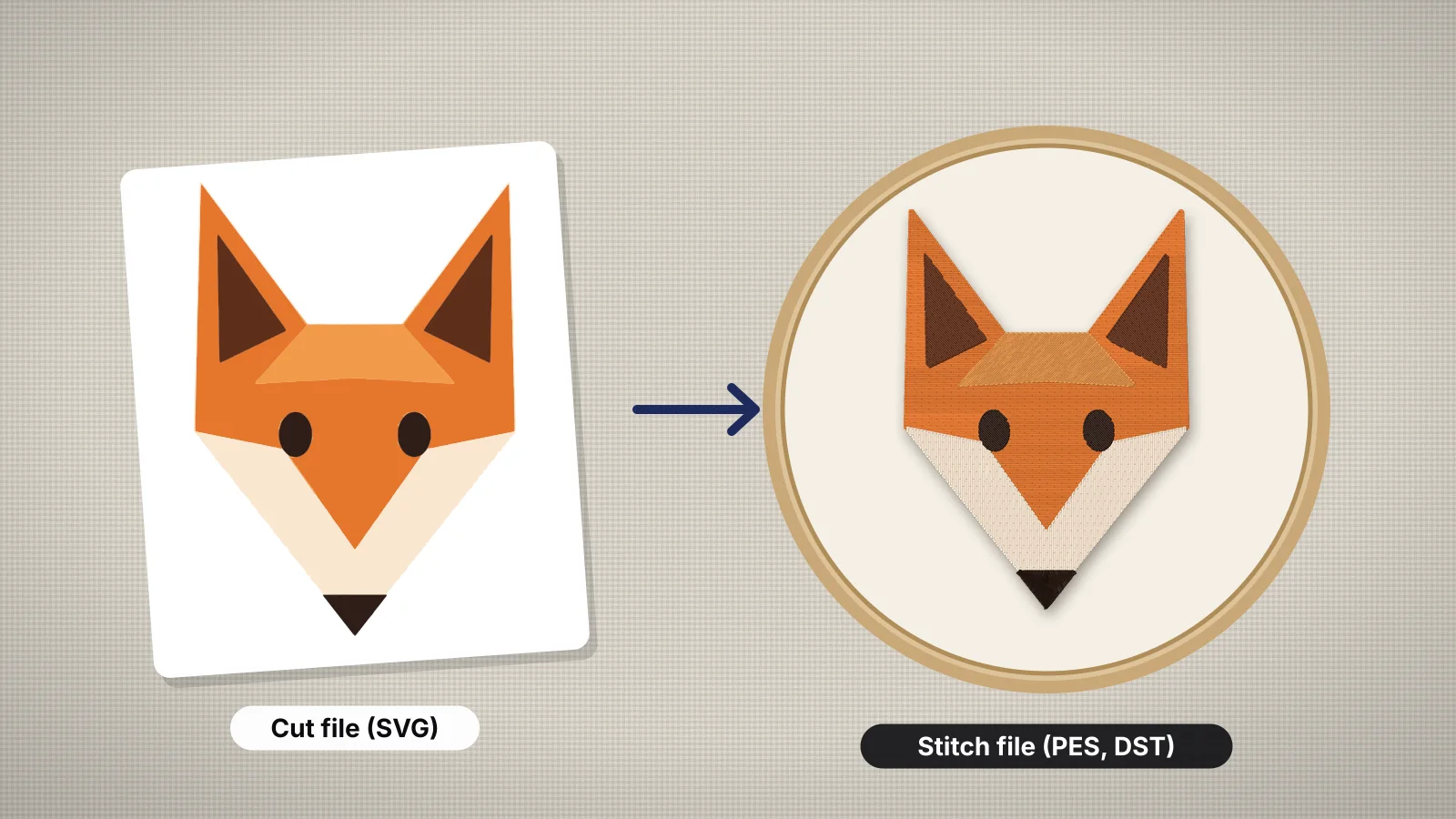 GuideHow to convert an SVG to an embroidery fileWhy an SVG cut file isn't a stitch file, what changes when shapes become stitches, preparing a Cricut-style SVG, converting it to PES, DST or JEF in Embrizo, the ways to do it compared, checking the license of a purchased SVG, and test-stitching.Read the guide
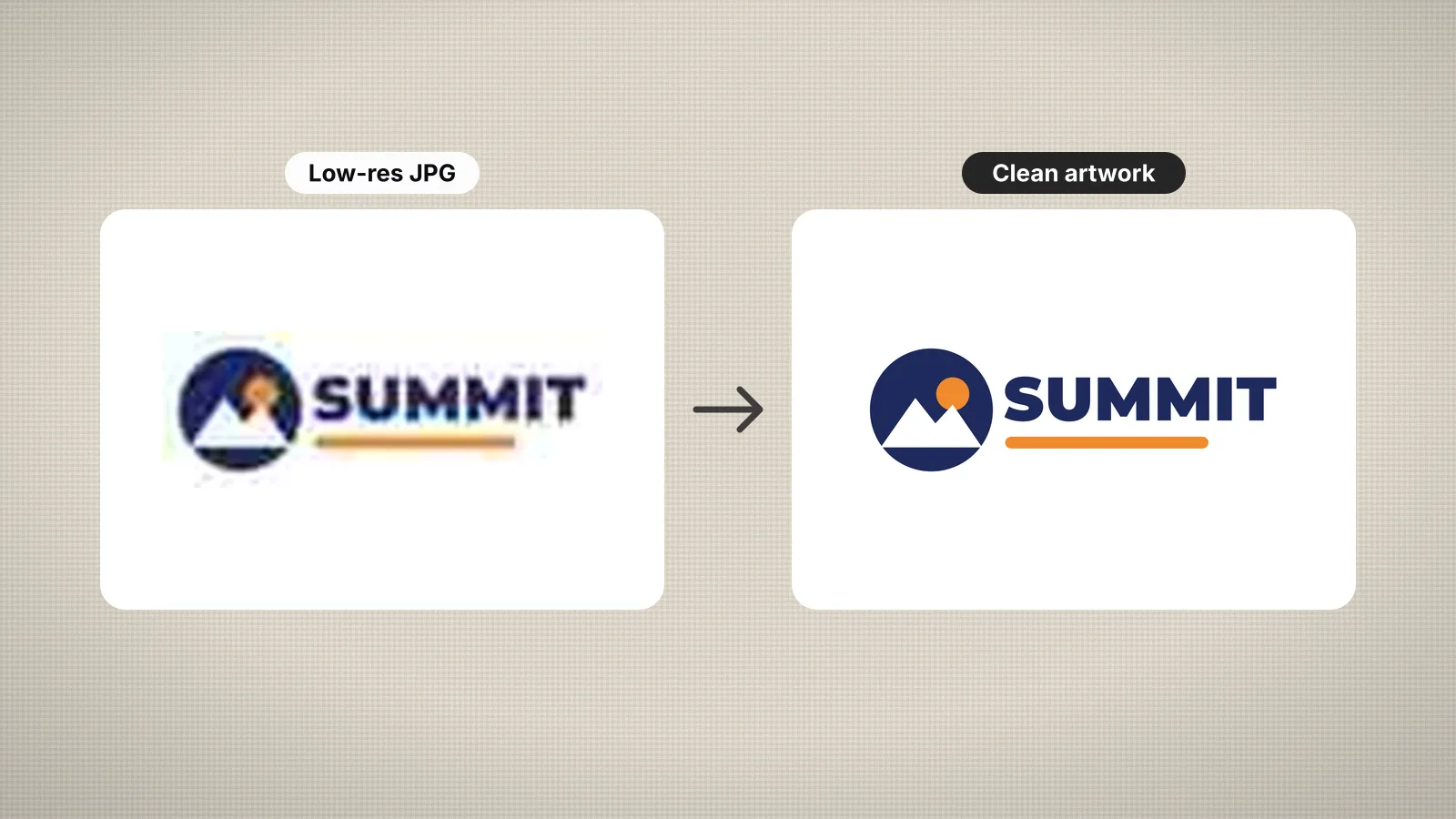 GuideHow to prepare an image for embroidery digitizingA checklist for turning a logo or picture into artwork that digitizes cleanly.Read the guide
 GuideHow to digitize a logo for embroideryA practical walk-through from logo file to tested embroidery file, and when a professional digitizer is worth it.Read the guide
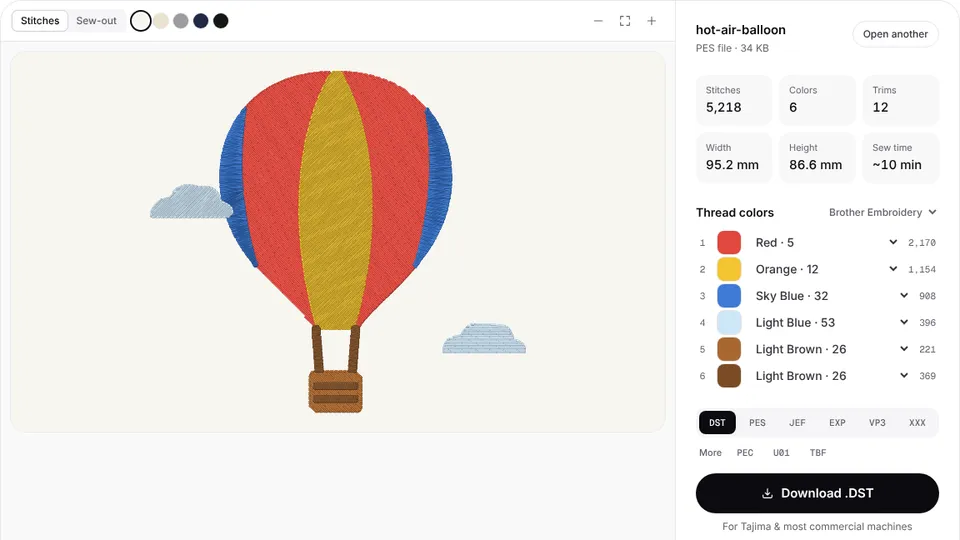 Free previewEmbroidery file converterConvert PES, DST, JEF, EXP, VP3 and XXX files to any other machine format.Open
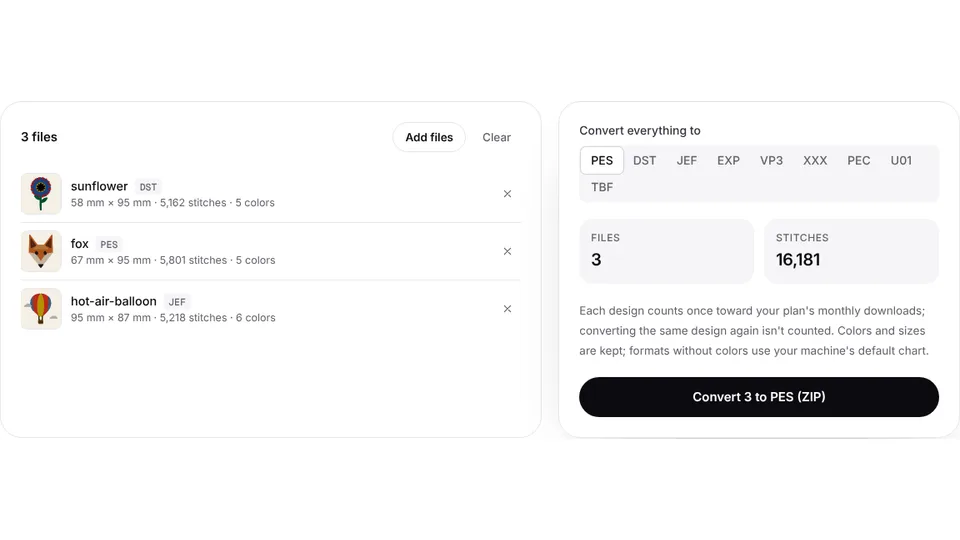 Free toolBatch embroidery file converterConvert up to 50 embroidery files to PES, DST, JEF or any format at once, as one ZIP.Open
Want stitches, not just vectors?
Turn the same image into a DST, PES or JEF embroidery file in seconds.