Embroidery file checker
A pre-flight check for any stitch file: hoop fit, long and tiny stitches, density, trims and colors, scored in seconds, before it wastes a blank.
Drop an embroidery file to check
DST, PES, JEF, EXP, VP3, XXX, PEC, U01, TBF · opened right in your browser
Seven checks on every stitch
Size and hoop
The design's size and the smallest standard hoop it fits.
Long stitches
Satins over about 8 mm that can snag and loop.
Very long stitches
Stitches the machine format has to break up.
Tiny stitches
Stitches under 0.3 mm, the sign of an over-shrunk design.
Density
Thread per square millimeter, with a heatmap of dense spots.
Trims and colors
Trims per stitch and color stops that repeat for no reason.
A quick pre-flight routine
- Check the file fits your hoop with a few millimeters to spare.
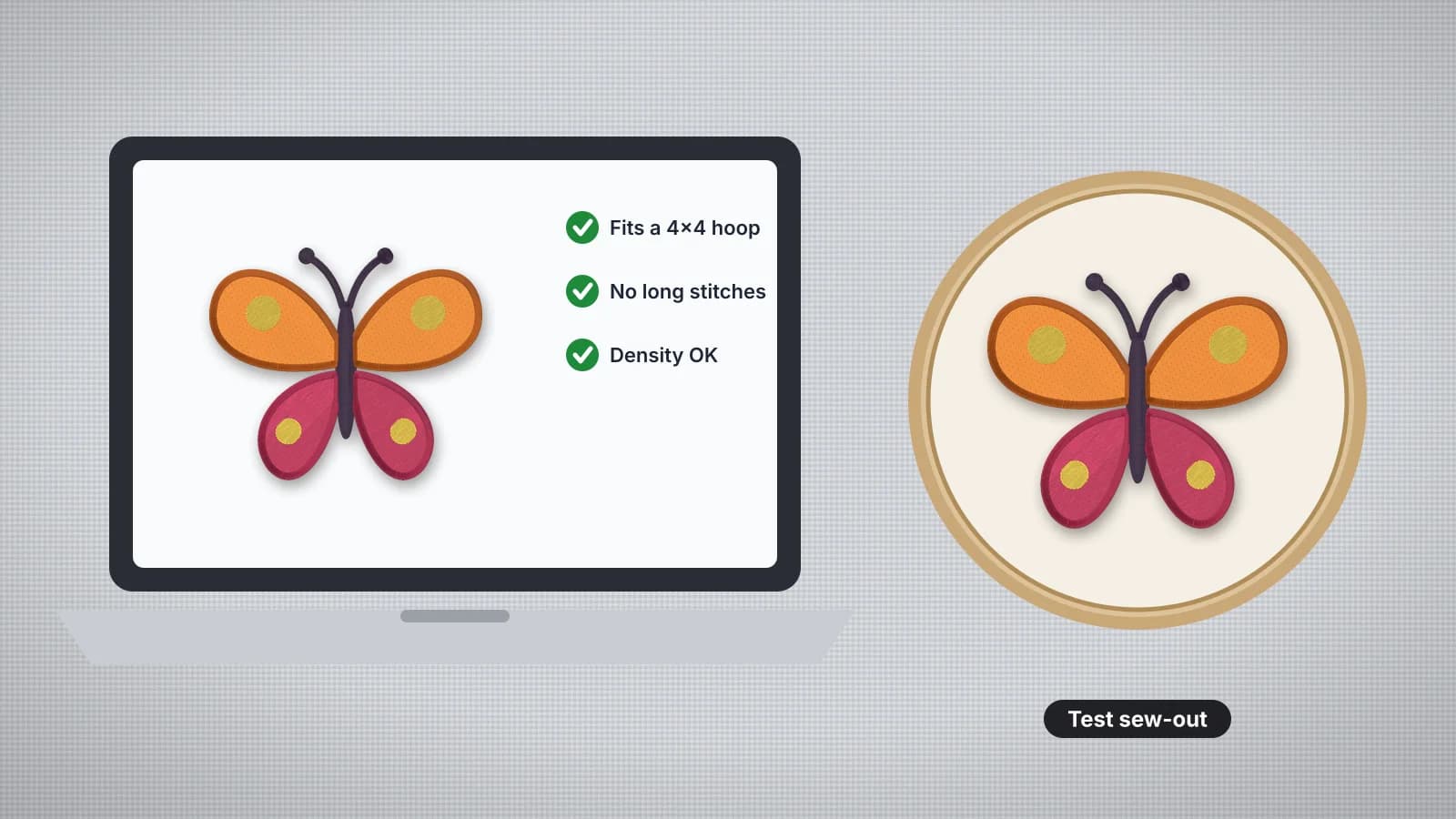
- Watch the sew-out to see the stitching order and where trims happen.
- Match the stabilizer to the fabric and the design's density.
- Sew a test on scrap of the same fabric for any new design.
Free account
Start digitizing in under a minute
Create a free account to digitize any image, try every setting and watch it sew. Choose a plan only when you want to download files.
- Digitize and preview any image
- Realistic stitch preview and sew-out
- Download free ready-made designs
- No credit card needed


Questions
The quickest way to see what it does with your artwork is to try it. With a free account, digitizing and previewing cost nothing and take about a minute.
How do I check an embroidery file before stitching?
Drop the file here. The checker reads every stitch and reports the size and smallest hoop, long satins that can snag, tiny stitches that break thread, overall density, trims and repeated colors, with a score, a verdict and a density heatmap.
What makes an embroidery file bad?
The usual problems are a design shrunk too far (tiny, crowded stitches), satins wider than about 8 mm that snag, very dense areas that pucker or break needles, and lots of trims. Most come from resizing a file instead of re-digitizing it.
What does the density heatmap show?
How much thread lies on each square millimeter. Blue is normal, yellow is layered, orange is dense and red is very dense; red patches are where puckering and needle breaks start.
Is the file checker free?
Yes. Checking and previewing files is free. Saving a converted embroidery file needs a paid plan.
Can it fix the problems?
It points you to the fix: the splitter for designs too big for the hoop, the resizer to undo a bad resize, or the digitizer to make a clean file from the artwork.
More tools
Keep going
 GuideHow to check an embroidery file before stitchingA pre-stitch checklist: size against the hoop, stitch count and sew time, long satin stitches that snag, tiny stitches that shred thread, density, trims and jumps, colors and format, then a test sew-out.Read the guide
 GuideCommon embroidery problems and how to fix themA troubleshooting table for the most common embroidery problems, what causes each one and whether the fix is in the file, the hooping or the machine.Read the guide
 GuideEmbroidery stitch density explainedWhat density means in embroidery, typical spacing for fill and satin, how fabric and thread change it, and what it does to stitch count, sew time and stiffness.Read the guide
 Free previewEmbroidery file converterConvert PES, DST, JEF, EXP, VP3 and XXX files to any other machine format.Open
 Free toolEmbroidery file viewerOpen DST, PES, JEF and more in your browser: stitch preview, colors, size and stitch count.Open
 Free previewText to embroidery fileType a name or monogram, pick a font and download a ready-to-sew lettering file.Open
Get a file that passes
Digitize your artwork at the exact size, with underlay and density set for the fabric.