Embroidery design maker
Make your own machine embroidery designs online: from a logo or picture, from text, as a monogram, a patch, appliqué and more. Every one comes out as a stitch file for your machine.
- Nothing to install
- Free preview
- 9 machine formats
How do you want to start?
Pick the starting point that matches your idea. Each one opens a tool that writes a real embroidery file.
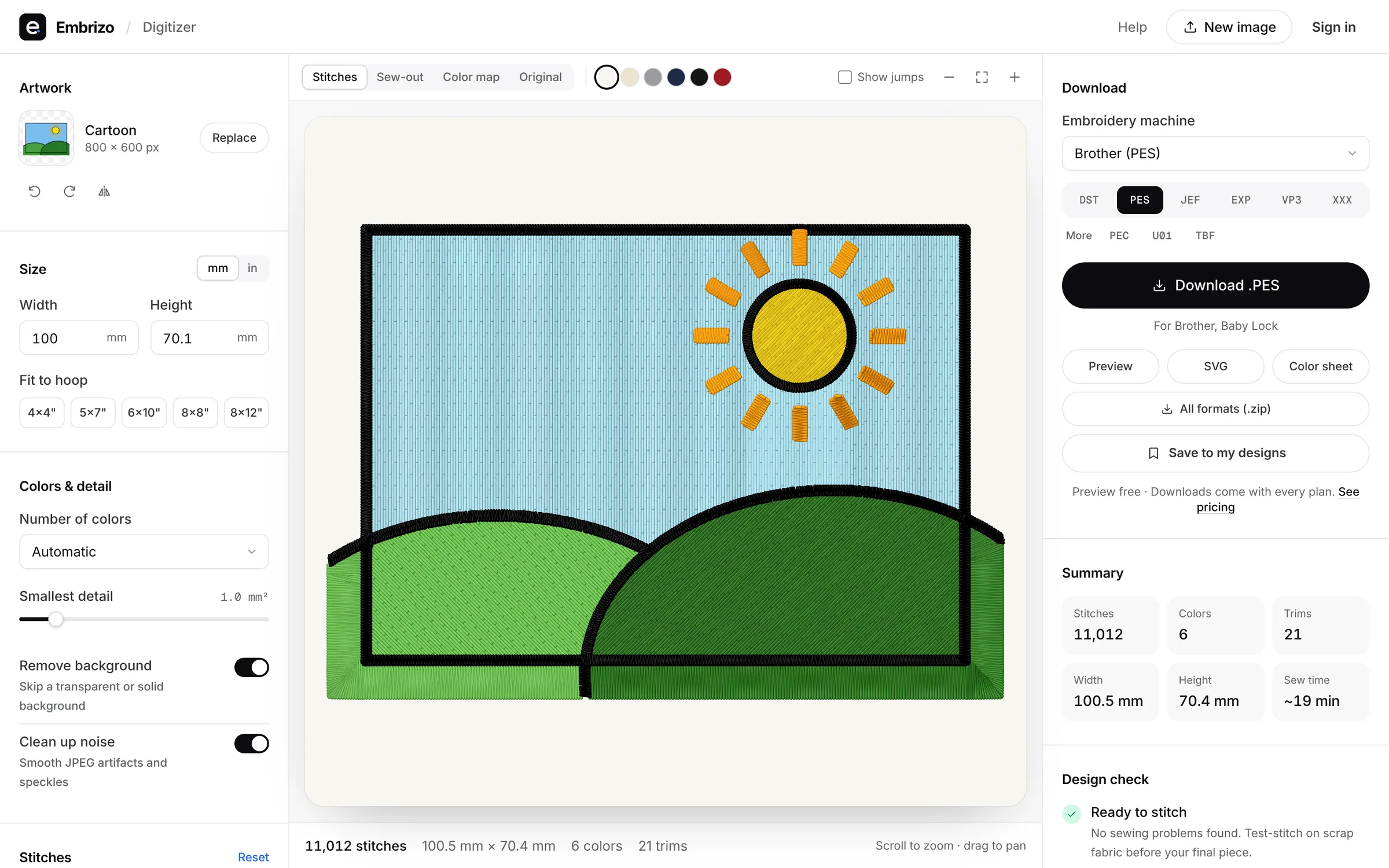
- Most popularFrom a logo or pictureUpload a PNG, JPG, SVG, PDF or Illustrator file and get stitches with satin, fill, underlay and thread colors chosen for you.Start here
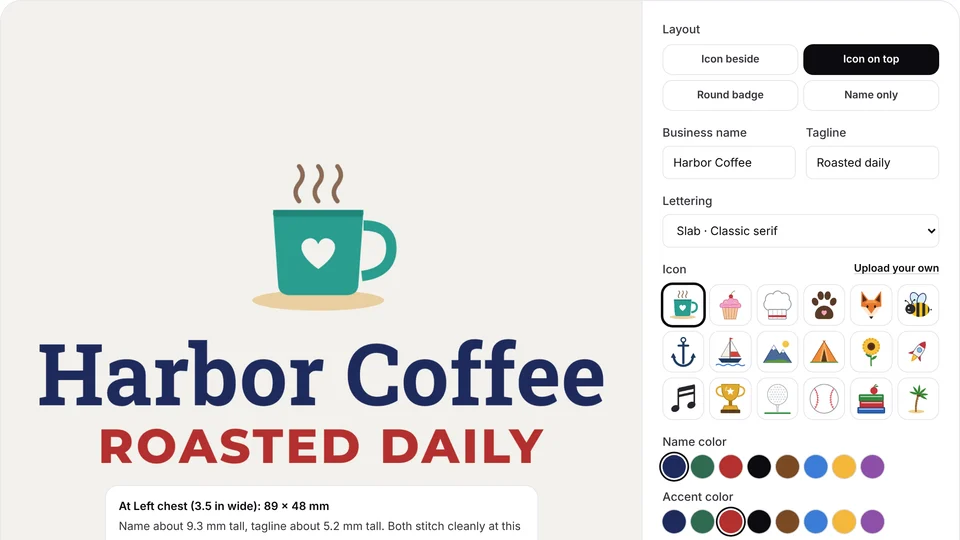 Free toolA logo for shirts and capsMake a simple logo for shirts and caps from an icon, a name and a tagline, sized to stitch, then digitize it.Start here
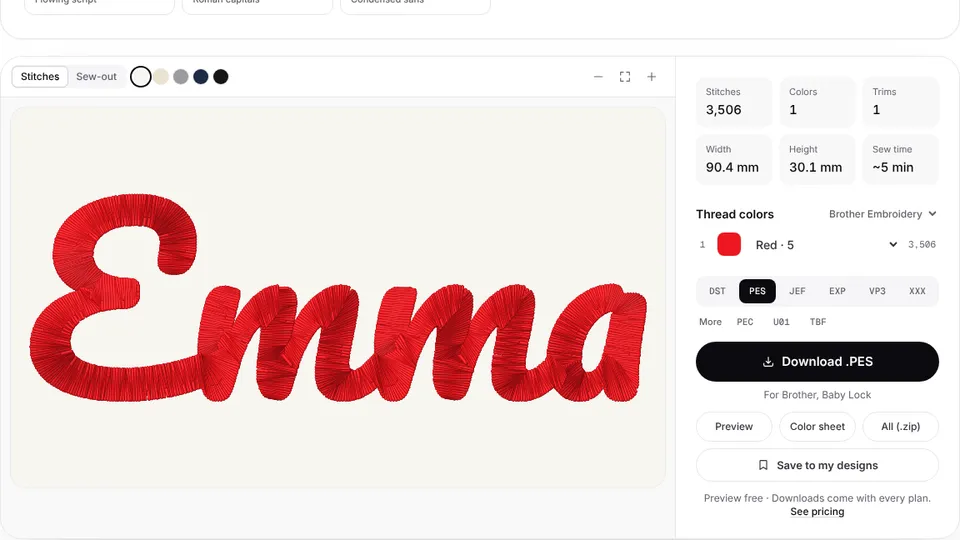 Free previewFrom text or a nameType a name or monogram, pick a font and download a ready-to-sew lettering file.Start here
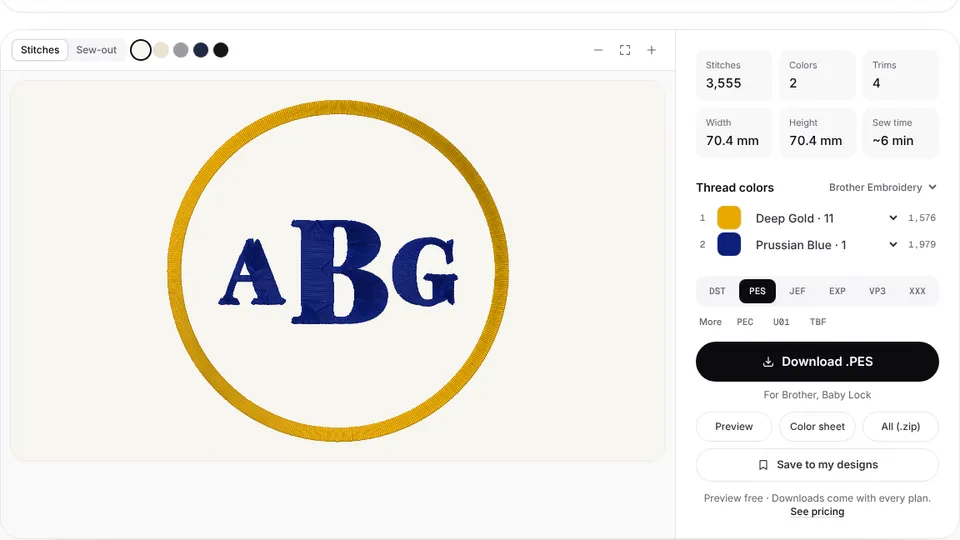 Free previewA monogramDesign a classic one- or three-letter monogram and turn it into an embroidery file.Start here
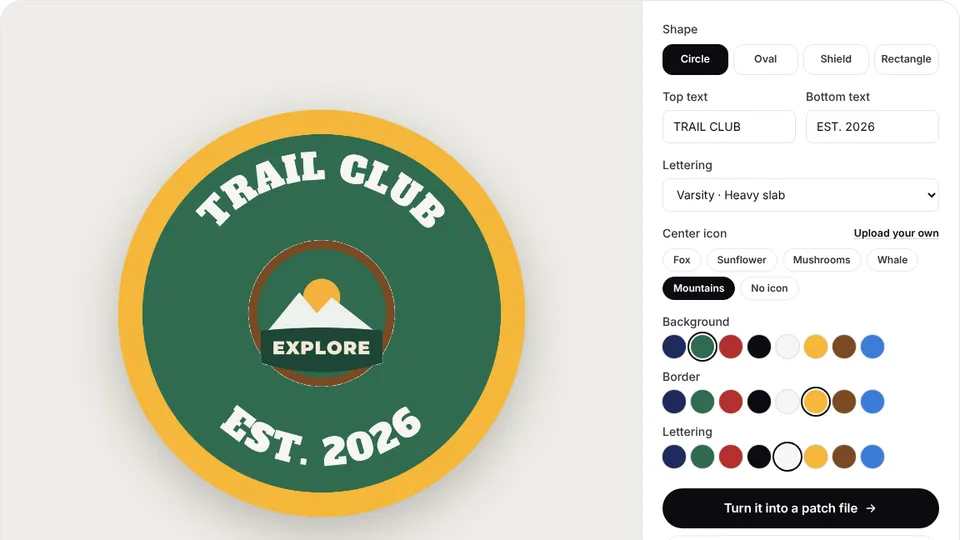 Free toolA patchDesign a round, oval, shield or rectangle patch with arched text, an icon and a border, then digitize it.Start here
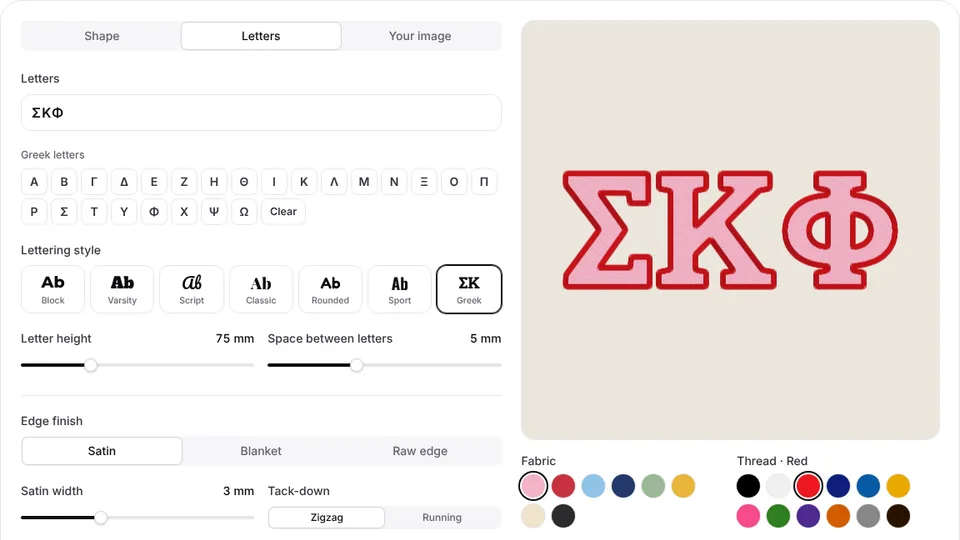 Free previewAppliqué letters and shapesShapes, Greek and varsity letters or a silhouette as appliqué: placement line, tack-down and satin border, plus a cutting template.Start here
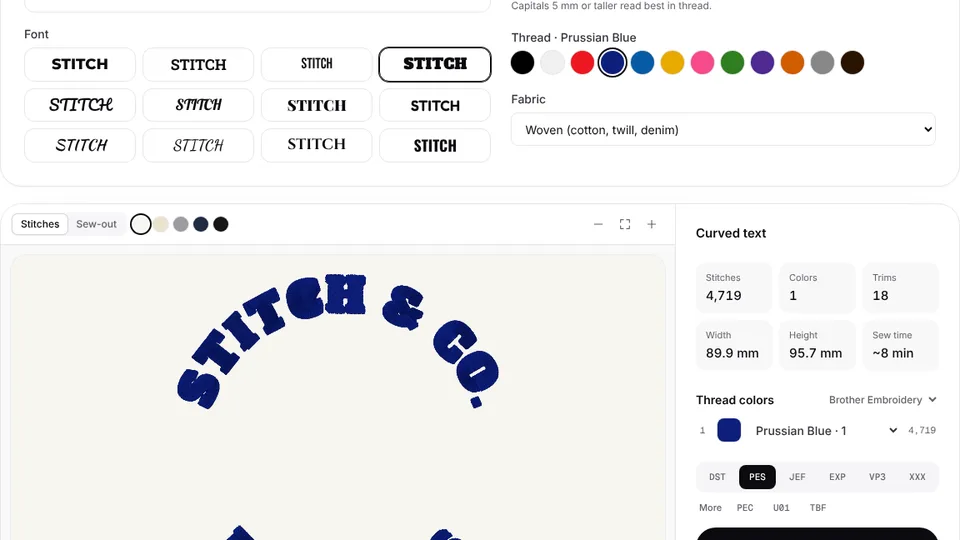 Free previewText arched around a circleArch a name over a circle and a slogan below it, in 12 fonts, digitized and ready to stitch.Start here
 Free previewA frame or borderCircle, oval, scalloped, square and heart borders in satin or triple run, on their own or around a design.Start here
 Free previewA photo outlineTurn a pet, house or portrait photo into a one-color outline embroidery file in triple-run or running stitch.Start here
 Free previewA design with a nameMerge two embroidery files into one: a motif with a name, stacked or side by side, checked against your hoop.Start here
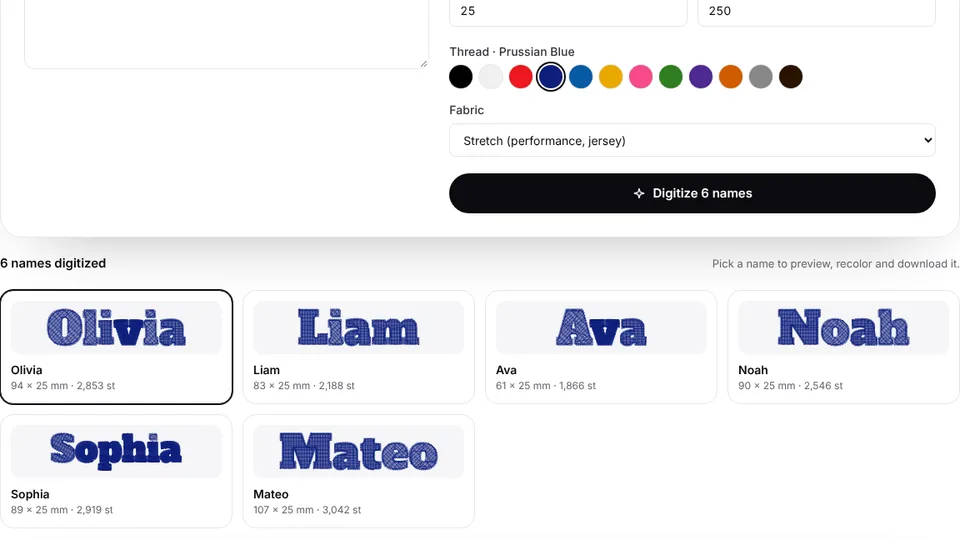 Free previewMany names at oncePaste a list of names and digitize each one in the same font, height and thread, with width checks.Start here
 Free toolA QR codeTurn a link into a QR code sized to scan once stitched, then digitize it for any machine.Start here
 Free toolArtwork from an AI imageWrite ChatGPT, Gemini or Midjourney prompts that give flat, embroidery-ready artwork.Start here
Make a design in four steps
- 1
Choose a start
Upload artwork, type a name, or pick a monogram, patch or appliqué shape.
- 2
Set the size and fabric
Pick your hoop or type the width, and choose the fabric so density and underlay suit it.
- 3
Check the preview
See every stitch, the colors and a design check, and watch it sew before you download.
- 4
Download your format
Save DST, PES, JEF, EXP, VP3, XXX or another format and copy it to your machine.
Free account · No credit card needed
Design rules that make a design stitch well
- Keep capital letters at least 5 mm tall in a bold font; scripts need about 8–10 mm.
- Make lines at least 1 mm wide at the final size, or they sew as a thin running stitch.
- Use 2 to 6 flat colors. Gradients and shadows don't stitch.
- Size the design for its place: about 3.5 in wide for a left chest, 4 in for a cap front.
- Check the stitch preview, then test-stitch on scrap fabric before the real item.
Made with the design maker

 StitchedMonogram embroidery fileTowels, linens, robes and wedding gifts.Make yours

 StitchedPatch embroidery fileIron-on and sew-on patches with a satin border.Make yours
 StitchedFamily name embroidery fileLast names with an established year for home decor.Make yours
 StitchedPet portrait embroidery fileDogs, cats and other pets as cartoon-style portraits.Make yours
Free account
Make your first design
Create a free account to digitize any image, try every setting and watch it sew. Choose a plan only when you want to download files.
- Digitize and preview any image
- Realistic stitch preview and sew-out
- Download free ready-made designs
- No credit card needed

Design maker questions
The quickest way to see what it does with your artwork is to try it. With a free account, digitizing and previewing cost nothing and take about a minute.
Can I make my own embroidery designs without digitizing software?
Yes. Every way to start on this page runs in your browser and writes a real machine file, so you don't need to install or learn desktop digitizing software.
Is the embroidery design maker free?
Creating an account and making and previewing designs are free. Downloading machine embroidery files needs a plan, and every plan includes all nine formats.
Which machines can use the designs?
Any machine that reads DST, PES, JEF, EXP, VP3, XXX, PEC, U01 or TBF: Brother, Baby Lock, Janome, Bernina, Husqvarna Viking, Pfaff, Singer, Tajima, Ricoma and most others.
Can I sell items made with my designs?
Yes. You own the artwork you digitize and the designs you create. Only use artwork you have the right to use, such as your own or a customer's with permission.
Can I change a design later?
Yes. Designs save to your account automatically, so you can reopen one, change the size, fabric or colors, and download it again.
Your design, ready to stitch
Sign up free, upload an image and see it stitched in under a minute. Your image stays on your device.