Turn any image into an embroidery file
Upload a logo or artwork and get a machine-ready DST, PES, JEF, VP3 or other embroidery file in seconds. Colors, stitch types, underlay and sewing order are handled for you.
- No signup
- Runs in your browser
- 9 machine formats
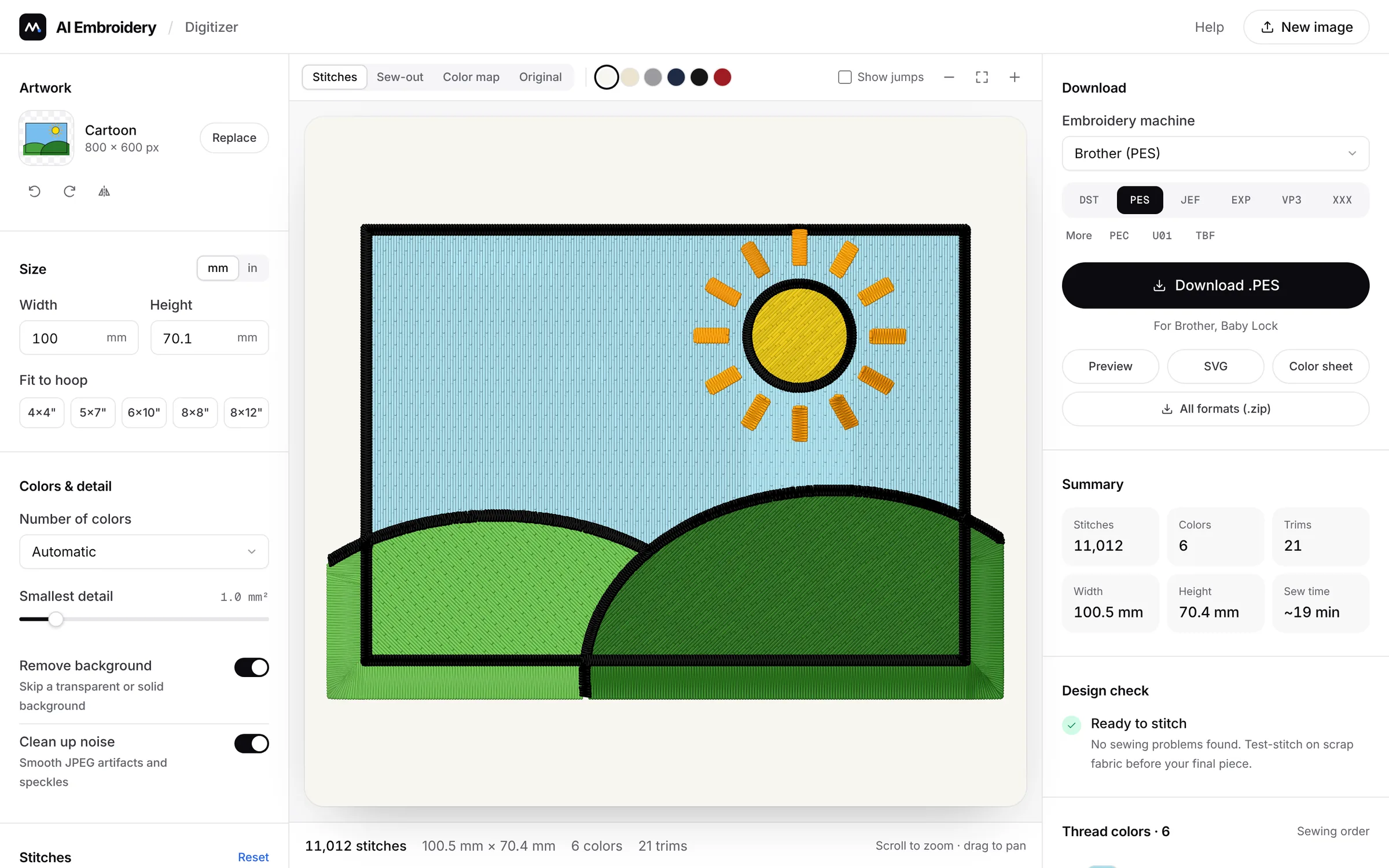
Export files for every major embroidery machine brand
- Brother
- Janome
- Tajima
- Bernina
- Husqvarna
- Pfaff
- Singer
- Baby Lock
Professional digitizing, done for you
The digitizer applies the techniques experienced digitizers use to every shape in your design, automatically.
See it stitched before you sew
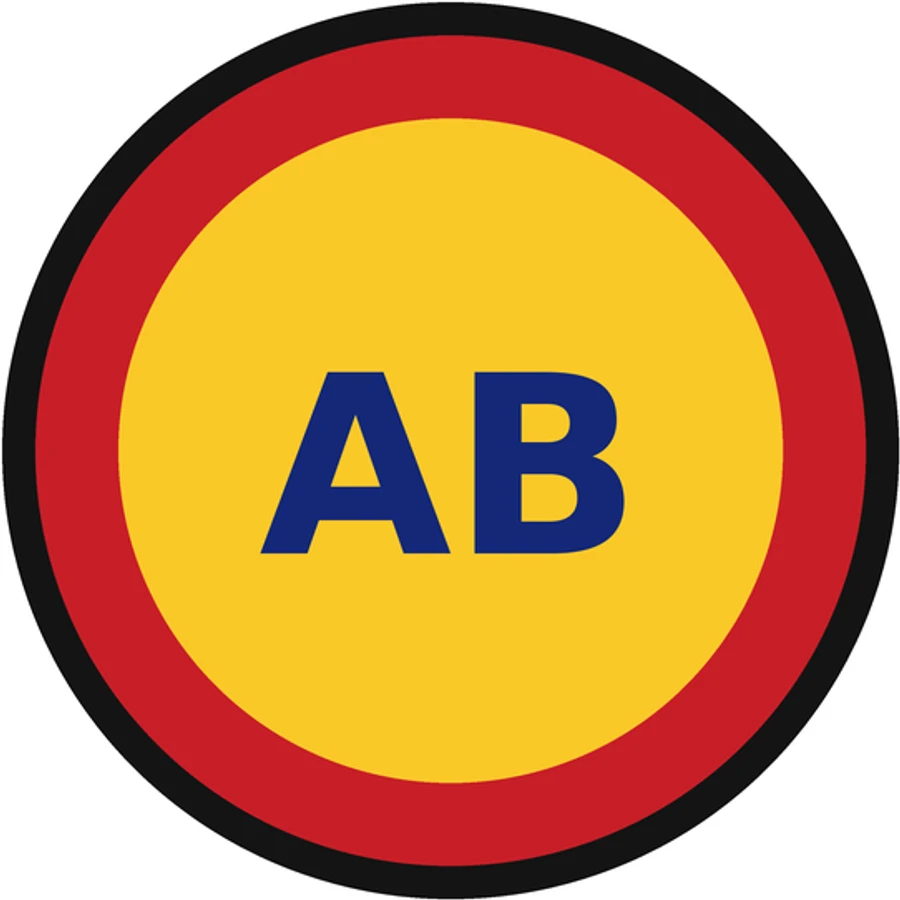
The preview is drawn from the actual stitch file, thread by thread, on your fabric color. Drag the handle to compare it with the original.
- Realistic thread texture
- Six fabric colors
- Zoom in to single stitches
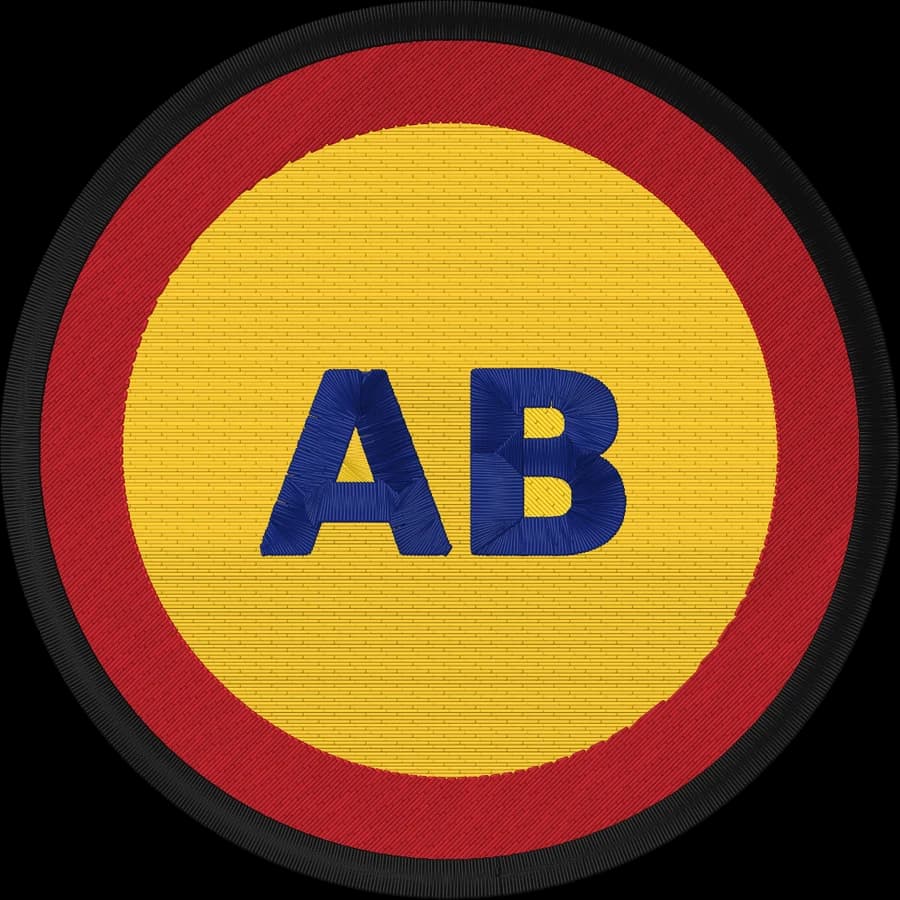
Smart color separation
Finds the real thread colors, ignores blurry edges and JPEG noise, and matches each one to Brother or Janome thread.
- 1Harvest Gold · 584,416 stitches
- 2Red · 53,287 stitches
- 3Black · 202,286 stitches
- 4Prussian Blue · 11,509 stitches
Built like a pro digitizer
Satin for lettering and borders, tatami fill for areas and bean stitch for fine lines, plus the details that make a design sew well.
- Edge-run underlay
- Pull compensation
- Fabric presets
- Color overlap
- Tie-in & tie-off
- Hidden travel
Watch the sew-out
Play the design stitch by stitch to check the sewing order before it ever touches fabric.
Private by design
The digitizer runs entirely in your browser. Your artwork is never uploaded and there's no account to create.
- Image uploads
- None
- Processing
- On your device
- Account
- Not required
- Price
- Free
From image to stitch file in three steps
No digitizing skills and no expensive software. Everything happens in your browser, and it takes about a minute.
- Step 1
Upload your artwork
Drop in a PNG, JPG, WebP or SVG. Logos, lettering, clip art and icons give the cleanest results.
- Step 2
Let the AI digitize it
It separates thread colors, removes the background and picks satin, fill or running stitches for every shape.
- Step 3
Download for your machine
Pick your fabric, fit it to your hoop, check the stitch preview and save your machine's format, or all nine at once.
 badge.png · 600 × 600
Real results, straight from the file
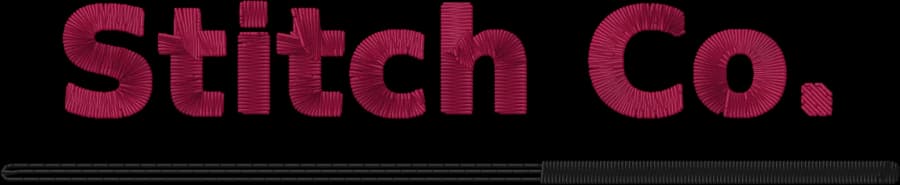
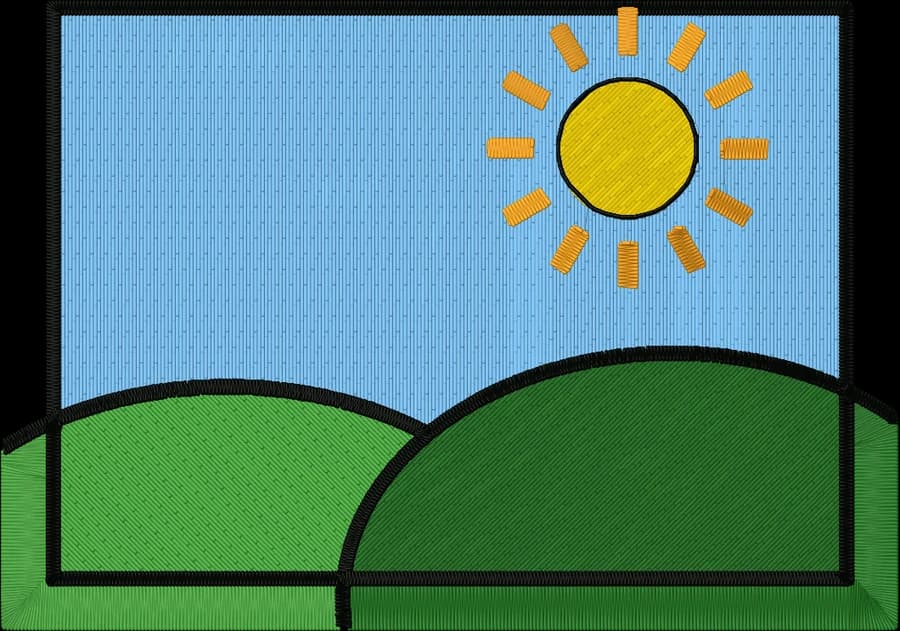
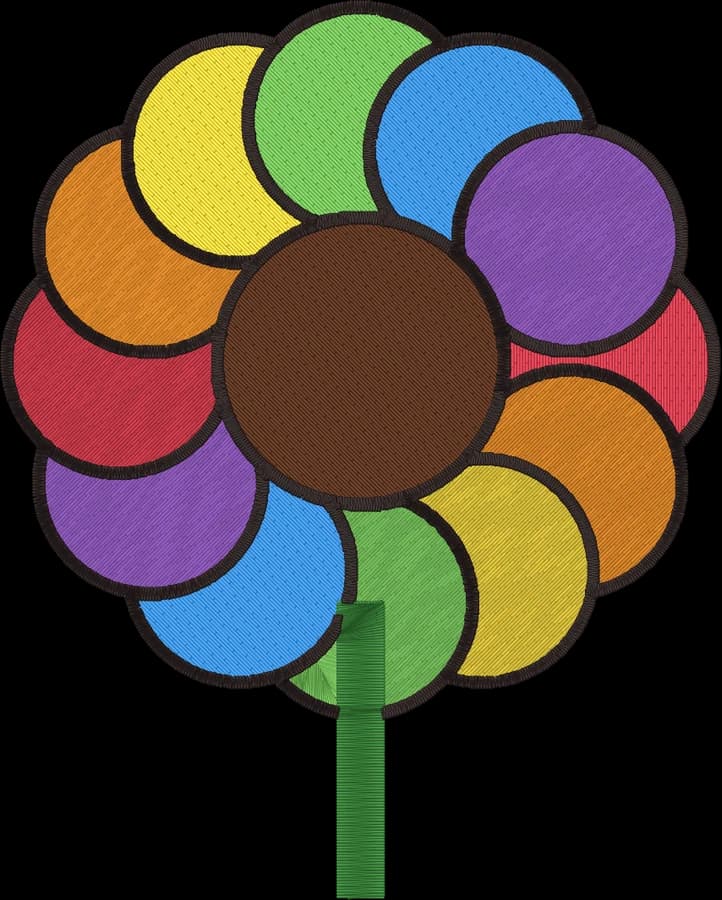
Each design was digitized automatically with default settings. These are renders of the actual files you download. Hover a design to see the original.

- Machine file formats
- 9
- Stitch types, chosen per shape
- 3
- Uploads: it runs on your device
- 0
- Free to use, no signup
- $0
Every major embroidery format
Pick your machine in the digitizer and get its native file, or download all of them in one ZIP. Each format is checked against independent readers, so it opens the way your machine expects. PEC, U01 and TBF are available in the digitizer too.
| Format | Machines | Thread colors | Converter |
|---|---|---|---|
| .DSTTajima DST | Tajima, Barudan, SWF, Ricoma, Happy, most commercial machines | Use the color sheet | Image to DST |
| .PESBrother PES | Brother, Baby Lock | Stored in file | Image to PES |
| .JEFJanome JEF | Janome, Elna | Stored in file | Image to JEF |
| .EXPMelco EXP | Melco, Bernina | Use the color sheet | Image to EXP |
| .VP3Husqvarna Viking / Pfaff VP3 | Husqvarna Viking, Pfaff | Stored in file | Image to VP3 |
| .XXXSinger XXX | Singer, Compucon | Stored in file | Image to XXX |
What is embroidery digitizing?
An embroidery machine can't read a PNG or JPG. It needs a stitch file that says exactly where the needle goes, which stitch type fills each shape, the order the colors are sewn in, and where to trim. Turning artwork into that file is called embroidery digitizing.
Done by hand, digitizing means hours in specialist software or paying for every design. This tool auto-digitizes your image instead. It analyzes the colors and shapes, chooses stitch types and densities, adds underlay and pull compensation, and plans the sewing order. Converting a logo to an embroidery file takes seconds.
Clean artwork with solid colors works best. For fine detail, make the design bigger; for photos, use fewer colors.
Satin stitch
Tight zigzag stitches across a narrow column. Smooth and glossy, used for lettering, borders and outlines up to about 7 mm wide.
Tatami fill
Rows of stitches with staggered needle points that cover large areas evenly, with no visible pattern.
Running & bean stitch
Single or tripled lines of stitches for fine details and thin outlines, and for travel hidden under other stitching.
More free embroidery tools
Convert and view existing stitch files, make lettering, estimate stitch counts and pick threads and hoops.
- Free toolEmbroidery file converterConvert PES, DST, JEF, EXP, VP3 and XXX files to any other machine format.Open tool
- Free toolEmbroidery file viewerOpen DST, PES, JEF and more in your browser: stitch preview, colors, size and stitch count.Open tool
- Free toolText to embroidery fileType a name or monogram, pick a font and download a ready-to-sew lettering file.Open tool
- Free toolStitch count & price calculatorEstimate stitches, sew time and price for any design size and coverage.Open tool
- Free toolThread color chart & matcherBrother and Janome thread charts with codes, plus a color matcher between brands.Open tool
- Free toolHoop size calculatorFind which hoops fit your design and how far to scale it down if it's too big.Open tool
Guides
- Embroidery file formats explained6 min
- How to digitize a logo for embroidery6 min
- Satin stitch vs fill stitch: when to use each6 min
- Embroidery hoop sizes: a practical guide6 min
- Embroidery stabilizer guide: which backing for which fabric6 min
- Minimum text size for embroidery6 min
- How to prepare an image for embroidery digitizing6 min
Frequently asked questions
The quickest way to see what it does with your artwork is to try it. It's free and takes about a minute.
Is this embroidery digitizer really free?
Yes. You can digitize and download as many designs as you like, in every format, without signing up. Everything runs in your browser, so there are no server costs to pass on.
How do I convert a PNG or JPG into an embroidery file?
Open the digitizer and upload your image. It separates the colors, picks a stitch type for each shape and shows a stitch preview. Set the size to fit your hoop, check the thread colors, and download the format your machine reads.
Which embroidery file formats can I download?
DST (Tajima and commercial machines), PES (Brother, Baby Lock), JEF (Janome, Elna), EXP (Melco, Bernina), VP3 (Husqvarna Viking, Pfaff) and XXX (Singer), plus PEC (older Brother), U01 (Barudan) and TBF (newer Tajima). You also get a PNG preview, SVG stitch paths, a color sheet, and a ZIP with every format at once.
Is my image uploaded to a server?
No. Your image is processed entirely on your own device in your web browser. It is never uploaded or stored anywhere.
What kind of images work best?
Logos, lettering, clip art, icons and flat illustrations with clear shapes and solid colors give the best results. Photos work too, but they are simplified into a few flat thread colors, so cap the number of colors for cleaner results.
How does the AI choose satin, fill and running stitches?
It measures every shape. Narrow shapes such as lettering, outlines and borders get satin stitches. Large areas get tatami fill with underlay. Very fine lines become a running or bean stitch. It also adds pull compensation, overlaps neighboring colors so no gaps appear, sews small lettering on top of the fill beneath it, and orders stitching to keep trims to a minimum. You can override the stitch type for any color.
How large can my embroidery design be?
Anything from about 1 cm to 40 cm. One-click presets fit the design to common hoops: 4×4, 5×7, 6×10, 8×8 and 8×12 inches.
Do I still need to test-stitch the design?
Yes, as with any digitized file. Pick your fabric type in the digitizer (woven, knit, stretch, fleece or leather) to set density, pull compensation and underlay, then sew a test on scrap material before stitching a garment.
Your design, ready to stitch
Upload an image and download your embroidery file in under a minute. Free, private and no signup.