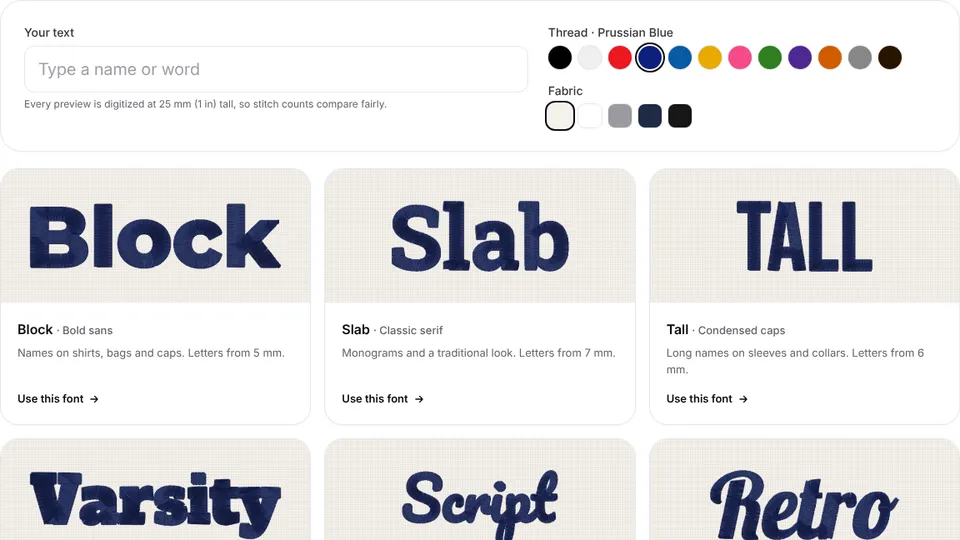
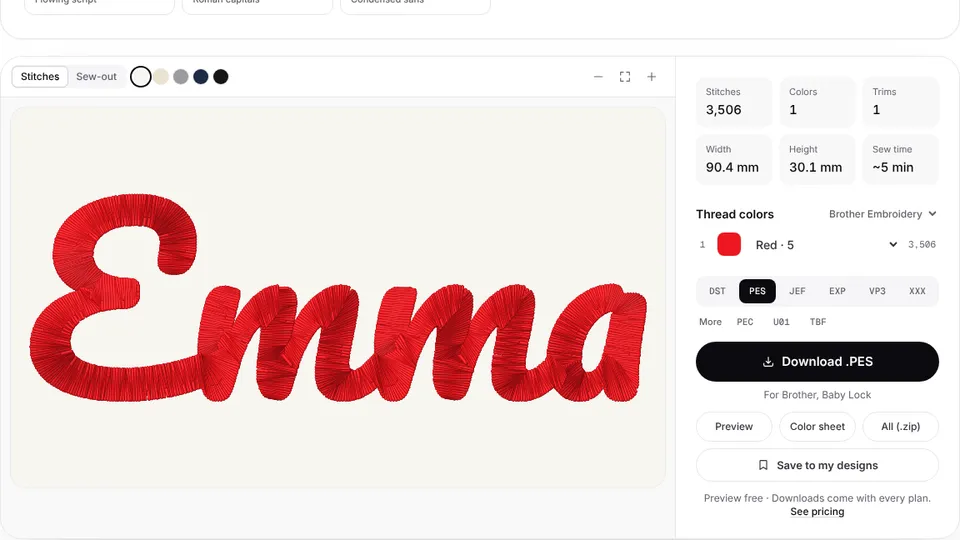
 Free previewText to embroidery fileType a name or monogram, pick a font and download a ready-to-sew lettering file.Open the tool
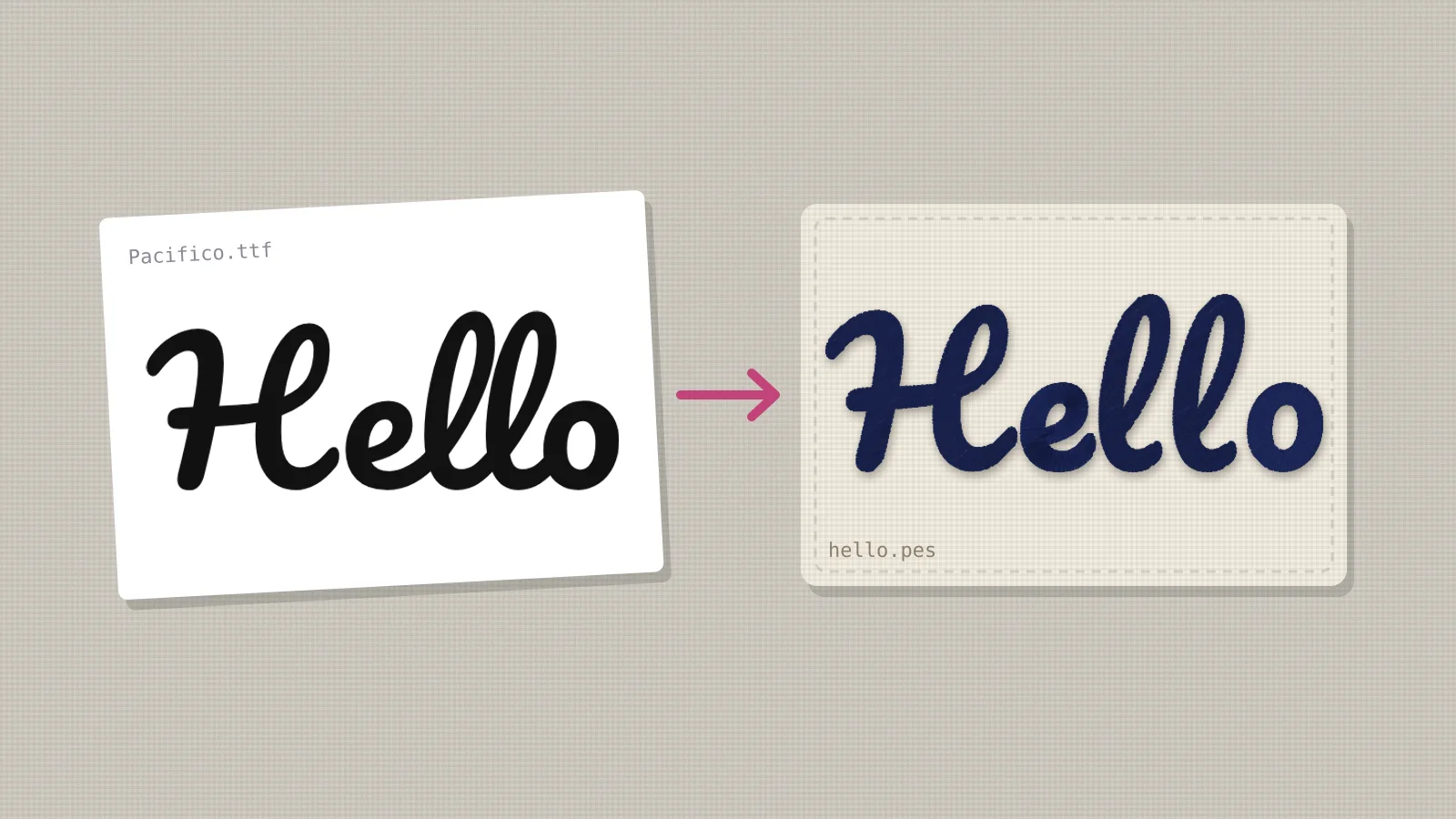
You've found the perfect font for a name, a logo or a quote, and your machine only reads stitch files. A font file is a set of letter outlines for printing; a machine needs stitches with a direction, a density and underlay. Getting from one to the other is called digitizing, and there are four ways to do it, from typing in a browser to placing every stitch by hand.
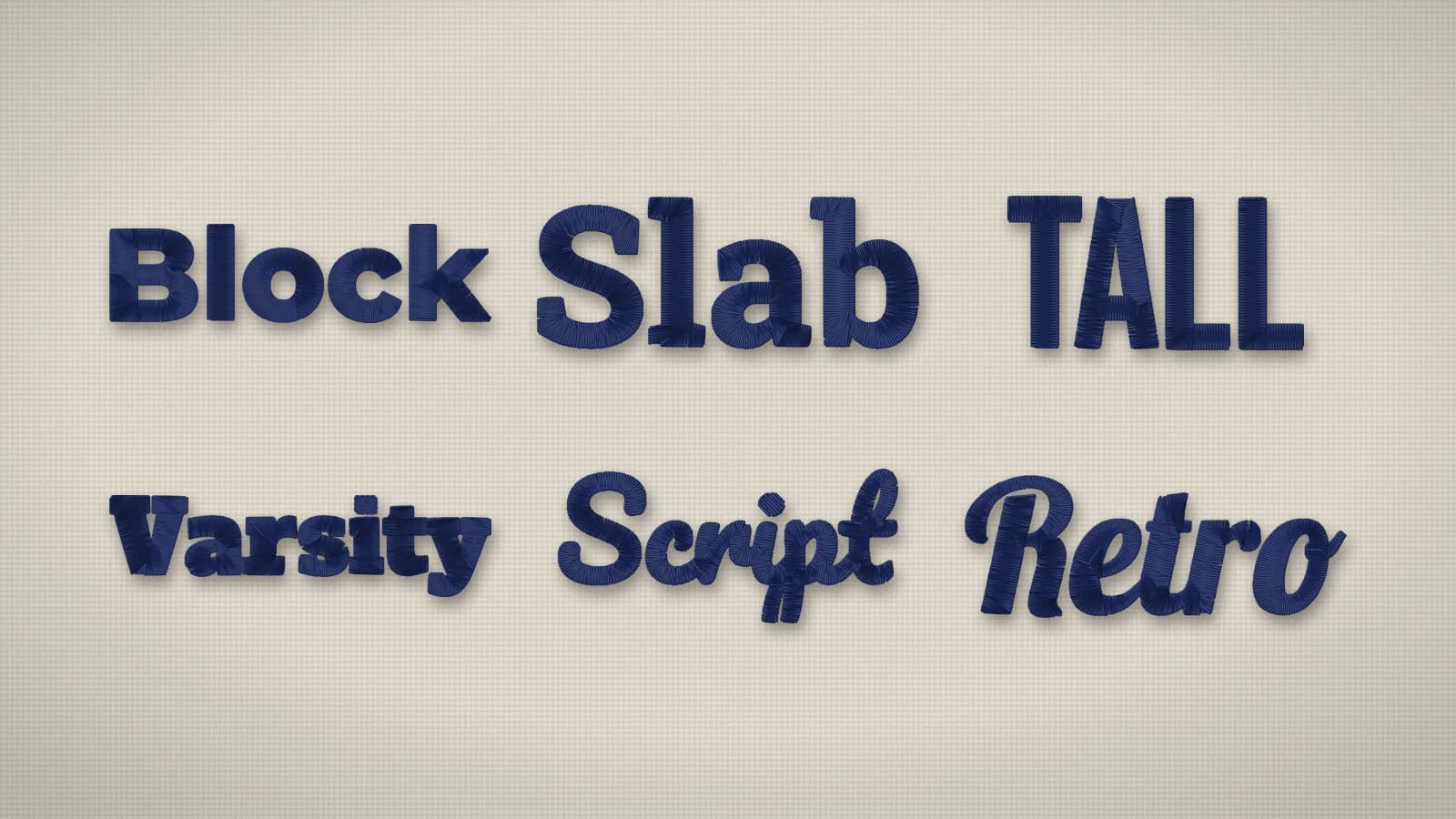
This guide walks through each, then covers which fonts survive the conversion, how small they can go and what the license allows. To try it now, the text to embroidery tool turns lettering in 12 styles into a file, and the digitizer turns any font you can type in another app into stitches.
Why can't you stitch a font file directly?
A TTF or OTF file tells a printer where each letter's edge is. A machine needs to know where each needle drop goes: narrow strokes become satin columns that zigzag across the stroke, wide parts become tatami fill, and both need underlay underneath and pull compensation so the letters don't shrink. None of that is in a font file, so something has to work it out: a person or a program. That step is digitizing.
Four ways to turn a font into stitches
| Way | How it works | Good for | Cost |
|---|---|---|---|
| A text to embroidery tool | Type the text, pick a style and size, download the file | Names, words and short phrases in common styles | Free preview; file with a plan |
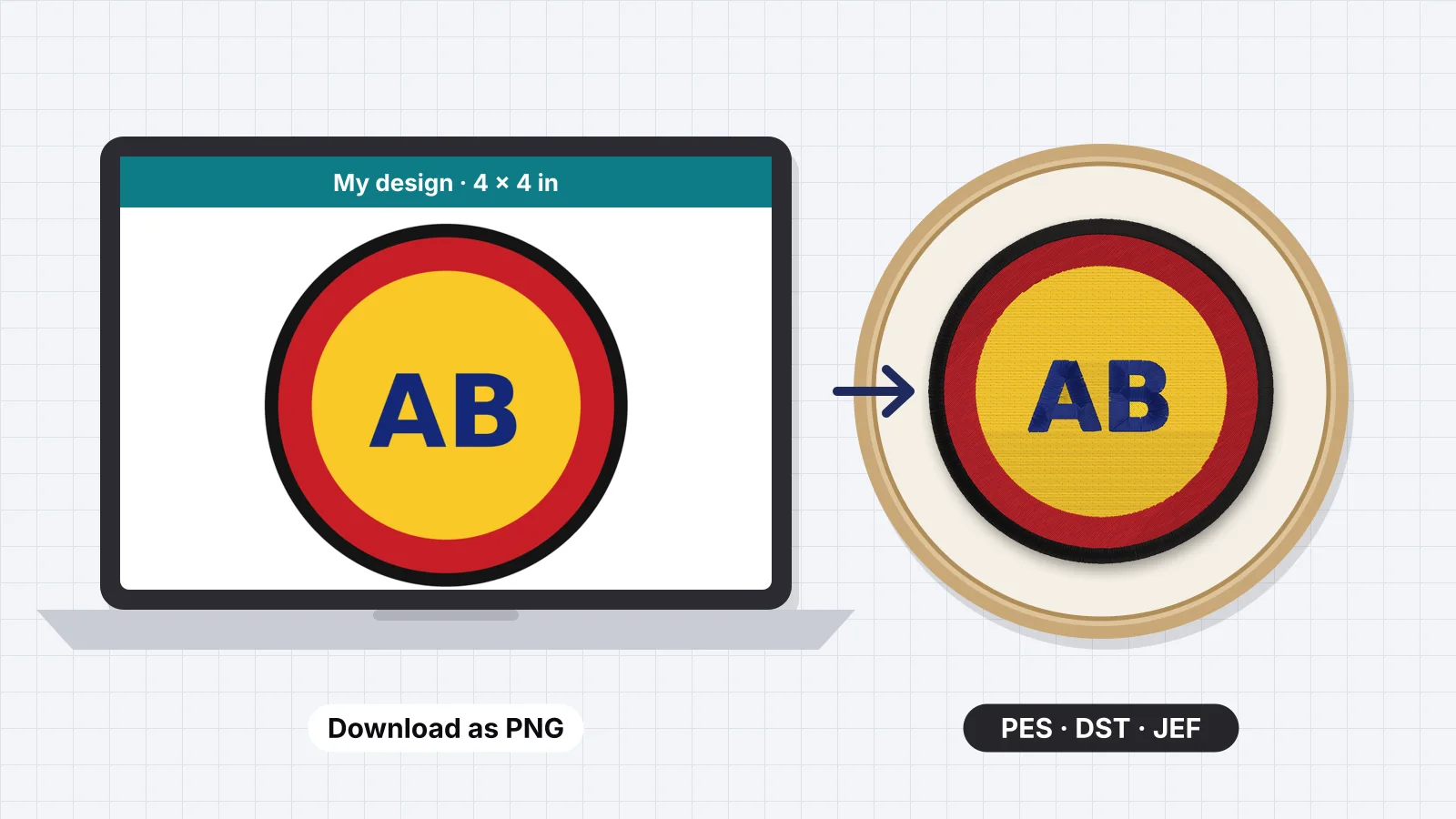
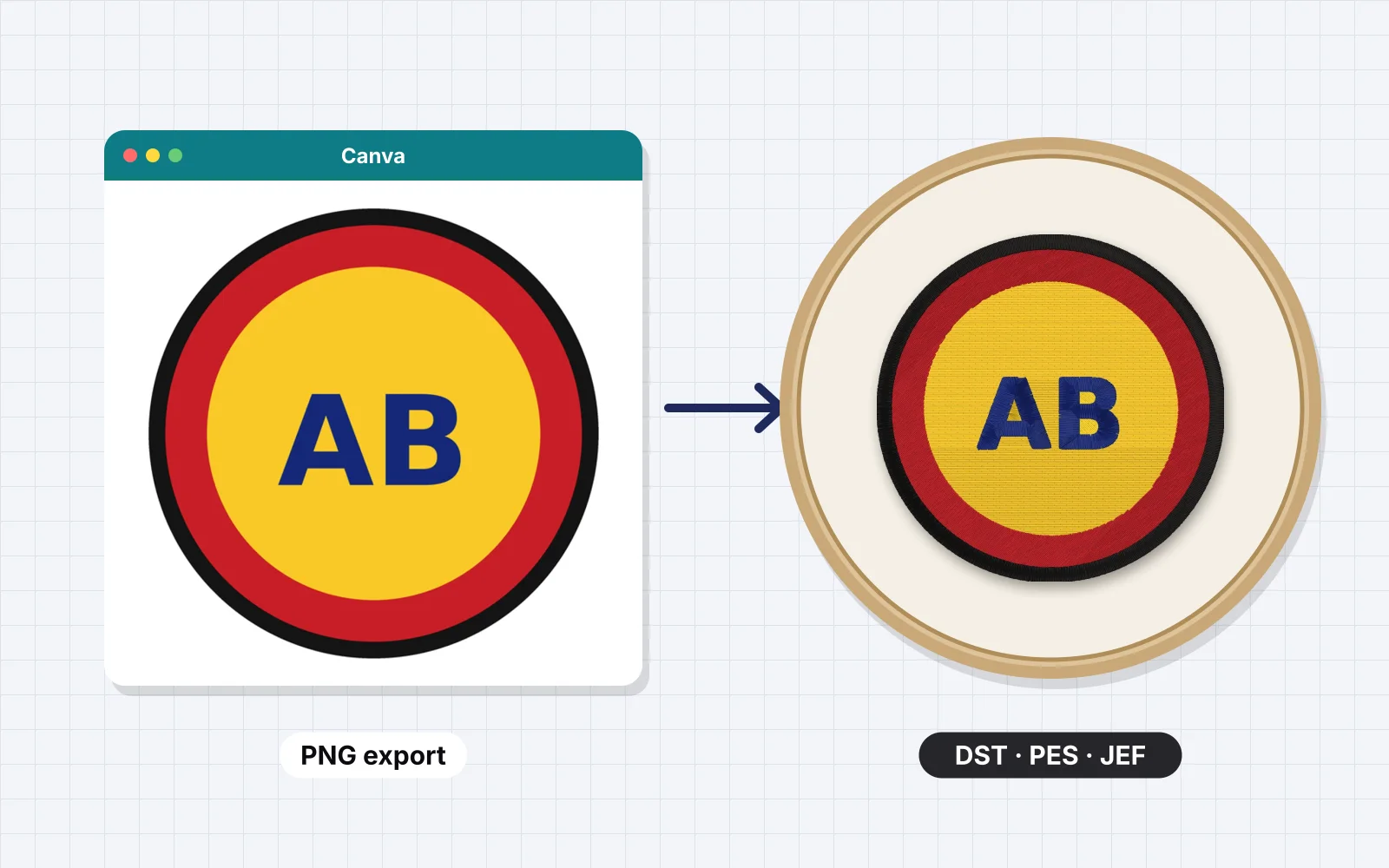
| Text as an image, then auto-digitize | Type in any font in Canva, Word or Photoshop, export a PNG, run it through a digitizer | Any font you can type, logos with text | Same as digitizing an image |
| Font conversion in software | Desktop software turns an installed TTF into a keyboard font | Using one font again and again | Paid software |
| Digitizing by hand | Draw satin columns over each letter yourself | Tiny or detailed lettering, logos | Hours of work, or a service |
For one name or phrase, the first two are by far the quickest. Converting a whole font is worth it only if you'll use it often and own the software.
Try it with your own design
Sign up free, upload an image and get a stitch preview in under a minute.
Drop your image here
PNG, JPG, SVG, PDF or AI · stays on your device
Not sure what to expect? See real examples or how it works.
How to turn any font into a file with an auto-digitizer
- Type your text in the font in any app (Canva, Word, Google Docs, Photoshop, Procreate).
- Make it big (at least 300 pixels tall for capitals), solid black or one solid color, on a plain white background.
- Export or screenshot it as a PNG.
- Upload it to the digitizer, set the final width in millimeters or inches, and check the stitch preview: lettering becomes satin, heavy parts fill.
- Download the file in your machine's format (PES, DST, JEF and more). Previews are free with an account; downloads need a plan.
Turn off outlines, shadows and textures before exporting: each becomes extra stitches. If a script font's joins are hairline thin, make the text bold or add a thin stroke in the same color first so the joins are thick enough to sew.
Which fonts stitch well, and how small can they go?
| Font style | Smallest capitals, about | Notes |
|---|---|---|
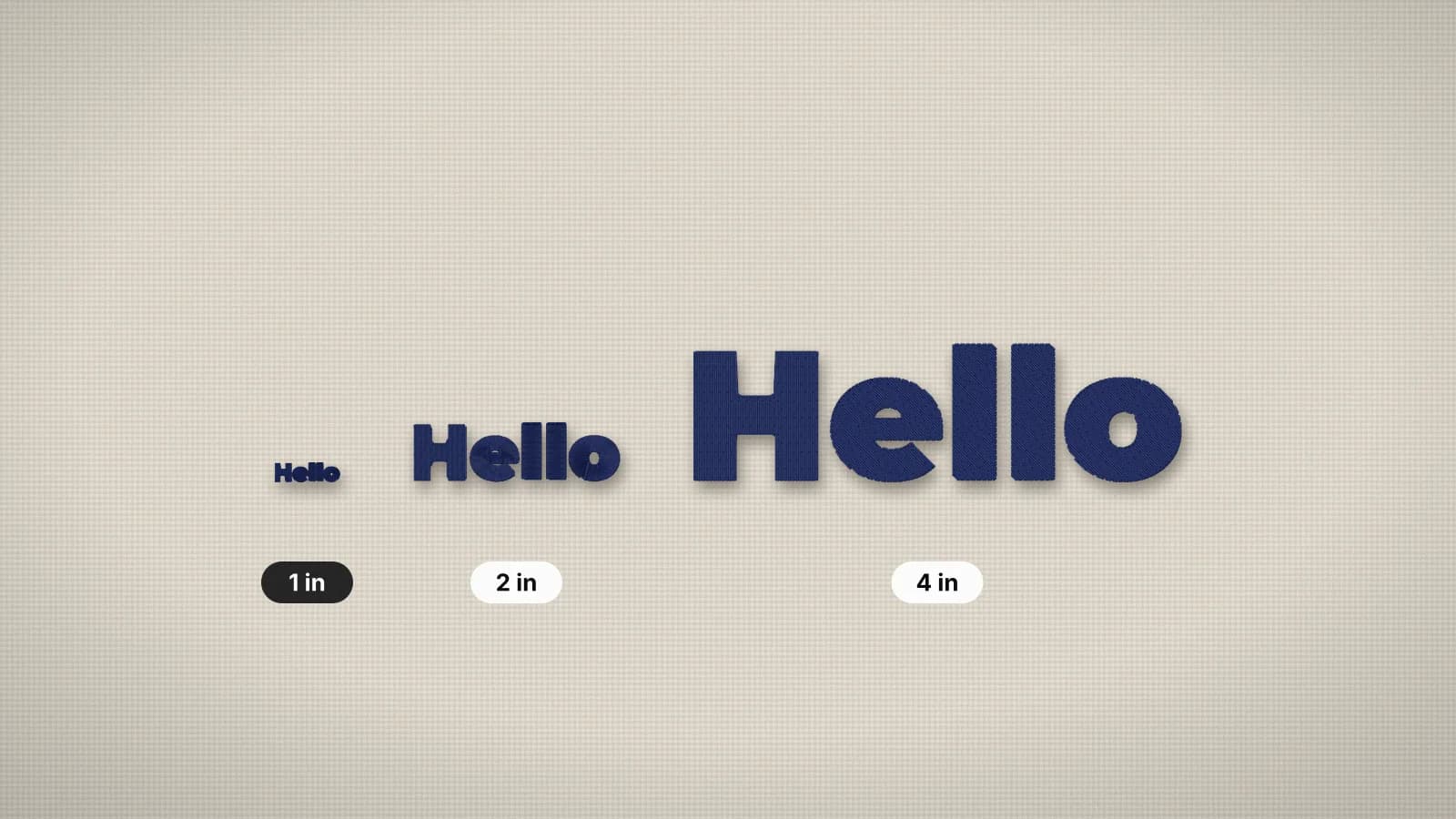
| Bold sans (block) | 5 mm | The safest choice for small text, caps and left chest |
| Slab and varsity | 6 mm | Thick serifs survive; good for sports and kids |
| Rounded | 6 mm | Friendly, sews smoothly |
| Bold serif (classic) | 7–8 mm | Hairline serifs fill in below this |
| Bold script | 10–12 mm | Thin joins need size; keep loops open |
| Thin calligraphy or display fonts | Often not stitchable | Strokes thinner than about 1 mm can't be satin |
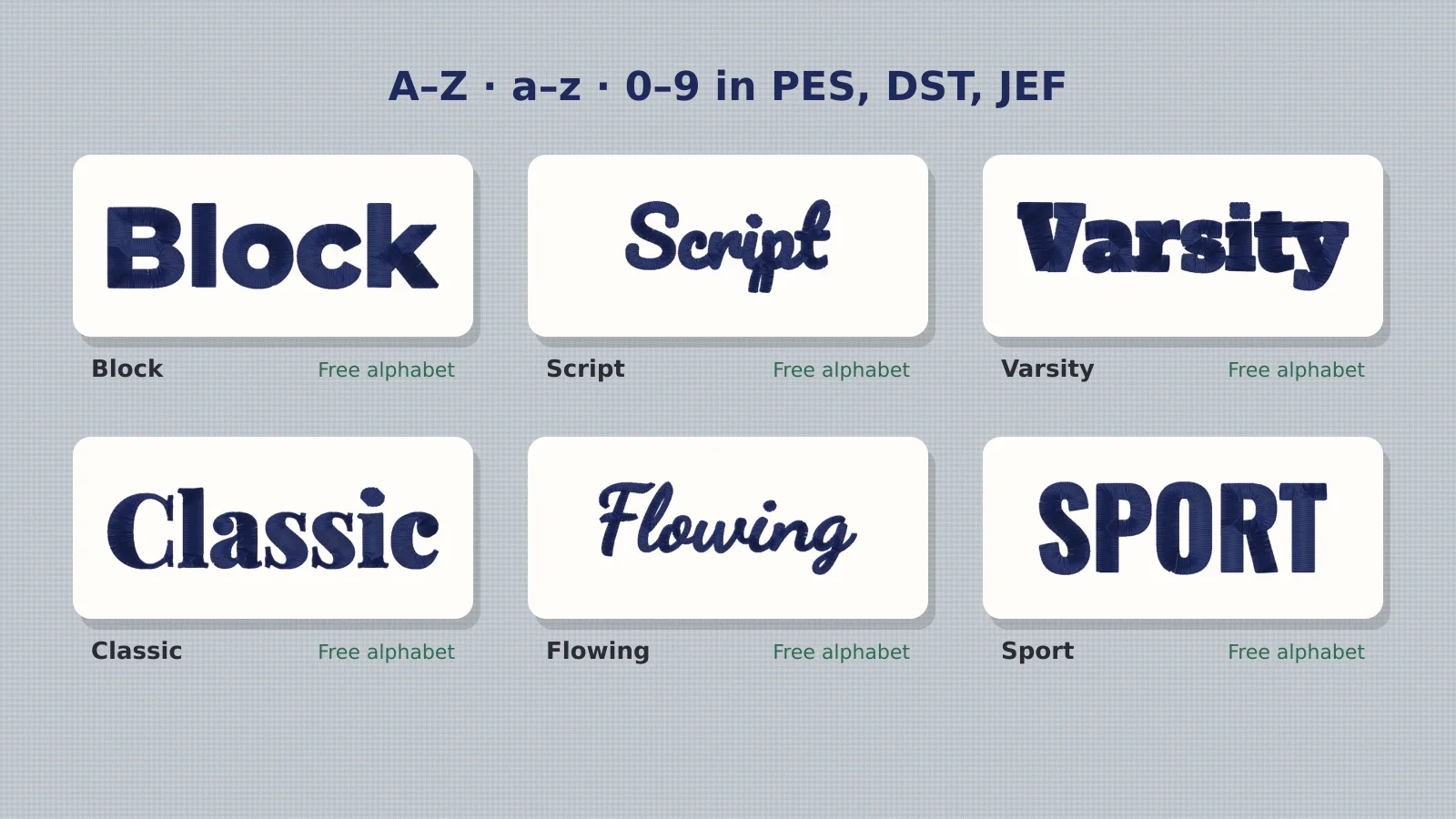
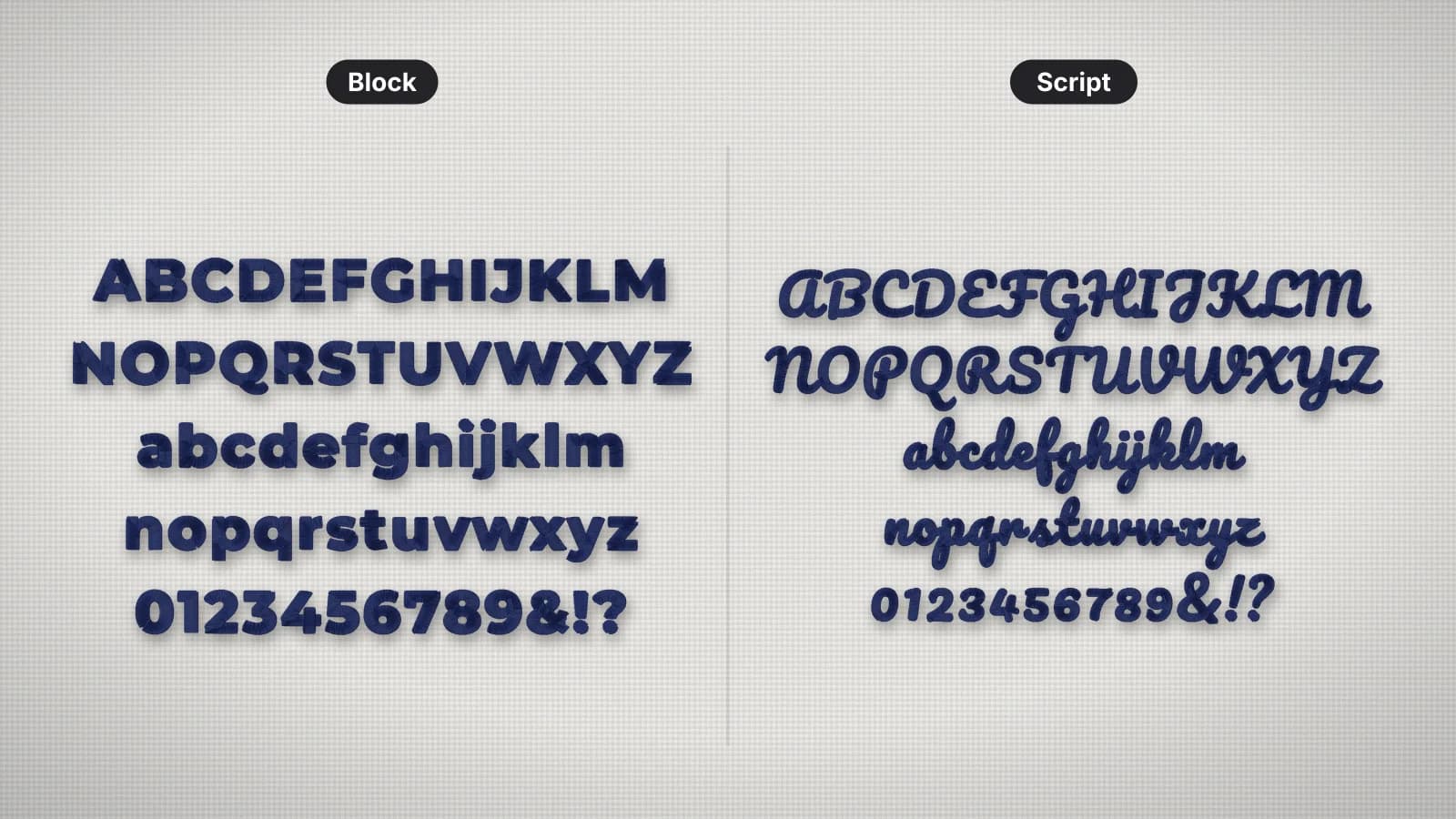
The width of the thinnest stroke decides it: a satin column needs about 1 mm at the very least, so a stroke that's 3% of the letter height needs letters about 35 mm tall. The embroidery fonts page shows 12 styles already digitized, with each one's smallest readable size, and every style downloads free as an alphabet of letter files.
Are you allowed to digitize a font?
Check the license. Open-source fonts under the SIL Open Font License, which covers most Google Fonts, allow digitizing and stitching, including on items you sell. Many commercial fonts only allow use on a computer, or ask for an extended license for embroidery or for making digitized fonts. Fonts from 'free font' sites are often free for personal use only. When in doubt, use an open-source font or one the designer licenses for embroidery.
Practice on a free design
167 ready-to-sew designs in every machine format, free with an account.
Test before you stitch the real thing
- Stitch a test on the same fabric and stabilizer, at the final size.
- Check the small parts: dots on i and j, counters in e and a, and script joins.
- Check the spacing from a step away: lettering that looks fine on screen often reads tight in thread.
- Adjust and redo: make it bigger or bolder, or pick a simpler font, rather than fighting a font that's too thin.
More on lettering: how to digitize lettering, small text embroidery and free embroidery fonts.