Embroidery patch designer
Design a custom patch in a minute: choose a round, oval, shield or rectangle shape, add arched lettering, drop in an icon or your own logo, and pick the colors. Then turn it into a stitch file for your machine.
Shape
Center icon
Background
Border
Lettering
The digitizer usually stitches a border like this in satin and the panel in fill.
Everything a classic patch needs
Four shapes
Circle, oval, shield and rectangle, the shapes most patches use.
Arched lettering
Top and bottom text follows the edge on round and oval patches.
12 lettering fonts
The same fonts as the lettering tool, all bold enough to stitch.
Icons or your logo
Use a free design as the icon, or upload your own artwork.
Thread colors
Background, border and lettering from a stitch-friendly palette.
Download or digitize
Save a PNG mockup, or open it straight in the digitizer.
Patches that stitch cleanly
- Keep text short: two to three words on top, one or two at the bottom.
- Use strong contrast between the lettering and the background panel.
- Leave space between the lettering and the border so the satin edge doesn't crowd it.
- Stitch on twill or felt with heavy backing, then trim and seal the edge.
Free account
Start digitizing in under a minute
Create a free account to digitize any image, try every setting and watch it sew. Choose a plan only when you want to download files.
- Digitize and preview any image
- Realistic stitch preview and sew-out
- Download free ready-made designs
- No credit card needed



Questions
The quickest way to see what it does with your artwork is to try it. With a free account, digitizing and previewing cost nothing and take about a minute.
How do I design my own embroidered patch?
Pick a shape, type the top and bottom text, choose an icon or upload your own, and set the background, border and lettering colors. Then press Turn it into a patch file to digitize it, or download the PNG.
What size should a patch be?
Most iron-on and sew-on patches are 2 to 4 inches across. At 3 inches, keep lettering bold and at least about 6 mm tall, and keep the border at least 3 mm wide so it can be cut cleanly.
Can I make the patch on my home machine?
Yes. Stitch it on twill with heavy backing, trim close to the border, and add iron-on adhesive or sew it on. The patch guide walks through it.
Can I use my own logo in the middle?
Yes. Upload a PNG or JPG; a white background around the icon is dropped automatically.
More tools
Keep going
 GuideHow to make an embroidered patchMaterials, design rules, sizes and finishing steps for sew-on and iron-on embroidered patches.Read the guide
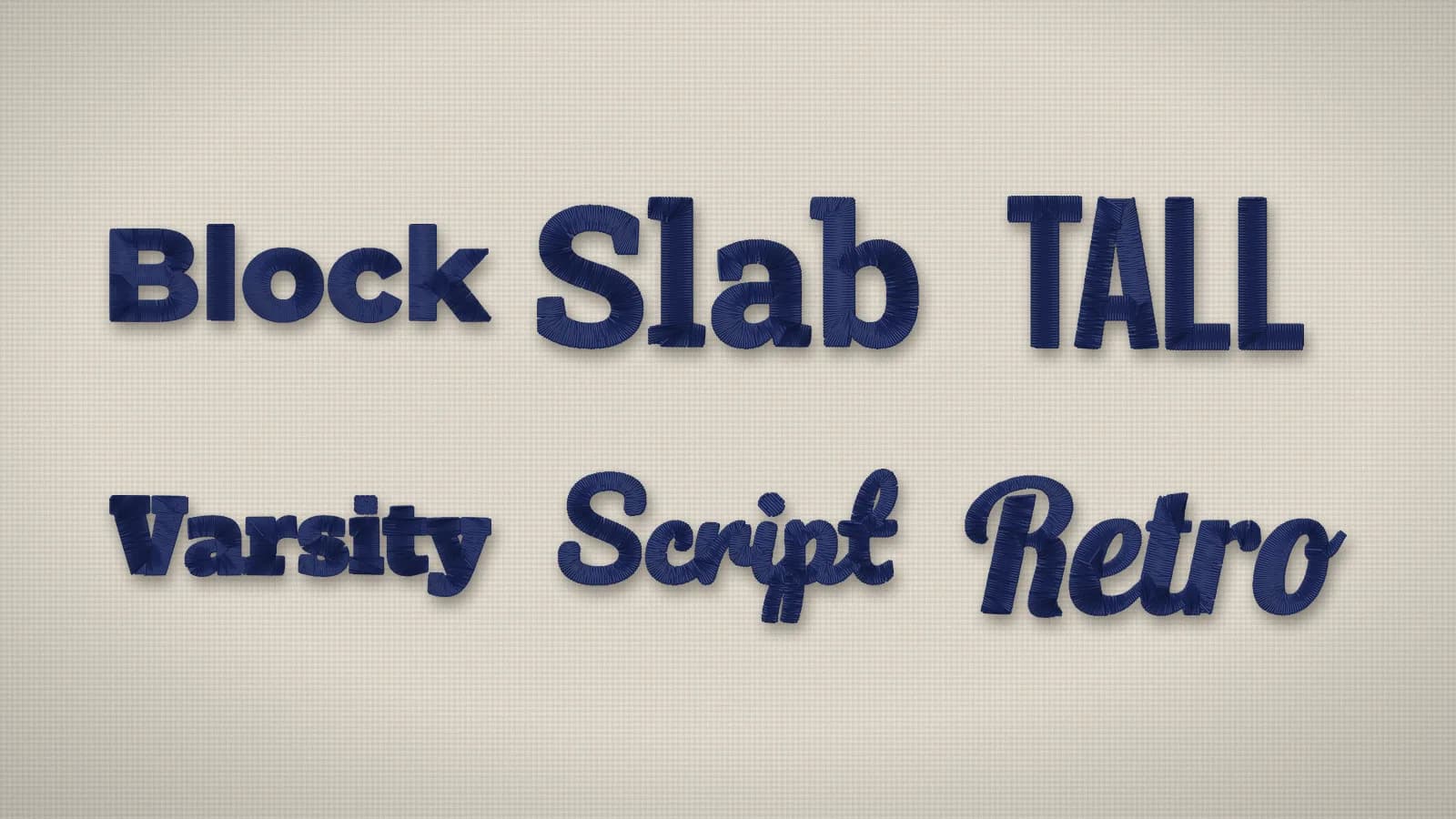 GuideBest fonts for embroideryWhat makes a font stitch cleanly, how small each style can go, how to pair fonts and which ones suit caps, towels and kids' items.Read the guide
 GuideSatin stitch vs fill stitch: when to use eachHow satin, tatami fill and running stitches differ, the widths each one suits, and how to choose.Read the guide
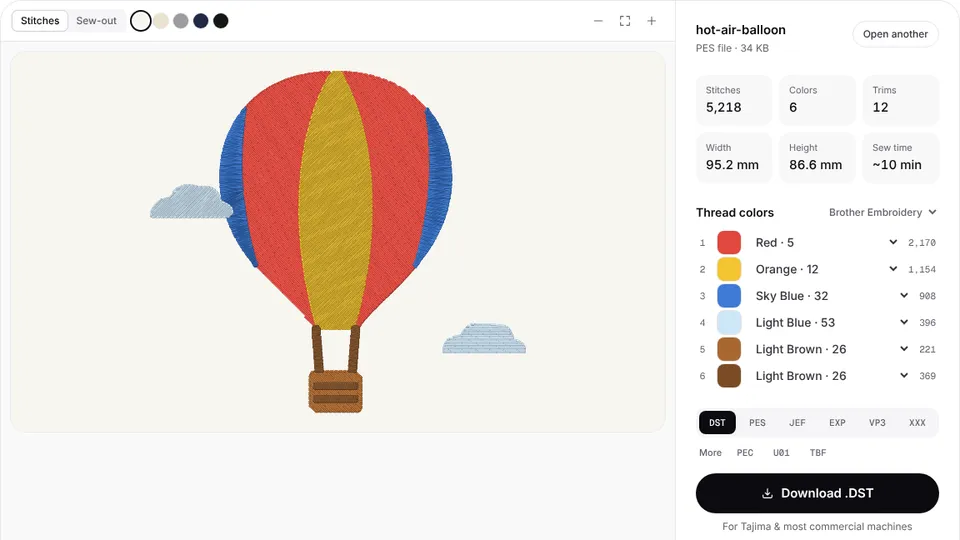 Free previewEmbroidery file converterConvert PES, DST, JEF, EXP, VP3 and XXX files to any other machine format.Open
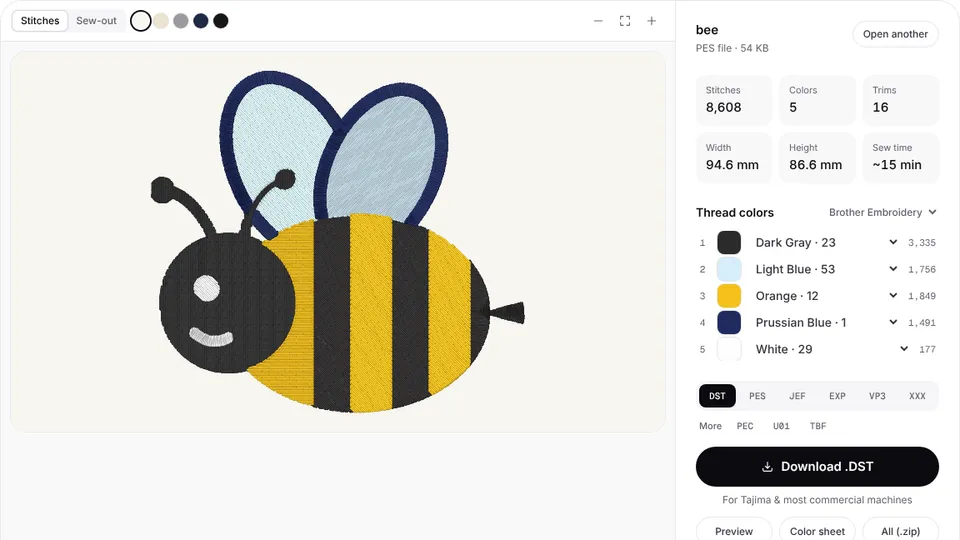 Free toolEmbroidery file viewerOpen DST, PES, JEF and more in your browser: stitch preview, colors, size and stitch count.Open
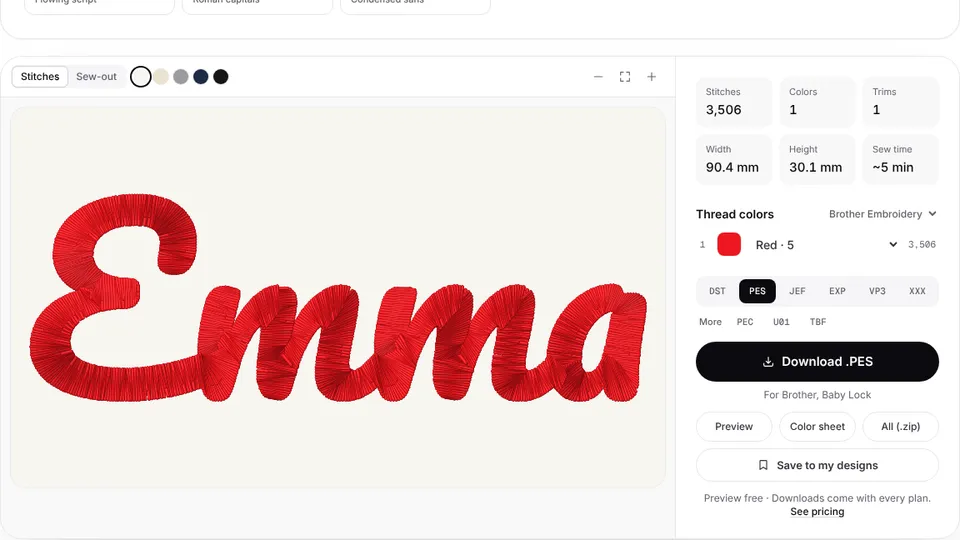 Free previewText to embroidery fileType a name or monogram, pick a font and download a ready-to-sew lettering file.Open
From design to patch file
The digitizer stitches the border, panel and lettering with underlay, ready to sew on twill.