Personalized embroidery designs
Names, monograms, dates and years laid out with lettering that stitches cleanly and an icon from the free designs: pick an occasion, type the details and see the design at once. Then the digitizer turns it into a file for your machine.
- 32 occasions
- Names and monograms
- 12 lettering styles
- Any free design as the icon
Monograms
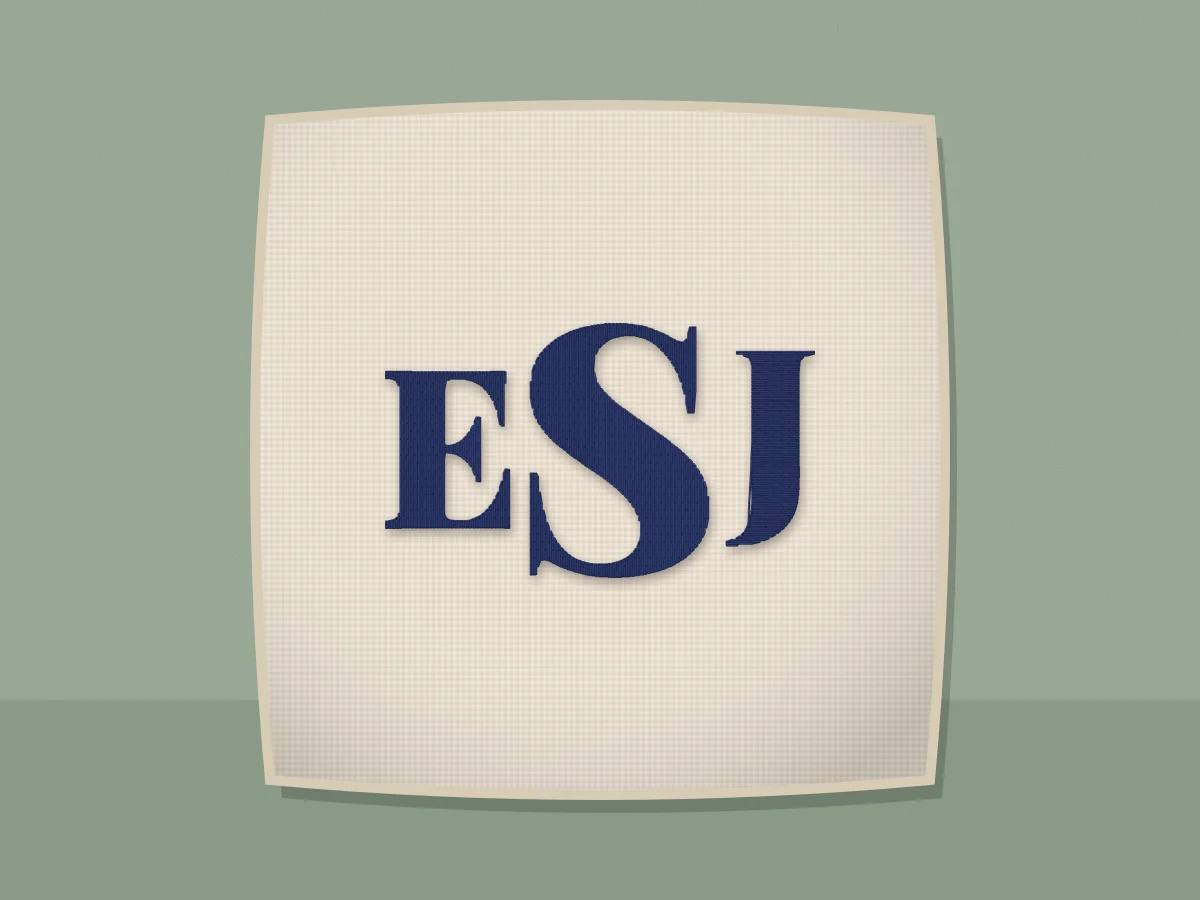 Three letter monogram embroidery design makerType the initials in monogram order (first, LAST, middle) and the maker sets the last initial larger in the middle, in lettering that stitches cleanly.Make one
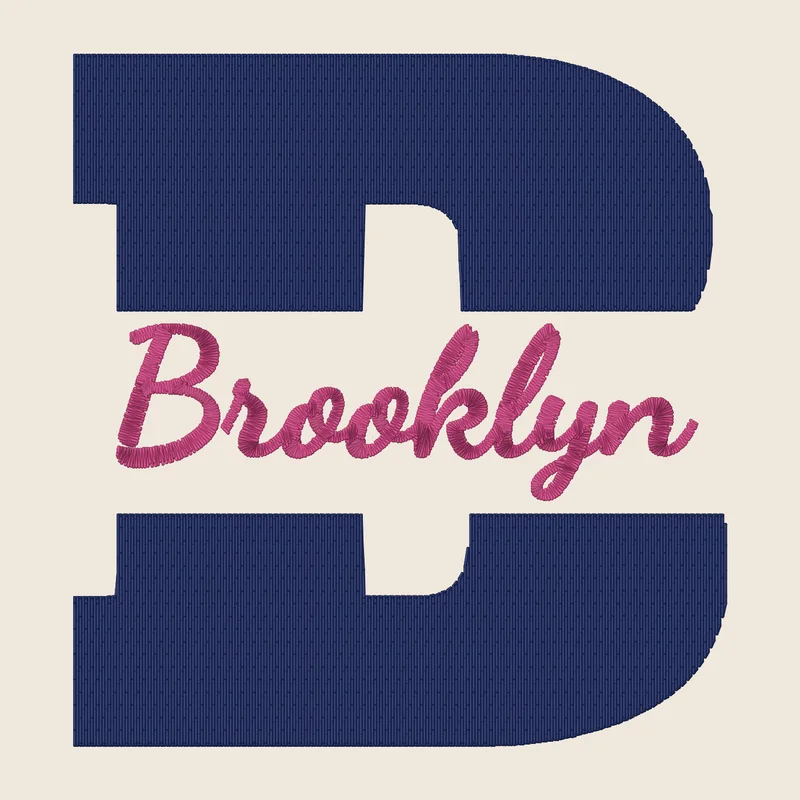
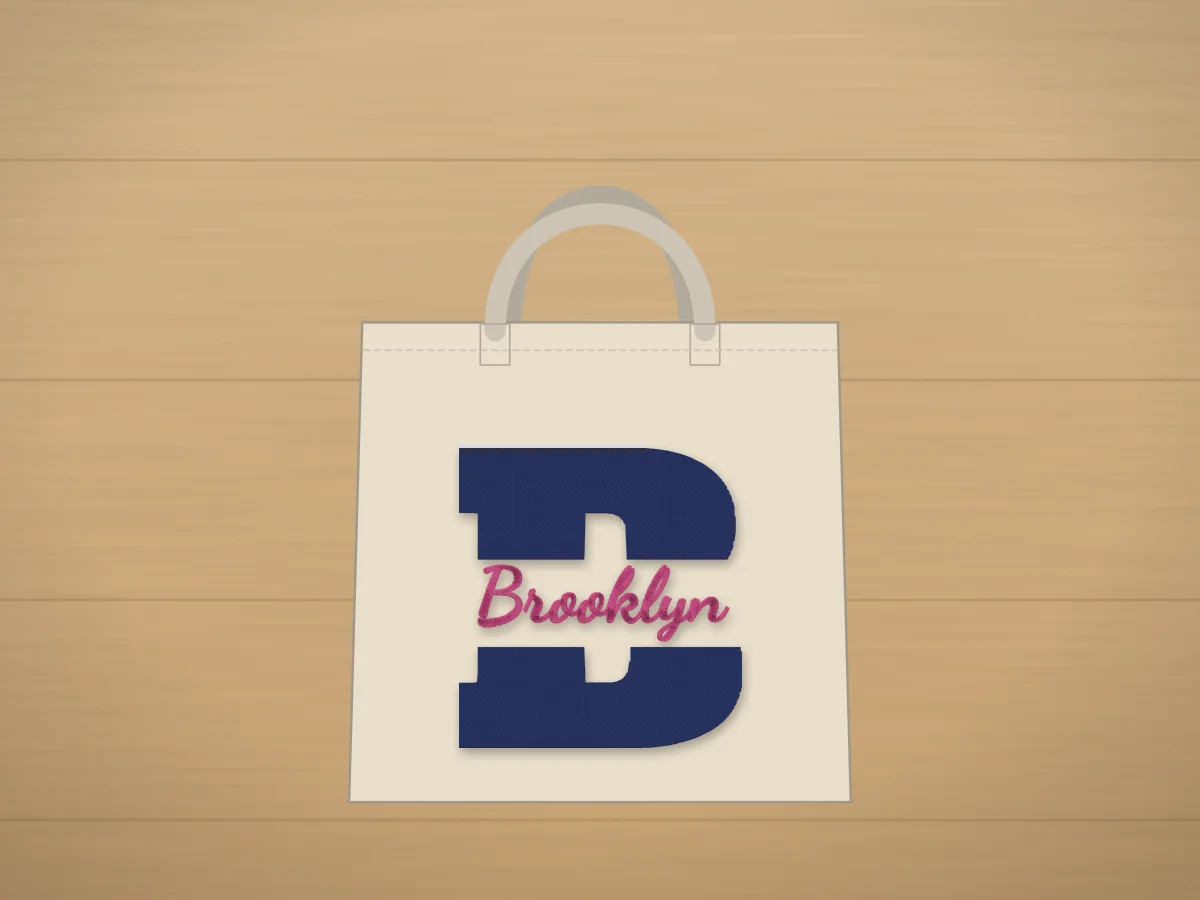 Split letter monogram embroidery design makerOne big initial with a name running through a gap in the middle: the split monogram on kids' shirts, totes, pillows and beach towels.Make one
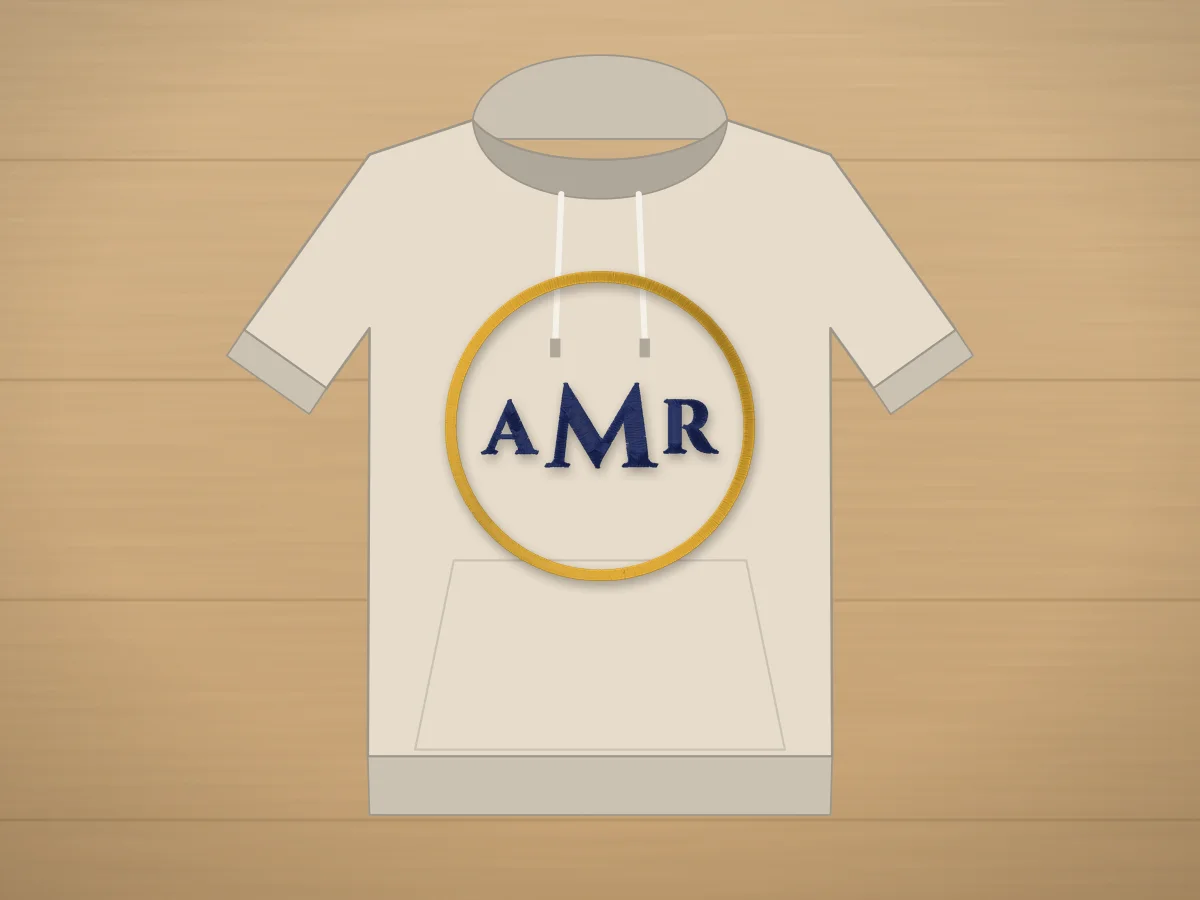 Circle monogram embroidery design makerInitials inside a stitched ring: the circle monogram on sweatshirts, totes, pillows and towels.Make one
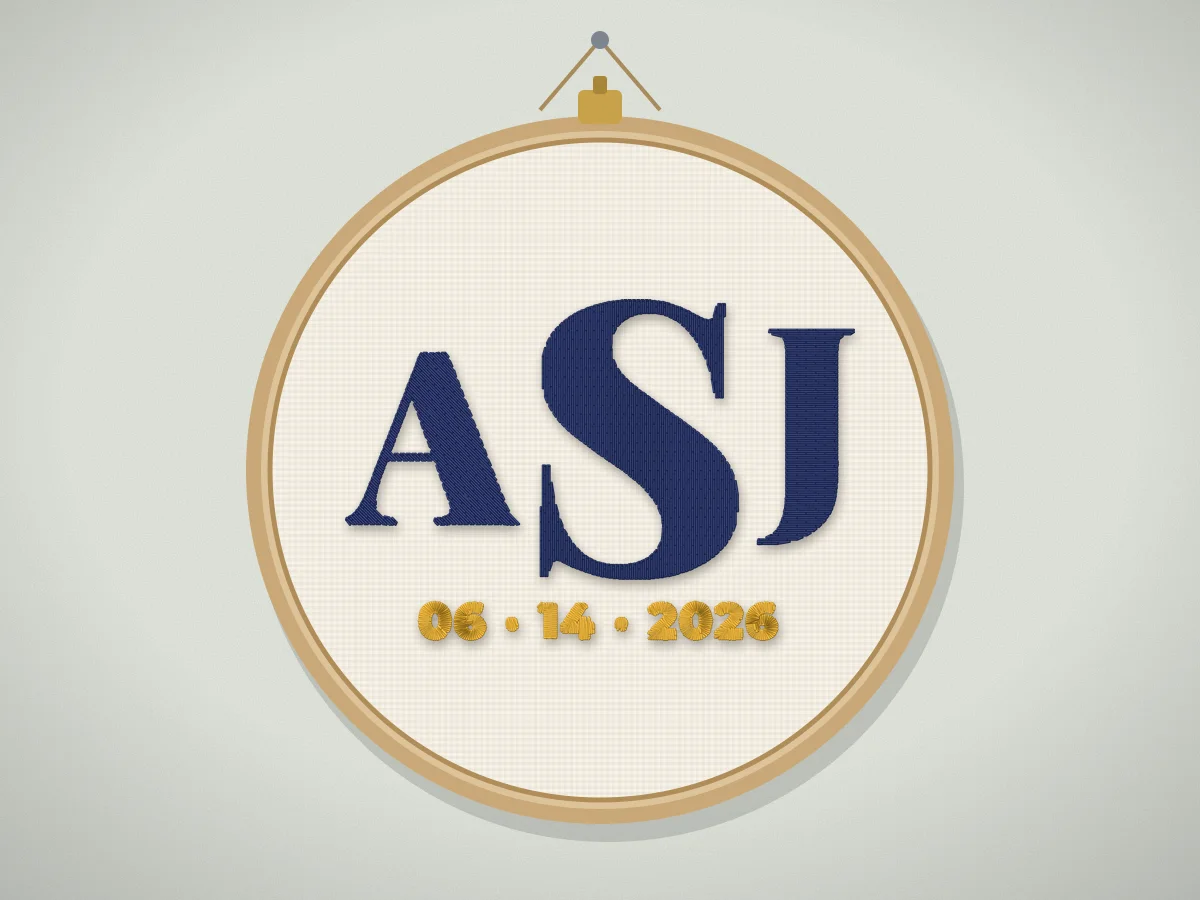 Wedding monogram embroidery design makerThe couple's initials, with the shared last-name initial larger in the middle, and the wedding date underneath: for napkins, ring bearer pillows, guest towels, handkerchiefs and hoop art.Make one
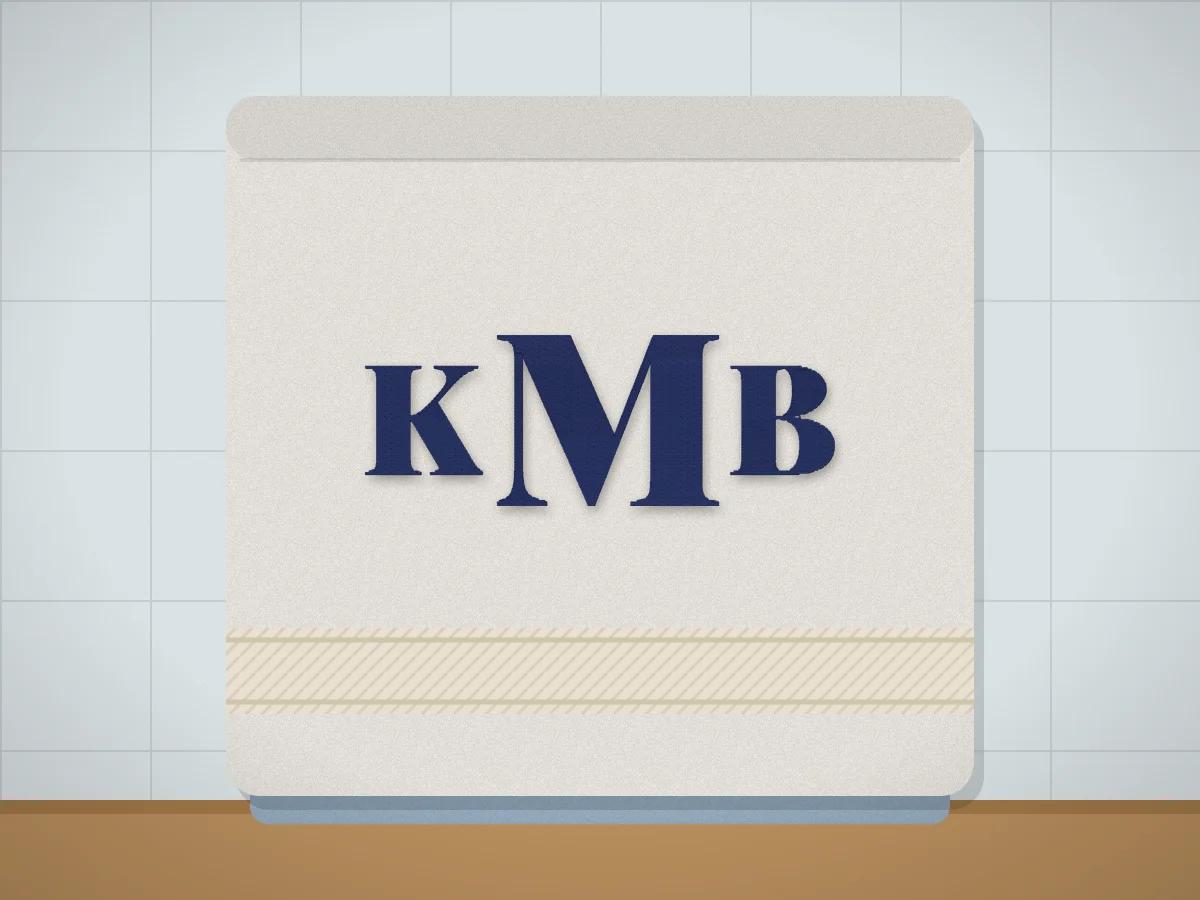 Towel monogram embroidery design makerMonograms for bath towels, hand towels, washcloths and beach towels, sized for each one and in lettering bold enough to sit on top of the loops.Make one
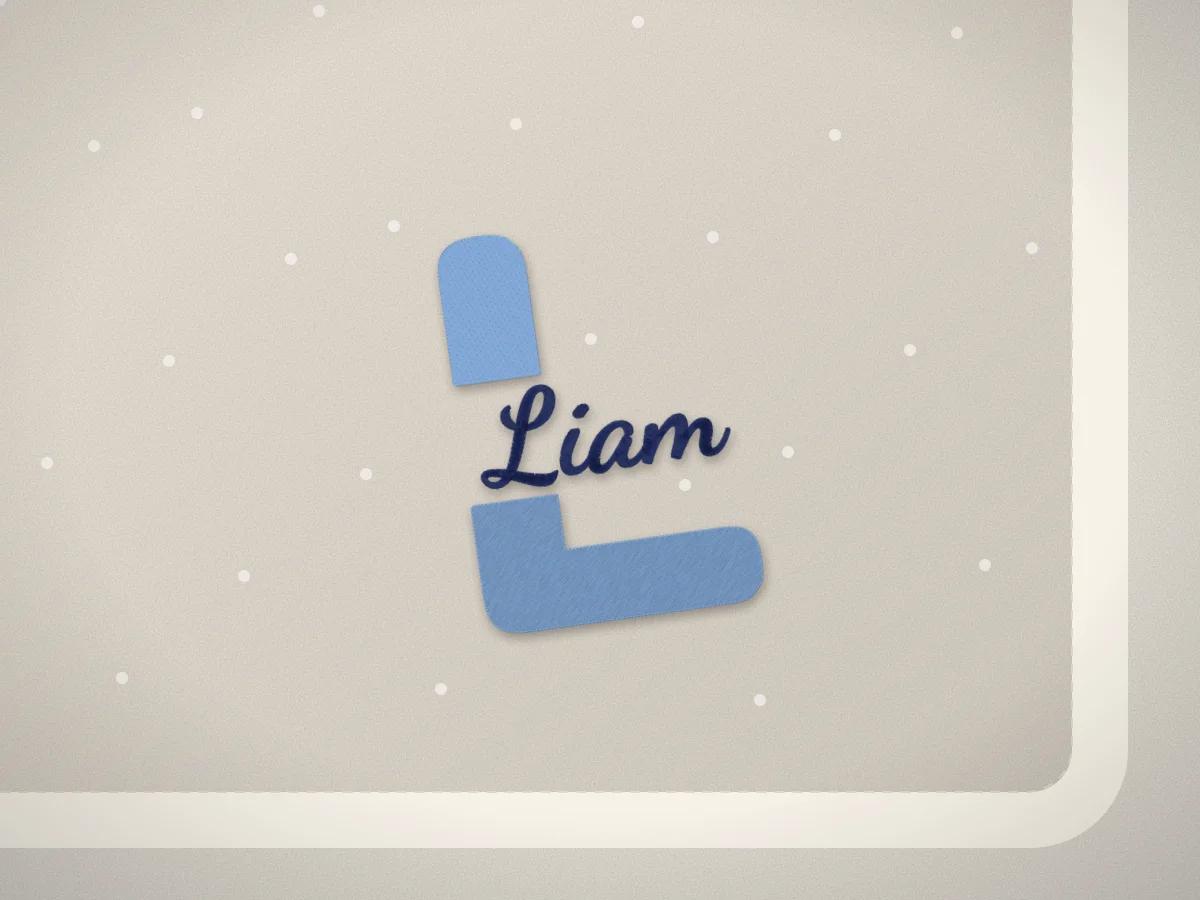 Baby monogram embroidery design makerThe baby's initial with the name stitched through it, or initials in a circle, for bibs, blankets, burp cloths and onesies.Make one
Christmas
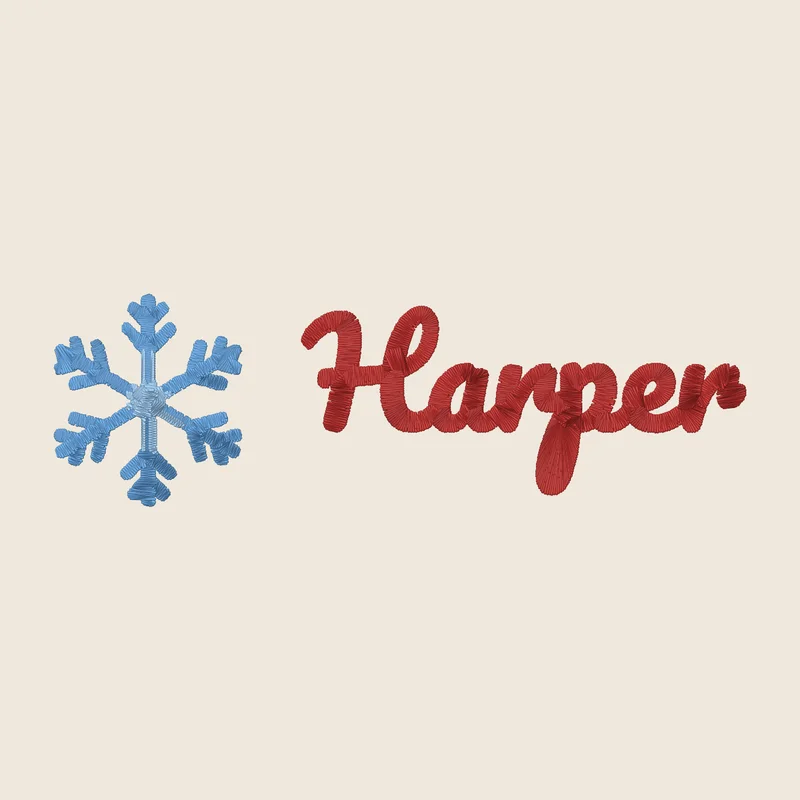
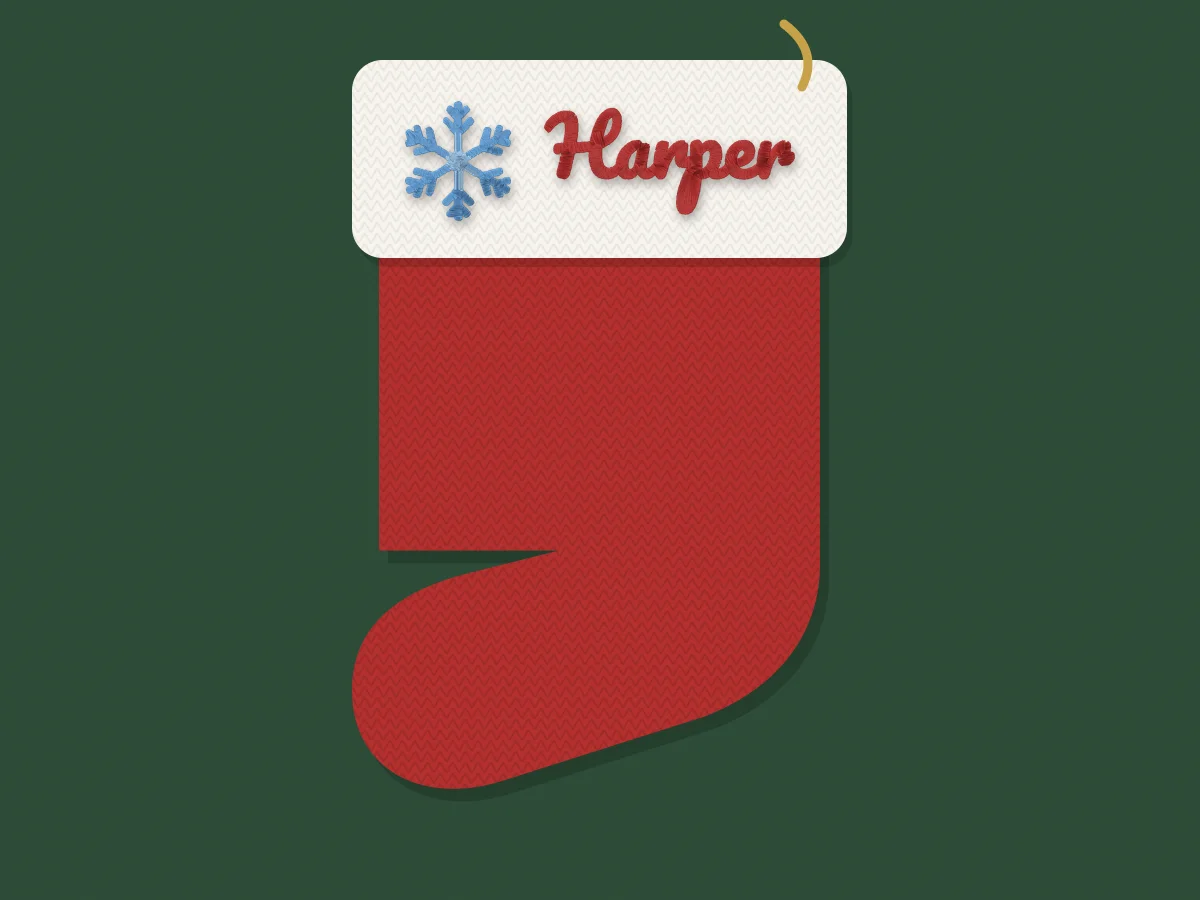 Christmas stocking name embroidery designsA name in script or varsity letters with a snowflake, a tree or a sprig of holly, sized to fit a stocking cuff.Make one
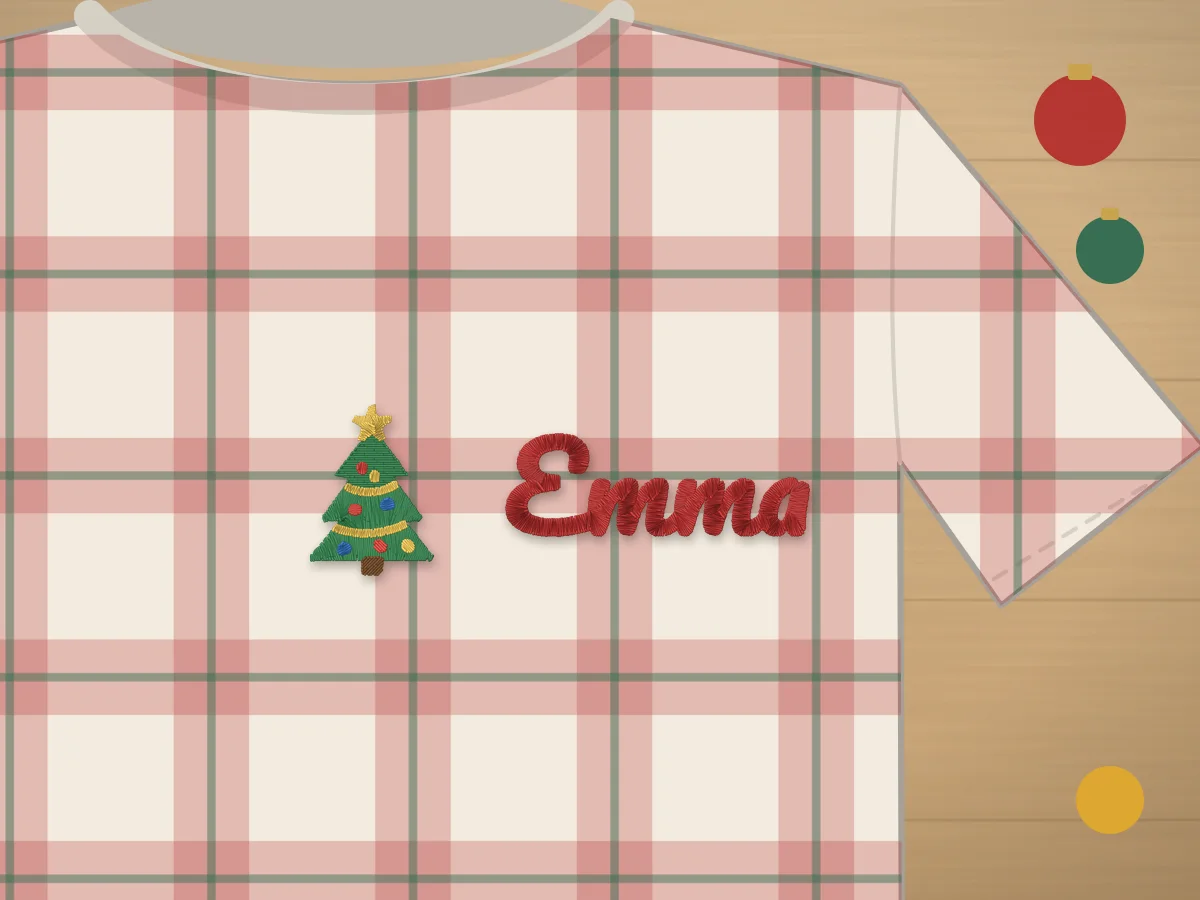 Christmas pajama name embroidery design makerA name with a Christmas tree, a reindeer or a star, sized for the chest of a pajama top, from the grown-ups' to the baby's.Make one
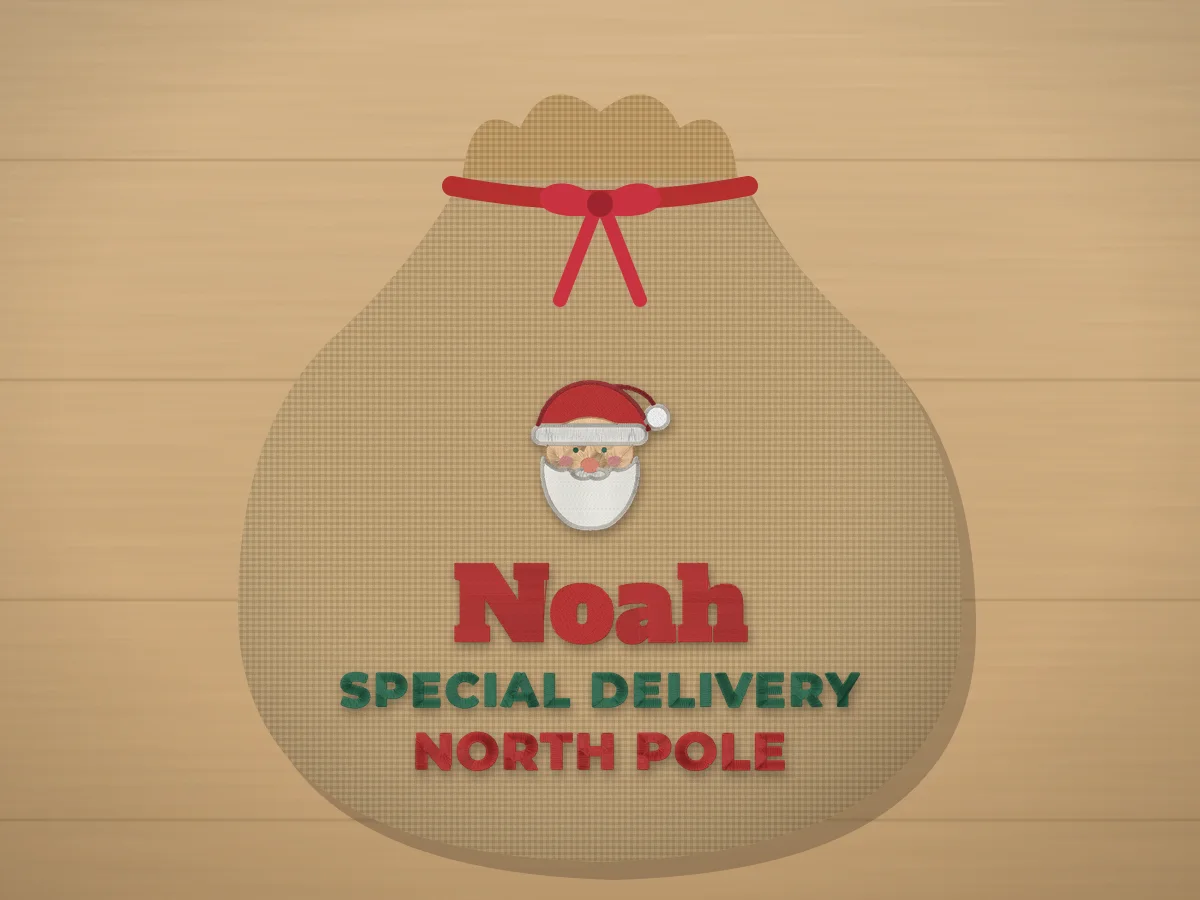 Personalized Santa sack embroidery design makerThe child's name in big letters with a North Pole line and Santa, a gift box or a bell, sized for the front of a canvas or burlap Santa sack.Make one
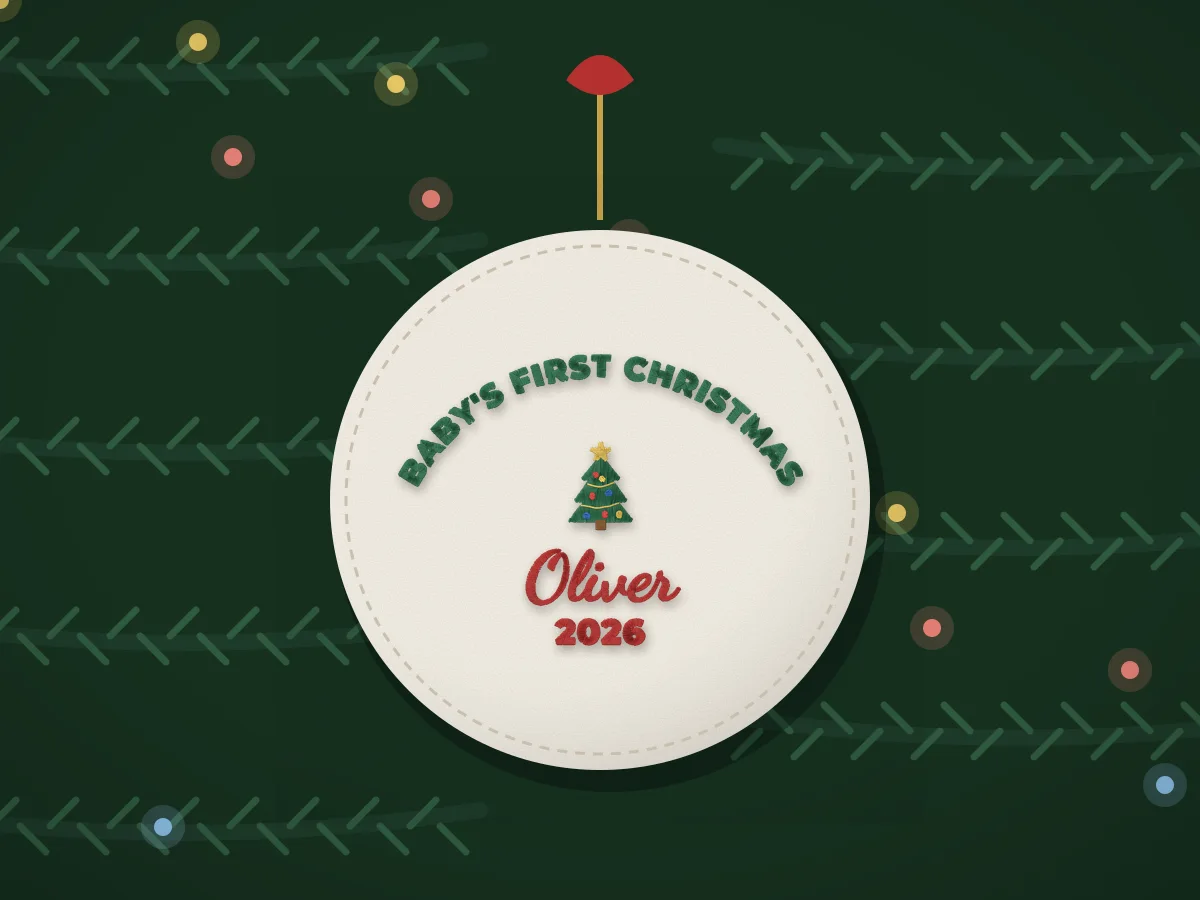 Baby's First Christmas embroidery design makerThe baby's name with Baby's first Christmas arched over a tree, a reindeer or a teddy, and the year underneath.Make one
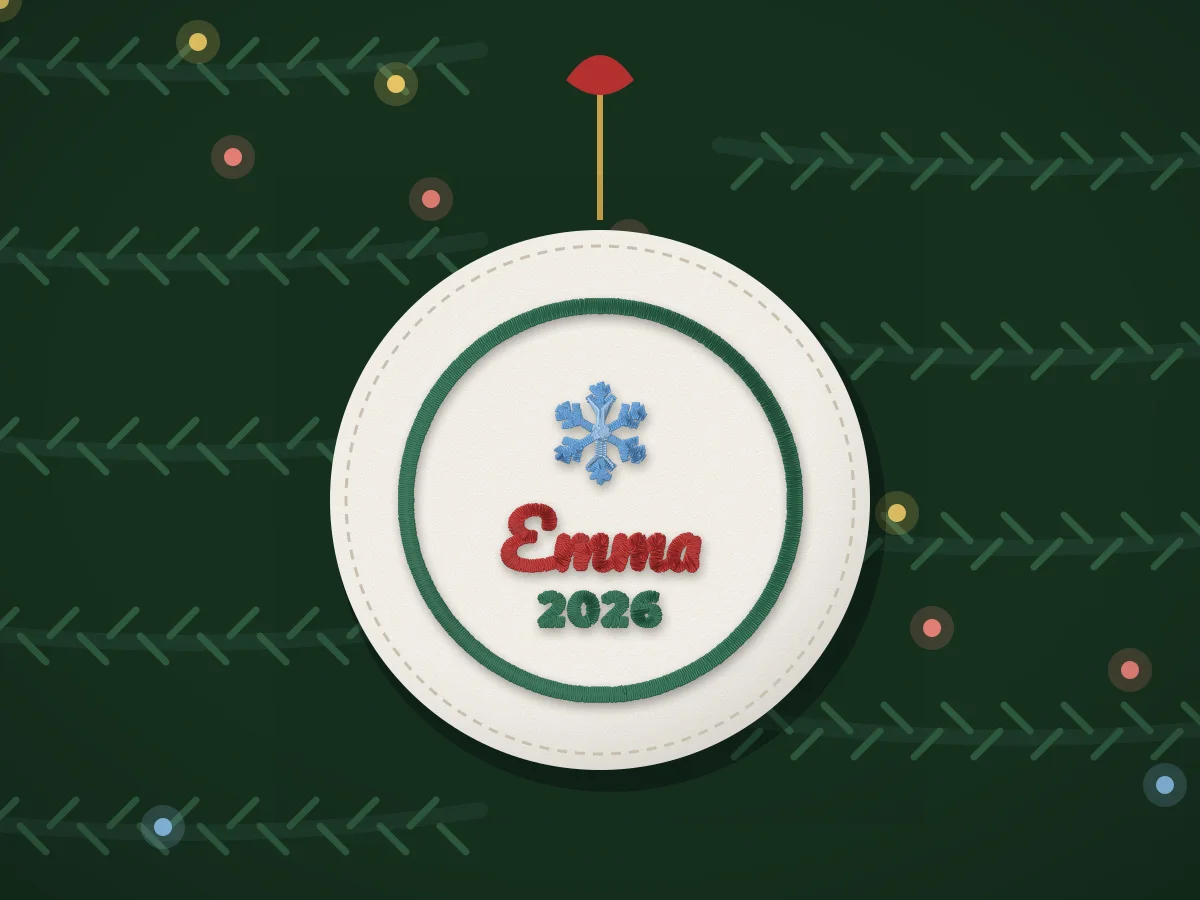 Christmas ornament name embroidery design makerA name and the year in a round frame with a snowflake, a star or holly, sized for a 3 in felt ornament.Make one
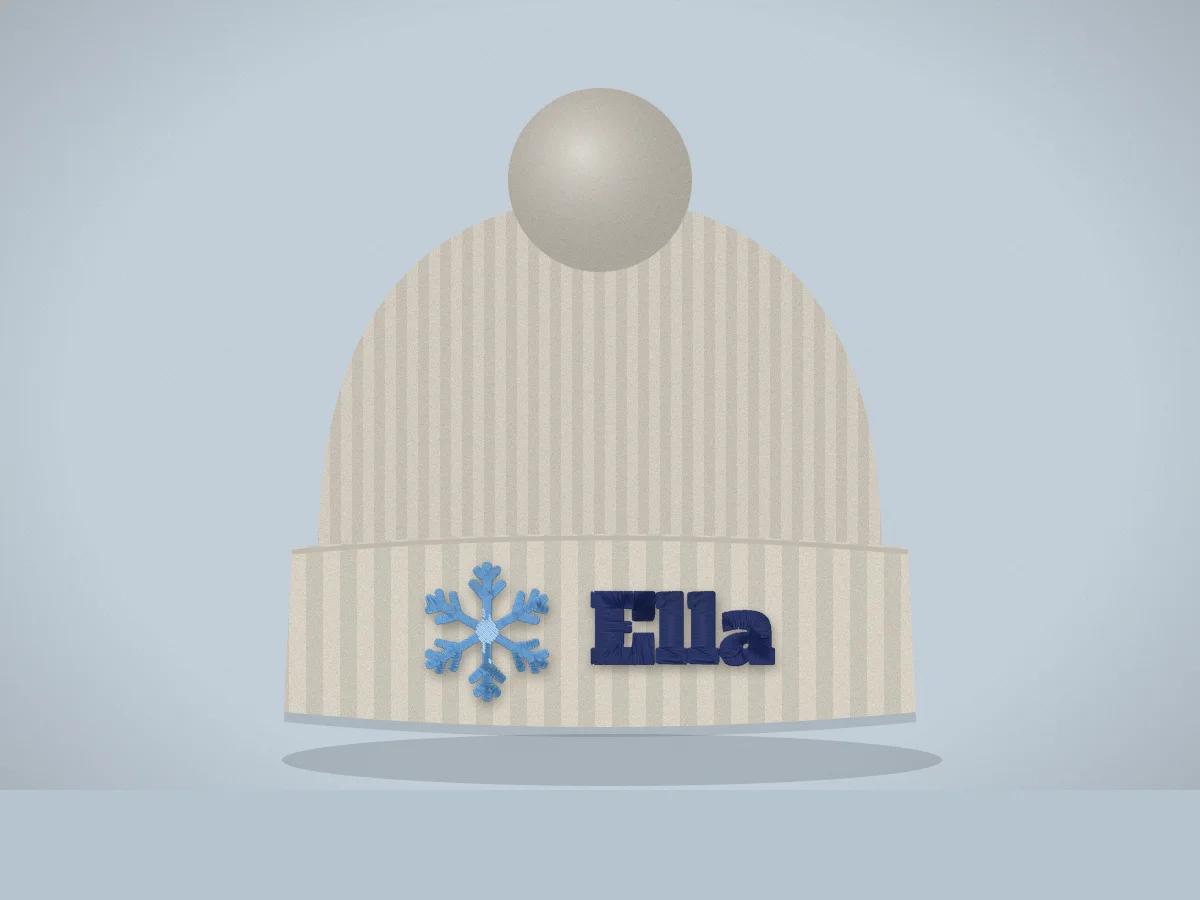 Beanie name embroidery design makerA name, initials or a short word with a snowflake, mountains or a star, sized to fit the folded cuff of a knit beanie.Make one
Babies and kids
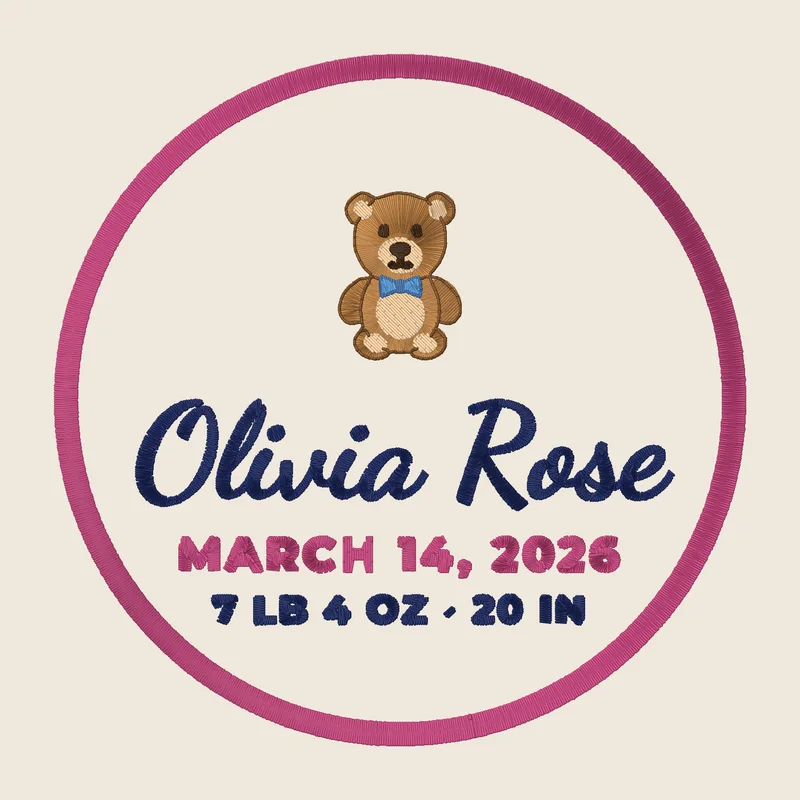
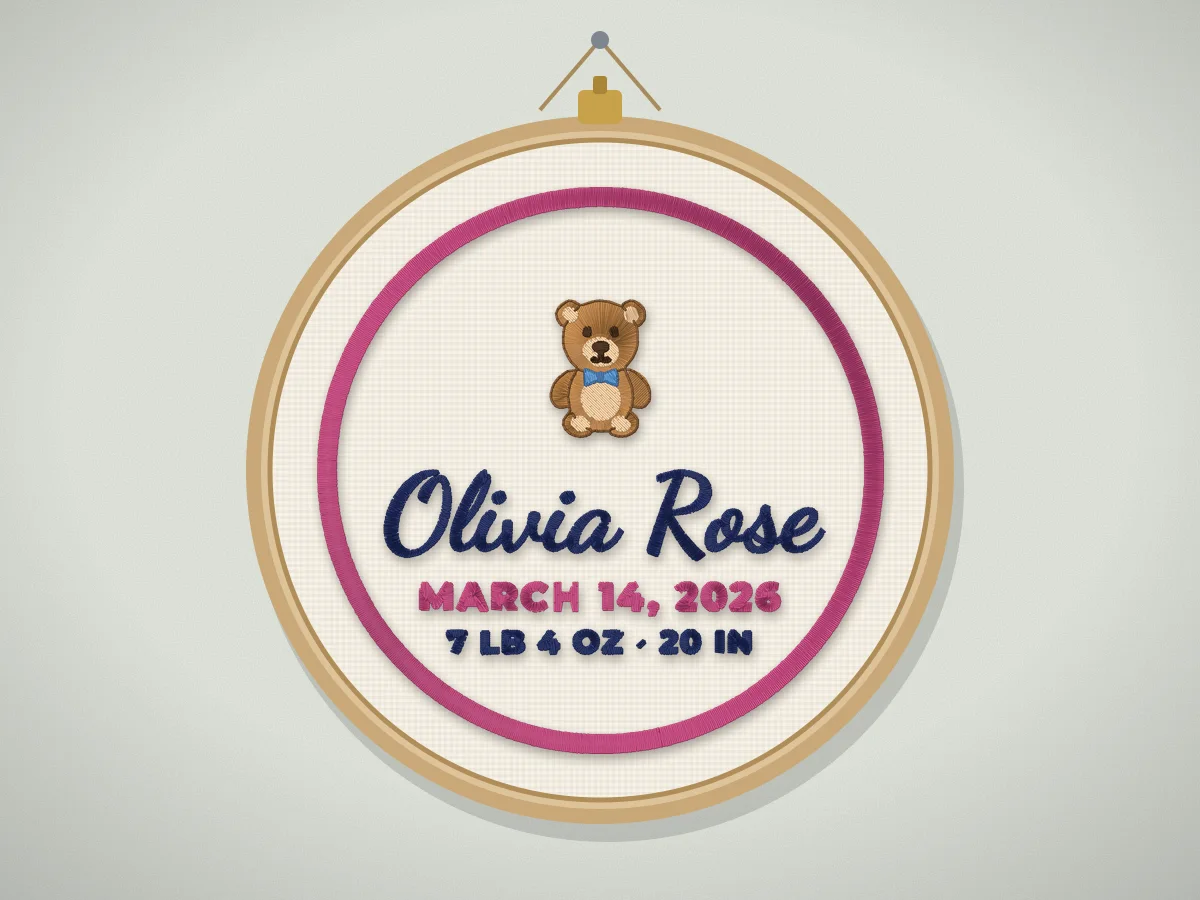 Birth announcement embroidery design makerThe baby's name, birth date, weight and length in one design, laid out for a 5x7 hoop, a blanket corner or a nursery pillow.Make one
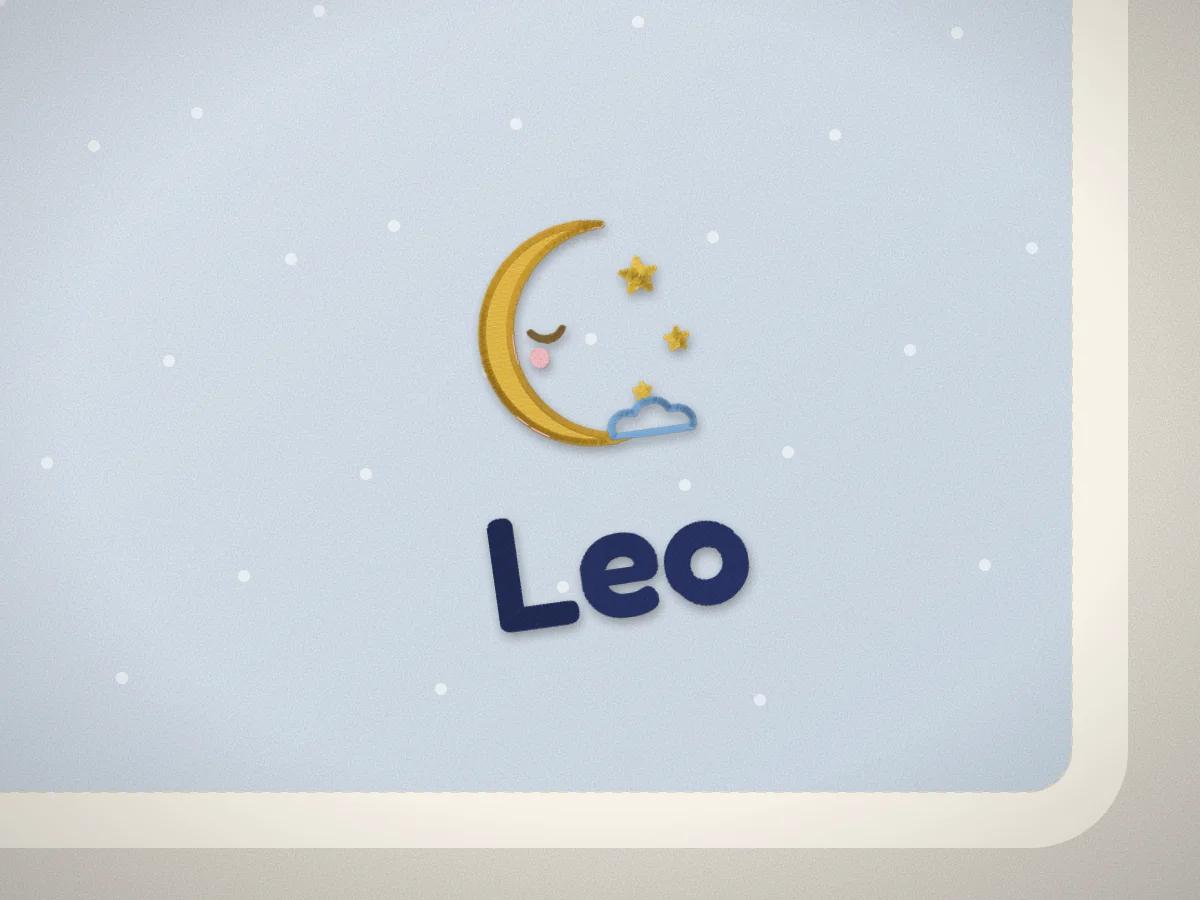 Baby name embroidery design makerA baby's name in soft, rounded or script lettering with a sleepy moon, a teddy or an elephant, sized for a bib, a blanket corner or a onesie.Make one
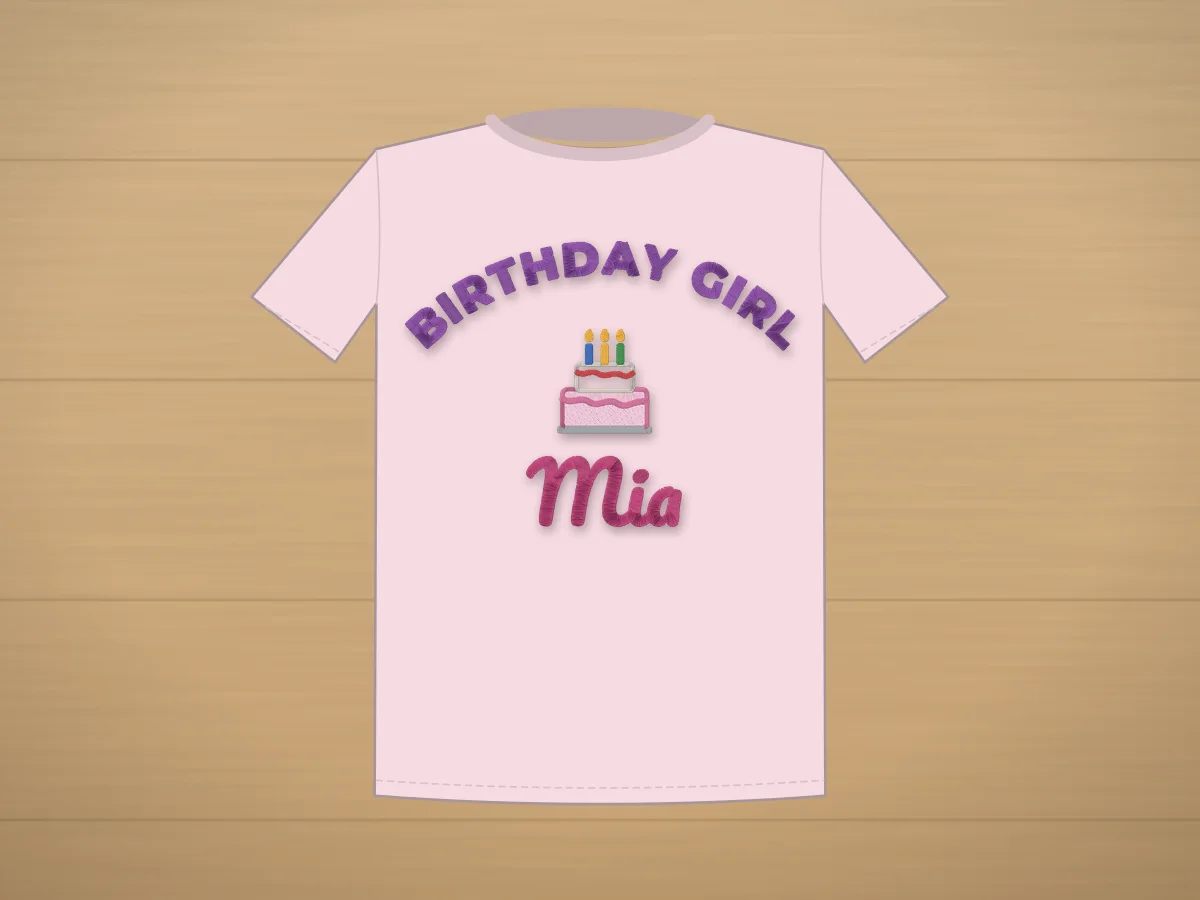 Birthday embroidery design makerA name and the age with a cake, balloons or a dinosaur, for a birthday shirt, a first-birthday bib or a party bag.Make one
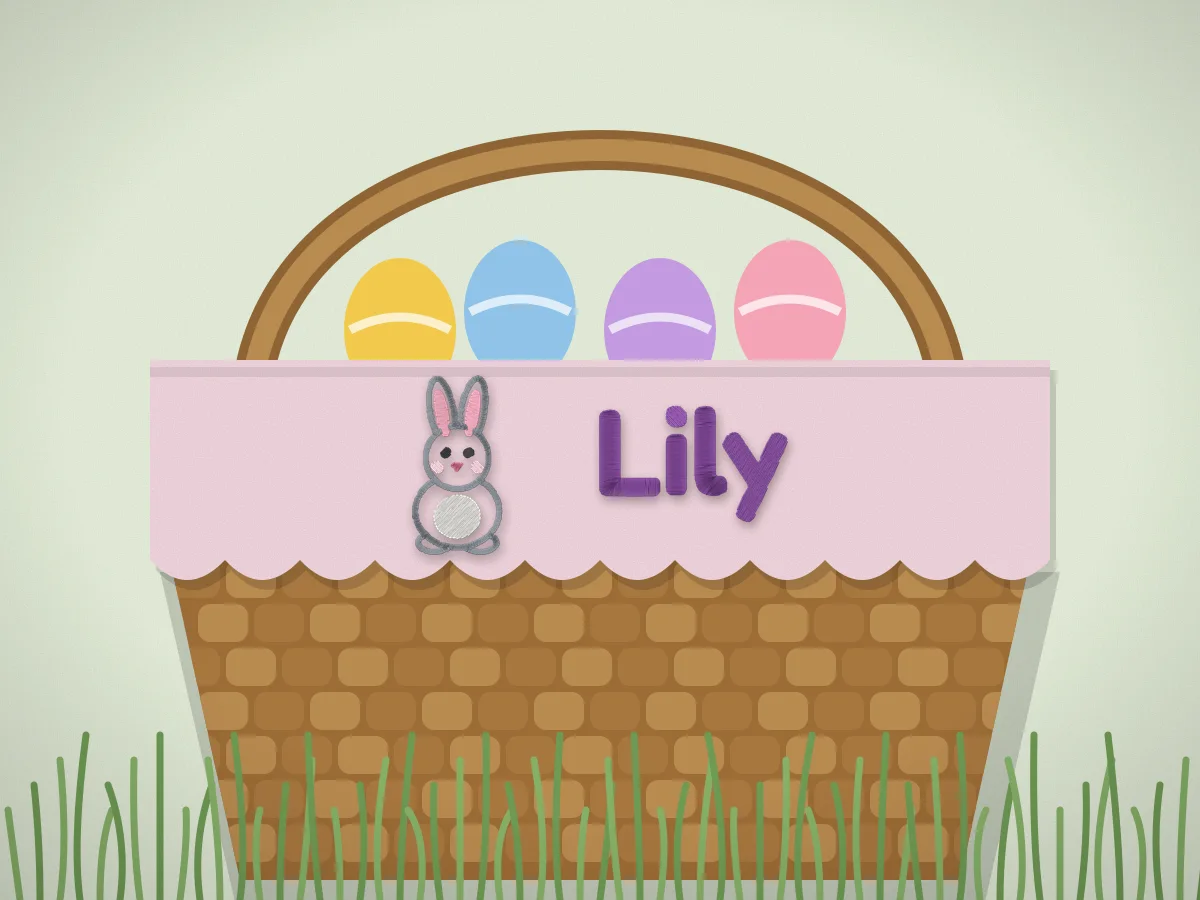 Easter basket name embroidery design makerEach child's name with a bunny, a chick or an egg, sized for a basket liner, a canvas bucket or a tote.Make one
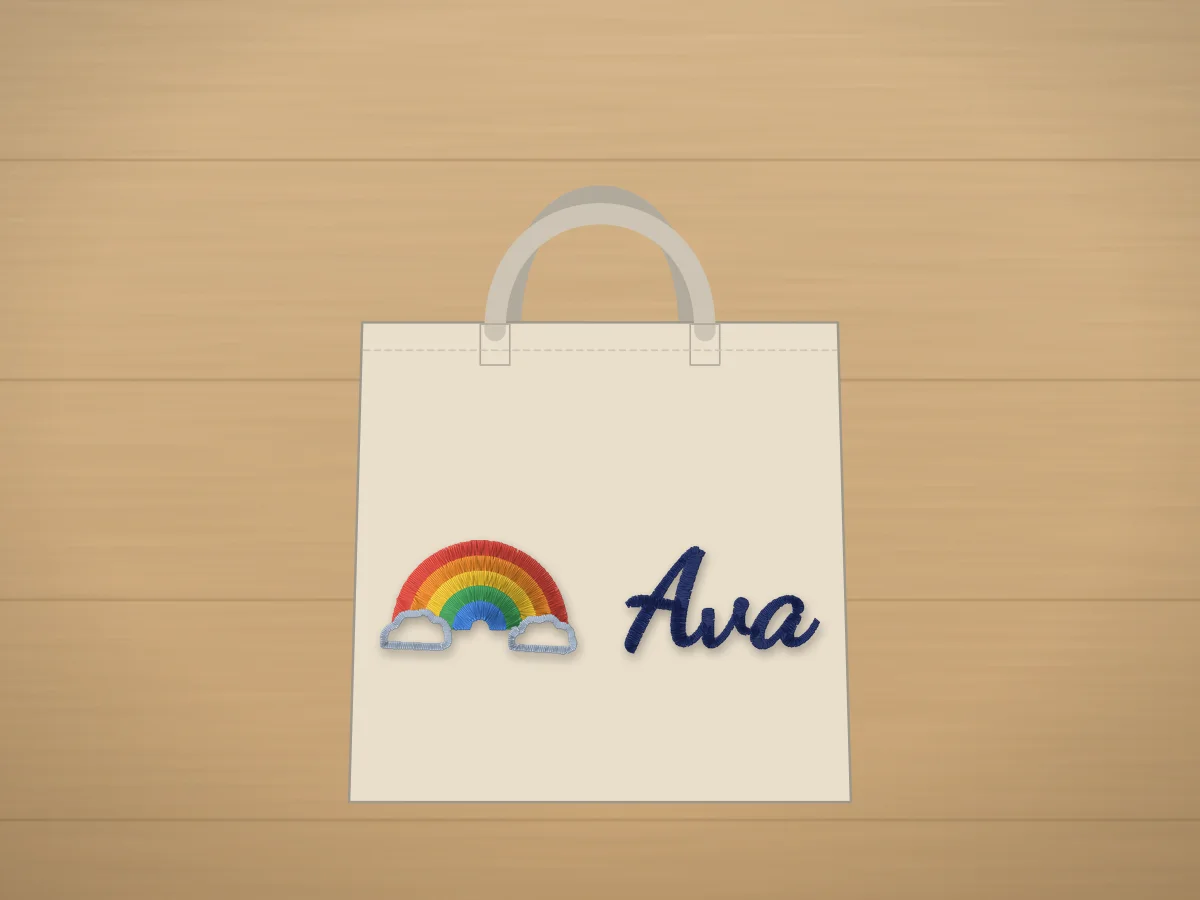 Custom name embroidery design makerType a name, pick lettering that stitches cleanly and add an icon from the free designs.Make one
Weddings and family
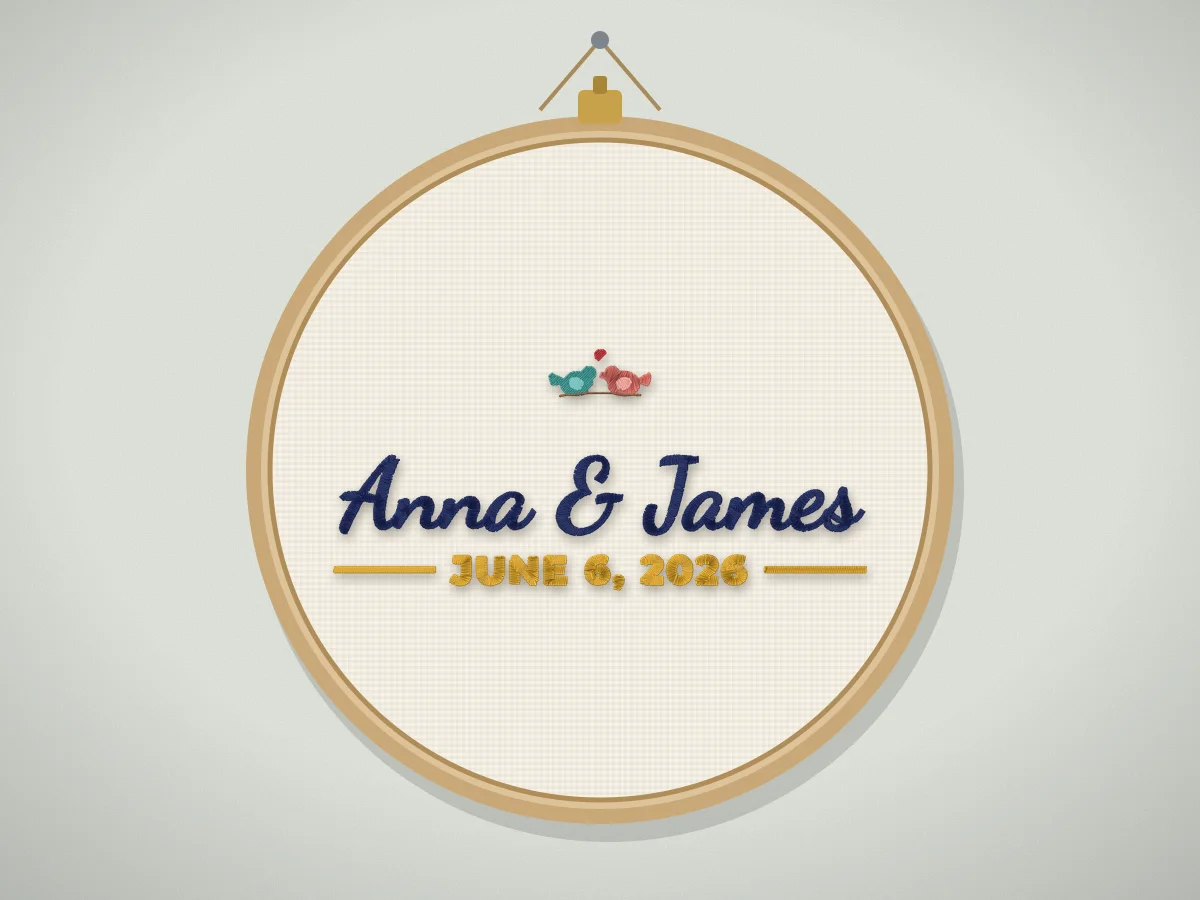 Wedding name and date embroidery design makerThe couple's names in script and the wedding date in clean capitals, with love birds, a heart or a rose.Make one
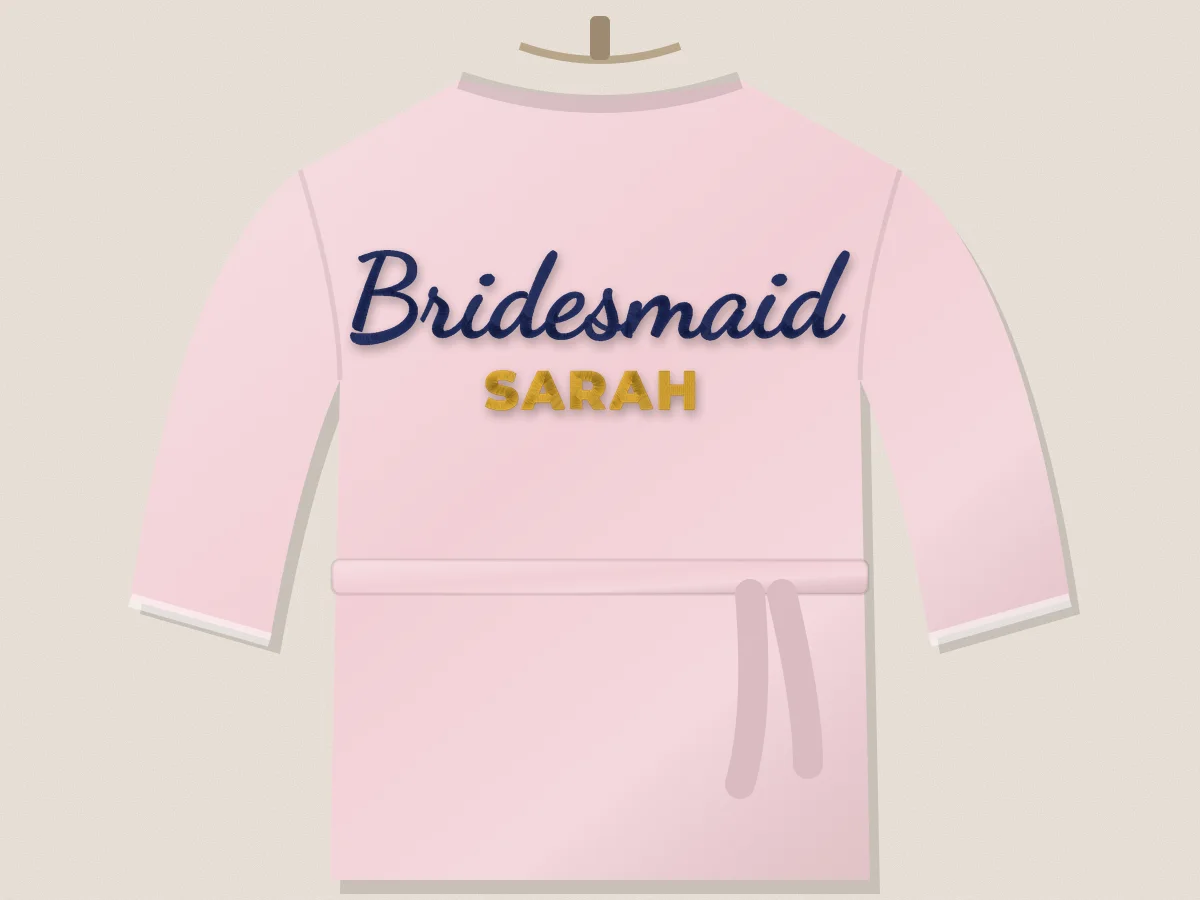 Bride and bridesmaid embroidery design makerBride, Bridesmaid or Maid of Honor in flowing script with her name underneath, for satin robes, totes and denim jackets.Make one
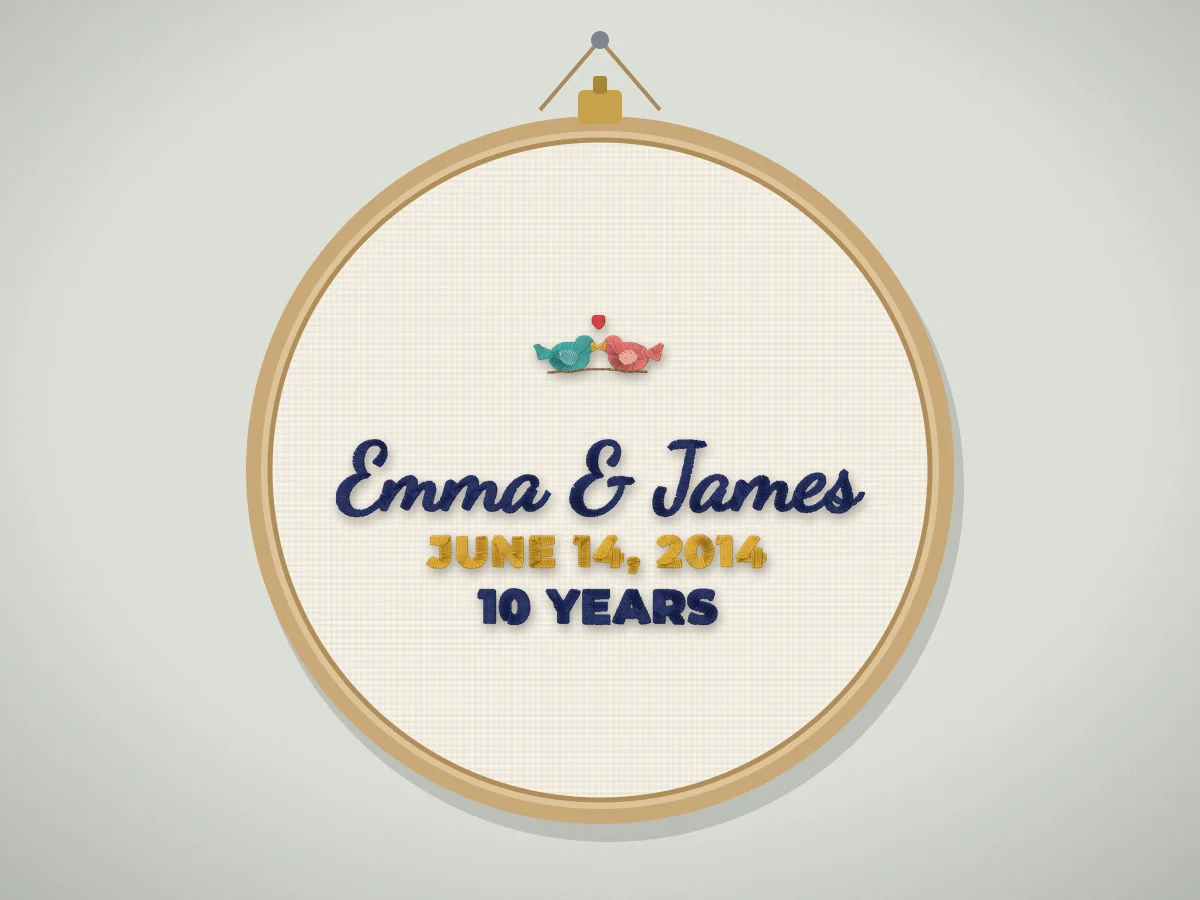 Anniversary embroidery design makerBoth names, the wedding date and the years together, for a cotton anniversary pillow, a linen hoop or a keepsake blanket.Make one
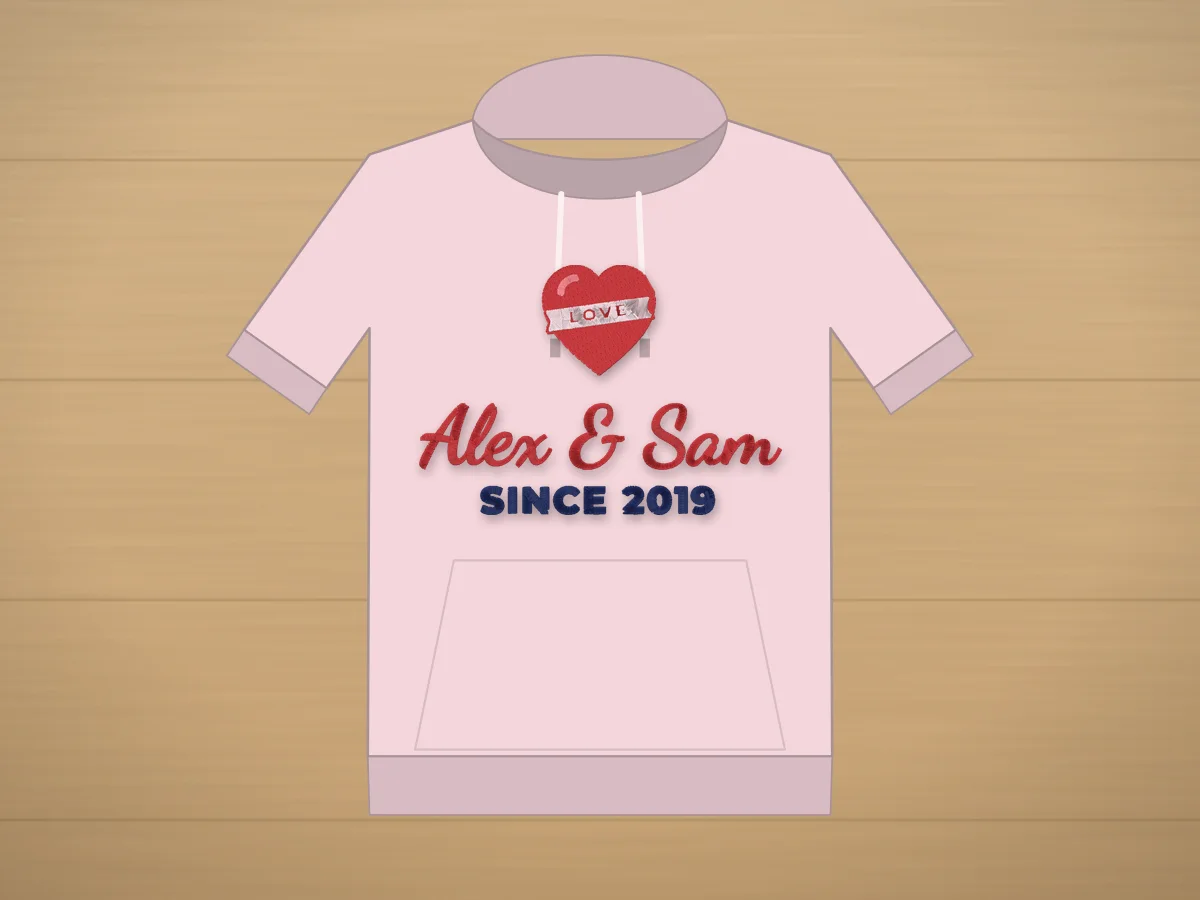 Valentine's couple names embroidery design makerTwo names and a heart, or the year you met, laid out for a pillow, matching sweatshirts or hoop art.Make one
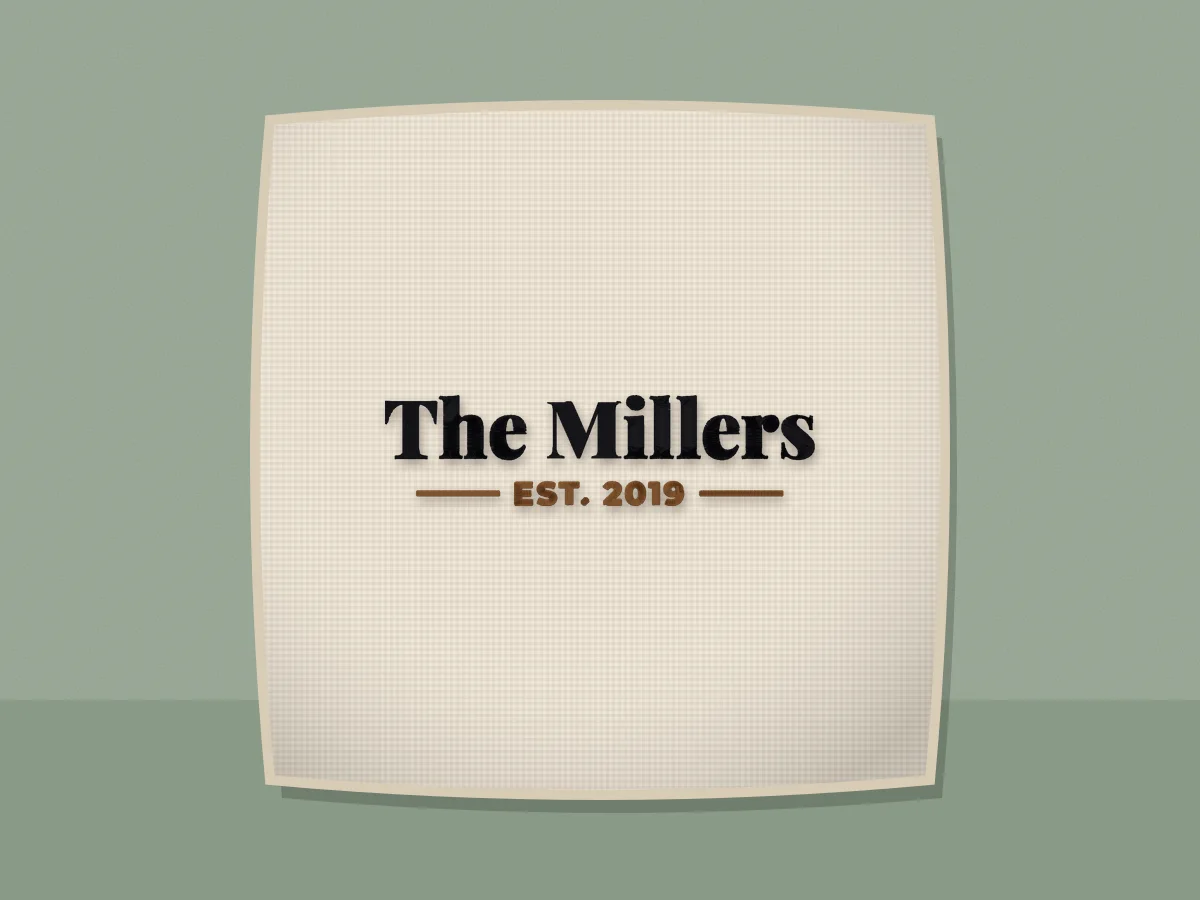 Family name embroidery design maker (Est. sign)Your family name over an Est. year between two rules, the farmhouse sign look, in classic or script lettering.Make one
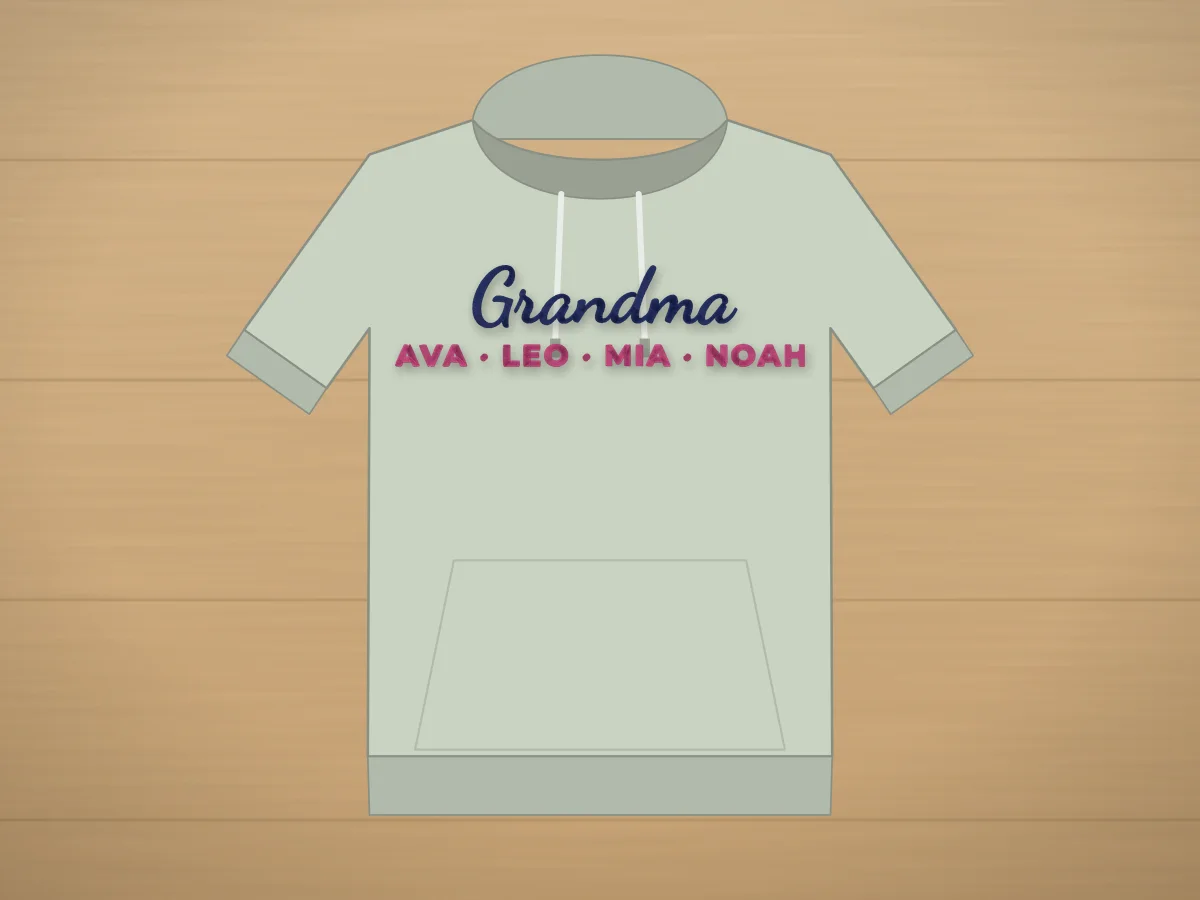 Mama and Grandma sweatshirt name design makerMama, Nana or Grandma in script with the kids' or grandkids' names underneath, the gift every family is making.Make one
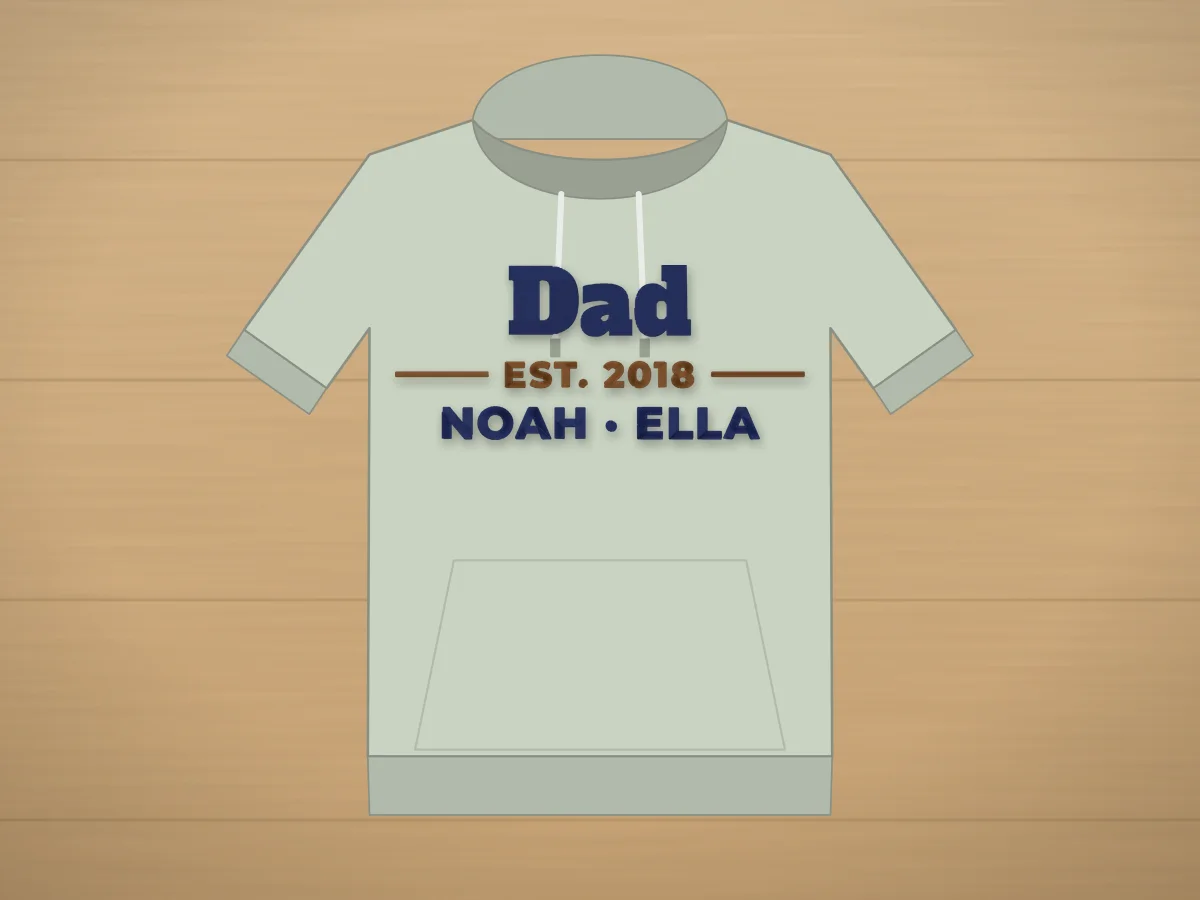 Dad Est. embroidery design makerDad, Papa or Grandpa over Est. and the year he became one, with the kids' names underneath if you like.Make one
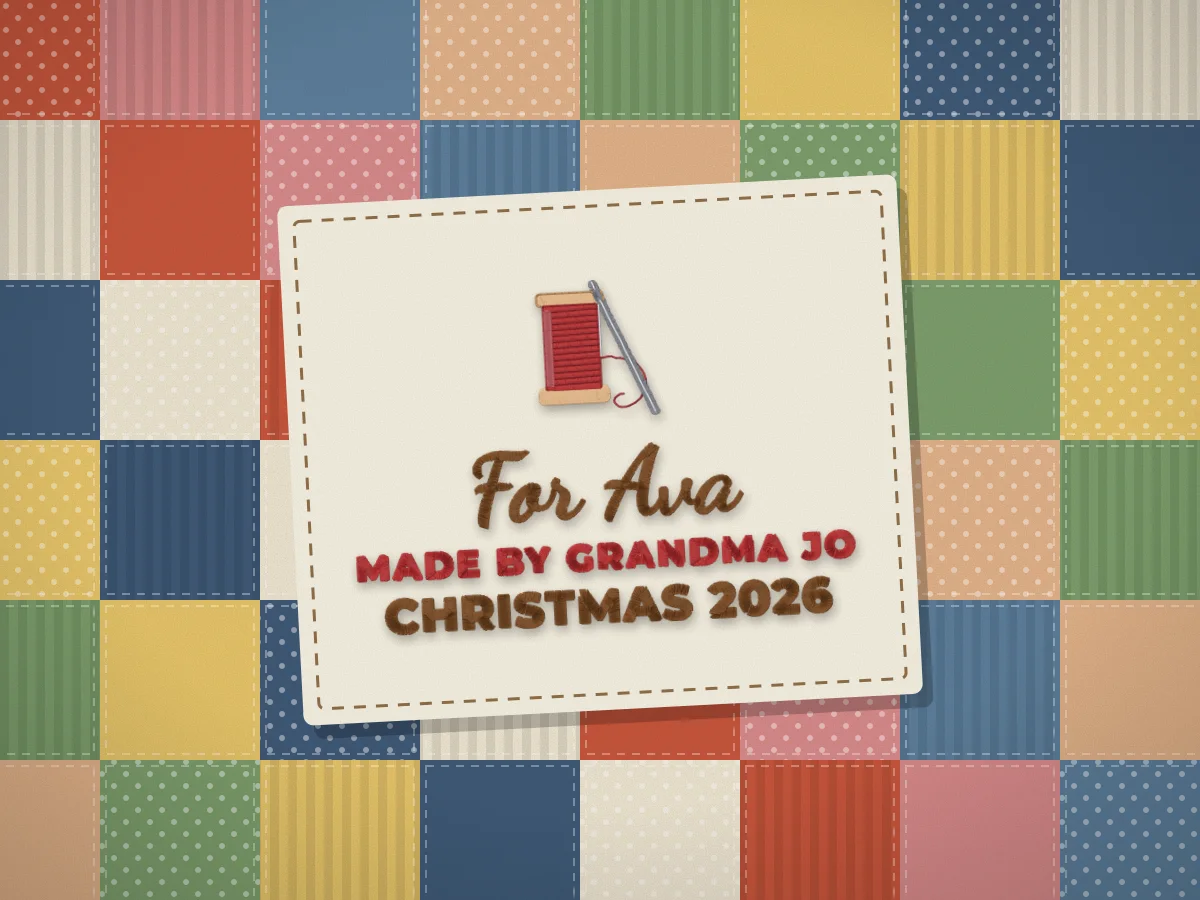 Quilt label embroidery design makerWho the quilt is for, who made it and when, laid out for a label on the back of the quilt, with a spool, a heart or any free design.Make one
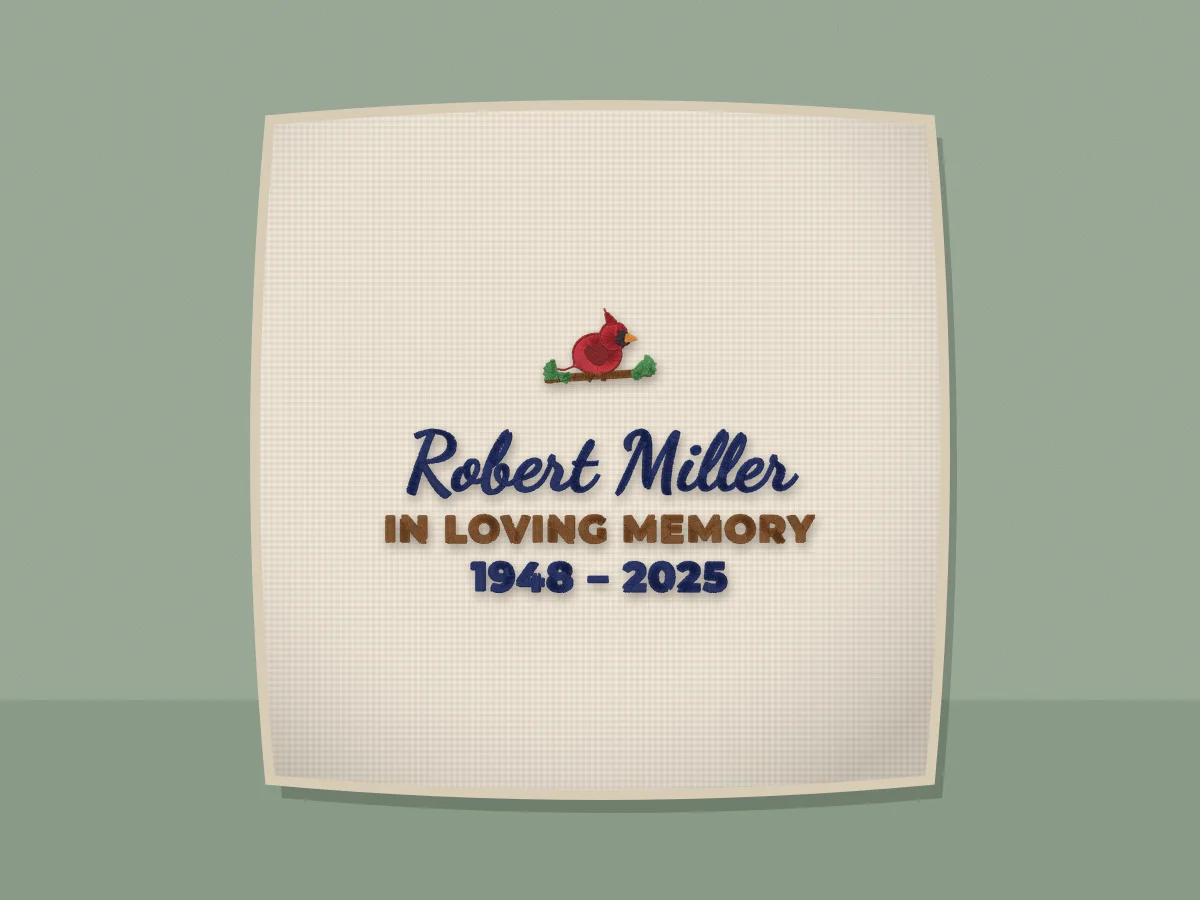 In loving memory embroidery design makerA loved one's name, In loving memory and the dates with a cardinal, a dove or a heart, for a memory pillow made from their shirt, a quilt block or a keepsake hoop.Make one
Teams, school, work and pets
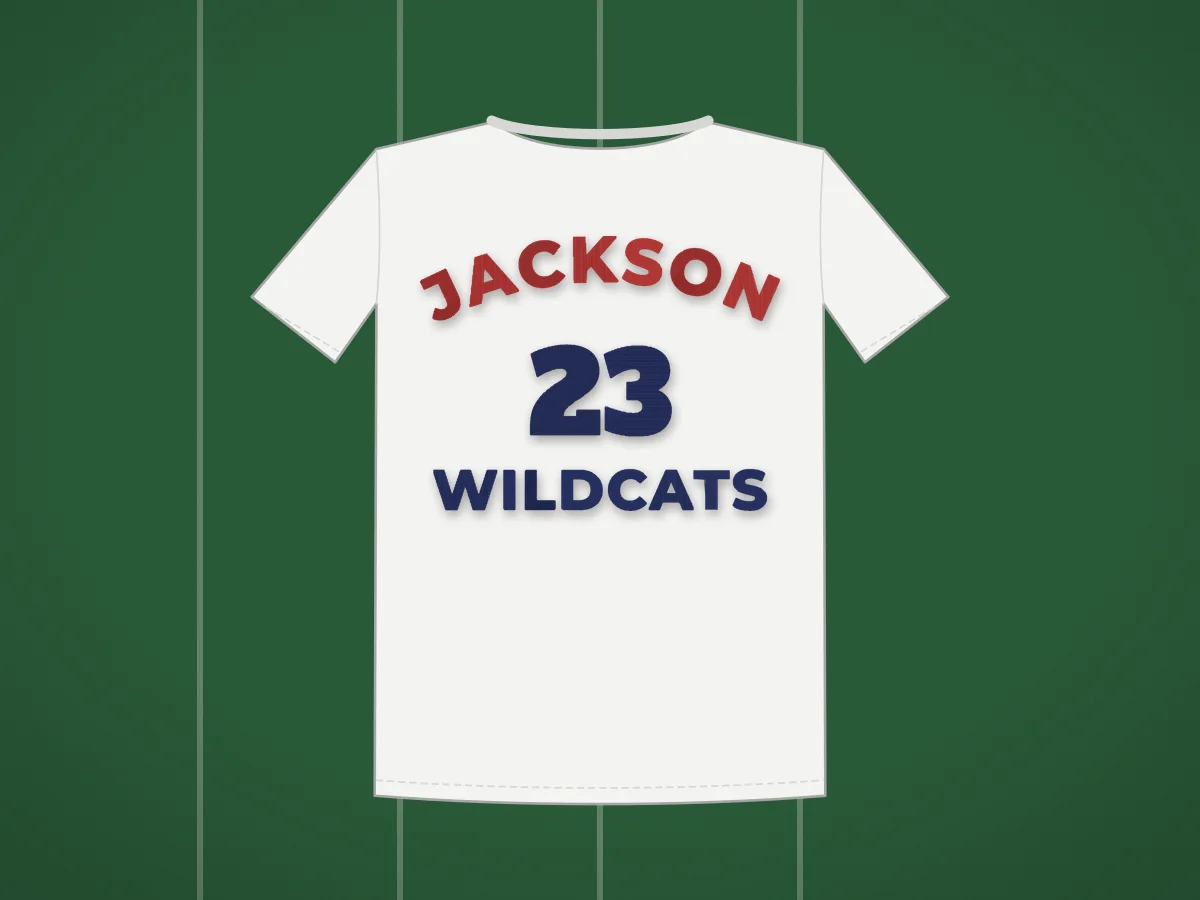 Team name and number embroidery design makerA player's name arched over a big varsity number, with the team underneath: the classic jersey look.Make one
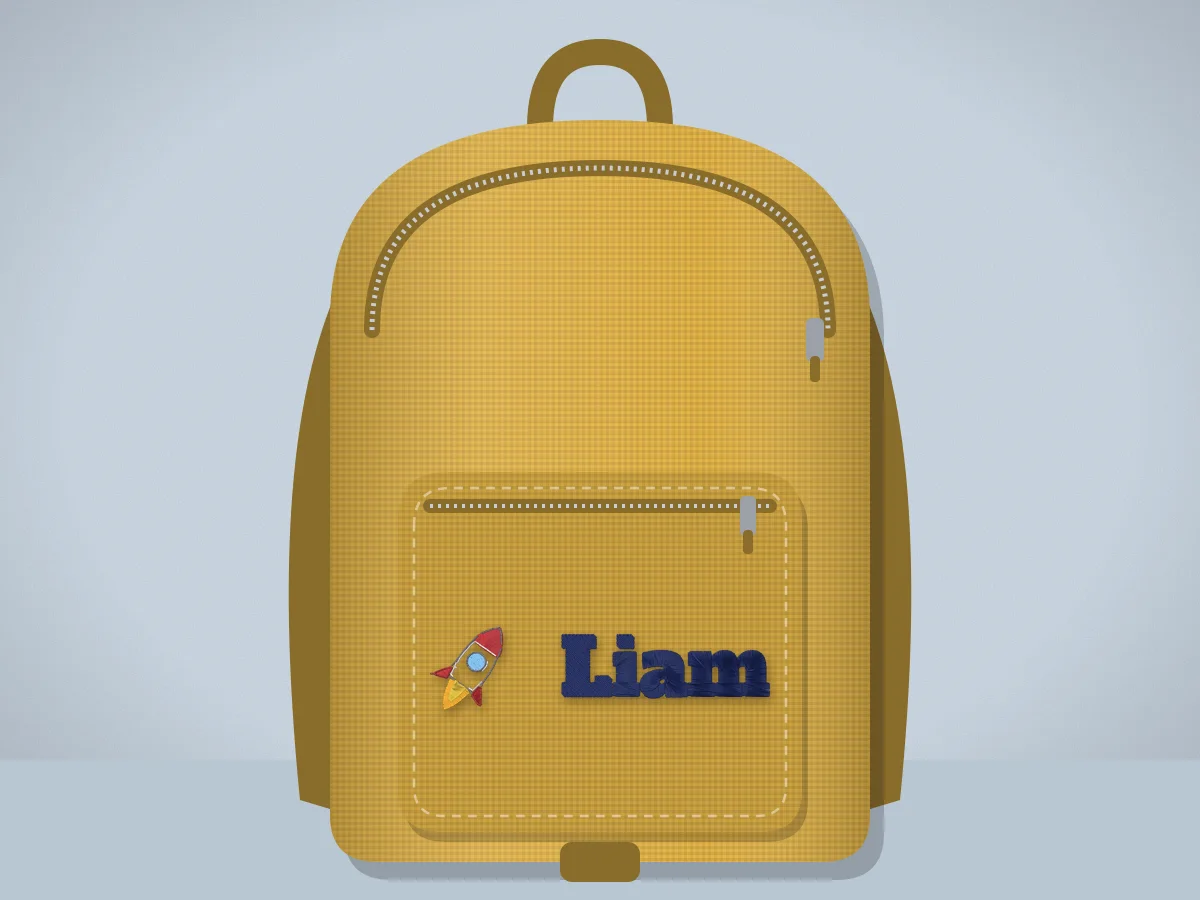 Backpack name embroidery design makerA child's name with a rocket, a unicorn or a soccer ball, sized for the front pocket of a backpack, a lunch bag or a pencil case.Make one
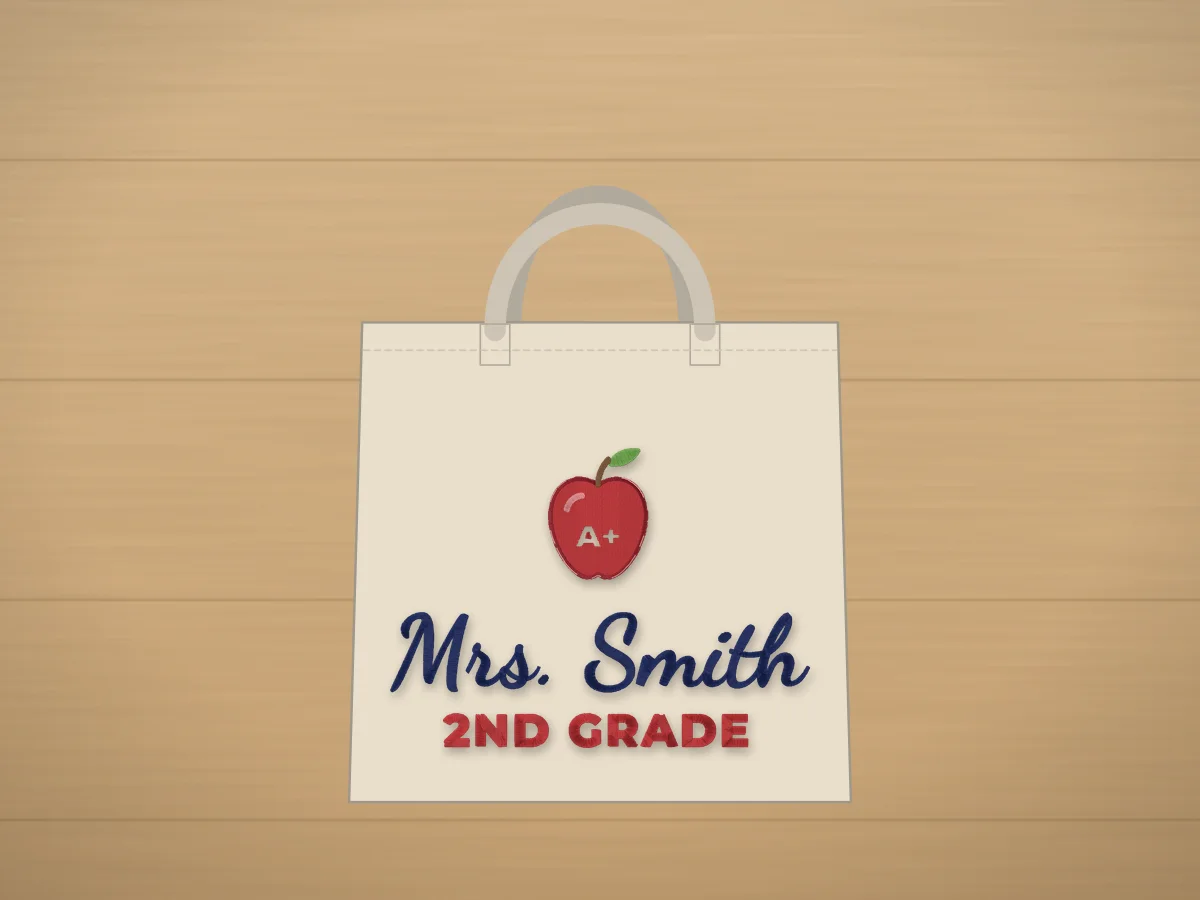 Teacher name embroidery design makerA teacher's name with an apple, a pencil or books and the grade or subject below, for totes, pouches and end-of-year gifts.Make one
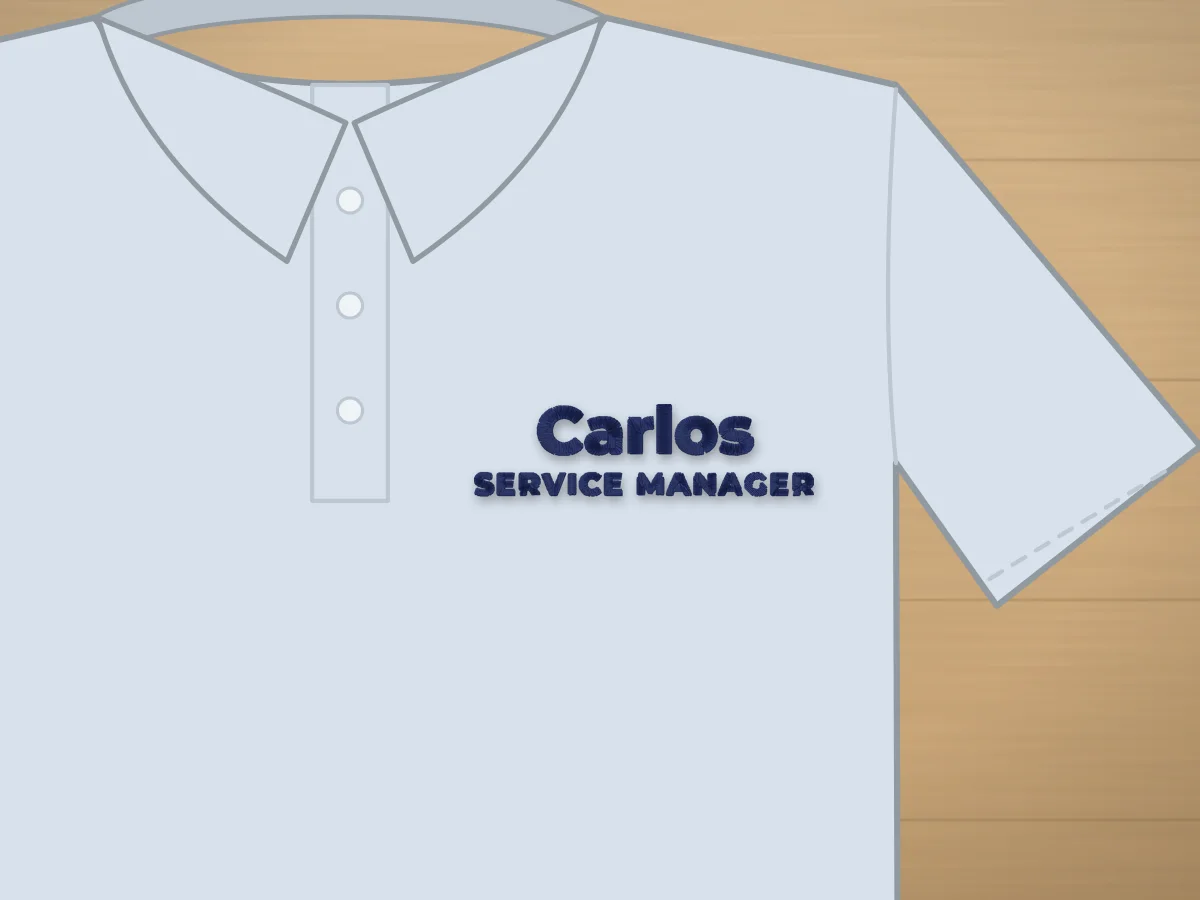 Work shirt name embroidery design makerAn employee's name with a job title underneath, sized for the left chest of a polo, a work shirt or a chef coat, or the strip above the pocket.Make one
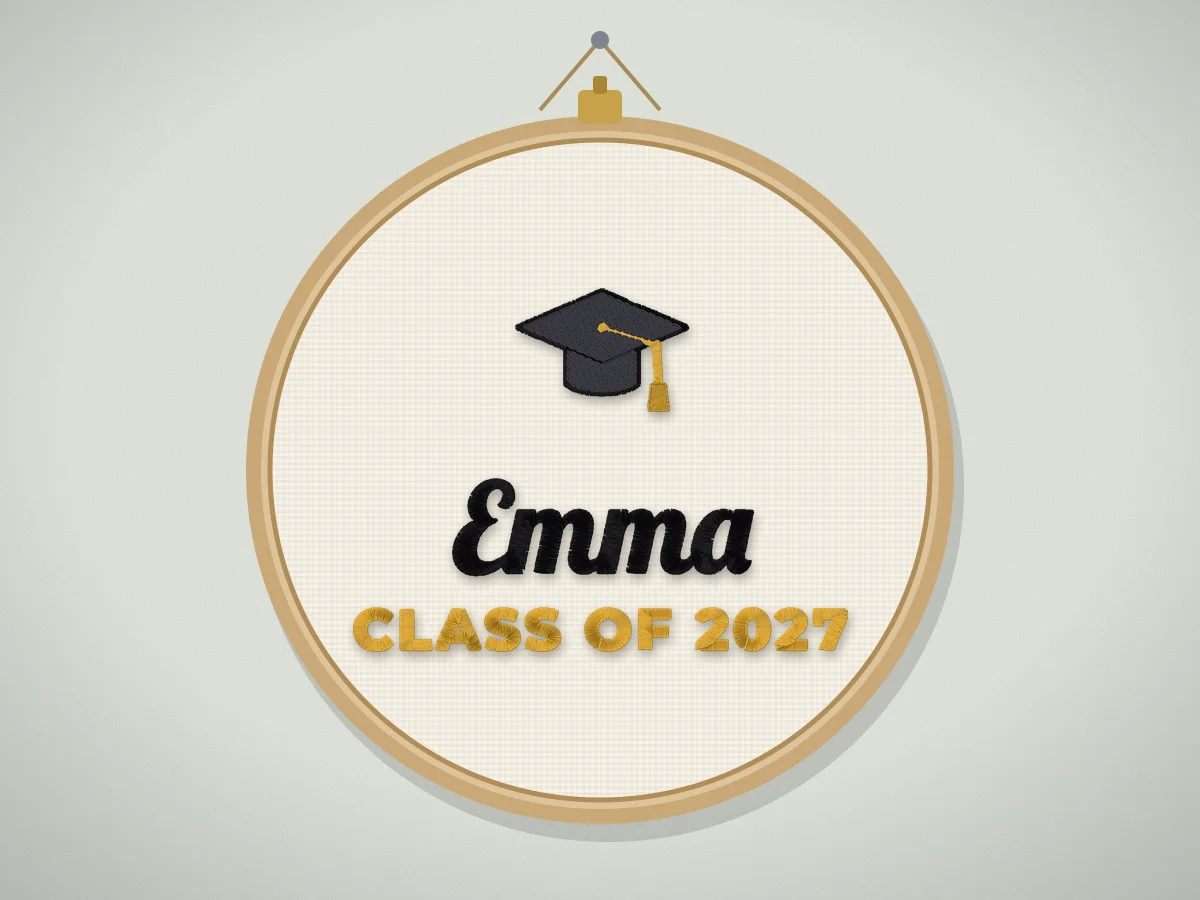 Graduation embroidery design maker (Class of)The graduate's name, Class of and the year with a grad cap, a diploma or a trophy, for a stole, a tote, a pillow or a keepsake hoop.Make one
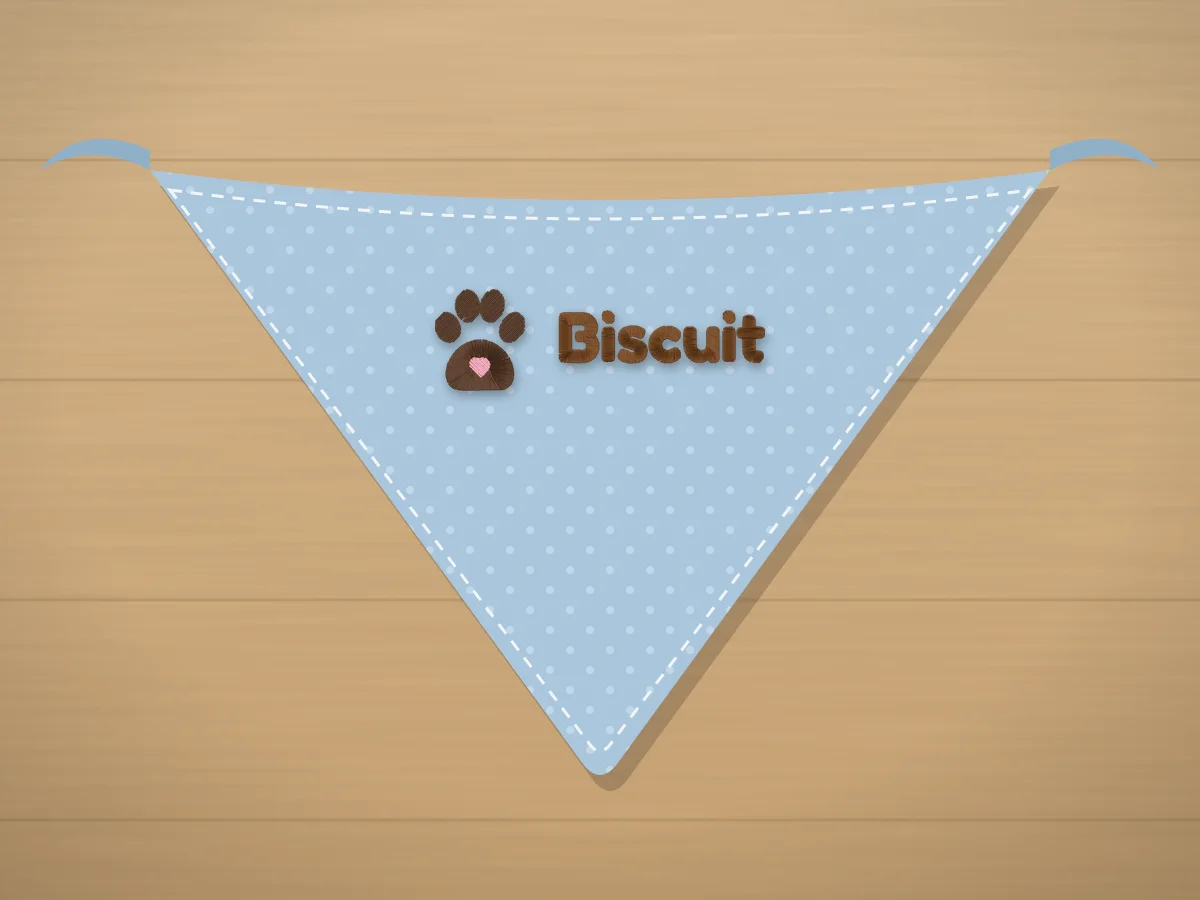 Pet name embroidery design makerYour pet's name with a paw print, a bone or a fishbowl, in bold letters that hold up small.Make one
Make your personalized design
Pick the occasion, type the details and watch the layout change. Every free design can be the icon, and the monogram styles lay out your initials.
Layout
Icon
Name color
Accent color
Free preview of every stitch. PES, DST, JEF, EXP, VP3 and XXX.
From a name to a stitch file
- 1
Pick the occasion
A monogram, a birth announcement, a stocking, a wedding, a family sign, a quilt label, a team shirt or any name.
- 2
Type the details
The name or the initials, and a date, a year or a grade on the smaller lines.
- 3
Check the size
Choose where it goes; the maker warns you before any letters get too small to stitch.
- 4
Get the file
The digitizer turns it into stitches and saves PES, DST, JEF, EXP, VP3 or XXX.
Free account · No credit card needed
Free account
See your design stitched, then download the file
Create a free account to digitize any image, try every setting and watch it sew. Choose a plan only when you want to download files.
- Digitize and preview any image
- Realistic stitch preview and sew-out
- Download free ready-made designs
- No credit card needed



Questions
The quickest way to see what it does with your artwork is to try it. With a free account, digitizing and previewing cost nothing and take about a minute.
How do I make a personalized embroidery design?
Pick the occasion, type the name and any details such as a date or a year, choose lettering, an icon and where it goes, and the maker lays it out and checks the letters are big enough to stitch. Then press Turn it into an embroidery file: the digitizer makes the stitches, shows a preview and saves the file for your machine.
Can I make a monogram embroidery design?
Yes. Pick a monogram style: a three letter monogram with the last initial larger in the middle, initials inside a circle, a split letter with a name through it, or a wedding, towel or baby monogram. Type the initials in monogram order (first, LAST, middle) and the maker lays them out and checks every letter is big enough to stitch.
Which file formats can I get?
PES for Brother and Baby Lock, DST for Tajima and most commercial machines, JEF for Janome, EXP for Bernina, VP3 for Husqvarna Viking and Pfaff, XXX for Singer, and more. The design is the same in every format.
Is the design maker free?
Making the design and the stitch preview are free with an account, and you can download the layout as a PNG. Downloading the embroidery file needs a plan.
Can I sell items with these designs?
Yes. A design you make from your own text and the free designs is yours to stitch on items you sell. Always send the customer a proof of the spelling before stitching.
How do I make many names at once?
Make the first design here to pick the lettering, then use the batch name embroidery tool to make every name in the same style and size, for stockings, team shirts, classes or orders.
Your names, ready to stitch
Sign up free, make the design here or upload your own artwork, and see every stitch before you download the file.