Embroidery hoop mockup
Show any embroidery design in a wooden hoop on real-looking fabric, for Etsy listings, product pages and social posts, without stitching it first.
Design
Fabric
Hoop
Background
Image size
Real stitches rendered in your browser · free account needed to download
Listing photos in seconds
Your stitch files
Open DST, PES, JEF, EXP, VP3, XXX and more.
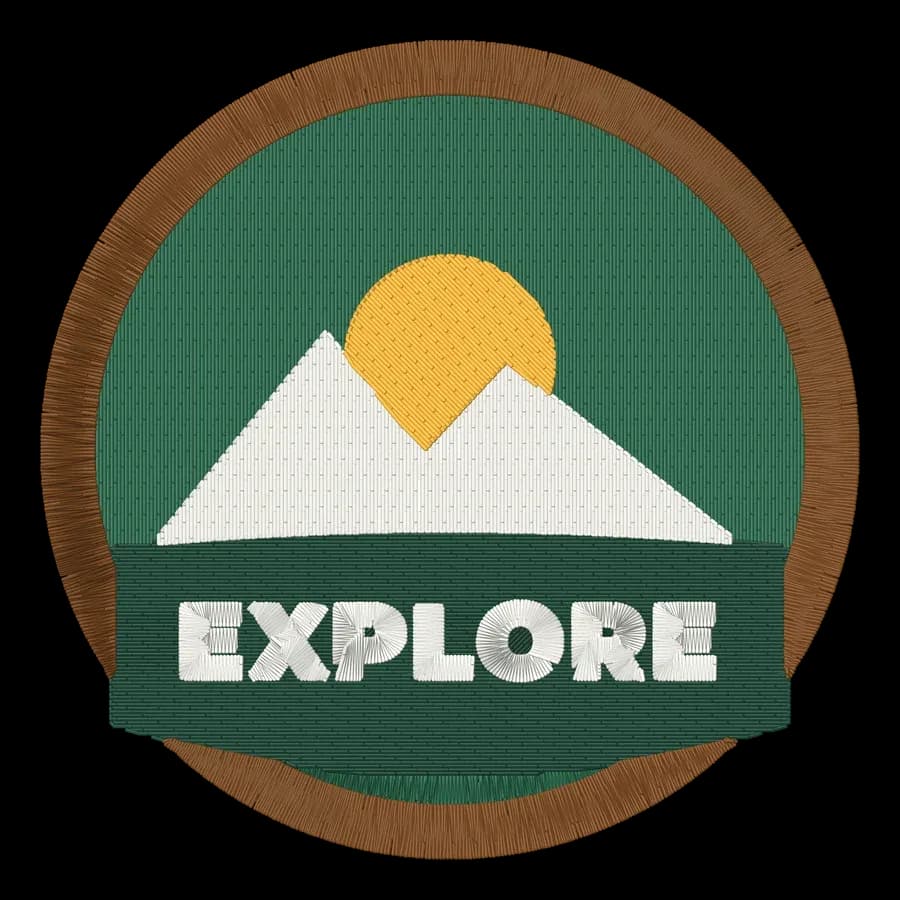
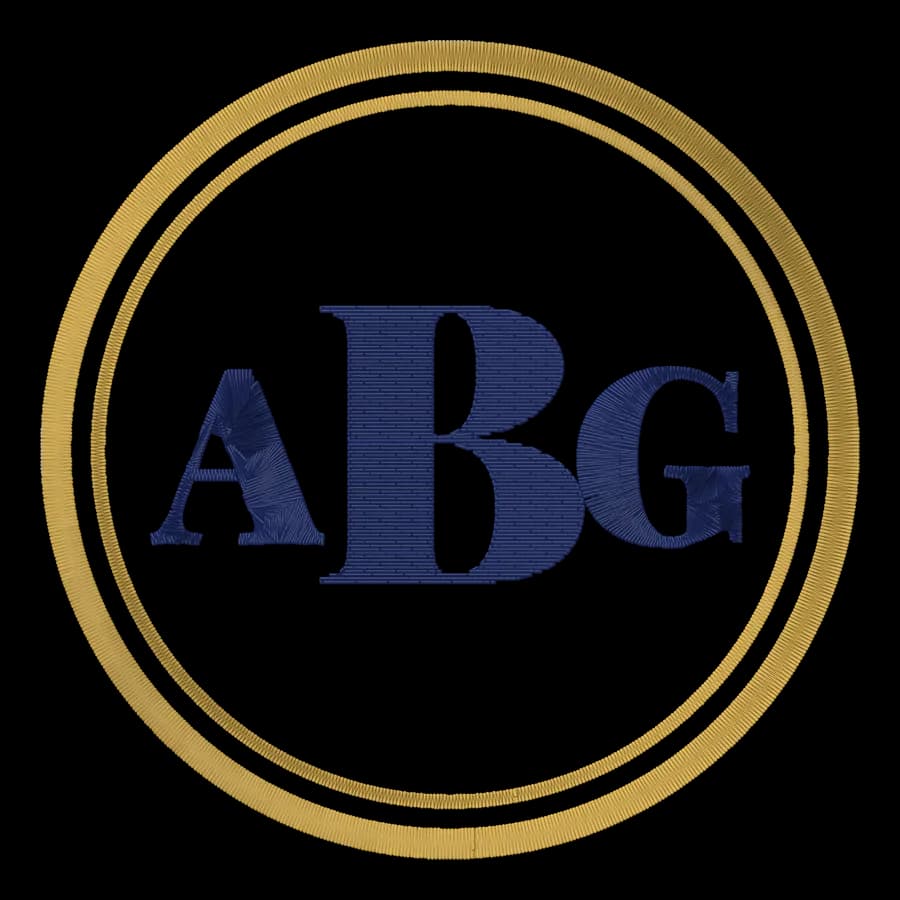
Real thread look
Drawn stitch by stitch with sheen and shadow.
Fabric colors
Linen, white, denim, black, gray, burgundy and green.
Hoop and background
Light or walnut hoop, wood, white, linen or sage.
Listing sizes
Square, 5:4 for Etsy, or 4:5 for stories and pins.
Big files
Up to 2000 px wide, sharp on any marketplace.
Photos that sell
- Use the same fabric and hoop across a shop for a consistent look.
- Show one mockup, then a photo of the real stitch-out.
- Add a scale shot so buyers can see the size.
- Pick a fabric color that contrasts with the design.
Free account
Start digitizing in under a minute
Create a free account to digitize any image, try every setting and watch it sew. Choose a plan only when you want to download files.
- Digitize and preview any image
- Realistic stitch preview and sew-out
- Download free ready-made designs
- No credit card needed

Questions
The quickest way to see what it does with your artwork is to try it. With a free account, digitizing and previewing cost nothing and take about a minute.
How do I make an embroidery hoop mockup?
Pick a free design or open your own stitch file (DST, PES, JEF and more), choose the fabric, hoop and background, and save the image. The design is drawn thread by thread from the stitches, so it looks like a real sew-out.
What size are the mockups?
Square 1600 × 1600, Etsy-friendly 2000 × 1600 (5:4) or 1600 × 2000 for stories and pins.
Can I use the mockups to sell designs?
Yes, for your own designs: the mockup shows your stitch file. Free designs from the library can be shown when you sell items you stitched with them, not the files themselves.
Do I need to stitch the design first?
No. That's the point: show a realistic sew-out before you've hooped anything, then photograph the real thing when it's made.
Is the mockup tool free?
Yes. Making mockups is free, and downloading the PNG needs a free account.
More tools
Keep going
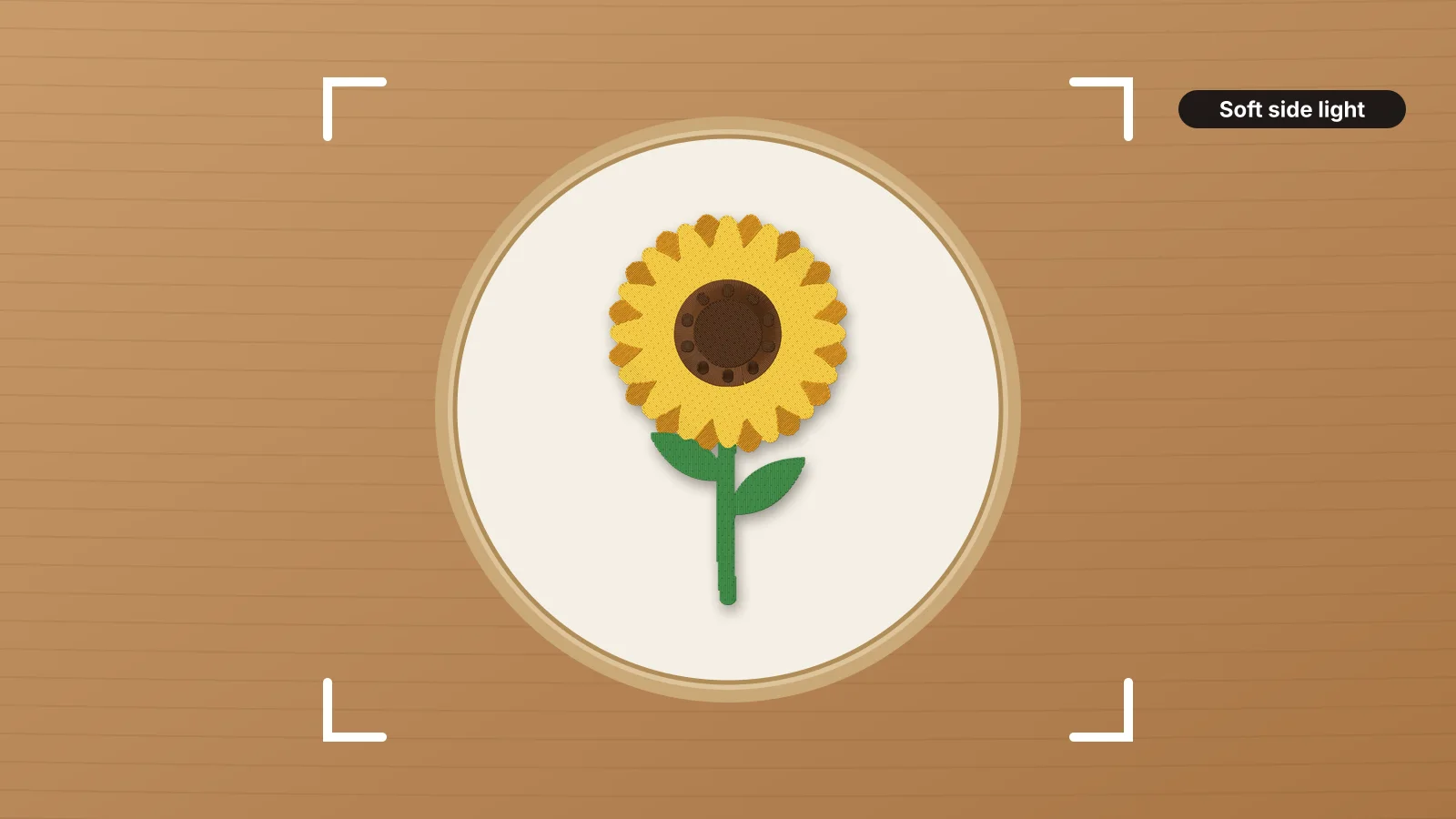 GuideHow to photograph embroideryLight that shows the stitches, the shots to take, hoop flat-lays and props, true color and white balance, showing the size, shooting on a phone, and mockups for designs you haven't stitched yet.Read the guide
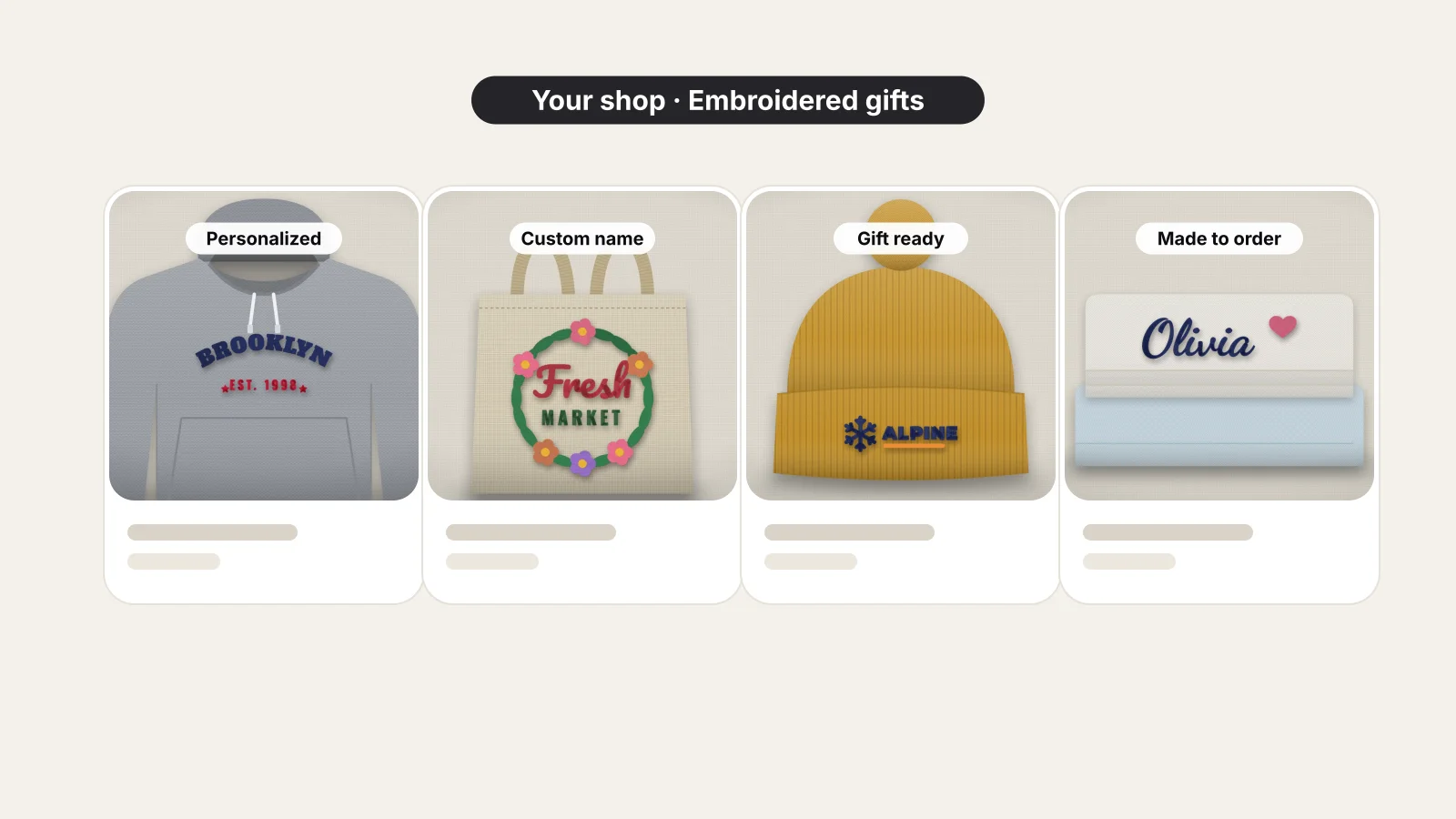 GuideHow to sell embroidery on EtsyChoosing products, offering personalization, pricing after fees, photographing your work, running custom orders and staying on the right side of licensing.Read the guide
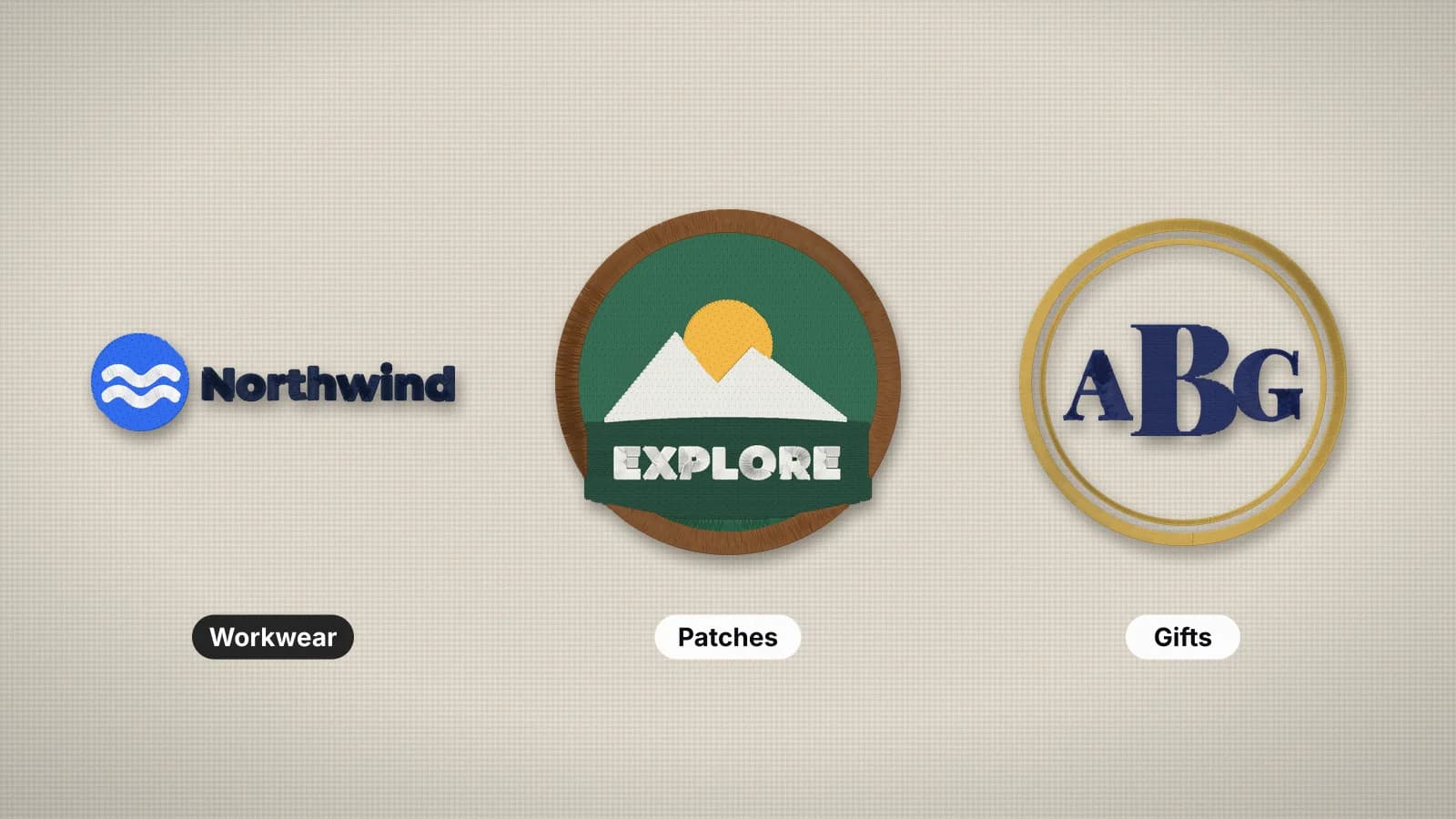 GuideHow to start an embroidery business from homeA practical plan for a home embroidery business: niche, machine, blanks, designs, pricing, selling and an order workflow.Read the guide
 Free previewEmbroidery file converterConvert PES, DST, JEF, EXP, VP3 and XXX files to any other machine format.Open
 Free toolEmbroidery file viewerOpen DST, PES, JEF and more in your browser: stitch preview, colors, size and stitch count.Open
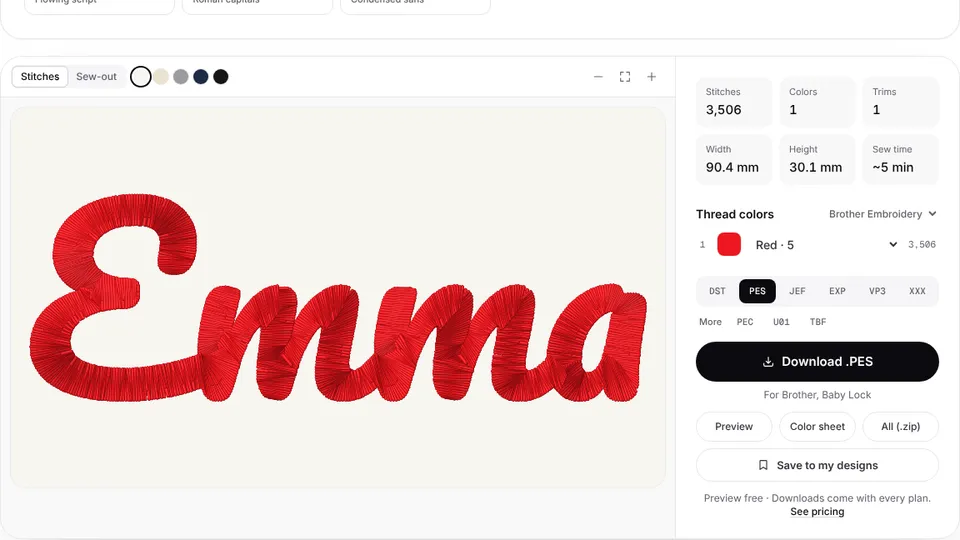 Free previewText to embroidery fileType a name or monogram, pick a font and download a ready-to-sew lettering file.Open
Selling your own designs?
Digitize your artwork into machine files, then show them off here.