Embroidery file repair
Find the stitches that break thread and snag before they reach your machine: long loose stitches, tiny stacked stitches and missing tie-offs, marked on a map and fixed in one click.
Drop the embroidery file to check and repair
DST, PES, JEF, EXP, VP3, XXX, PEC, U01, TBF, HUS, SHV, SEW, JPX, PCS · opened right in your browser
- What it does
- Fix a stitch file before it breaks thread: split long stitches, remove tiny ones and add missing tie-offs.
- Price
- Free preview; saving machine files needs a plan
- Works on
- Any browser: Windows, Mac, Chromebook, iPad and phones
- Privacy
- Runs in your browser; your images and files aren't uploaded
The faults that break thread
Long stitches
Over 7 mm: split into staggered parts so they lie flat and never form a line.
Tiny stitches
Under 0.3 mm: removed, so the needle doesn't hit the same hole again and again.
Missing tie-offs
Runs that end at a trim get three tiny lock stitches at each end.
Machine grid
Needle points are placed on the 0.1 mm grid every format uses, so nothing changes when it's saved.
Before and after
Every problem marked on a map, and a table of what changed.
Any format
Open DST, PES, JEF and more; save the repair in any of 9 formats.
Getting a clean sew-out
- Keep the 7 mm limit for caps, knits and anything worn; 8–10 mm suits flat, stable fabric with wide satin you want unbroken.
- Repair files from older software or internet downloads before a first sew-out.
- If the map shows long stitches across a satin column, the column is too wide: consider redigitizing it as a fill.
- Test-sew on scrap fabric with the same stabilizer before stitching the real garment.
Free account
Start digitizing in under a minute
Create a free account to digitize any image, try every setting and watch it sew. Choose a plan only when you want to download files.
- Digitize and preview any image
- Realistic stitch preview and sew-out
- Download free ready-made designs
- No credit card needed



Questions
The quickest way to see what it does with your artwork is to try it. With a free account, digitizing and previewing cost nothing and take about a minute.
What does the embroidery file repair tool fix?
Three faults that make a file sew badly: stitches longer than 7 mm, which lie loose and snag; stitches shorter than 0.3 mm, which pile needle holes and break thread; and runs that end at a trim with no tie-off, which can pull out. Long stitches are split into staggered parts, tiny ones are removed and tie-ins and tie-offs are added.
Which files can I repair?
DST, PES, JEF, EXP, VP3, XXX, PEC, U01 and TBF. Save the repaired design in the same format or any other.
Will repairing change how my design looks?
Barely. Every stitch stays where it was; long ones get extra needle points along the same line and tiny ones merge into their neighbors. Compare the before and after maps and watch the sew-out before you save.
Can it fix density, puckering or the wrong stitch direction?
No. Those are digitizing choices, not faults in single stitches. To change density, underlay or stitch direction, digitize the artwork again with Embrizo's digitizer, where every setting can be adjusted.
Why do long stitches cause problems?
A stitch longer than about 7 mm (0.28 in) isn't held down along its length. It sits loose, catches on fingers and zippers and can pull out of shape. Most digitizers split satin columns wider than that for the same reason.
Is the embroidery file repair tool free?
Checking a file, the problem map and the repaired sew-out are free. Saving the repaired machine file needs a plan, like every machine file from Embrizo.
More tools
Keep going
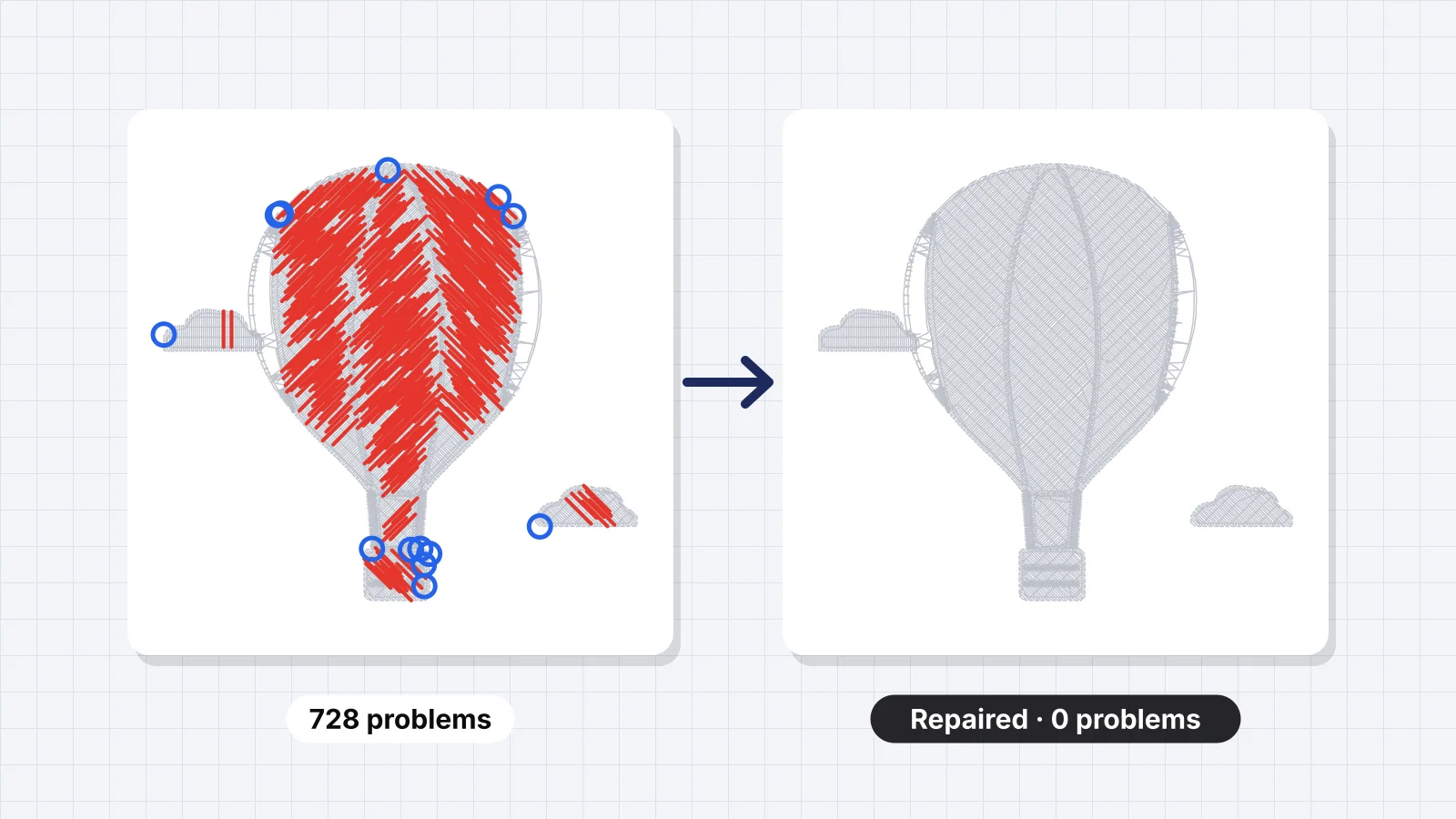 GuideHow to fix an embroidery fileTelling a file problem from a machine problem, a symptoms and causes table, what can be fixed in a stitch file and what needs the artwork, repairing a file with Embrizo, checking it, when to re-digitize, and test sew-outs.Read the guide
 GuideHow to check an embroidery file before stitchingA pre-stitch checklist: size against the hoop, stitch count and sew time, long satin stitches that snag, tiny stitches that shred thread, density, trims and jumps, colors and format, then a test sew-out.Read the guide
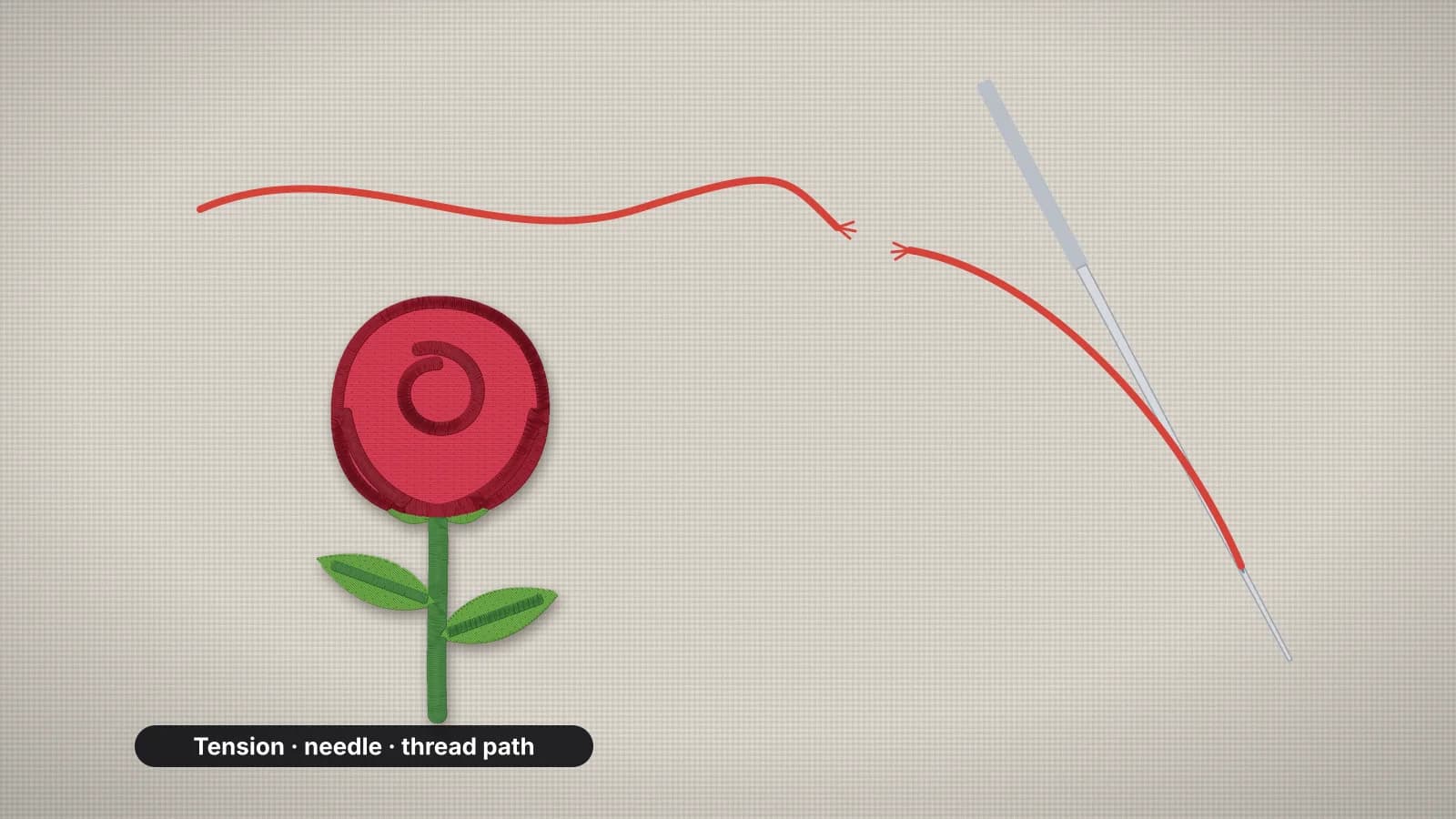 GuideWhy embroidery thread keeps breakingA cause-and-fix table for thread that breaks or shreds, the order to check things in, and what to do about needles, threading, thread quality, tension, burrs, speed and designs that are too dense.Read the guide
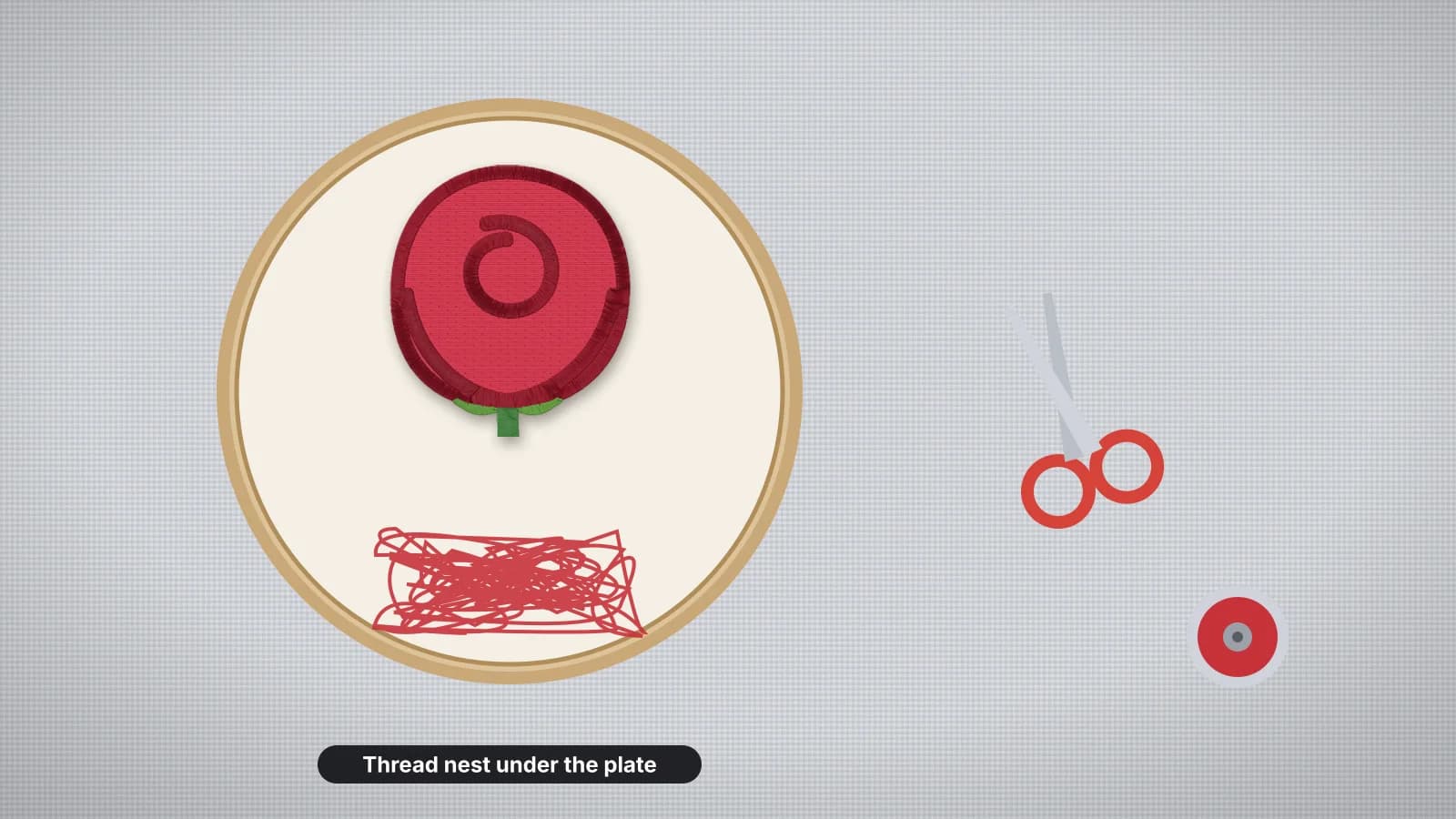 GuideHow to fix bird nesting in embroideryWhat a bird nest is, how to clear one without damaging the machine, and the causes in order: upper threading, the bobbin and tension, flagging fabric, the needle and burrs, plus file problems that look the same.Read the guide
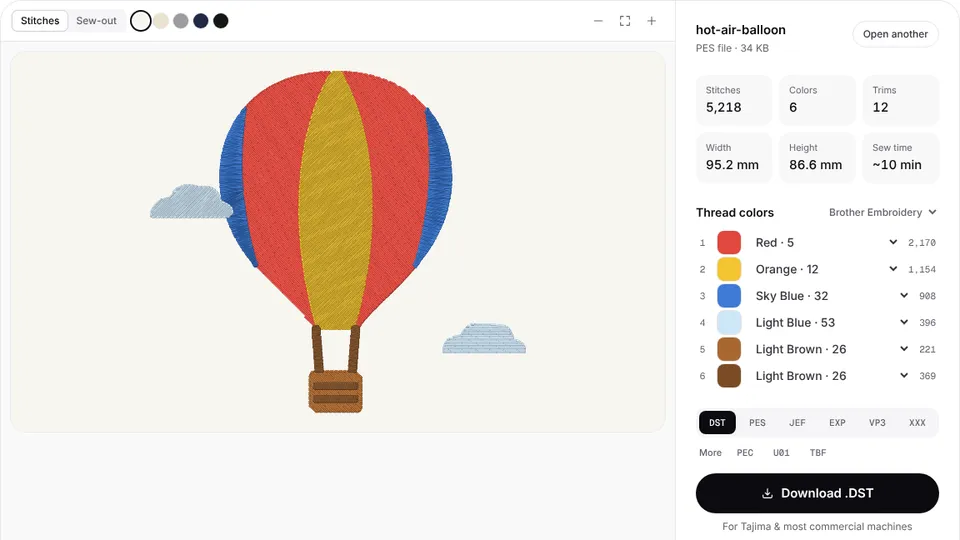 Free previewEmbroidery file converterConvert PES, DST, JEF, EXP, VP3 and XXX files to any other machine format.Open
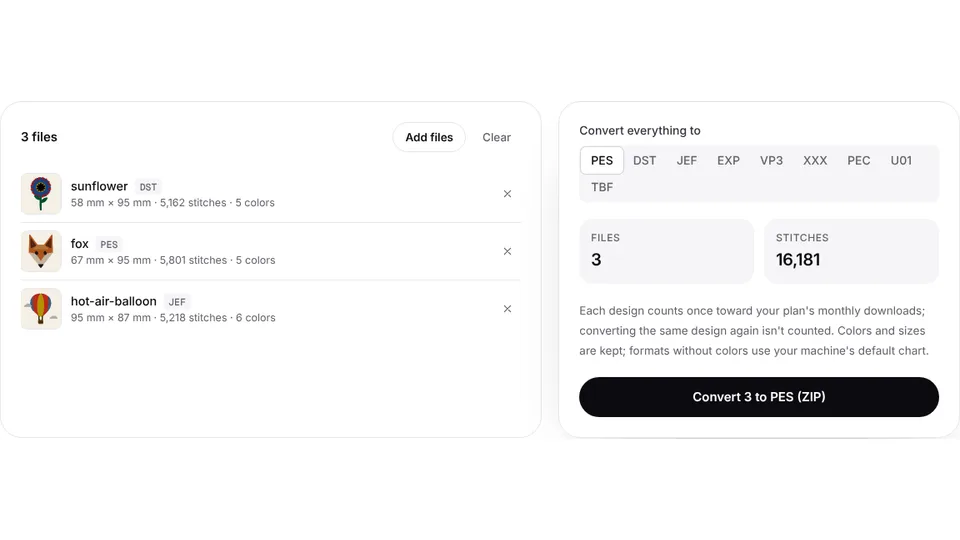 Free toolBatch embroidery file converterConvert up to 50 embroidery files to PES, DST, JEF or any format at once, as one ZIP.Open
Start from the artwork instead?
Digitize the image again and get a file with clean stitches, ties and the right density from the start.