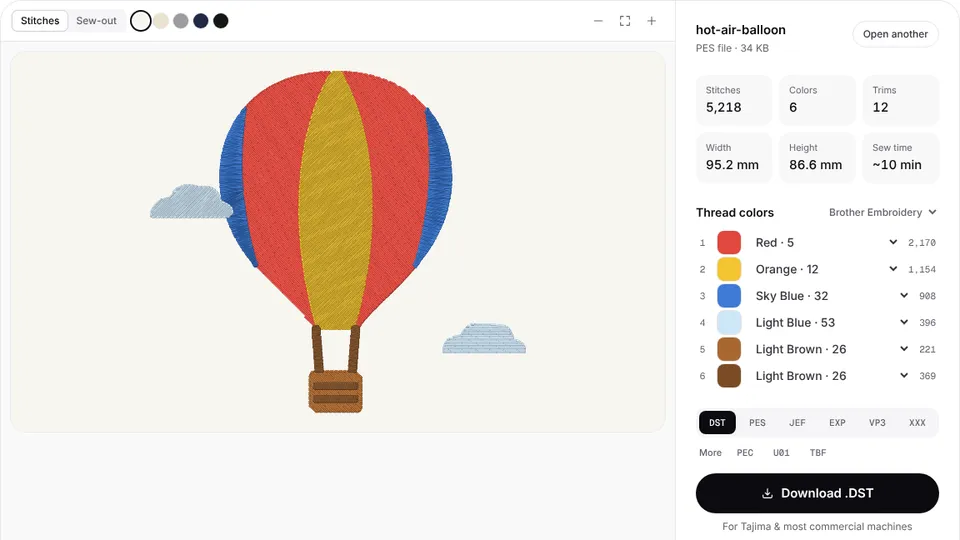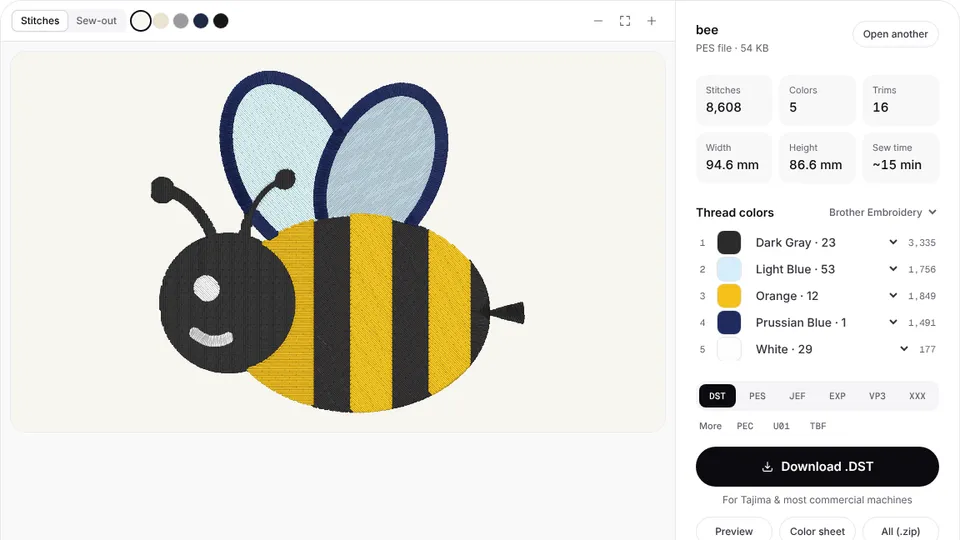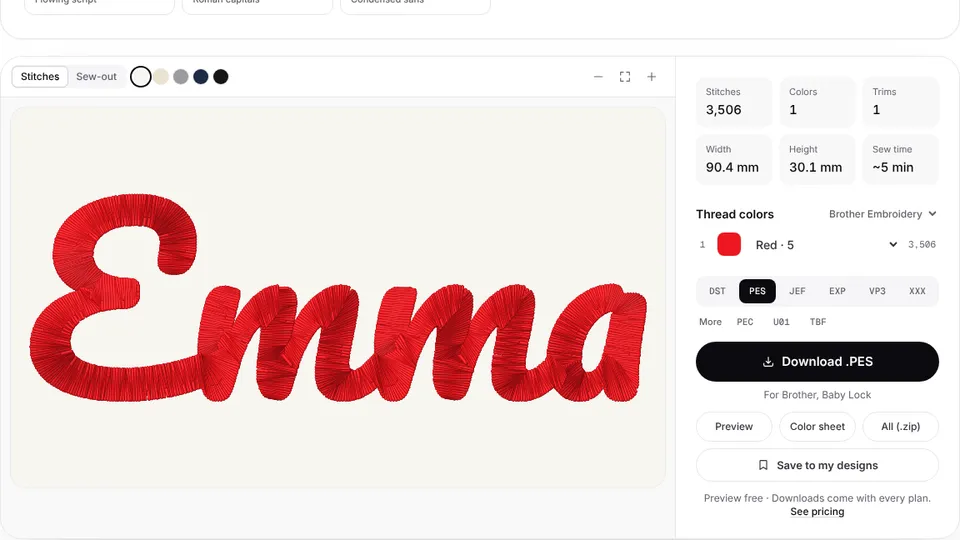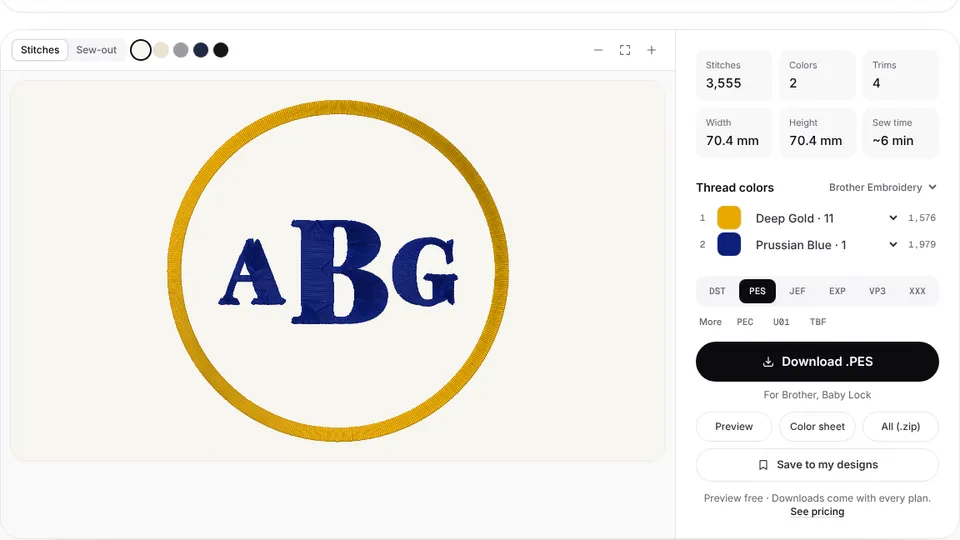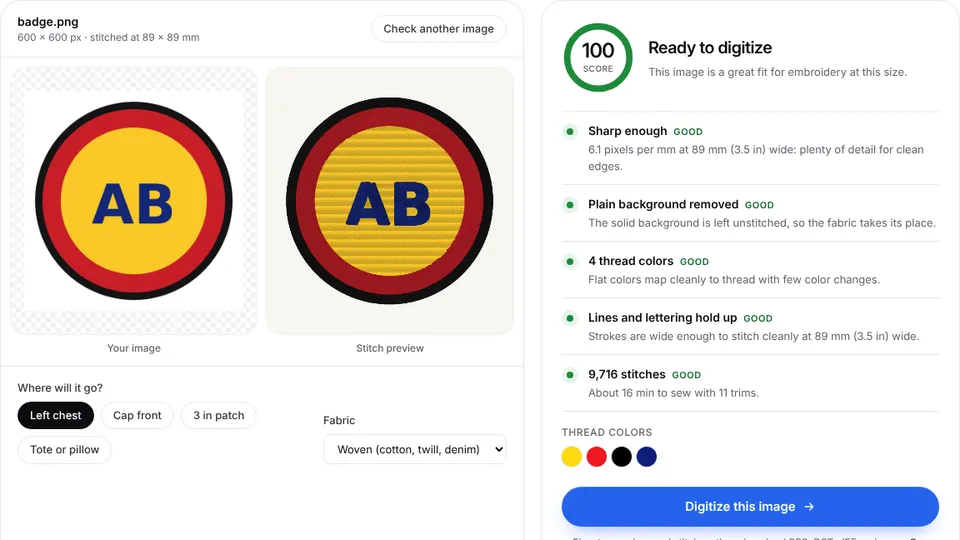

bernette embroidery machines stitch from EXP files, the stitch format they share with BERNINA. Embrizo's digitizer turns a PNG, JPG or SVG into an EXP file in your browser, at the size you set for your hoop.
Upload your artwork, check the stitch preview and make an EXP file. Digitizing and previewing are free with an account; downloading the file needs a plan.
Which file format bernette machines use
EXP is the one format every bernette embroidery machine reads. The older Chicago 7 reads .exp files and nothing else. The bernette 79 Harry Potter manual describes the full set: the .exp stitch file, a .BMP preview and an .INF file that holds the thread colors.
The 70 DECO and the 79 accept more. bernette's 70 series brochure lists VP3, VIP, PEC, HUS, DST, EXP, JEF and PES as the design formats those two machines read.
The digitizer writes the .exp stitch file on its own. Without an .INF file, the machine shows the design in default colors, and you can set the colors on the machine. The TXT color sheet lists every thread in sewing order.
How to get designs onto a bernette
- Download the .exp file from the digitizer.
- Copy it to a USB stick. If the design came with .INF and .BMP files, copy them too.
- On a 70 DECO or 79, tap Selection, insert the stick, tap USB Stick and choose your design.
- Check that the design fits the attached hoop, then start stitching.
The Chicago 7 is stricter. Its manual says the stick must be USB 2.0 and no larger than 32 GB, and a design's file name can be at most 17 characters.
bernette's manuals recommend loading designs from other sources onto the stick with BERNINA Embroidery Software. A plain .exp still opens, in default colors.
bernette hoops and embroidery fields
| Model | Type | Maximum field |
|---|---|---|
| bernette 70 DECO | Embroidery only | 260 × 160 mm (10.2 × 6.3 in) |
| bernette 79 | Sewing and embroidery | 260 × 160 mm (10.2 × 6.3 in) |
| bernette 79 Yaya Han Edition | Sewing and embroidery | 260 × 160 mm (10.2 × 6.3 in) |
| bernette Chicago 7 | Sewing and embroidery | 110 × 170 mm |
The 70 DECO and 79 come with three hoops: Large (160 × 260 mm), Medium (120 × 180 mm) and Small (50 × 70 mm). The Large hoop matches the digitizer's 6×10 preset. The Medium hoop is a little narrower than the 5×7 preset, so type the width yourself.
The Chicago 7 comes with one 110 × 170 mm hoop; 100 × 100 mm and 40 × 40 mm hoops are optional. Check any size with the hoop size calculator.
Tips for bernette embroidery
- Set the final size in the digitizer. bernette's manual says resizing on the machine works best within 20%. For a bigger change, download a new file.
- Use the smallest hoop that fits. The manual says this gives the best result, and the 70 DECO and 79 detect the attached hoop.
- Keep the color sheet handy. A plain EXP carries no thread colors, so the sheet is your thread list. Compare shades in the thread color chart.
- Stitch a test on the same fabric and stabilizer you will use for the real piece.
Convert other formats for a bernette
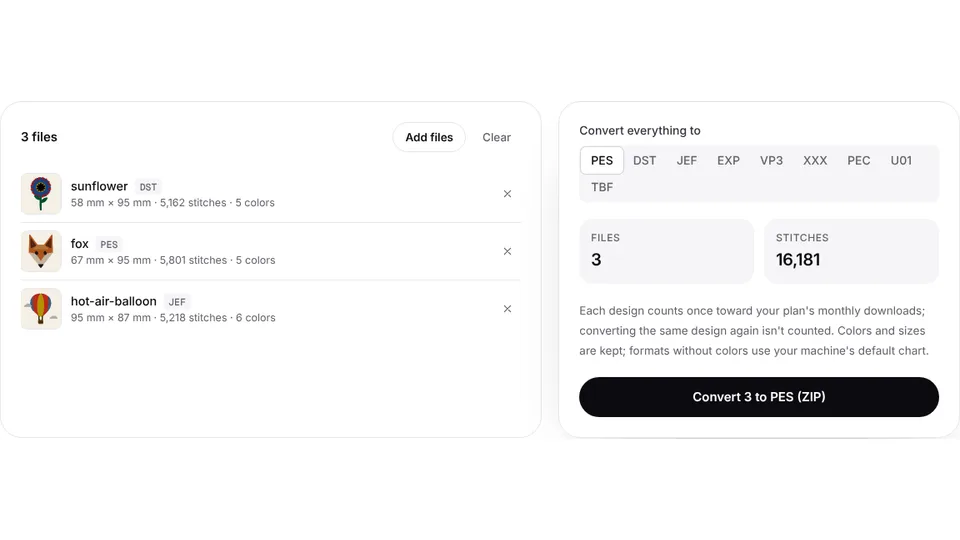
The Chicago 7 needs EXP for everything, and EXP is the safe choice on any bernette. Convert designs in your browser:
- PES to EXP for Brother and Baby Lock designs
- DST to EXP for commercial designs
- JEF to EXP, VP3 to EXP and XXX to EXP for Janome, Viking, Pfaff and Singer files
To start from artwork, use PNG to EXP. The EXP format page explains what the file holds.