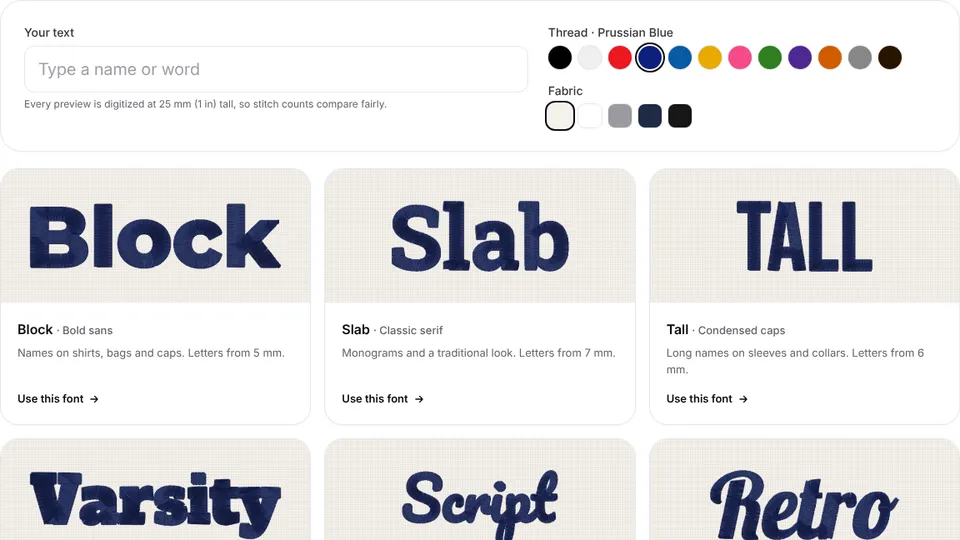
 Free toolEmbroidery font previewerType a name and see it stitched in 12 lettering fonts, with stitch counts and minimum sizes.Open the tool
Search for free embroidery fonts and you'll find four different things under the same name: letter files, machine fonts, BX fonts and online tools. They work in completely different ways, and the one you need depends on your machine and whether you have embroidery software.
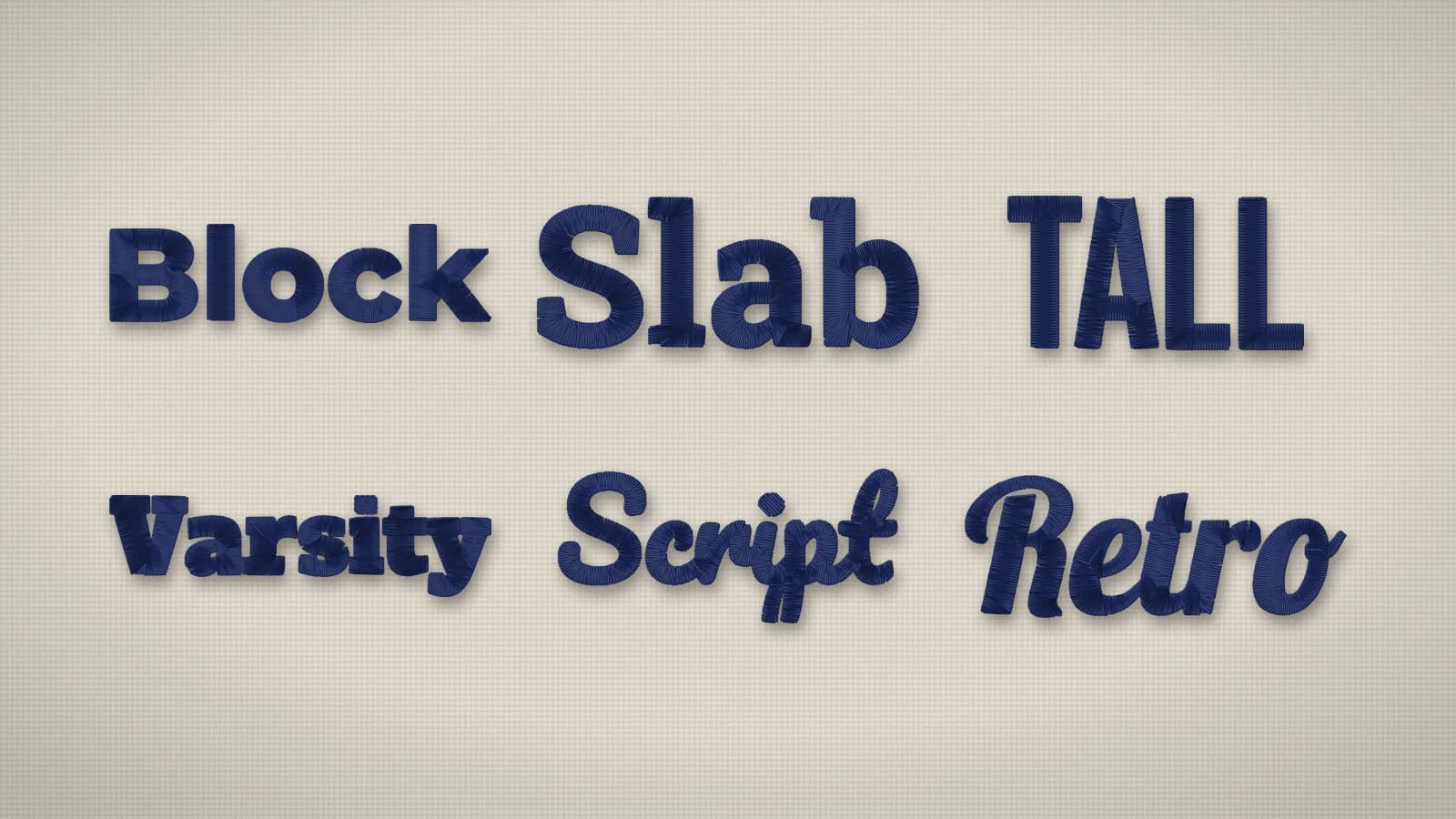
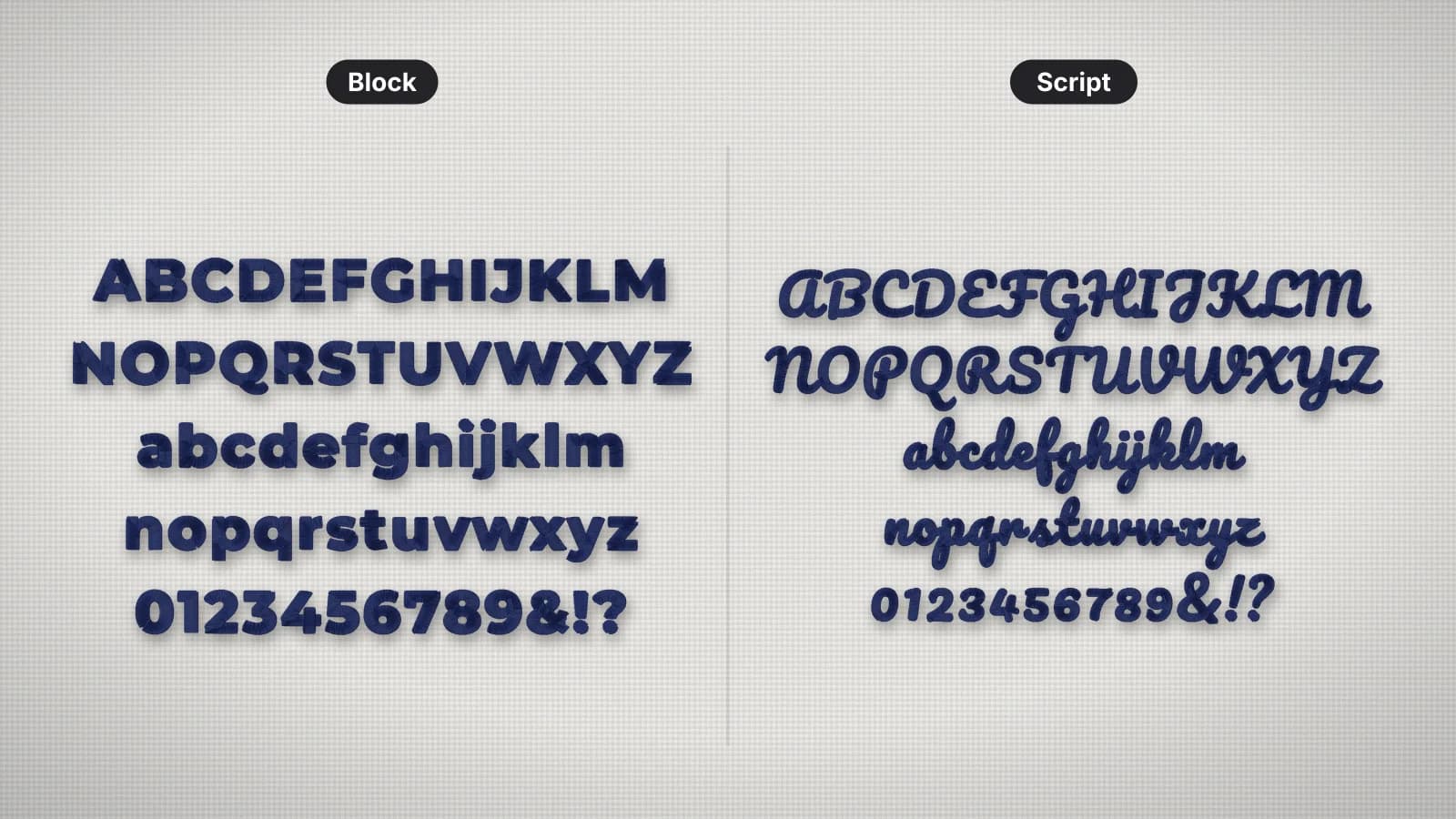
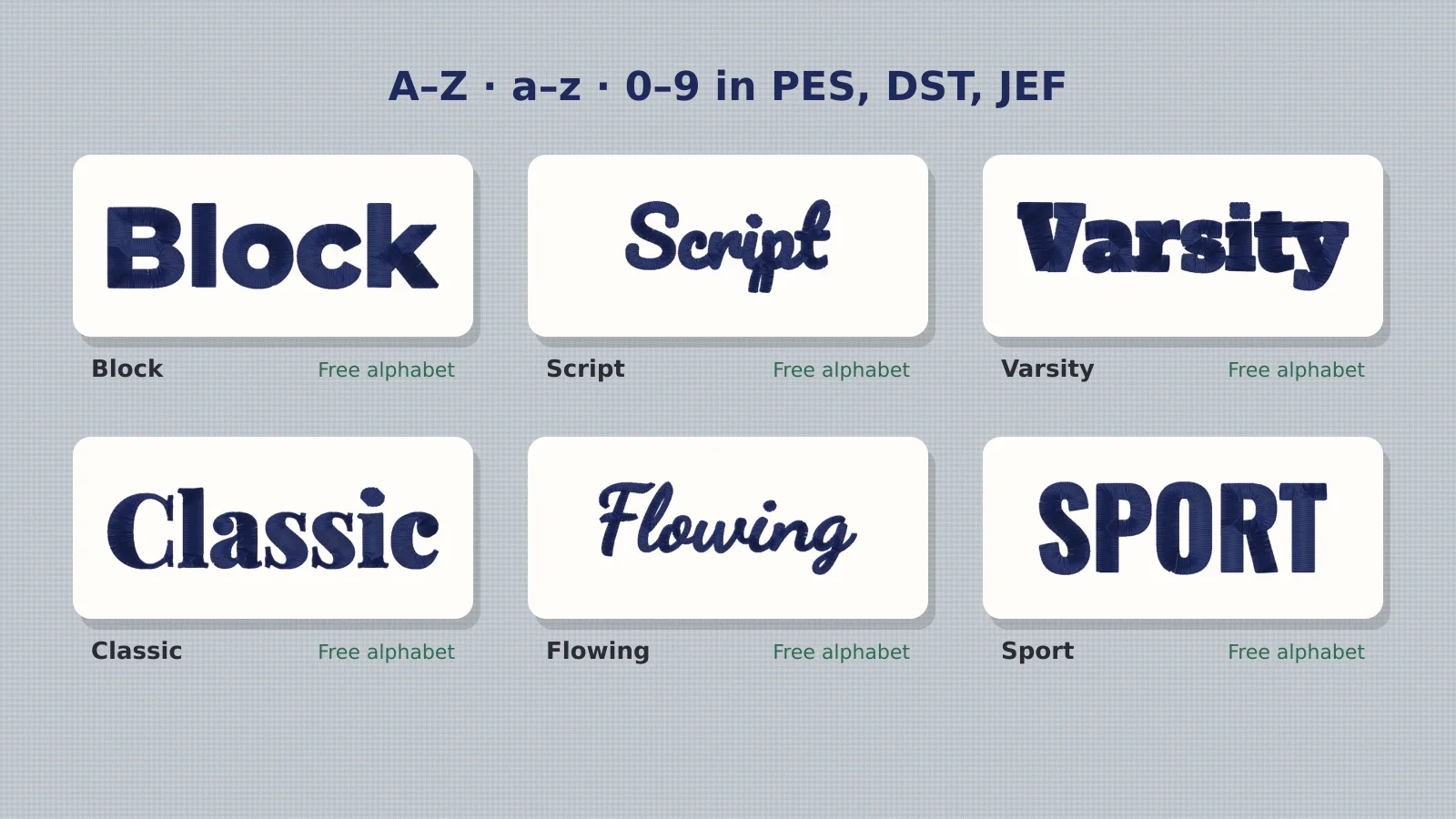
This guide sorts them out, explains which format your machine needs and how licensing works, and points to sources that cost nothing. You can preview and download 12 lettering styles on the embroidery fonts page, each as a free alphabet of letter files.
What kinds of embroidery fonts are there?
| Kind | What it is | Needs | Free options |
|---|---|---|---|
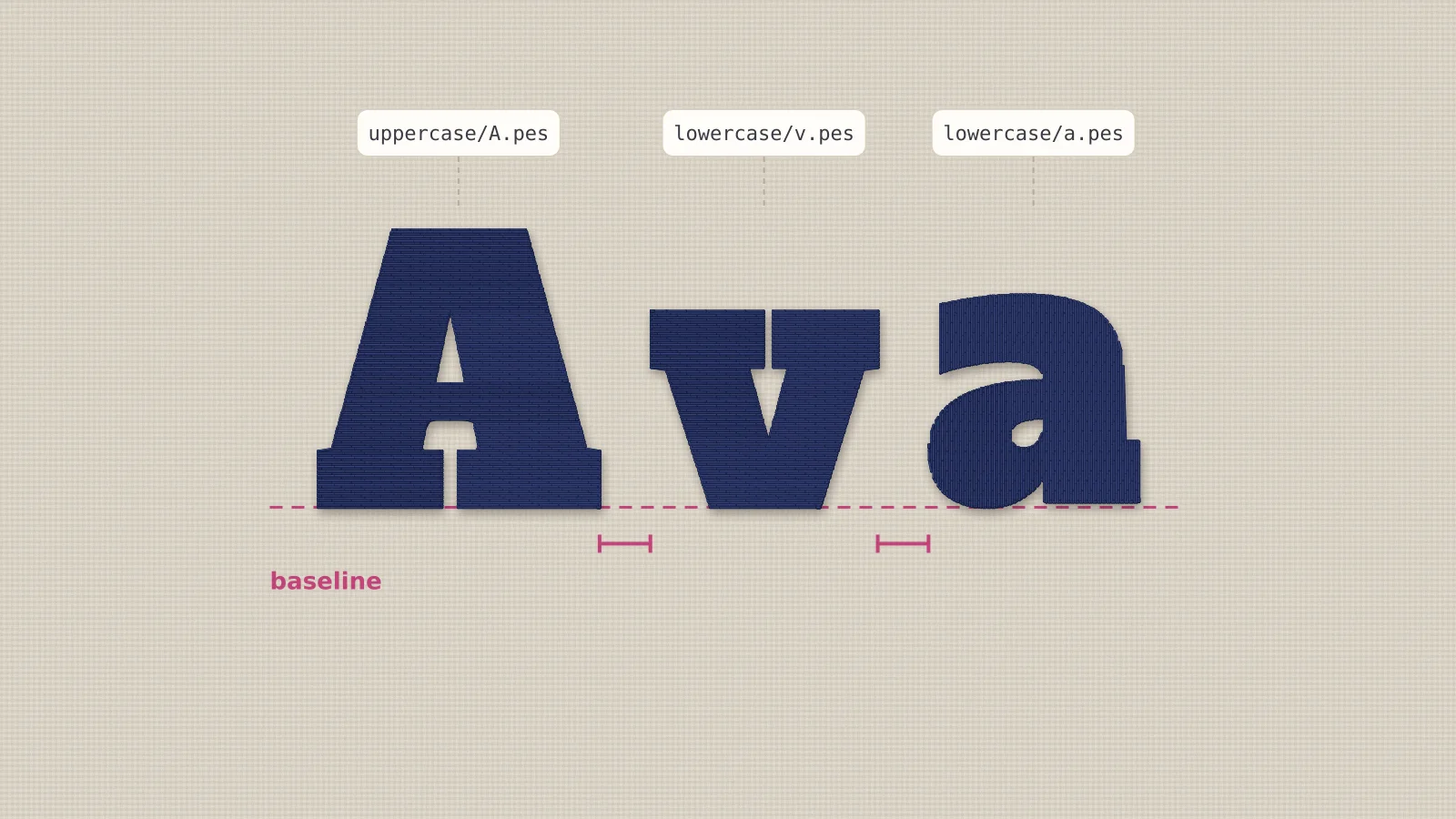
| Alphabet letter files | One stitch file per letter (A.pes, B.pes…) | A machine that can combine designs on screen | Embrizo's 12 alphabets; free sets from designers |
| Built-in machine fonts | Lettering stored in the machine | Nothing: type on the screen | Included with the machine |
| BX keyboard fonts | Fonts for Embrilliance that let you type names | Embrilliance software | Occasional free fonts from font designers |
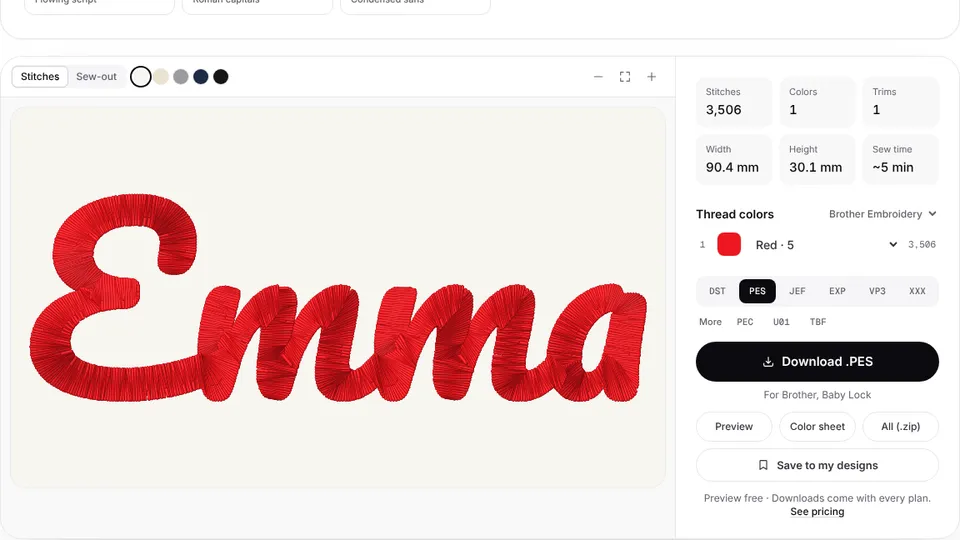
| Text to embroidery tools | Type text, get one stitch file | A browser | Free preview; files with a plan on Embrizo |
Letter files work on almost any machine and need no software, which is why they're the most common free download. BX fonts are convenient if you already use Embrilliance. Built-in fonts are fine for quick names but come in only a few styles and sizes. A text tool is the fastest for long names, curved text or many names, because it spaces the letters for you.
Can you use a normal computer font for embroidery?
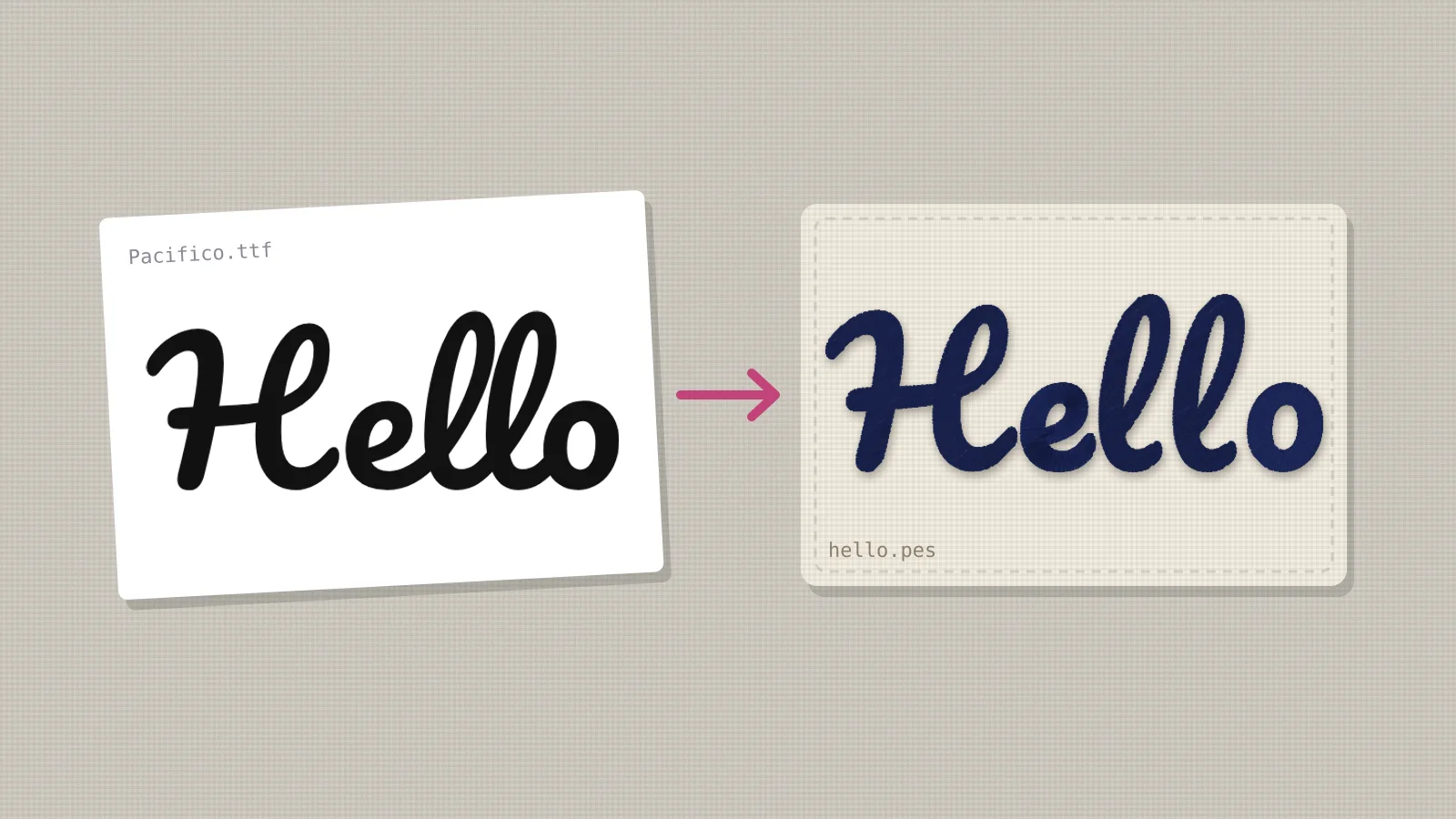
Not directly. A TTF or OTF font file describes letter outlines for printing; an embroidery machine needs stitches. The outline has to be digitized: turned into satin columns and fills with underlay and the right stitch direction. Embroidery software with a font converter can do it, as can an auto-digitizer, but thin, decorative or very detailed fonts rarely sew well whatever the method. How to turn a font into an embroidery file covers the options step by step.
Try it with your own design
Sign up free, upload an image and get a stitch preview in under a minute.
Drop your image here
PNG, JPG, SVG, PDF or AI · stays on your device
Not sure what to expect? See real examples or how it works.
Which format does your machine need?
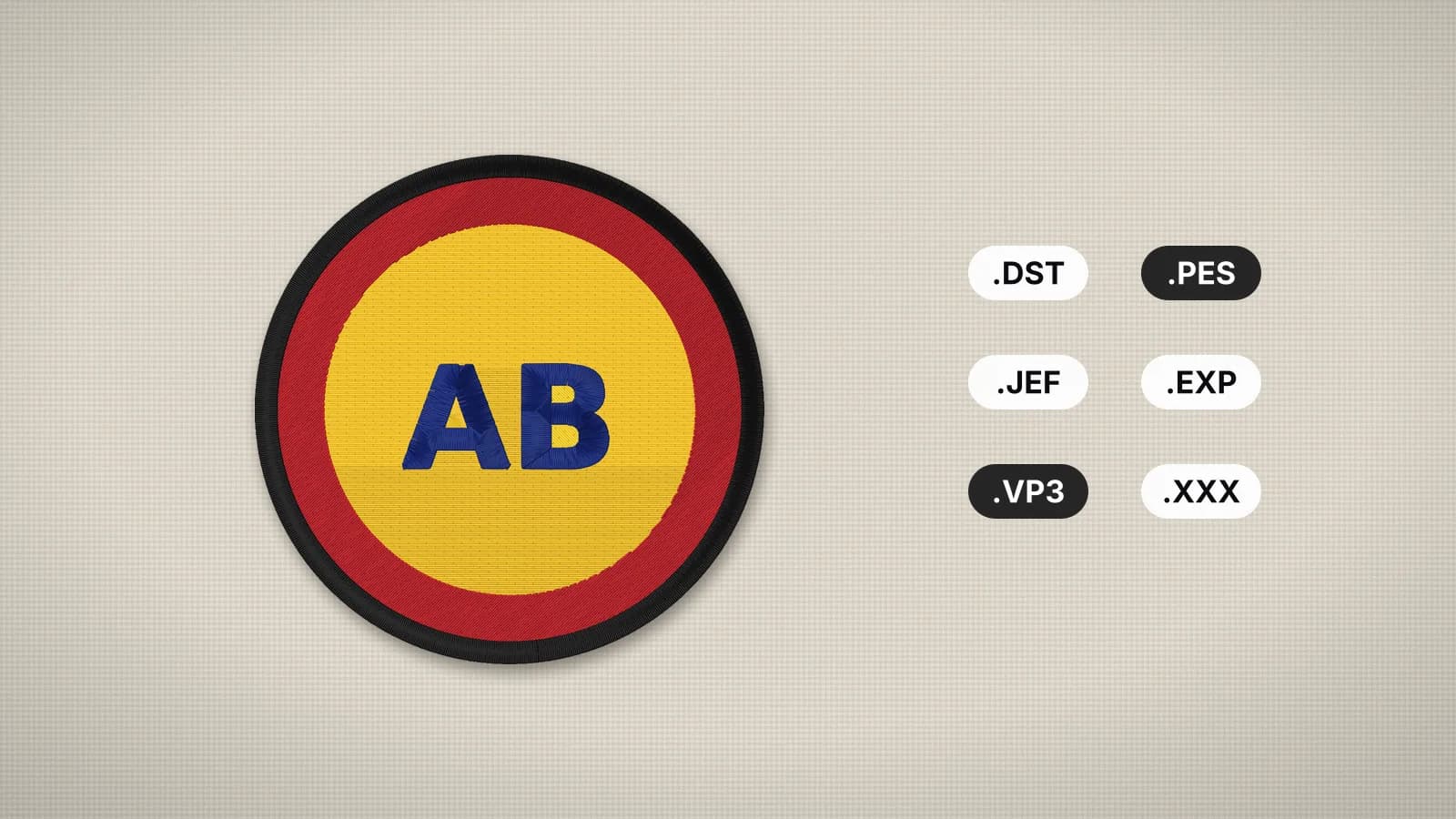
| Machine | Format |
|---|---|
| Brother, Baby Lock | PES |
| Janome, Elna | JEF |
| Bernina, Melco | EXP |
| Husqvarna Viking, Pfaff | VP3 |
| Singer | XXX |
| Tajima and most multi-needle machines | DST |
Free alphabets are only useful in your machine's format, so check before you download. The file formats guide covers the rest, and the file converter changes a letter set you already have into another format.
Are free embroidery fonts OK to use on items you sell?
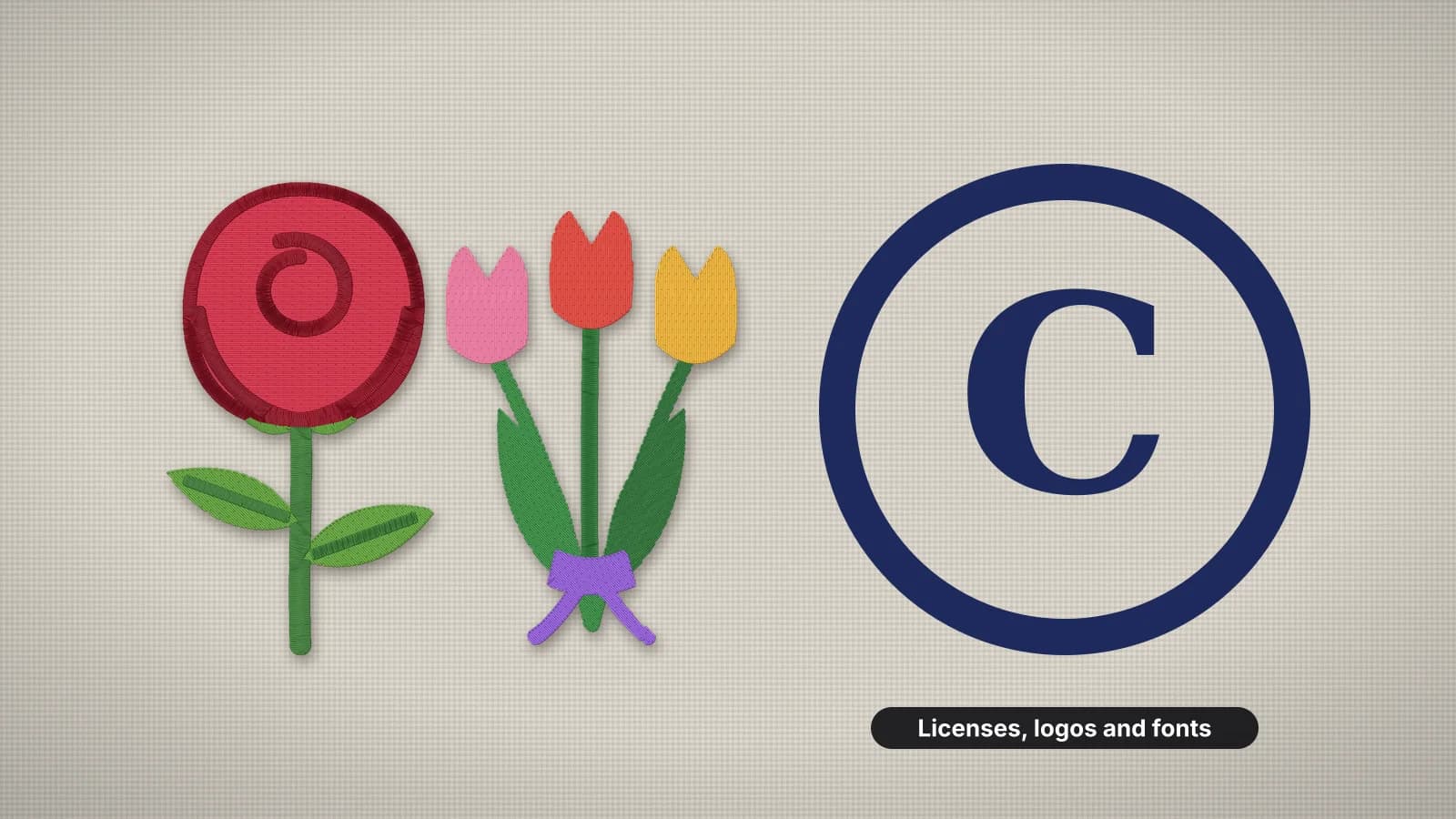
It depends on each font's license, so read it. Letter files and BX fonts usually let you stitch them on items you sell but not share or resell the files. Computer fonts are a separate question: open-source fonts under the SIL Open Font License (most Google Fonts) can be digitized and stitched freely, while many commercial fonts restrict digitizing or need an extended license. The Embrizo alphabets are digitized from open-source fonts and are free for personal and commercial stitching.
How to pick a font that sews well
- Bold, even strokes sew best: block, varsity, rounded and slab lettering stay sharp down to about 5–6 mm.
- Scripts need size: keep script capitals 10–12 mm or more, so the joins and loops stay open.
- Avoid hairlines: thin serifs and calligraphy strokes are narrower than a satin stitch can be.
- Match the fabric: towels and fleece swallow thin letters; use bold styles and a topping.
- Test the size: the lettering size calculator shows how tall your text comes out at a given width.
The best fonts for embroidery guide compares styles in detail. To see your own name in all 12 styles, type it into the font previewer.
Practice on a free design
167 ready-to-sew designs in every machine format, free with an account.
The quickest way to start
- Type your name in the font previewer and pick the style you like.
- On that style's page, download the free alphabet in your machine's format, at 1 or 2 inch capitals.
- Spell the name on your machine: see how to embroider a name with alphabet letters.
- Or type the name in the text tool and get it as one file, ready to stitch.