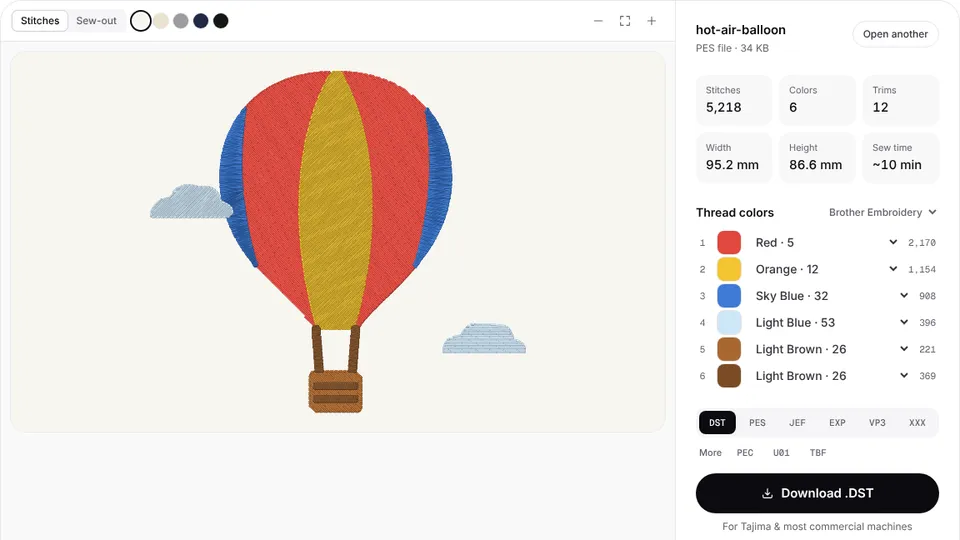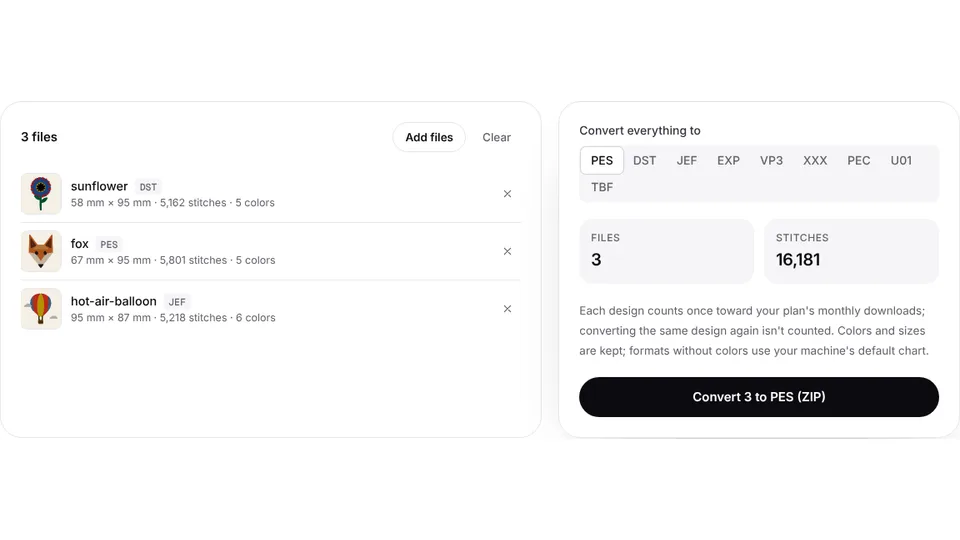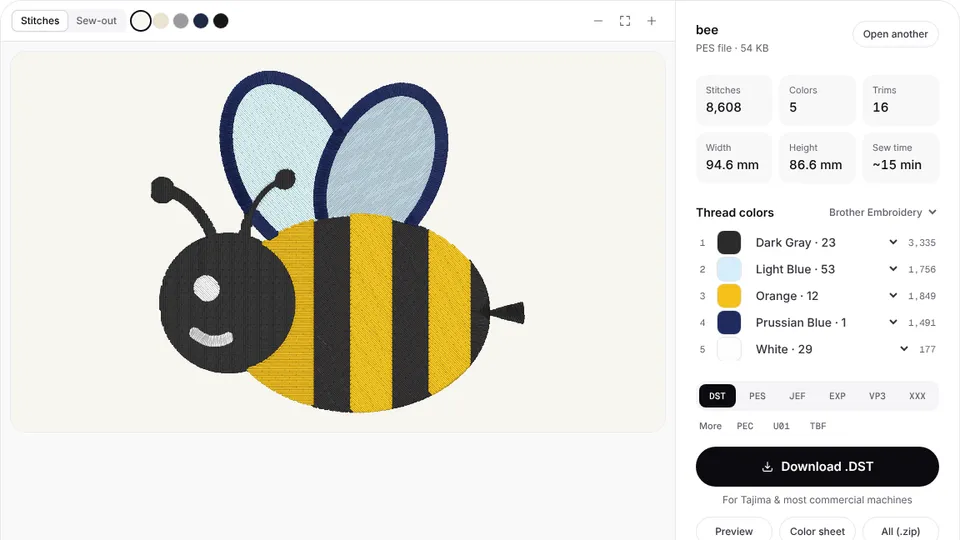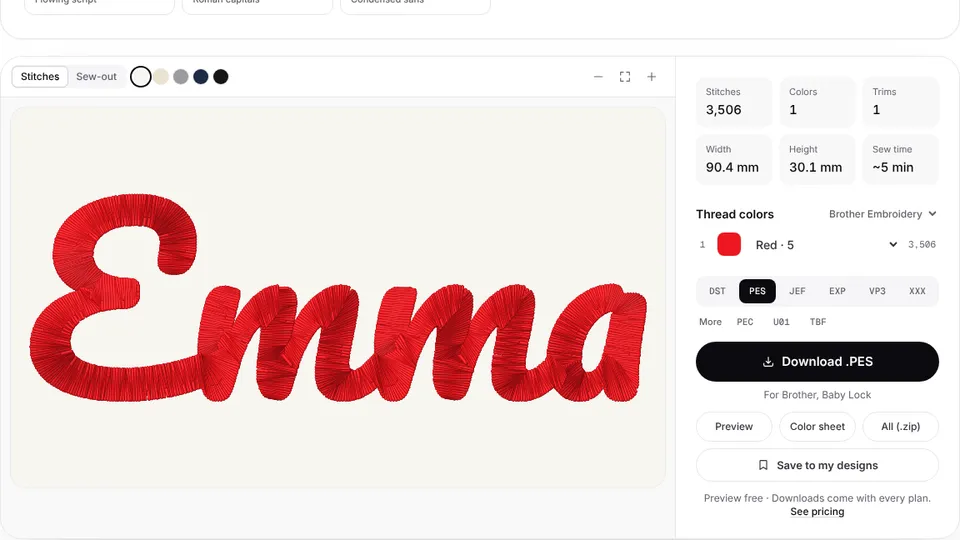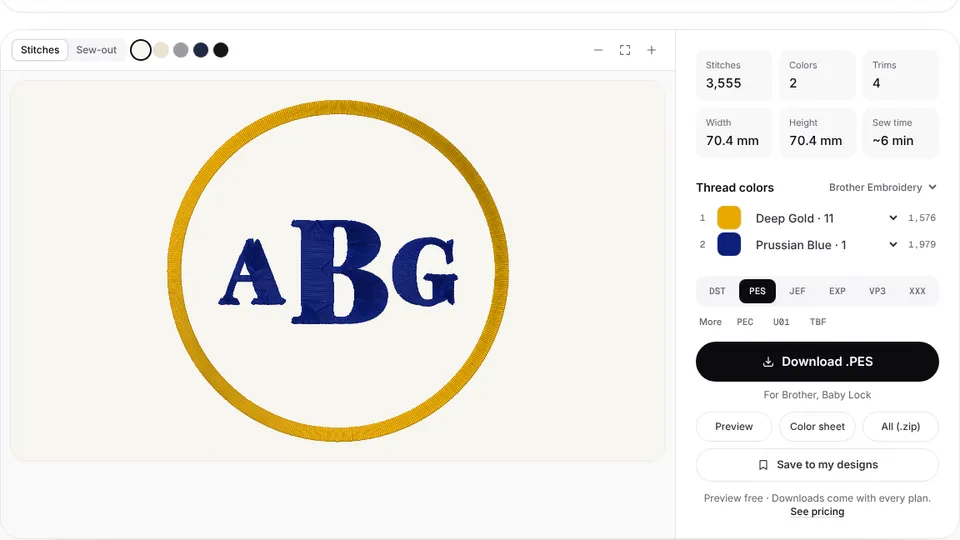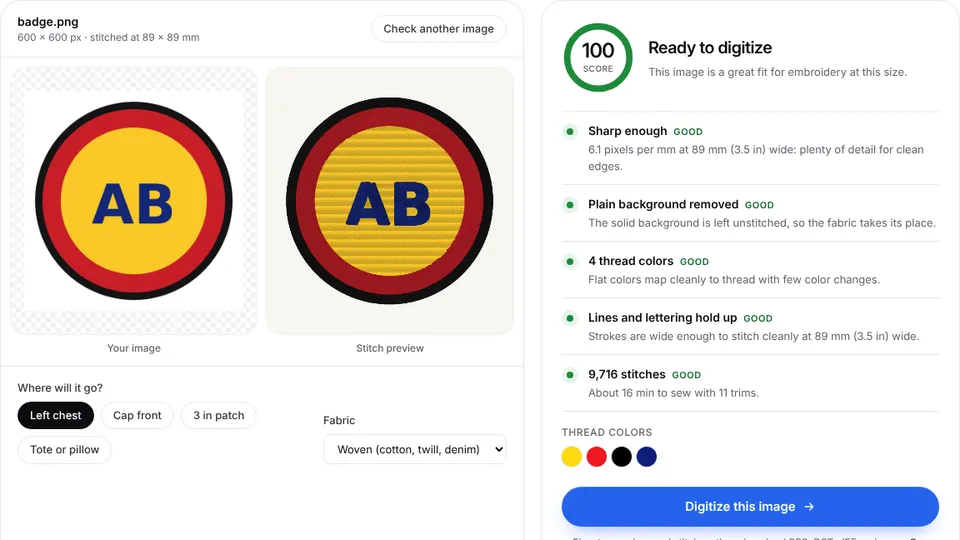
Elna's eXpressive embroidery machines read JEF files, the format Elna's manuals call the Janome embroidery format. Embrizo's digitizer builds a JEF from your picture in the browser and matches each thread color to the Janome palette that JEF files use.
Upload a PNG, JPG or SVG, look over the stitch preview and make a JEF file. Digitizing and previewing are free with an account, and there is nothing to install.
Which file format Elna machines use
The manuals for the eXpressive 850 and 860 list three kinds of file: JEF, JEF+ (an editable JEF) and JPX (a JEF+ with a background image). A plain JEF holds the stitches, the thread colors as palette numbers and a code for the hoop size.
Some models also list DST, the Tajima format: the eXpressive 830L, the 830 Creative Edition, the 802 and the seven-needle 970. A DST has no thread colors, so the machine assigns its own when the file opens. The 850 and 860 do not list DST, so JEF is the safe choice for any of them.
If a design pack comes in several formats, load the JEF copy. If it has no JEF, convert the PES or DST copy.
How to get a JEF file onto an Elna machine
- Download the .jef file from the digitizer.
- Copy it to a USB flash drive.
- Plug the drive into the machine, press the open file key and choose the USB flash drive.
- Open the folder that holds the file, press the file icon, then attach the hoop and start stitching.
The eXpressive 830L can also be linked to a PC with the USB cable and EmbroideryEditor software that Elna packs with it. Recent models such as the eXpressive 802 read drives formatted as FAT16 or FAT32 only, so reformat a drive the machine does not show.
The Air Artist, sold in the US, works differently. It is run from Elna's dot Customizer app over wireless LAN, and Elna's pages do not say which design files the app imports, so try one file in the app first.
Elna hoop sizes and embroidery fields
Elna names its hoops with codes such as SQ14b (140 × 140 mm), SQ20b (200 × 200 mm) and RE36b (200 × 360 mm); the number is the longer side in centimeters. Maximum fields from Elna's pages and manuals:
| Model | Type | Maximum field |
|---|---|---|
| eXpressive 830L | Embroidery only | 200 × 360 mm (7.9 × 14 in) |
| eXpressive 830 Creative Edition | Embroidery only | 200 × 280 mm |
| eXpressive 850 | Sewing and embroidery | 170 × 200 mm (6.7 × 7.9 in) |
| eXpressive 802 | Embroidery only | 140 × 140 mm |
| eXpressive 970 | 7-needle | 240 × 200 mm (9.4 × 7.9 in) |
The digitizer tags each JEF with the smallest standard hoop size the design fits (50 × 50, 126 × 110, 140 × 200 or 200 × 200 mm). Set the design size for your own hoop before you download, and check it with the hoop size calculator.
Tips for Elna embroidery
- Match colors to the Janome chart. JEF stores Janome palette numbers, so that chart keeps screen colors close to your threads. Browse it in the thread color chart.
- Keep clear of the edges. A design that fills the whole field is hard to place, so size it a little smaller than the hoop.
- Choose the fabric preset in the digitizer, so density and underlay suit what you sew on.
- Sew a test on a scrap of the same fabric with the same stabilizer.
Convert other formats to JEF
A design made for another brand can be converted in the browser:
- PES to JEF for Brother and Baby Lock designs
- DST to JEF for commercial files, on models that do not read DST
- VP3 to JEF for Husqvarna Viking and Pfaff designs
- EXP to JEF and XXX to JEF for Bernina, Melco and Singer files
Starting from artwork, use PNG to JEF. For Janome machines, see the Janome page.