Embroidery hoop layout
Patches, name tags, labels and badges: fill a hoop with copies of one design, sewn color by color, so a whole batch stitches in a single hooping.
Drop the design to repeat
DST, PES, JEF, EXP, VP3, XXX, PEC, U01, TBF · opened right in your browser
One hooping, many pieces
Auto fit
The most copies that fit your hoop, turning it if that fits more.
Color by color
As few thread changes as a single design.
Short travel
Copies are sewn in a snake pattern, row by row.
Your count
Fill the hoop or choose fewer copies.
Cut margin
A gap you set between copies for cutting apart.
Any format
Save as PES, DST, JEF, EXP, VP3, XXX and more.
Batch stitching
- Use stiff cut-away or twill for patches you'll cut apart.
- Keep at least 6 mm between copies.
- Watch the sew-out preview to check the order before saving.
- Test one sheet before a full production run.
Free account
Start digitizing in under a minute
Create a free account to digitize any image, try every setting and watch it sew. Choose a plan only when you want to download files.
- Digitize and preview any image
- Realistic stitch preview and sew-out
- Download free ready-made designs
- No credit card needed



Questions
The quickest way to see what it does with your artwork is to try it. With a free account, digitizing and previewing cost nothing and take about a minute.
How do I put multiple designs in one hoop?
Open the design here, pick your hoop and the gap between copies. The tool fits as many copies as the field holds, lays them out on a grid and makes one file. Save it and stitch the whole batch in one hooping.
Why sew color by color?
Each color is sewn on every copy before the next color, so a sheet of 12 patches needs no more thread changes than one patch. Turn it off to sew each copy completely before the next.
How big a gap do I need?
Leave 6–10 mm for cutting labels apart, and more for patches that get a satin or merrow border after cutting.
What is gang hooping?
Stitching several items or copies in one hooping. Shops use it for patches, labels and small pieces such as pockets and coasters.
Is the hoop layout tool free?
Laying out and previewing are free. Saving the combined embroidery file needs a paid plan.
More tools
Keep going
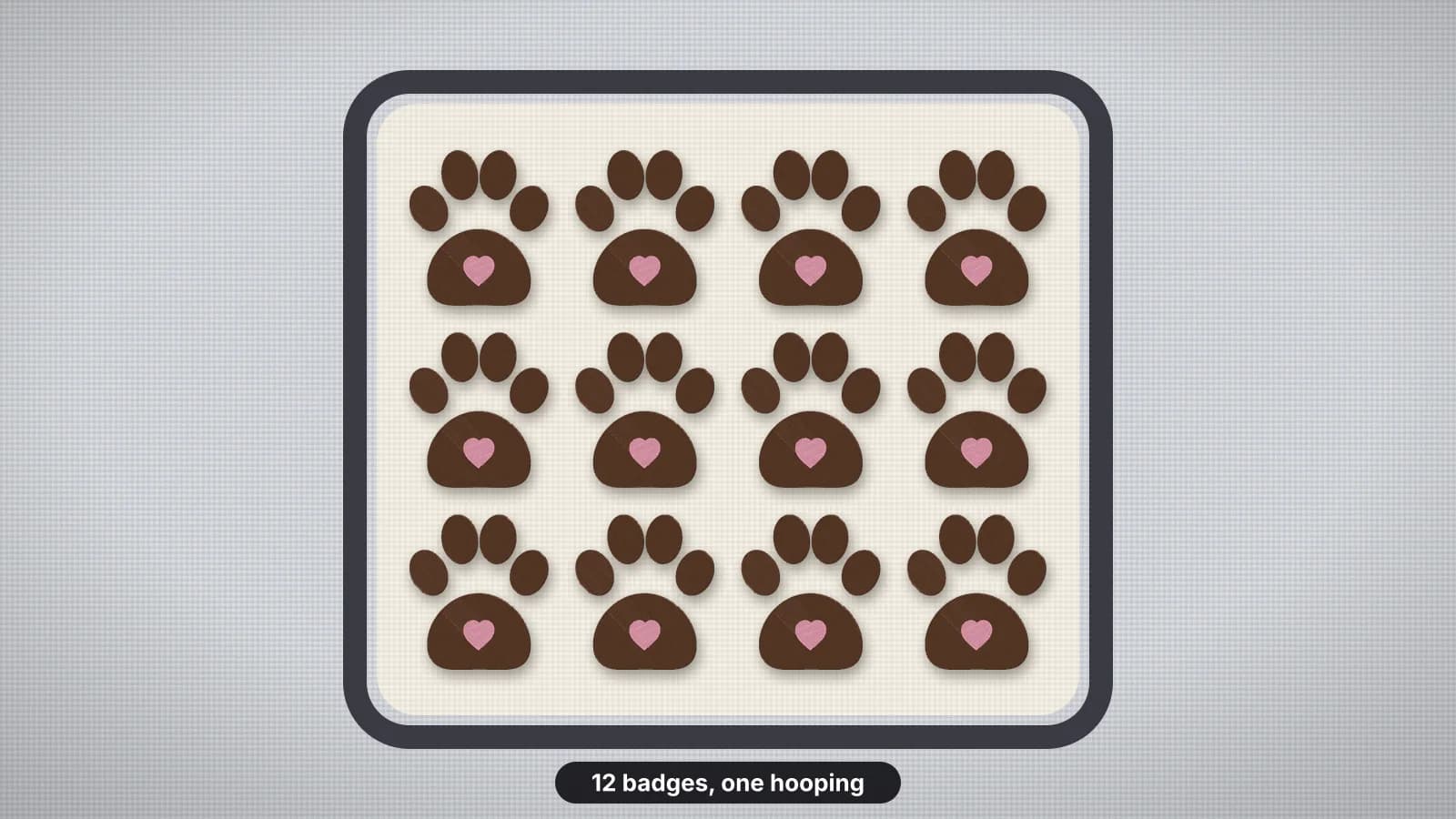 GuideHow to embroider multiple items in one hoopWhat gang hooping suits, choosing the hoop and layout, how many pieces fit, spacing for cutting, hooping one sheet or floating pieces, sewing color by color or piece by piece, trims and the time it saves.Read the guide
 GuideHow to make an embroidered patchMaterials, design rules, sizes and finishing steps for sew-on and iron-on embroidered patches.Read the guide
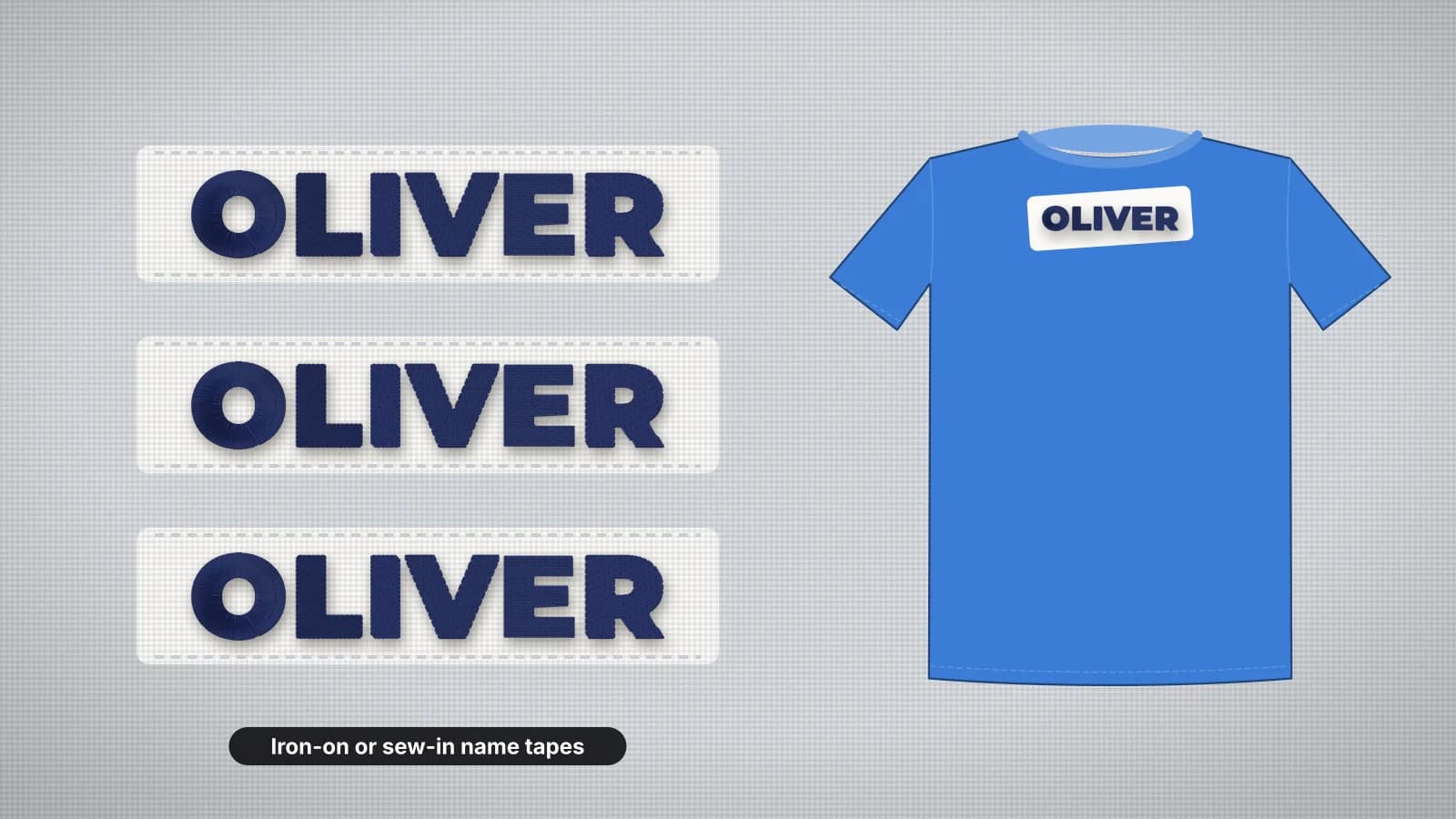 GuideHow to embroider school name labelsLabel tape, patches or stitching straight on, sizes for clothes and bags, fonts that read small, stitching names on tape, batching one name or a whole class, labels that survive the wash and making the files.Read the guide
 Free previewEmbroidery file converterConvert PES, DST, JEF, EXP, VP3 and XXX files to any other machine format.Open
 Free toolEmbroidery file viewerOpen DST, PES, JEF and more in your browser: stitch preview, colors, size and stitch count.Open
 Free previewText to embroidery fileType a name or monogram, pick a font and download a ready-to-sew lettering file.Open
Need the design first?
Digitize your patch or label artwork, then fill a hoop with it here.