Search for free embroidery digitizing and you'll find open-source software, free trials, free tiers and sites that charge only when you download. They're all free in a different way, and the difference matters once you have a file you want to sew.
This guide sorts out what each option gives you without paying, what it costs to go further and how to get the most from the free parts. Facts about other products come from the free embroidery digitizing software comparison, which cites the vendors' own sites and was checked in October 2026.
What free means in embroidery digitizing
| Kind of free | What you get | Examples |
|---|---|---|
| A free account | Auto-digitizing, previews and saved designs with no time limit; downloads of your own designs on a plan | Embrizo |
| Open source | The whole program with no limits, but you set up the stitches yourself | Ink/Stitch |
| A free trial or demo | Full or limited software for a set number of days | Hatch, Wilcom EmbroideryStudio, BERNINA, Chroma, Embird, SewArt |
| A free app tier | Basic tools, with image-to-embroidery in the paid tier | Brother Artspira |
| Free designs | Ready-made files rather than digitizing | The Embrizo free design library |
Trials end, and free tiers often leave out the feature you came for. Before you start, check what happens to your work when the free part stops: whether you can keep the designs, open them later and still sew them.
What a free Embrizo account does
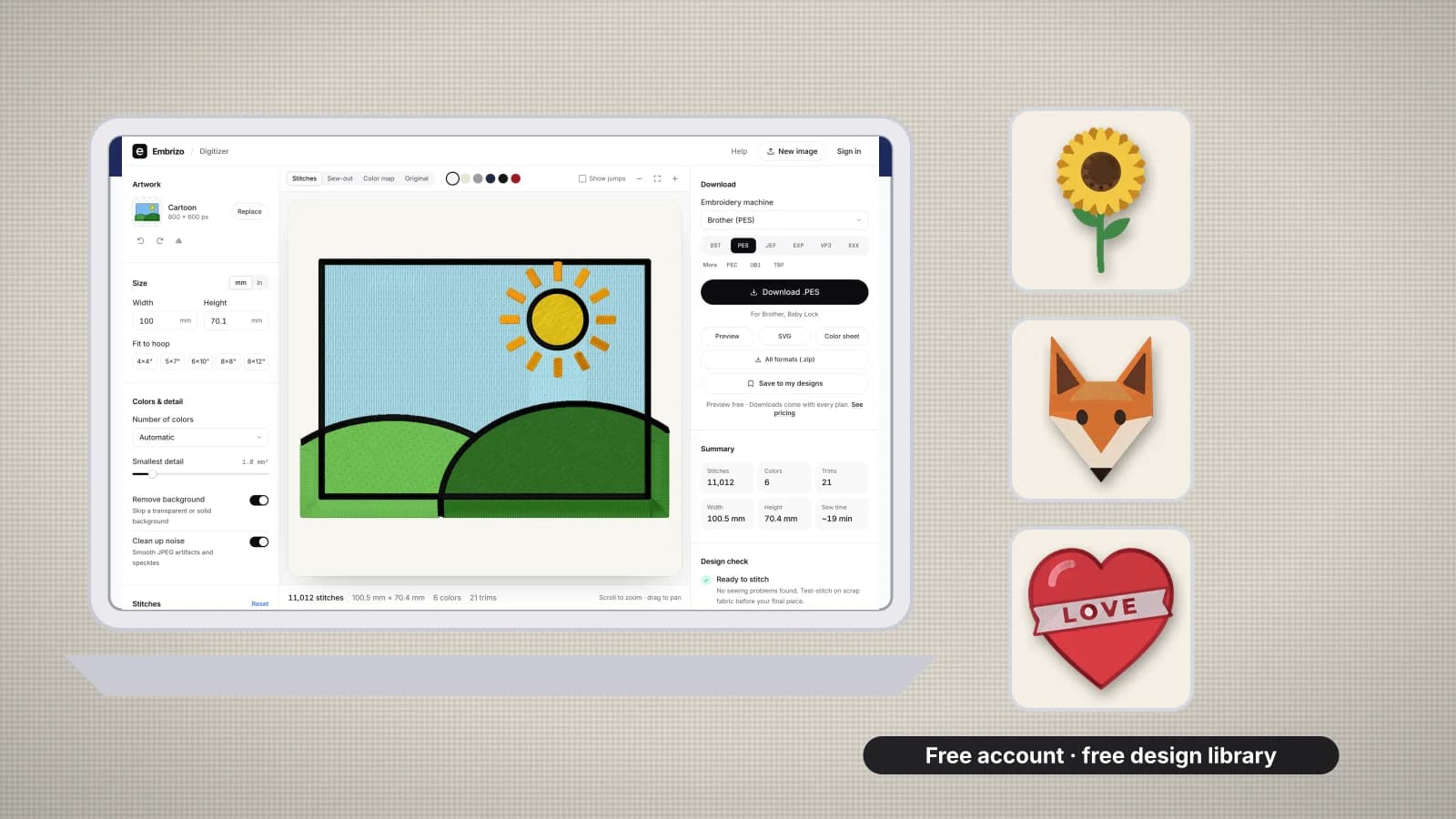
- Auto-digitizes your image. Upload a PNG, JPG, WebP or SVG to the digitizer and it separates the colors, chooses satin, fill or running stitch for each shape, and adds underlay and pull compensation for the fabric you pick.
- Lets you change everything. Size, number of colors, stitch type per color, fill and satin density, underlay, pull compensation, rotation and mirroring.
- Shows you the result. A realistic stitch preview on your fabric color, a sew-out you can play, the stitch count, colors, trims and sew time, and a design check.
- Saves your designs to My designs automatically, so you can come back and change them.
- Opens the free design library. The free embroidery designs download in every machine format at no cost with the account.
Downloading the stitch files of your own designs needs a plan. A plan counts each design once a month however many formats you take, so the same design in PES and DST counts once. Your image is processed on your own device, in the browser, rather than uploaded.
Try it with your own design
Sign up free, upload an image and get a stitch preview in under a minute.
Drop your image here
PNG, JPG, SVG, PDF or AI · stays on your device
Not sure what to expect? See real examples or how it works.
Ink/Stitch: free and open source, but manual
Ink/Stitch is a free, open-source extension for the Inkscape vector editor, released under the GPL-3.0 license, for Windows, macOS 12 and later, and Linux. It has no limits or watermarks and writes many machine formats.
- You install Inkscape first, then the extension.
- It works from vector paths. A photo or PNG is traced with Inkscape's Trace Bitmap and cleaned up before it can be stitched.
- You choose the stitches. Stitch type and settings are set path by path, so you need to know what satin, fill, underlay and pull compensation should be for each shape.
It suits people who enjoy vector drawing and want full control, and it's the choice if you need specialist output such as G-code. If you'd rather an image became stitches in seconds, with underlay and fill angles chosen for you, an auto-digitizer is the quicker route; auto-digitizing vs manual digitizing compares the two approaches.
Free trials of desktop digitizing software
| Software | Free trial or demo | Good to know |
|---|---|---|
| Hatch Embroidery | 30-day free trial of every level | Windows 11 only; auto-digitizing is in the Composer and Digitizer levels |
| BERNINA Embroidery Software | 30-day free trial, without CorelDRAW | Windows 10 or 11 (64-bit); auto-digitizing in both levels |
| Wilcom EmbroideryStudio | 14-day free trial | Windows 11 (64-bit) with 16 GB RAM; the trial doesn't run on a Mac or in a virtual machine |
| Ricoma Chroma | A free trial; check Ricoma for the length | Windows and macOS, with an internet connection |
| Embird | Demo for 30 days or 100 runs, whichever comes first | Windows; the Digitizing Tools demo can't save designs |
| SewArt | 30-day demo | Windows; saved files are limited to 3 colors |
Brother's Artspira app has a free version for iPhone, iPad and Android. Its Image to Embroidery feature is in Artspira+, which offers a 30-day free trial to new US subscribers, and Brother says Artspira designs can't be saved to a USB stick.
Start a trial when you have time to use it, with your test images ready, and check before you begin whether the trial can save files you can keep.
Which free option suits you
| You want to | Best free option |
|---|---|
| Turn a logo, drawing or clip art into stitches quickly, on any computer | Embrizo's free account: auto-digitizing, previews and saved designs, then a plan to download |
| Draw every path yourself and never pay | Ink/Stitch |
| Try professional desktop software before buying | A Hatch, BERNINA or Wilcom trial |
| Design on a phone for a Brother wireless machine | Artspira's free version |
| Sew something today without digitizing at all | The free design library |
The free embroidery digitizing software comparison goes through each option in more detail, and the best embroidery software for beginners list helps if you're just starting out.
Free tools that make any file better
Clean artwork matters as much as the software. These Embrizo tools are free to use with any digitizer:
- [Embroidery image checker](/tools/embroidery-image-checker): flags fine detail, too many colors and low resolution before you digitize.
- [Image color reducer](/tools/reduce-image-colors): flattens a picture to a few thread colors.
- [Logo background remover](/tools/remove-logo-background): cuts a logo out of a white or solid background.
- [Embroidery file viewer](/tools/embroidery-file-viewer) and [file checker](/tools/embroidery-file-checker): open and score DST, PES, JEF and other stitch files.
- [Stitch count calculator](/tools/stitch-count-calculator): estimates stitches and sew time for a size before you start.
Practice on a free design
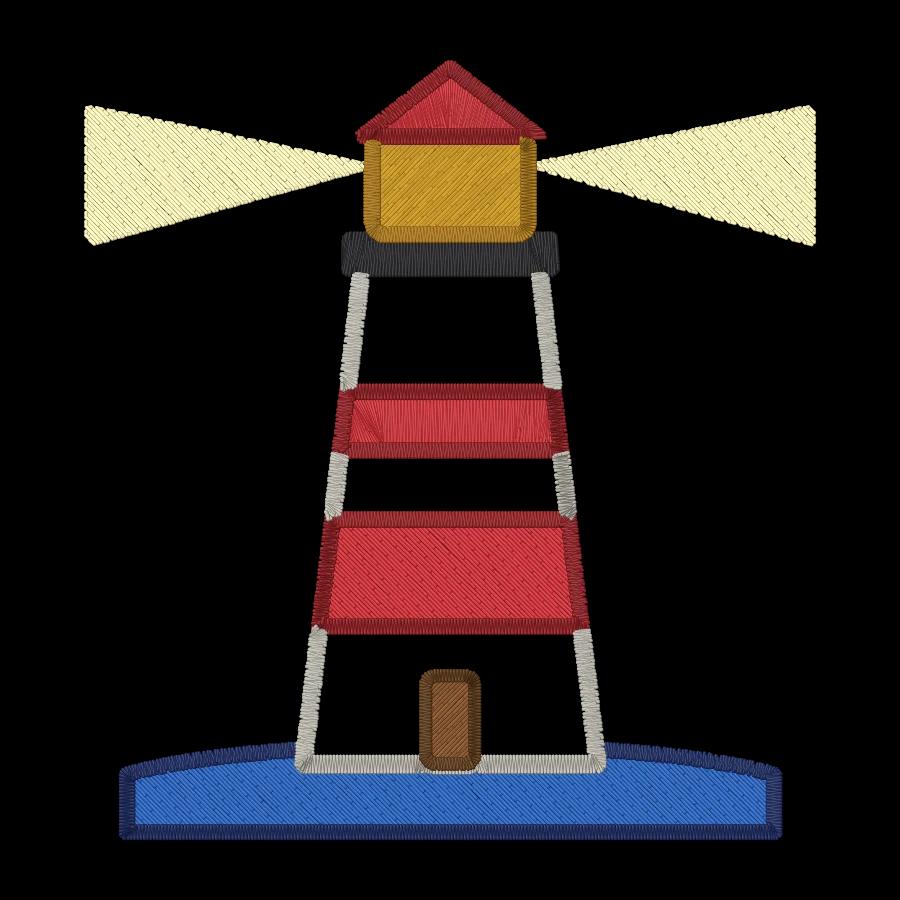
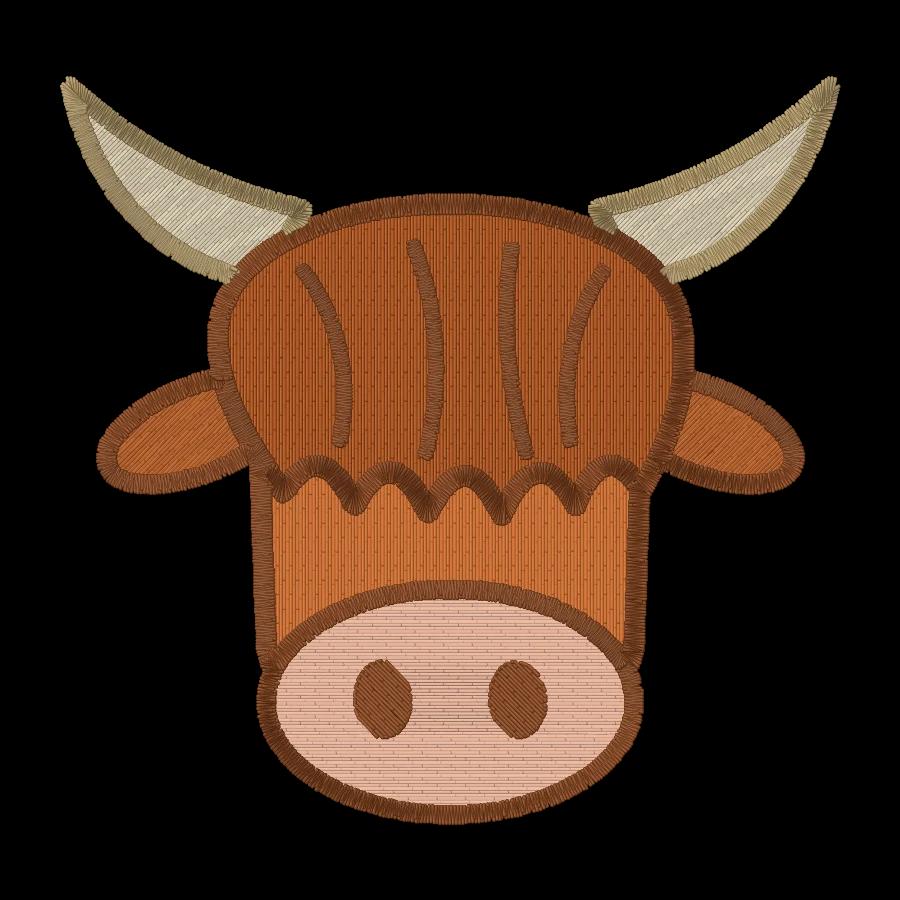
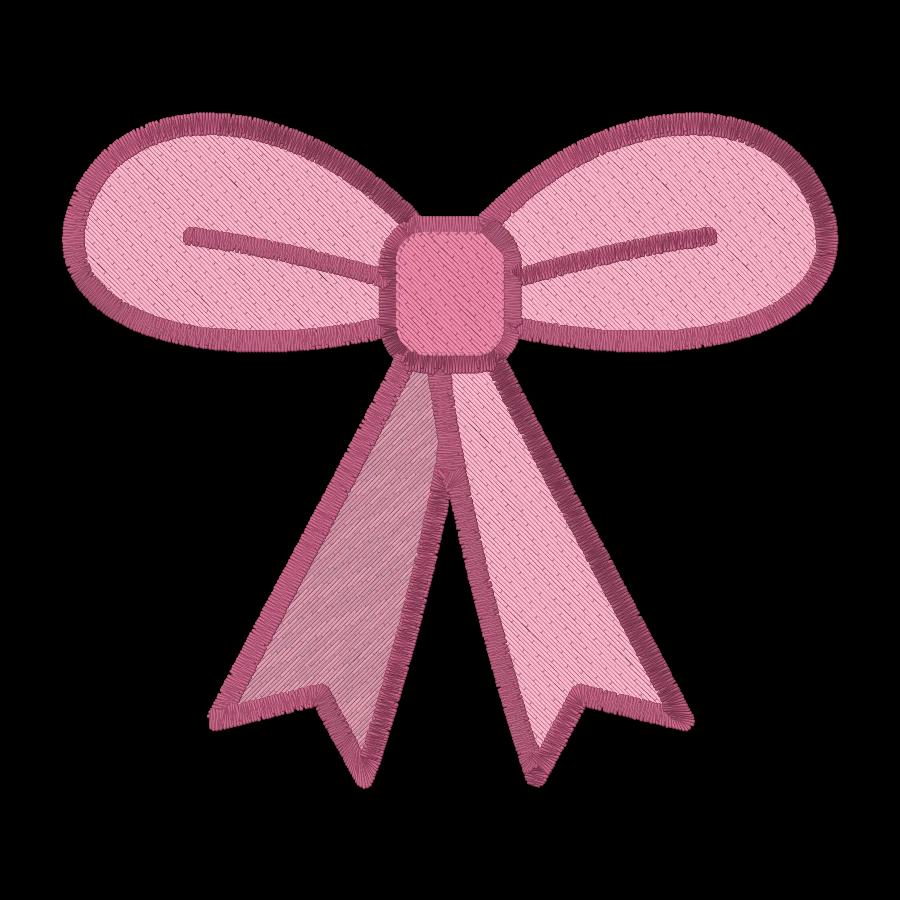
167 ready-to-sew designs in every machine format, free with an account.
Getting a good file on a budget
- Start from the cleanest artwork you have: an SVG, or a PNG at least 1,000 pixels across, with flat colors.
- Digitize at the size you'll stitch, with the fabric preset for your item.
- Use the preview and the design check to fix problems before you pay for anything.
- Practice hooping, stabilizer and thread changes on a free design in your machine's format.
- When the preview looks right, download your machine's format with a plan and test-stitch on scrap first.
How to prepare an image for embroidery digitizing covers the artwork in more depth.


