Thread colors matched for you
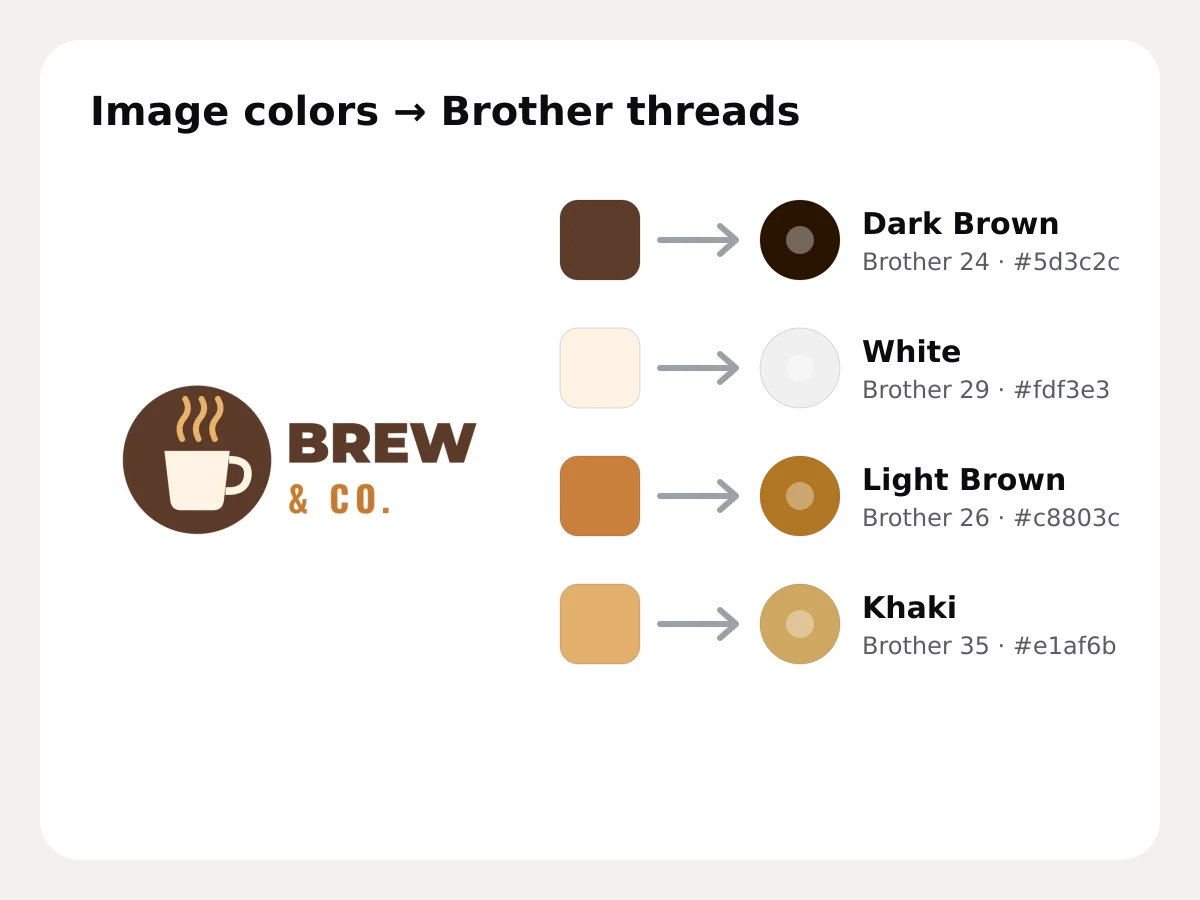
The digitizer separates your image into thread colors and matches each one to the closest thread in the Brother or Janome chart, with its name and number, so you know which spool to load before you stitch.
- Free stitch preview
- 9 machine formats
- Runs in your browser
- Brother embroidery thread colors
- 61
- Brother embroidery thread colors
- Janome thread colors
- 78
- Janome thread colors
- How color difference is measured
- CIEDE2000
- How color difference is measured
- Thread can be swapped by hand
- Any
- Thread can be swapped by hand
The closest real thread for each color
Each color is compared with every thread in the chart using CIEDE2000, a measure of how different two colors look to the eye, and the closest thread wins. Choose the Brother or Janome chart, or keep the image's exact colors.
- Brother (61) and Janome (78) charts
- Thread name and number for each color
- Exact image colors when you prefer

Swap threads, merge or switch off colors
Pick a different thread for any color from the list, merge a color into another to save a thread change, or switch a color off so it isn't stitched. The stitches update right away.
- Swap threads from the chart
- Merge similar colors
- Lower the number of colors for fewer stops
Free account · No credit card needed
Colors your machine can read
Formats that store thread colors, like PES, JEF and VP3, carry your colors into the machine. DST stores no colors, so the machine shows its own until you set them; the color list and the run sheet give you the order.
- Color order shown before you download
- A printable run sheet with every color
- Codes converted between brands with the thread chart tool
Try it on your own design
Drop a logo, drawing or lettering here and see it stitched, with every setting on this page applied, in about a minute.
Drop your image here
PNG, JPG, SVG, PDF or AI · stays on your device
Free tools for this
- Free toolImage to thread colorsThe thread colors a picture would stitch with, matched to Brother and Janome threads with codes.Open
- Free toolThread color chart & matcherBrother and Janome thread charts with codes, plus a color matcher between brands.Open
- Free toolThread color palette generatorBuild a color palette from a color or theme and get matching Brother and Janome thread codes.Open
Free account
See your own design stitched
Create a free account to digitize any image, try every setting and watch it sew. Choose a plan only when you want to download files.
- Digitize and preview any image
- Realistic stitch preview and sew-out
- Download free ready-made designs
- No credit card needed



Thread color matching: questions
The quickest way to see what it does with your artwork is to try it. With a free account, digitizing and previewing cost nothing and take about a minute.
Which thread brands does Embrizo match?
The Brother and Janome embroidery thread charts are built in, or you can keep the image's exact colors. To find the matching number in Madeira, Isacord, Sulky or another brand, use the free thread color chart tool.
How does automatic thread color matching work?
Each color in your image is compared with every thread in the chart using the CIEDE2000 color difference, which follows how people see color, and the closest thread is chosen. You can change any of them by hand.
Do embroidery files keep thread colors?
PES, JEF, VP3 and some other formats store thread colors. DST doesn't, so your machine shows default colors; follow the color order from the digitizer or the run sheet.
How do I use fewer thread colors?
Lower the number of colors before digitizing, merge similar colors in the color list, or switch a color off. Each color you remove saves a thread change on a single-needle machine.
Guides on this
 7 min readEmbroidery thread color matchingMatching thread to brand colors and between thread brands: why thread differs from the screen, hex and Pantone values, the Brother and Janome charts, ΔE, lighting and keeping reorders consistent.Read the guide
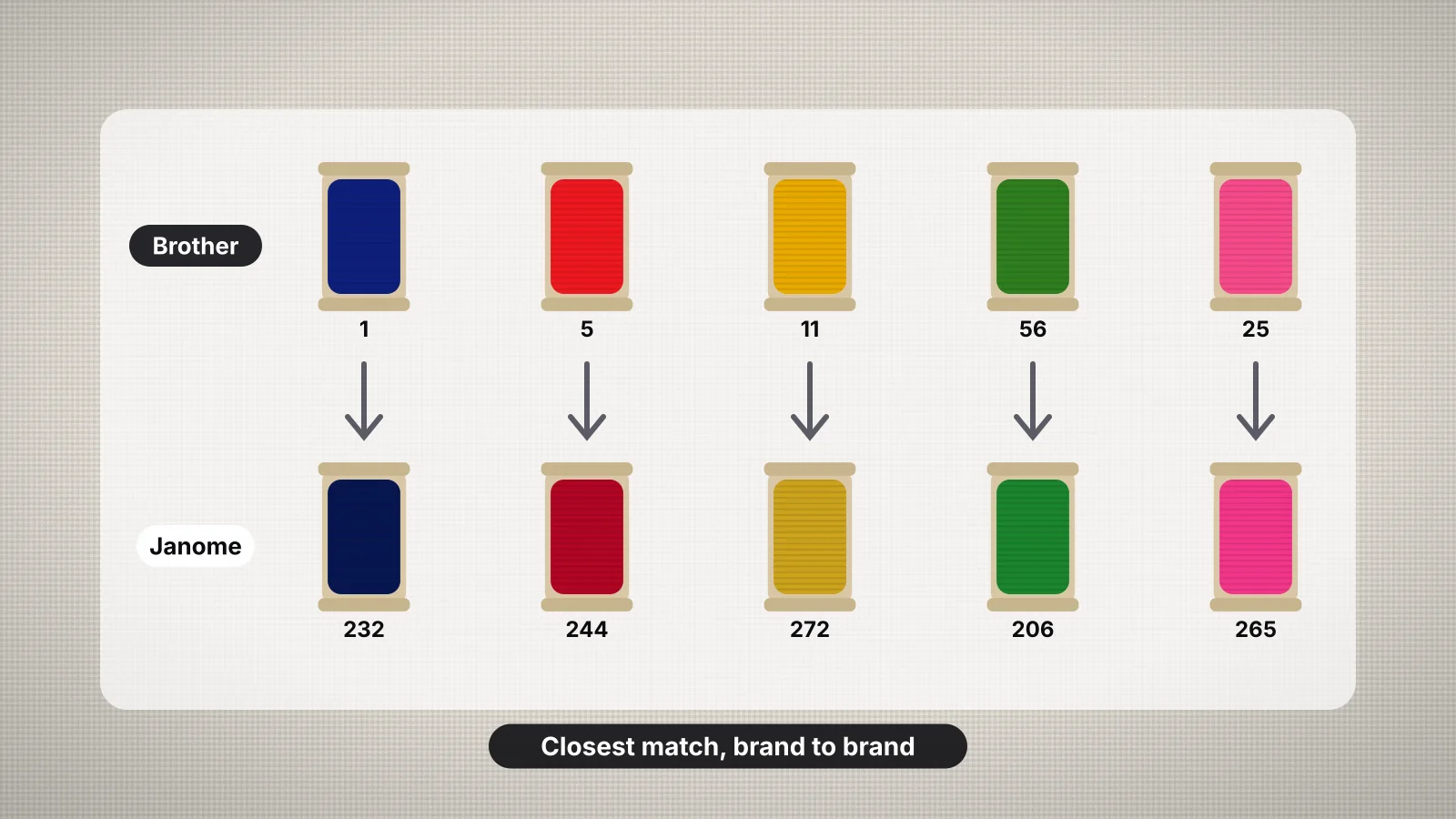 8 min readHow to convert embroidery thread colors between brandsWhy thread brands number colors differently, how conversion charts find the nearest shade, the main brands, converting a design step by step, matching by eye or by chart, physical color cards, the tools that speed it up and how file formats store colors.Read the guide
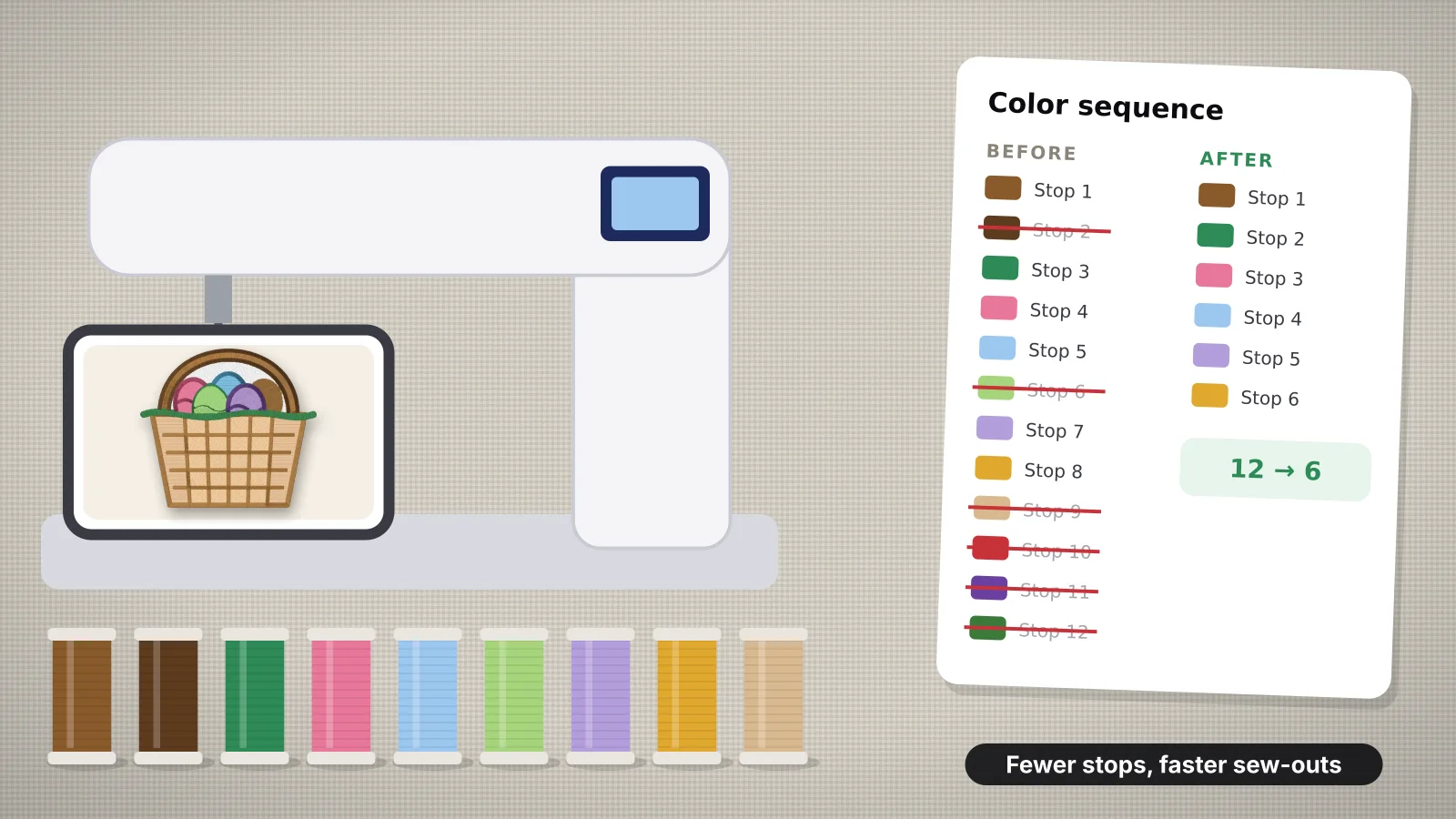 11 min readHow to reduce color changes in machine embroideryWhy every color change costs time on a single-needle machine; counting stops rather than colors; a table of tricks and the stops each one saves; simplifying artwork, merging shades and one thread for outlines and text; when two shades are worth keeping; batching orders by color; when a multi-needle machine pays off; and how to do each in Embrizo.Read the guide
 8 min readEmbroidery thread color combinations that workChoosing thread for the fabric color, how many colors to use, value contrast for small text, 14 palettes with Brother thread names by theme, matching brand colors, checking a palette before you stitch, and common color mistakes.Read the guide
Your design, ready to stitch
Sign up free, upload an image and see it stitched in under a minute. Your image stays on your device.