Satin stitch digitizing for lettering, borders and outlines
Embrizo turns narrow shapes into smooth satin columns that follow every curve, with underlay and pull compensation for your fabric. Want a wide shape in satin too? Choose Satin and its long stitches are split so they lie flat.
- Free stitch preview
- 9 machine formats
- Runs in your browser
- Widest shape Auto sews in satin
- 6.5 mm
- Widest shape Auto sews in satin
- Longest piece of a split satin stitch
- 7 mm
- Longest piece of a split satin stitch
- Satin spacing on woven fabric
- 0.4 mm
- Satin spacing on woven fabric
- Thinner lines sew as running stitch
- 0.75 mm
- Thinner lines sew as running stitch
Satin where it looks best, automatically
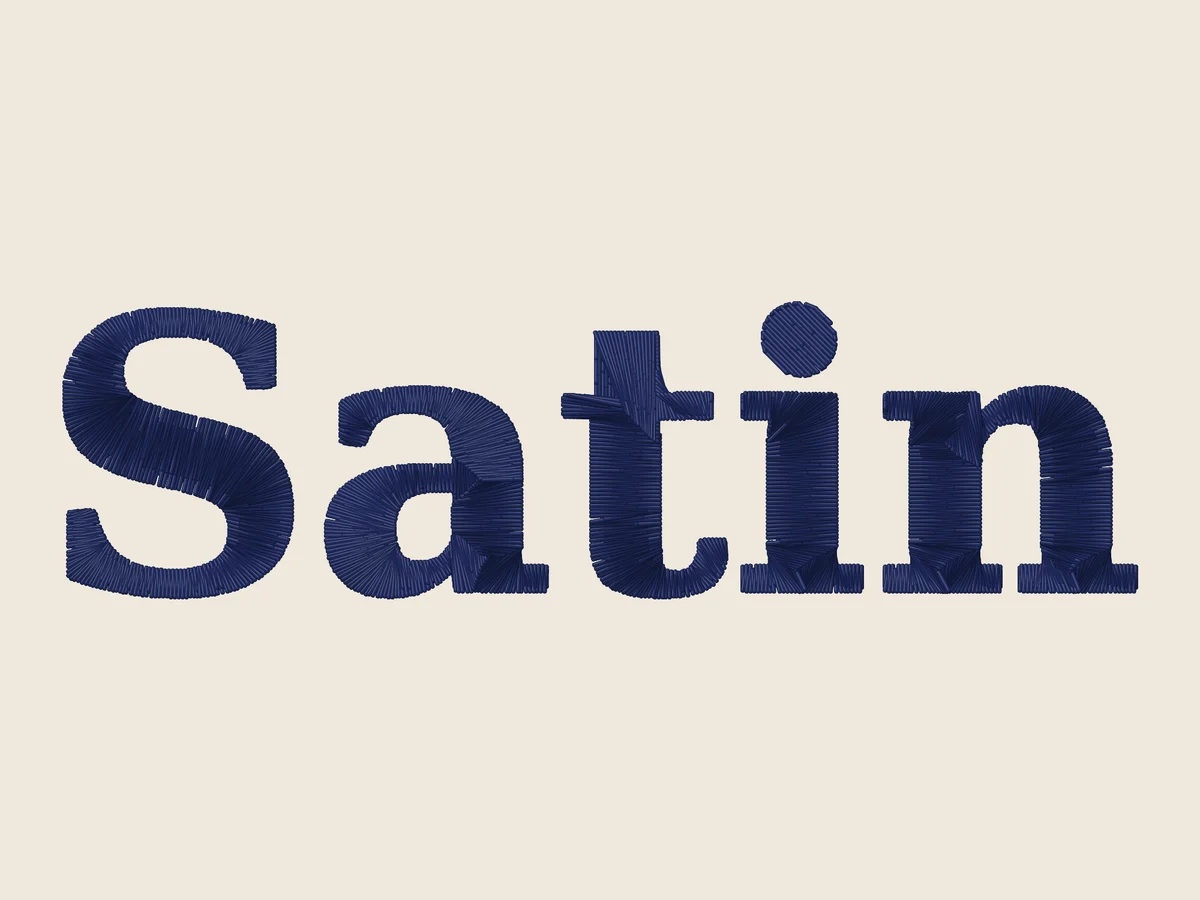
Auto mode measures every shape at the size you stitch. Lettering, borders and outlines up to 6.5 mm wide become satin columns that turn with the shape; wider areas become tatami fill and hairlines become running stitch.
- Columns follow curves, corners and serifs
- Short stitches on tight curves stop the inside from piling up
- Edge-run and zigzag underlay under wider columns
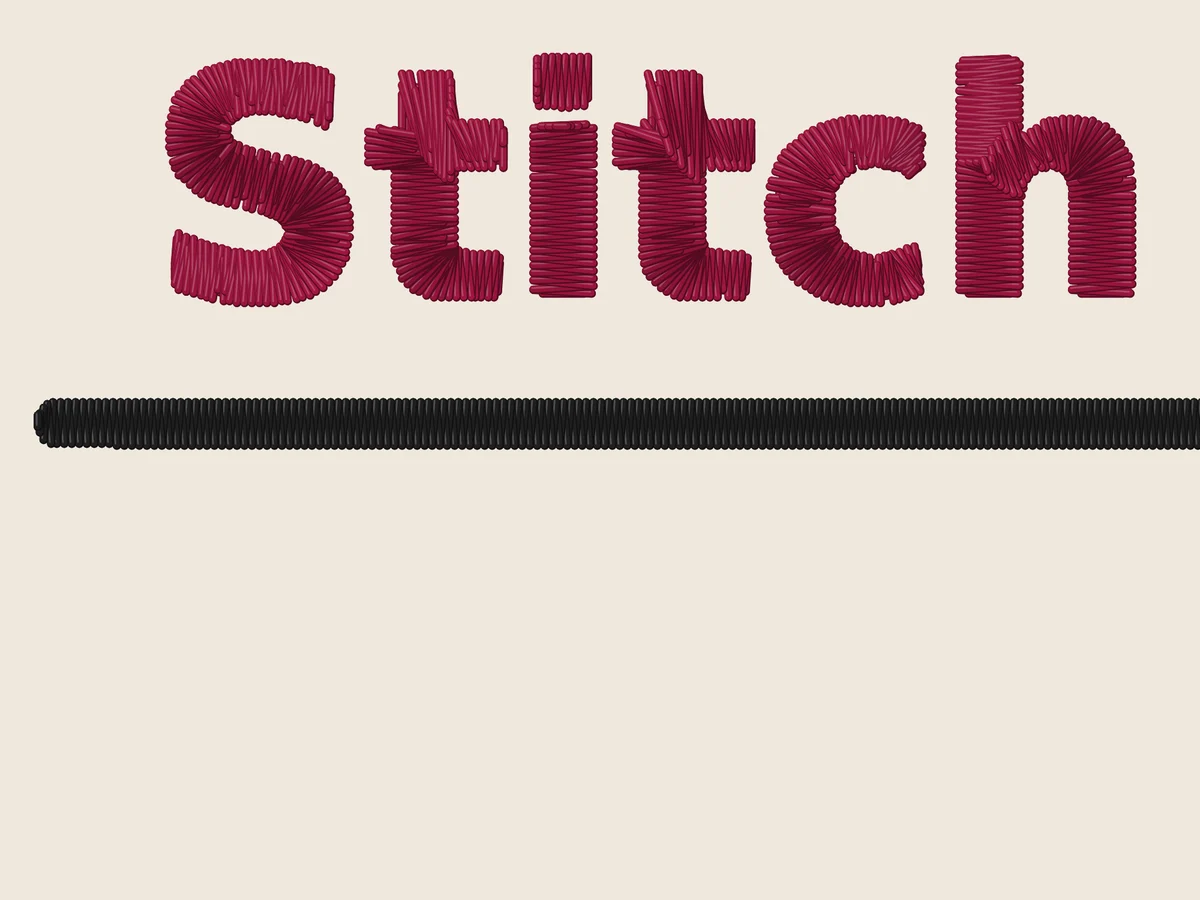
Satin on any shape, when you ask for it
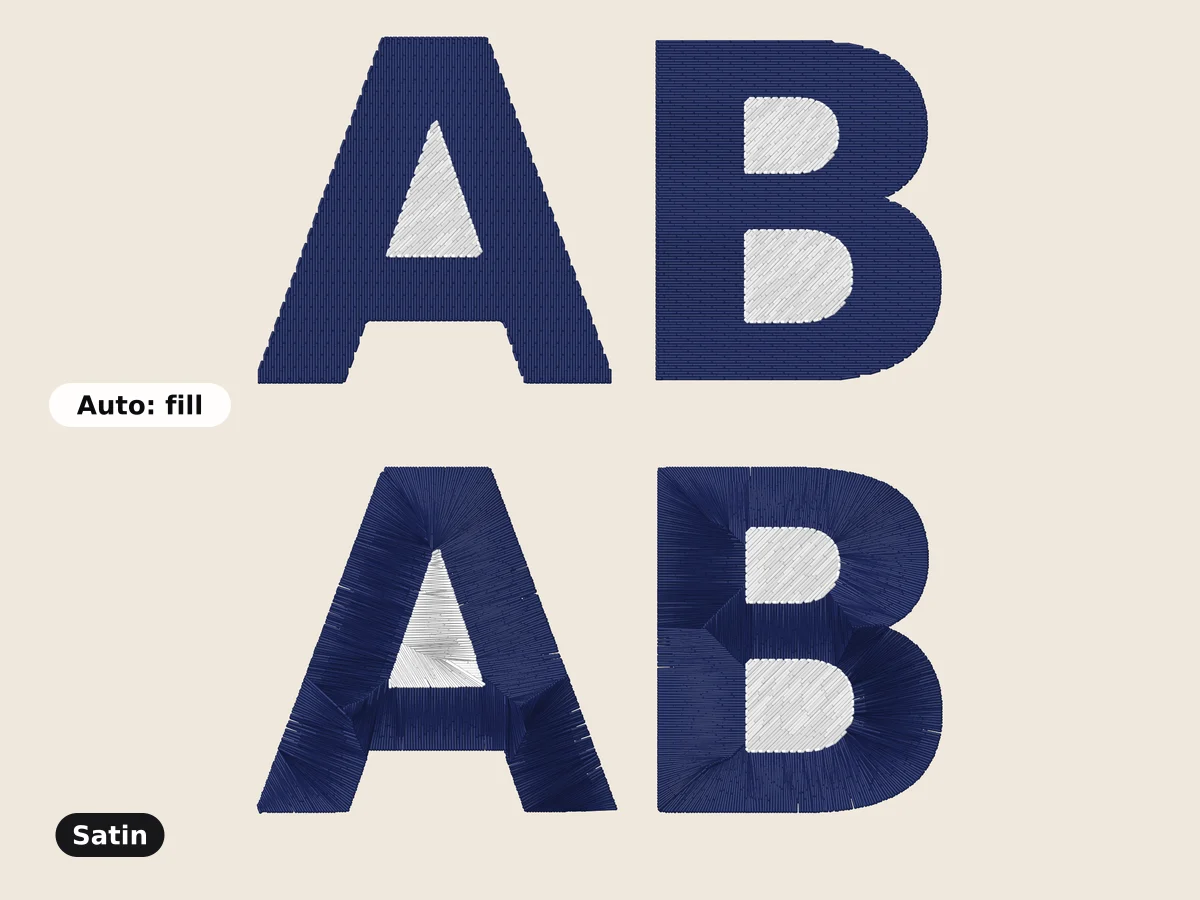
Set any color to Satin in the color list. Shapes wider than a normal column still come out in satin: the column covers the full width, and every stitch longer than 7 mm is split into shorter pieces at points that shift from stitch to stitch, so no lines form. Round shapes are sewn as split satin straight across.
- No piece longer than 7 mm, so nothing snags
- Split points scattered, not in rows
- The color list shows Satin or Split satin before you download
Free account · No credit card needed
Lies flat on every fabric
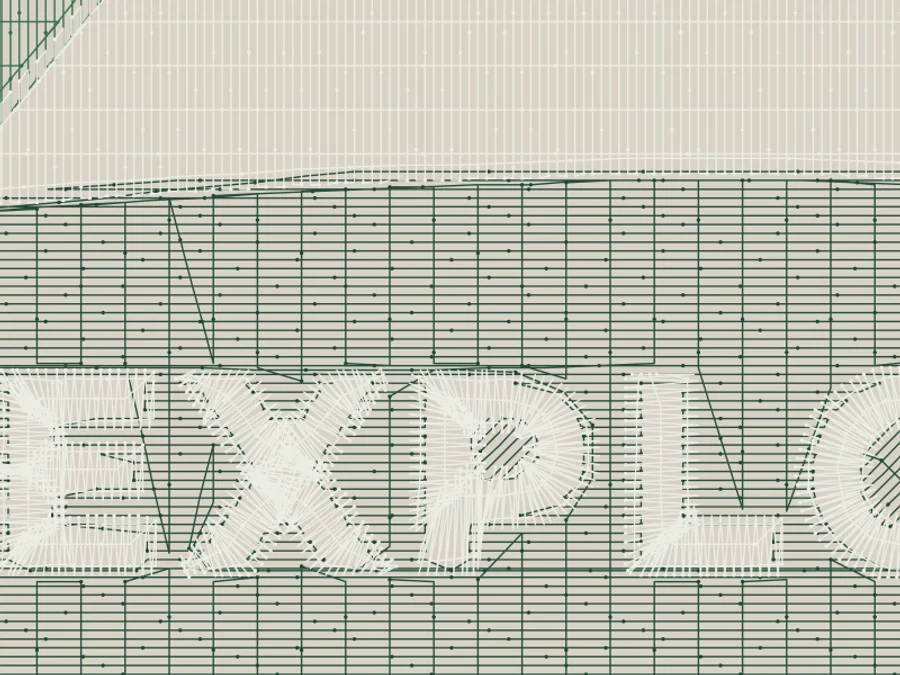
Satin pulls the fabric in across its width. Embrizo widens each column by the pull compensation for your fabric and sews underlay first, so the edges stay crisp on knits, fleece and twill.
- Pull compensation from 0.1 mm on leather to 0.35 mm on stretch fabric, per side
- Heavier underlay on knits and fleece
- Satin spacing from 0.38 to 0.5 mm by fabric
Satin, split satin or fill?
| Satin | Split satin | Fill | |
|---|---|---|---|
| Best for | Lettering, borders, outlines | Wide shapes you want glossy | Large areas |
| Width | 0.75 to 6.5 mm on Auto | Wider than a normal column | Any width |
| Look | Smooth and shiny | Shiny, with scattered splits | Flat and textured |
| How to get it | Auto or Satin | Satin on a wide shape | Auto or Fill |
Try it on your own design
Drop a logo, drawing or lettering here and see it stitched, with every setting on this page applied, in about a minute.
Drop your image here
PNG, JPG, SVG, PDF or AI · stays on your device
Free tools for this
- Free previewText to embroidery fileType a name or monogram, pick a font and download a ready-to-sew lettering file.Open
- Free previewMonogram makerDesign a classic one- or three-letter monogram and turn it into an embroidery file.Open
- Free toolLettering size calculatorSee how tall your letters will be at a given width, per font, and whether they'll sew cleanly.Open
Free account
See your own design stitched
Create a free account to digitize any image, try every setting and watch it sew. Choose a plan only when you want to download files.
- Digitize and preview any image
- Realistic stitch preview and sew-out
- Download free ready-made designs
- No credit card needed



Satin stitch digitizing: questions
The quickest way to see what it does with your artwork is to try it. With a free account, digitizing and previewing cost nothing and take about a minute.
What is satin stitch digitizing?
Satin stitch digitizing turns a shape into a column of closely spaced zigzag stitches that run from one edge to the other. It gives lettering, borders and outlines a smooth, shiny look. Embrizo does it automatically for every shape narrow enough, and for any shape you set to Satin.
How wide can satin stitches be in Embrizo?
On Auto, Embrizo uses satin for shapes up to 6.5 mm wide, a safe width for most machines and fabrics. When you choose Satin for something wider, every stitch longer than 7 mm is split into shorter pieces (split satin), so it still looks like satin without long loose threads.
Can I make my whole design satin?
Yes. Open the options for each color in the color list and pick Satin. Narrow parts become satin columns and wide parts split satin. The list shows the stitch types each color came out in before you download.
Why did a shape come out as fill instead of satin?
On Auto, shapes wider than 6.5 mm are filled, because single satin stitches that long can snag and loosen. Choose Satin for that color if you want the satin look; it will be sewn as split satin.
Guides on this
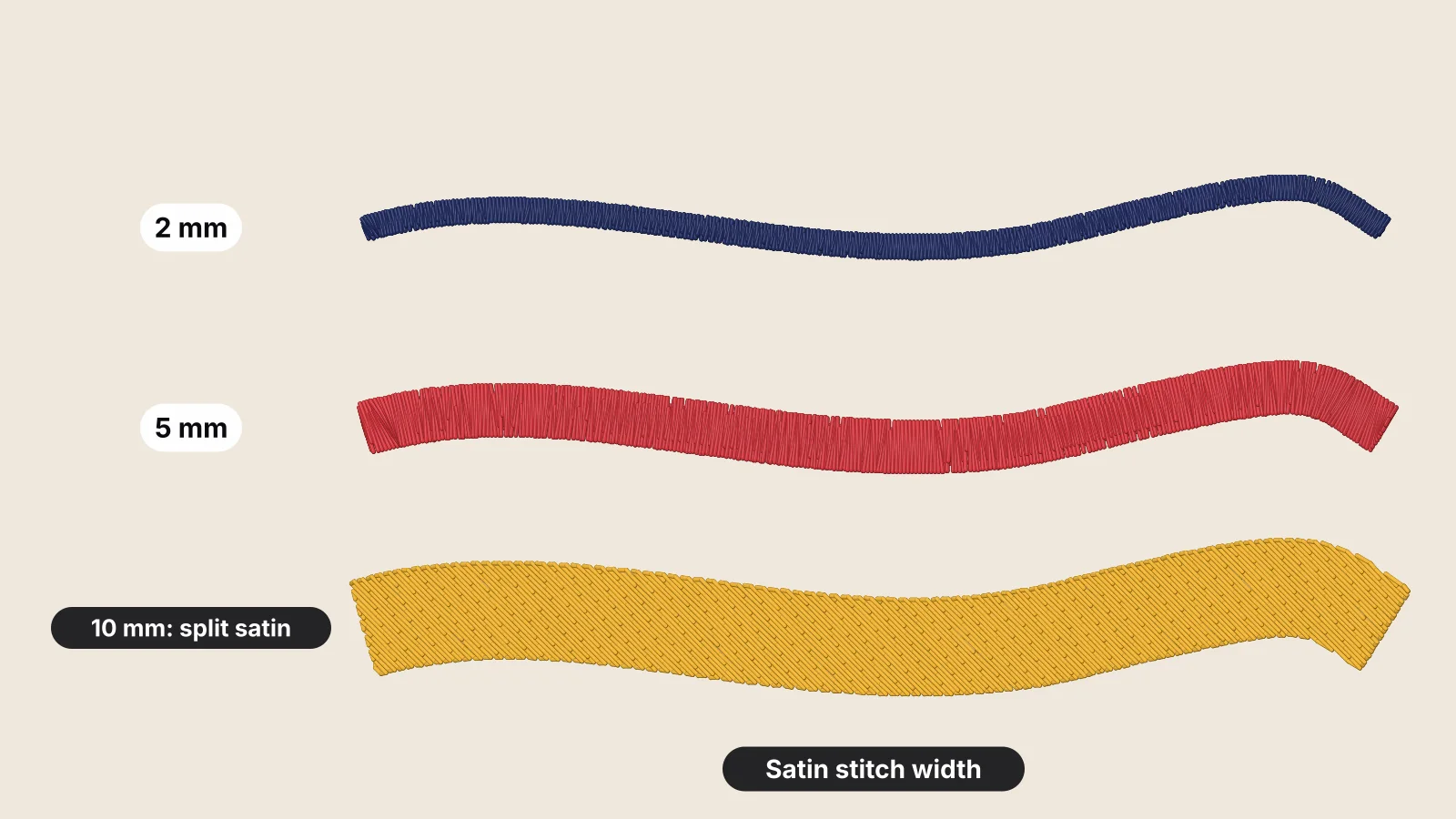 11 min readSatin stitch width: minimum, maximum and split satinThe working range of satin from about 1 mm to 7 mm in a width-to-stitch table, why narrow columns break up and long stitches snag, format limits such as DST's 12.1 mm, split satin in commercial software and against tatami, widths by fabric, stroke widths by letter height, and how Embrizo sews each case.Read the guide
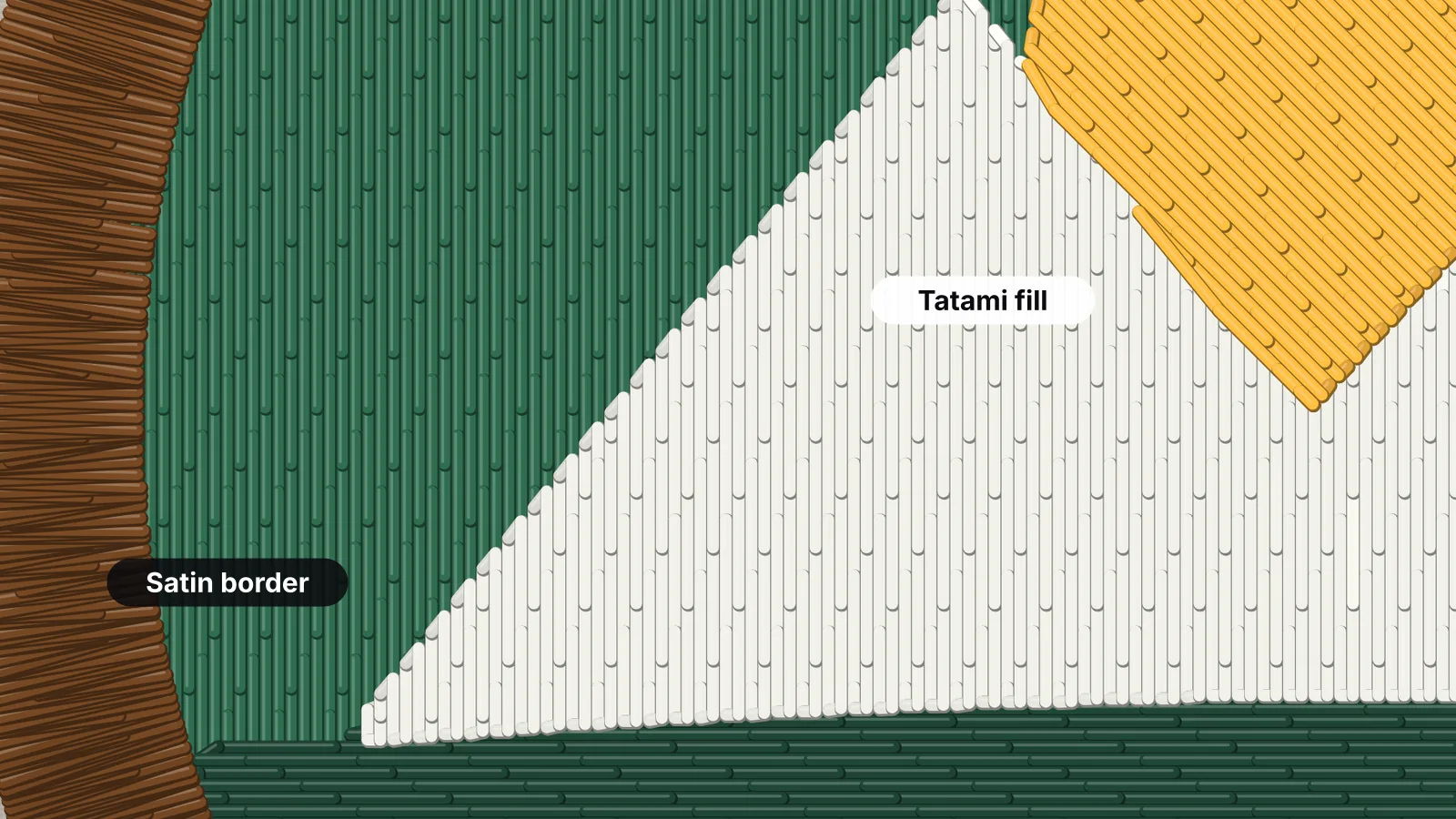 6 min readSatin stitch vs fill stitch: when to use eachHow satin, tatami fill and running stitches differ, the widths each one suits, and how to choose.Read the guide
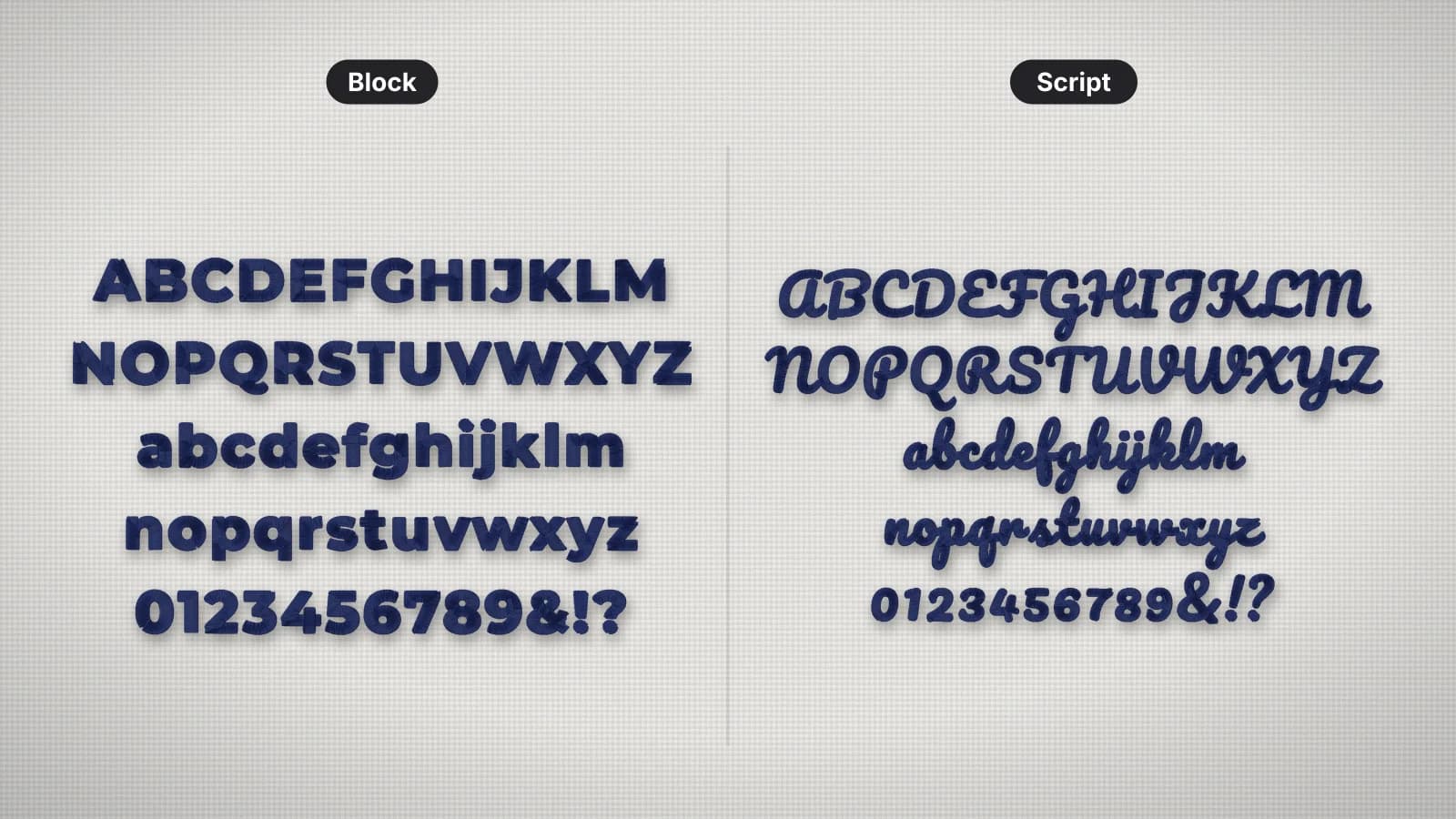 8 min readHow to digitize letteringSatin columns, the smallest size for each lettering style, spacing, underlay and pull compensation, small text on caps and textured fabric, and when to use built-in lettering, a lettering file or the whole design.Read the guide
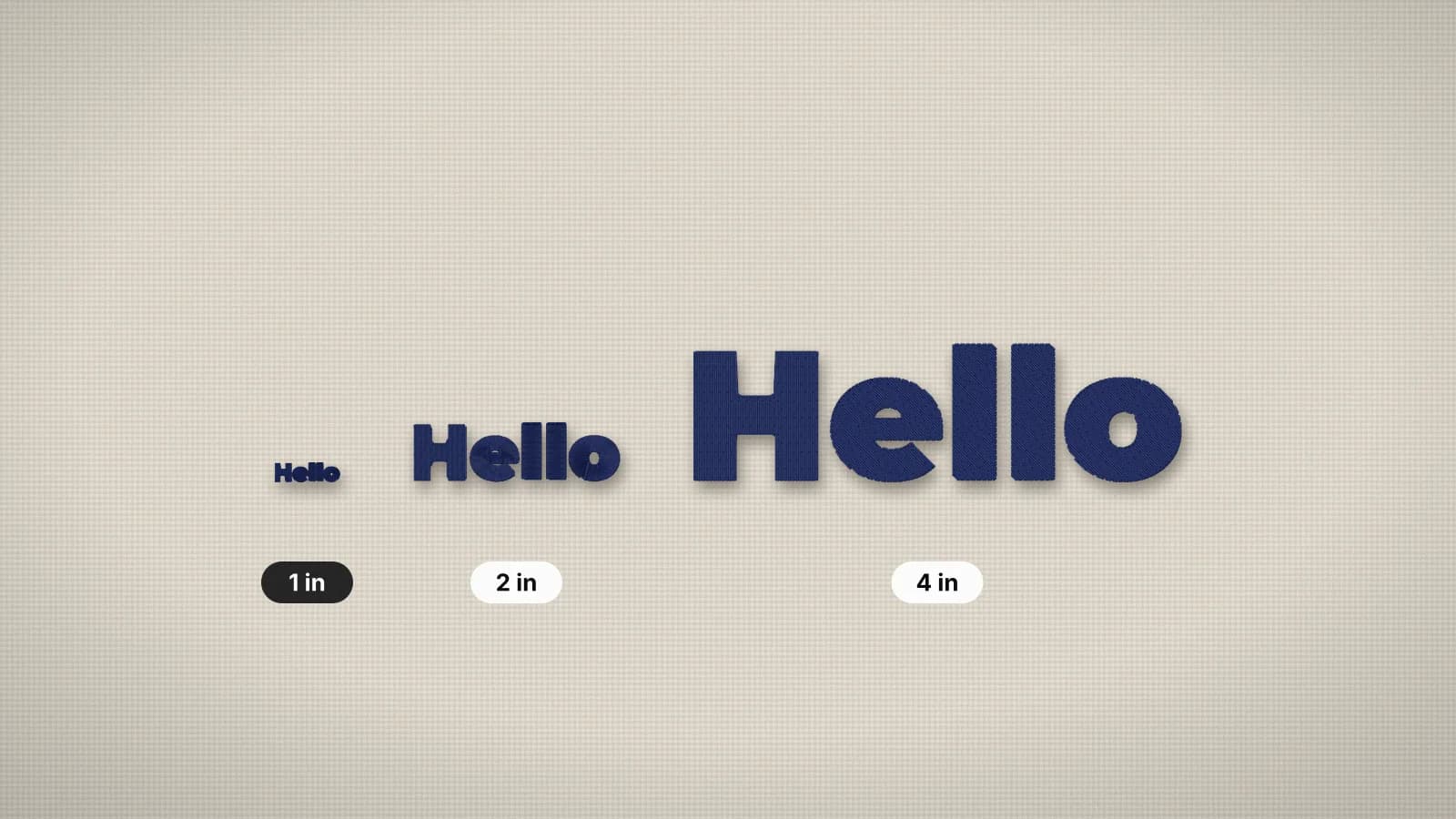 6 min readMinimum text size for embroideryHow small embroidered text can go, and how to make small lettering readable.Read the guide
Your design, ready to stitch
Sign up free, upload an image and see it stitched in under a minute. Your image stays on your device.