Thread color palette generator
Build a color palette from your brand color or a theme, get the closest Brother and Janome thread for every color, and see it stitched on a design over your fabric color.
Your brand or main color
Harmony
Fabric
Threads for this palette
| Color | Brother thread | Janome thread |
|---|---|---|
| #C0392B | Red 5 | Burnt Orange 235 |
| #D85083 | Deep Rose 25 | Crimson 265 |
| #86581E | Light Brown 26 | Cocoa Brown 257 |
| #EBCBE6 | Flesh Pink 42 | Orchid Pink 240 |
| #50511F | Dark Olive 41 | Olive Drab 268 |
Upload your artwork and the digitizer matches its colors to Brother or Janome threads.
Digitize a design- What it does
- Build a color palette from a color or theme and get matching Brother and Janome thread codes.
- Price
- Free
- Works on
- Any browser: Windows, Mac, Chromebook, iPad and phones
- Privacy
- Runs in your browser; your images and files aren't uploaded
A palette you can buy thread for
Five harmonies
Analogous, complementary, triadic, split complementary and monochrome.
26 themes
Christmas, fall, boho, nursery, team colors, jewel tones and more.
Two thread charts
The nearest Brother and Janome thread for every color, with names and codes.
Stitched preview
A real design recolored with the palette, so you see it as thread.
Fabric check
Switch between white, cream, gray, navy, black and red fabric.
Copy the list
One click copies every hex value and thread code.
Palettes that stitch well
- Keep strong light-dark contrast between colors that touch, especially for small text.
- On dark fabric, lean on light and saturated colors; on white, avoid pastels for outlines.
- Limit a cap or left chest logo to about 4 colors.
- Match brand colors on screen first, then confirm with a printed or physical thread chart.
Free account
Start digitizing in under a minute
Create a free account to digitize any image, try every setting and watch it sew. Choose a plan only when you want to download files.
- Digitize and preview any image
- Realistic stitch preview and sew-out
- Download free ready-made designs
- No credit card needed



Questions
The quickest way to see what it does with your artwork is to try it. With a free account, digitizing and previewing cost nothing and take about a minute.
How do I choose thread colors that go together?
Start from one main color, such as a brand or school color, and add colors with a harmony: analogous for calm, related colors, complementary for contrast, or monochrome for tone-on-tone. Keep 3–6 colors and include one dark and one light shade, so outlines and details stand out.
Which thread brands are matched?
Brother (the colors in Brother's embroidery thread chart) and Janome. Each color gets its closest thread by perceived color difference, and no thread is used twice in one palette.
Why preview on different fabrics?
The same thread looks different on white, black or navy. Light, pastel palettes can disappear on white, and dark palettes sink into black fabric. Check the fabric you'll sew on before buying thread.
Can I use these colors in the digitizer?
Yes. Upload your artwork and Embrizo's digitizer matches its colors to Brother or Janome threads automatically; you can change any thread before saving the file.
How many thread colors should a design have?
For a left chest or cap logo, 2–5 colors stitch fastest and read best. Larger designs can use 6–10. Each color is a thread change, so fewer colors also means a quicker sew-out.
Is the palette generator free?
Yes. Make and copy as many palettes as you like.
More tools
Keep going
 GuideEmbroidery thread color combinations that workChoosing thread for the fabric color, how many colors to use, value contrast for small text, 14 palettes with Brother thread names by theme, matching brand colors, checking a palette before you stitch, and common color mistakes.Read the guide
 GuideEmbroidery thread color matchingMatching thread to brand colors and between thread brands: why thread differs from the screen, hex and Pantone values, the Brother and Janome charts, ΔE, lighting and keeping reorders consistent.Read the guide
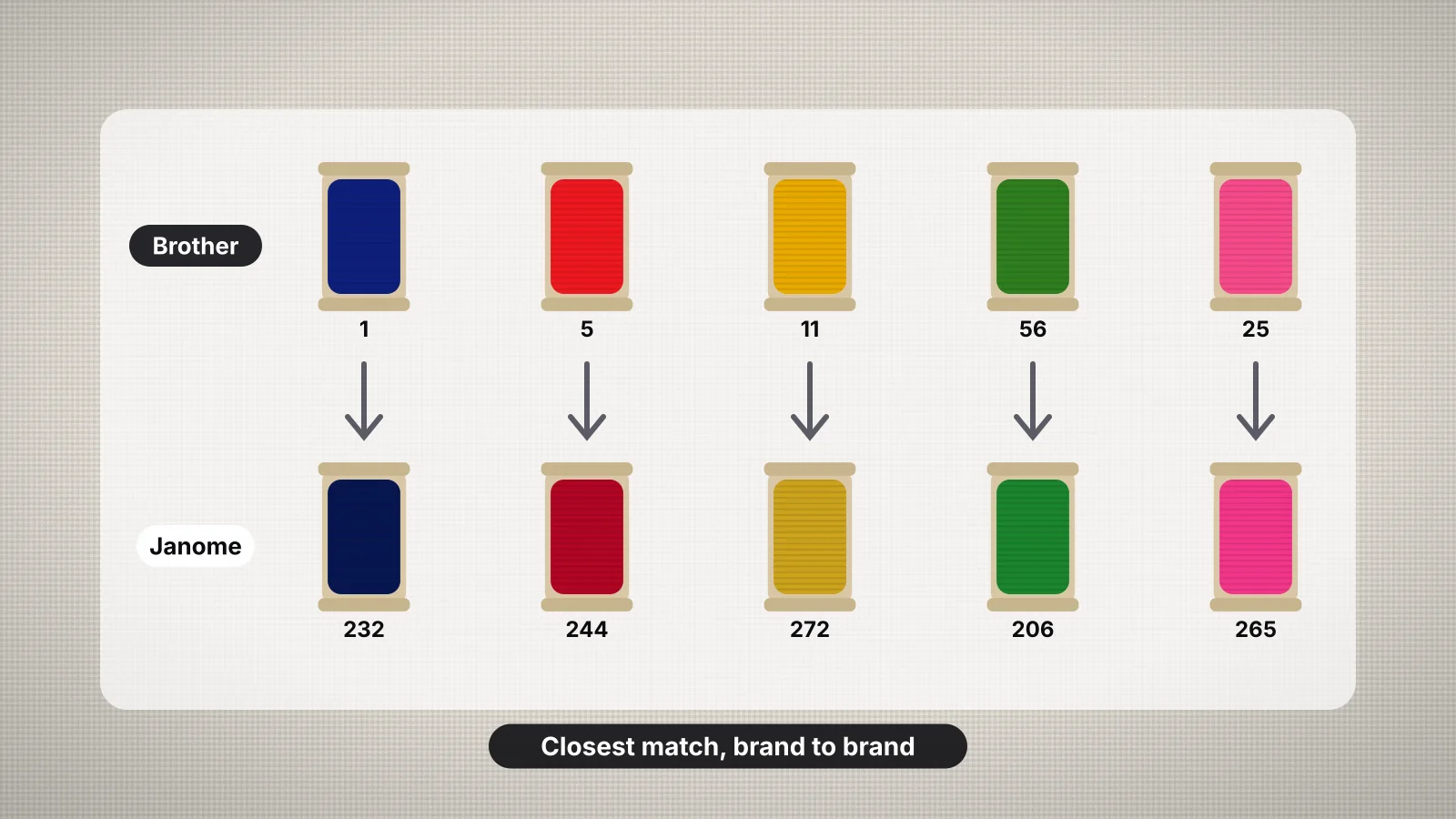 GuideHow to convert embroidery thread colors between brandsWhy thread brands number colors differently, how conversion charts find the nearest shade, the main brands, converting a design step by step, matching by eye or by chart, physical color cards, the tools that speed it up and how file formats store colors.Read the guide
 GuideEmbroidery thread guide: types, weights and how much to buyThe main machine embroidery threads, what thread weight means, bobbin thread, spool sizes and how to estimate how much thread a design uses.Read the guide
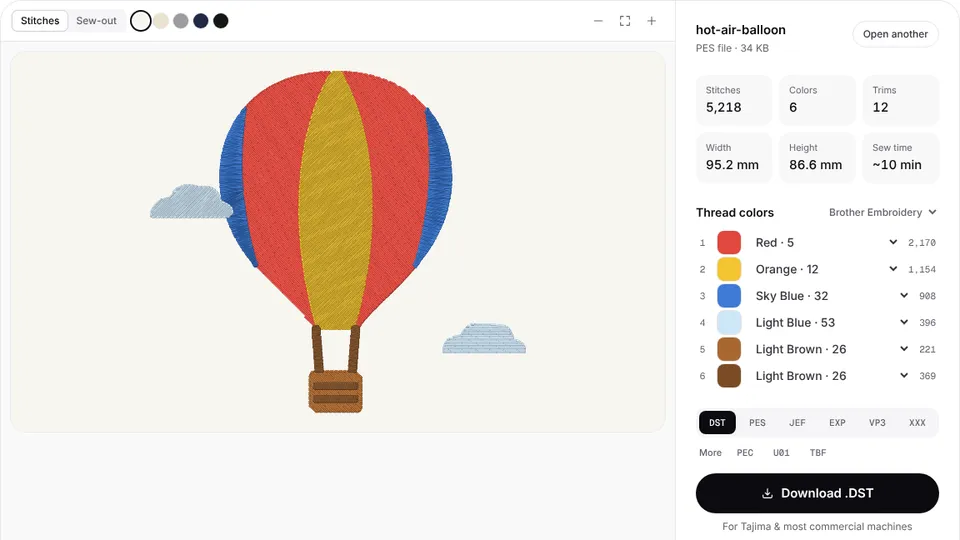 Free previewEmbroidery file converterConvert PES, DST, JEF, EXP, VP3 and XXX files to any other machine format.Open
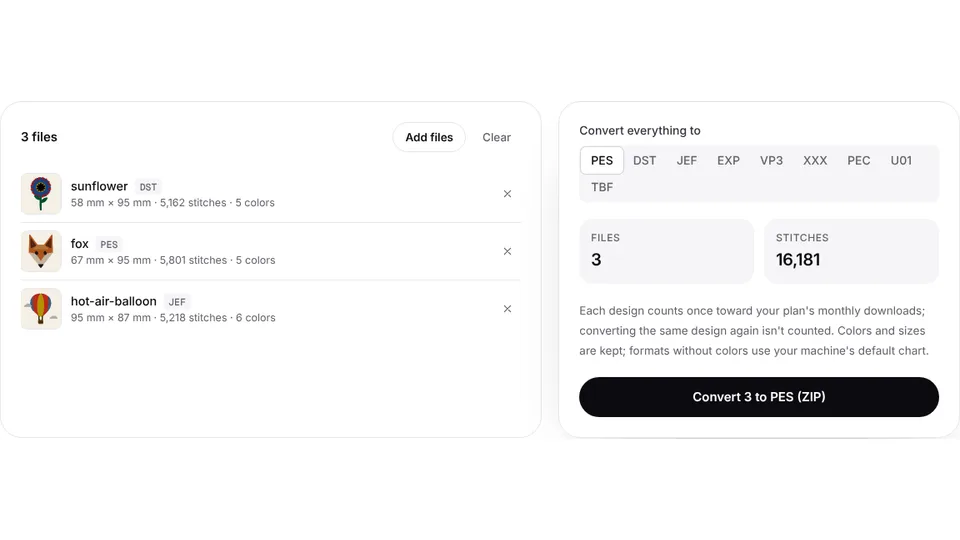 Free toolBatch embroidery file converterConvert up to 50 embroidery files to PES, DST, JEF or any format at once, as one ZIP.Open
Have the colors, need the file?
Upload your artwork and get a stitch file with every color matched to thread.