Convert WebP to EXP embroidery files
WebP is what most websites now save their logos and pictures in, so it's often the only copy you have. The digitizer opens it as it is, with its transparent background intact, so there's nothing to convert first. Download a Melco EXP file for Melco, Bernina machines.
Drop your WebP here
PNG, JPG, SVG, PDF or AI · stays on your device
- Free account and preview
- Color sheet included
- Runs in your browser


Opens without converting
A .webp file saved from a website or sent in a chat opens as it is. You don't need to turn it into a PNG first.
Transparency is kept
WebP supports transparent backgrounds. Transparent areas are left unstitched, so only the artwork is sewn.
Compressed files are cleaned up
Most WebP images are compressed the way a JPG is. "Clean up noise" removes the soft edges and speckles before thread colors are picked.
How to convert a WebP to EXP
It takes about a minute, and you can preview every stitch for free before you download.
- 1
Upload your WebP
Drop the .webp file into the box above or open the digitizer. A free account is all you need.
- 2
Set the size
Type a width, or pick your hoop from 4×4" to 8×12". The proportions are kept.
- 3
Check colors and stitches
Review the thread colors, the stitch preview and the design check. Switch off any color you don't want stitched.
- 4
Download the .EXP file
Choose Melco or the EXP format and download. Copy the file to your machine by USB or its app.
Free account · No credit card needed
The Melco EXP format
EXP comes from Melco's commercial machines and is one of the formats Bernina embroidery machines read directly.
Like DST, EXP stores stitches, jumps, trims and color changes but not thread colors, so keep the color sheet handy when threading.
Moves longer than 12.7 mm are split automatically.
Tips for the best result
- Images saved from websites are often small. If the logo is under 500 px wide, ask for the original file or sharpen it with the logo upscaler first.
- An animated WebP uses its first frame.
- Cap the colors at 4 to 6 if shading splits into too many thread colors.
More detail in our guide to preparing artwork for embroidery.
Skip the per-design digitizing fee
Digitizing services usually charge for every design and take days to send it back. Here you get the file in seconds and can change it as often as you like.
Embrizo
Instant online digitizing
- Price
- From $8 a month
- Turnaround
- Seconds
- Changes
- Unlimited, instant edits
- File formats
- All 9 machine formats
Digitizing service
A person digitizes each order
- Price
- Typically $10–$50+ per design
- Turnaround
- Usually 1–3 business days
- Changes
- Revisions on request, sometimes extra
- File formats
- Usually the one you order
Desktop software
You digitize by hand
- Price
- Often hundreds of dollars upfront
- Turnaround
- As fast as you can work
- Changes
- Unlimited
- File formats
- Depends on the package
| Compare | EmbrizoInstant online digitizing | Digitizing serviceA person digitizes each order | Desktop softwareYou digitize by hand |
|---|---|---|---|
| Price | From $8 a month | Typically $10–$50+ per design | Often hundreds of dollars upfront |
| Turnaround | Seconds | Usually 1–3 business days | As fast as you can work |
| Changes | Unlimited, instant edits | Revisions on request, sometimes extra | Unlimited |
| File formats | All 9 machine formats | Usually the one you order | Depends on the package |
Service and software prices are typical ranges, not quotes. See the full comparison
What people make with it
Real designs digitized automatically. Each one opens a page with sizes, tips and a live before-and-after.
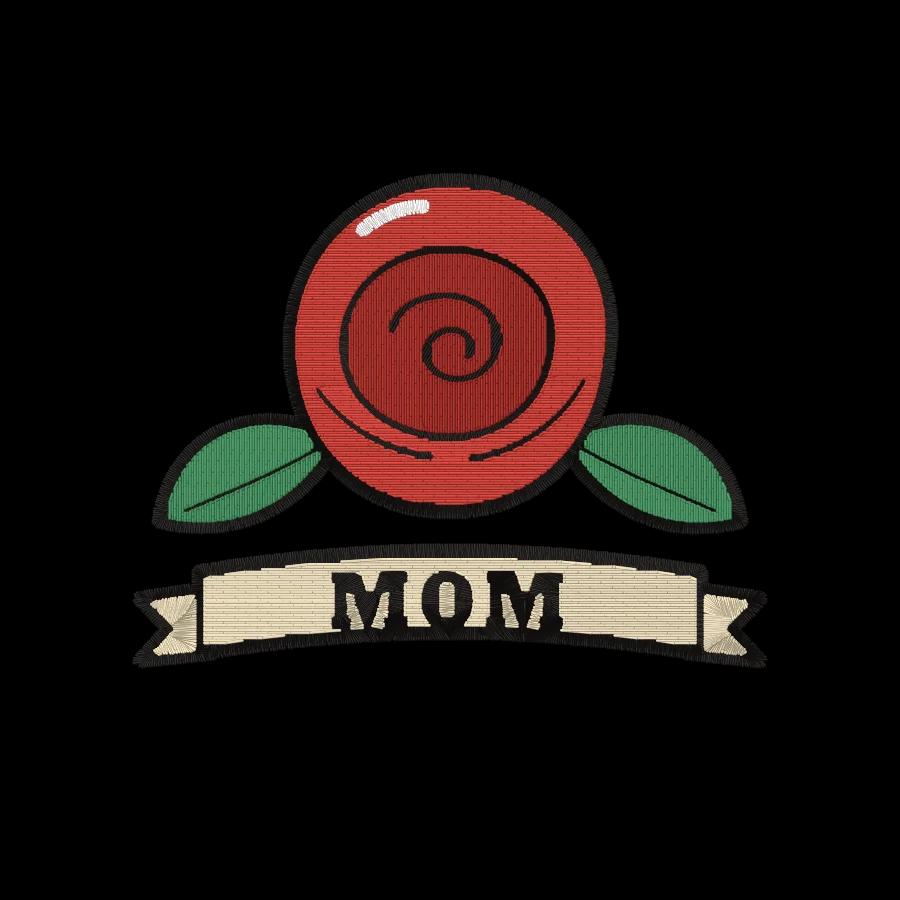
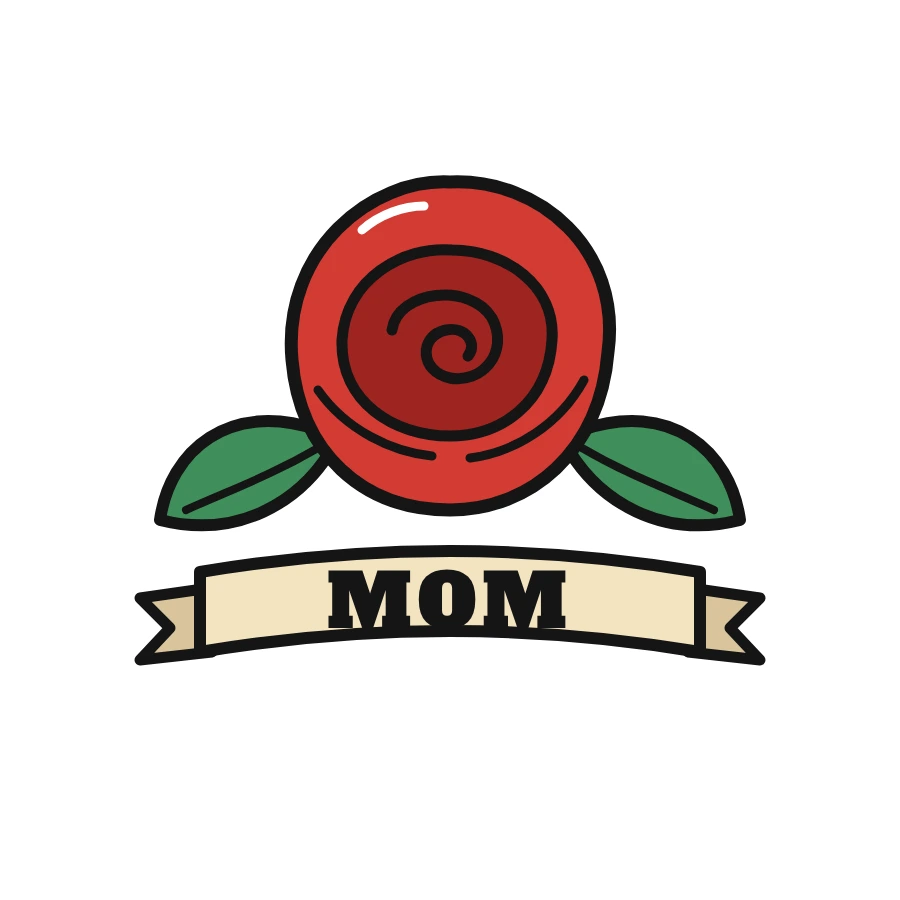 StitchedTattoo embroidery fileTattoo flash and a loved one's tattoo, in thread.Make yours
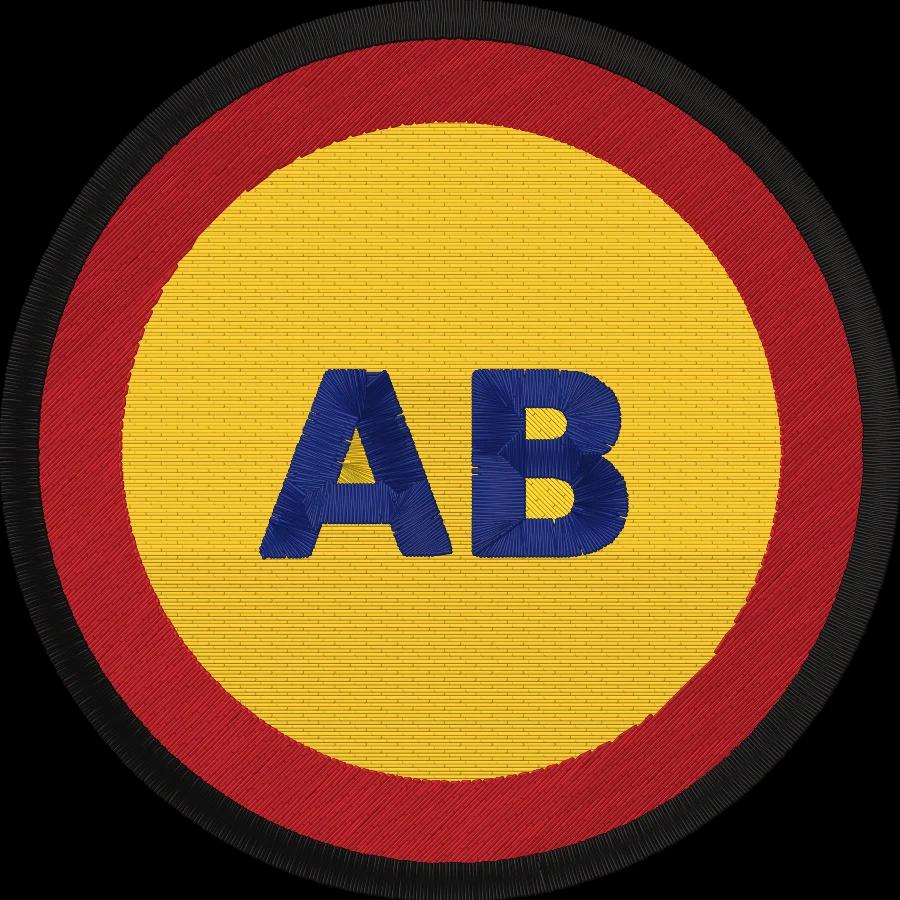
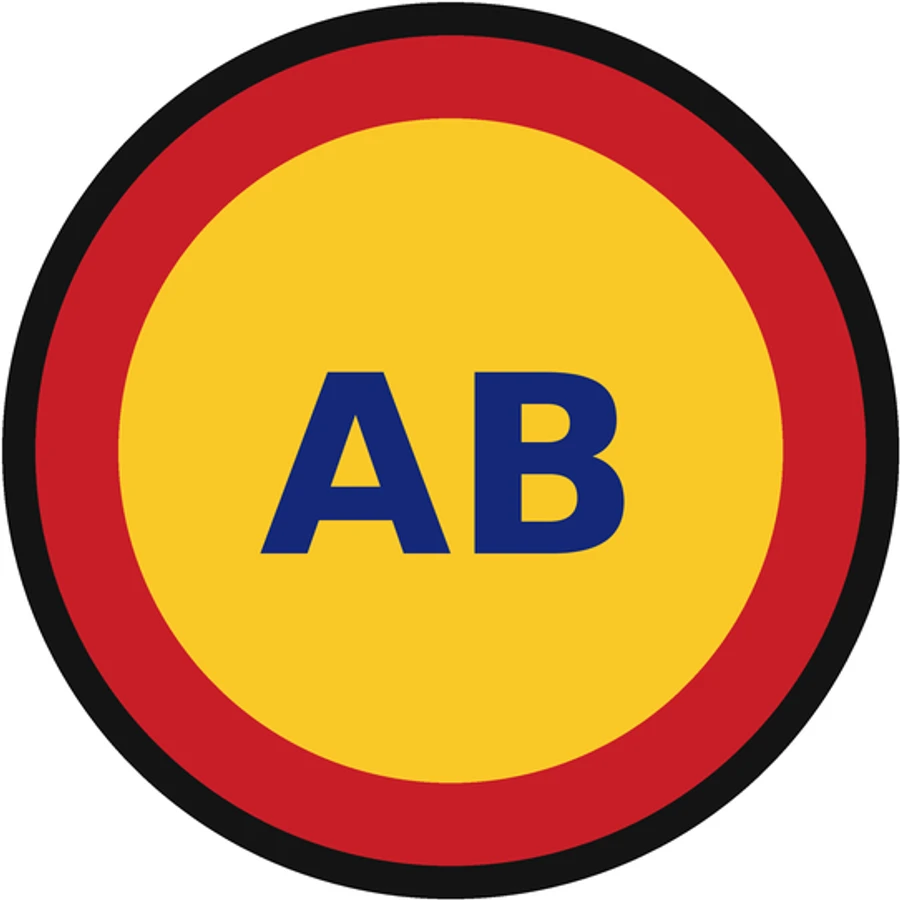 StitchedLogo to embroidery fileShirts, caps, uniforms and team wear.Make yours
 StitchedPhoto to embroidery filePets, portraits and places, simplified to thread.Make yours

 StitchedHat logo embroidery fileStructured and unstructured cap fronts.Make yours

 StitchedPatch embroidery fileIron-on and sew-on patches with a satin border.Make yours

 StitchedMonogram embroidery fileTowels, linens, robes and wedding gifts.Make yours
What embroiderers say about Embrizo
Rated 5 out of 55.0 out of 5 from 3 reviews
“Wasn't expecting the stitching to come out this clean tbh. Even the smaller details on my design turned out pretty good.”
“I've never been good with digitizing software, so this was a huge help. Just uploaded my image and had it ready for my Brother machine.”
“Tried it out on a logo for a customer and it stitched out really well. Saved me from having to pay someone to digitize it.”
Free account
Make your first EXP file in under a minute
Create a free account to digitize any image, try every setting and watch it sew. Choose a plan only when you want to download files.
- Digitize and preview any image
- Realistic stitch preview and sew-out
- Download free ready-made designs
- No credit card needed
WebP to EXP converter questions
The quickest way to see what it does with your artwork is to try it. With a free account, digitizing and previewing cost nothing and take about a minute.
Can I convert a WebP image to an embroidery file?
Yes. Upload the .webp file as it is. The digitizer reads WebP in your browser, removes the background, separates the colors and turns the shapes into stitches.
Why did my logo download as WebP?
Many websites convert their images to WebP because the files are smaller. It's still an ordinary picture, and it digitizes the same way a PNG or JPG does.
Is EXP the right format for my Bernina?
Bernina embroidery machines read EXP. Many models read other formats too, such as PES or DST, so check your machine's manual.
Does EXP include colors?
No. Like DST it only marks color changes. Use the color sheet download for thread order.
How much does Embrizo cost?
Digitizing is free. With a free Embrizo account you can upload an image, digitize it, change every setting, watch the stitch preview and sew-out, run the design check and save a PNG preview. Downloading embroidery files such as DST, PES or JEF needs a paid plan: Hobby ($20 a month, 20 design downloads), Shop ($50 a month, 100) or Pro ($100 a month, unlimited). Billed annually, plans start at $8 a month. A design counts once per month however many formats you download, and you can cancel anytime. The ready-made designs in the free design library download free with an account. The pricing page has the details.
Is my image uploaded to a server?
No. Your image is processed entirely on your own device in your web browser and is never uploaded. When you download, only the finished stitch data is sent to create your file. If you save a design, your account stores the finished stitch file, a small preview, its thread colors and the settings you chose, never the original image: your browser keeps that on your device so you can reopen the design later.
Keep going
Related tools and guides
- Machine guideBernina machinesEXP files for Bernina embroidery machines, with tips on colors, USB and WiFi transfer and hoops.Open
- Machine guideMelco machinesEXP and DST files for Melco commercial machines, with software, needle and field notes.Open
- GuideEmbroidery file formats explainedWhat each machine embroidery format is, which machines read it, and how to pick and convert the right one.Read the guide
- Free toolHoop size calculatorFind which hoops fit your design and how far to scale it down if it's too big.Open
- Free previewText to embroidery fileType a name or monogram, pick a font and download a ready-to-sew lettering file.Open
- Free toolStitch count & price calculatorEstimate stitches, sew time and price for any design size and coverage.Open
Make your EXP file now
Sign up free, upload an image and preview the stitches. Download a Melco EXP file with any plan.