Embroidery logo maker
Make a clean, simple logo for embroidered shirts, polos and caps: an icon, your name and a tagline in lettering that stitches well. It checks the text size for the placement, then sends the logo to the digitizer.
Layout
Icon
Name color
Accent color
- What it does
- Make a simple logo for shirts and caps from an icon, a name and a tagline, sized to stitch, then digitize it.
- Price
- Free
- Works on
- Any browser: Windows, Mac, Chromebook, iPad and phones
- Privacy
- Runs in your browser; your images and files aren't uploaded
Four layouts that work in thread
Icon beside
The classic left chest layout: icon on the left, name and tagline beside it.
Icon on top
A compact, centered logo for caps, totes and pockets.
Round badge
A circle border around the icon and name, like a crest or patch.
Name only
A wordmark with an accent bar, for when the name is the brand.
12 lettering fonts
Block, slab, script and varsity faces, all bold enough to sew.
A size check
See the name and tagline height in millimeters at left chest, cap, sleeve or jacket back size.
Logos that stitch cleanly
- Keep the name to one or two words and the tagline to three or four.
- Use two or three thread colors with strong contrast against the garment.
- Pick a bold font for the name; save scripts for large sizes.
- Check the size note: aim for a tagline at least 5 mm tall at the size you stitch.
Need a name first?
The embroidery business name generator suggests names by style and niche, in English. Pick one and it opens here with the name, a tagline and matching lettering filled in.
Find a business nameFree account
Start digitizing in under a minute
Create a free account to digitize any image, try every setting and watch it sew. Choose a plan only when you want to download files.
- Digitize and preview any image
- Realistic stitch preview and sew-out
- Download free ready-made designs
- No credit card needed



Questions
The quickest way to see what it does with your artwork is to try it. With a free account, digitizing and previewing cost nothing and take about a minute.
How do I make a logo for embroidery?
Pick a layout and an icon, type your business name and a short tagline, and choose bold lettering and two or three colors. The maker shows how tall the lettering will be at a left chest or cap size, so you can fix anything too small before you digitize it.
Why does the tagline need to be 5 mm tall?
Small letters are stitched as thin satin columns. Below about 5 mm, the gaps inside letters close up and the words get hard to read, especially on knits and piqué polos.
Can I use my own icon?
Yes. Upload a PNG, JPG or SVG; a white background around it is dropped automatically. Simple shapes with a few flat colors stitch best.
Is the logo maker free?
Yes. Making the logo and downloading the PNG are free. Turning it into a machine file opens it in the digitizer, where you get a stitch preview with a free account; downloading the embroidery file needs a plan.
Can I use it as my business logo everywhere?
Yes. You own the logo you make. The icons come from the free design library, which you can use on items you sell.
More tools
Keep going
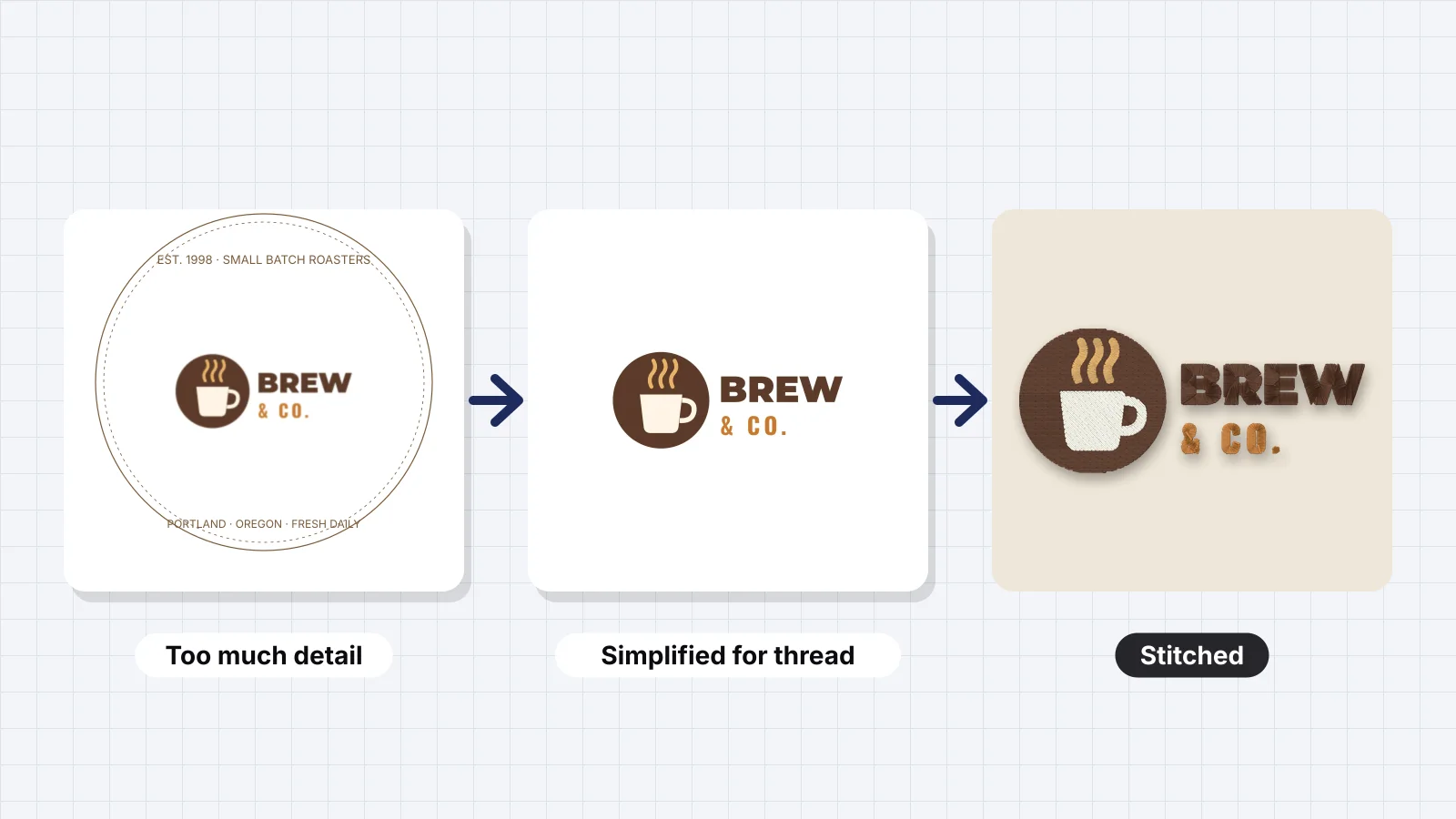 GuideHow to design a logo for embroideryDesigning for the stitched size at left chest and cap front, minimum line, gap and letter sizes, how many colors to use, what to simplify, building a separate embroidery version, the files to give an embroiderer, and checking and previewing the design before it's sewn.Read the guide
 GuideHow to digitize a logo for embroideryA practical walk-through from logo file to tested embroidery file, and when a professional digitizer is worth it.Read the guide
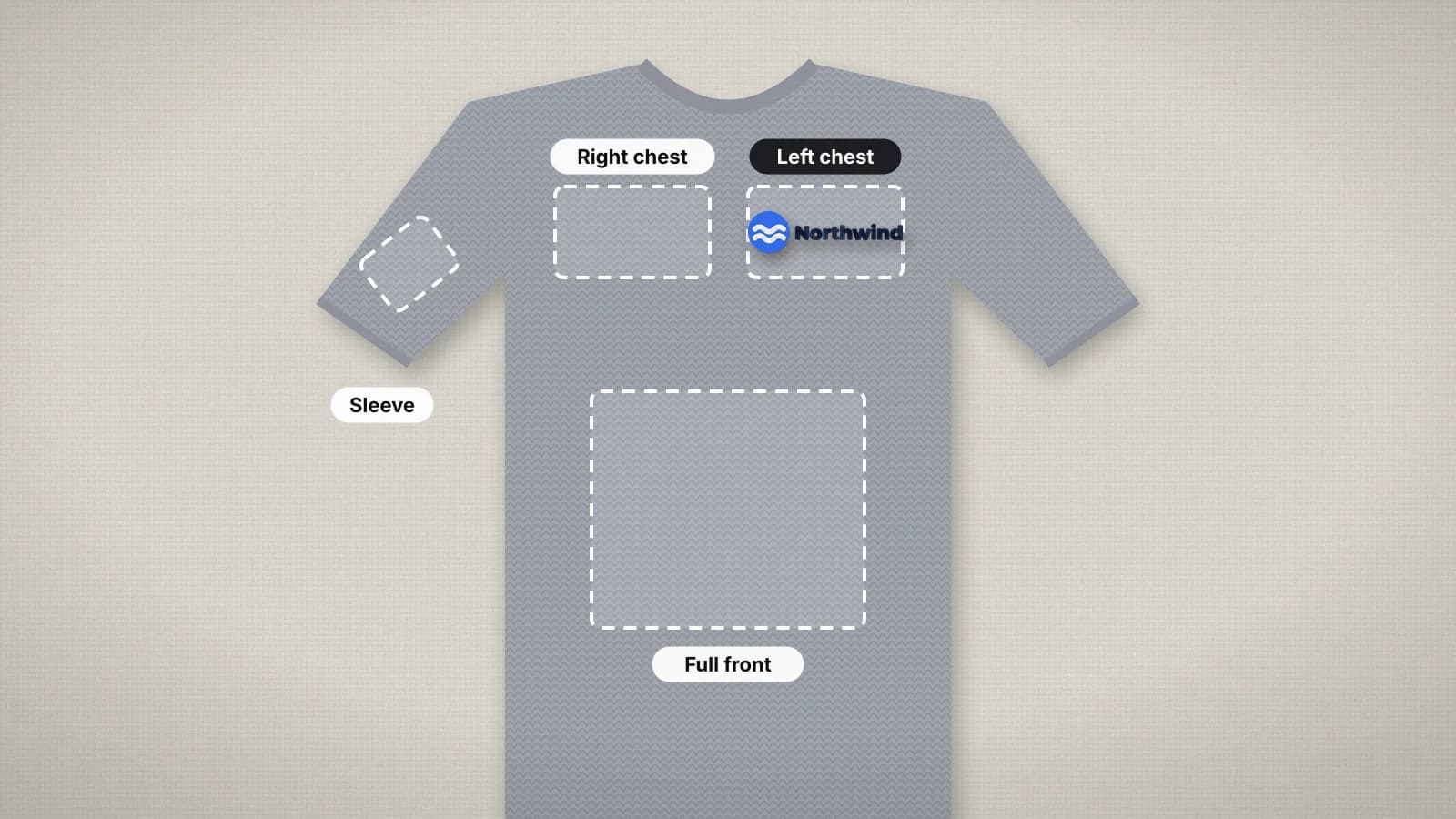 GuideEmbroidery placement guide: sizes and positionsStandard embroidery placements with sizes in inches and mm, where to measure from and how to hoop each one.Read the guide
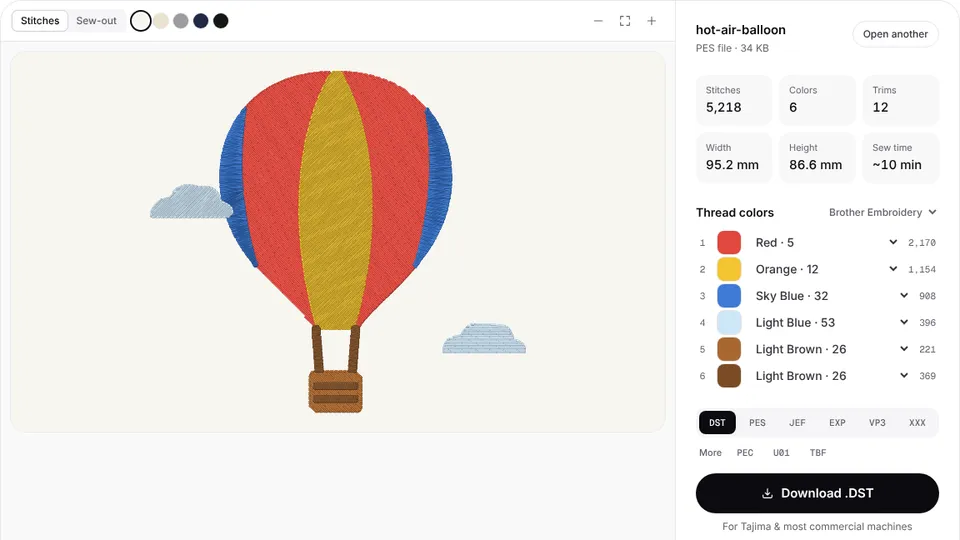 Free previewEmbroidery file converterConvert PES, DST, JEF, EXP, VP3 and XXX files to any other machine format.Open
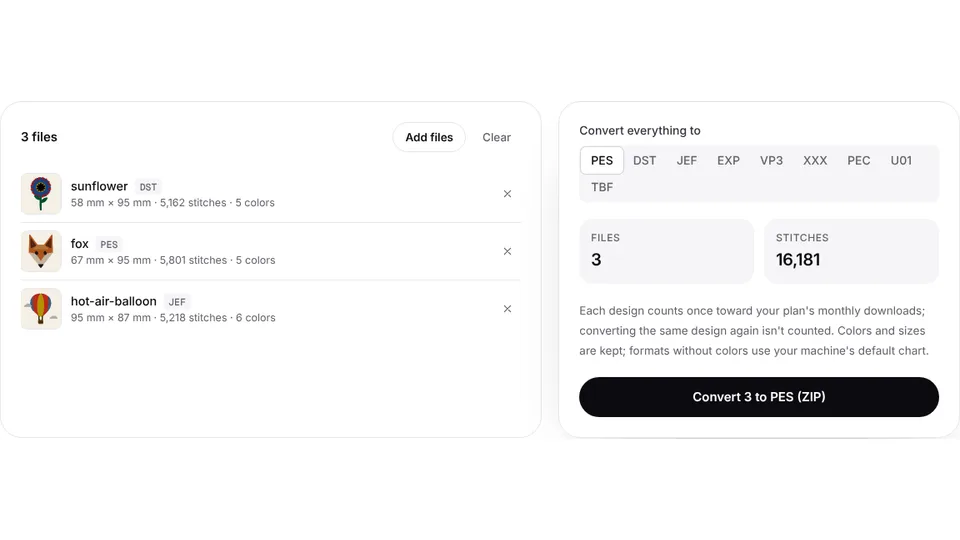 Free toolBatch embroidery file converterConvert up to 50 embroidery files to PES, DST, JEF or any format at once, as one ZIP.Open
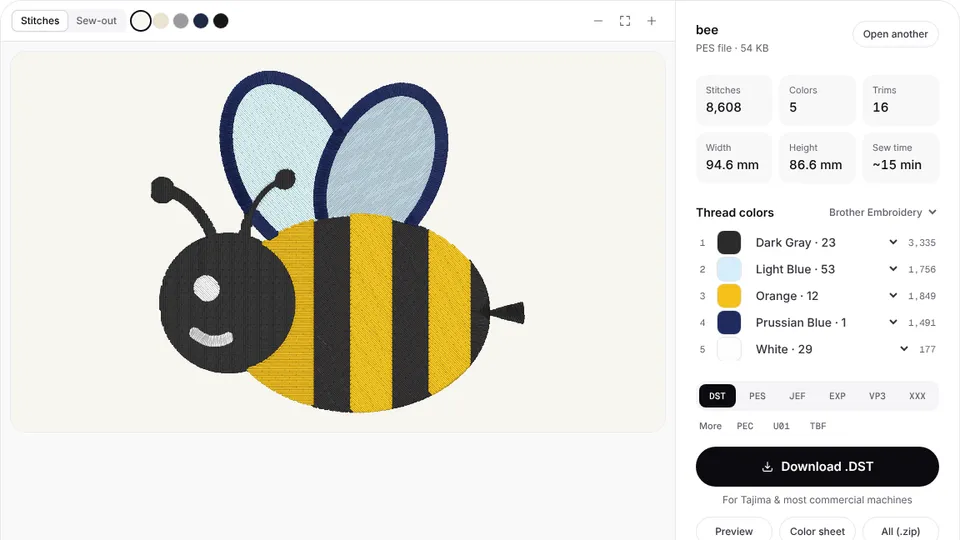 Free toolEmbroidery file viewerOpen DST, PES, JEF and more in your browser: stitch preview, colors, size and stitch count.Open
From logo to stitch file
The digitizer turns the lettering into satin, fills the icon and adds underlay for the fabric you choose.