Custom name embroidery design maker
Type a name, pick lettering that stitches cleanly and add an icon from the free designs. The maker checks the letters are big enough at your size, then the digitizer turns it into a file for your machine.
- Free preview
- Sized for 4x4 hoop
- PES, DST, JEF and more
Make your design
Layout
Icon
Name color
Accent color
Free preview of every stitch. PES, DST, JEF, EXP, VP3 and XXX.
Custom name designs, stitched
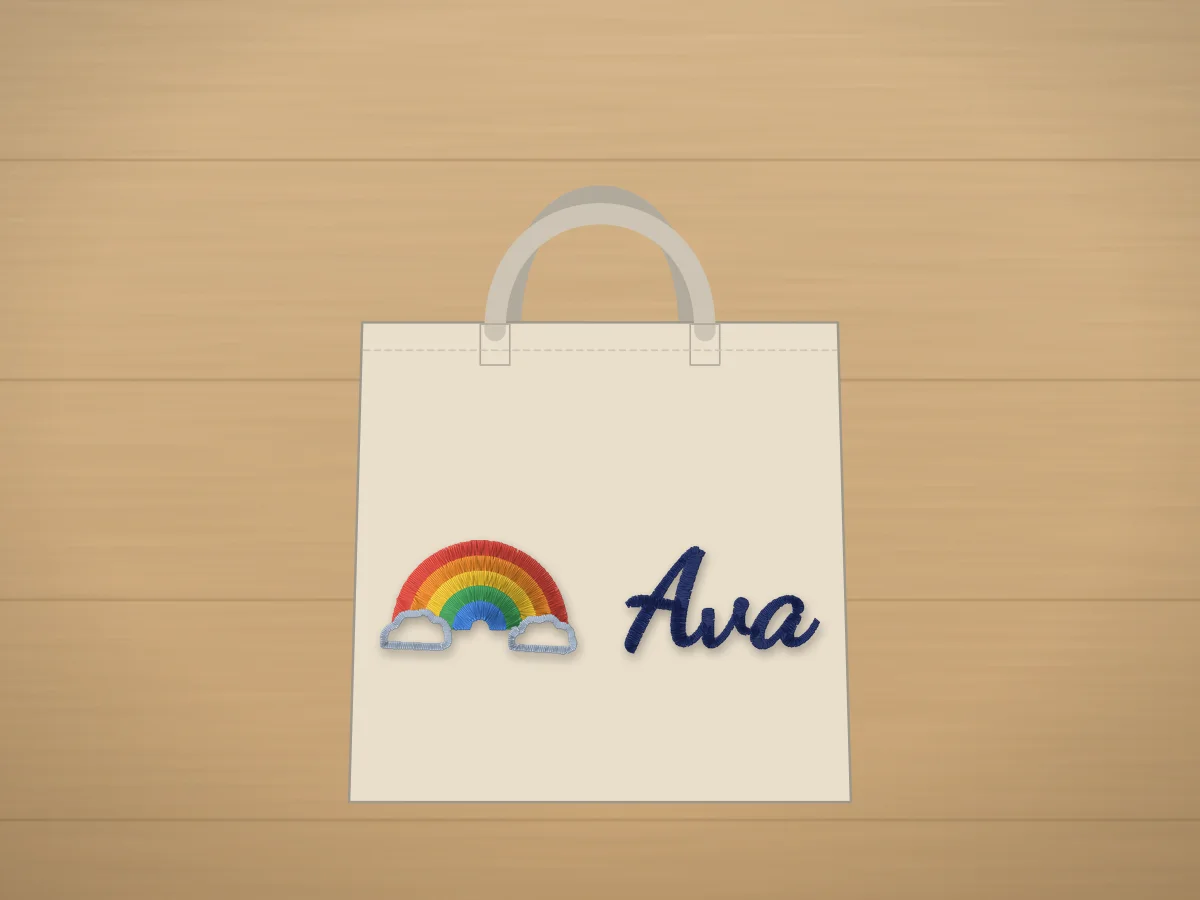
A name is the most stitched thing on an embroidery machine: on totes, towels, backpacks, hats and gifts. It's also easy to get wrong: letters too thin to fill, script too small to read, or a design that doesn't fit the hoop. This maker lays out the name for you, sizes it for where it goes and warns you before the lettering gets too small.
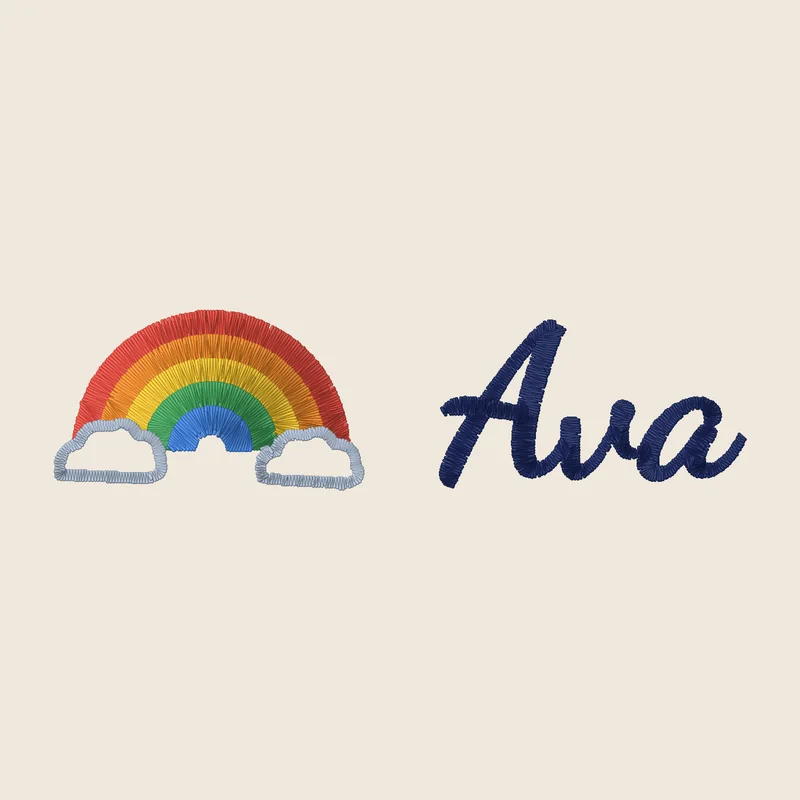
Ava
Flowing lettering · 4x4 hoop · 95 × 24 mm · 3,615 stitches · 7 colors
Make this one with your name
Jackson · Est. 2018
Varsity lettering · 5x7 hoop · 120 × 82 mm · 6,431 stitches · 7 colors
Make this one with your name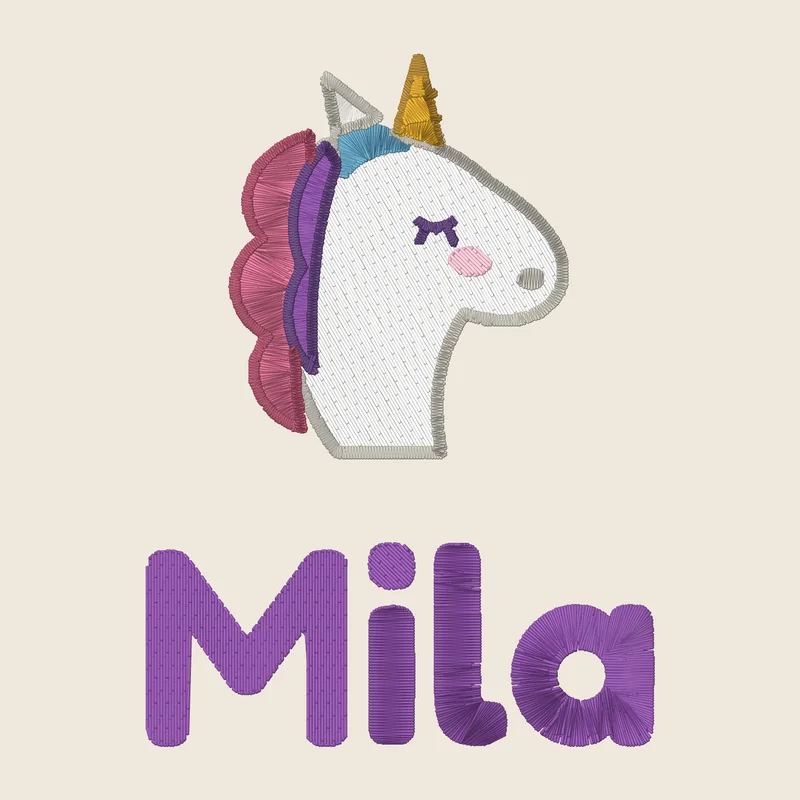
Mila
Rounded lettering · 4x4 hoop · 70 × 96 mm · 6,702 stitches · 10 colors
Make this one with your name
Where it goes and how big
| Item | Design size | Stabilizer | Tip |
|---|---|---|---|
| Tote bag | 6–7 in wide | Medium tear-away | Center it 2–3 in below the handles. |
| Backpack or pencil case | 3–4 in wide | Cut-away | Stitch the pocket panel before it's sewn, or float it. |
| Towel | 3–5 in wide | Tear-away with a water-soluble topping | The topping keeps letters on top of the loops. |
| T-shirt or sweatshirt | 3.5 in (left chest) to 10 in | No-show mesh cut-away | Use a ballpoint needle on knits. |
| Hat | Up to 4 in wide, 2.25 in tall | Cap backing | Keep names short; block letters read best. |
Not sure about letter sizes? The lettering size calculator and the stabilizer finder help with the rest. Selling them? The Etsy listing generator writes the title, 13 tags and a description.
From a name to a stitched custom name design
- 1
Type the name
Add a second line for a date or a word, or leave it out.
- 2
Pick lettering and an icon
Script for gifts, varsity for sports, rounded for kids. Any free design can be the icon.
- 3
Choose where it goes
The maker sizes the design and checks the letters are at least 6 mm tall.
- 4
Turn it into a file
The digitizer makes satin lettering and fills, shows every stitch, and saves PES, DST, JEF and more.
Free account · No credit card needed
Free account
Turn your design into a file for your machine
Create a free account to digitize any image, try every setting and watch it sew. Choose a plan only when you want to download files.
- Digitize and preview any image
- Realistic stitch preview and sew-out
- Download free ready-made designs
- No credit card needed



Questions
The quickest way to see what it does with your artwork is to try it. With a free account, digitizing and previewing cost nothing and take about a minute.
How do I make a name embroidery design?
Type the name in the maker, pick a lettering style and an optional icon, and choose where it goes so the design is sized for it. Then press Turn it into an embroidery file: the digitizer makes the stitches, shows a preview and saves the file in your machine's format.
What size should a name be for embroidery?
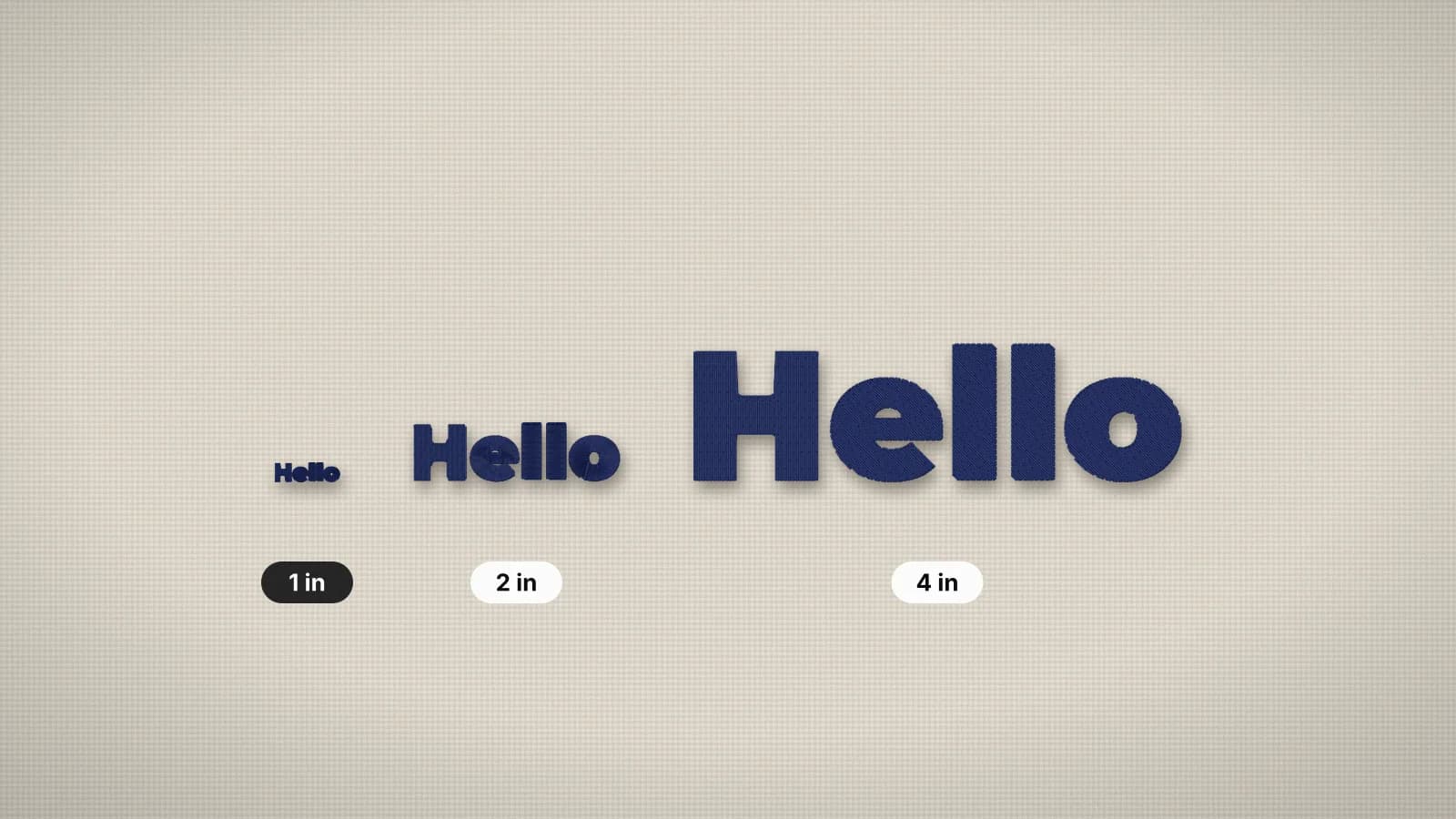
Keep capital letters at least 6 mm (about ¼ in) tall and script names larger, about 8 mm, so the loops stay open. A name on a tote is usually 5–7 in wide, on a shirt 3.5 in, on a hat up to 4 in.
Which fonts are best for embroidered names?
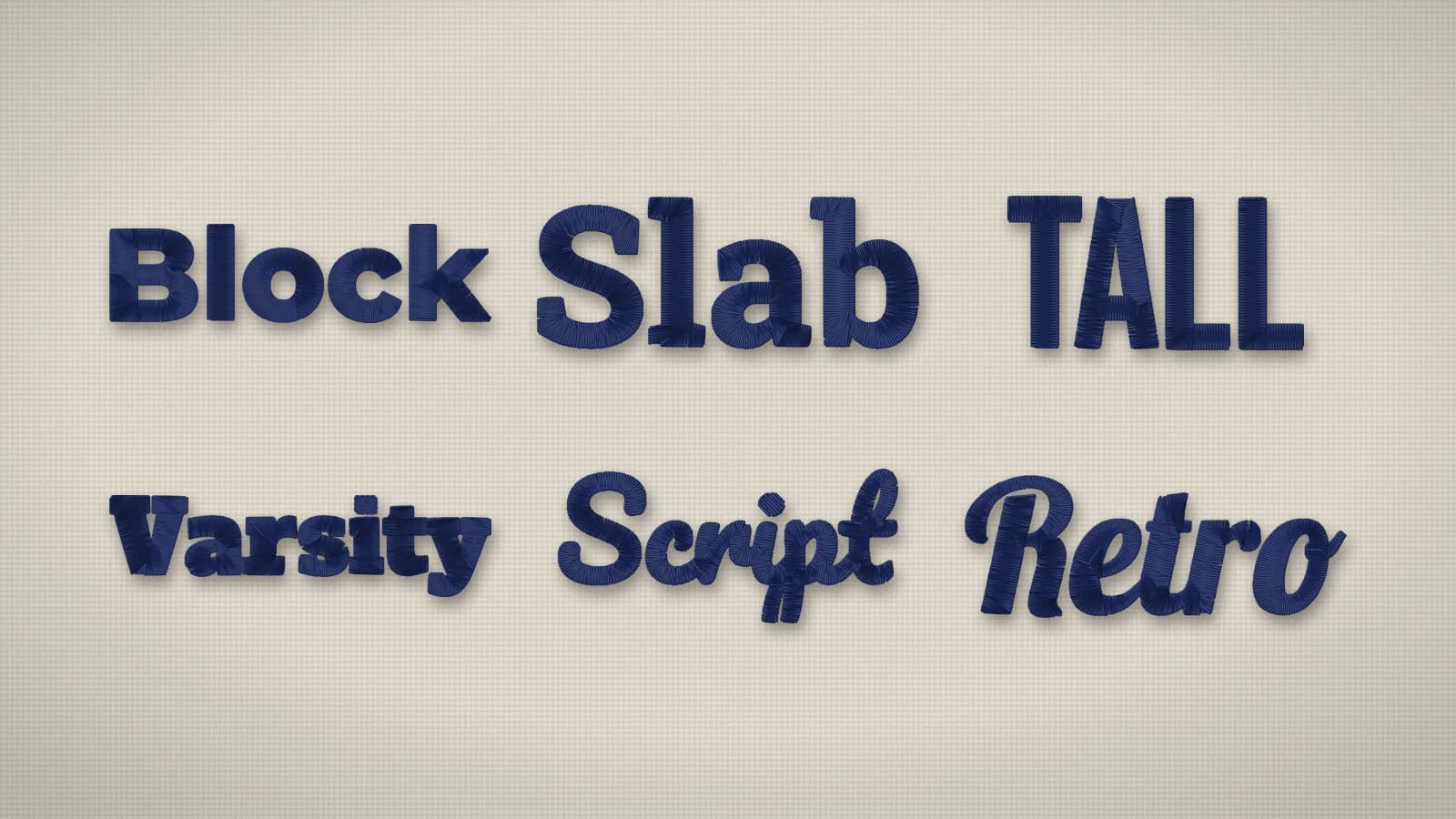
Bold, simple faces stitch best: block, varsity, rounded and slab letters, and scripts with thick strokes. Very thin or decorative fonts lose detail. The lettering styles in the maker were picked because they hold up as satin stitches.
Can I add a name to a free design?
Yes. Every free design can be the icon: pick it in the maker, or press Add a name on any free design's page and it opens here with the design already chosen.
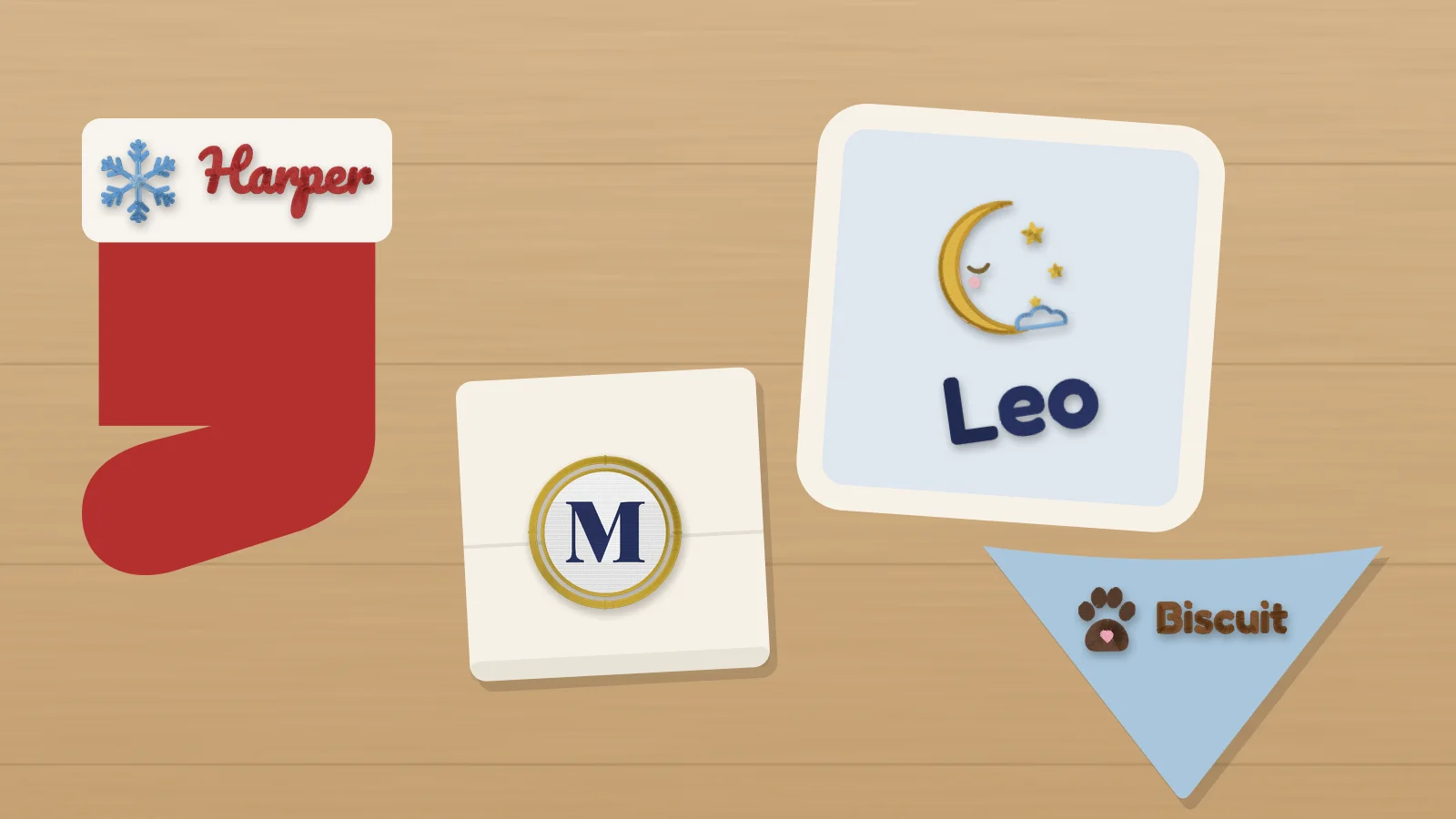
Icons to pair with a name
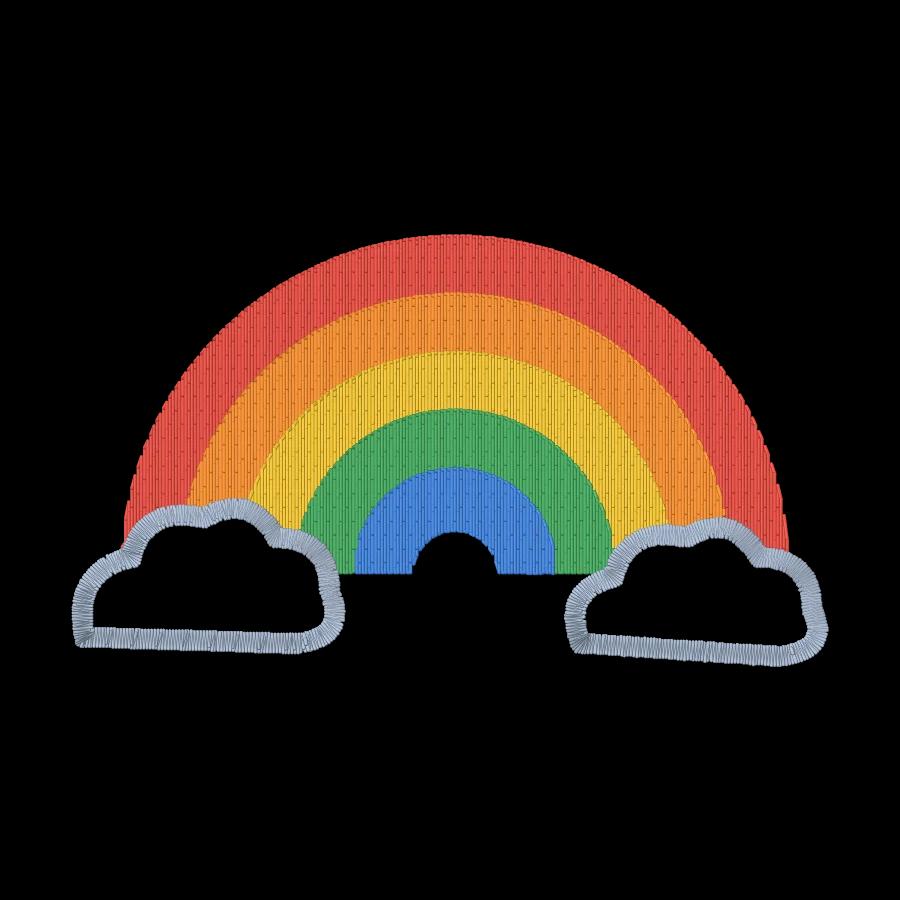
Free kids and home embroidery designs are ready to download as files too, with a free account.
Before you stitch
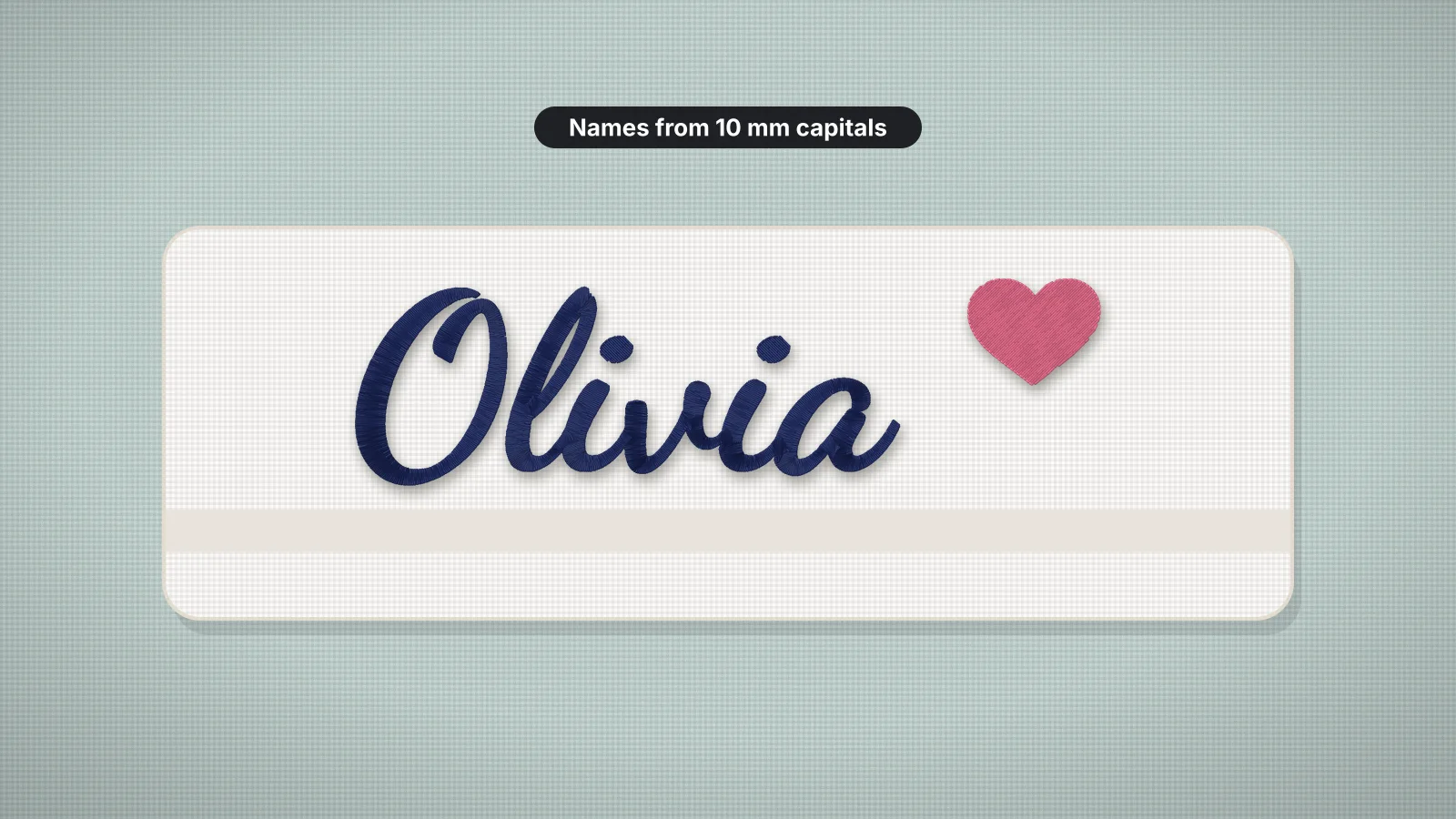 7 min readHow to embroider namesFonts and minimum letter heights for the 12 lettering styles, name sizes by placement, long names and centering, stabilizer by fabric, making the file and test-sewing.Read the guide
 6 min readBest fonts for embroideryWhat makes a font stitch cleanly, how small each style can go, how to pair fonts and which ones suit caps, towels and kids' items.Read the guide
 6 min readMinimum text size for embroideryHow small embroidered text can go, and how to make small lettering readable.Read the guide
 12 min readPersonalized embroidery gift ideas: 35 gifts to make35 personalized gifts to make on an embroidery machine, grouped by recipient: babies, couples and weddings, family and home, men, Christmas, teachers, graduates and coworkers, pets and friends, each with what to stitch, the size and placement and about how long it takes; a table of gifts that take under 20 minutes; gifting tips; getting names and fonts right; and turning a best-seller into a product.Read the guide
Your name, ready to stitch
Sign up free, make the design here or upload your own artwork, and see every stitch before you download the file.