PDF logo to embroidery file
Logos often arrive as a PDF from a designer or print shop. Upload the PDF as it is: Embrizo opens it in your browser, draws the first page at high resolution and turns it into a stitch file with clean edges.
Drop your PDF here
PDF, AI, SVG, PNG or JPG · stays on your device
- PDF, AI, SVG, PNG or JPG
- 9 machine formats
- Free account and preview
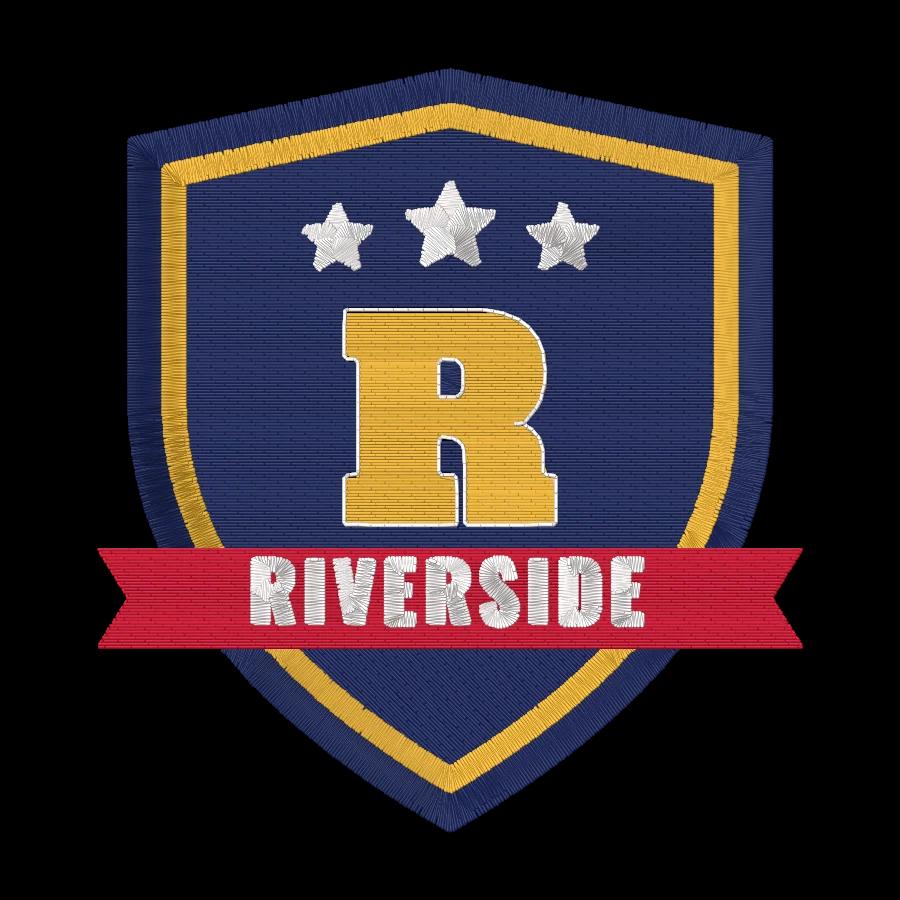
How to turn a PDF design into an embroidery file
Export it the right way once and the digitizer does the rest: colors, stitch types, underlay and your machine's format.
- 1
Check the PDF
Use a PDF with the logo on a page of its own. A vector PDF from a designer gives the sharpest result.
- 2
Upload it to Embrizo
Drop the PDF into the box above. It opens in your browser and the first page is drawn at high resolution.
- 3
Keep only the logo
Switch off any color that isn't part of the design, such as a note or a page border, then set the size.
- 4
Download your format
Check the stitch preview, then download DST, PES, JEF or another machine format.
Free account · No credit card needed
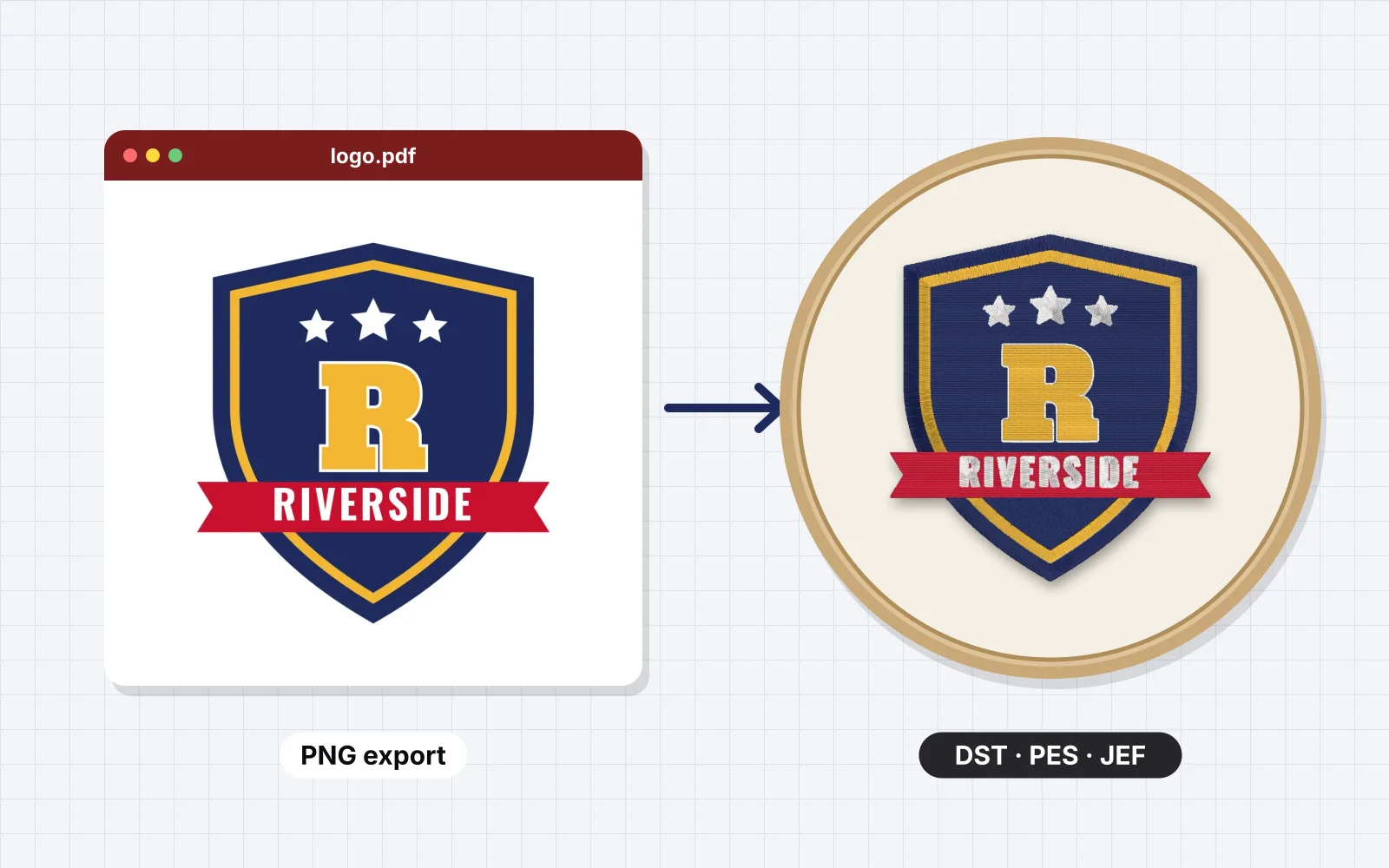
What to export from PDF
| File | PDF with the logo on page 1 |
|---|---|
| Artwork | Vector, or an image at 300 DPI |
| Background | White or an empty page |
| Page | Only the logo, without notes or crop marks |
Avoid these in PDF
Thread can't blend colors or sew details smaller than about 1 mm, so these turn into extra colors, specks or gaps.
- Pages with several versions of the logo at once
- Scanned PDFs with paper texture
- Crop marks and color bars
- Password-protected PDFs
Then Embrizo does the digitizing
- Background removed and colors matched to Brother or Janome thread
- Satin, fill and running stitch chosen for every shape
- Underlay, pull compensation and tie-offs added
- A realistic stitch preview and sew-out before you save
- DST, PES, JEF, EXP, VP3, XXX and more
Skip the per-design digitizing fee
Digitizing services usually charge for every design and take days to send it back. Here you get the file in seconds and can change it as often as you like.
Embrizo
Instant online digitizing
- Price
- From $8 a month
- Turnaround
- Seconds
- Changes
- Unlimited, instant edits
- File formats
- All 9 machine formats
Digitizing service
A person digitizes each order
- Price
- Typically $10–$50+ per design
- Turnaround
- Usually 1–3 business days
- Changes
- Revisions on request, sometimes extra
- File formats
- Usually the one you order
Desktop software
You digitize by hand
- Price
- Often hundreds of dollars upfront
- Turnaround
- As fast as you can work
- Changes
- Unlimited
- File formats
- Depends on the package
| Compare | EmbrizoInstant online digitizing | Digitizing serviceA person digitizes each order | Desktop softwareYou digitize by hand |
|---|---|---|---|
| Price | From $8 a month | Typically $10–$50+ per design | Often hundreds of dollars upfront |
| Turnaround | Seconds | Usually 1–3 business days | As fast as you can work |
| Changes | Unlimited, instant edits | Revisions on request, sometimes extra | Unlimited |
| File formats | All 9 machine formats | Usually the one you order | Depends on the package |
Service and software prices are typical ranges, not quotes. See the full comparison
Designed somewhere else?
The same steps work from any app that saves a PNG, JPG, SVG or PDF.
- Canva design to embroidery file
- Procreate drawing to embroidery file
- Illustrator file to embroidery file
- Photoshop design to embroidery file
- Cricut SVG to embroidery file
- Silhouette Studio design to embroidery file
- Inkscape artwork to embroidery file
- ChatGPT image to embroidery file
- Midjourney image to embroidery file
- Gemini image to embroidery file
- iPhone photo to embroidery file
Free account
Turn your PDF design into stitches
Create a free account to digitize any image, try every setting and watch it sew. Choose a plan only when you want to download files.
- Digitize and preview any image
- Realistic stitch preview and sew-out
- Download free ready-made designs
- No credit card needed



PDF to embroidery questions
The quickest way to see what it does with your artwork is to try it. With a free account, digitizing and previewing cost nothing and take about a minute.
Can I upload a PDF directly?
Yes. Embrizo opens the PDF in your browser and digitizes its first page. The page should hold only the logo, so export or crop it first if it has other content.
What if the PDF logo is blurry?
Ask for the original vector file, or export the page as a PNG and run it through the logo upscaler to redraw it sharp before digitizing.
Which part of the PDF should I use?
The one-color or full-color version you want to stitch, on a page of its own. A PDF with several pages uses page 1.
How much does Embrizo cost?
Digitizing is free. With a free Embrizo account you can upload an image, digitize it, change every setting, watch the stitch preview and sew-out, run the design check and save a PNG preview. Downloading embroidery files such as DST, PES or JEF needs a paid plan: Hobby ($20 a month, 20 design downloads), Shop ($50 a month, 100) or Pro ($100 a month, unlimited). Billed annually, plans start at $8 a month. A design counts once per month however many formats you download, and you can cancel anytime. The ready-made designs in the free design library download free with an account. The pricing page has the details.
Is my image uploaded to a server?
No. Your image is processed entirely on your own device in your web browser and is never uploaded. When you download, only the finished stitch data is sent to create your file. If you save a design, your account stores the finished stitch file, a small preview, its thread colors and the settings you chose, never the original image: your browser keeps that on your device so you can reopen the design later.
Keep going
Related tools and guides
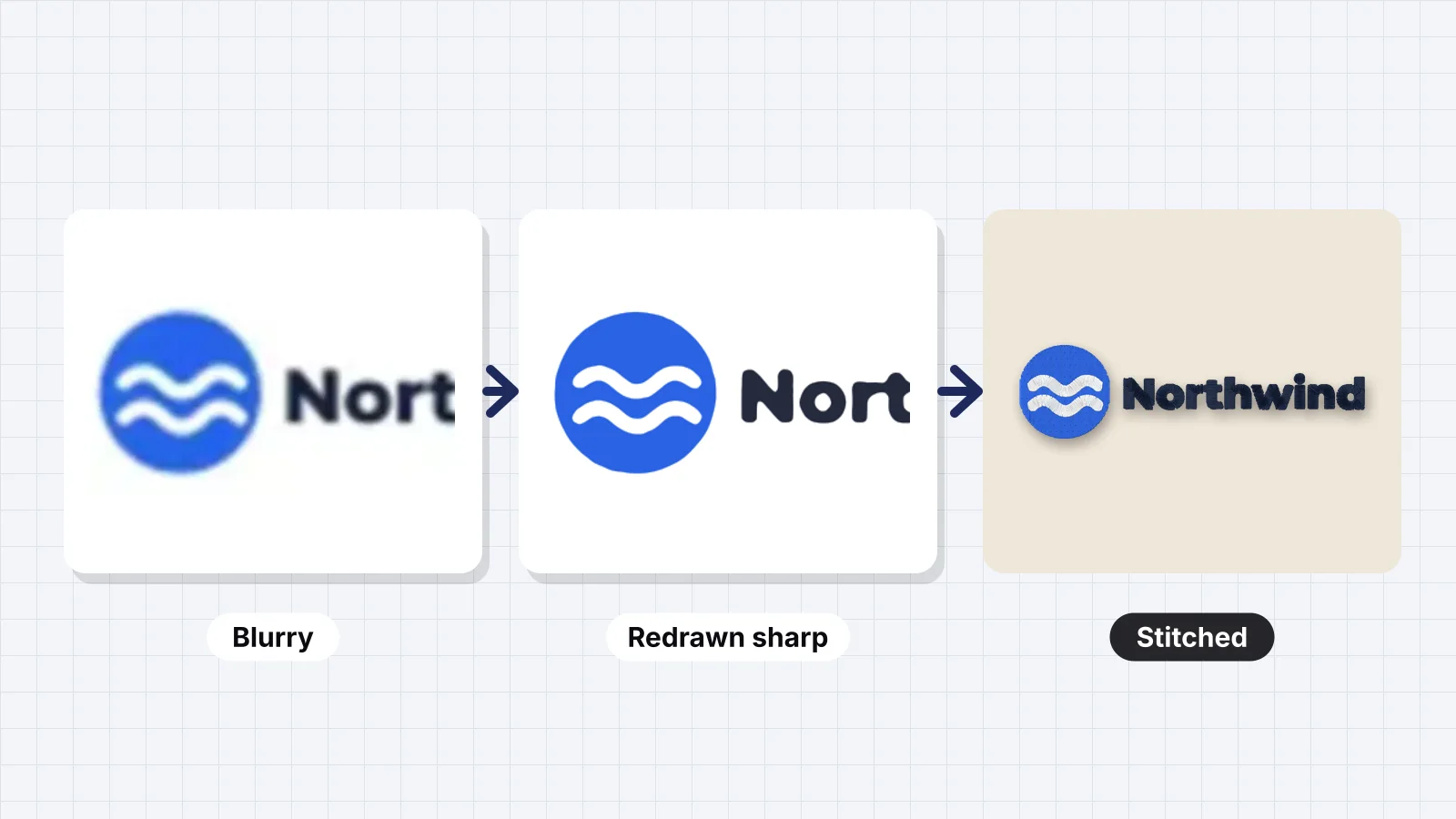 GuideHow to fix a blurry logo for embroideryWhy blur and pixels hurt stitches, how many pixels a logo needs, where to find a better original, upscaling versus redrawing, Embrizo's logo upscaler, cleaning JPEG artifacts, and when to redraw a logo by hand.Read the guide
 Free toolLogo upscalerMake a blurry, pixelated or JPEG logo sharp: redrawn in clean flat colors as a PNG up to 4000 px or an SVG.Open
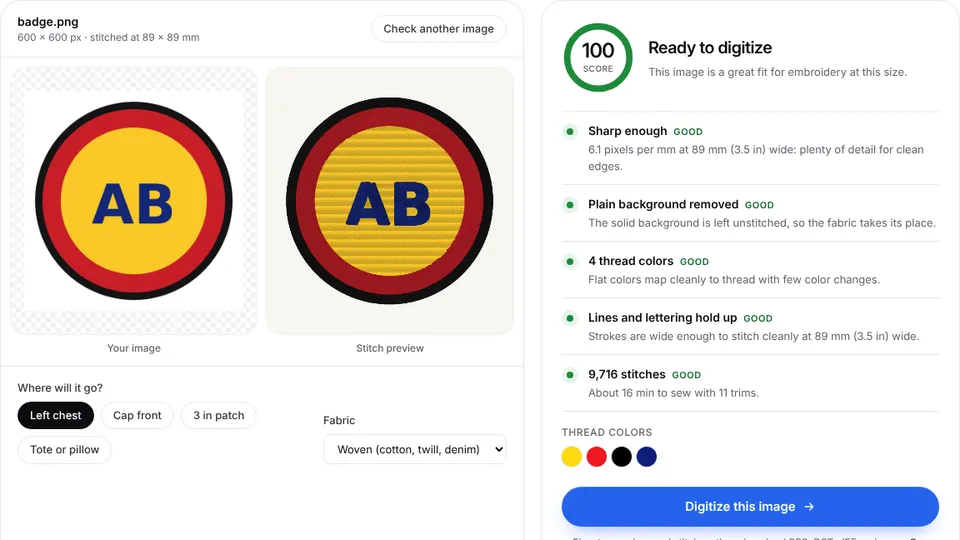 Free toolEmbroidery image checkerUpload an image and see if it's ready to digitize: colors, fine detail, resolution and fixes.Open
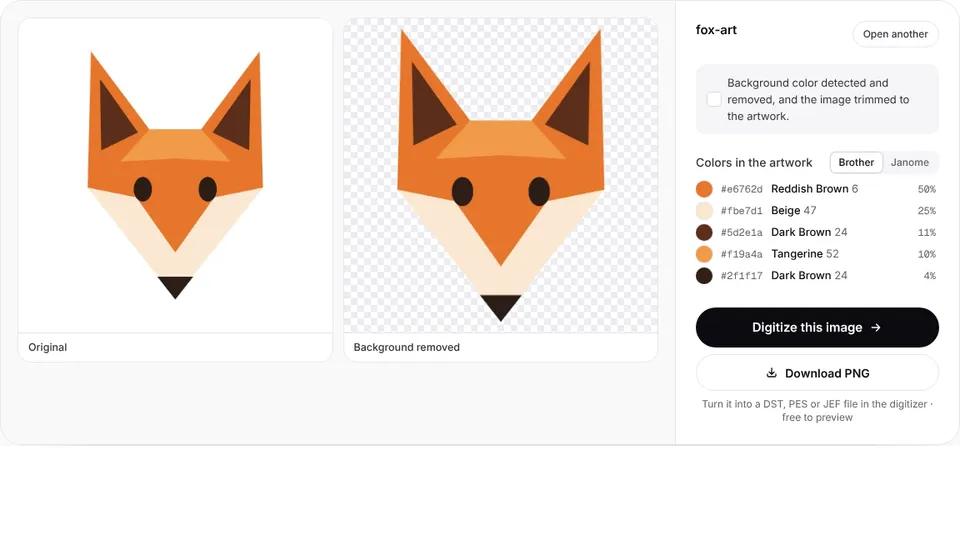 Free toolLogo background removerCut a logo out of a white or solid background and save a transparent PNG, ready to digitize.Open
 Free toolAI embroidery prompt generatorWrite ChatGPT, Gemini or Midjourney prompts that give flat, embroidery-ready artwork.Open
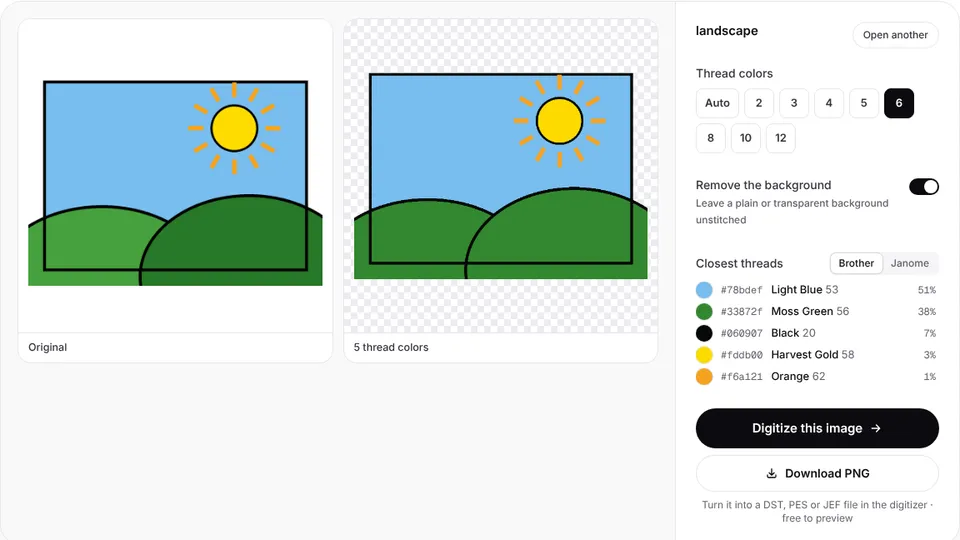 Free toolImage color reducerReduce a picture to a few flat thread colors, with the closest Brother or Janome threads.Open
Make your embroidery file now
Sign up free, upload your PDF export and see it stitched in under a minute.