How to make your own designs for the Singer Superb EM200
To make your own designs for the Singer Superb EM200, you need digitizing software that saves XXX files that fit its 10-1/4 x 6 in (260 × 150 mm) embroidery field. Embrizo does it in any browser: upload a logo, drawing or photo, check the stitch preview and download an XXX file for the Superb EM200, from $8 a month billed yearly, with a free account to try it. mySewnet, from the company behind Singer, includes digitizing in its Elite membership at $39.99 a month.
Drop a picture to make an XXX for your Superb EM200
PNG, JPG, SVG, PDF or AI · stays on your device
- Free account to try it
- XXX sized for the Superb EM200
- Mac, PC, Chromebook or iPad
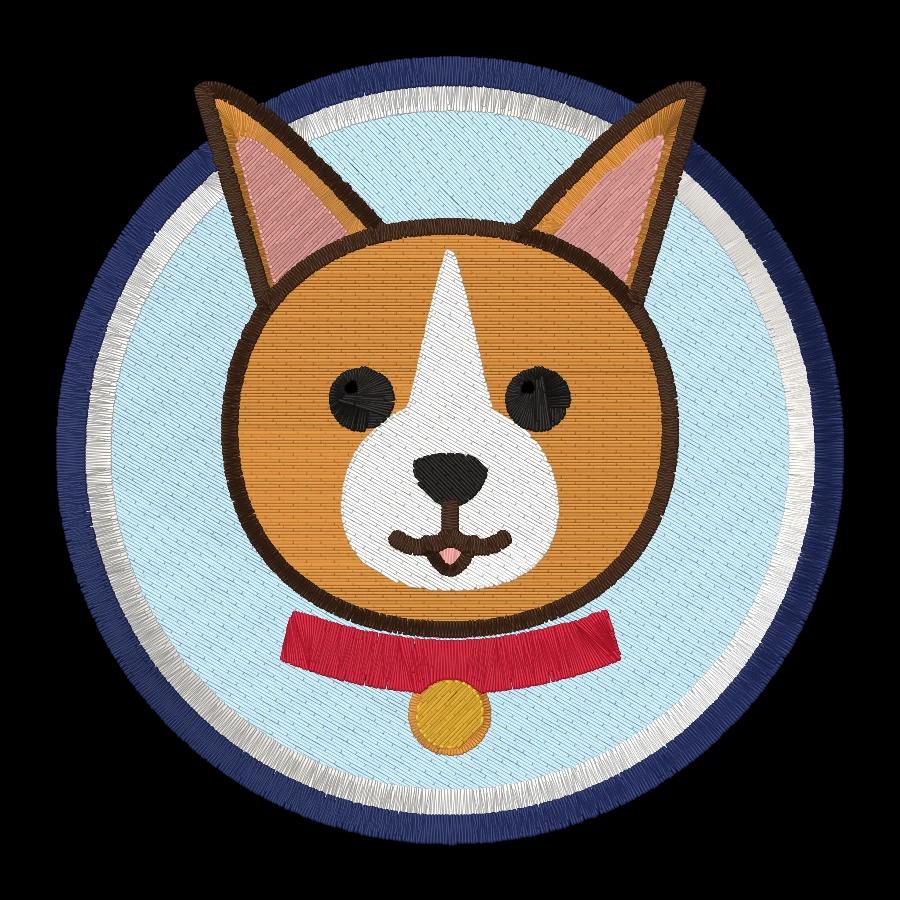

File format
XXX (it also reads DST)
The file carries the thread colors, so the machine shows them on screen.
Largest design
10-1/4 x 6 in (260 × 150 mm)
Hoops: 260 x 150 mm (10-1/4 x 6 in); 100 x 100 mm (4 x 4 in).
Getting it on the machine
USB stick
Copy the .xxx file to a USB stick, plug it into the Superb EM200 and choose the design on its screen.
From a picture to an XXX file for the Superb EM200
It takes about a minute, and you see every stitch before you download.
- 1
Upload your picture
A logo, drawing, clip art or photo as PNG, JPG, WebP or SVG. It stays on your device.
- 2
Size it for the Superb EM200
It opens sized for the 10-1/4 x 6 in field; type a width or pick a smaller hoop, and the proportions stay.
- 3
Check it and download XXX
Satin, fill and running stitches with underlay are chosen for your fabric. Watch the sew-out preview, then download an XXX file and a thread color sheet.
- 4
Stitch it on the Superb EM200
Copy the .xxx file to a USB stick, plug it into the Superb EM200 and choose the design on its screen.
Singer Superb EM200 software compared
Every option below can make XXX files for the Superb EM200. The difference is what you need to learn, what it runs on and what you pay.
| Software | Works on | Price | Stitches from a picture | Saves XXX |
|---|---|---|---|---|
| Embrizo | Any browser: Mac, PC, Chromebook, iPad | Free account; downloads from $8 a month billed yearly | Yes | Yes |
| mySewnetSinger | Mac and Windows | memberships from $9.99 a month; Elite with digitizing $39.99 a month | Yes | Yes |
| Hatch | Windows only | one-time, from $199 ($699 with auto-digitizing) | Yes | Yes |
| Embrilliance | Mac and Windows | one-time modules, from $159 | No | Yes |
| Ink/Stitch | Windows, Mac and Linux, inside Inkscape | free and open source | No | Yes |
Prices and platforms from each vendor's site, checked October 2026. Best embroidery digitizing software for SINGER
Any computer, nothing to install
It runs in the browser on a Mac, PC, Chromebook or iPad.
Sized and saved for the Superb EM200
The digitizer opens at the 10-1/4 x 6 in field and writes XXX, so there's nothing to convert or resize afterwards.
A design in about a minute
Colors become threads, lettering becomes satin and large areas get fill with underlay. Change any of it and the preview updates.
What Superb EM200 owners make with it
Logos for shirts and caps, pet portraits, names, patches and gifts. Each one starts as a picture.

 StitchedPatch embroidery fileIron-on and sew-on patches with a satin border.Make yours

 StitchedMonogram embroidery fileTowels, linens, robes and wedding gifts.Make yours

 StitchedLeft chest logo embroidery filePolos, scrubs, aprons and workwear.Make yours

 StitchedDrawing to embroidery fileKids' art, doodles and sketches.Make yours

 StitchedClip art to embroidery fileIcons, cartoons, stickers and mascots.Make yours
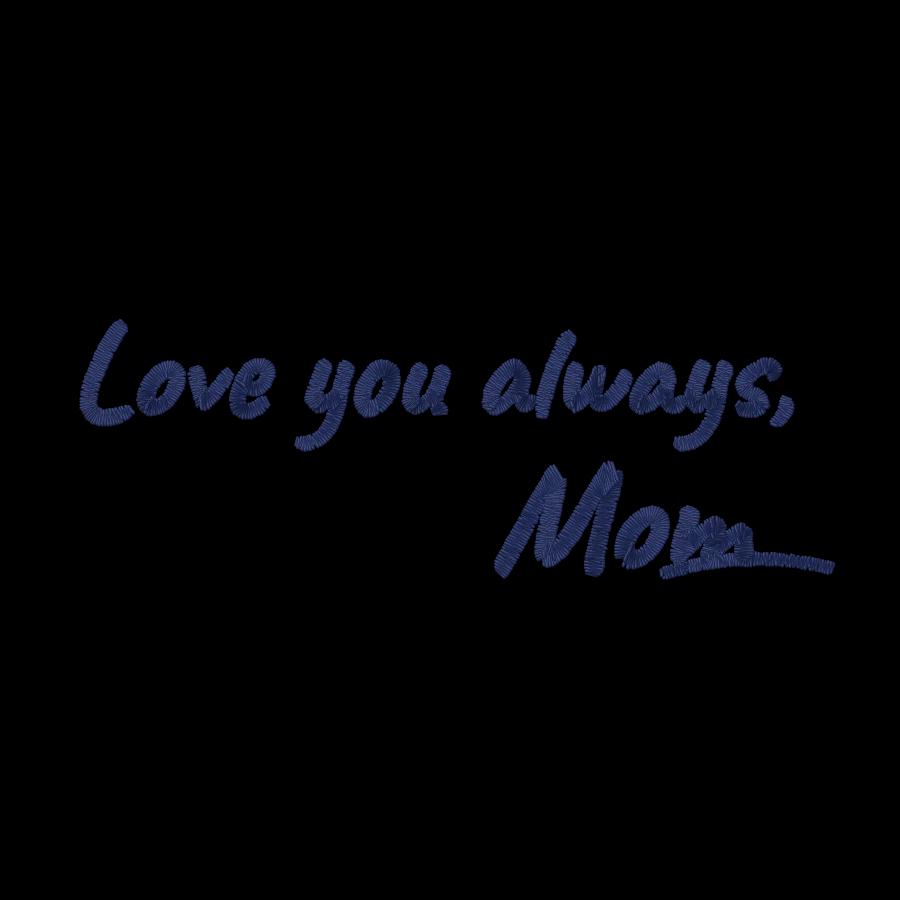
 StitchedHandwriting to embroidery fileNotes, signatures and family recipes.Make yours
Try it free, pay when you download
Digitize and preview as many designs as you like with a free account. A plan unlocks downloads, and you can cancel anytime.
Hobby
For personal projects and gifts
$8/month
$96 billed yearly
- 20 design downloads a month
- All 9 machine formats, plus SVG
- Unlimited digitizing and previews
- Saved designs library
- Email support
Shop
For Etsy shops and small businesses
$20/month
$240 billed yearly
- 100 design downloads a month
- Everything in Hobby
- Priority email support
Pro
For production and high volume
$40/month
$480 billed yearly
- Unlimited design downloads
- Everything in Shop
- Fastest support response
What embroiderers say about Embrizo
Rated 5 out of 55.0 out of 5 from 3 reviews
“Wasn't expecting the stitching to come out this clean tbh. Even the smaller details on my design turned out pretty good.”
“I've never been good with digitizing software, so this was a huge help. Just uploaded my image and had it ready for my Brother machine.”
“Tried it out on a logo for a customer and it stitched out really well. Saved me from having to pay someone to digitize it.”
Singer Superb EM200 software questions
The quickest way to see what it does with your artwork is to try it. With a free account, digitizing and previewing cost nothing and take about a minute.
What software do I need to make designs for the Singer Superb EM200?
Any digitizing software that saves XXX files. Embrizo runs in your browser on a Mac, PC, Chromebook or iPad and turns a picture into an XXX file in about a minute; Singer's mySewnet, Hatch and Embrilliance are desktop options.
How do I turn a picture into a design for the Singer Superb EM200?
Digitize it into an XXX file on a computer, tablet or phone, then load the file onto the machine. Embrizo turns a PNG, JPG, WebP or SVG into stitches in about a minute and shows a stitch preview before you download.
What file format does the Singer Superb EM200 use?
It reads XXX and DST files. Make XXX files for it: the file carries the thread colors.
What's the biggest design I can make for the Singer Superb EM200?
Up to 10-1/4 x 6 in (260 × 150 mm), the size of its largest field. Hoops included: 260 x 150 mm (10-1/4 x 6 in); 100 x 100 mm (4 x 4 in). Leave a few millimeters to spare, and make the design no bigger than the hoop you'll use.
Is there free software for the Singer Superb EM200?
Ink/Stitch is free and writes XXX, but you trace and set up every stitch yourself in Inkscape. With a free Embrizo account you can digitize and preview as many designs as you like; downloading XXX files takes a plan, from $8 a month billed yearly.
Do I need mySewnet for the Singer Superb EM200?
No. Any software that writes XXX works with the Superb EM200. mySewnet runs on Mac and Windows and is a membership from $9.99 a month, with digitizing in Elite at $39.99 a month.
How do I get my design onto the Singer Superb EM200?
Copy the .xxx file to a USB stick, plug it into the Superb EM200 and choose the design on its screen.
More for the Superb EM200
Software for other Singer machines
Machine specs from Singer's published specifications, checked November 2026; your manual has the final word. Singer, Superb EM200 and the software names are trademarks of their owners. Embrizo isn't affiliated with Singer.
Your first Superb EM200 design, in about a minute
Sign up free, upload any picture and download an XXX file sized for your machine when you're happy with it.