Free Baby Lock embroidery designs
102 original designs ready as PES, the format Baby Lock machines read (they also open DST). Every one fits a 4×4 in hoop, so it sews on any Baby Lock embroidery machine.
- Ready-to-sew PES
- Fits a 4×4 hoop
- OK for items you sell
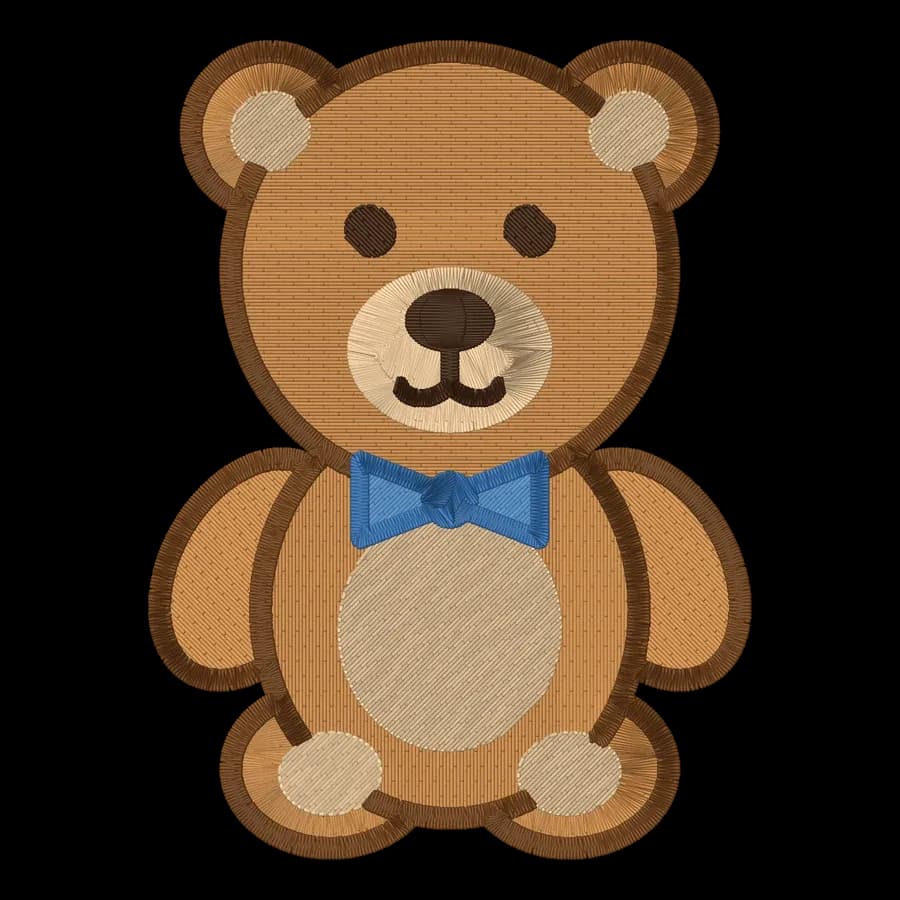
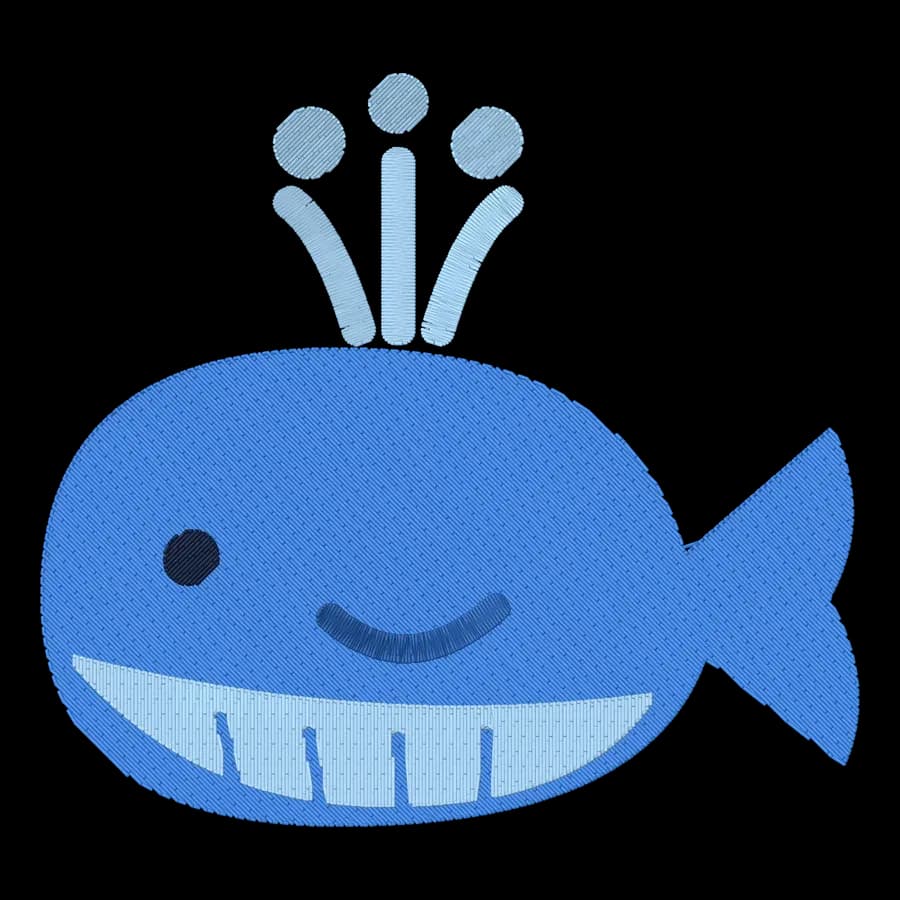

Christmas
Christmas designs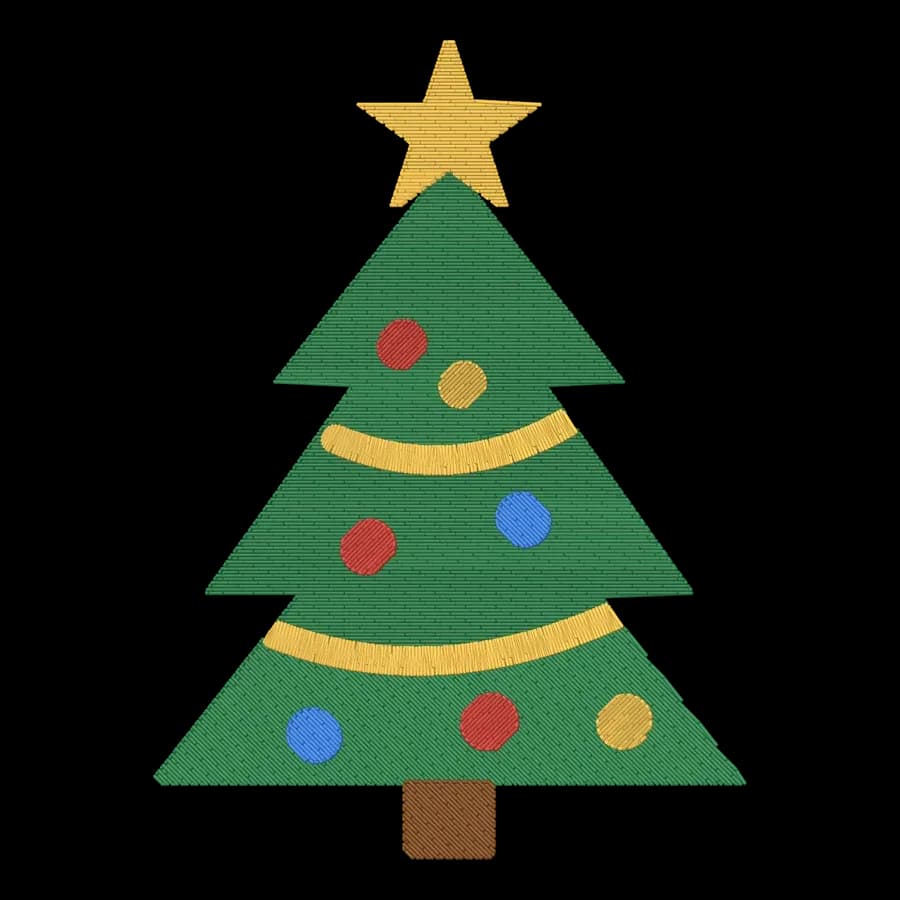 FreeChristmas tree68 × 94 mm · 4,684 stitches · 5 colors
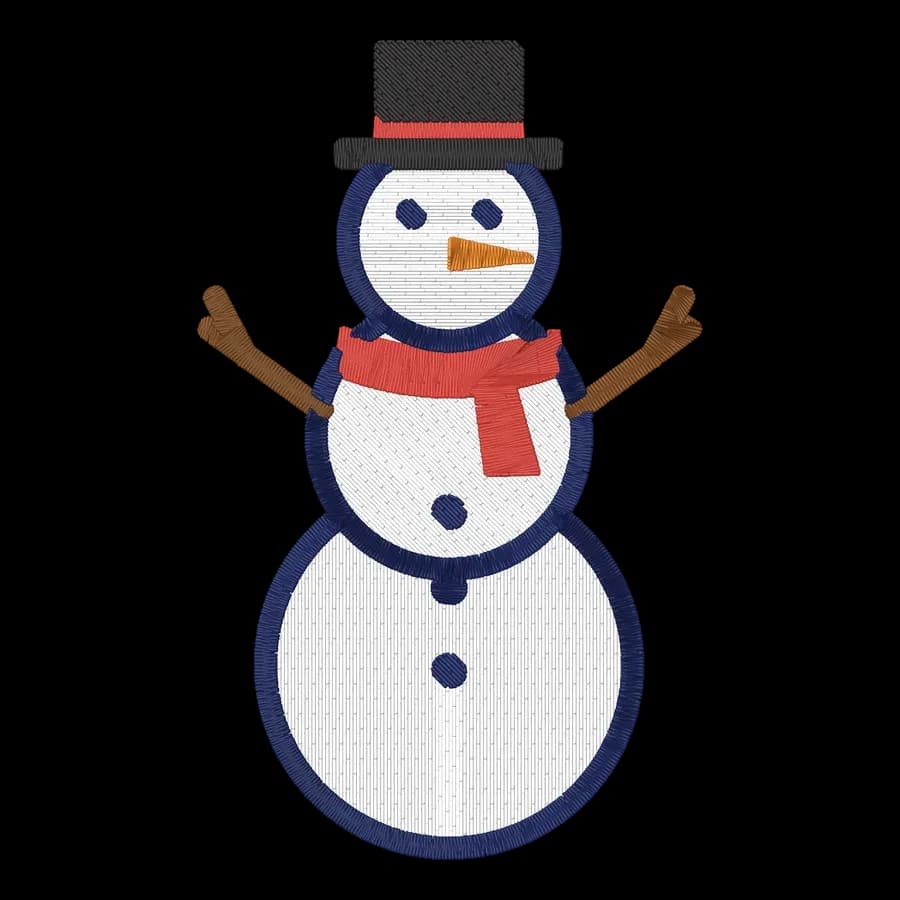 FreeSnowman58 × 95 mm · 6,857 stitches · 6 colors
 FreeGingerbread man65 × 95 mm · 4,943 stitches · 5 colors
 FreeHolly sprig94 × 76 mm · 5,010 stitches · 5 colors
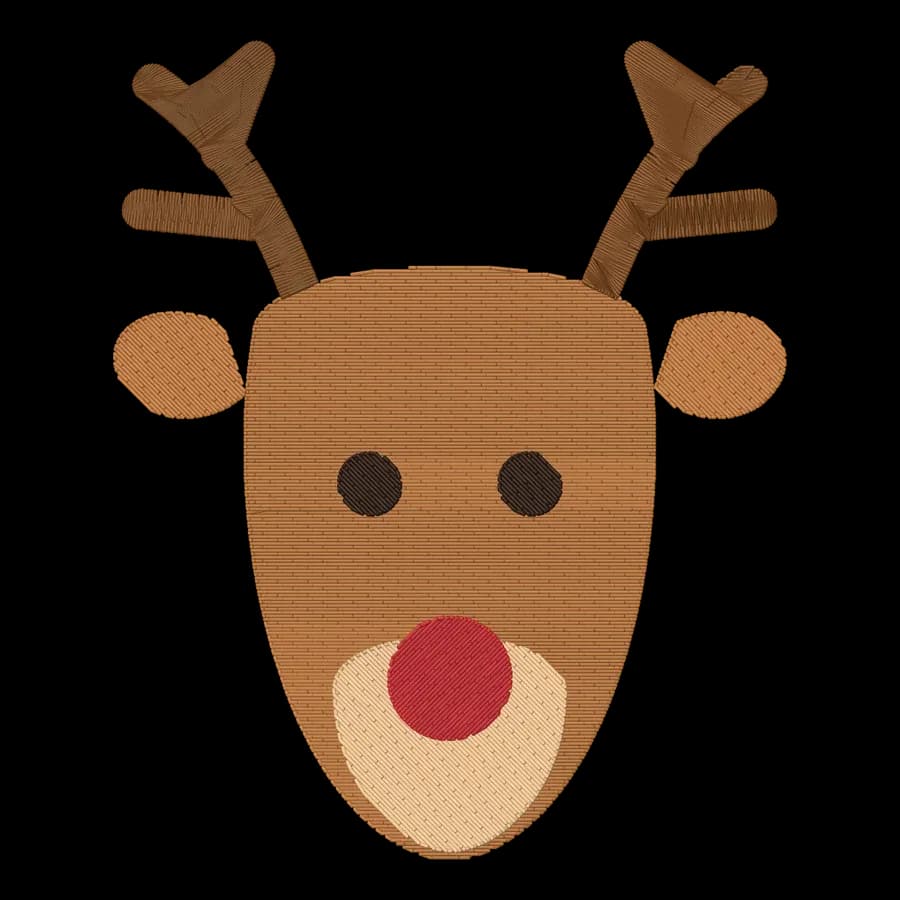 FreeReindeer78 × 95 mm · 5,483 stitches · 5 colors
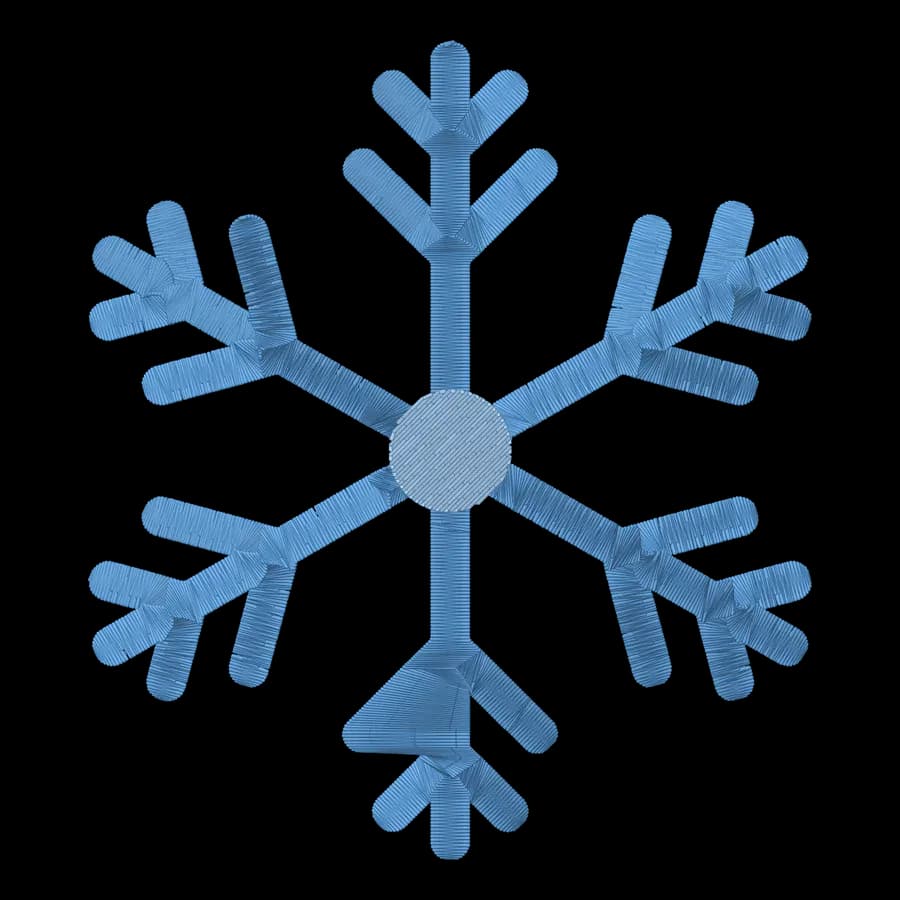 FreeSnowflake84 × 95 mm · 6,868 stitches · 2 colors
 FreeCandy cane65 × 95 mm · 7,286 stitches · 3 colors
 FreeMitten71 × 95 mm · 7,339 stitches · 3 colors
Halloween
Halloween designs
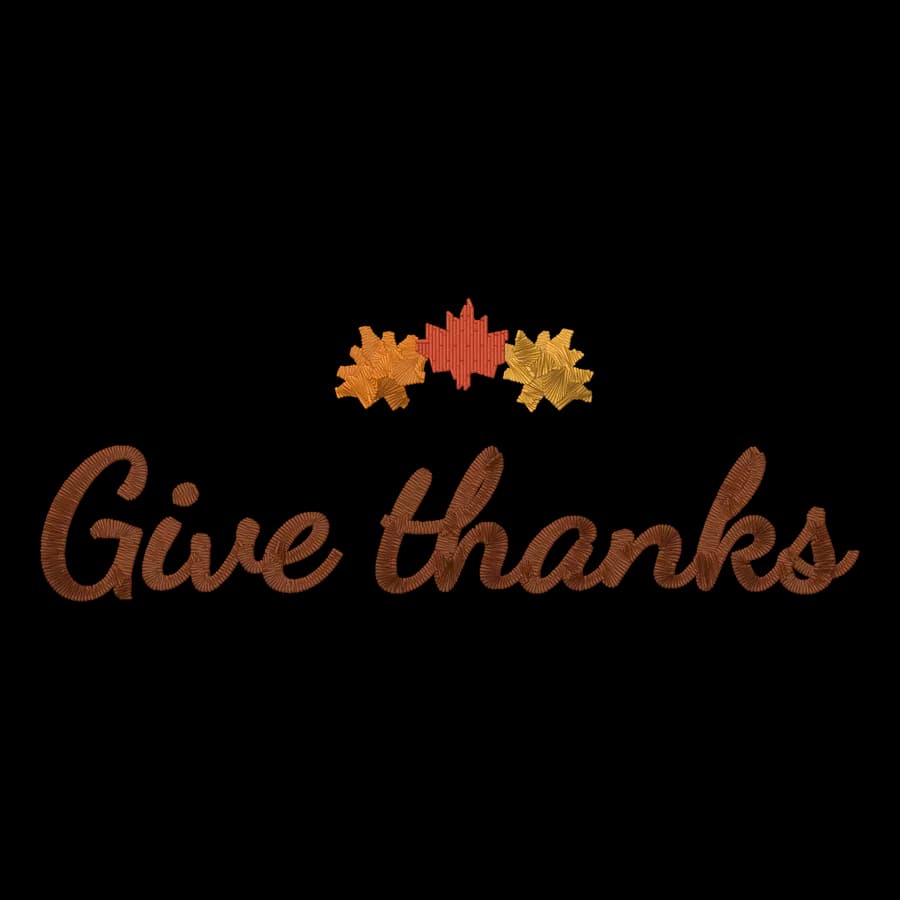
Autumn & Thanksgiving
Autumn & Thanksgiving designs

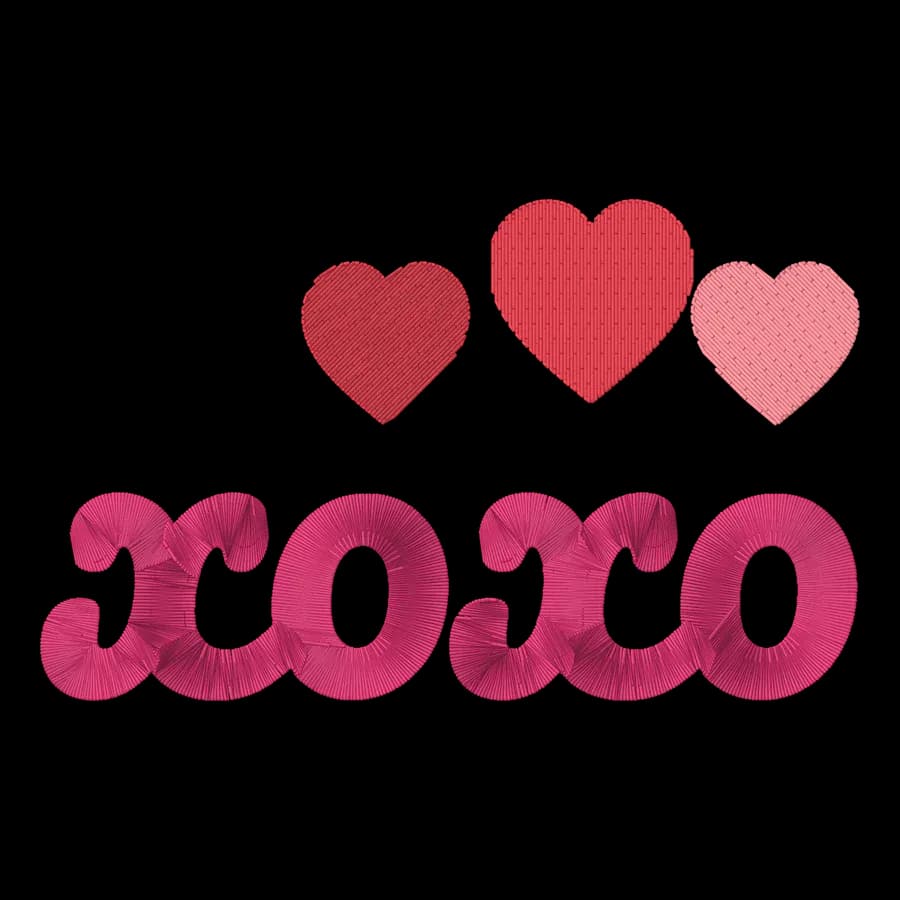
Valentine's Day
Valentine's Day designs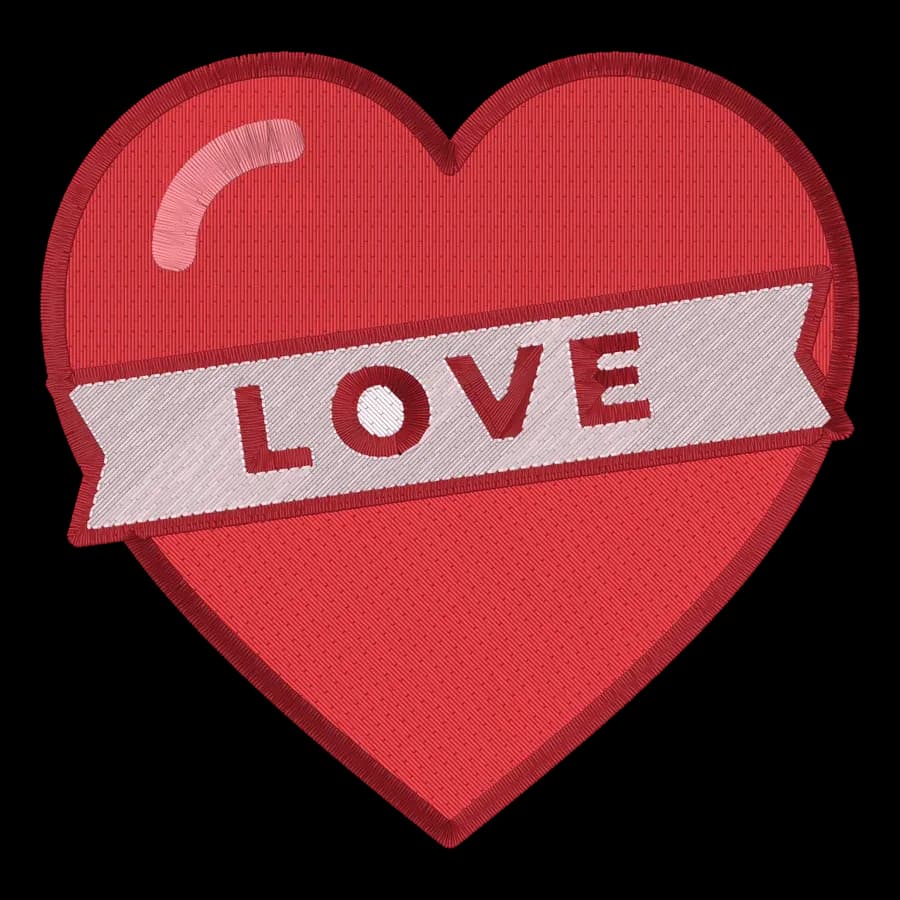
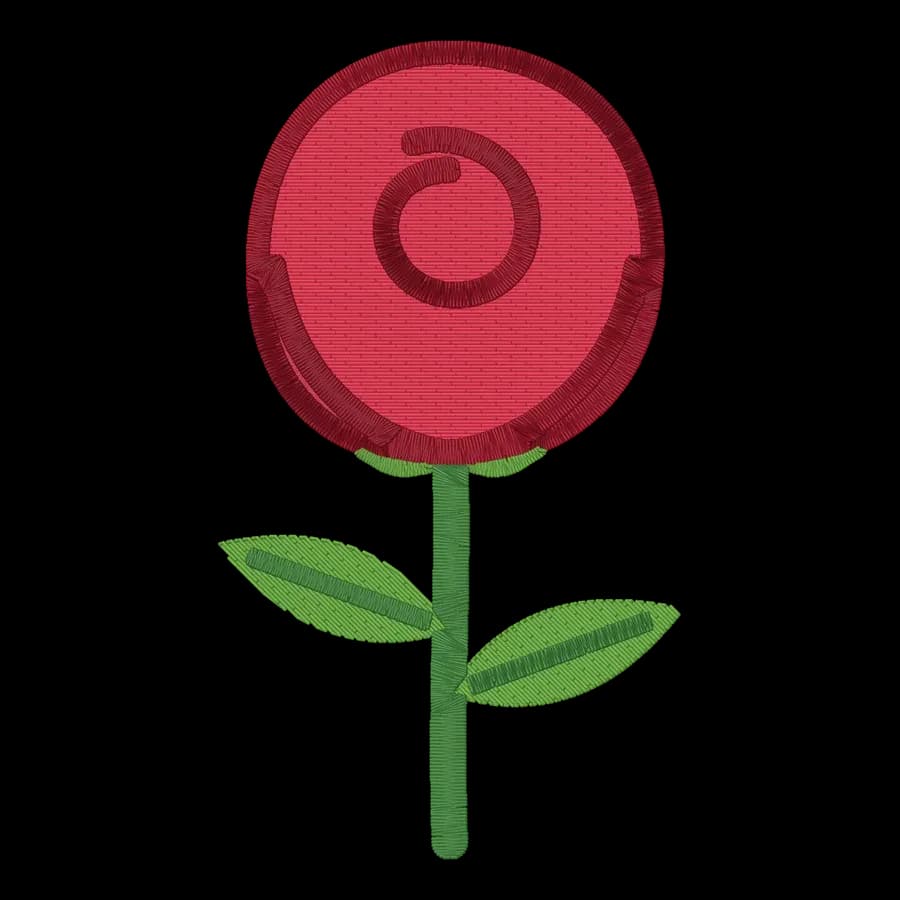
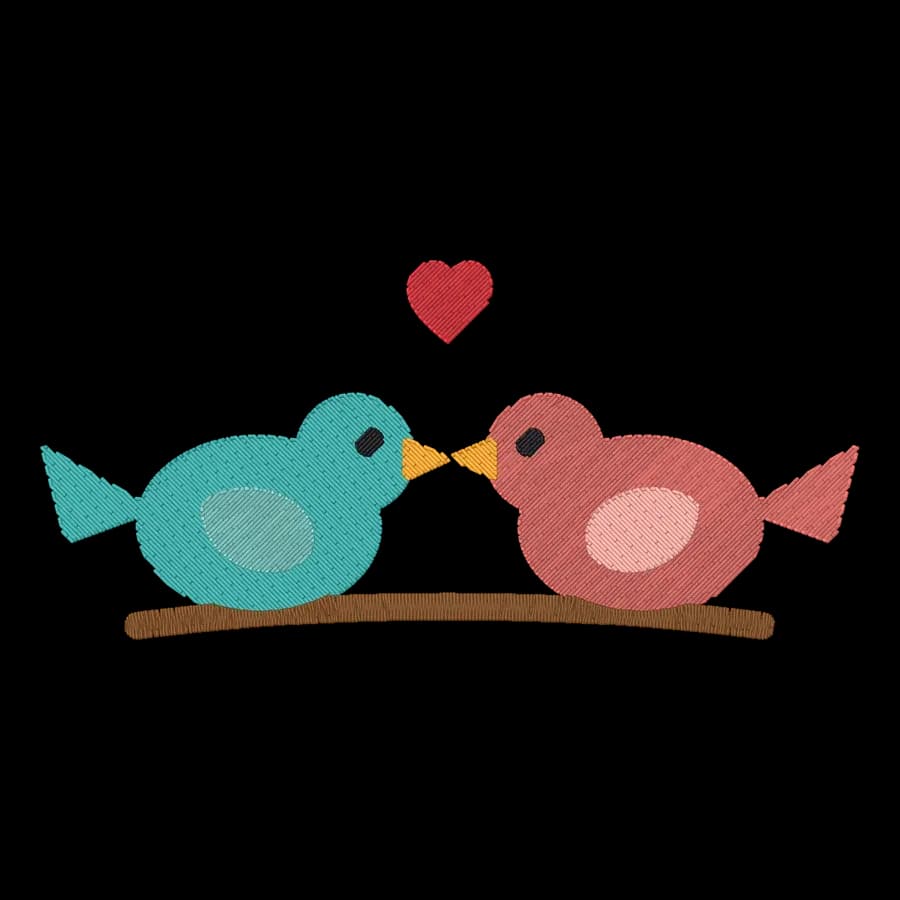
Easter & spring
Easter & spring designs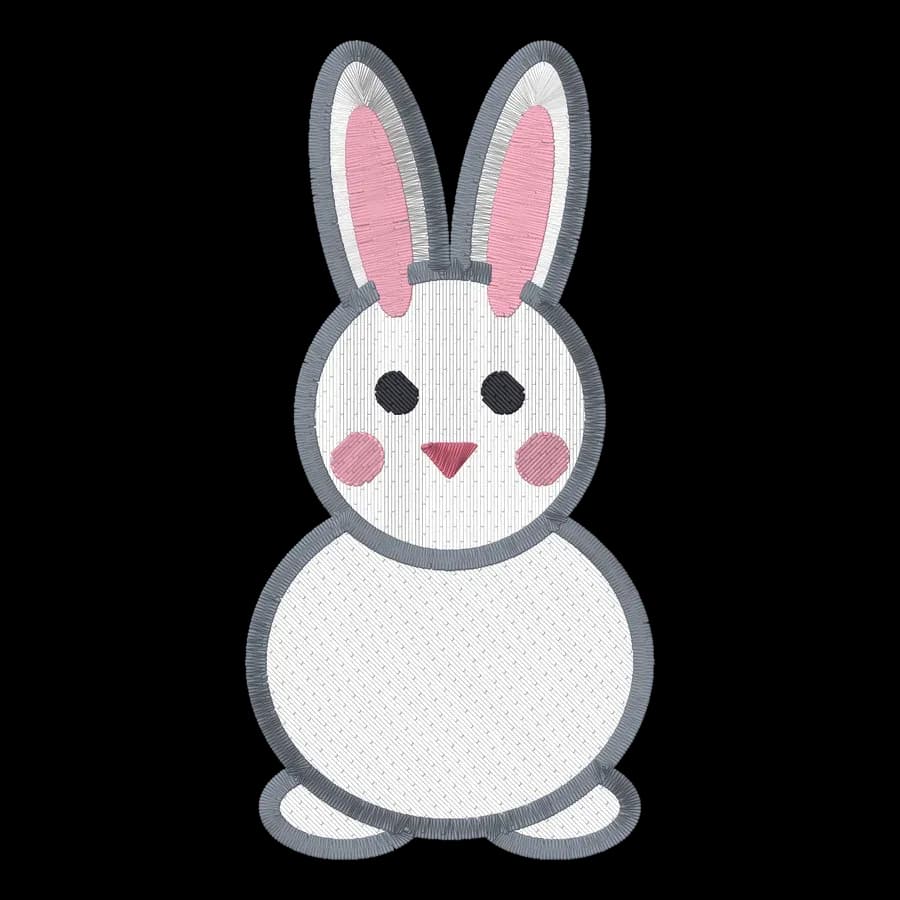
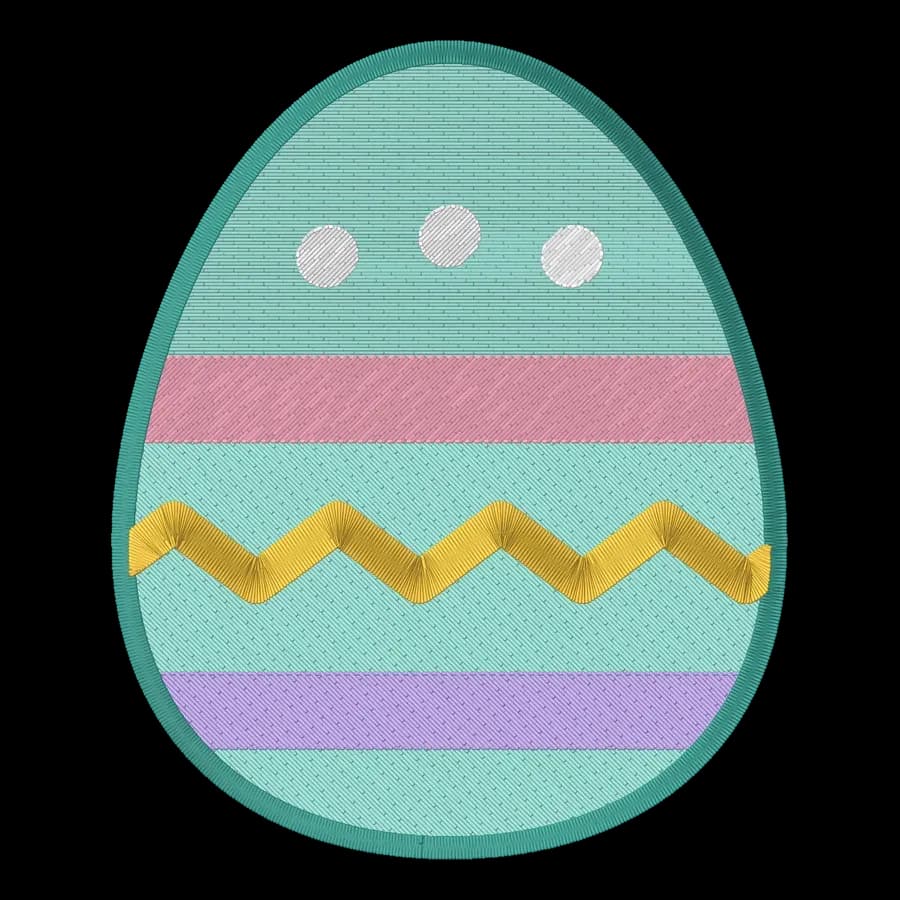
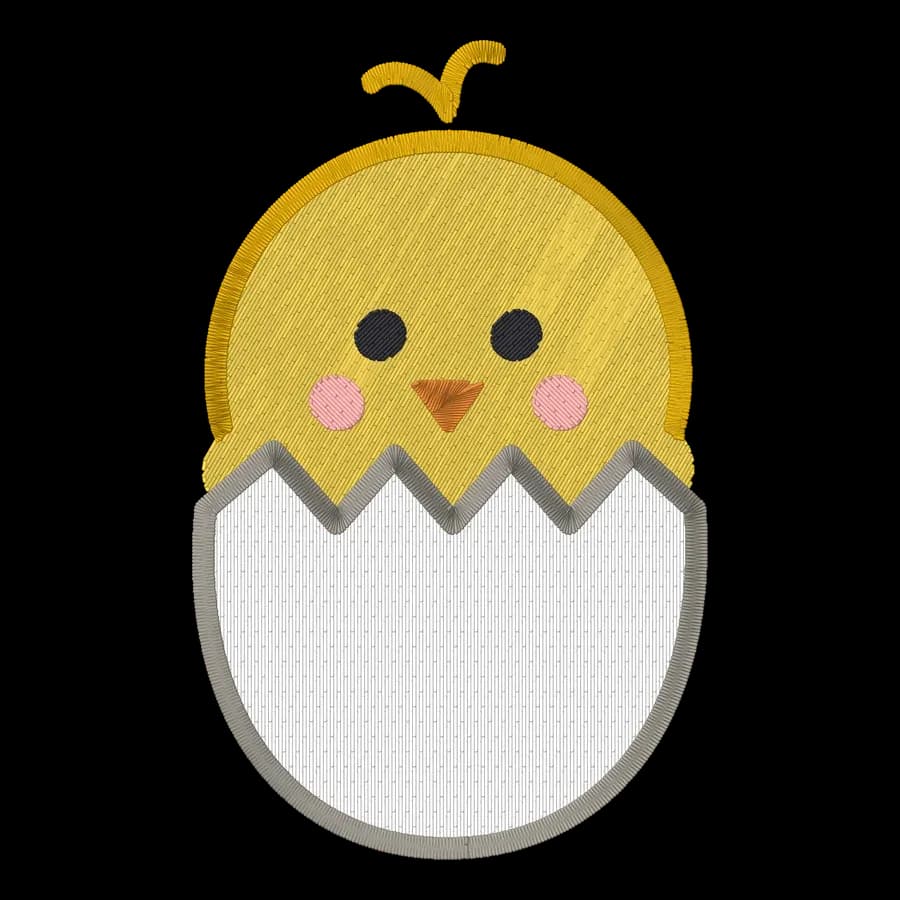
Fourth of July
Fourth of July designs

Flowers & nature
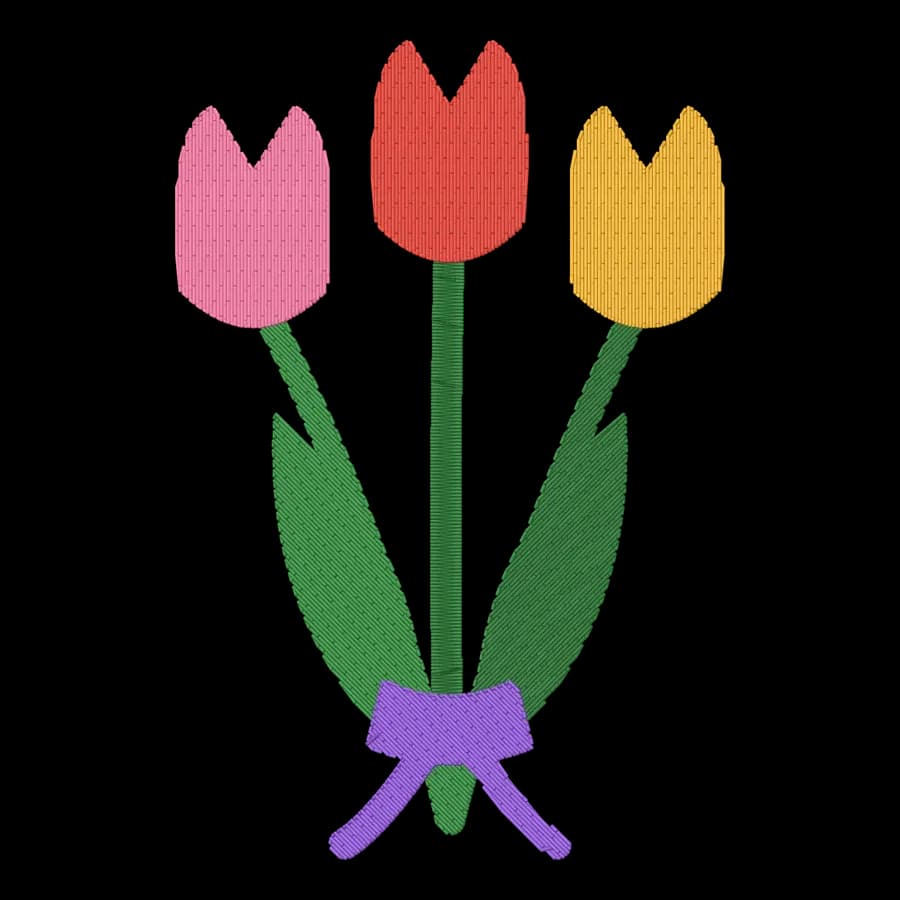
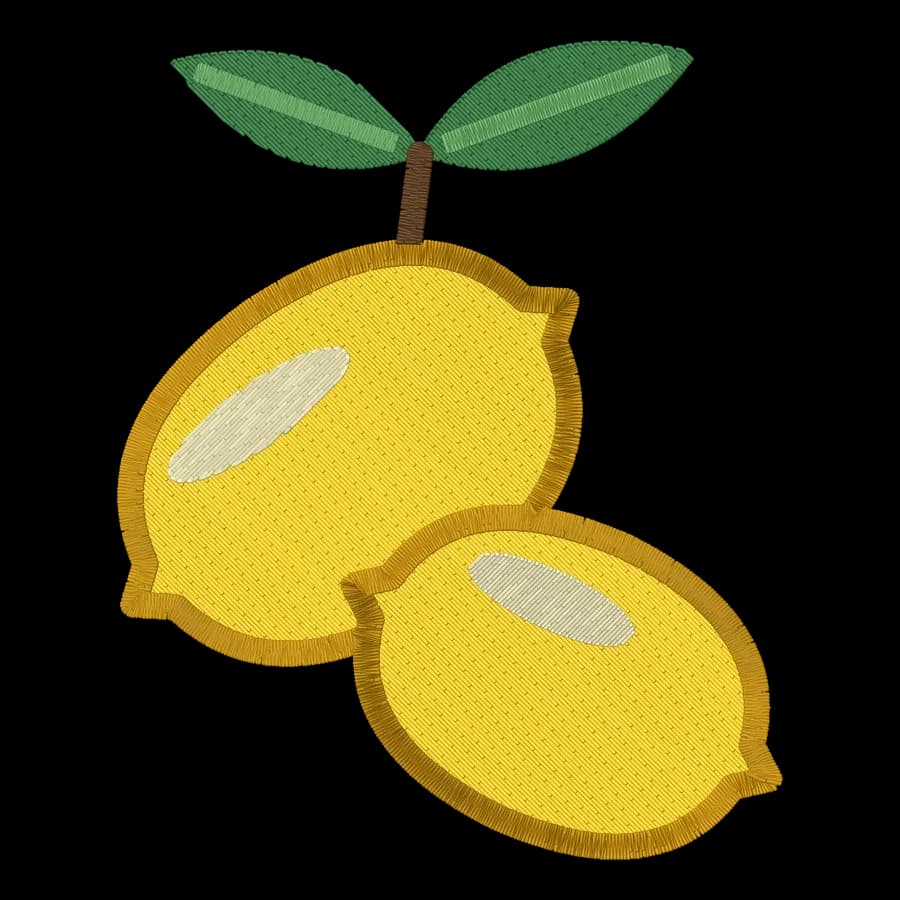
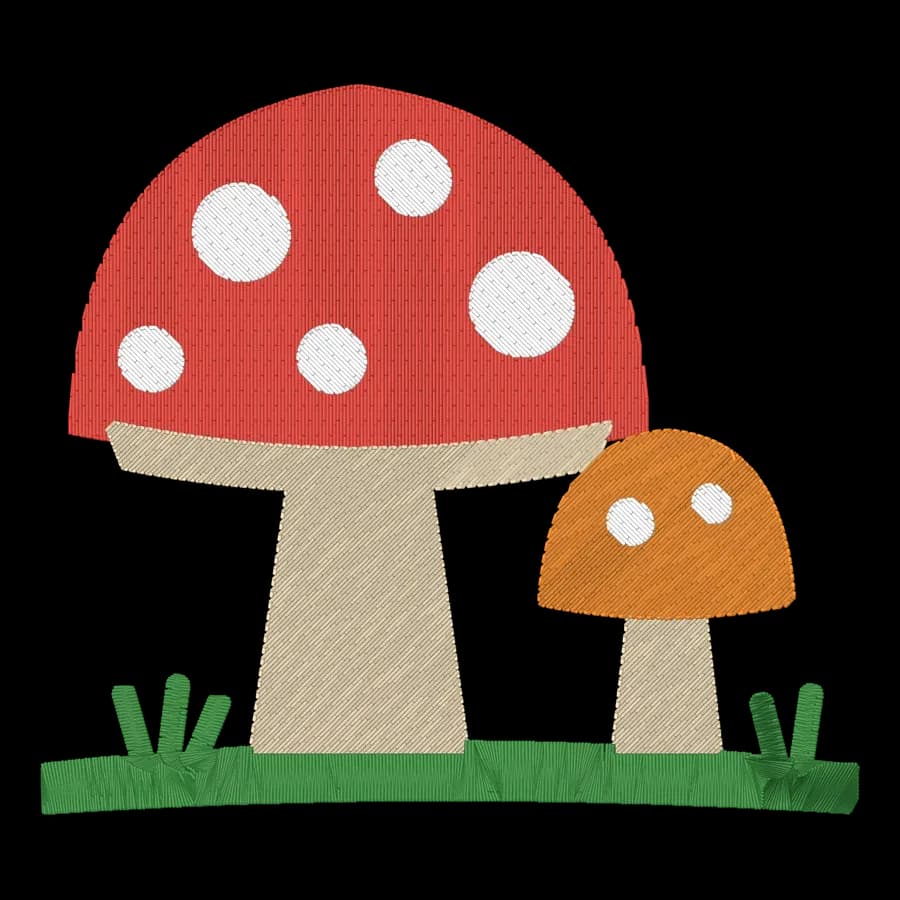
Flowers & nature designs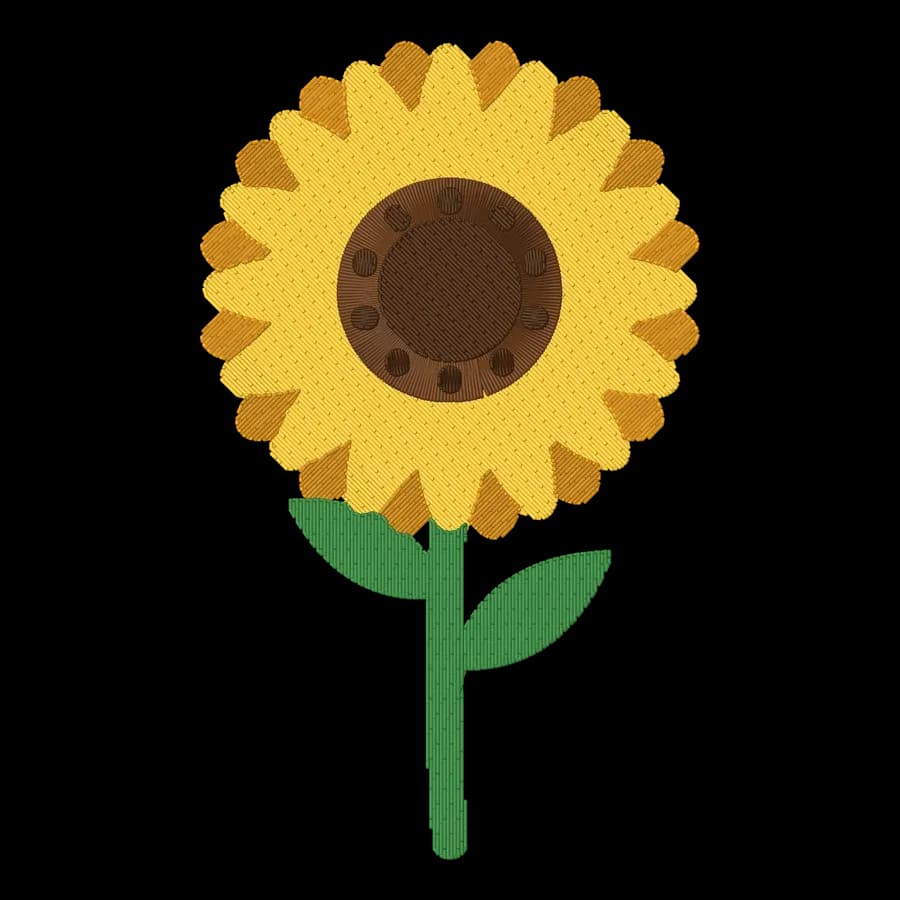
Animals
Animals designs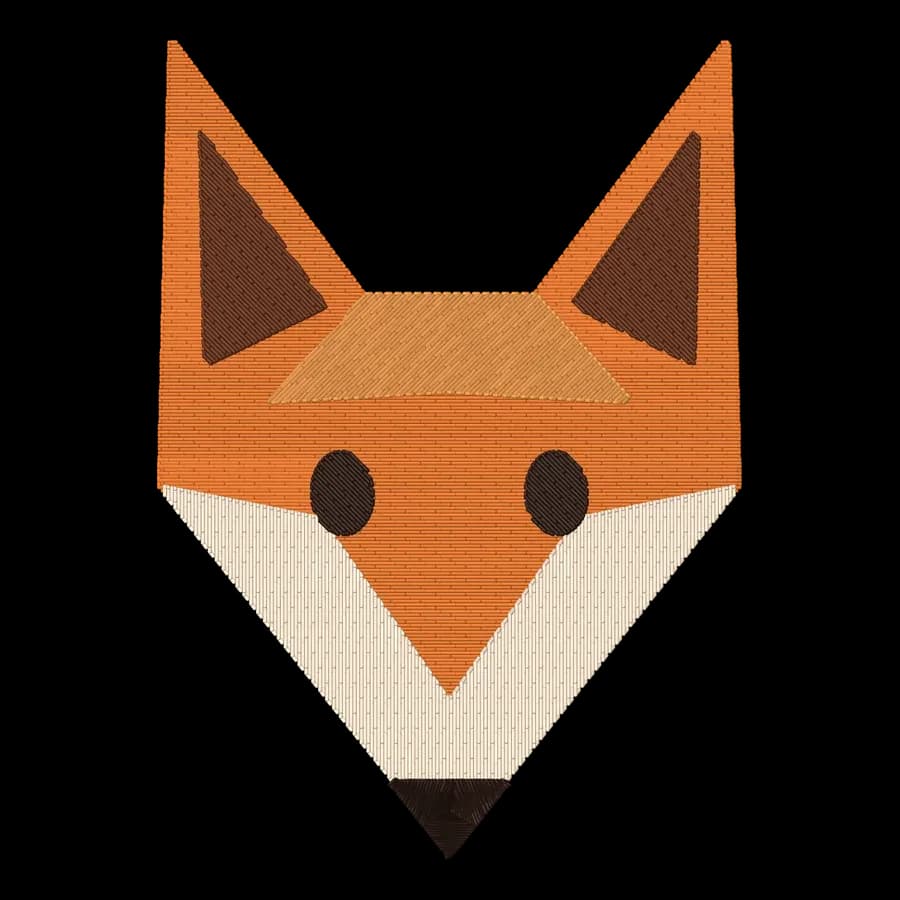
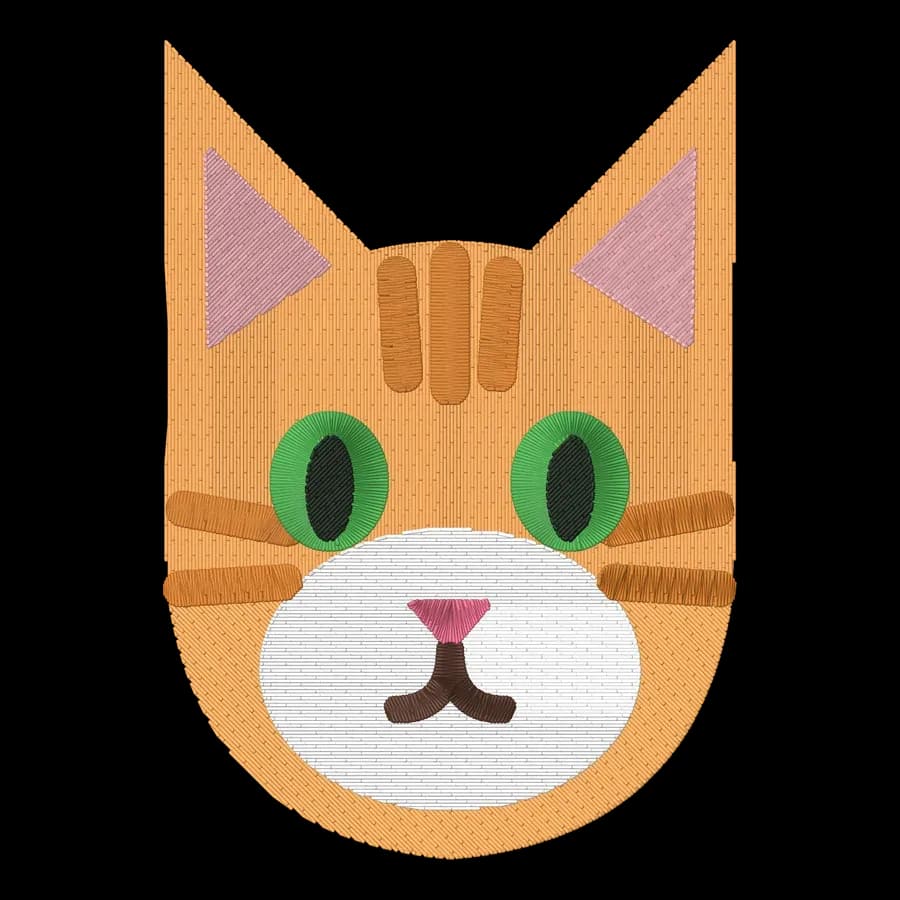
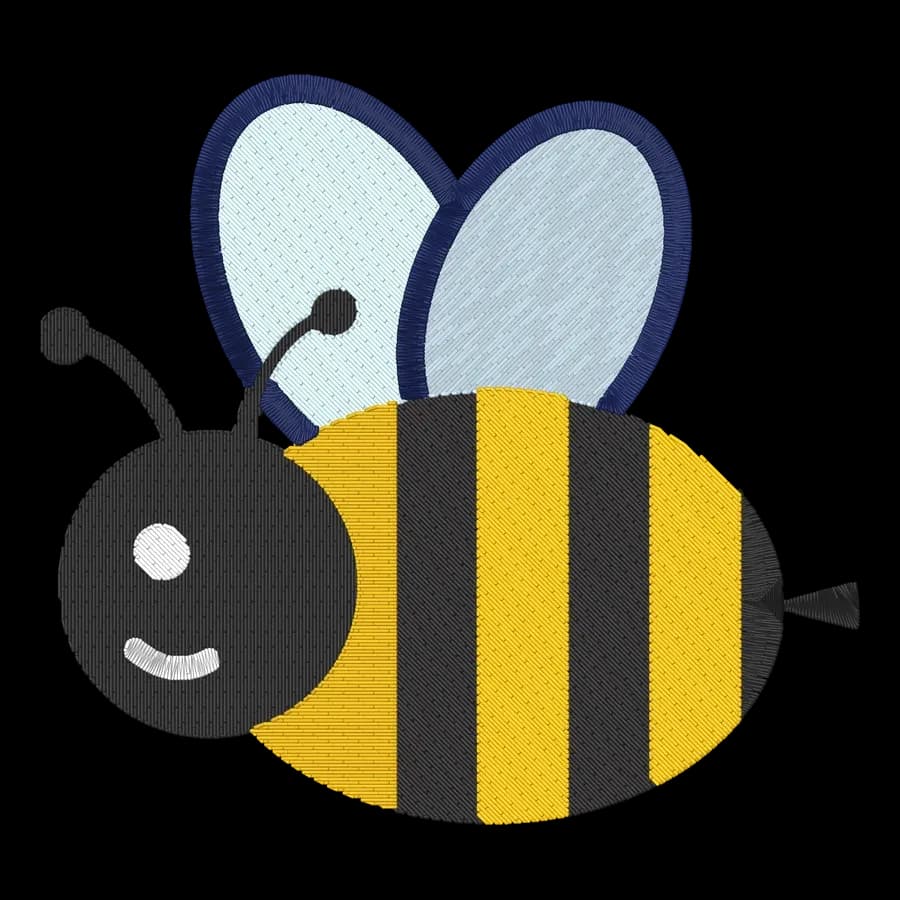
Pets
Pets designs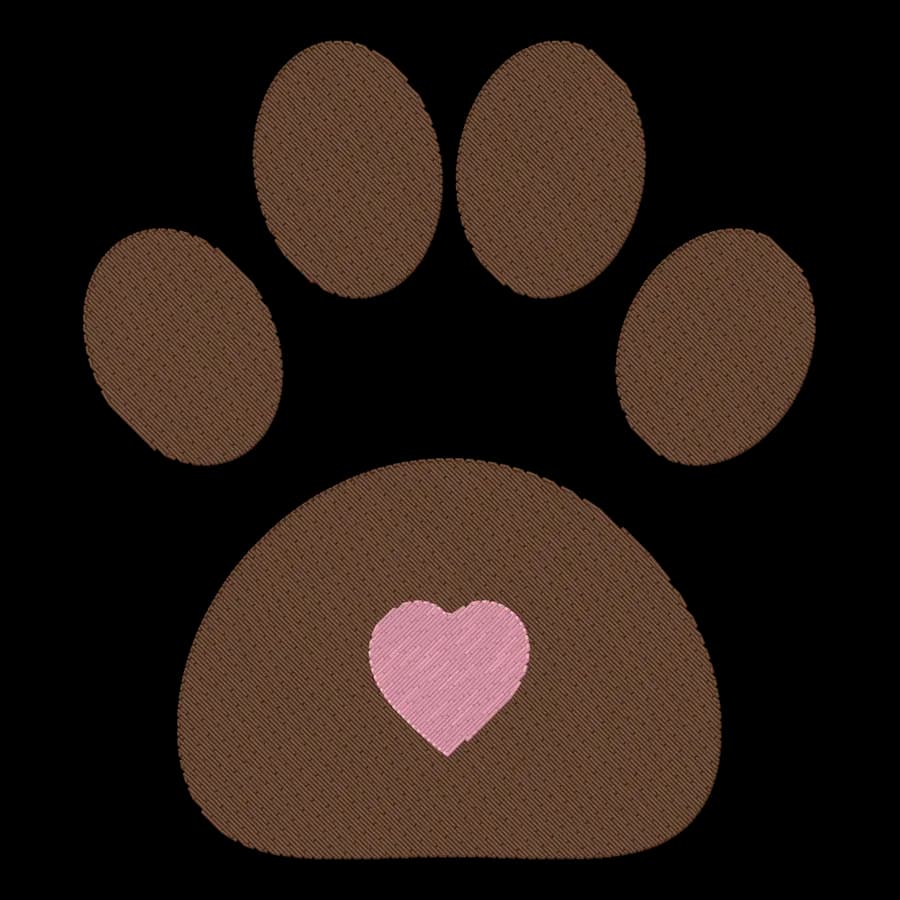
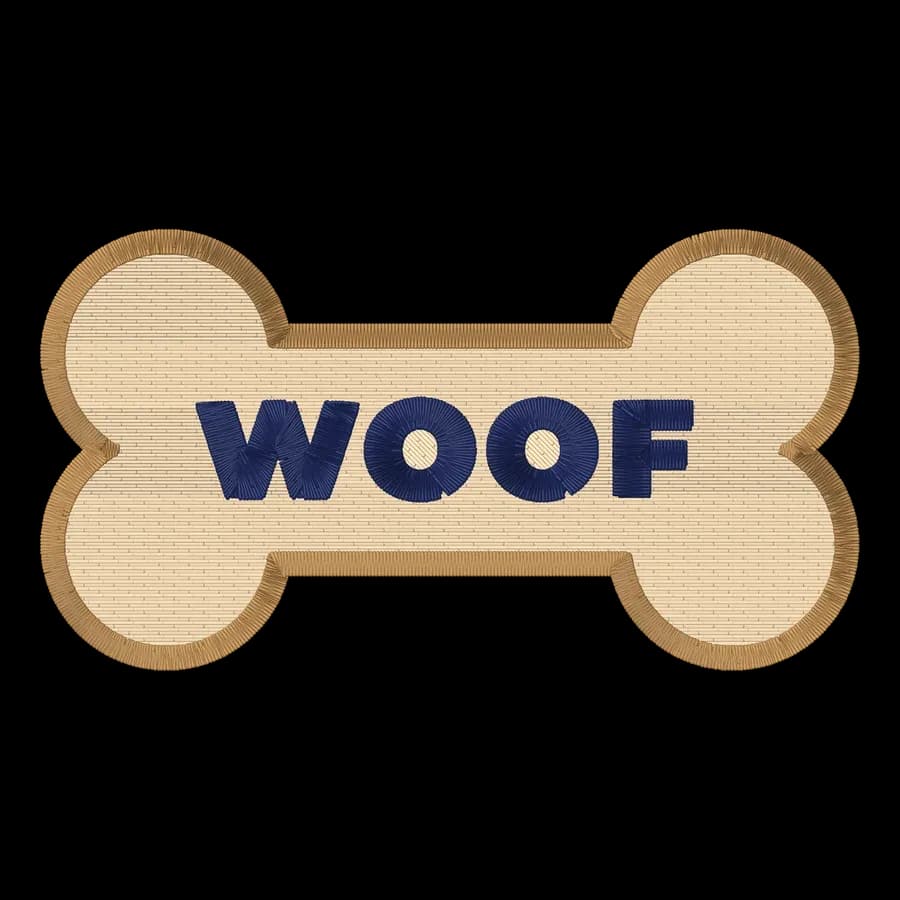
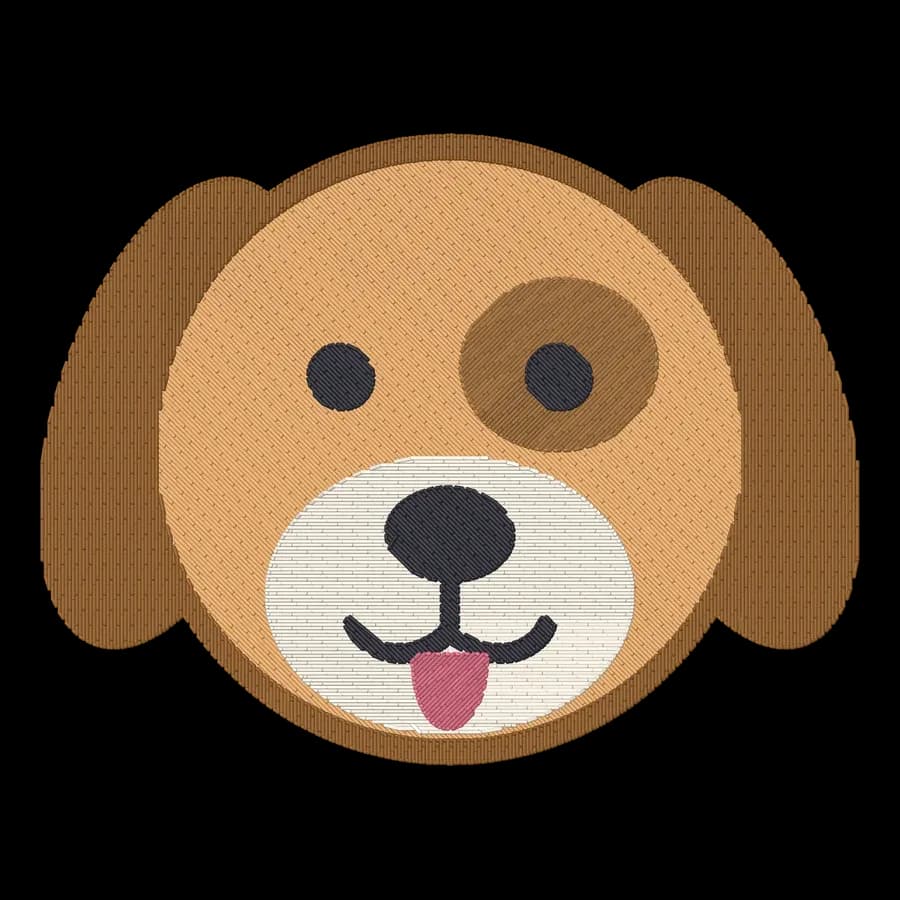
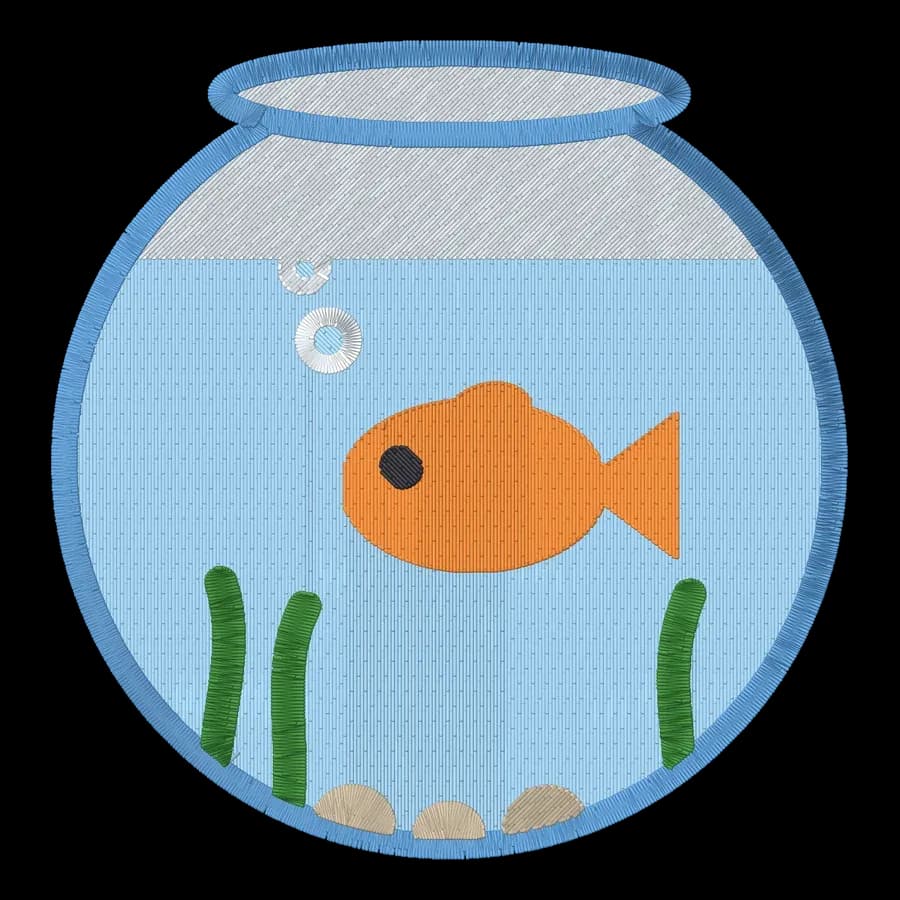
Baby
Baby designs
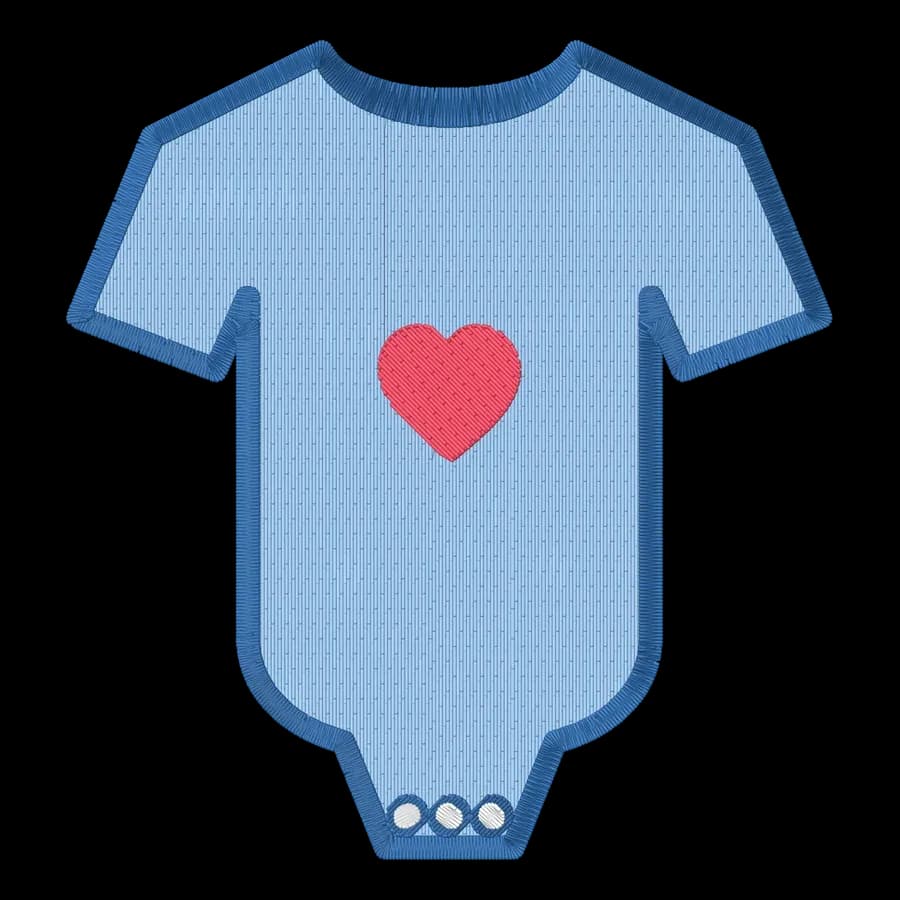
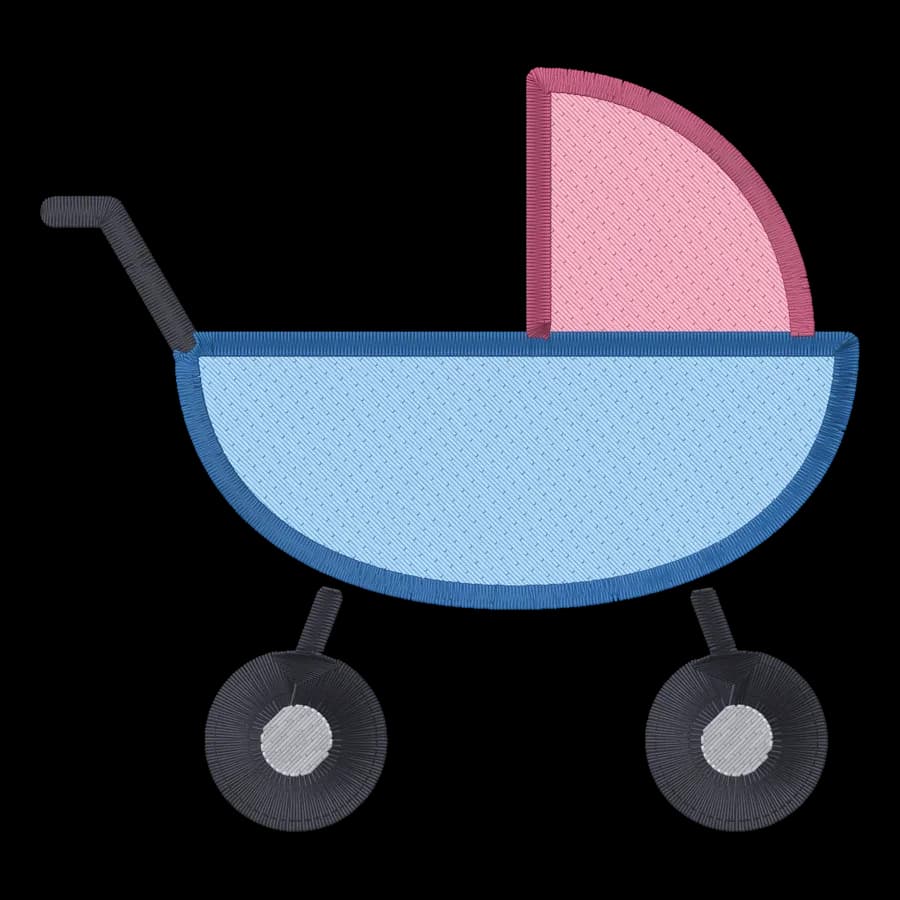
Family & gifts
Family & gifts designs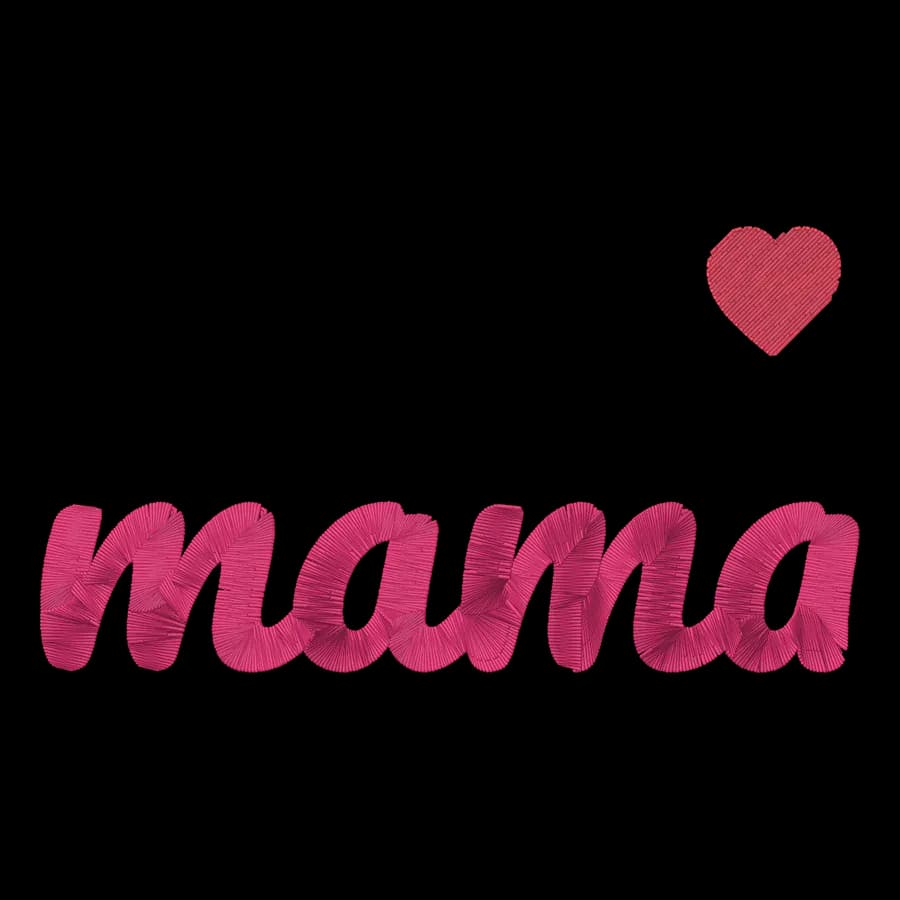
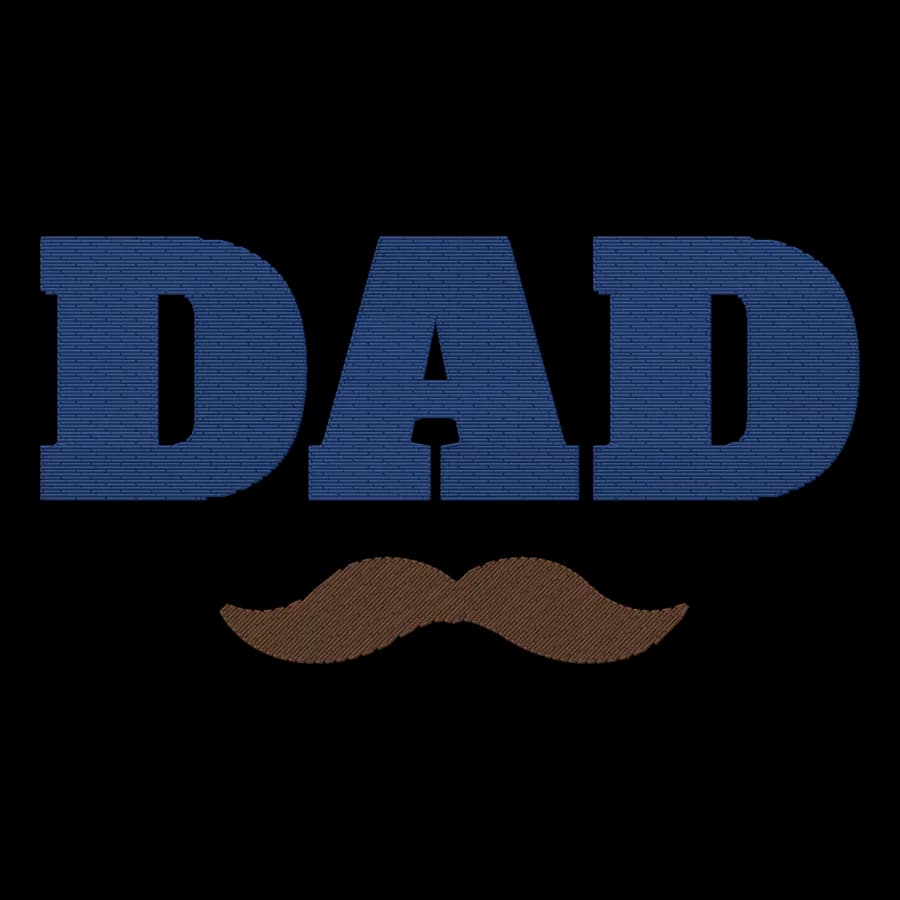
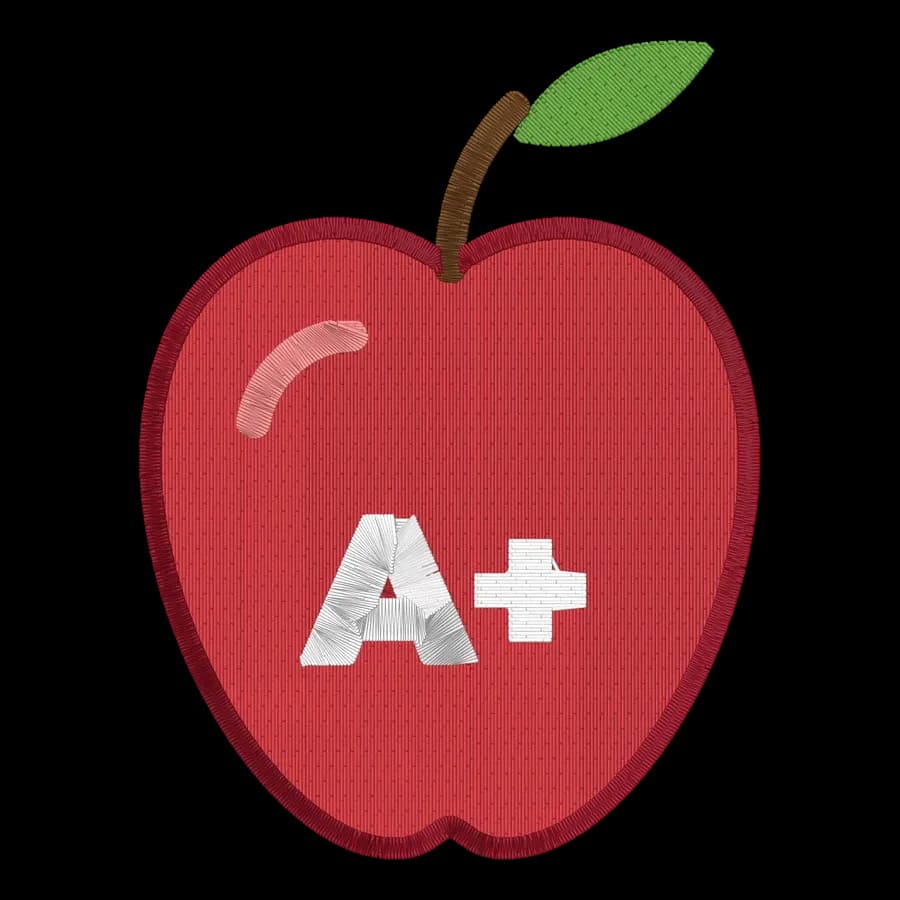

Kitchen & baking
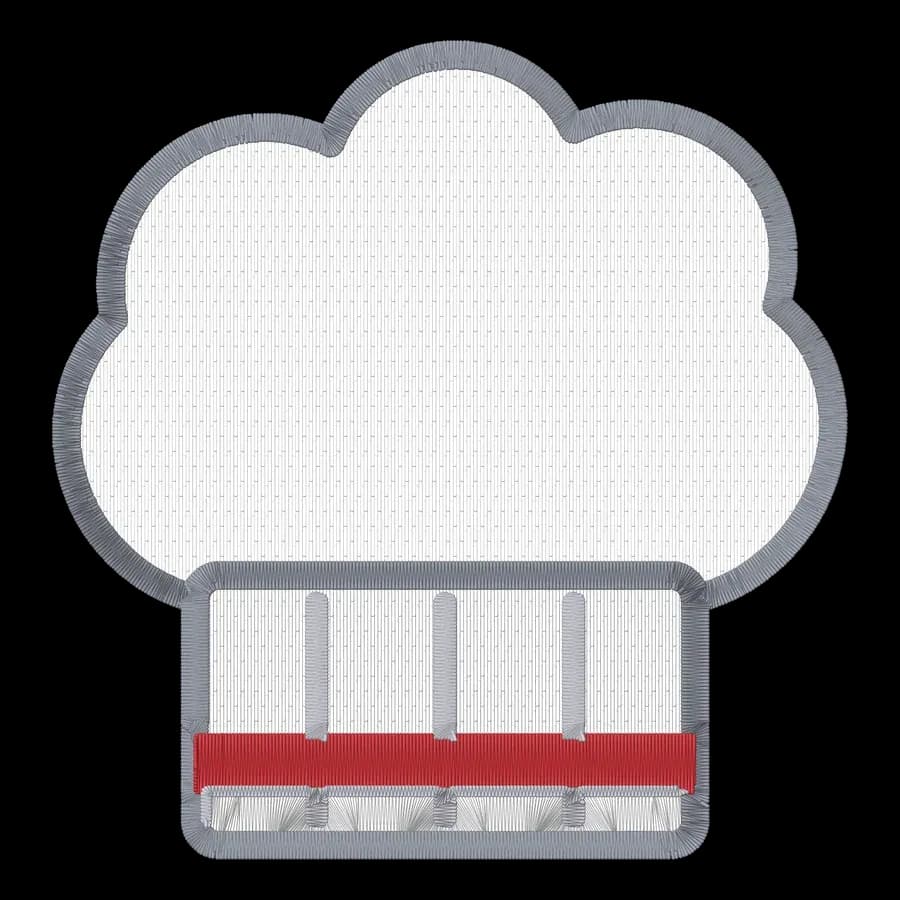
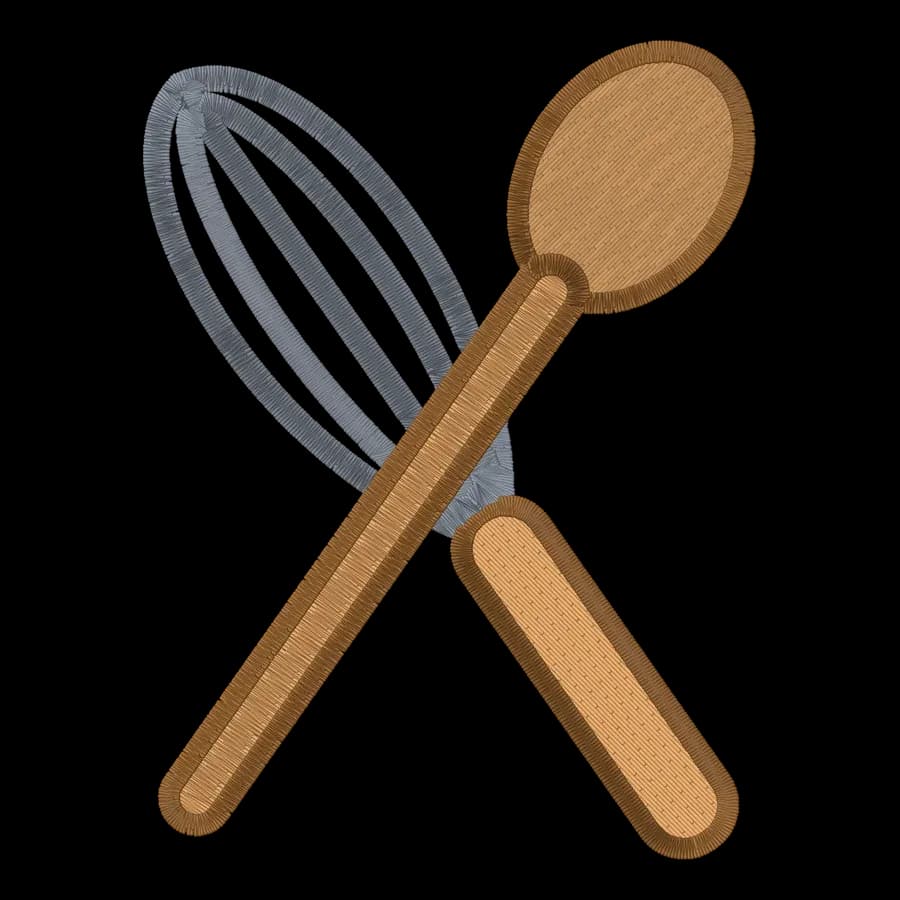
Kitchen & baking designs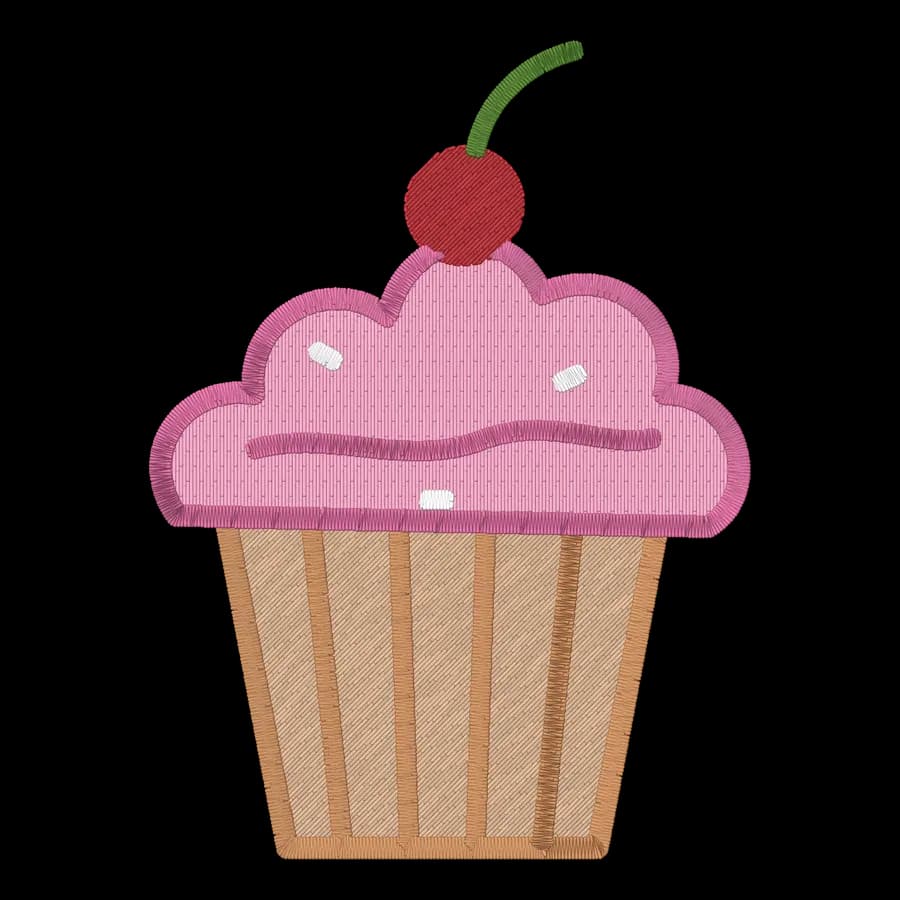

St. Patrick's Day
St. Patrick's Day designs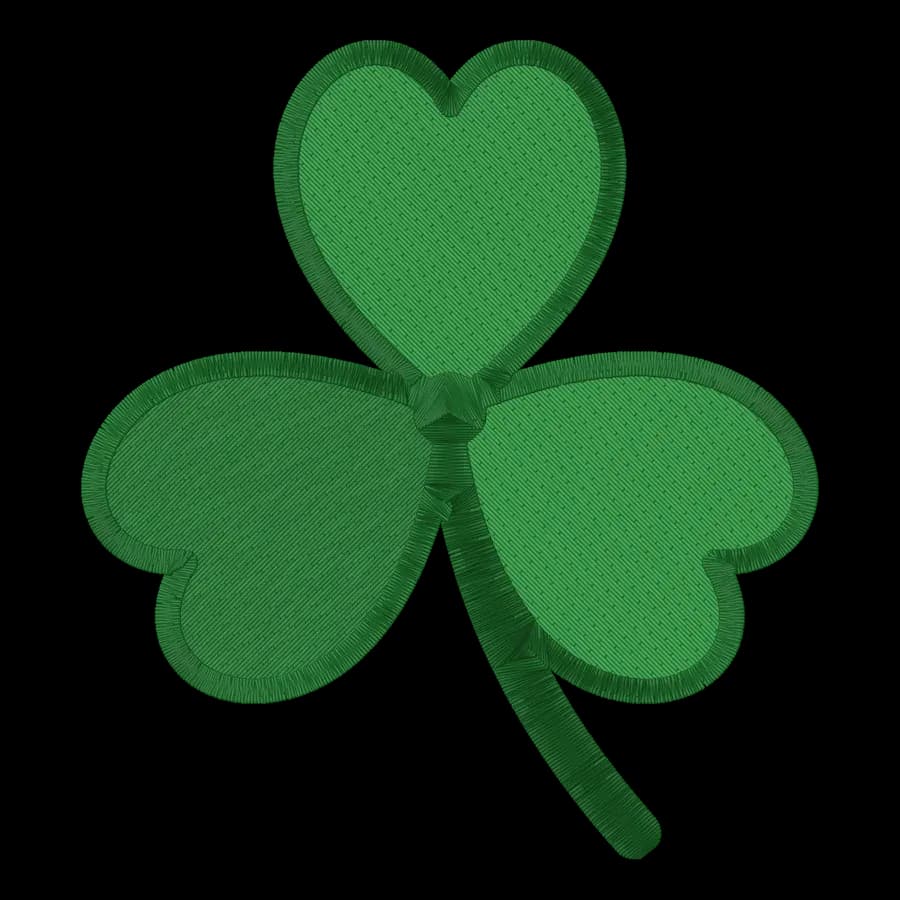
Birthdays & graduation
Birthdays & graduation designs

Outdoors & camping
Outdoors & camping designs


Beach & nautical
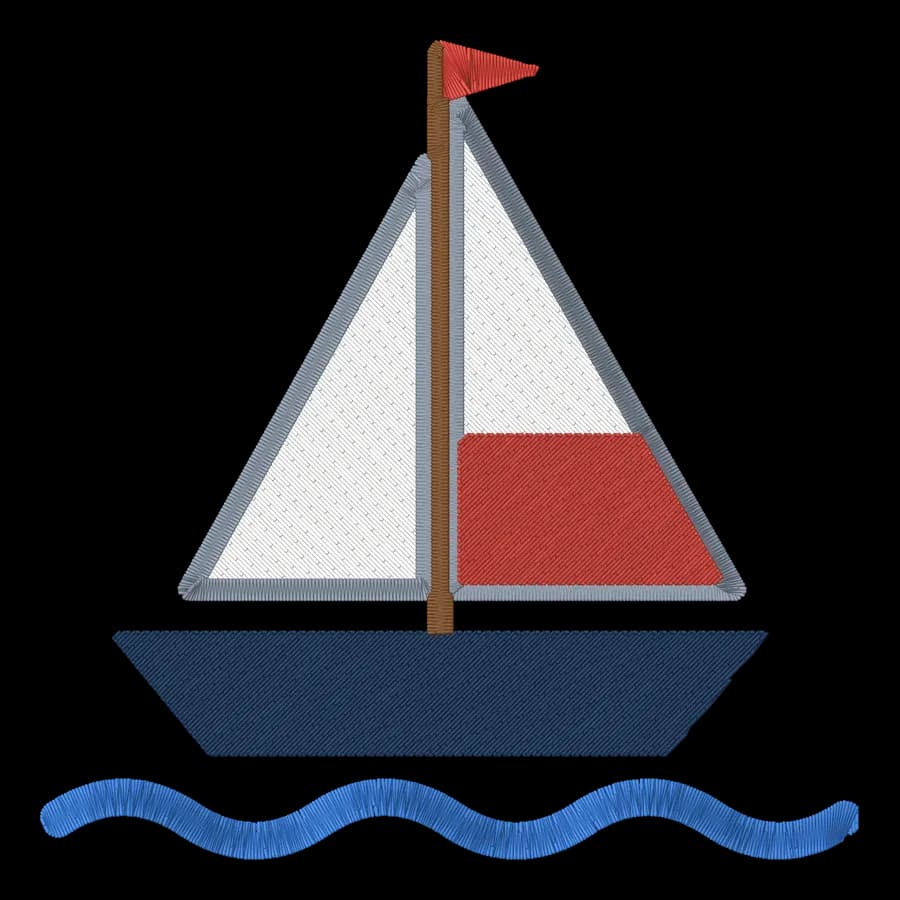
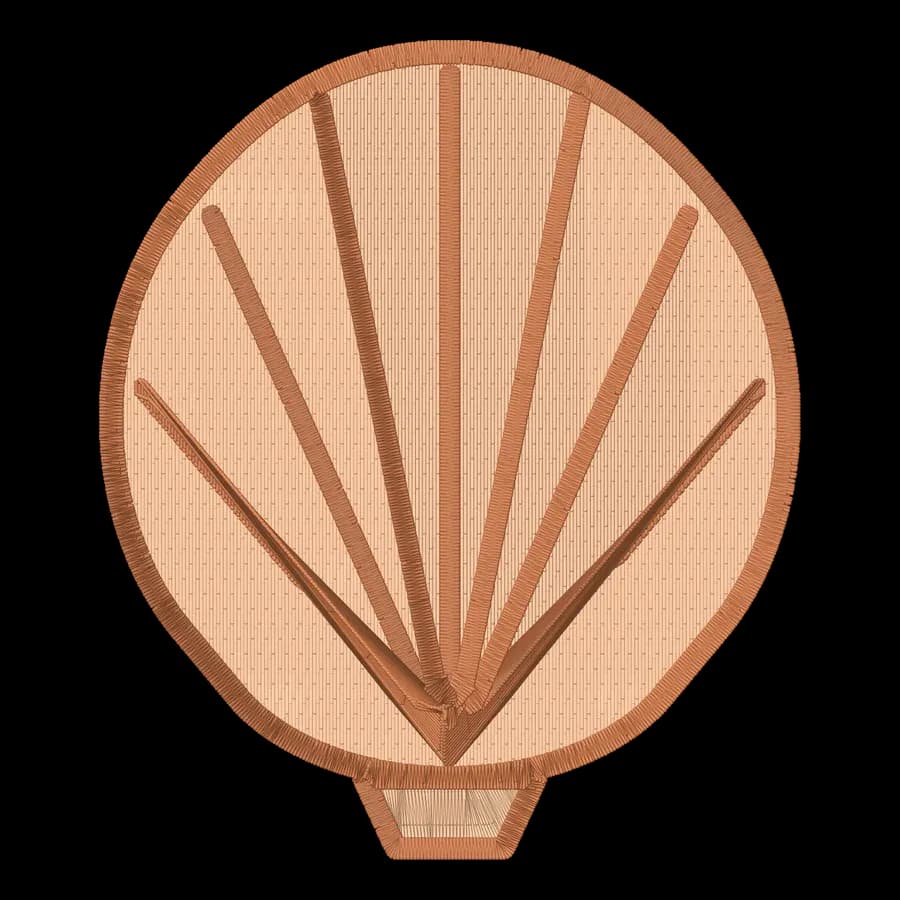
Beach & nautical designs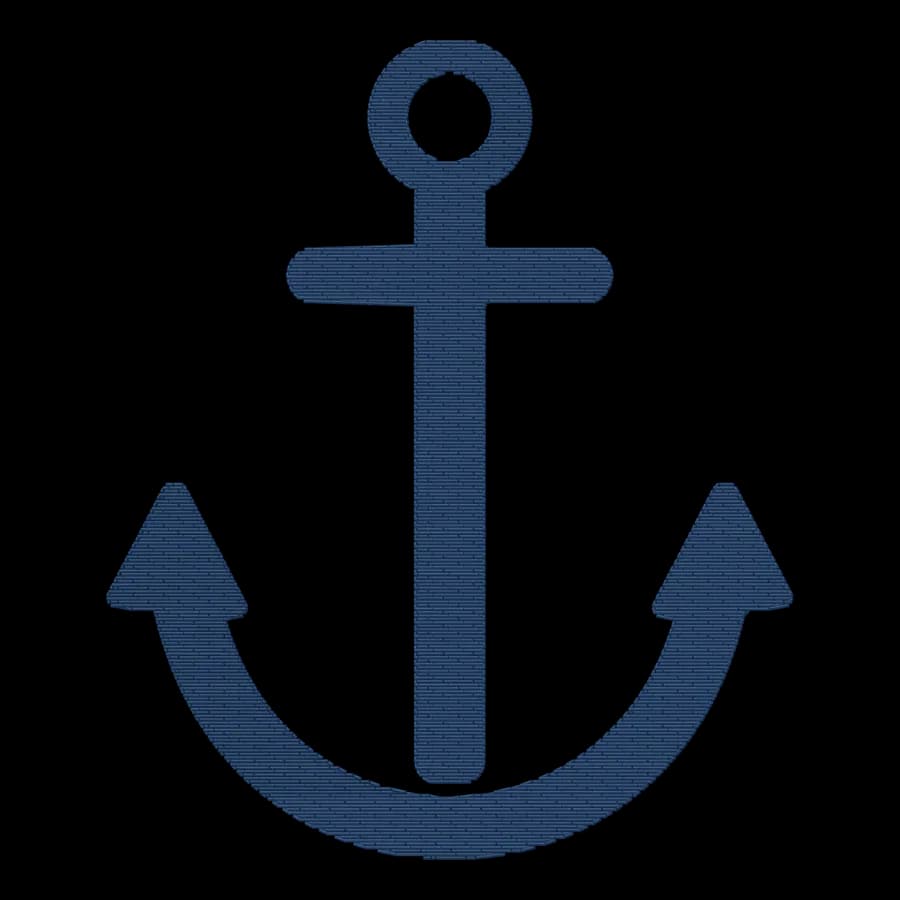

Kids & home
Kids & home designs- FreeRainbow95 × 54 mm · 6,550 stitches · 7 colors
 FreeHot air balloon95 × 87 mm · 5,218 stitches · 6 colors
 FreeCoffee mug94 × 95 mm · 6,056 stitches · 4 colors
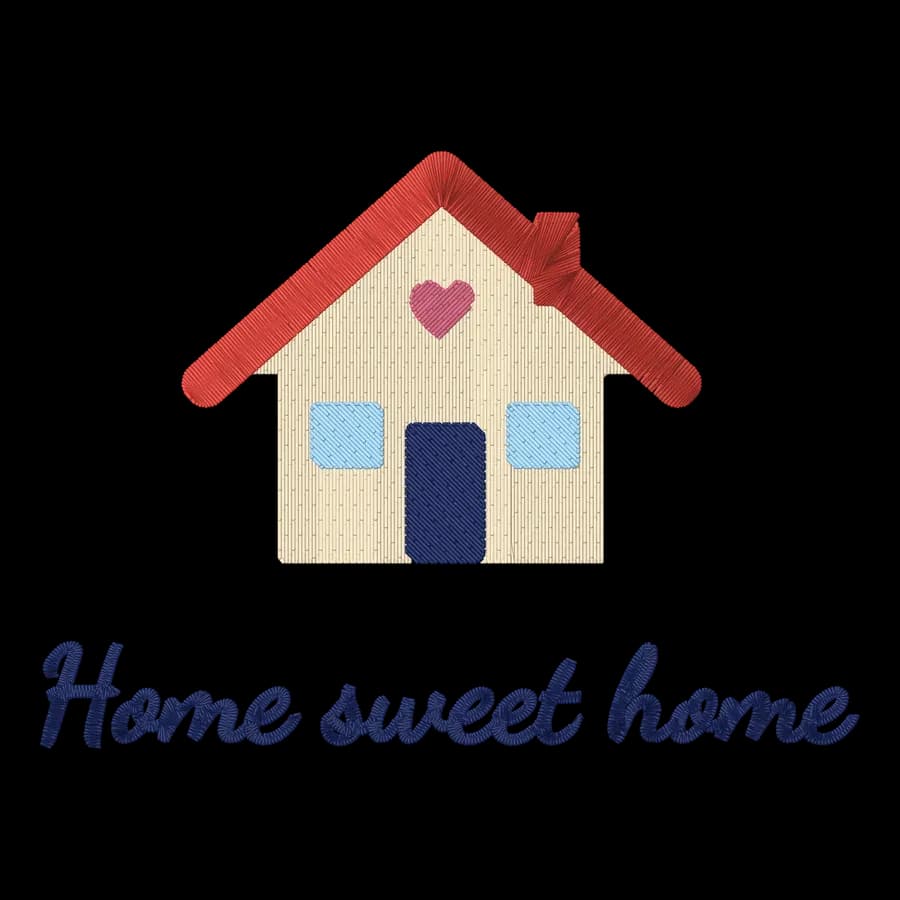 FreeHome sweet home95 × 69 mm · 5,657 stitches · 5 colors
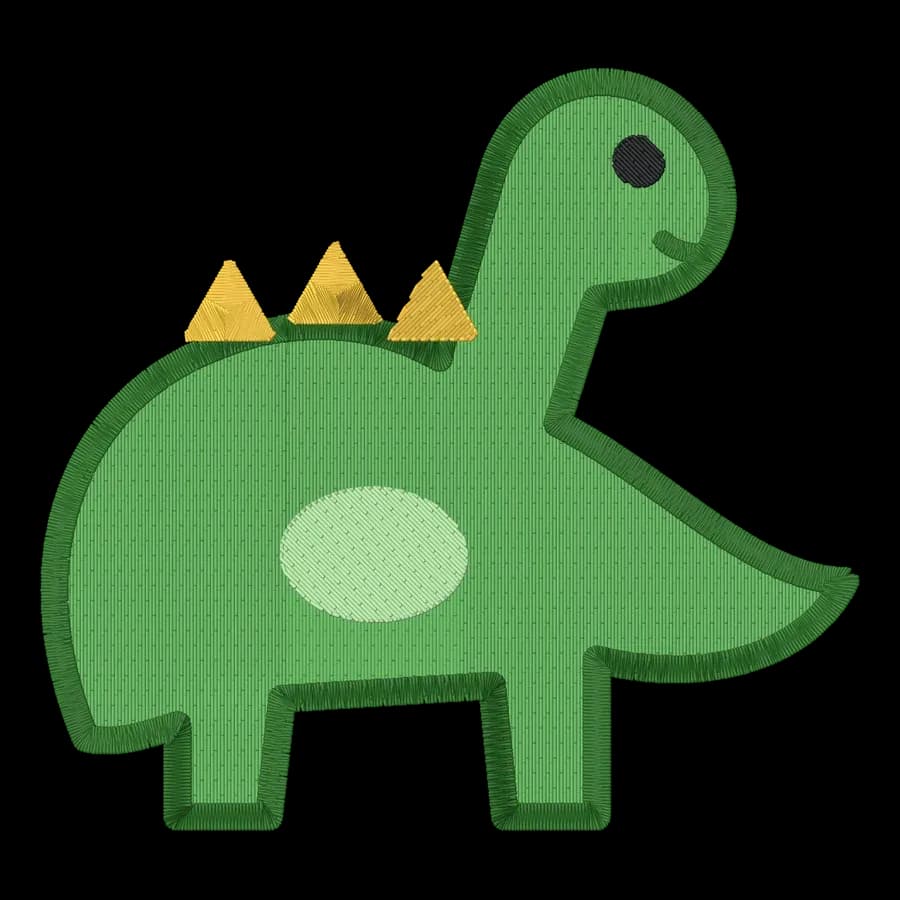 FreeDinosaur95 × 89 mm · 8,632 stitches · 5 colors
 FreeRocket83 × 95 mm · 7,914 stitches · 7 colors
 FreeMusic notes85 × 95 mm · 4,003 stitches · 1 colors
Sports
Sports designs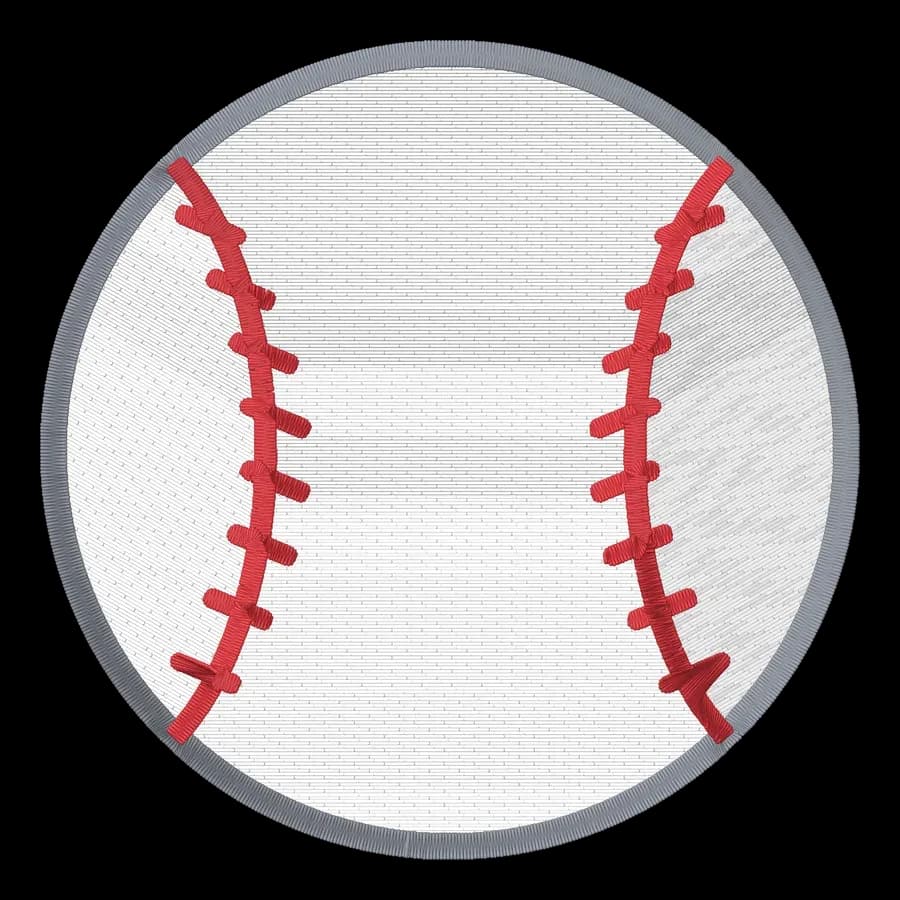
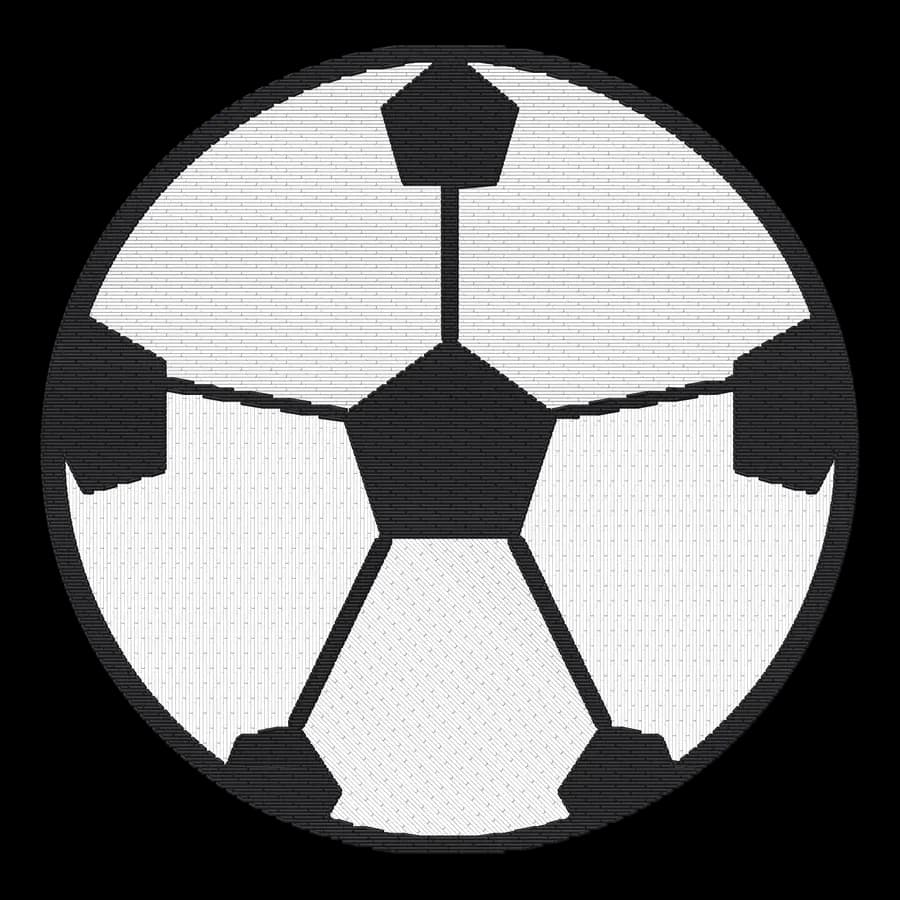
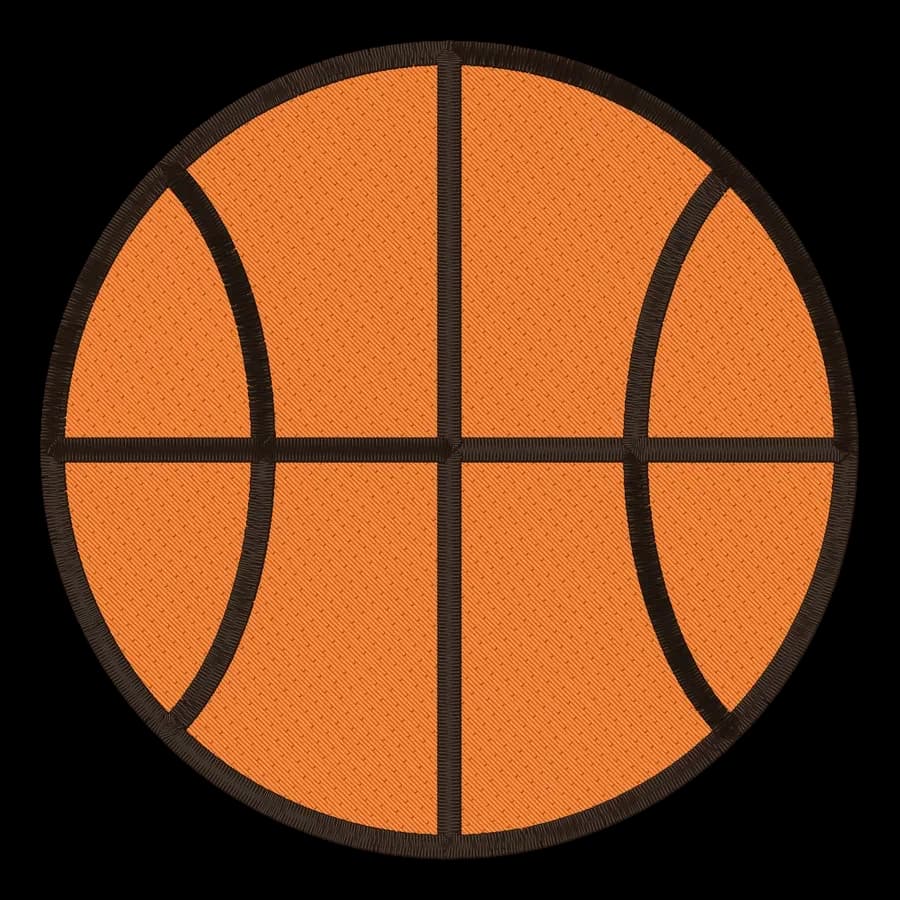

























From download to your Baby Lock machine
- 1
Pick a design
Open any design above; PES is already selected for you.
- 2
Download
Sign in free and save the .pes file, or a ZIP with every format and a color sheet.
- 3
Load it
Copy the .pes file to a USB stick, or send it over Wi-Fi on newer Brother and Baby Lock machines, then pick it on the machine's screen.
- 4
Sew a test
Hoop a scrap of similar fabric with the right stabilizer and stitch a test first.
| Baby Lock machine | Largest field | Free designs |
|---|---|---|
| Baby Lock Alliance | 200 × 200 mm | All fit |
| Baby Lock Aventura II | 160 × 260 mm | All fit |
| Baby Lock Meridian 2 | 240 × 360 mm | All fit |
| Baby Lock Journey | 180 × 300 mm | All fit |
Free account
Download every design as PES
Create a free account to digitize any image, try every setting and watch it sew. Choose a plan only when you want to download files.
- Digitize and preview any image
- Realistic stitch preview and sew-out
- Download free ready-made designs
- No credit card needed

Questions
The quickest way to see what it does with your artwork is to try it. With a free account, digitizing and previewing cost nothing and take about a minute.
Are these Baby Lock embroidery designs really free?
Yes. All 102 designs download as PES files with a free account, and you can stitch them on things you sell.
What file format do Baby Lock embroidery machines use?
Baby Lock machines use PES, and most also read DST. PES keeps the thread colors, so your Brother or Baby Lock shows the design in close-to-real colors.
How do I get a design onto my Baby Lock machine?
Copy the .pes file to a USB stick, or send it over Wi-Fi on newer Brother and Baby Lock machines, then pick it on the machine's screen.
Will the designs fit my Baby Lock hoop?
Each design is at most 95 mm on its longest side, so it fits a 4×4 in (100 × 100 mm) hoop. The smallest field among the Baby Lock models here is 200 × 200 mm.
Can I turn my own logo into a Baby Lock file?
Yes. Upload a logo, drawing or photo to the digitizer, check the stitch preview and save a PES file for your Baby Lock.
More free designs by machine
Also browse
Your own artwork as a PES file
Sign up free, upload a logo, drawing or photo and get a ready-to-sew file for your Baby Lock in seconds.