Artistic Digitizer vs Embrilliance
Artistic Digitizer runs on Mac and Windows and is sold through authorized Janome dealers; Embrilliance runs on Mac and Windows and sells one-time modules from $159. Both run on a Mac. Artistic Digitizer auto-digitizes images; Embrilliance is for hand digitizing. For turning logos and artwork into machine files, Embrizo is the top pick over both: it auto-digitizes in any browser, on a Mac or a PC, in seconds and from $8 a month.
Artistic Digitizer
by Janome
- Mac
- Yes
- Auto-digitizing
- Yes
- Free
- Paid
From authorized Janome dealers; ask for pricing
Embrilliance
by BriTon Leap
- Mac
- Yes
- Auto-digitizing
- No
- Free
- Paid
One-time modules, from $159
From each vendor's site, checked October 2026.
Embrizo, Artistic Digitizer and Embrilliance
The same five questions for each. Embrizo is the only one that auto-digitizes on any computer with nothing to install.
| Feature | Embrizo | Janome Artistic Digitizer 2.0 | Embrilliance (Essentials and StitchArtist) |
|---|---|---|---|
| Works on | Any modern browser on Windows, Mac, Linux or a Chromebook. Nothing to install. | Windows 10 or 11, and current macOS versions including Apple M1 and M2 Macs. Needs internet for activation and updates. | Windows and Mac. One purchase covers both, on your own computers. |
| Price | Free account to digitize, preview and save designs. Plans for downloads from $8 a month billed yearly ($96 a year), or $20 monthly. | Bought from an authorized Janome dealer. Check your dealer for current pricing. | One-time modules: Essentials $159; StitchArtist Level 1 $179, Level 2 $389, Level 3 $699 (regular prices). |
| Auto-digitizing from images | Yes, on every plan: upload a PNG, JPG, WebP, GIF, BMP or SVG and get stitches in seconds. | Yes: traces images to outlines and turns photos into Photo-stitch, Cross-stitch and other styles. Some of these are only in the full version, not Junior. | No. The vendor says StitchArtist isn't an auto-digitizer; Level 3 can trace line art. |
| Manual digitizing and editing | You adjust settings, not individual stitches: colors, stitch type per color, size, fabric, underlay, rotation and mirroring. | Yes: full digitizing and editing tools. | Yes: StitchArtist is built for digitizing by hand. |
| Trying it | Free account, no credit card. Downloads need a plan; cancel anytime. | Janome runs limited-time trials for US customers (most recently in April 2026). Check Janome for a current offer. | Check the vendor's site for current trial options. |
Why Embrizo beats both
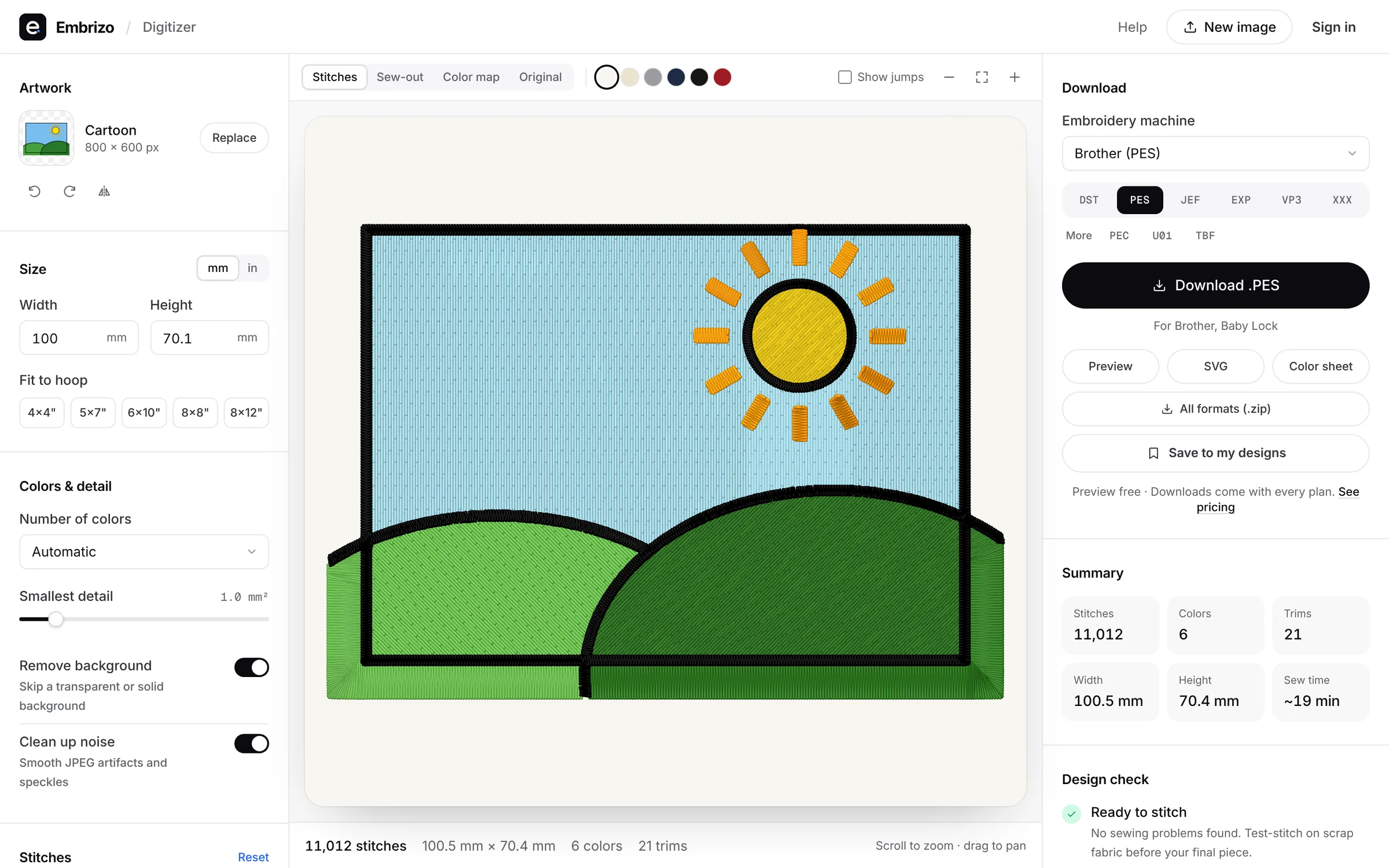
Embrizo turns logos and artwork into clean, ready-to-sew embroidery files in your browser. Upload an image and get stitches in seconds; no digitizing skills needed.
- Works on Mac, Windows, Linux and Chromebook, nothing to install
- Auto-digitizes on every plan, with satin, fill and underlay set for your fabric
- Writes DST, PES, JEF, EXP, VP3, XXX, PEC, U01 and TBF
- Free account to digitize and preview; downloads from $8 a month instead of $159 up front
Choose Artistic Digitizer if…
- You sew on a Janome and want software from your machine's maker, with dealer support.
- You want to digitize by hand on a Mac or a Windows PC.
- You like photo, cross-stitch and sketch styles for art pieces.
Learning curve: Image styles and tracing help you start; hand digitizing takes practice.
Artistic Digitizer vs EmbrizoChoose Embrilliance if…
- You enjoy digitizing by hand and want precise control over every object.
- You want a one-time purchase that runs offline on Mac and Windows.
- You mostly edit, letter and merge existing designs (Essentials).
Learning curve: Essentials is approachable; StitchArtist takes time because you draw every object.
Embrilliance vs EmbrizoFree account
See your logo stitched in seconds
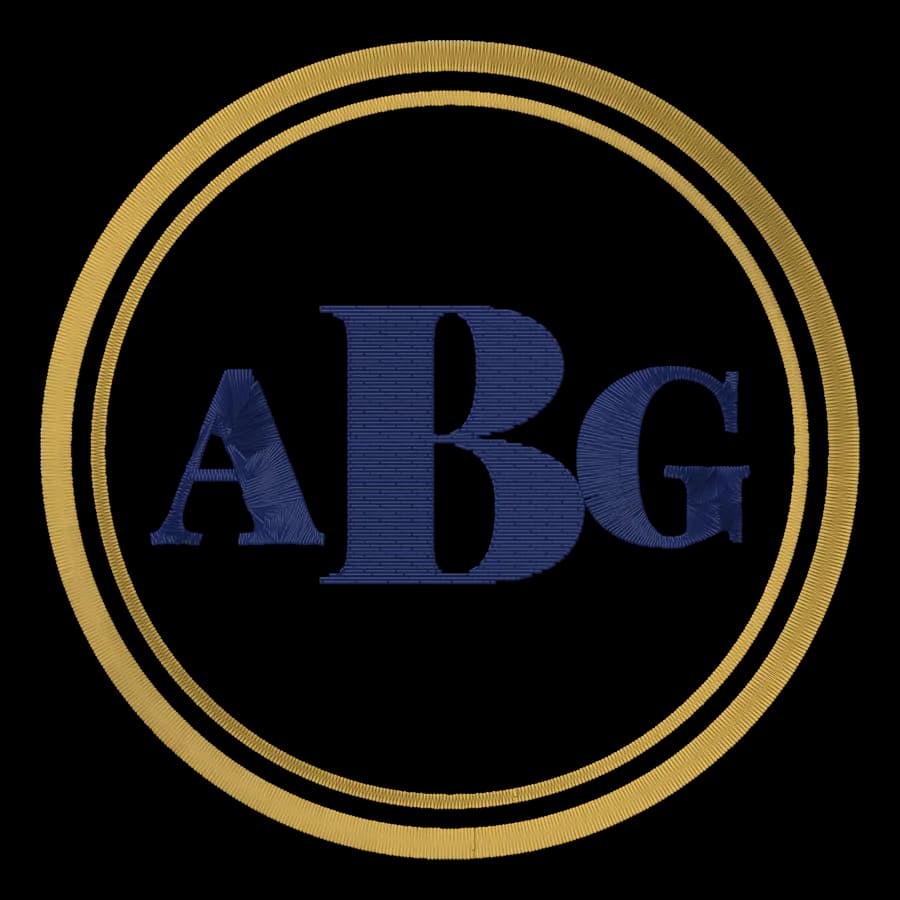
Create a free account to digitize any image, try every setting and watch it sew. Choose a plan only when you want to download files.
- Digitize and preview any image
- Realistic stitch preview and sew-out
- Download free ready-made designs
- No credit card needed


Artistic Digitizer vs Embrilliance questions
The quickest way to see what it does with your artwork is to try it. With a free account, digitizing and previewing cost nothing and take about a minute.
Is Artistic Digitizer better than Embrilliance?
Artistic Digitizer suits Janome owners who want digitizing on a Mac or PC; Embrilliance suits editing, lettering and hand digitizing on a Mac. For most people who need files from logos and artwork, Embrizo is the better choice than either: it auto-digitizes in the browser on any computer, in seconds.
Which works on a Mac, Artistic Digitizer or Embrilliance?
Both: Artistic Digitizer runs on Mac and Windows and Embrilliance runs on Mac and Windows.
Which is cheaper?
Artistic Digitizer is sold through authorized Janome dealers; Embrilliance sells one-time modules from $159. Ask the vendors for a quote on the level you need.
Can Artistic Digitizer and Embrilliance auto-digitize images?
Artistic Digitizer can. Embrilliance is built for digitizing by hand.
What's the best alternative to Artistic Digitizer and Embrilliance?
Embrizo. Upload an image in your browser and get a ready-to-sew file in seconds, on a Mac, PC or Chromebook. Digitizing and previewing are free with an account; downloads start at $8 a month billed yearly.
Where do these details come from?
From Janome's and BriTon Leap's own websites, checked in October 2026. Prices and features change, so confirm with the vendor before you buy.
Sources
- janome.com/software/artistic-digitizer/
- janome.com/support/technical-support/digitizing-software/artistic-digitizer/
- janome.com/wp-content/uploads/2024/10/artistic-digitizer-comp.pdf
- janome.com/promotions/adfreetrial-april2026/
- janome.ca/software/artistic-digitizer-v2/
- embrilliance.com/store
- embrilliance.com/product/stitchartist-level-1
- embrilliance.com/product/essentials
More comparisons
- Best embroidery software for Mac
- Free embroidery digitizing software
- Best embroidery software for beginners
- Hatch vs Embrilliance
- Hatch vs Wilcom EmbroideryStudio
- Hatch vs Ink/Stitch
- Hatch vs PE-DESIGN
- Chroma vs Hatch
- Embrilliance vs Ink/Stitch
- Embrilliance vs PE-DESIGN
- Chroma vs PE-DESIGN
- Chroma vs Wilcom EmbroideryStudio
- Embird vs Hatch
- SewArt vs Hatch
- Embird vs Embrilliance
- BERNINA Embroidery Software vs Hatch
- SewArt vs Embird
Skip the software, keep the stitches
Sign up free, upload a logo and see it stitched in under a minute. Download for any machine when you're ready.