Convert PNG to VP3 embroidery files
PNG is the best raster format to digitize from: edges stay sharp, colors stay flat and transparent backgrounds come through intact. Download a Husqvarna Viking / Pfaff VP3 file for Husqvarna Viking, Pfaff machines.
Drop your PNG here
PNG, JPG, WebP or SVG · stays on your device
- Free, no signup
- Thread colors stored in file
- Runs in your browser
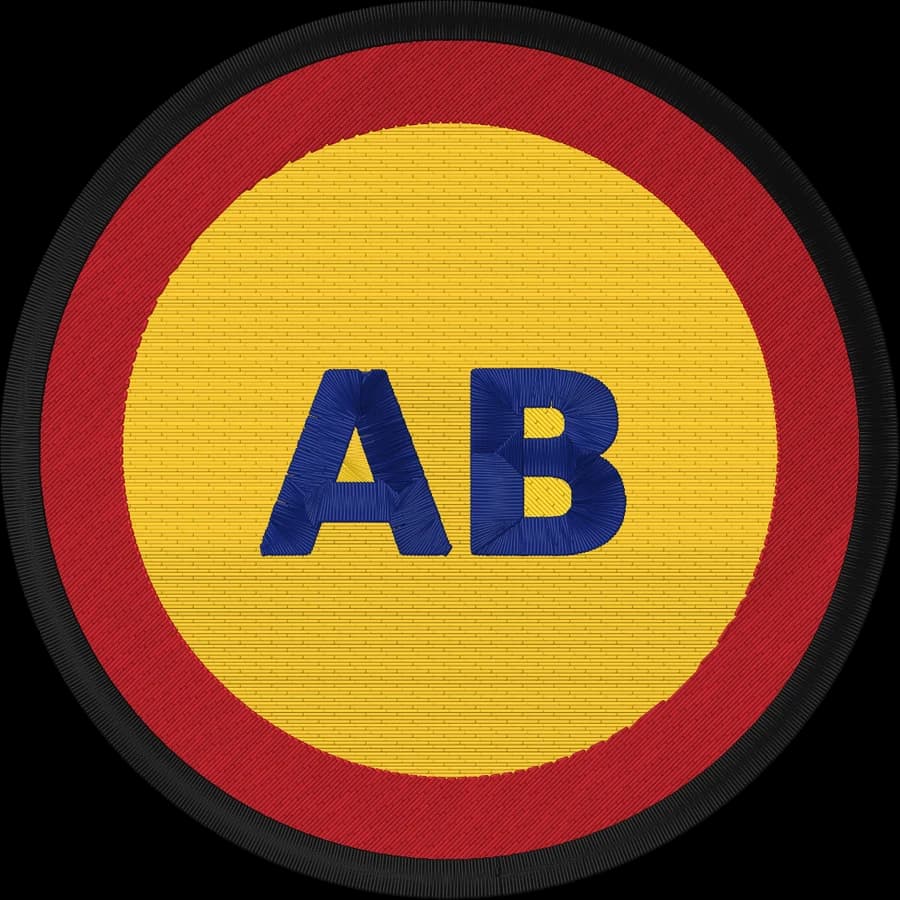
Transparency is removed for you
A transparent background is detected and left unstitched, so only the artwork is sewn.
Flat colors separate cleanly
PNG doesn't add compression noise, so each color in your artwork becomes one thread color.
Resolution matters
Export at least 1,000 px across. Small PNGs are enlarged and smoothed, but fine details may merge.
How to convert a PNG to VP3
It takes about a minute, and you can preview every stitch before you download.
- 1
Upload your PNG
Drop the .png file into the box above or open the digitizer.
- 2
Set the size
Type a width, or pick your hoop from 4×4" to 8×12". The proportions are kept.
- 3
Check colors and stitches
Review the thread colors, the stitch preview and the design check. Switch off any color you don't want stitched.
- 4
Download the .VP3 file
Choose Husqvarna Viking or the VP3 format and download. Copy the file to your machine by USB or its app.
The Husqvarna Viking / Pfaff VP3 format
VP3 is the current embroidery format of Husqvarna Viking and Pfaff machines and their mySewnet software.
VP3 stores the exact color of every thread along with its name, so the machine and software show your design as you designed it.
Stitch data is stored per color block, with explicit trims between separate areas.
Tips for the best result
- Export logos from your design tool as PNG with a transparent background.
- Remove drop shadows, glows and gradients first: thread can't blend colors.
- Thin lines should be at least 0.5 mm wide at the final size, or they become a running stitch.
More detail in our guide to preparing artwork for embroidery.
PNG to VP3 converter questions
The quickest way to see what it does with your artwork is to try it. It's free and takes about a minute.
Does a transparent PNG work?
Yes. Transparent areas are treated as background and never stitched. Background-colored shapes inside the design are listed as their own color so you can decide whether to stitch them.
What resolution should my PNG be?
Around 1,000 to 2,000 pixels across is ideal. Larger files are scaled down for analysis, and very small ones are enlarged and smoothed.
Does VP3 keep the exact colors?
Yes. VP3 stores full RGB thread colors and names for every color in the design.
Will older Viking machines read VP3?
Some older Husqvarna Viking models use the HUS or VIP formats instead. Check which formats your machine lists.
Is this embroidery digitizer really free?
Yes. You can digitize and download as many designs as you like, in every format, without signing up. Everything runs in your browser, so there are no server costs to pass on.
Is my image uploaded to a server?
No. Your image is processed entirely on your own device in your web browser and is never uploaded. If you sign in and save a design, only the finished stitch file, a small preview and its thread colors are stored in your account, never the original image.
Keep going
Related tools and guides
- Machine guideHusqvarna Viking machinesVP3 files for Husqvarna Viking embroidery machines, with exact thread colors, mySewnet and hoop tips.Open
- Machine guidePfaff machinesVP3 files for Pfaff creative embroidery machines, with hoop sizes and transfer tips.Open
- Free toolHoop size calculatorFind which hoops fit your design and how far to scale it down if it's too big.Open
- Free toolText to embroidery fileType a name or monogram, pick a font and download a ready-to-sew lettering file.Open
- Free toolStitch count & price calculatorEstimate stitches, sew time and price for any design size and coverage.Open
Make your VP3 file now
Upload an image, preview the stitches and download a Husqvarna Viking / Pfaff VP3 file in under a minute.